Mobile menu toggle

iOS apps - page 15

AudioStretch slows down songs and videos to make learning music easier
By

The AudioStretch audio transcription app works for videos, too.
AudioStretch may be the only slow-downer app that does video.
Image: Cognosonic
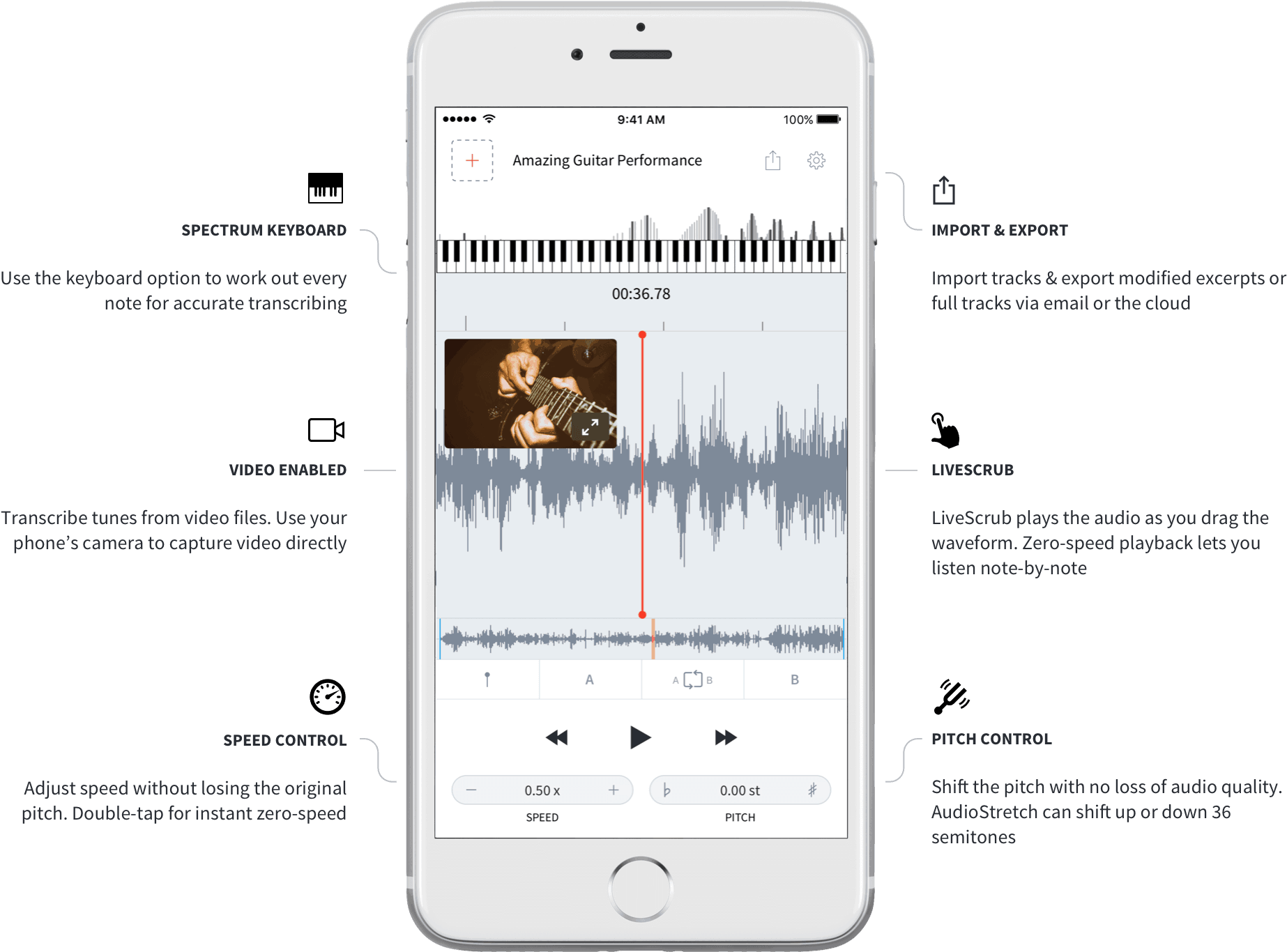
AudioStretch is a “music transcription tool.” It’s a universal iOS app that slows down music, and/or changes its pitch, so you can learn to play songs. We’ve covered another of these, Capo Touch, before on Cult of Mac, but AudioStretch is easier to use. Plus, a recent update added the ability for the music transcription app to work its magic on video.

Roland’s new audio recorder works with iPhone and Apple Watch

By

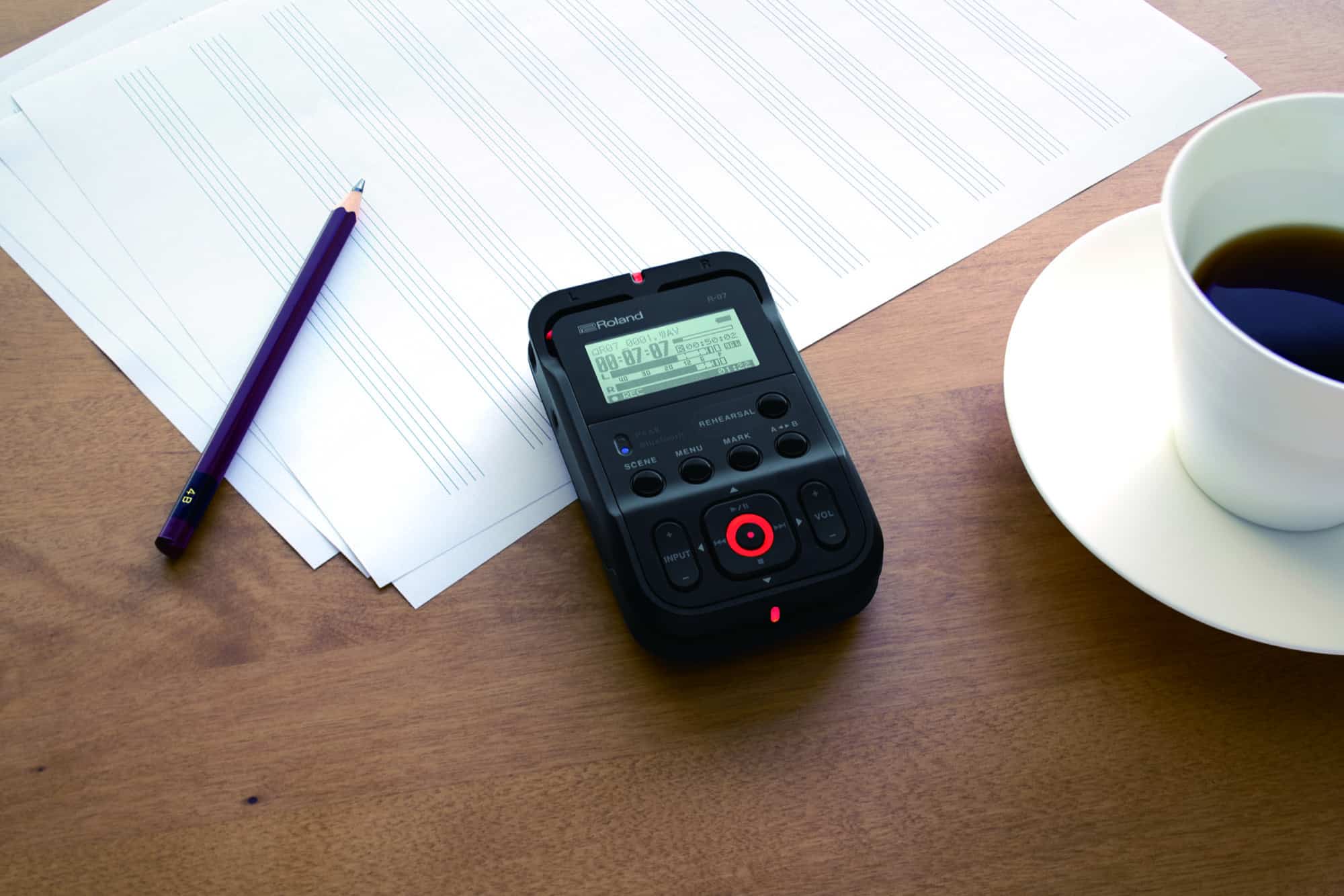
roland r-07
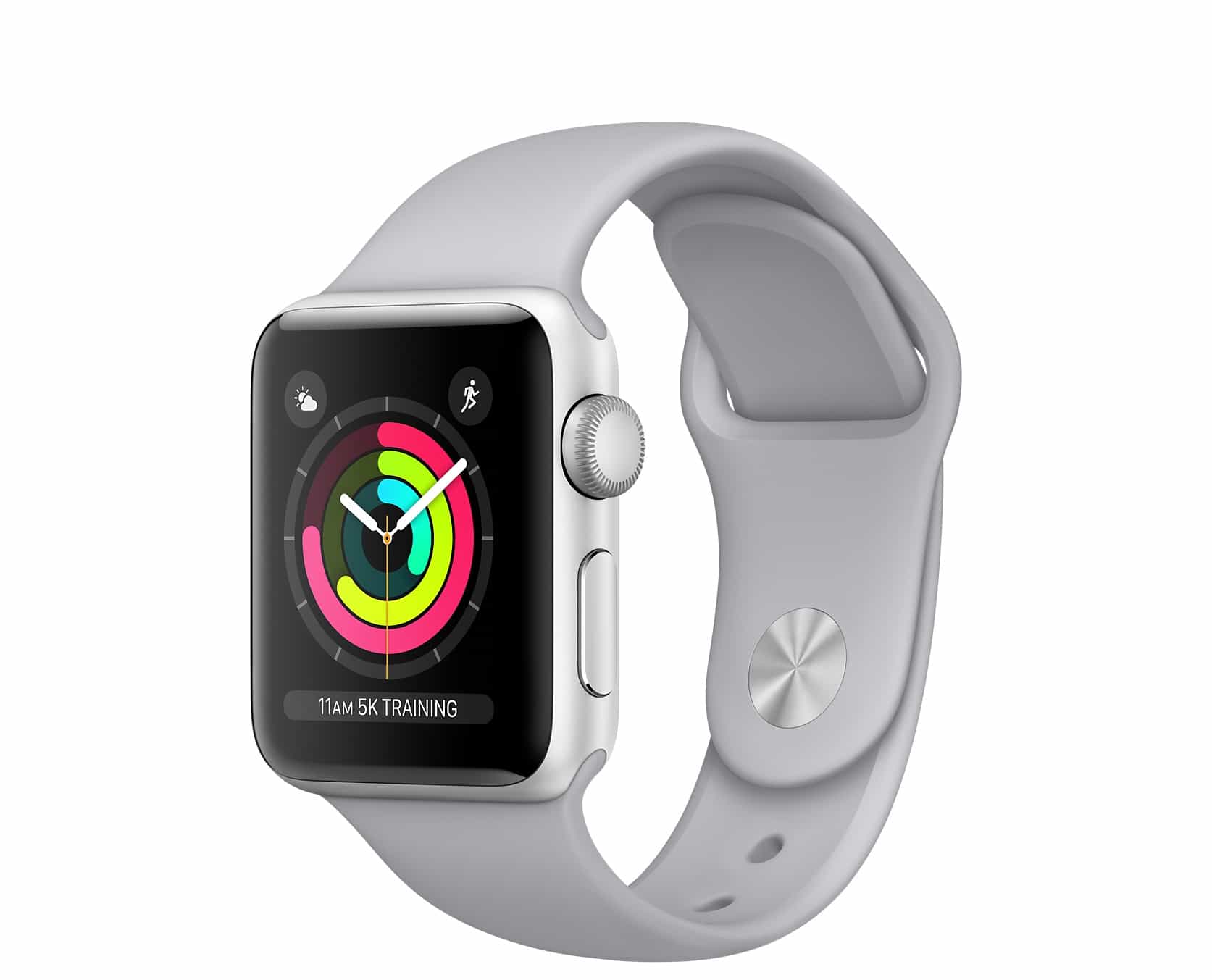
Tiny, and made to work with the iPhone and the Apple Watch.
Photo: Roland

CES 2018 bugYou iPhone is pretty handy for making quick audio recordings. Many musicians use the Voice Memos app, and some have upgraded to Music Memos. Unfortunately, the quality of the recordings from those apps isn’t good enough for actual music making.

For a start, it’s not stereo. Second, the iPhone’s mics are fine, but nowhere near as good as even a cheap external microphone. But using your iPhone to record is so convenient. Roland’s R-07 is a pocket audio recorder that works either alone or in tandem with your iPhone. It gives you the quality of a proper recorder with stereo mics — and the convenience of an iPhone app.

Taskmator now does split-screen drag-and-drop on iPad

By

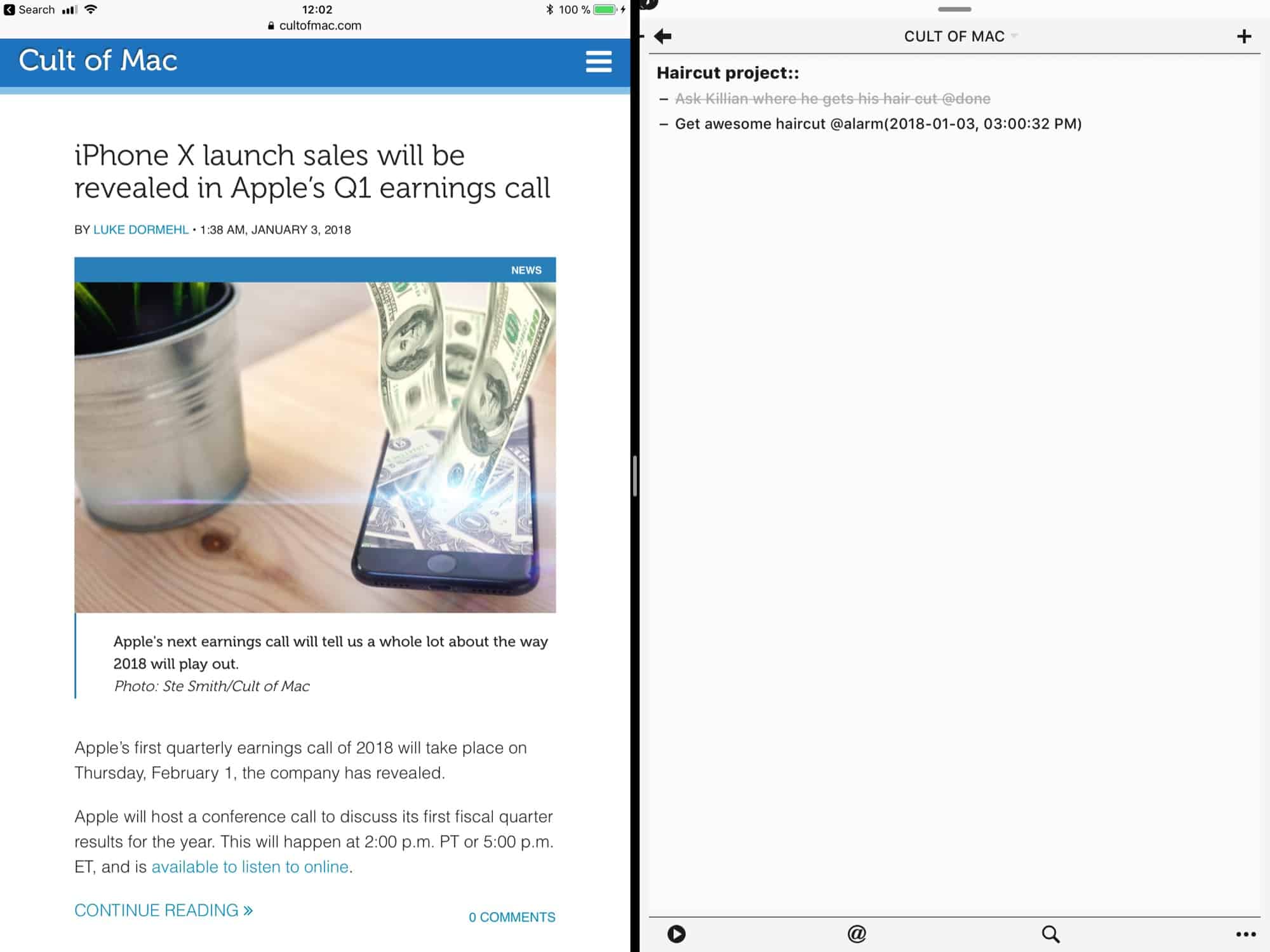
taskmator ipad
TBH Taskmator doesn't look fantastic in split view, but at least it works.
Photo: Cult of Mac

Cult task manager and notes app Taskmator just got an update that brings it into the 21st century. The iPad app, which continues the work of the abandoned TaskPaper for iOS app, finally supports the big screen size of the 12.9-inch iPad, as well as adding some general polish to the user interface and preferences.

iRingg sends YouTube ringtones to your iPhone wirelessly

By

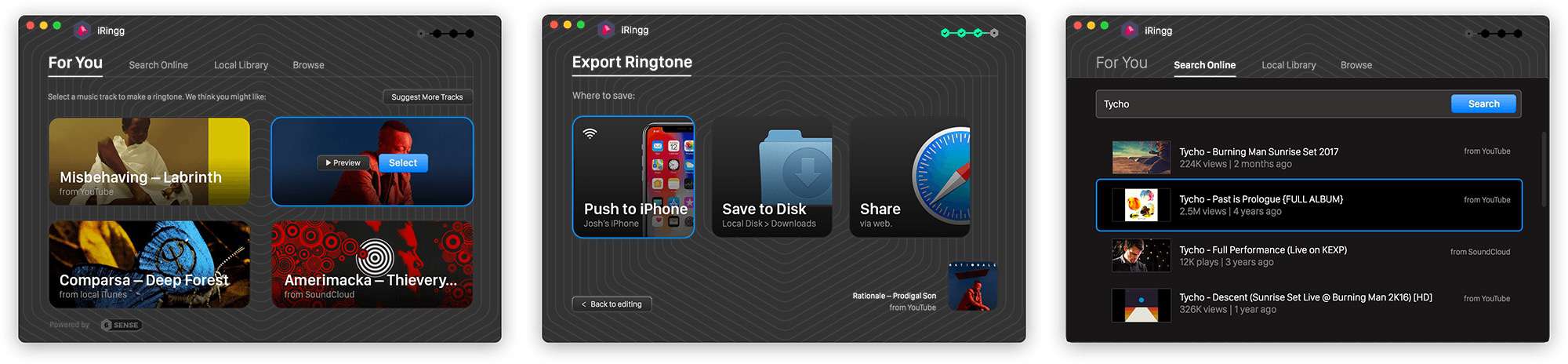
iringg
iRingg is like the Microsoft Word of ringtones.
Photo: Softorino

If you’re still living in the early-to-mid ’00s, then you may still be interested in personal ringtones for your iPhone. And if you are, there’s no easier way to take a piece of music from your iTunes library, or to rip it from YouTube or SoundCloud, than iRingg.

This app from Softorino lets you quickly create a ringtone and push it wirelessly to your iPhone.

How to get Animojis on any phone (kind of)

By

iPhone X Animoji
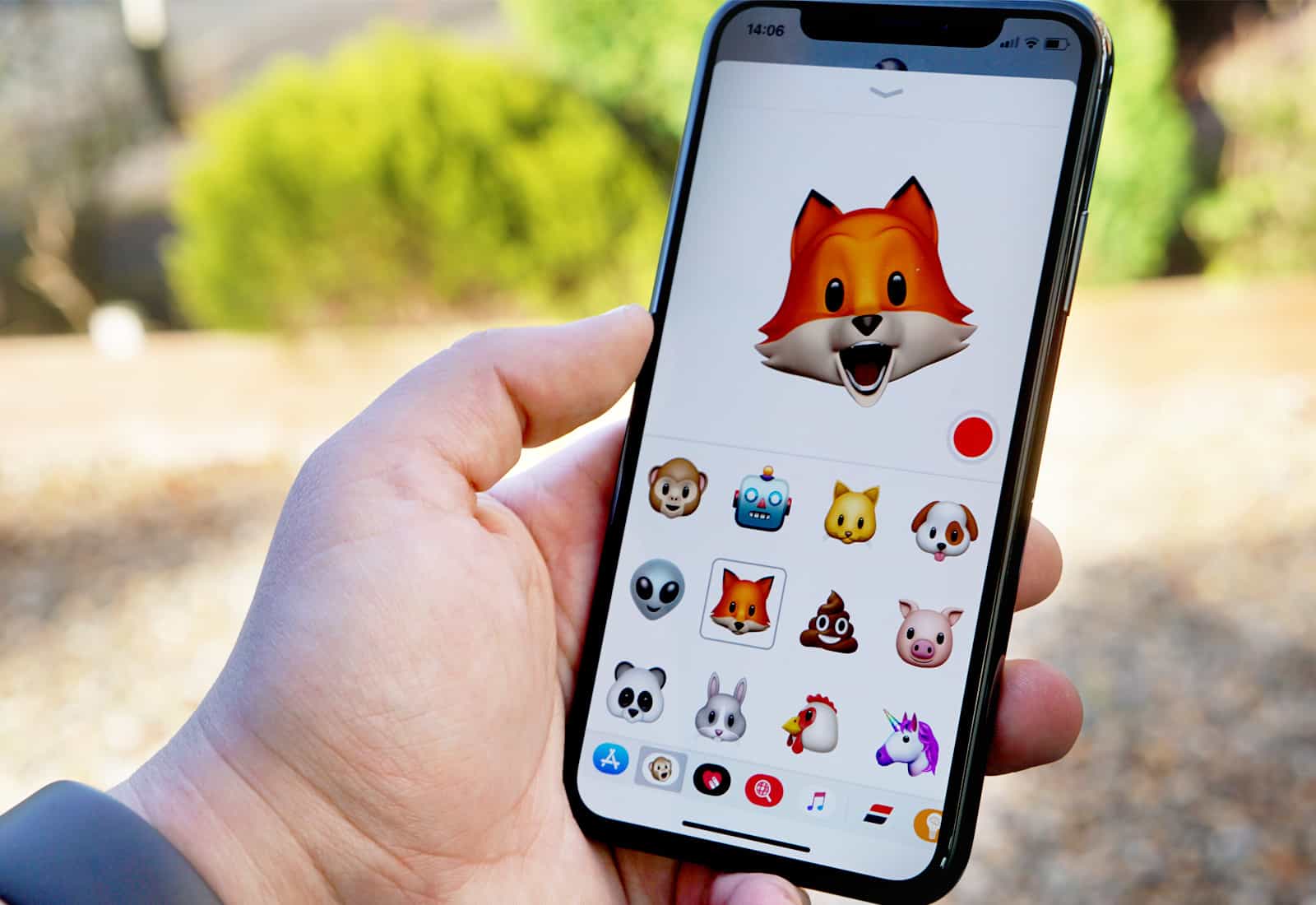
Animoji are too much fun!
Photo: Ste Smith/Cult of Mac

Want Animojis on any iPhone? While you need the iPhone X’s TrueDepth sensors to create Apple’s animated emojis, some apps produce results that look very much like Animoji.

In the video below, I’ll show you how one of them works.

Former Apple photo guru releases powerful iPhone camera app

By

iOS
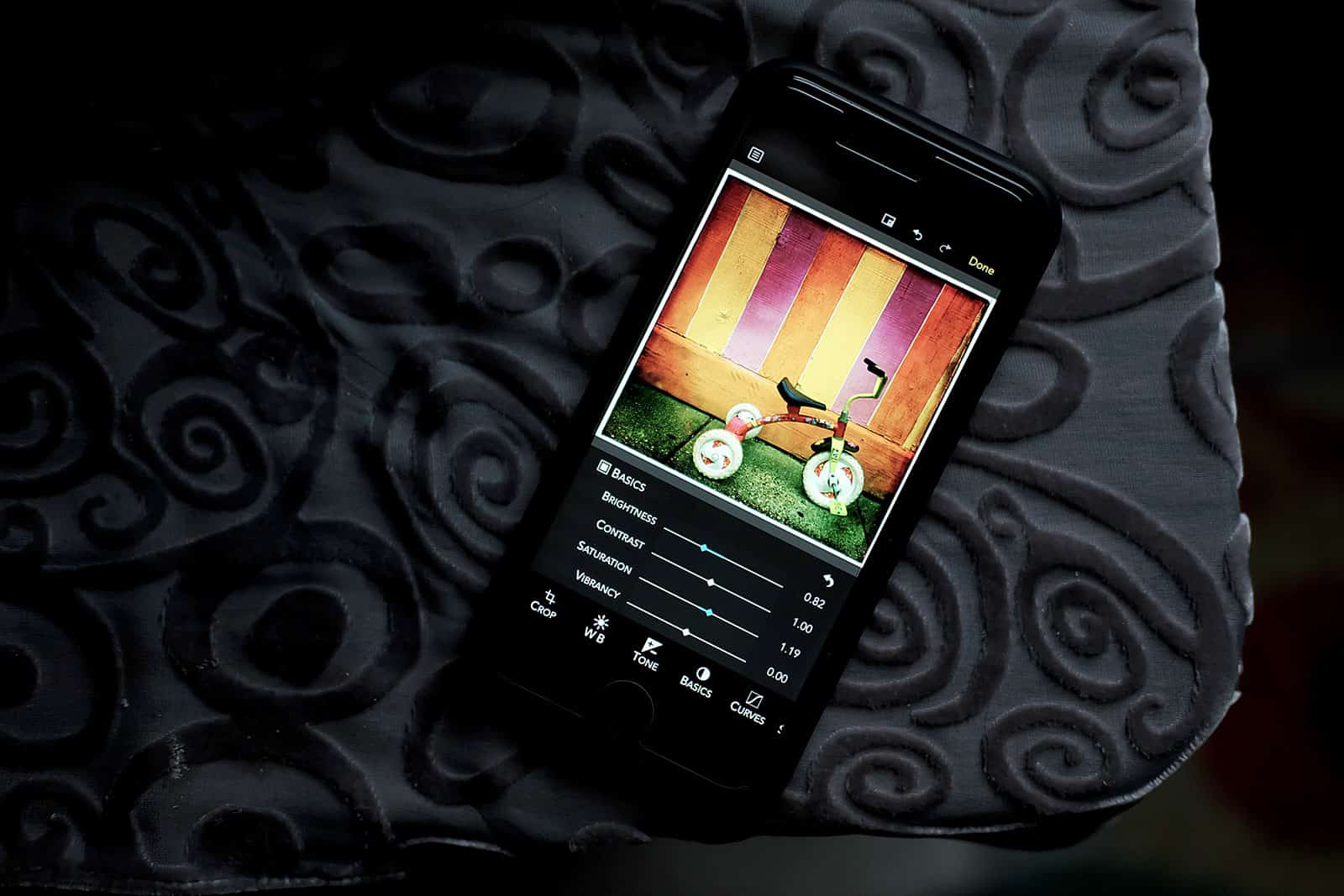
Harness RAW Power with your iPhone or iPad.
Photo: David Pierini/Cult of Mac

A “Gentleman Coder” who is the former director of the Apple photo apps teams has launched an IOS app for the photographer who prefers to shoot RAW images.

RAW Power for iOS hit the App Store this week from software company Gentlemen Coders LLC, which was founded by Nik Bhatt. His 14-year stint in Cupertino included being Senior Director of Engineering for the Aperture and iPhoto teams and later the Chief Technical Officer of the Photo Apps group.

Easily edit PDFs right from your iPhone

By

Make quick work of PDFs with PDFfiller on your iPhone.
Image: PDFfiller

This post is presented by PDFfiller.

PDFs might be the most common document format to cross any digital desktop. They’re a universally recognized, great-looking way to share all kinds of readable content. But they’re also famously unfriendly to last-minute edits. Spot a typo on that resume or a confidential detail on that memo? Better hope you have the original document handy.

That’s least likely if you’re spotting a change that needs making from your mobile device. These are situations that PDFfiller for iPhone aims to solve.

Apple comes under fire for banning anti-abortion app

By

app
The "banned" app lets you pray in real-time.
Photo: Human Coalition

Apple has reportedly banned an anti-abortion app from the App Store after complaints were made about it from “left-wing bloggers.”

Among the features of the Human Coalition app is a “Prayer Feed,” where users can access a real-time map of the United States, allowing them to join in with the prayers of other users on behalf of “abortion-determined families.”

Hollywood’s fave iPhone app supports Apple’s go-to video format

By

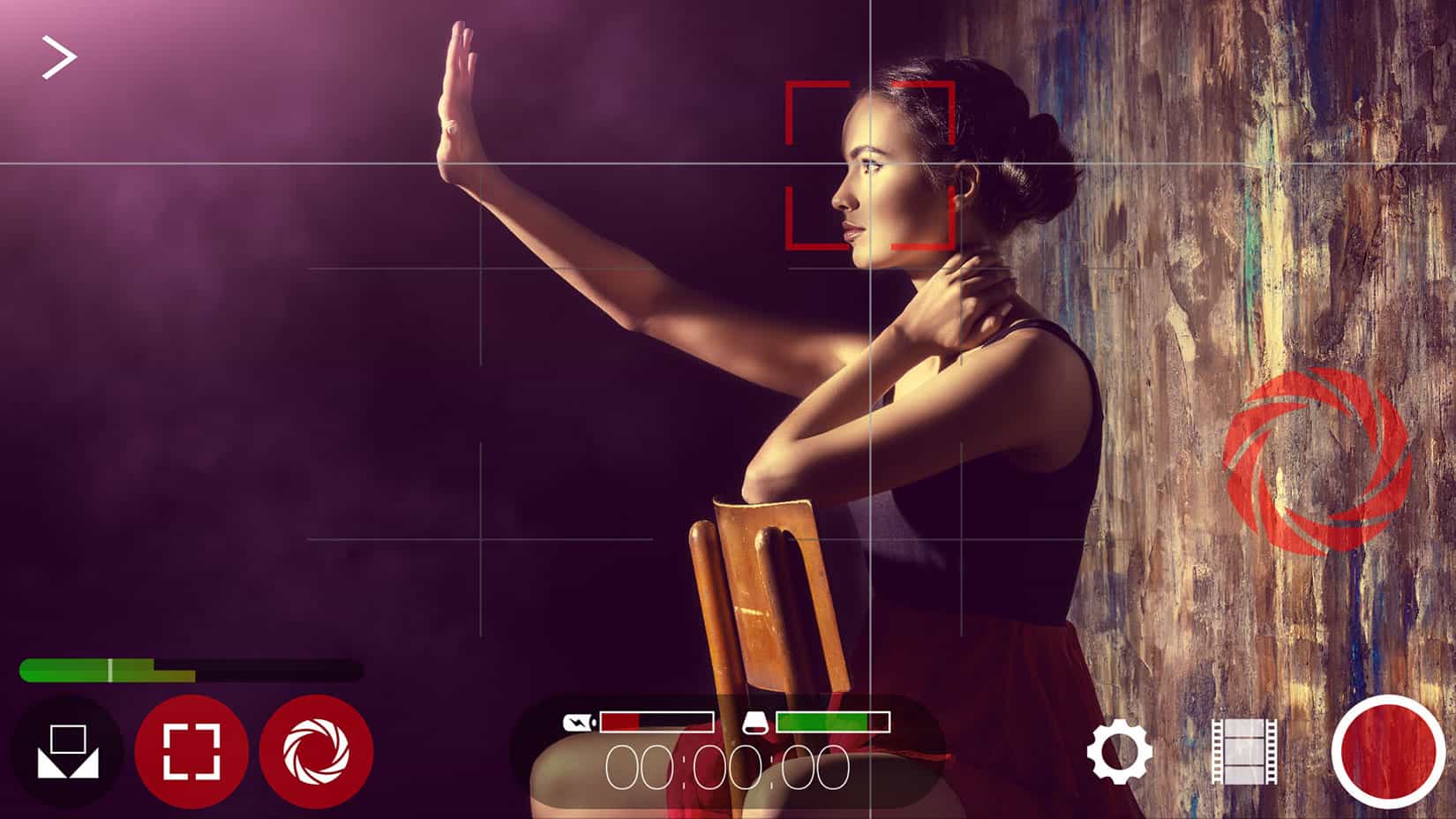
iPhone filmmakers get HEVC support in Filmic Pro update.
Photo: Filmic

Filmic Pro, the gold standard iPhone app for filmmakers to achieve near-cinematic quality, released an update today to support the new HEVC format in iOS 11.

HEVC stands for High-Efficiency Video Coding (also called H.265), a compression standard that reduces the file size of videos while retaining much of the quality. This means users can store twice the number of videos on their iPhones or iPad Pros.

This free weather app is a perfect storm of features

By

The WeatherBug free weather app serves up lightning alerts and other real-time info.
Photo: Pixabay CC

This post is brought to you by GroundTruth.

Nearly everybody cares about the weather, because unexpected changes can ruin plans or even bring danger. Among the methods for staying up-to-date on weather forecasts, using a weather app stands out as one of the most effective.

But you should think twice before selecting a weather app.

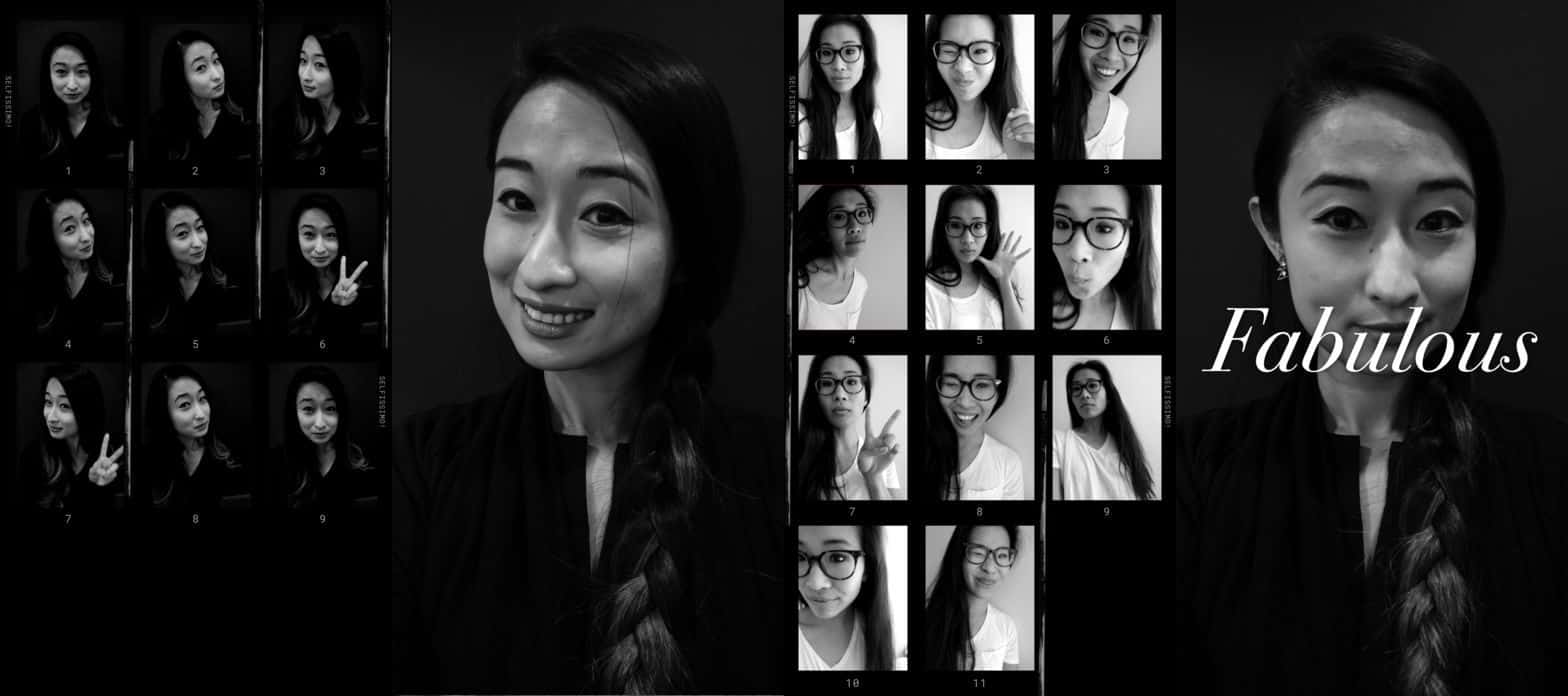
Smiles trigger selfies with Camera+ app update

By

iPhone photo app
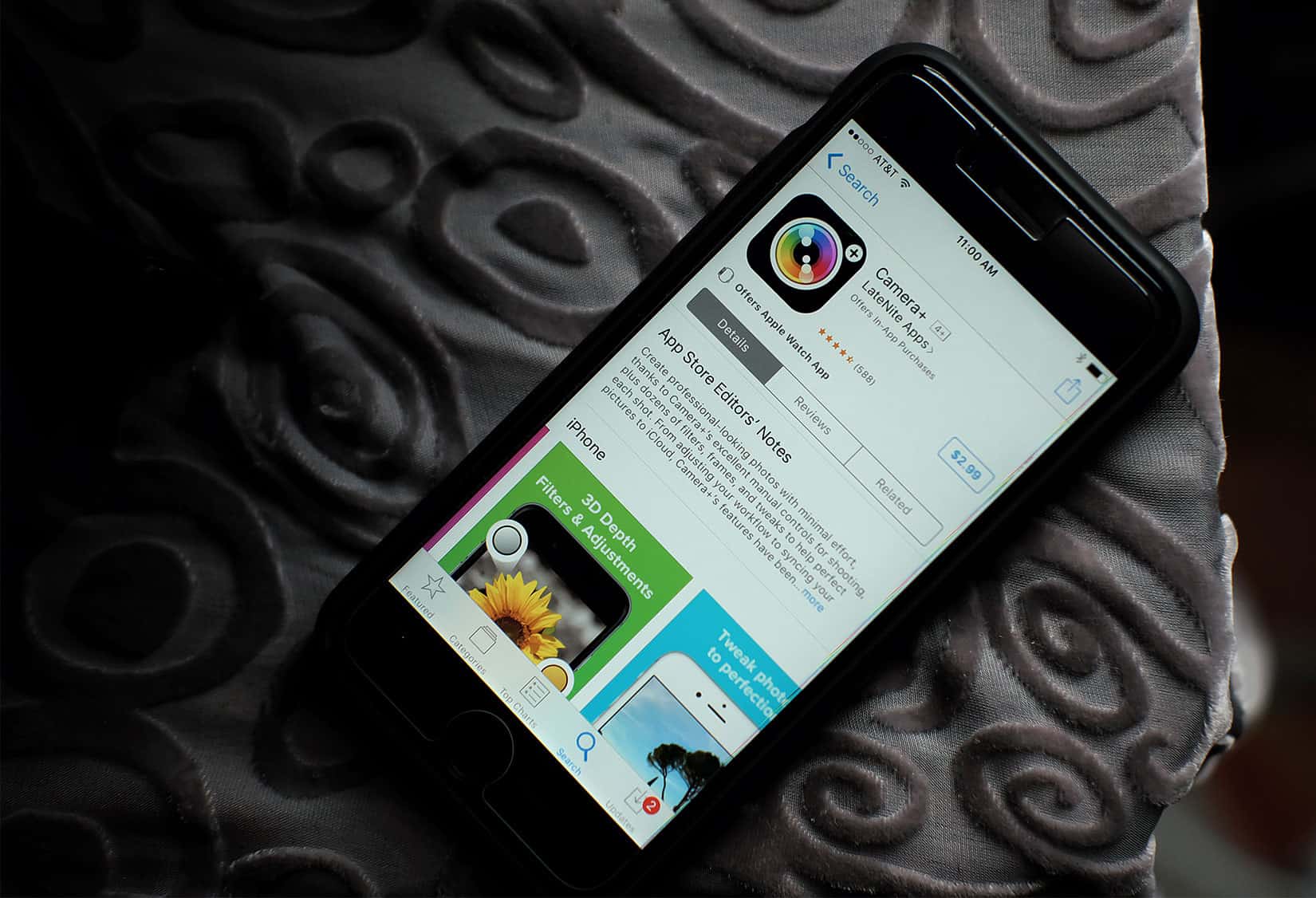
Camera+ adds features like smile mode and depth support.
Photo: David Pierini/Cult of Mac

Even when your arm is stretched out as far as possible, it can be a struggle to get a finger or thumb on the shutter of your iPhone camera to take that selfie. An update to the app Camera+ trips the shutter with a smile.

Version 10 of Camera+, one of the more popular apps for iPhone photographers, announced new features this week with improvements that take full advantage of iOS 11.

Advanced iOS app zaps backgrounds from photos

By

iOS photo app
The touch of a finger on a slider bar makes erasing backgrounds in photos simple.
Photo: Jon Colverson

Portrait mode on the iPhone does a very serviceable job of blurring out a distracting background. A new app makes it easy to remove the background entirely.

Depth Background Eraser, made for iPhone 7 Plus, 8 Plus and the soon-to-be-released iPhone X, uses the depth data stored in a photo to let your inner artist easily remove any background.

Half app converts your JPEGs to space-saving HEIC files

By

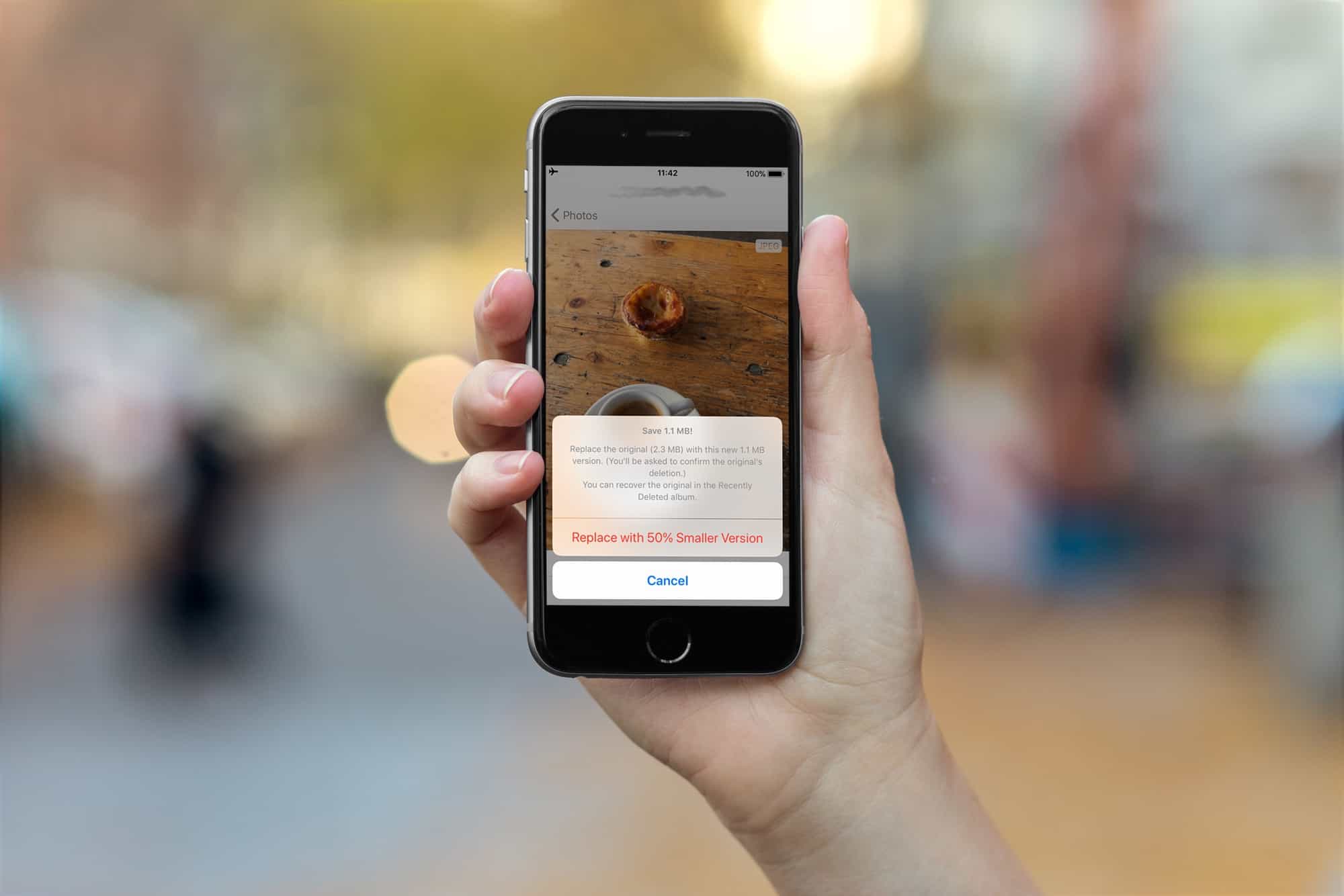
Use the Half app to convert JPG to HEIC, saving space without losing quality.
The Half app converts JPG to HEIC, saving space without losing quality.
Photo: Cult of Mac

The iPhones 7, 8 and X all capture images in the new HEIC format, which creates images much smaller than JPEGs, with the same quality.

All new images you snap, and movies you capture, will be saved in the new HIEC and HVEC (for movies) formats. But what if you want to convert your older images from JPEG to HEIC to save some space? That’s exactly what Half App does.

iPhone becomes a reliable light meter with Lumu Power [Review]

By

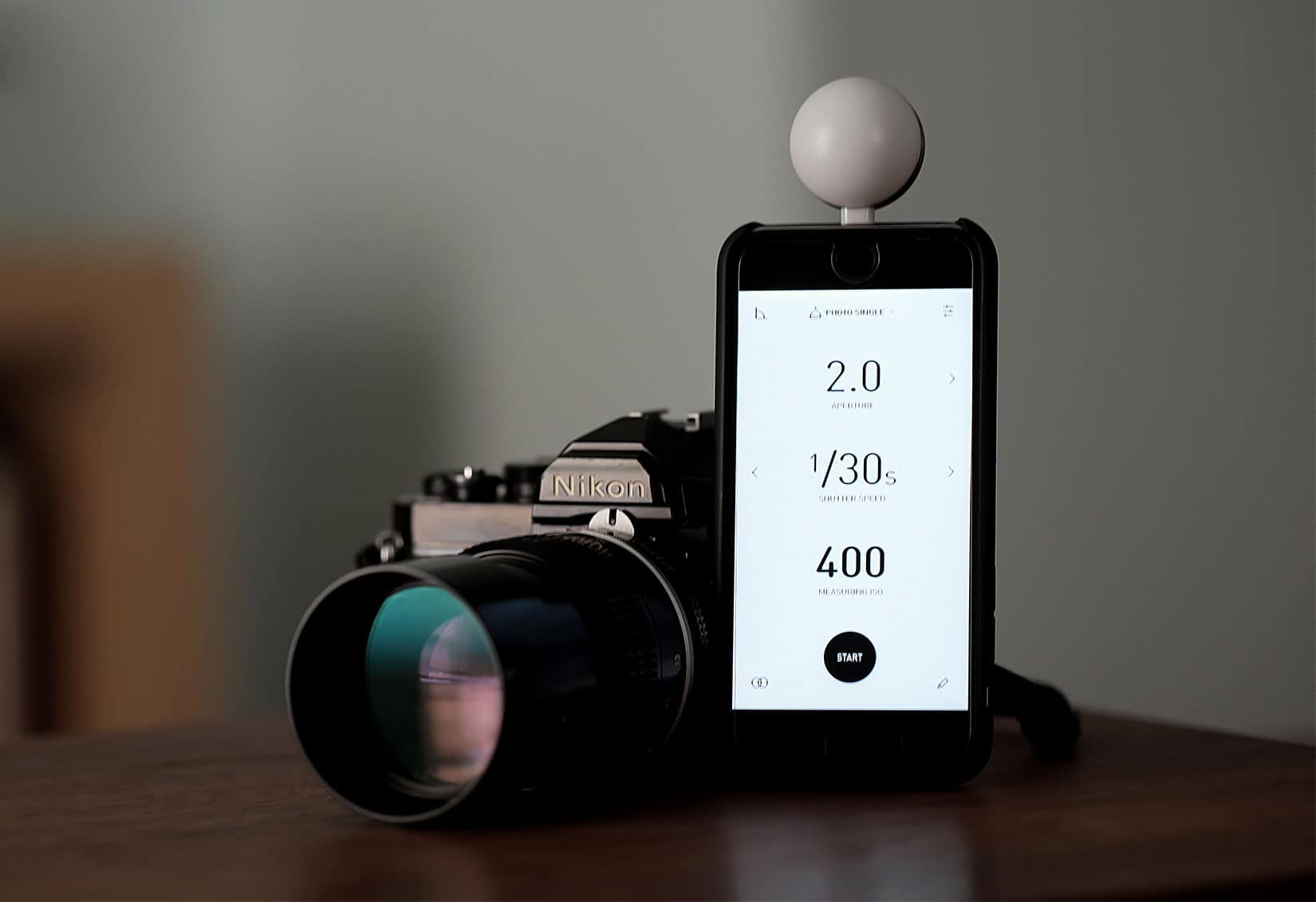
Lumu Power light meter
Is that an iPhone or a light meter? It's both.
Photo: David Pierini/Cult of Mac

Lumu Power light meter for iPhone

The iPhone democratized photography and disrupted the video and camera industry. Now a new product that plugs into the iPhone’s Lightning port aims to replace an important photographer’s tool — the handheld light meter.

The Lumu Power light meter is a small, plug-in photodiode that looks like a pingpong ball cut in half. The light meter, a product of Lumu Labs from Slovenia, rose out of a Kickstarter campaign in 2015. It’s won favorable reviews from photographers and photo websites as the company works to improve the companion app.

Feed Hawk hunts down YouTube channel RSS feeds for you

By

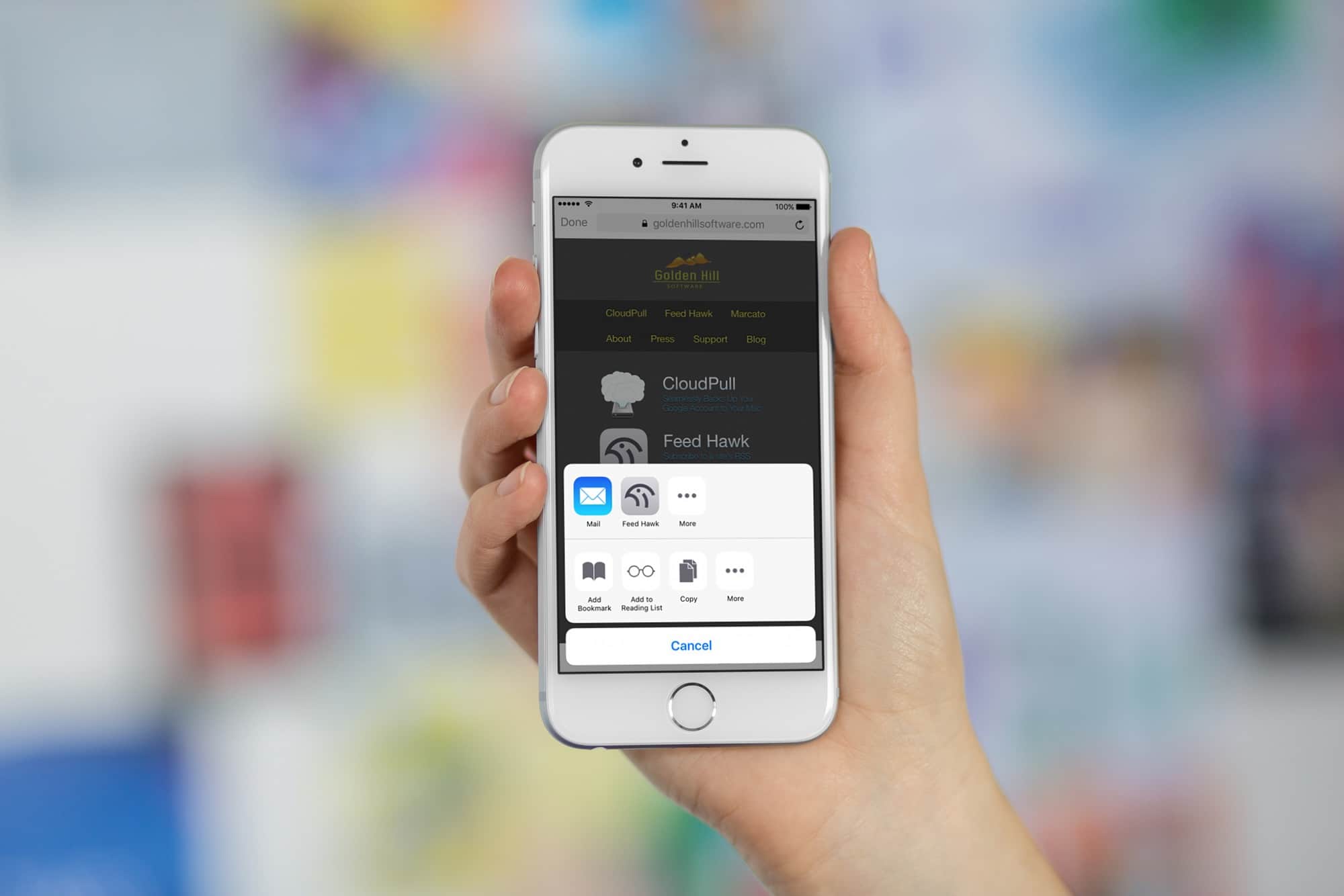
feed hawk
Feed Hawk makes subscribing to your favorite sites super easy.
Photo: Cult of Mac

Are you still using RSS? If you are (and you should be, as we’ll see in a moment), then you should use the Feed Hawk app on your iPhone and iPad. Feed Hawk puts itself in your iOS Share Sheet and locates the RSS feed(s) from any website you visit. If you want, it can automatically subscribe you to the RSS feed in your RSS reader of choice.

The latest version of Feed Hawk can even find feeds for YouTube channels. That, in case you’re wondering, is huge.

Raindrop.io is a slick new bookmark-organizing app for iOS

By

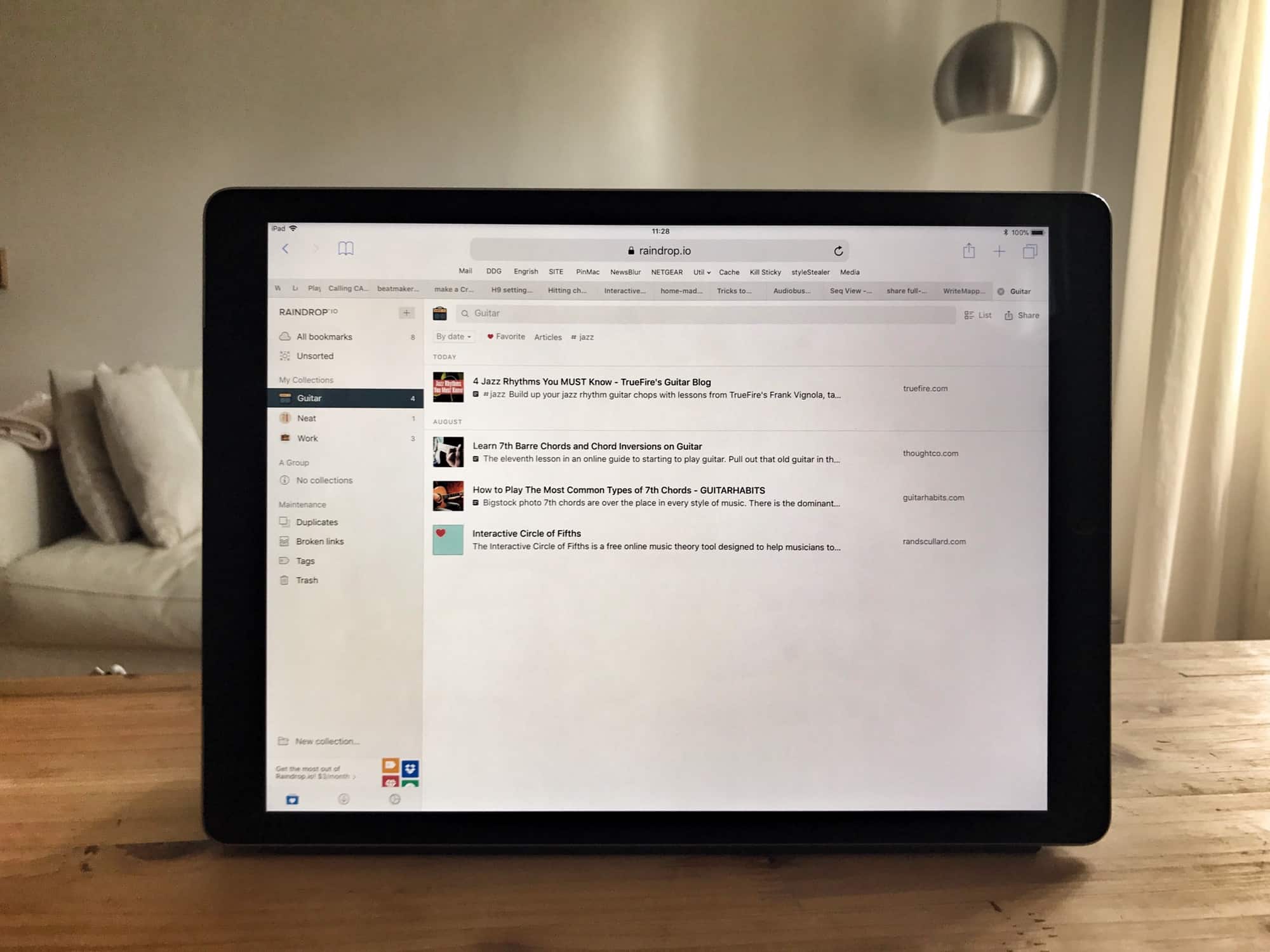
raindrop ipad app
Raindrop's web page looks way better than its iOS app.
Photo: Charlie Sorrel/Cult of Mac

Raindrop.io is a new bookmarking service for Mac and iOS, and the web, and Android. It lets you save your bookmarks into folders, known as Groups, and those bookmarks are then available from anywhere. The main selling point of Raindrop.io seems to be the slick interface, and the myriad beautiful ways you can arrange the bookmarks therein.

Best looper apps for iPad and iPhone

By

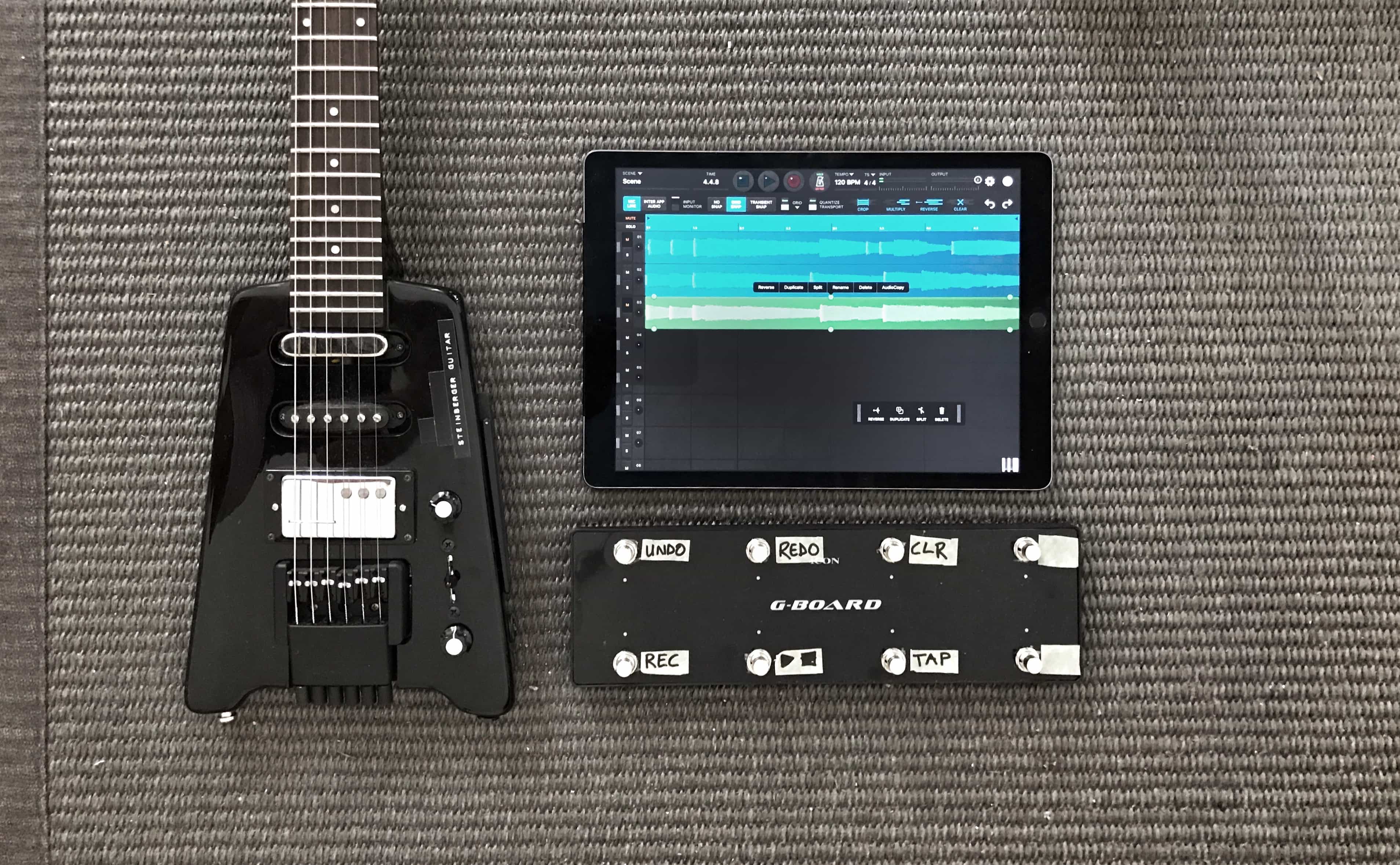
looper apps iPad
You don't need a pedal, or even a guitar, to make amazing music with a looper app.
Photo: Charlie Sorrel/Cult of Mac

A looper is a great musician’s tool, for practice and for making songs. Looper apps are also fantastic fun for anyone who wants to take a crack at creating a tune. Just hit record on a looper app, and make some noise. Then hit the button again, and your recording is played over and over, in a loop.

Then you then build on this, adding more layers. A guitarist can chop out drum beats, then some chords, and play a melody over the loop. A beatboxer can boom, boom, chick and spit into a microphone to build up what the kids call “sick beatz.” And Jimmy Fallon can sing a duet with Billy Joel.

There are many looper apps for iOS. Here are a few of the best.