Mobile menu toggle

iOS apps - page 14

The Kindle app puts an entire library in your hand [50 Essential iOS Apps #16]

By

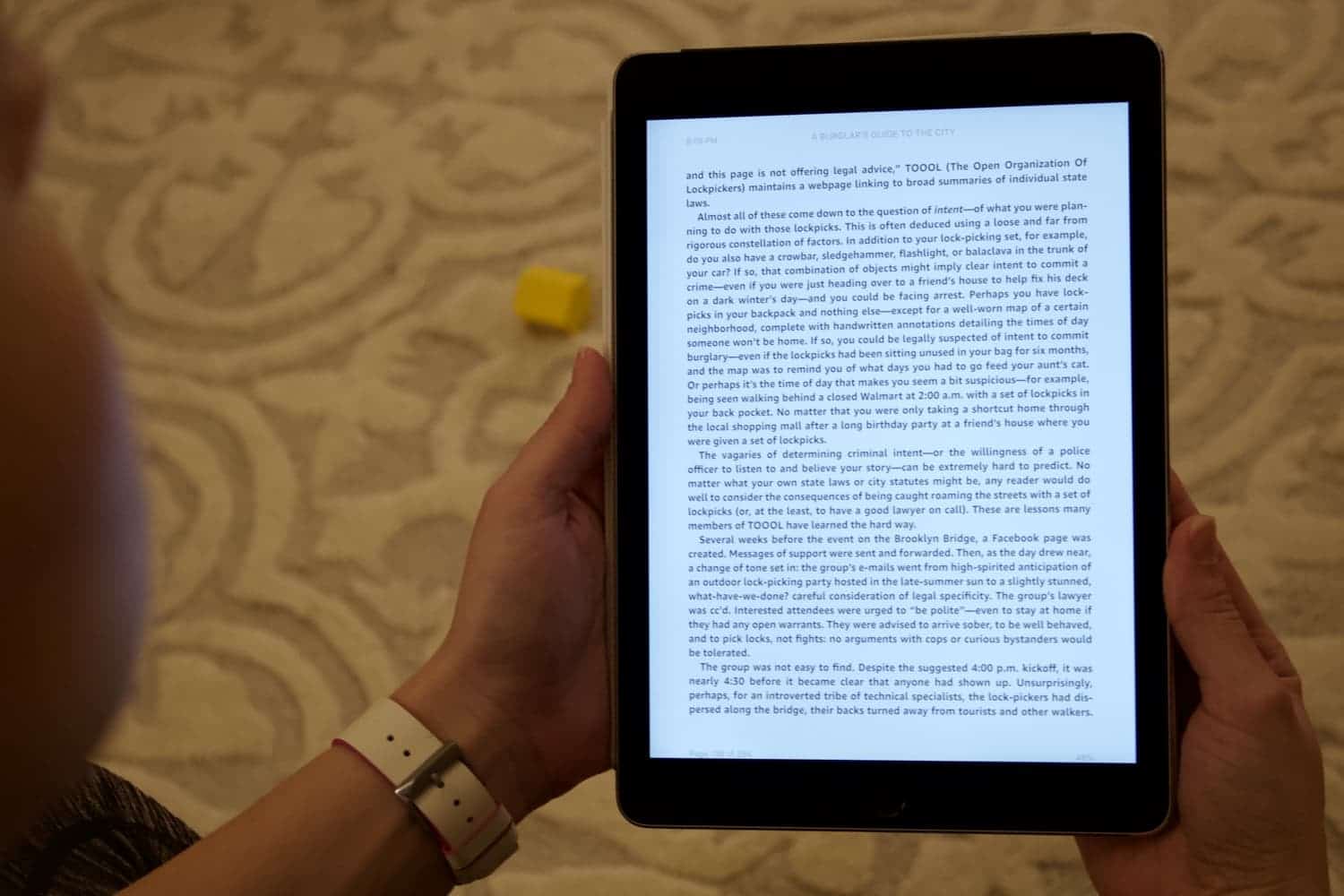
The Kindle app is the perfect platform for reading e-books on iPad or iPhone. It's one of Cult of Mac's 50 essential iOS apps.
The Kindle app is the perfect platform for reading e-books on iPad or iPhone.
Photo: Ian Fuchs/Cult of Mac

50 Essential iOS Apps: Amazon Kindle appReading books. It’s something we’ve all done at some point in our lives. People read for fun, learning or taking a break. The trouble is, having a huge collection of books takes up space and can literally weigh you down.

E-books are the solution, and the Kindle app is an excellent way to enjoy the world of literature without straining your back or your physical space. With the Kindle app, you can carry an entire library’s worth of books on your iPad or iPhone.

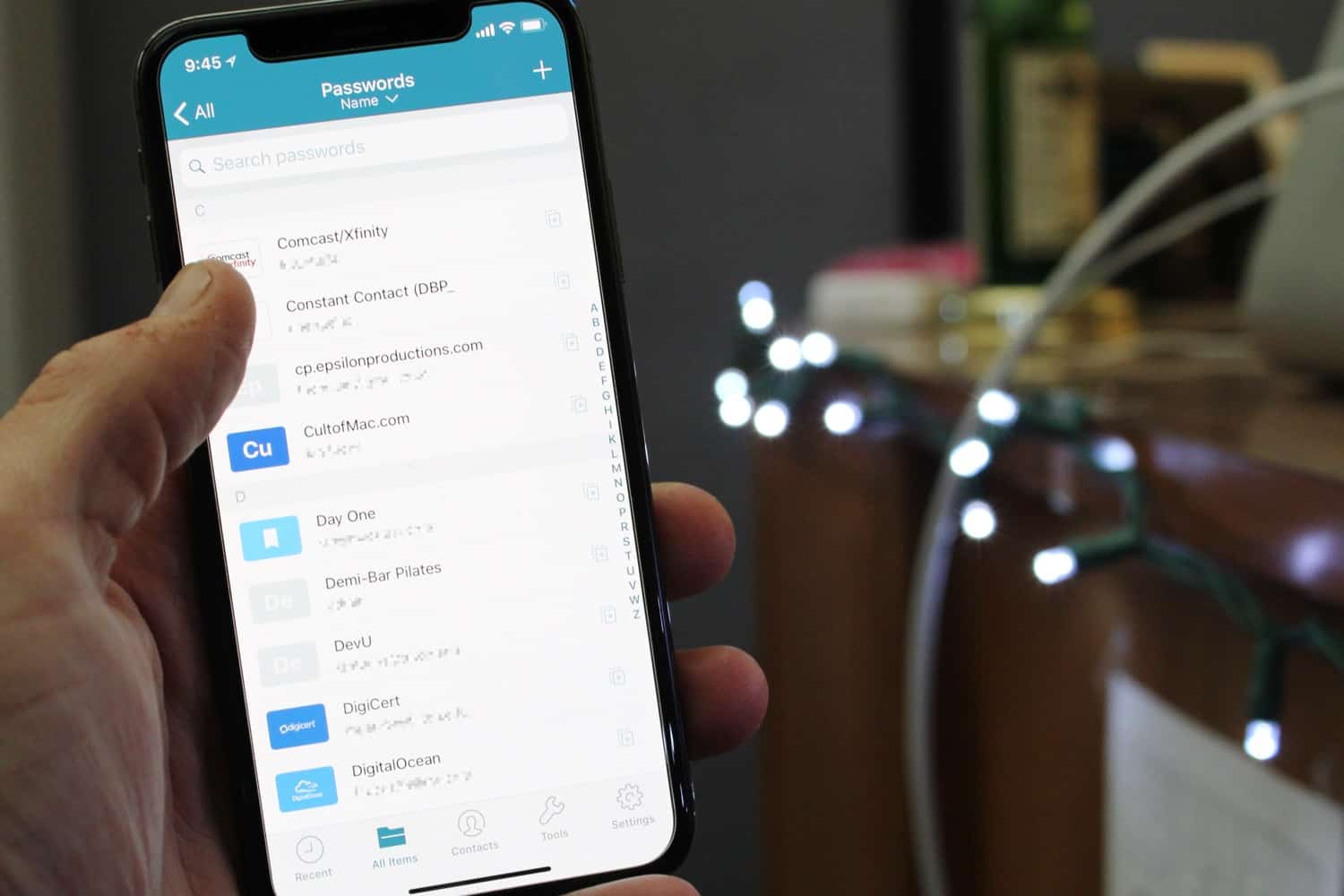
Dashlane keeps your password game on point [50 Essential iOS Apps #15]

By

Dashlane password manager all items list on iPhone
Dashlane can store all your logins, and makes signing in to websites quick and easy.
Photo: Ian Fuchs/Cult of Mac

50 Essential iOS Apps: Dashlane password manager appHow many logins and passwords do you have? If the answer is more than one, then ask yourself how many accounts use the same password? If that answer isn’t zero, you need Dashlane. Reused and weak passwords are one of the biggest vulnerabilities on the modern web, but remembering a bunch of unique and complex passwords is nearly impossible. What isn’t hard is using your thumb or face to open a password manager with all your strong passwords.

Free app earns you cash back at your favorite restaurants

By

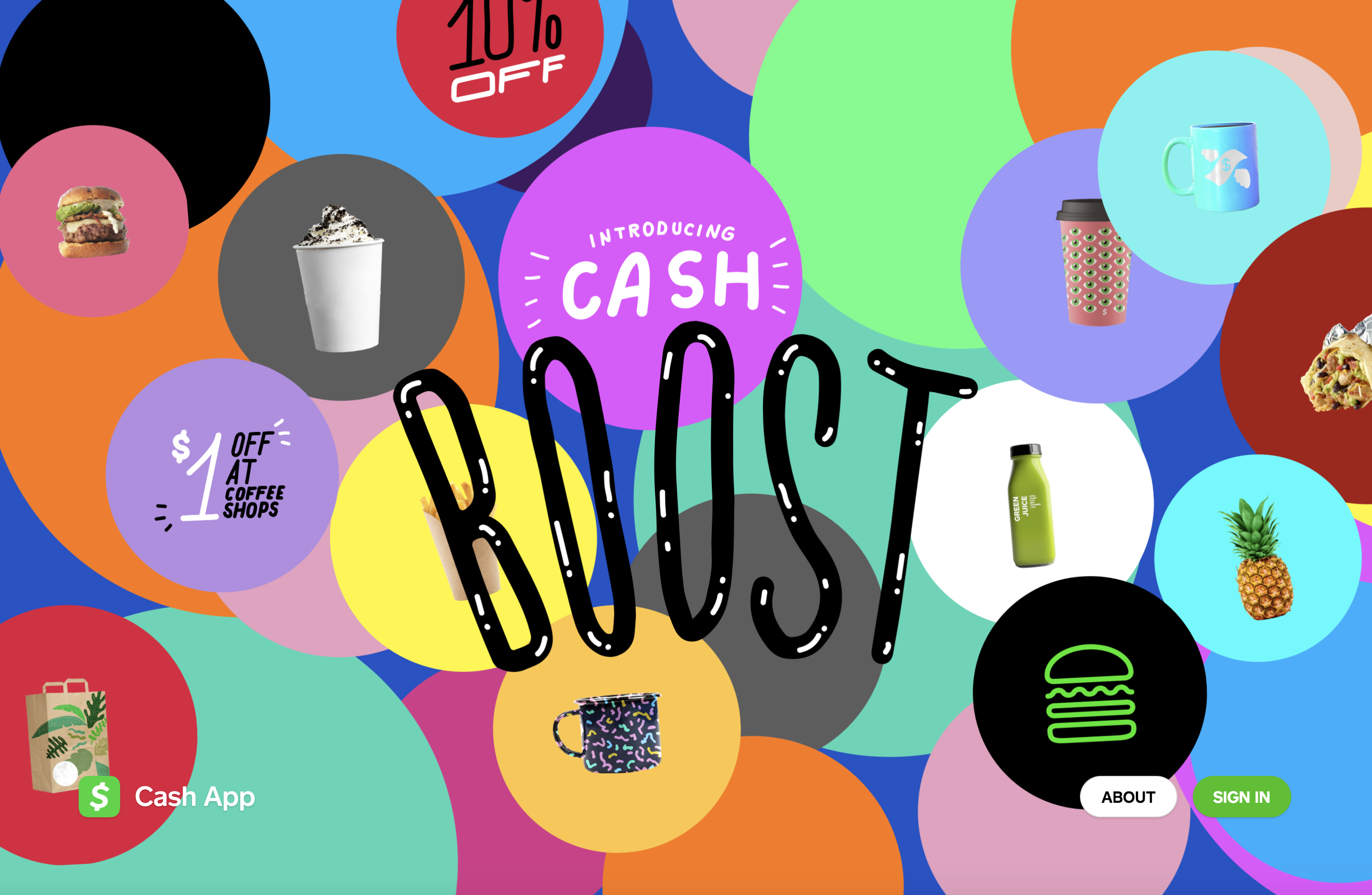
Square's Cash Boost rewards program offer new ways to save at Chipotle, Shake Shack and other chains.
Square's Cash Boost rewards program offer new ways to save.
Screenshot: Gabe Trumbo/Cult of Mac

Square’s Cash App just got far more rewarding. The Cash Boost program now offers cash back at several well-known restaurants and stores, including Shake Shack and Chipotle. Even better, now anybody can participate.

With a little strategy, you can save loads of money on everyday purchases. Here’s how you can earn cash back at restaurants every day with the free Cash App.

Embrace automation with Workflow [50 Essential iOS Apps #13]

By

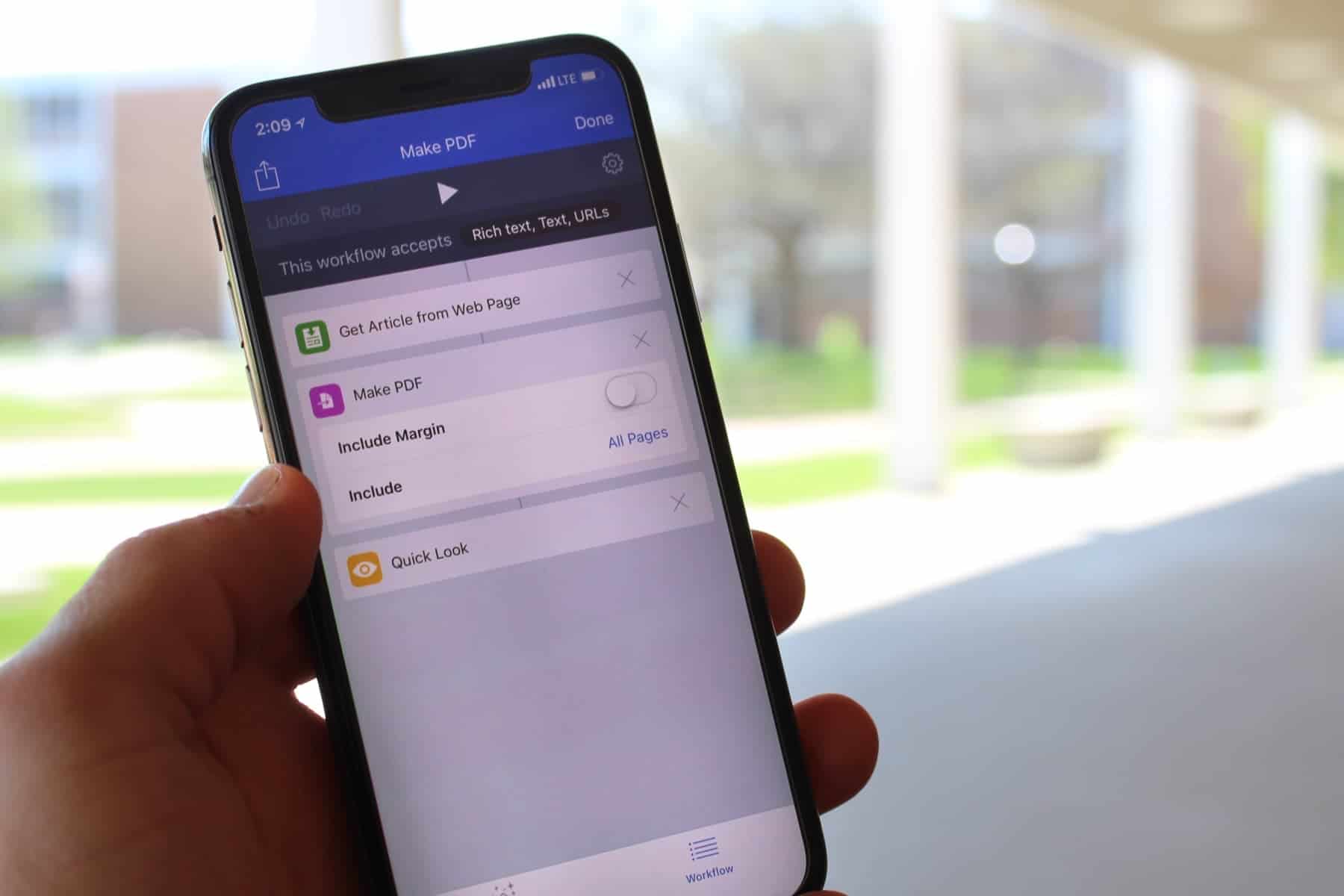
Workflow app Webpage to PDF action
Workflow can make the most basic of tasks incredibly simple.
Photo: Ian Fuchs/Cult of Mac

50 Essential iOS Apps: Workflow appNot all tasks are simple or straightforward. Sometimes a task involve multiple complex or repetitive steps. Having the ability to use a “program” to do these tasks quickly and easily makes you more efficient. Unfortunately, we aren’t all programmers. Workflow for iOS makes performing complex or repetitive tasks a breeze, all without needing to know a programming language.

Turn your device into a programming powerhouse with Coda [50 Essential iOS Apps #12]

By

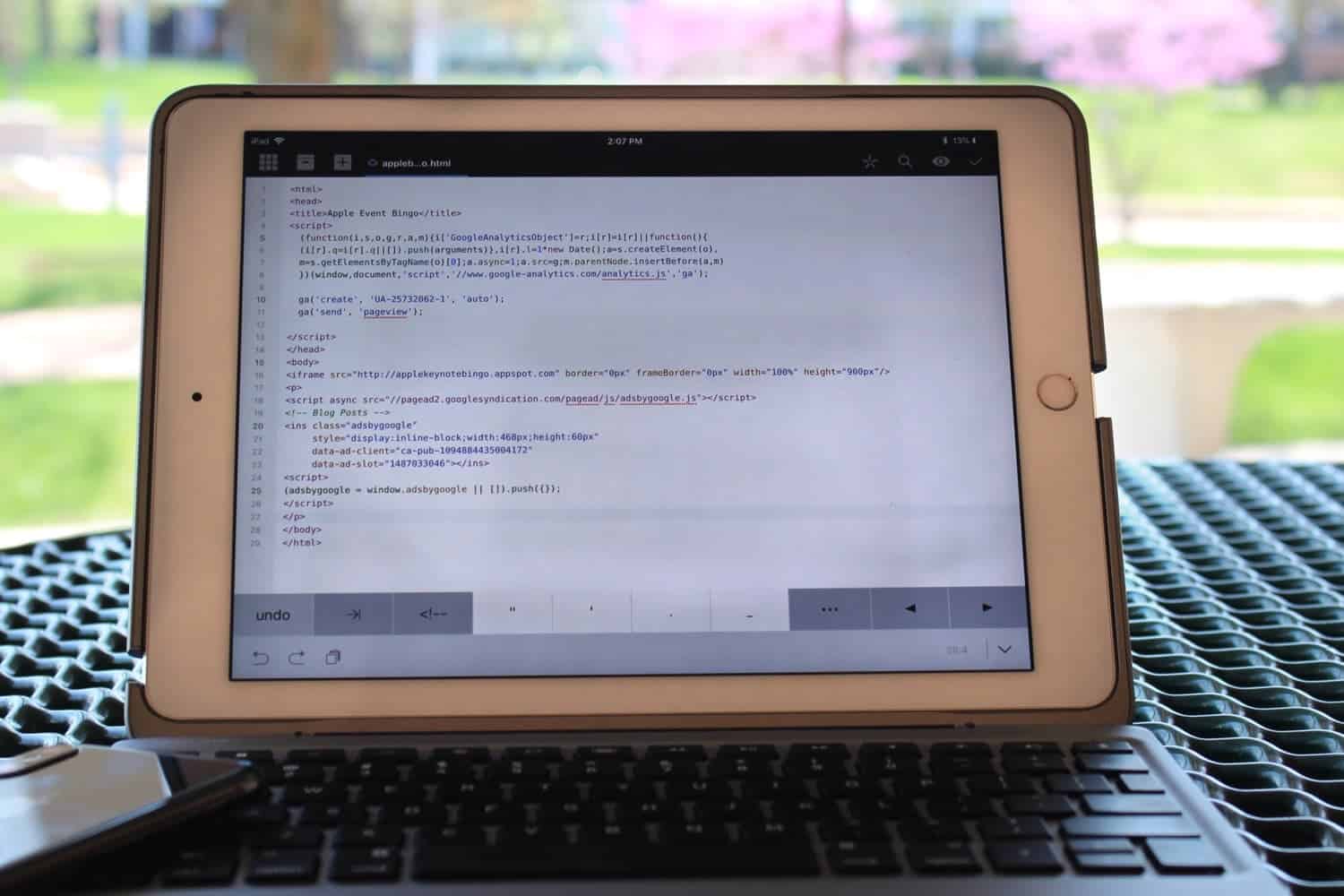
Coda html code editor iPad
Coda makes it easy to edit code, no matter where you are.
Photo: Ian Fuchs/Cult of Mac

50 Essential iOS Apps: Coda FTP Shell Code appThe iPhone and iPad are arguably one of the most powerful computers most of us own. While much argument has been had as to whether you can do real work on iOS, apps are a proving ground for what an iOS device is capable of. Coda for iOS harnesses the power of iOS to make a feature rich programming app, turning your iOS device into a shell terminal, FTP client, remote file viewer, and pocketable coding app.

How to get $1,000 for free this month by downloading a savings app

By

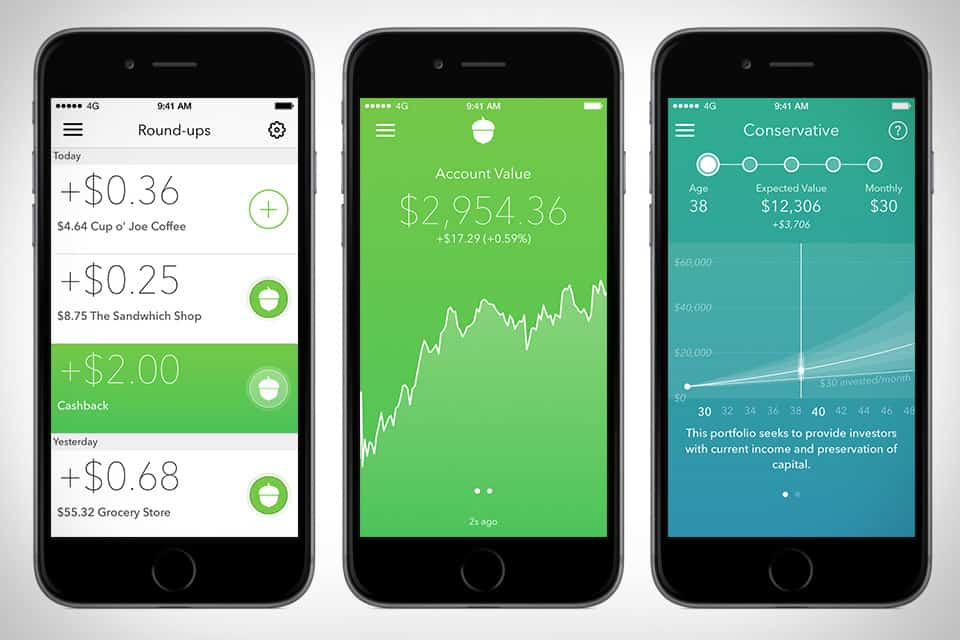
The Acorns savings app automatically invests your spare change for you.
Image: Acorns

The Acorns app is a great way to build up small savings. It automatically rounds up every purchase you make to the nearest dollar and invests that spare change for you.

And, if you download the app this month and refer 12 friends, Acorns will give you $1,000. No joke.

Astro app makes managing email easy and almost fun [50 Essential iOS Apps #11]

By

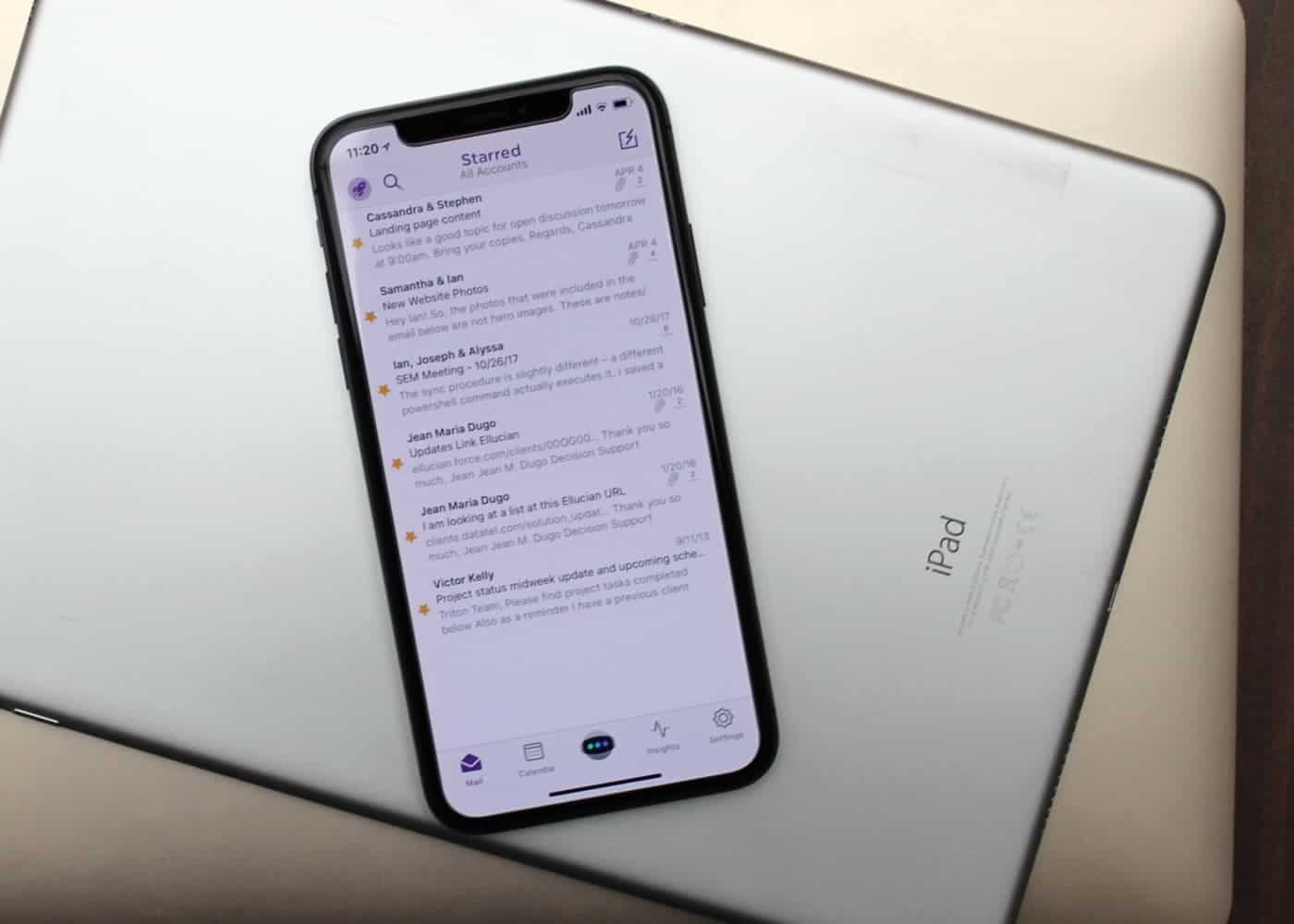
Astro is these best email app for both iOS and Mac.
Mail isn't always best for email.
Photo: Ian Fuchs/Cult of Mac

50 Essential iOS Apps: Astro email app Email is a necessary evil. Whether it’s personal communications, work-related updates or the latest sale at your favorite store, email is something we deal with nearly every day.

After trying dozens of email apps over the past eight years, Astro is the best email app I’ve come across, and the first that I both recommend and enjoy using.

Stay secured with Encrypt.me VPN App [50 Essential iOS Apps #10]

By

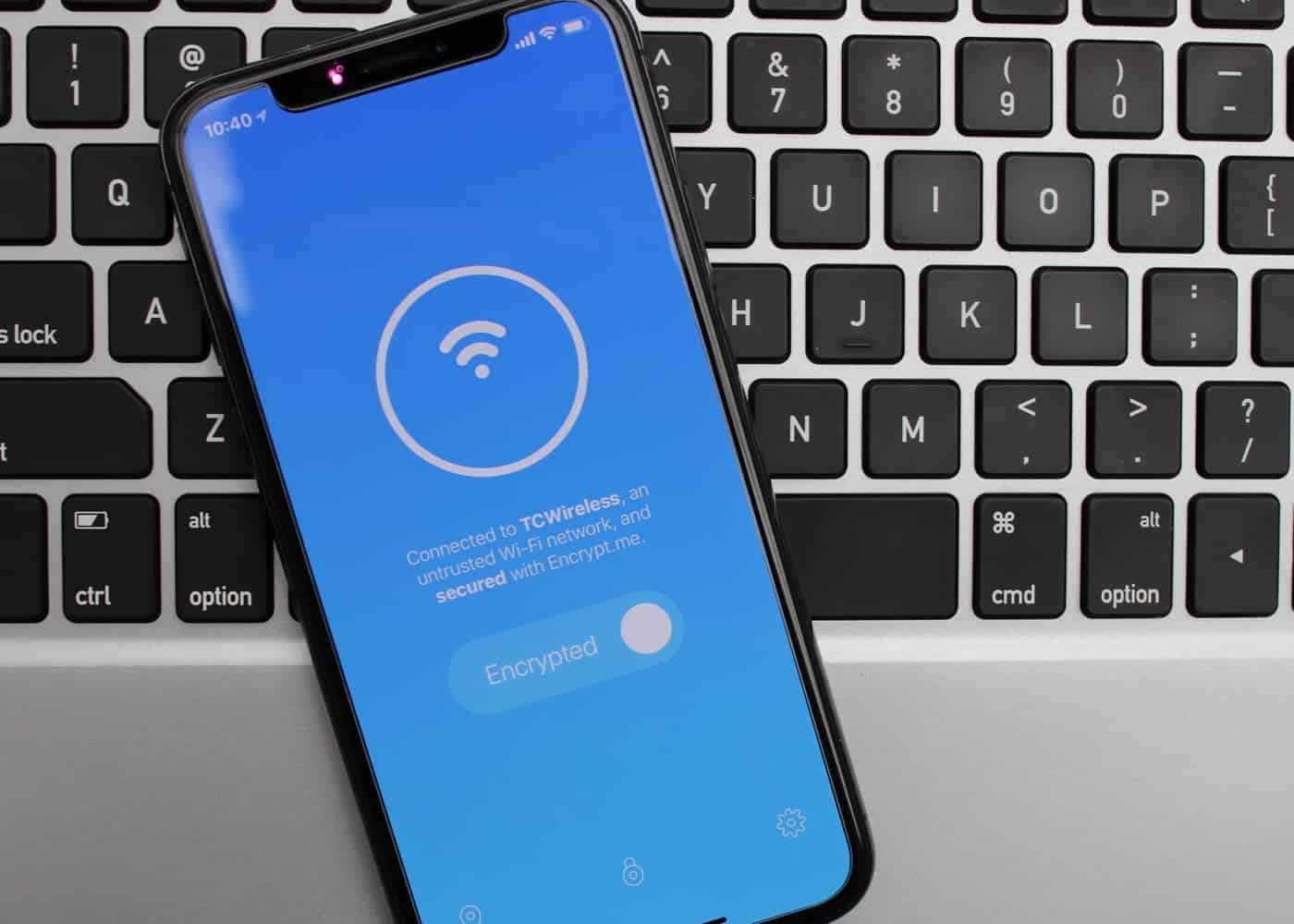
Encrypt.me protects an open network
Encrypt.me keeps your information safe on unsecured networks
Photo: Ian Fuchs/Cult of Mac

50 Essential iOS Apps: Encrypt best VPN app There has been a lot of talk about online security lately. Having good internet habits is important, and using a good VPN like BulletVPN features is a great way to make sure your data doesn’t end up in the wrong hands. Encrypt.me is an easy-to-use, easy-to-understand VPN app for iOS (and Mac, Android and Windows) that can help keep you safe.

Transit app makes public transportation a breeze [50 Essential iOS Apps #6]

By

Transit for iPhone shows upcoming times
Transit shows nearby transportation options and upcoming arrival times.
Photo: Ian Fuchs/Cult of Mac

50 Essential iOS Apps: Transit Public transportation can be a nightmare. Traveling in an unfamiliar city or relying on trains and buses to get around can leave you feeling overwhelmed and frustrated.

Transit for iPhone makes finding train bus, and subway schedules simple. With support for more than 80 U.S. cities and dozens more around the world, it is one of the most useful apps for making the right choice of transportation.

Capture notes quickly with Drafts [50 Essential iOS Apps #5]

By

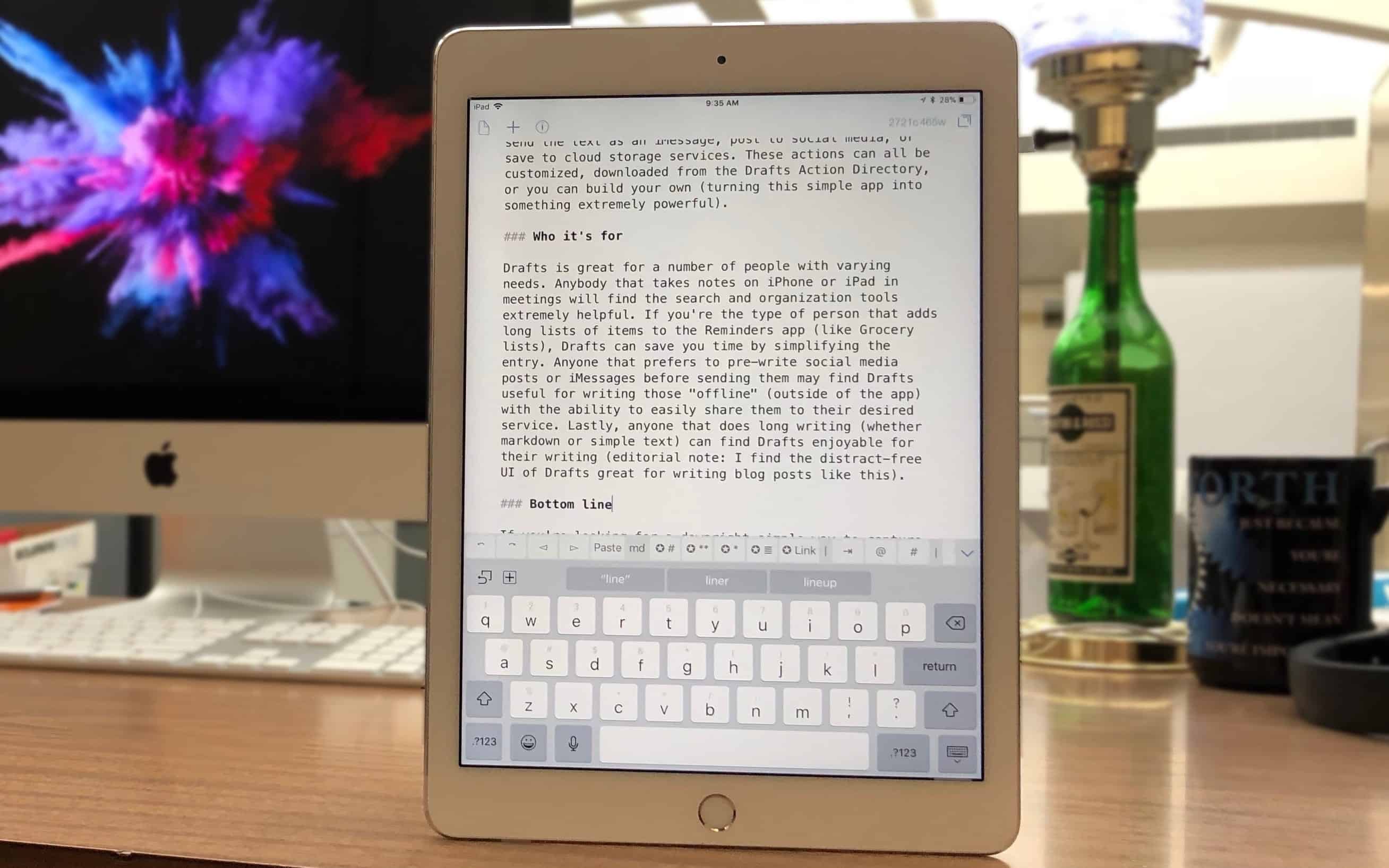
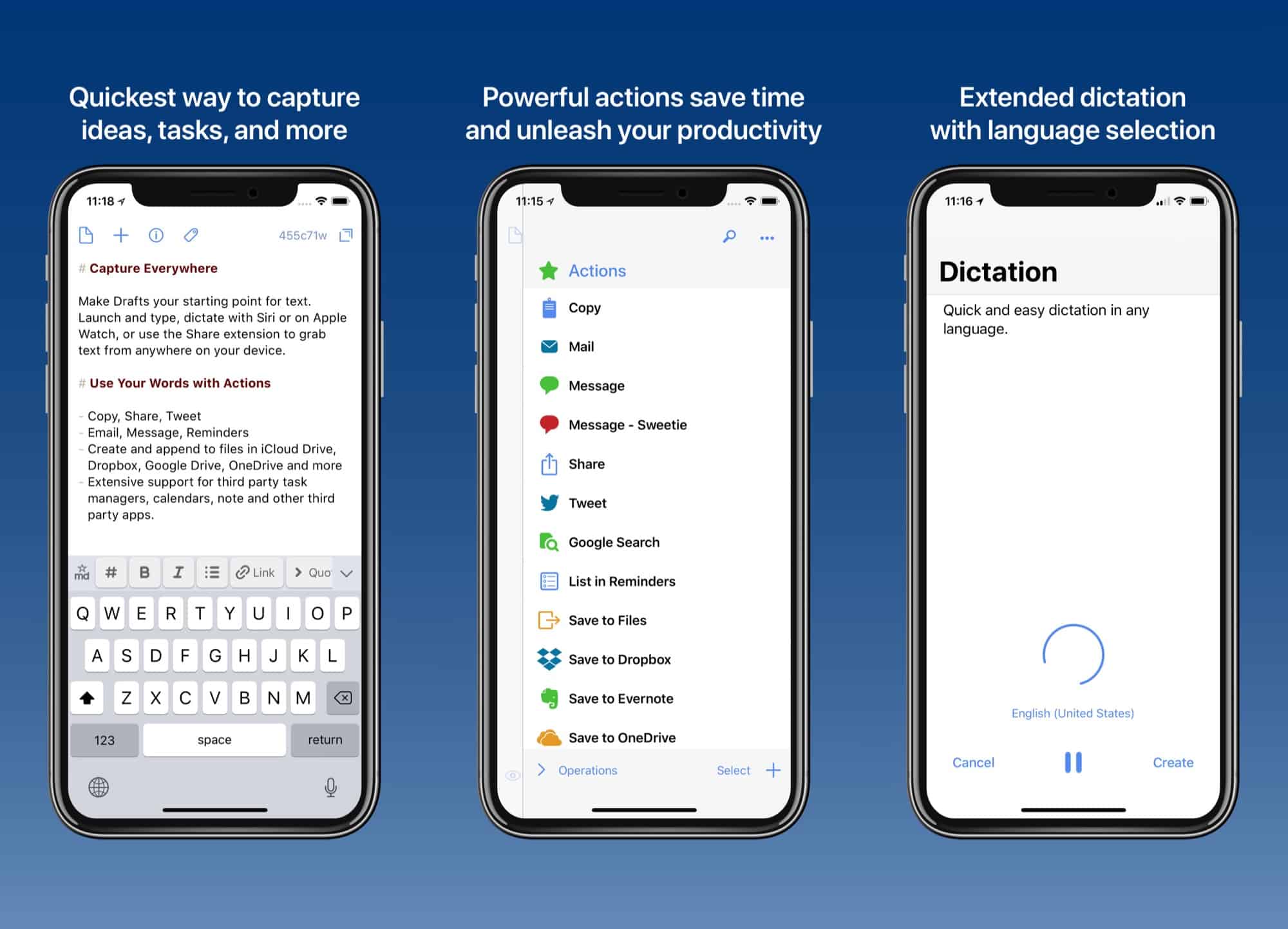
writing in Drafts for iPad
Drafts is where writing starts, before moving on to its final destination.
Photo: Ian Fuchs/Cult of Mac

50 Essential iOS Apps: Drafts 5 note taking and writing app While there are dozens of note-taking and writing apps available on iOS, few strike the balance of rich features and simple design the way Drafts does. Whether you’re looking for a quick way to digitally jot down a passing thought, take notes in a meeting, or store an address or phone number, the Drafts app makes it easy to quickly capture text before taking action.

Tweak your photos to perfection with Snapseed [50 Essential iOS Apps #4]

By

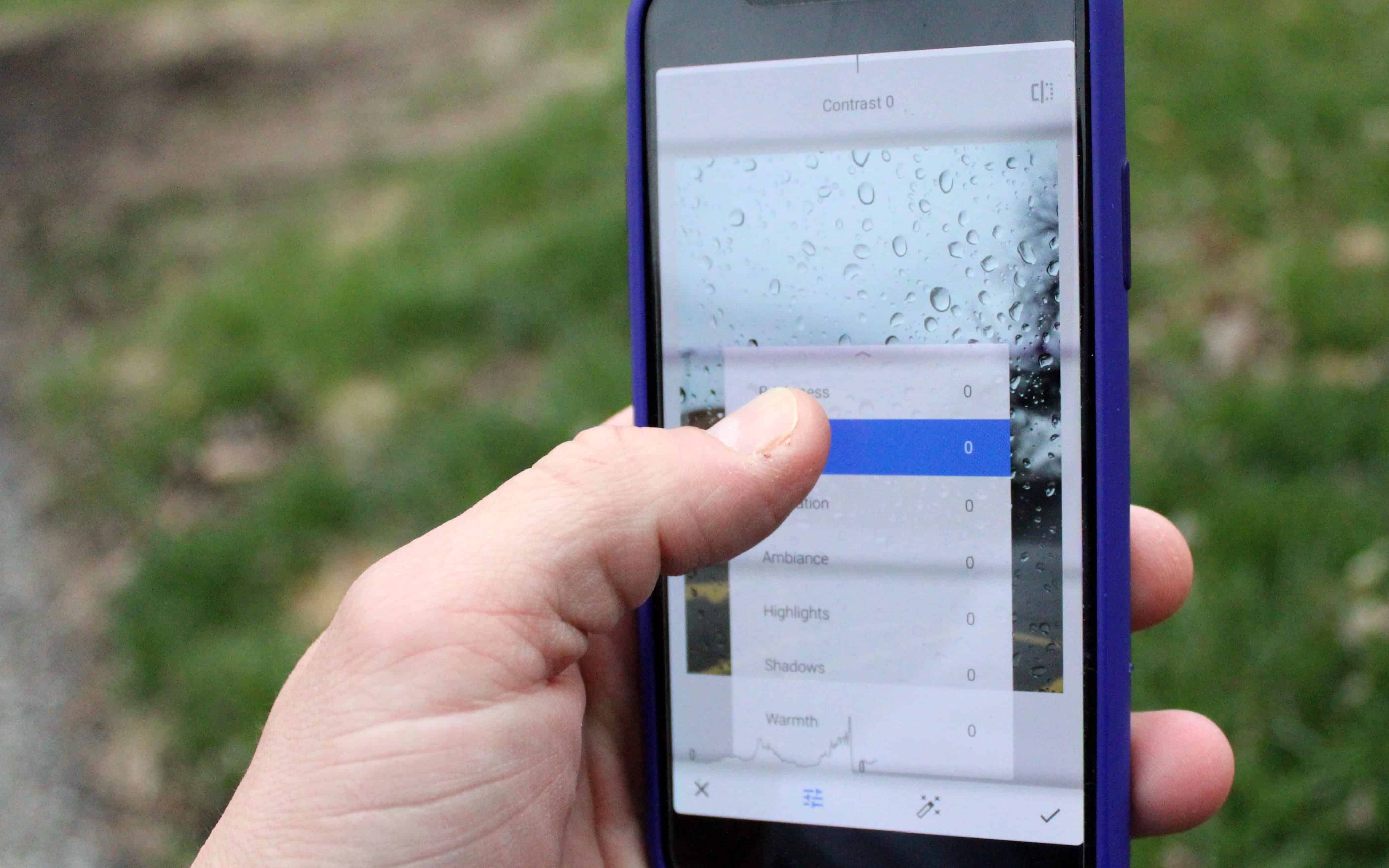
tune image editing tools in Snapseed
Snapseed's editing tools are accessed with a flick of your thumb
Photo: Ian Fuchs/Cult of Mac

50 Essential iOS Apps: Snapseed Photo Editing app The iPhone’s camera is arguably one of the best cameras most people will use for capturing life moments. Sometimes, though, those photos don’t turn out quite as perfect as you hope. The iOS Camera and Photos apps have some basic editing tools, but if you’re looking for more fine-tuned tweaks, Snapseed is a powerful, free photo editor for iOS that helps revive and tweak your shots.

Hiya Caller ID and Blocker keeps robocallers at bay [50 Essential iOS Apps #3]

By

Incoming Scam Phone Call
Spam and Robocalls are out of control and must be stopped!
Photo: Cult of Mac

50 Essential iOS Apps: Hiya Caller ID and BlockerKnowing when to answer a call from an unknown number is a game of chance. It might be a family emergency, or it might be a scammer trying to rip you off. Hiya Caller ID and Block is a simple iOS app that attempts to determine whether incoming phone calls are telemarketers, spam, or something worth picking up for.

Drafts 5 for iOS goes free, adds fantastic pro features

By

Drafts 5
Drafts is the best way to get text out of your head.
Photo: Agile Tortoise

Drafts 5 has launched, the sequel to Drafts 4, and you may be a little confused as too what it actually new. Should you upgrade, for example? After all, it’s just the same old note-creating app with a lick of paint, right? Well, the definitive answer to that is “Hmmm, kinda…” While Drafts 5 doesn’t get many big new features, it has been completely redesigned. It looks better, works better, and the settings are way less confusing.

Oh, and you can finally use it as your only notes app, without feeling like you’re doing something dirty.

Stay ahead of the storm with Dark Sky Weather [50 Essential iOS Apps #2]

By

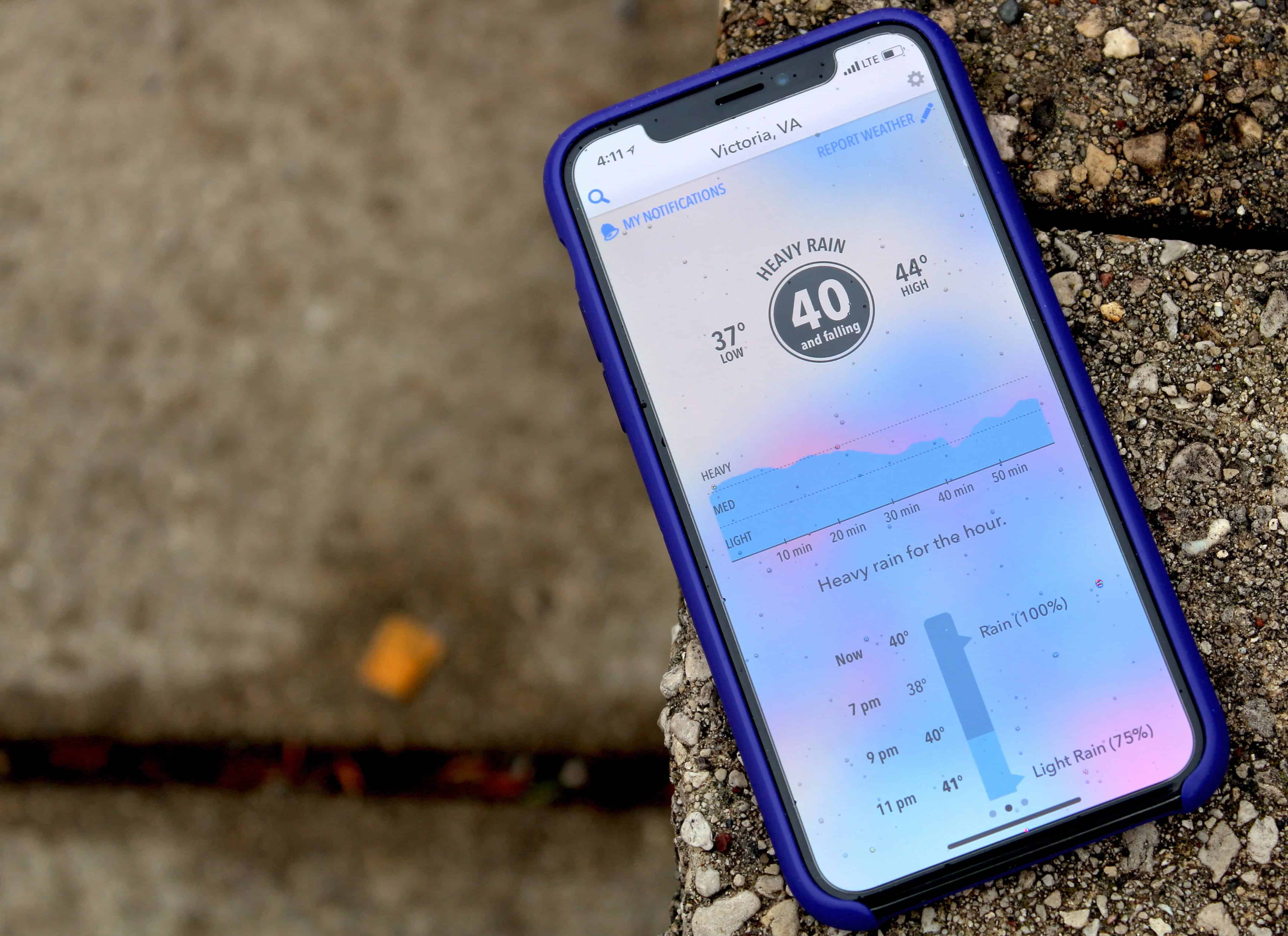
Dark Sky app on iPhone
The Dark Sky app provides a useful look at the next hour.
Photo: Ian Fuchs/Cult of Mac

50 Essential iOS Apps: Dark Sky Weather app Weather is something we all deal with, and an accurate idea of what’s coming can help inform your day-to-day decisions. With the Dark Sky Weather app, you can know exactly when to expect a change in weather conditions.

Unlike many of its competitors, Dark Sky goes deeper than a simple high-level summary of the day’s forecast. It offers hyperlocal forecasts for your exact address, with down-to-the-minute notifications about changing weather conditions. Uncannily accurate, it’s a shining ray of light in the storm of weather apps.

Deliveries: The best way to track packages on iOS [50 Essential iOS Apps #1]

By

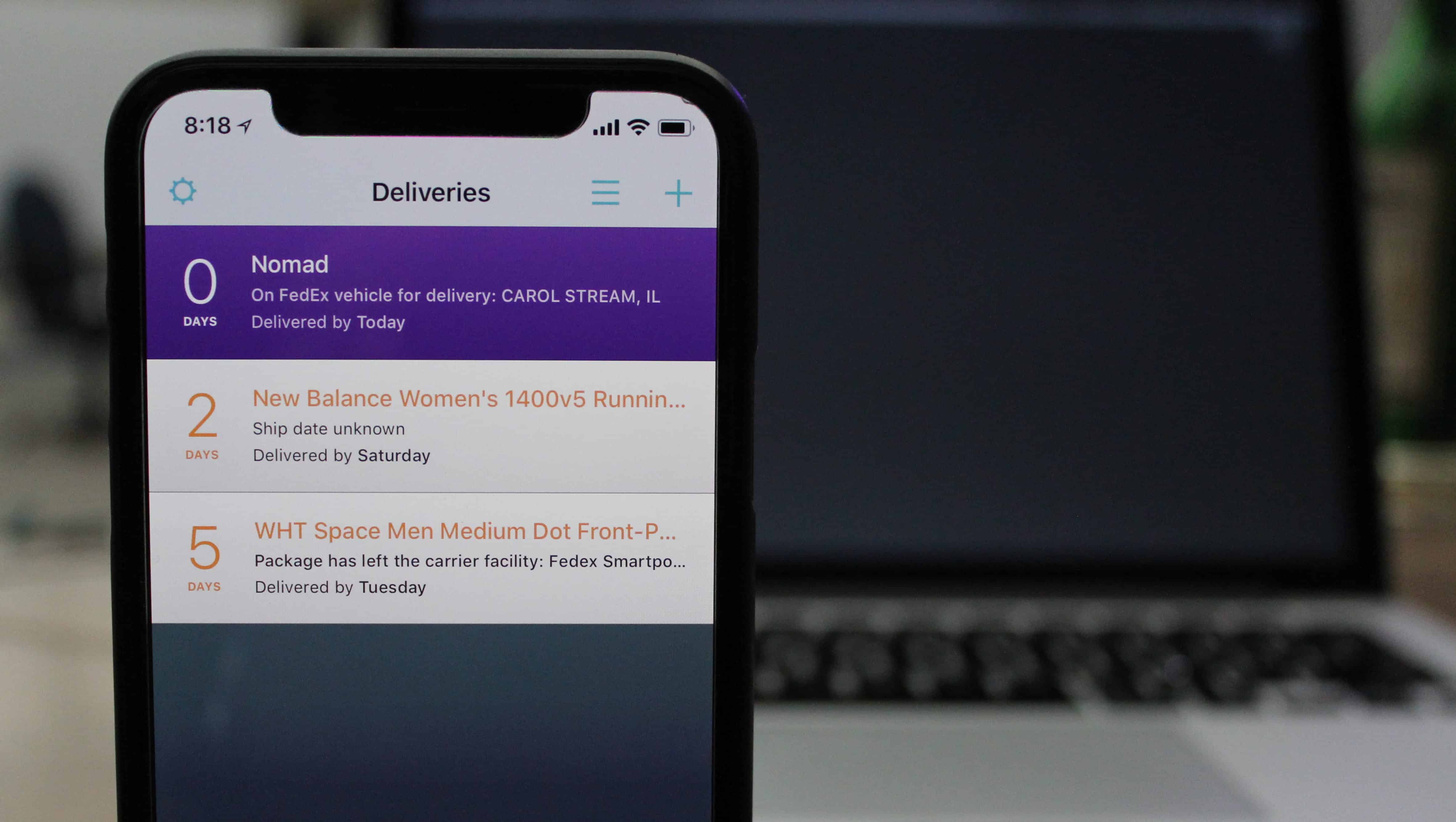
Deliveries for iOS
Deliveries helps keep track of packages in transit
Photo: Ian Fuchs/Cult of Mac

50 Essential iOS Apps As online shopping becomes an integral part of our lives, one pain point remains: Keeping track of when all our precious packages will arrive.

That’s why online shoppers will love iOS package-tracking app Deliveries. It eliminates the irritation of keeping track of where packages are and when they’re going to be delivered. Forget about dealing with the nightmare of order-confirmation emails and online accounts. Deliveries consolidates info on all the packages in transit to your home. Then it lets you keep tabs via a single timeline in an easy-to-use app.

Introducing ’50 Essential iOS Apps,’ a series on the best iOS apps around

By

50 Essential iOS Apps
The best and most useful apps for iPhone and iPad
Photo: Ste Smith/Cult of Mac

50 Essential iOS Apps With a mind-boggling 2.2 million apps in Apple’s iOS App Store, how do you find what’s good? That discovery problem is why we’re starting the 50 Essential iOS Apps series, a curated list of the best iOS apps on the planet, with new apps added every Monday, Wednesday, and Friday.

Throughout this series, we will highlight essential iPhone and iPad apps in a variety of categories. We will show off apps that display excellent design, functionality, features and value. Or, most often, a combination of those desirable traits. Whether you’re looking to boost your productivity, take advantage of important data or just have a little fun, we’ll recommend great iOS apps to suit your needs.

Google Lens lets iPhones identify books, flowers, more

By

Google Lens in action
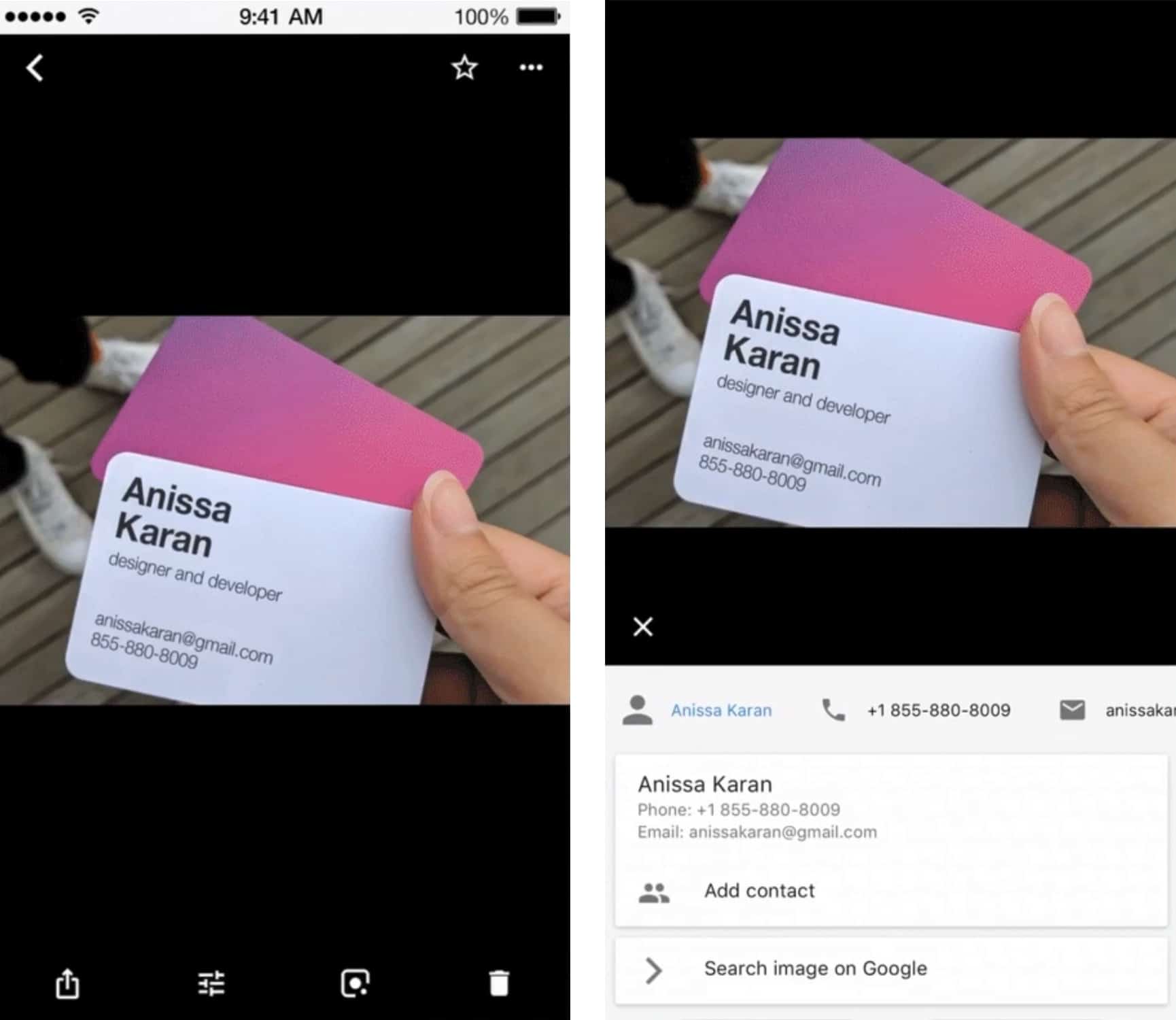
Google Lens can pull the contact information out of a business card.
Photo: Google

The image-identification technology in Google Photos is now in the iOS version of this software. Google Lens can find objects and text in pictures and then provide more information. For example, by examining a photo of a business card, the artificial intelligence can pull out all the contact information.

Google Assistant lands on iPad

By

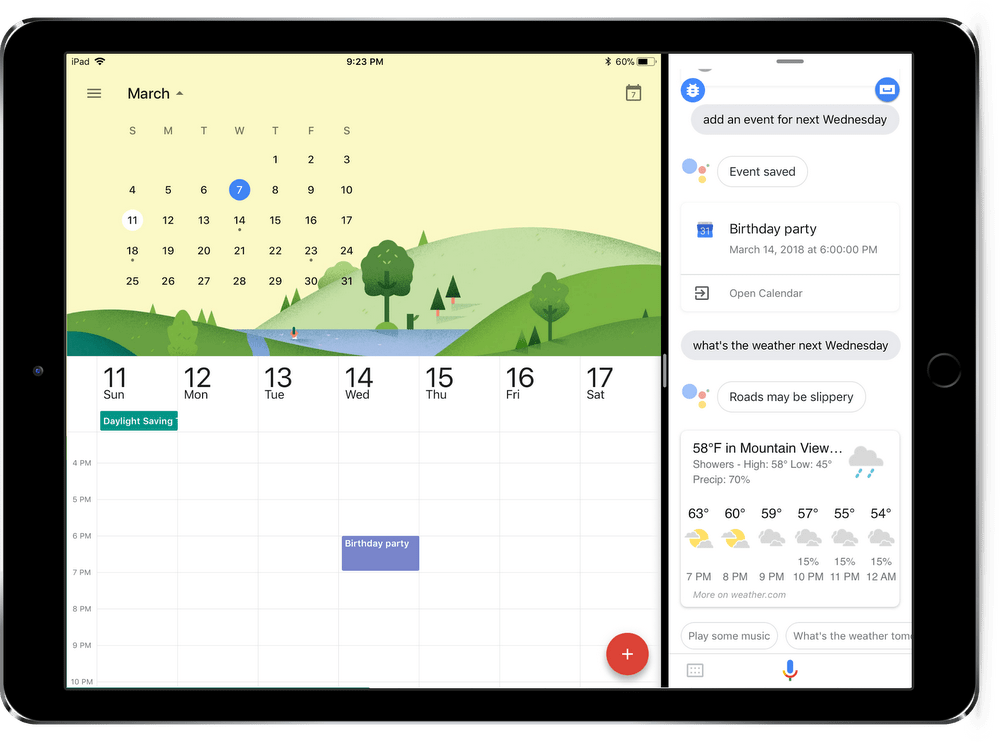
Google Assistant now runs on iPad, including side-by-side with Google Calendar.
Image: Google

Anyone wanting to try out Google’s rival to Siri can now do so on their iPad: A version of the Google Assistant optimized for iOS tablets just debuted.

With the press of a button, the application will answer questions and retrieve information from the internet, but that’s just the start.

Alexa brings free phone calls to iPad

By

Alexa Calling
iPads can now make video calls to Amazon Echo devices.
Photo: Amazon

Although people most often use Alexa to ask about the weather or play music, Amazon’s smart assistant is capable of much more, including connecting with friends and family.  A convenient Alexa calling feature is now available on a range of tablets, including the iPad. This allows the tablet to make voice or video calls to an Amazon Echo.

All that is required is the Amazon Alexa app for iOS (and giving Alexa access to your list of contacts).

Google Street View does Disneyland

By

Google Street View
See the Magic Kingdom on Google Street View.
Photo: Cult of Mac

Google Street View now offers panoramic views from nearly a dozen Disney theme parks, giving users a glimpse inside.

These join thousands of other immersive images from attractions around the world already in the app.

Guitar Gravitas is the only guitar scale and chord app you’ll ever need

By

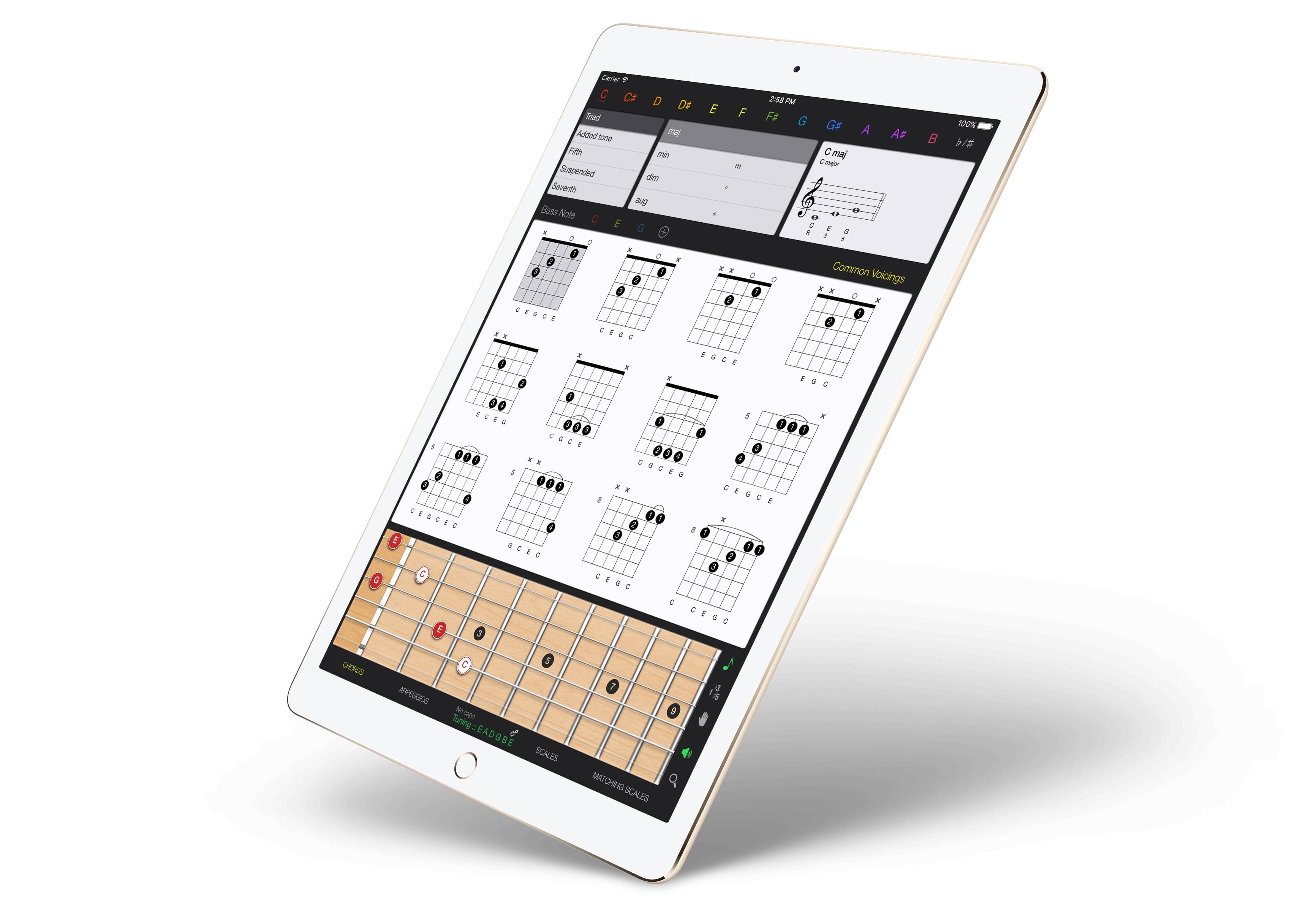
Guitar Gravitas
Guitar Gravitas has everything you need, all on one screen.
Photo: Mad Harmony

Guitar Gravitas is yet another iOS chords-and-scales app for guitar players, but this one’s worth a look because the layout is so damned useful. Unlike many other scale and chord apps, Guitar Gravitas presents exactly the information you need when you have the guitar in your hands and are ready to practice. It puts as much info as possible onto a single screen, without getting cluttered or confusing.

Apple adds amazing Flex and Flow sound pack to GarageBand for iOS

By

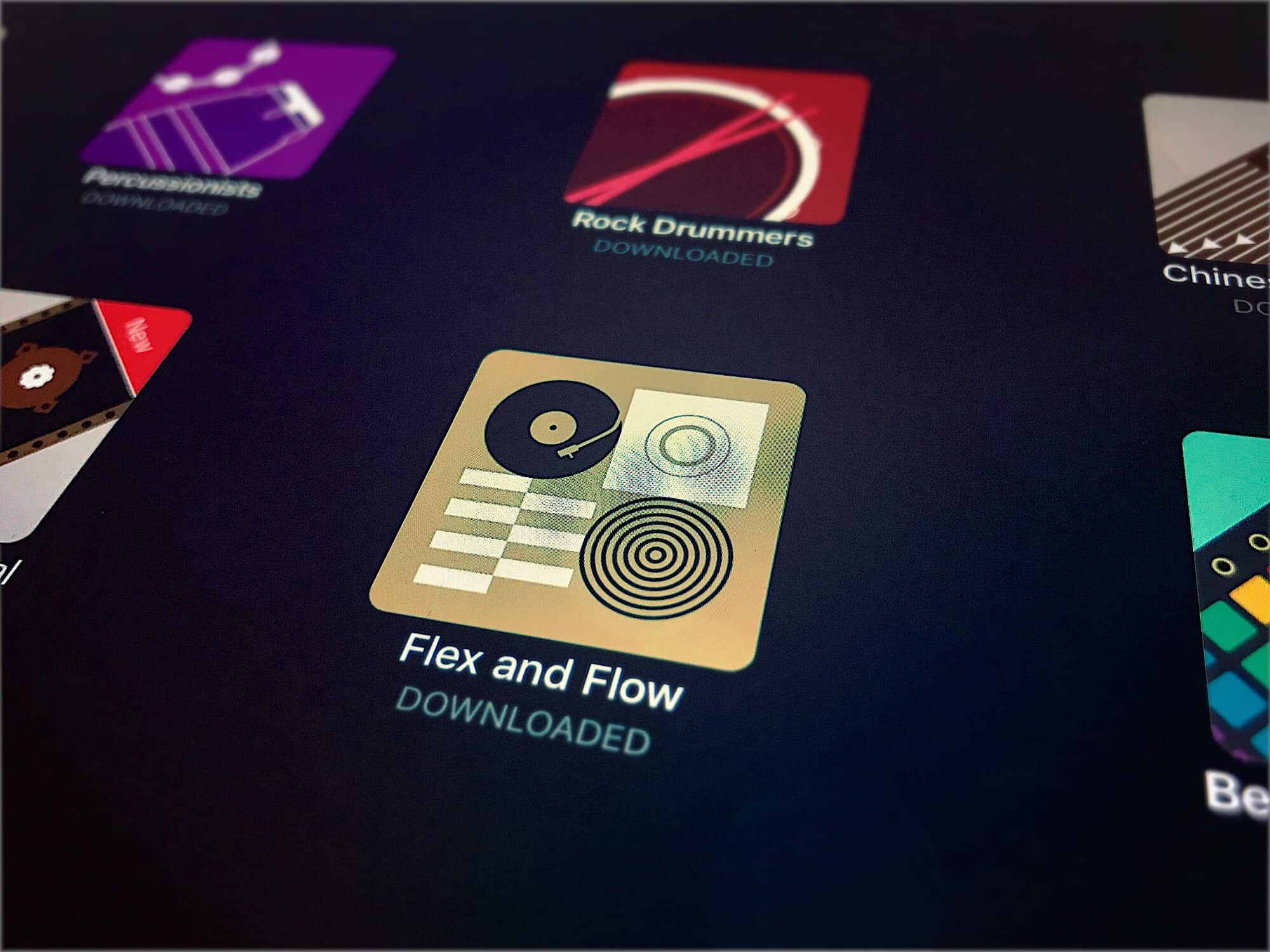
Flex and Flow
The new Flex and Flow pack is R-A-D rad.
Photo: Charlie Sorrel/Cult of Mac

This week, GarageBand saw the first new entry in its Sound Library since the feature was added in version 2.3. The Sound Library is a kind of App Store for music, letting you browse and download all kinds of samples, loops, presets and even brand-new software instruments. These come in sound packs arranged around a theme or genre. The new one is called Flex and Flow, and it brings you chilled hip-hop.