Mobile menu toggle

iOS apps - page 16

How to send audio from one iOS app to another with Audiobus

By

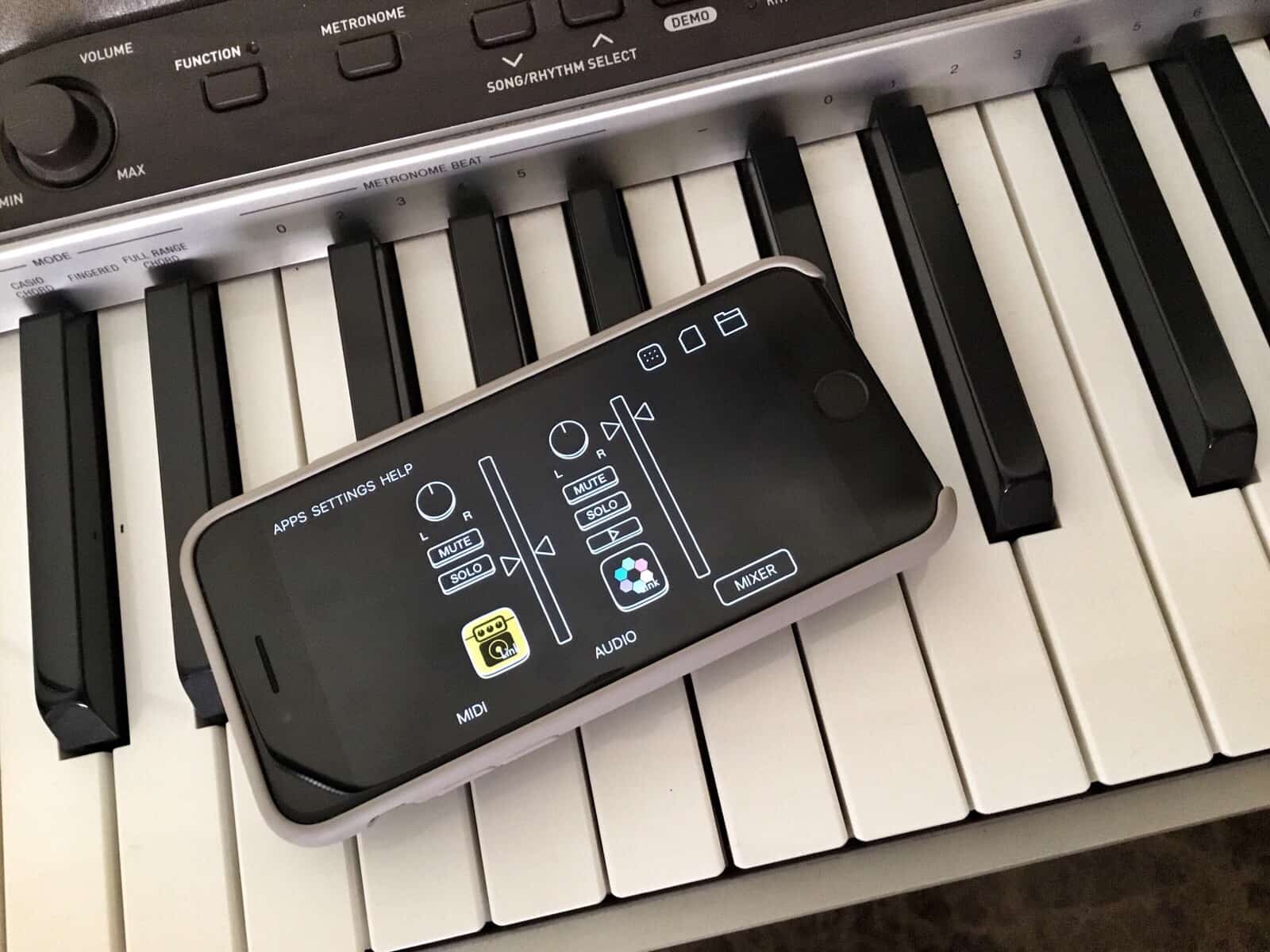
Audiobus mixer on a piano
Audiobus is like a set of virtual patch cables for musical apps.
Photo: Charlie Sorrel/Cult of Mac

If you want to make music on iPhone or iPad, you can choose from an embarrassment of fantastic iOS apps. You’ll also find plenty of music effects and recording apps on the platform.

The problem is using two types of apps together, because iOS isn’t nearly as flexible as macOS when it comes to digging into the system. But with a $10 app called Audiobus 3, you can route audio between apps. That means you can send music from, say, a drum machine to an audio recorder, or from your guitar to a sampler.

Further, you can route audio from many apps at a time, letting you create as complex or simple a setup as you like. If you think of Audiobus as a set of virtual patch cables for your iPhone or iPad, you’re on the right track.

New content blocker Unobstruct declares war on ‘dickbars’

By

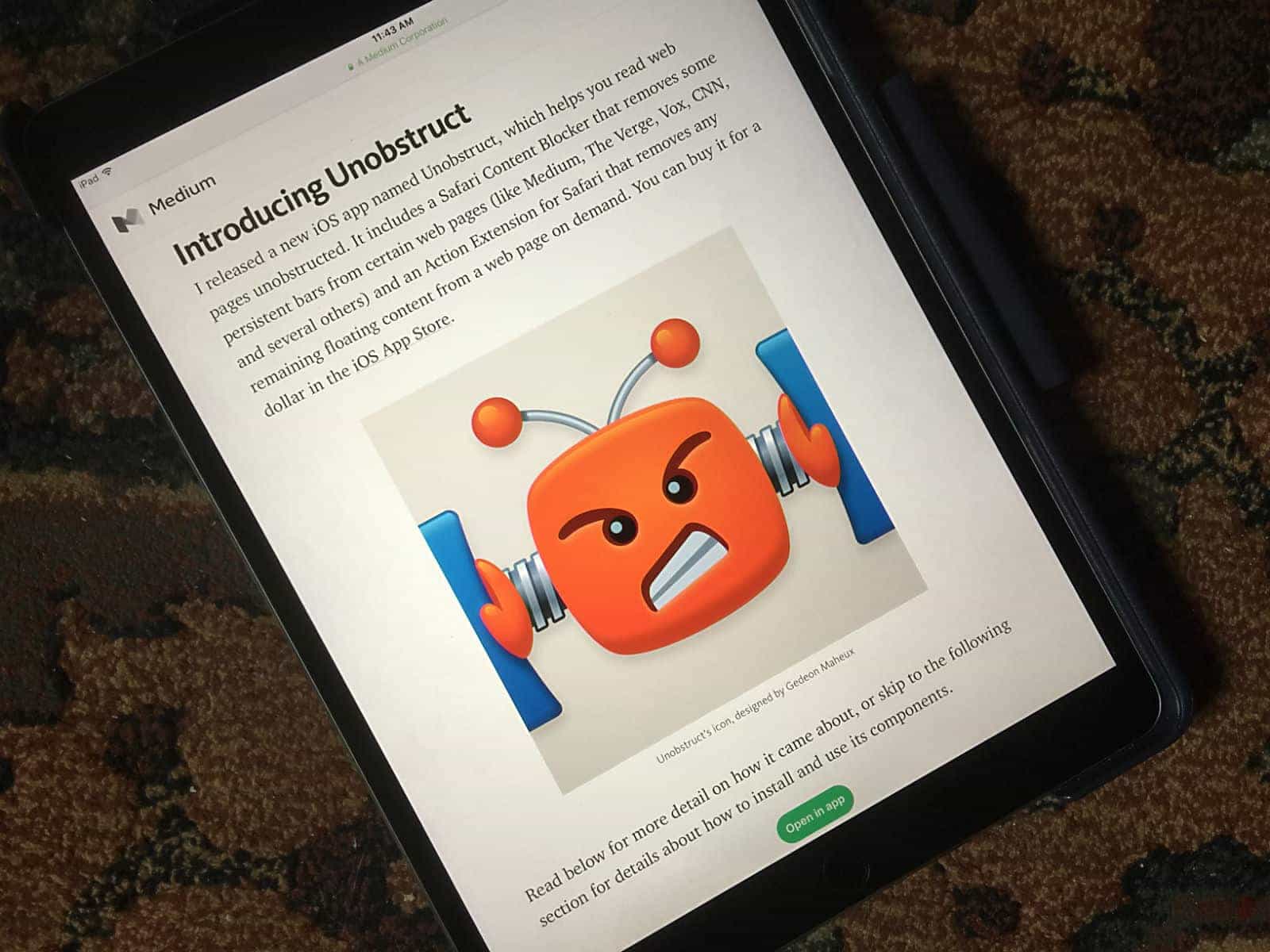
Unobstruct content blocker

Photo: Lewis Wallace/Cult of Mac

Sick of those annoying bars that follow you around certain websites, urging you to share a story on Facebook? A new iOS app called Unobstruct lets you banish those “dickbars” forever.

The creator of the $1 app says he hopes it sends a clear message to web designers: Nobody wants these weapons of messy distraction.

How to use the Universal Clipboard on iOS

By

Use Apple's Universal Clipboard to copy anything from one iOS device to another, or to a Mac.
Universal Clipboard lets you copy something on one Apple device, then paste it on another.
Photo: Charlie Sorrel/Cult of Mac

Since last fall, your Mac and your iOS devices have shared a Universal Clipboard. That is, you can copy on one device and paste on another. It’s seamless, and incredibly useful. For instance, you could copy a shipment tracking number in Mail on your Mac, then paste it into the tracking app on your iPhone. Or you could take a screenshot on your iPhone, then paste it into a blog post you’re writing on your iPad.

Universal Clipboard is so easy to use, you might have used it already without even realizing. Here’s how it works.

5 tips to fix an unresponsive iPhone screen

By

5 tips to fix an unresponsive iPhone screen
Is your iPhone screen acting up? Here's how to fix it.
Photo: Ste Smith/Cult of Mac

If you’ve been having problems with your iPhone or iPad screen not acting quite as responsive as usual, don’t panic: You can try out plenty of quick and easy tricks before heading to your closest Genius Bar.

Get five tips for fixing an unresponsive iPhone screen in our how-to video:

Treat yourself to a better weather app

By

Today Weather Smaller
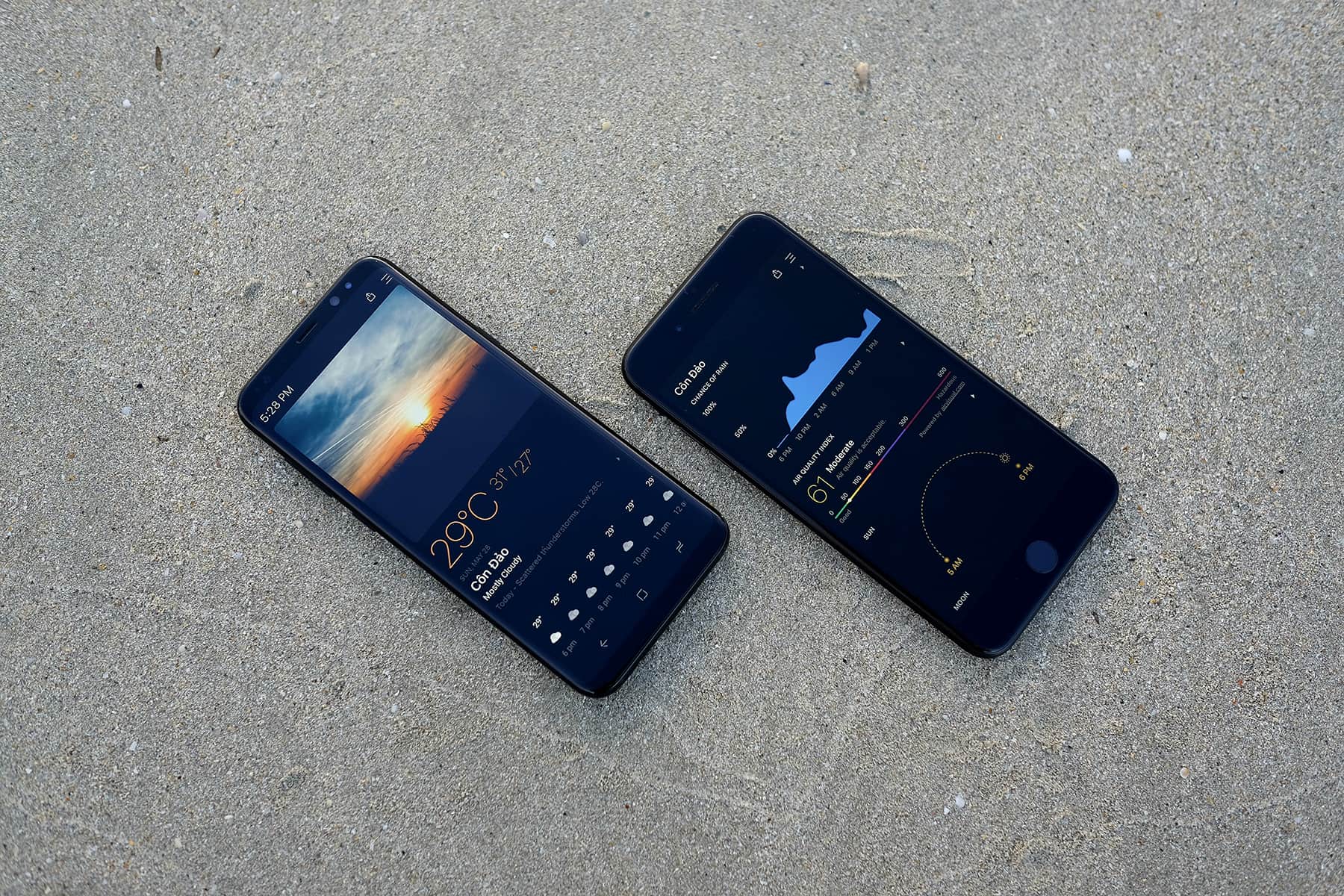
Today Weather presents some smart new features in a slick design, and we dig the result.
Photo: Today Weather

This post is presented by Today Weather.

Your weather app is probably the last thing you daydream about upgrading. After all, iOS comes with a pretty straightforward, reliable weather app. But when we tried free alternative Today Weather, we found some interesting features we didn’t even know we wanted.

Tips to help you relive your great vacation [Tech Travel Tips]

By

Vacation photo
You vacation photos are useless if you forget about them.
Photo: Charlie Sorrel/Cult of Mac

tech travel tips It used to be that when you got back from vacation, you’d drop your film off at the lab and cross your fingers. You hoped you’d get some half-decent photos back a week later, while memories of that cool restaurant you liked faded with your tan.

Now we share our photos with friends and family while we’re still on the beach, then forget about them. But we can, and probably should, make a little effort to preserve our vacation memories. And — you guessed it — there are apps for that.

Great travel apps to make your trip easy and fun [Tech Travel Tips]

By

Rome vacation travel apps
Travel isn't all about visiting amazing places. Sometimes it's about using apps on your phone, too.
Photo: Charlie Sorrel/Cult of Mac

tech travel tips You already have all the travel gadgets you need for a successful and relaxed trip. Today we’re going to look at travel apps. Specifically, apps that make your trip better and easier, like great city guides.

We’ll also showcase apps that work around limitations you face while traveling, like a lack of bandwidth. Let’s get started!

Nebo handwriting app is like paper, only better

By

nebo
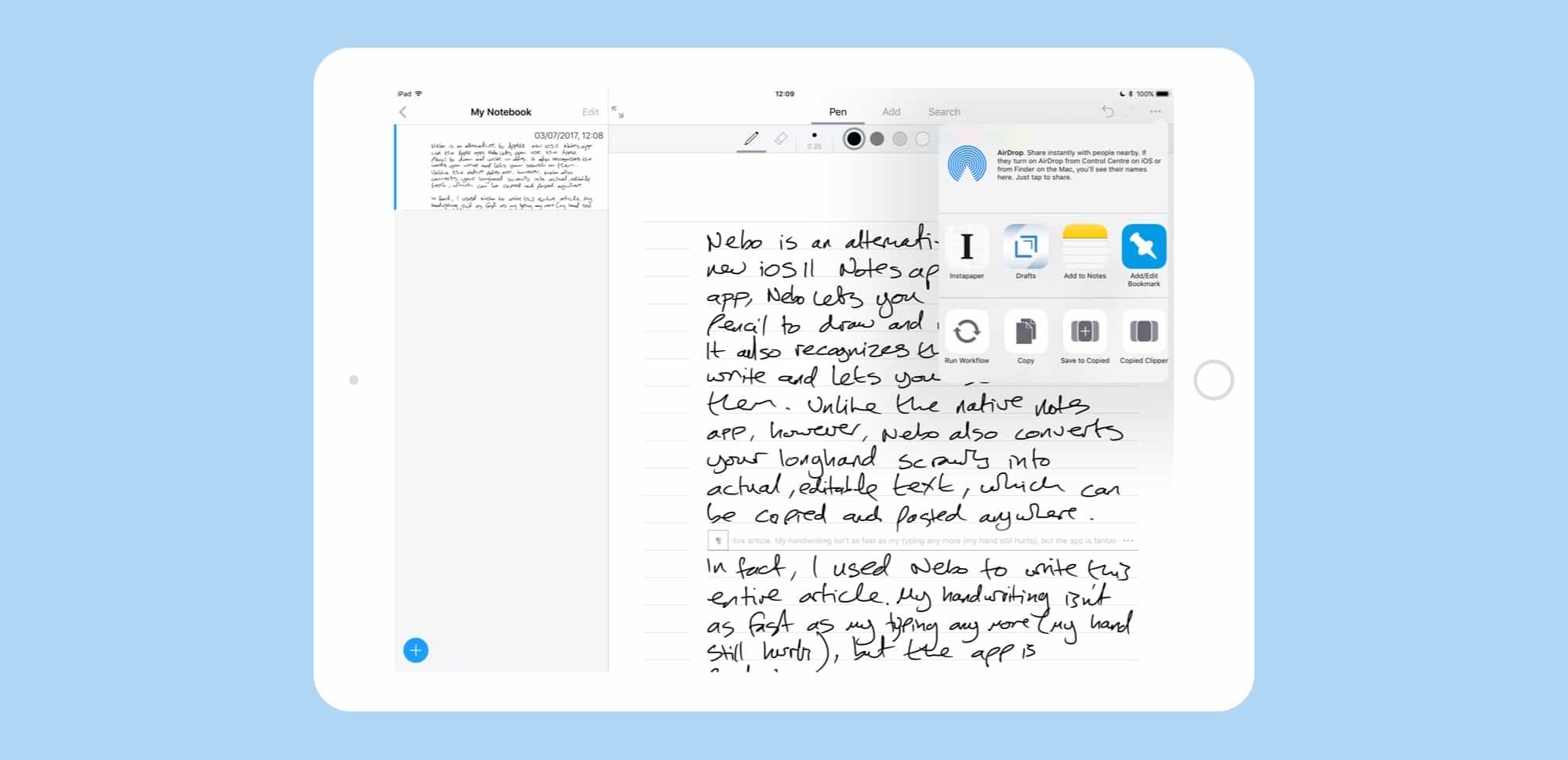
Nebo is the best Notes app and not in beta. And maybe even then.
Photo: Cult of Mac

Nebo is an alternative to Apple’s upcoming iOS 11 Notes app. Like the Apple app, Nebo lets you use the Apple Pencil to draw and write in notes. It also recognizes the words you write and lets you search on those terms. Unlike the native Notes app, however, Nebo also converts your longhand scrawls into actual, editable text, which can be copied and pasted anywhere.

In fact, I used Nebo to write this entire article. My handwriting isn’t as fast as my typing any more (my hand still hurts), but the app is fantastic.

Get a grip on your iOS devices’ data [Deals]

By

CoM - iMazing 2
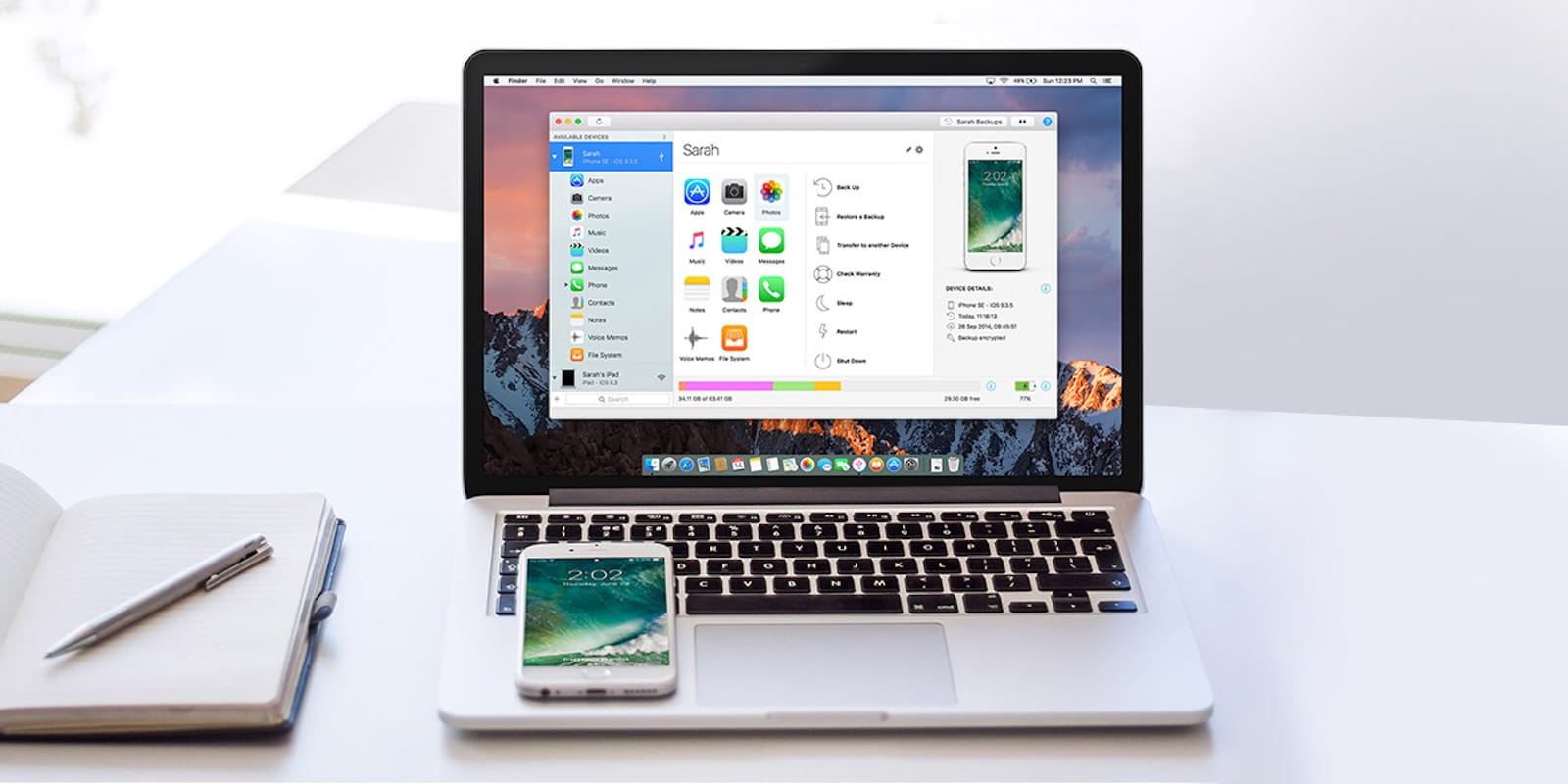
Whether you're looking to backup your iPhone or just get more control of its data, iMazing is the software for you.
Photo: Cult of Mac Deals

iPhones and iPads are totally convenient, until you need to move data on or off of them. As soon as you start struggling with the sync settings in iTunes, the “magic” drains from these devices fast.

With iMazing, an all-purpose iOS management app, you can wrangle your mobile data easily and intuitively. Browse and manage your backups, extract and print your text messages, drag and drop songs to your device and more — all without jailbreaking. Right now, you can get a lifetime license to iMazing 2 for just $24.99 at Cult of Mac Deals.

Learn like a brainiac with this note-busting app [Deals]

By

CoM - MarginNote Pro for Mac
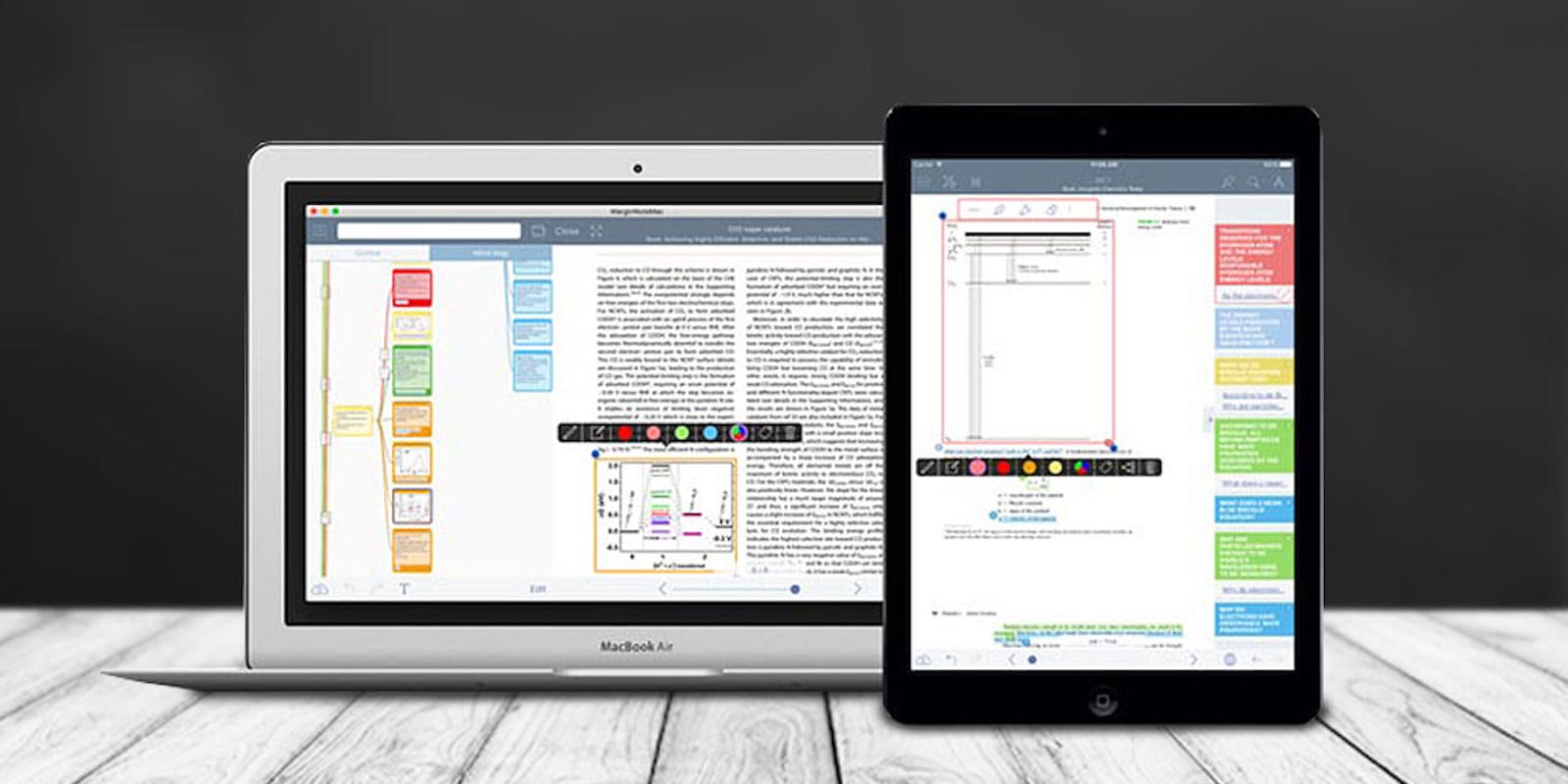
MarginNote lets you visualize and interact with your notes like never before.
Photo: Cult of Mac Deals

Our devices are just as powerful as tools of distraction as they are for productivity. One way to return your devices to helpful status is to stuff them with apps like MarginNotes, a handy mind-mapping app that comes with a suite of tools that make it easier to organize and retain information while reading or studying.

It’s amazing the insights that emerge when you can see your thoughts and information laid out visually and interactively. MarginNotes is ideal for students, teachers, researchers, lawyers or anybody curious — no wonder it was named a Top 10 iOS app for 2016 by AppSo, and got 4 out of 5 stars from App Review Central. And right now you can get MarginNotes Pro for just $24.99 at Cult of Mac Deals.

How to watch the NFL draft on Apple devices

By

How to watch NFL draft 2017
Here's how to stream the NFL draft on all your Apple gear.
Photo: Skitterphoto/Pexels CC

By Chris Brantner, guest blogger

It may feel like forever until the beginning of football season, but the NFL draft is here to offer us all a brief glimpse into the excitement to come. The draft, which runs Thursday through Saturday, is an opportunity to dive into the NFL early and get an idea about the futures of certain teams.

You can keep up with all the picks whether you’re on your iPad, iPhone, Mac or Apple TV. There’s truly no reason to miss out!

6 iPhone apps every stoner needs on 4/20

By

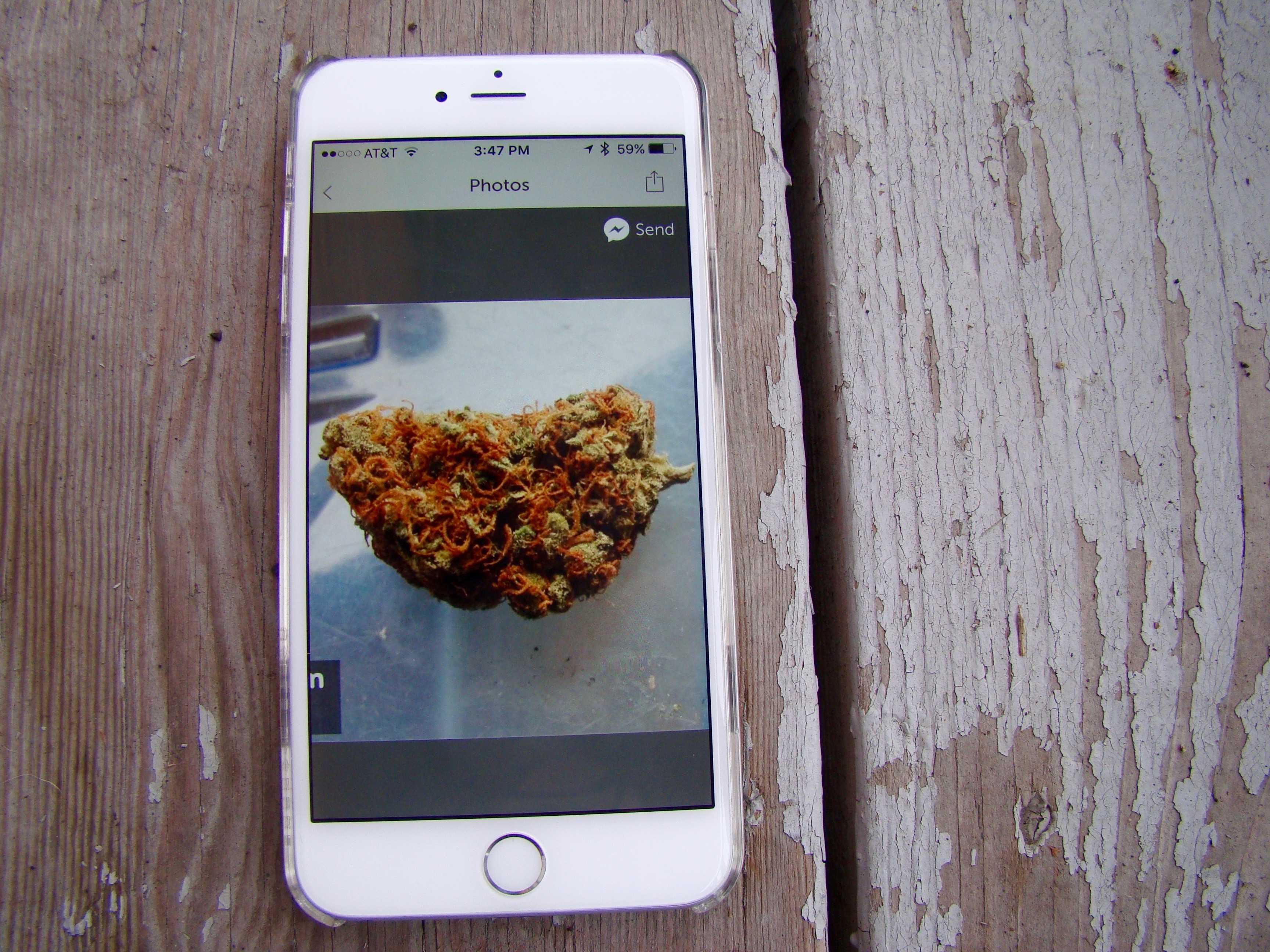
Now that marijuana is  legal in many spots around the U.S., pot apps abound.
Now that marijuana is legal in many spots around the U.S., pot apps abound.
Photo: Rob LeFebvre/Cult of Mac

Happy weed day!

Cannabis lovers across the U.S. are busy ditching work to spend some quality time with their bongs today in honor of the number all potheads hold dear: 420.

Buying marijuana has never been easier, thanks to the 2016 elections: Six new states approved measures for recreational or medical marijuana use. Getting into the weed scene is super-easy, too, thanks to a batch of quality apps that help stoners find weed, grow weed and meet other people who love weed.

Grab these pot apps for a great 4/20.

How to watch the NBA playoffs on Apple devices

By

How to watch NBA playoffs 2017
Ready to catch some hoops?
Photo: Brady Frieden/Unsplash CC

By Chris Brantner, guest blogger

The NBA playoffs are upon us again! At this point, it could be anyone’s championship, which makes watching all the more interesting. Who will rise to compete in the final games, and who looks likely to fall?

If you plan to watch the NBA playoffs on your Apple device, you’re in luck. Whether you’re using your Mac or your iPhone, there are several options for both cable users and cord cutters.

ViewFind is a platform and bright future for photojournalism

By

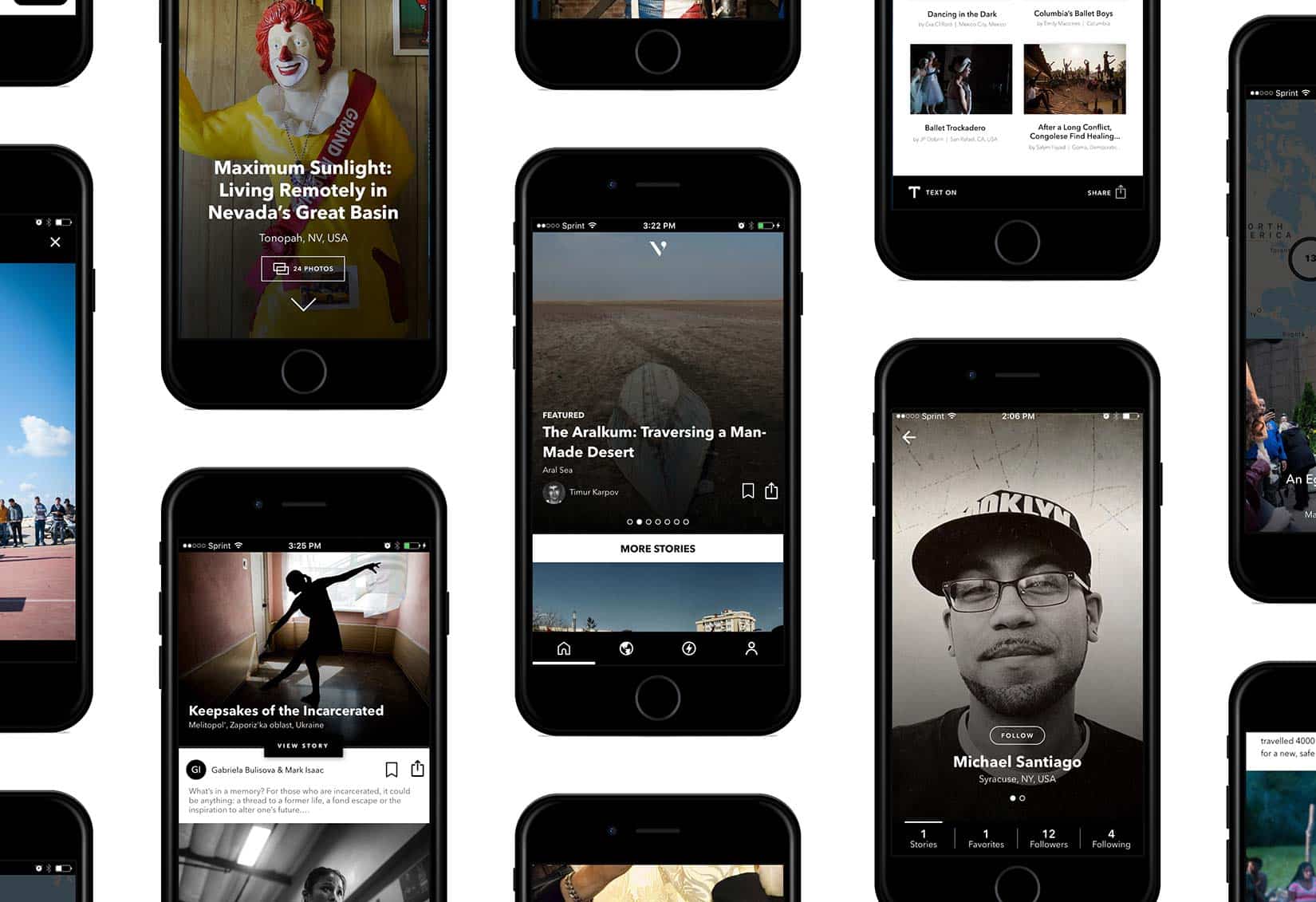
Viewing beautiful photo stories on mobile never looked so good.
Photo: ViewFind

That last few years have seen plenty of grief-stricken editors and photographers deliver eulogies about the craft of photojournalism. Others hang on hoping for changes in an industry that has seen massive layoffs and reduced pay for freelancers.

The team behind a startup platform called ViewFind, not only understands the pain of an entire industry, it’s trying to cancel the funeral.

How to watch March Madness games on your iPhone, iPad and Apple TV

By

How to watch March Madness on iPhone, iPad, Mac or Apple TV.
Here's how to watch March Madness games on iPhone, iPad or Apple TV.
Photo: Amir Fazlic/Unsplash CC

By Chris Brantner, guest blogger

March Madness is upon us. For the next month, college basketball will take over the sports world, and fans can catch all the action on their Apple devices. Whether you’re a cable subscriber or a cord cutter, here’s how to watch March Madness games on iPhone, iPad and Apple TV.

Week’s best Apple deals: Get the lowest price ever on this refurb MacBook Air

By

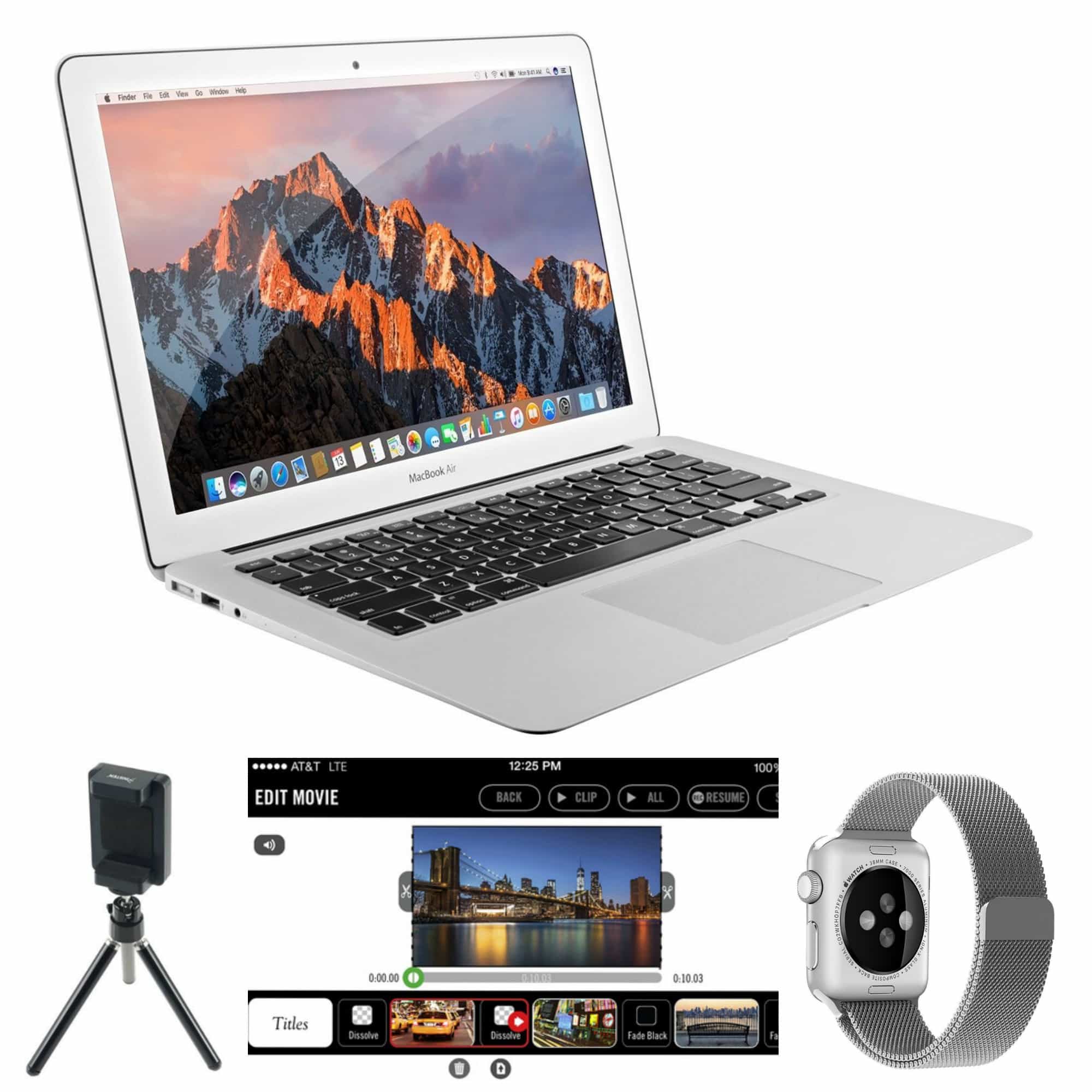
A great deal on a MacBook Air is just the start of this week's Apple deals.
Images: Apple, eForCity, i4software, Penom

With new iPads (and new iPad price cuts) on the horizon, you should definitely hold off on buying an Apple tablet for a few weeks. But that leaves plenty of Apple deals: Check out a super-cheap refurbished MacBook Air and several great tech accessories in this week’s roundup.

infltr is short for infinite filters for your iPhone photos

By

infltr might be the only photo editing app with more than 7 million filters.
Photo: infltr

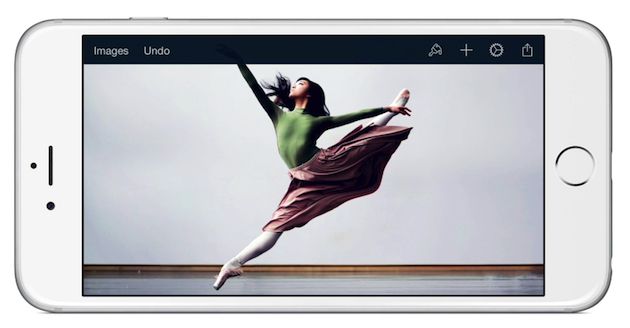
Don’t expect to find preset filters with clever names when you download the photo editing app infltr. In fact, there is little to guide you in the styling of your photos with this app.

Just let go of what you’ve come to expect from an editing app and touch the picture. A circle appears, changing colors as it transforms the hue in your picture while you move your finger across the image. You may not know where you’re going, but eventually, the picture takes on a look to behold.

New Panols app lets you share panoramic shots on Instagram

By

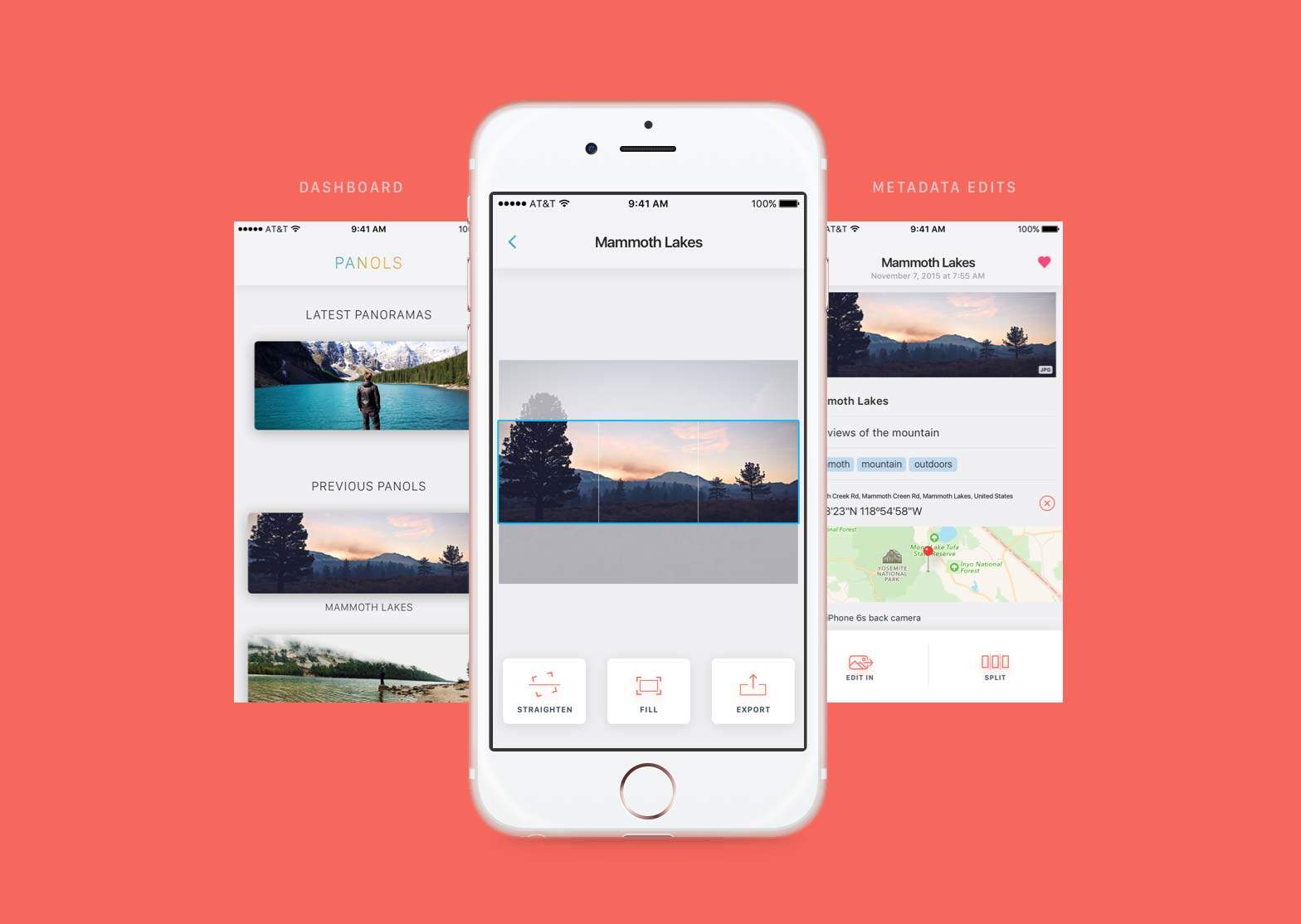
Panols makes Instagram a place where panoramic pictures can stretch.
Photo: Panols

Instagram got the hint from users that they had grown tired of just squares and now allows mobile photographers to present horizontal or vertical pictures. But it’s still not a platform for sharing panoramic images.

A developer and frequent traveler, who grew tired of crops to his majestic captures, has created an app to bring sweeping panos to Instagram.

Developers will soon be able to reply to your mean app reviews

By

Apple pays $467k for doing business with blacklisted app developer
You'll soon be able to turn off app review requests.
Photo: Apple

Apple is planning to make big changes to the way iOS and Mac users leave reviews for developers.

With the release of iOS 10.3 beta 1 and macOS 10.12.4 beta 1 this morning, Apple introduced two highly requested features for the developer community: a standardized method to ask for reviews, and a way for developers to reply to individual reviews.

Stay strong in 2017 with CultFit Home Workout, Week 2

By

Kill it with a skillet in Week 2 of our CultFit Home Workout.
Photo: Graham Bower/Cult of Mac

CultFit Home Workout If you got started on your 2017 New Year’s resolution last week with our CultFit Home Workout, we’re here to help you keep up the good work with Week 2. (If you missed it, it’s still not to late to start with Week 1).
All you need is your iPhone, plus your Apple Watch if you have one, and some everyday objects you’ll find around your home or office. No gym membership required. It’s a great way to get started with your fitness journey, and it only takes 10 minutes a day.

Forgetful? This iOS app will jog your memory

By

Dontforget
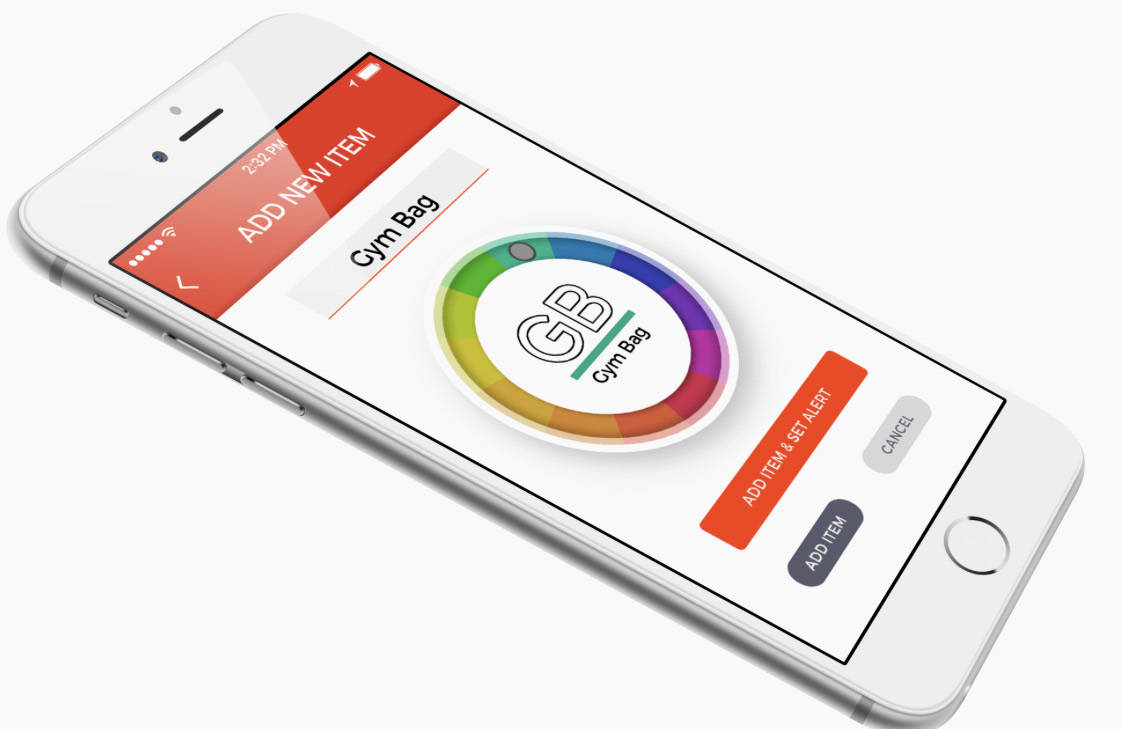
The iOS app that gently asks, "Aren't you forgetting something?"
Photo: Layman Lab

In the old days, a piece of string tied around a finger served as a reminder. You just couldn’t forget what the string was for in the first place.

Today, there’s a better way to use your fingers to remember your keys, passport and other personal items with the iOS app Don’t Leave It! Type items into the app you can’t be without and an alert will go off should a certain distance separate you from that particular item.

10 apps for enhancing iPhone photos

By

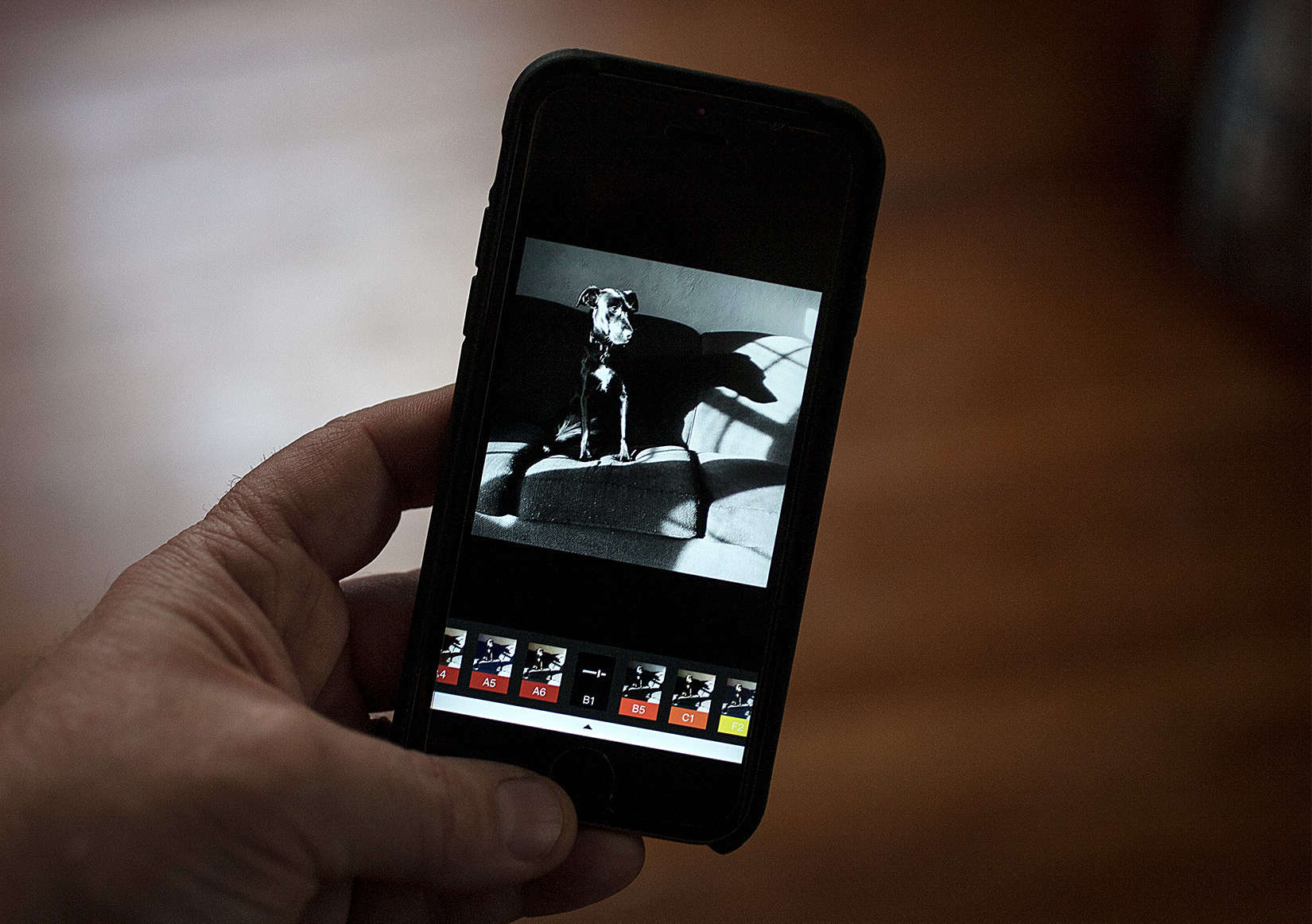
A good photo editing app can add mood and alter colors to clarify your vision of your dog or any of your photos.
Photo: David Pierini/Cult of Mac

One of my favorite observations by a now-forgotten sage explained the difference between writing and photography like this: A bad sentence can be massaged, but nothing helps a bad photo.

So true. However, I’ve experienced for myself how a good photo-editing app can salvage sloppy composition or bad exposure — and even teach you something along the way. So if you resolve to become a better photographer in 2017, you might want to add some tools to put a finer finish on your iPhone photos.

Sharpen your iOS coding chops for next to nothing [Deals]

By

iOS 10 and 9 lesson bundle
Learn to code for iOS 10 and iOS 9 in this comprehensive, massively discounted lesson bundle.
Photo: Cult of Mac Deals

For developers, iOS is as vibrant a platform as ever. There’s plenty of room for new and seasoned developers alike to make their mark, which makes this duo of lessons in iOS 10 and iOS 9 from Mammoth Interactive a valuable resource for coders of any skill level.

It offers nearly 200 hours of top-shelf instruction, and right now you can get the entire iOS coding bundle for just $29 at Cult of Mac Deals.