Mobile menu toggle

iOS apps - page 20

Slash might be iOS’s most powerful keyboard, and it’s free
By

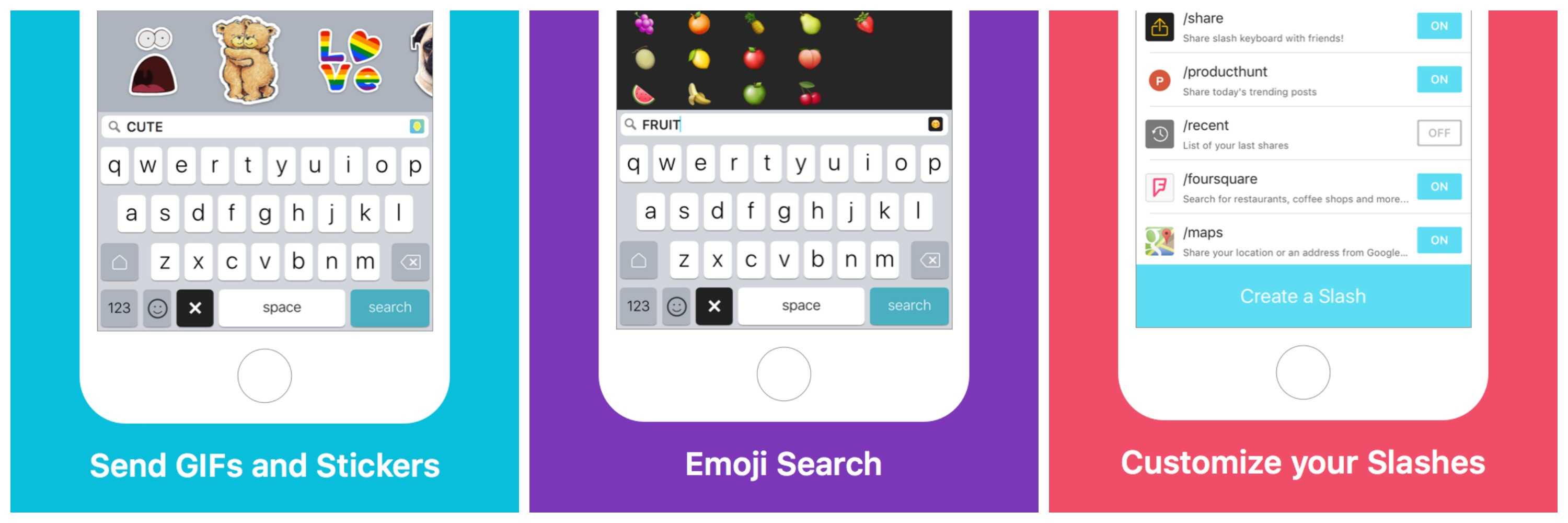
Slash Keyboard makes it easy to add GIFs, emojis and just about anything else to your messages.
Photo: Slash Keyboard
I’m not usually a big fan of third-party iOS keyboards because they’re often clumsy and perform worse than iOS’s default keyboard. But I like Slash Keyboard. It’s fast, it’s accurate, and it allows you to search for and insert nearly anything on the web – GIFs, stickers, YouTube videos, Foursquare locations, you name it — into an email or text message, without once changing screens.

Make light paintings on your iPhone with this amazing app

By

Air Pencil is an amazing app that lets you recording light paintings in the air.
Photo: AdTile

Light paintings are a fun technique, dating back to the 19th century and used by luminaries such as Pablo Picasso, Mark Rothko and Andy Warhol. By waving a light source, like a flashlight, in front of a camera set for a long exposure, you can seemingly create static paintings of light in mid air.

Your iPhone is both a camera and a flashlight, but you usually need two of them to make a light painting. Now a new web app called Air Pencil is set to change that, allowing you to create incredible three-dimensional light paintings, no external camera required.

SnowCast will help you find (or avoid) the powder this winter

By

snowcast-snow-prediction-ios-app - 3
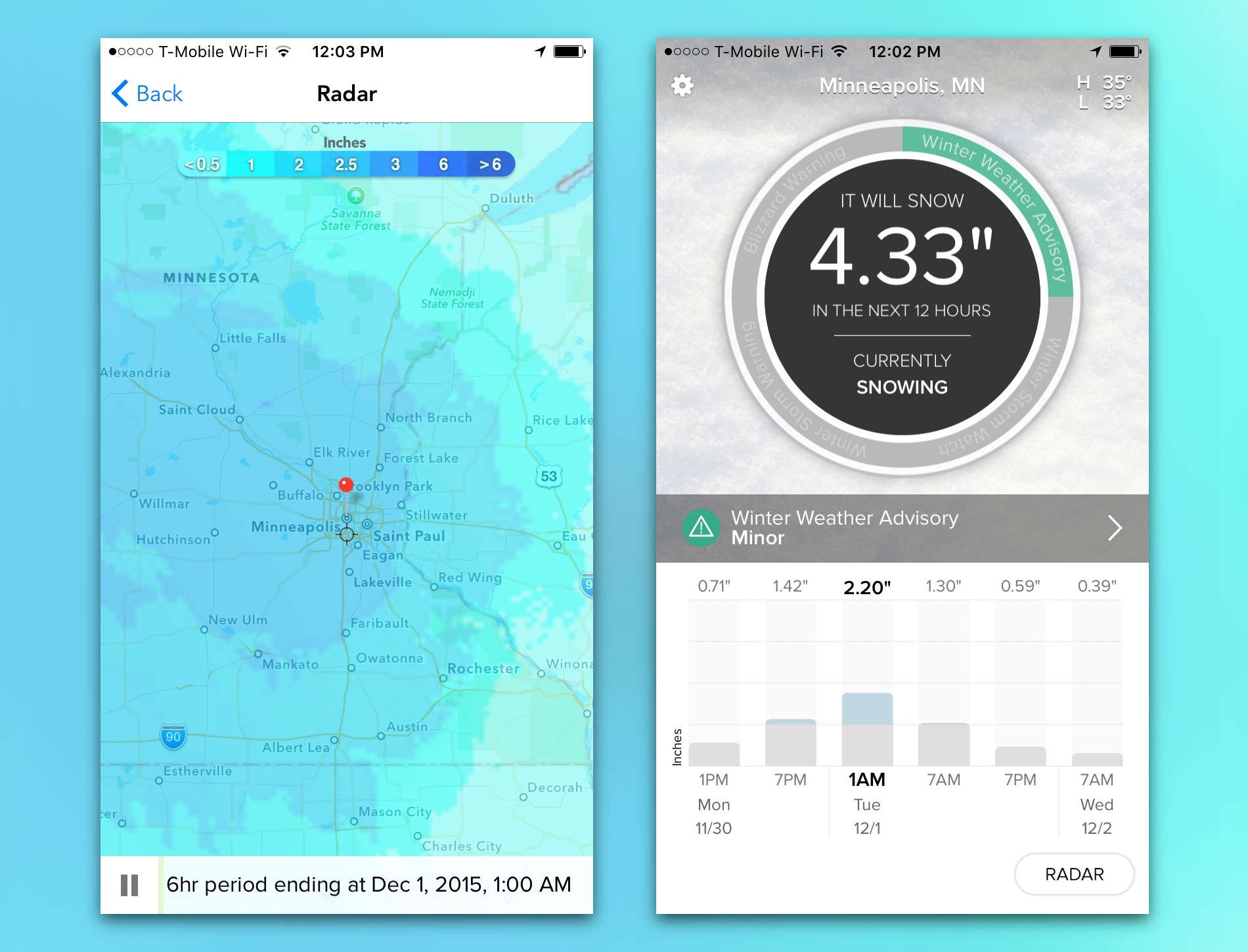
SnowCast warns you if a warm fireplace is in your near future.
Photo: SnowCast

Shake hands with SnowCast. Make some small talk. It’s in your best interest, since this app is very quickly going to become one of your best friends as the winter season rapidly approaches. SnowCast very simply lets you know how much snow you’ll be getting over the next 48 hours at any given time.

Depending on where you are, that snowfall amount could be nothing. If you live in a mountainous area, that could be two feet. Maybe the amount is exactly 6.37 inches. Either way, SnowCast will keep you in the loop so you can decide whether to light the fire or go skiing.

The secret messaging app getting millions of downloads

By

SOMA Messenger is gaining popularity around the world for free and secure communication.
Photo: Instanza Inc.

Harvard classmates Lei Guo and Oliver Hayen created what could have been just another messaging app. They knew they had something unique, as every app development team claims, so they put it in the hands of 2,000 people and hit launch.

Within 30 days, their app SOMA Messenger had 10 million users and has been growing since. They’d love to brag about who is using it, except they can’t because of security measures built into the app that prevents even them from knowing SOMA’s users.

Bing’s redesigned iPhone app focuses on instant answers

By

bing-iphone-app-redesign - 2
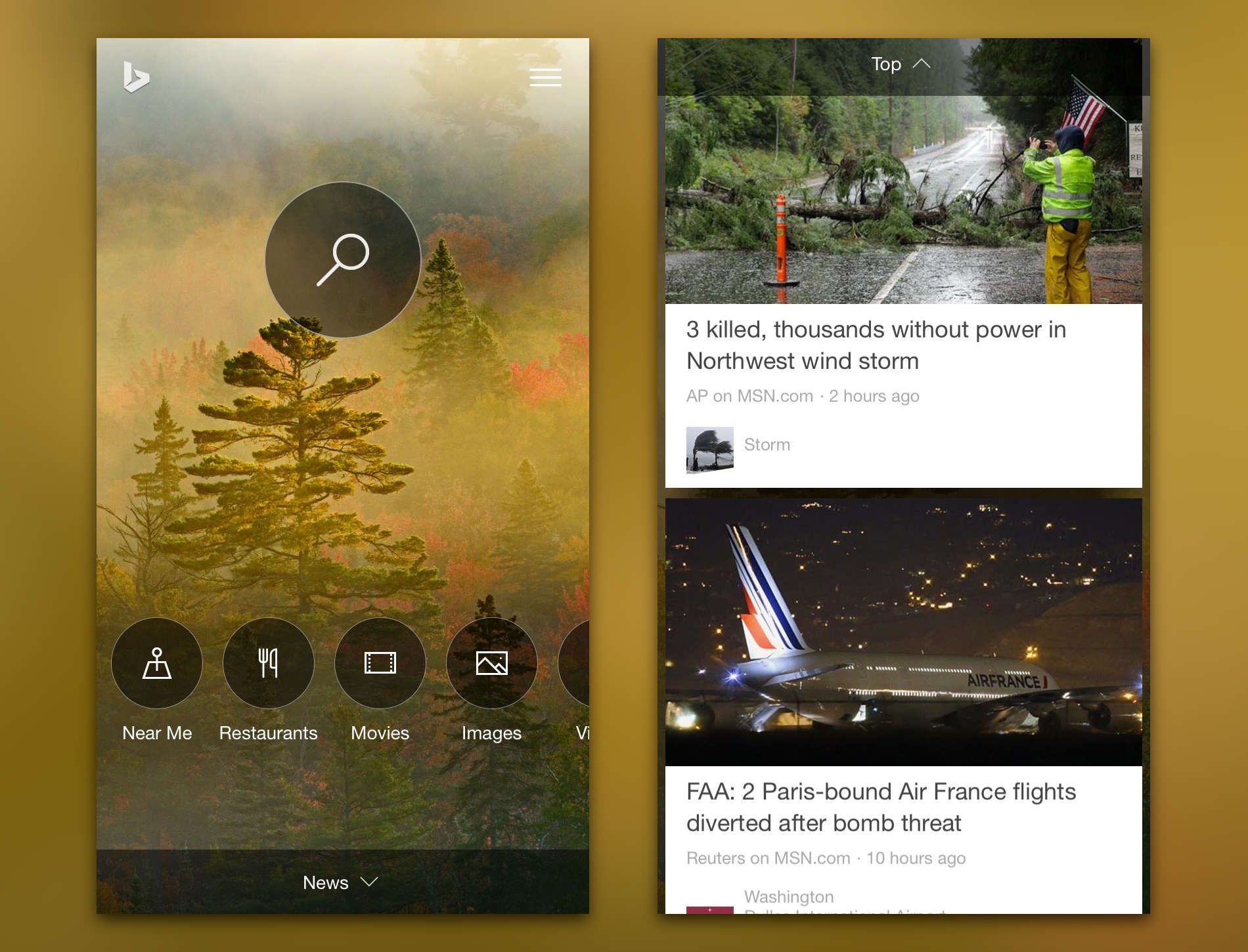
Bing's new app is both pretty and powerful.
Photo: Microsoft

Microsoft released a completely revamped Bing app for iPhone today with a redesigned home page and a much larger emphasis on instant answers to search queries. Finding what you’re looking for now takes much less time.  It’s possible that this release is a stepping stone to the iOS debut of Cortana, Microsoft’s answer to Google Now.

Smart email app Spark coming to iPad and Mac

By

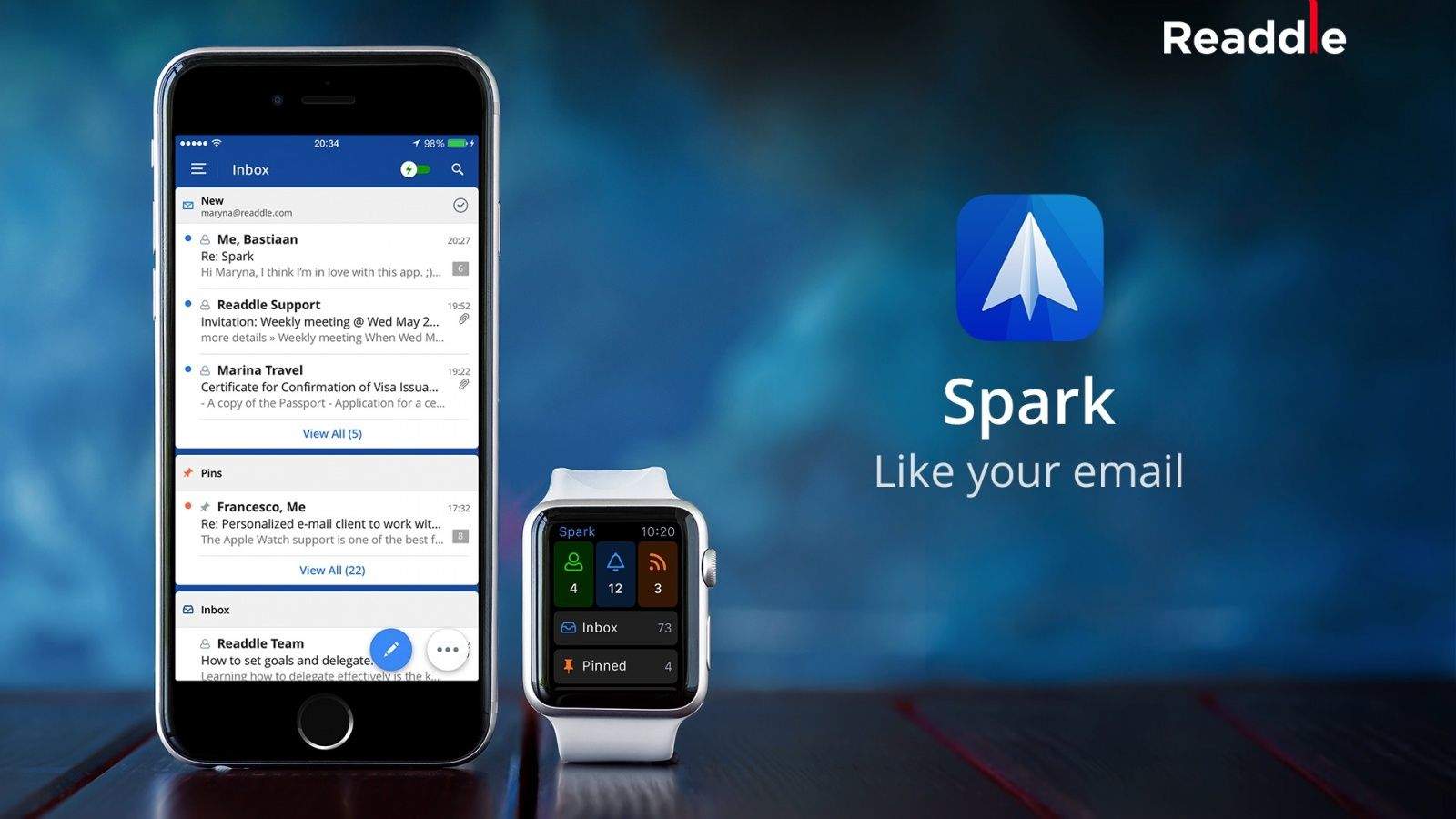
Your Apple Watch is never going to be the device from which you reply to most of your messages, but that doesn’t mean it can’t have its part to play in helping you stay on top of your Inbox.Unlike the functionality of Apple’s own Mail app on the Apple Watch — which lets you only flag messages, mark them as unread, or delete them — Spark allows you reply to messages using quick responses or dictation. The accompanying iOS app is a great email tool in its own right.Download: Spark by Readdle (free)
Hopefully email will start to suck less on more devices.
Photo: Readdle

Readdle’s beloved Spark email app for iPhone and Apple Watch is also coming to the iPad and Mac. A spokesperson for the company confirmed that development is underway for the apps in an email to Cult of Mac. The iPad version will likely make its debut next month in December, while a Mac version is a little further down in the pipeline since it’s only currently in the planning stages.

Your iPhone is the key to this smart padlock

By

The LockSmart has no key or combo. Just be sure to have the proper app on your smartphone before you lock up your things.
Photo: Dog & Bone

Buy a shiny new padlock and hold in your hand something that hasn’t changed much since the Romans used them 500 years before Christ. The ubiquitous lock has a u-shaped shackle that connects to a body containing a mechanism that locks and unlocks with a key or combination wheel.

Keys get lost and combination codes forgotten so the company Dog & Bone put its own stamp on the padlock, or actually, your stamp, by creating a smart lock that is controlled by an app on your smartphone.

App Store search just got much smarter

By

app-store-search
App searches now have a lot more in store for developers.
Photo: Apple

A number of developers have reported noticing a difference in the way the iOS App Store now organizes search results. It appears Apple made changes around November 3 to the search algorithm to improve the relevancy of the results. Developers have identified multiple factors that are contributing to the new App Store search and overall, the changes are garnering positive feedback.

Apple, Google pull InstaAgent app for ‘stealing’ login info

By

Have you seen this app? If it's on your phone, delete immediately.
Photo: Computer World

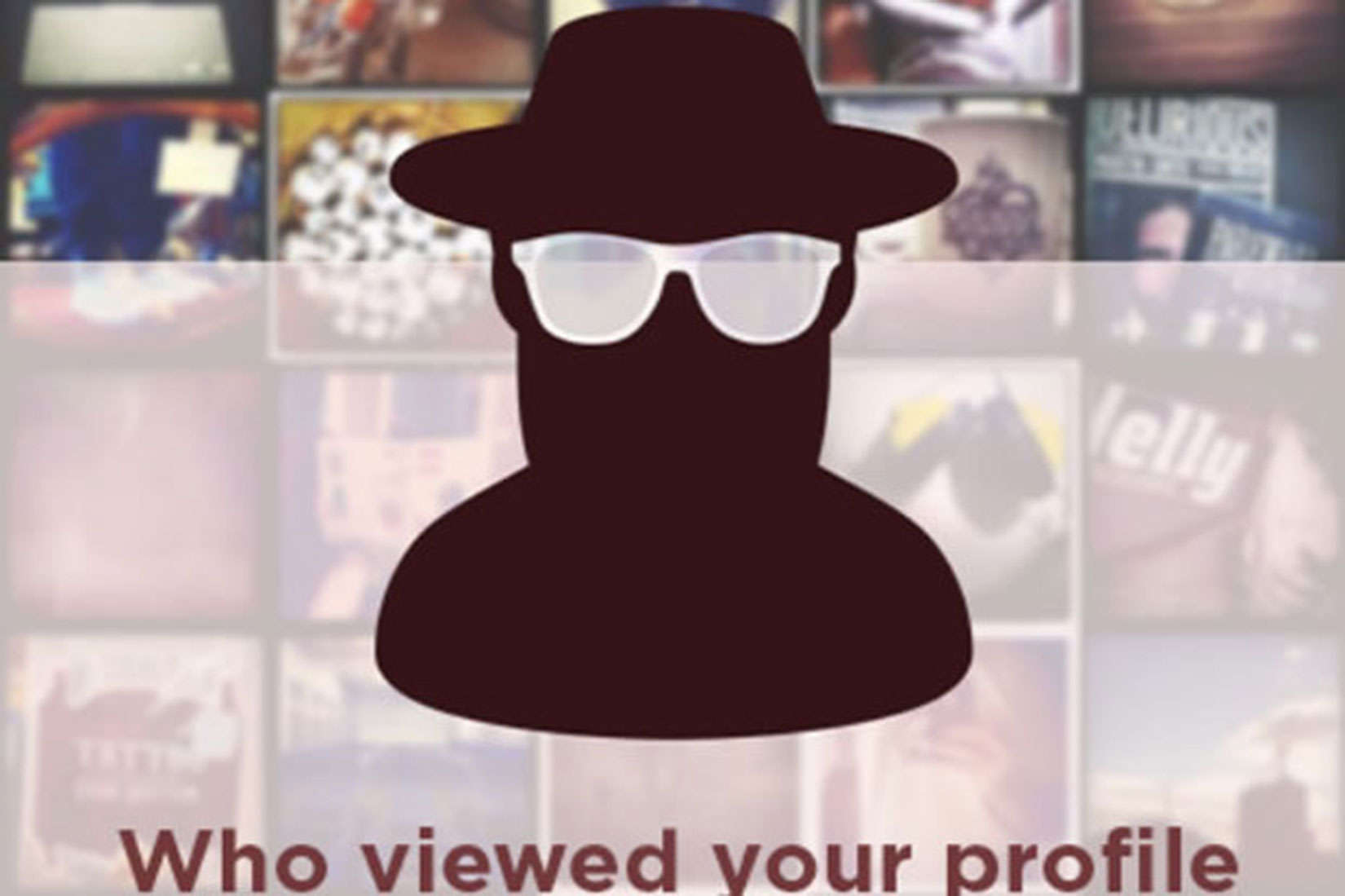
InstaAgent, a third-party app for users to track visitors to their Instagram feeds, was pulled out of app stores by both Apple and Google after an iOS developer discovered the app was stealing people’s logins and passwords.

If you have InstaAgent on your smartphone – and reportedly half a million of you do – delete it immediately.

Let Alloy turn your frequent iPhone tasks into apps

By

alloy-automator-launcher-iphone-app - 6
Alloy streamlines our frequent multi-step tasks into quick automated launchers.
Photo: Alloy

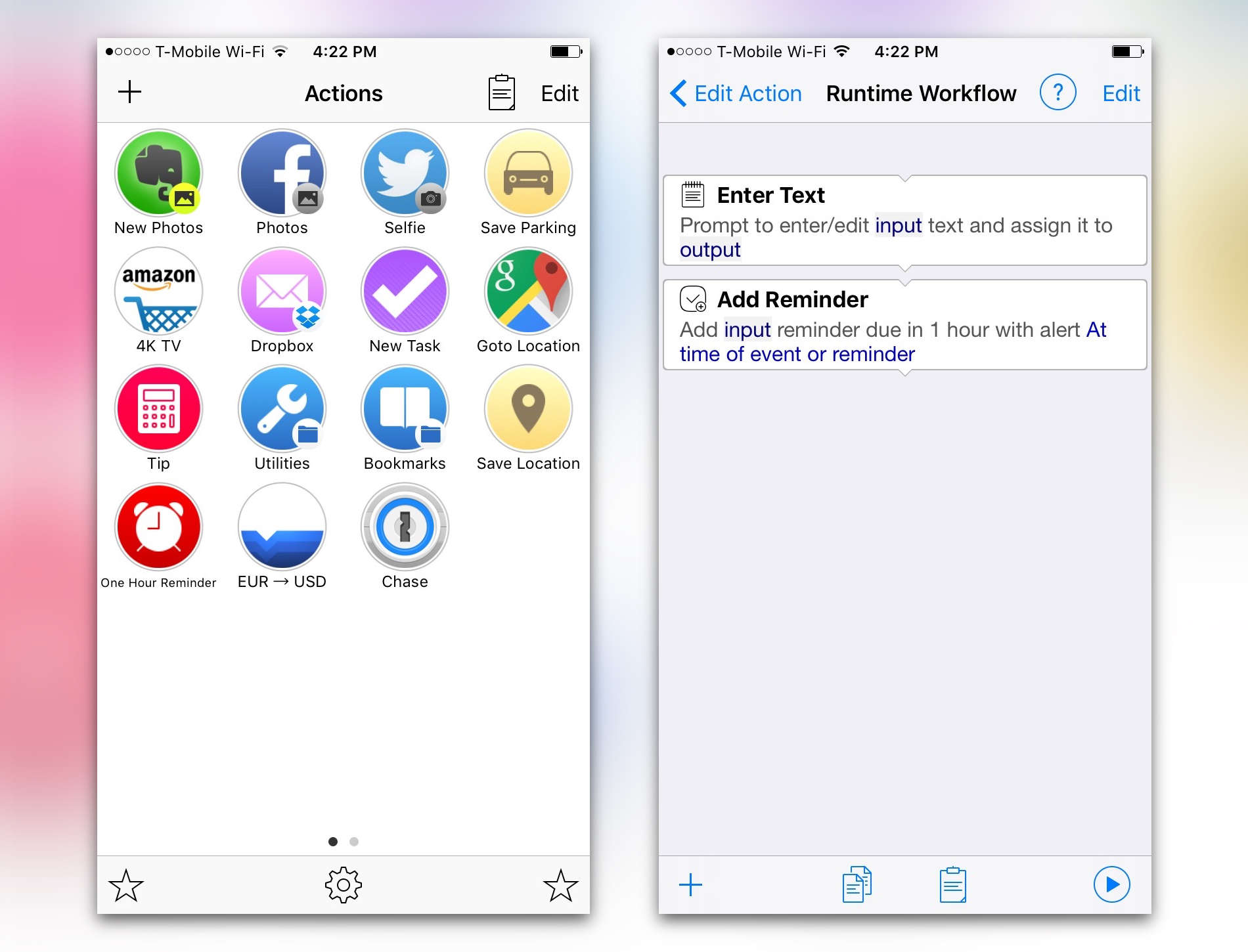
Alloy is the iPhone app that ultimately wants you to spend less time using your iPhone. It lets you create automated tasks and workflows that you can launch with one tap. The automations can upload a selfie to Twitter, convert currency, save your parking location, perform a saved search on Amazon and just about anything else if you’re willing to get creative

The sun sets on Sunrise as Microsoft combines app with Outlook

By

the-sun-sets-on-sunrise-as-microsoft-combines-app-with-outlook-image-cultofandroidcomwp-contentuploads2015102015-05-20-144020-jpg
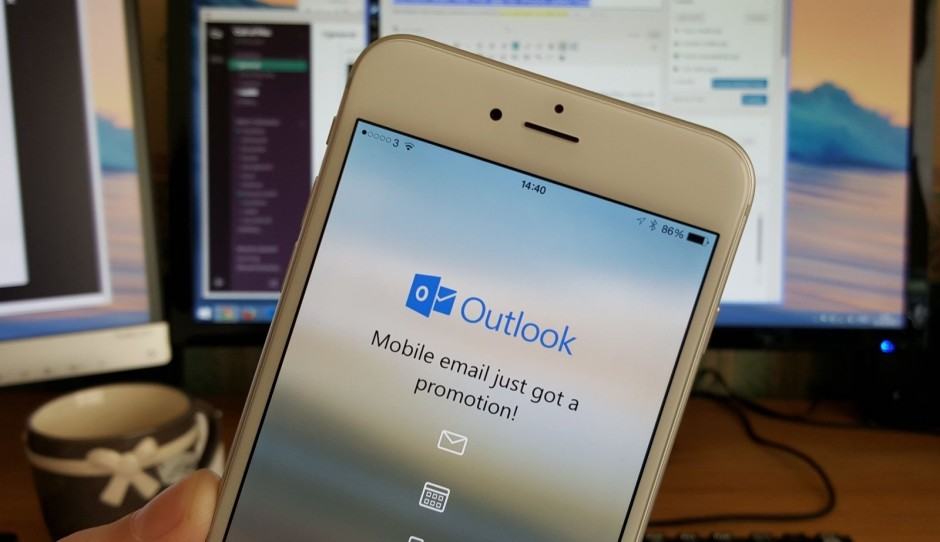
Microsoft has a new outlook on its email and calendar app.
Photo: Killian Bell/Cult of Mac
outlook-mobile-app
Microsoft has a new outlook on its email and calendar app. Photo: Killian Bell/Cult of Android

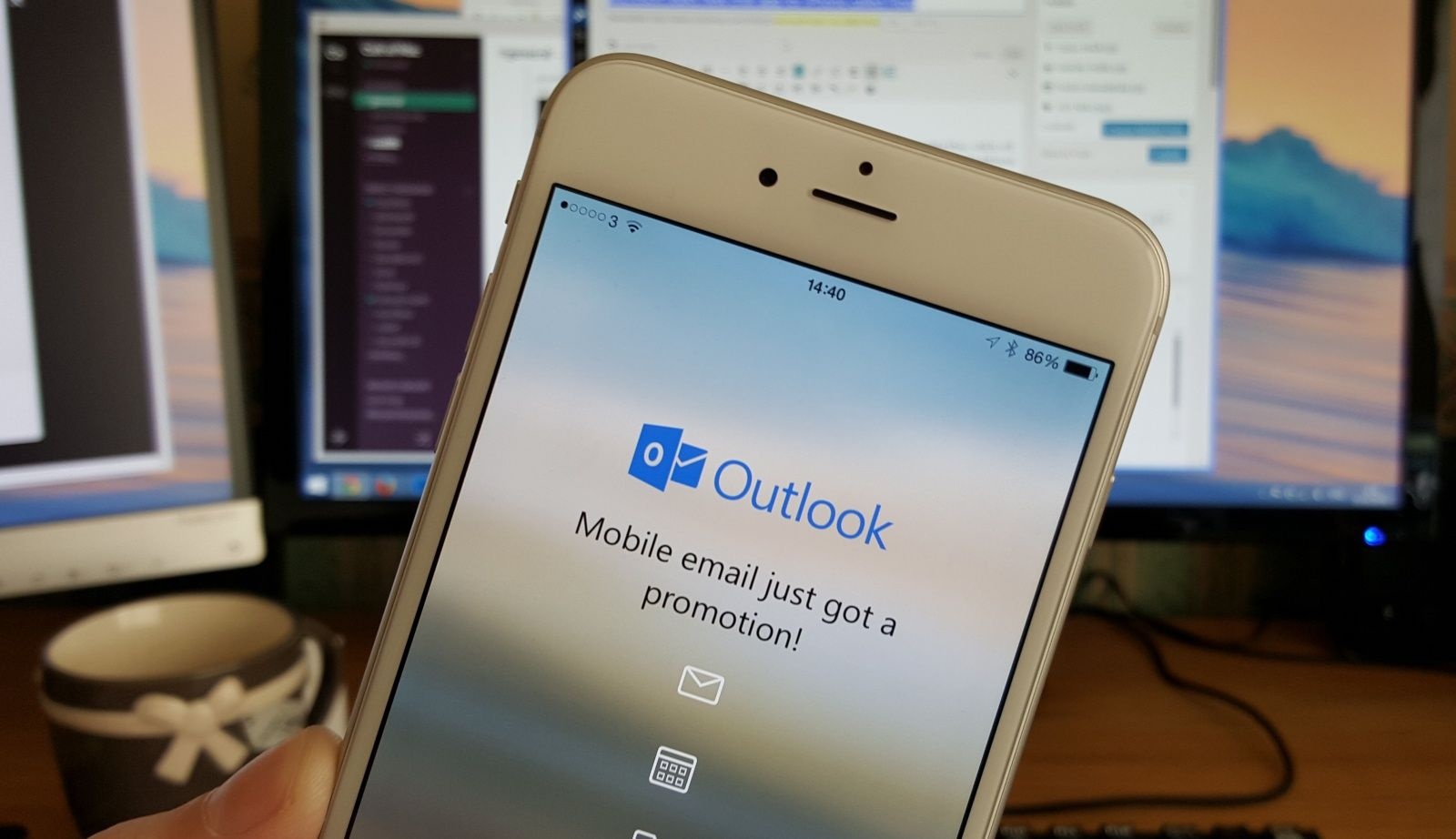
Microsoft is merging two of its most popular mobile apps into one: Outlook email and Sunrise calendar. Outlook has always been a favorite among email users while Sunrise rose to fame for being both free and feature-packed. Combined as one, Microsoft is hoping the move enables users to more seamlessly glide between emailing and calendar tasks.

The result isn’t really a huge departure from what Microsoft currently offers in Outlook, since Outlook already has your calendars built in. Instead, it’s more about refining navigation within the app while additionally bringing in some features from Sunrise.

The biggest change is that the sun is setting on Sunrise. After Microsoft bought the calendar app just this year, the company is already pulling the plug on it.

Snapchat gets a bunch of awesome new video effects

By

Snapchat just took the game to a new level.
Photo: Snapchat

Videos on Snapchat are getting some new special effects today with a big update that adds ‘speed modifiers’ to the app’s toolset on both iOS and Android.

The new speed modifiers are basically video filters that allow snappers to add slo-mo, fast-forward, or rewind effects to a video. If you’re on an iPhone 6s or iPhone 6s Plus the update is even better, bringing 3D Touch support to the app for the first time.

5 more apps that crush it with 3D Touch

By

Social app bumpn will 3D Touch your heart(s).
Photo: bumpn

As developers race to embrace 3D Touch, more and more third-party apps are utilizing iOS 9’s killer feature to make common tasks faster and easier.

Employed properly, 3D Touch’s Quick Actions lists can put many tasks at your fingertips — assuming you’re using an iPhone 6s or 6s Plus, the only models with the hardware to us the new technology. 3D Touch’s new Peek and Pop features also let you preview certain items (Peek), then press deeper if you want to open them (Pop).

With more and more apps adding 3D Touch, developers are clearly hell-bent on creating more stimulating experiences. Here are more third-party apps that are doing big things with 3D Touch.

Unique keyboard app turns your boring messages into music

By

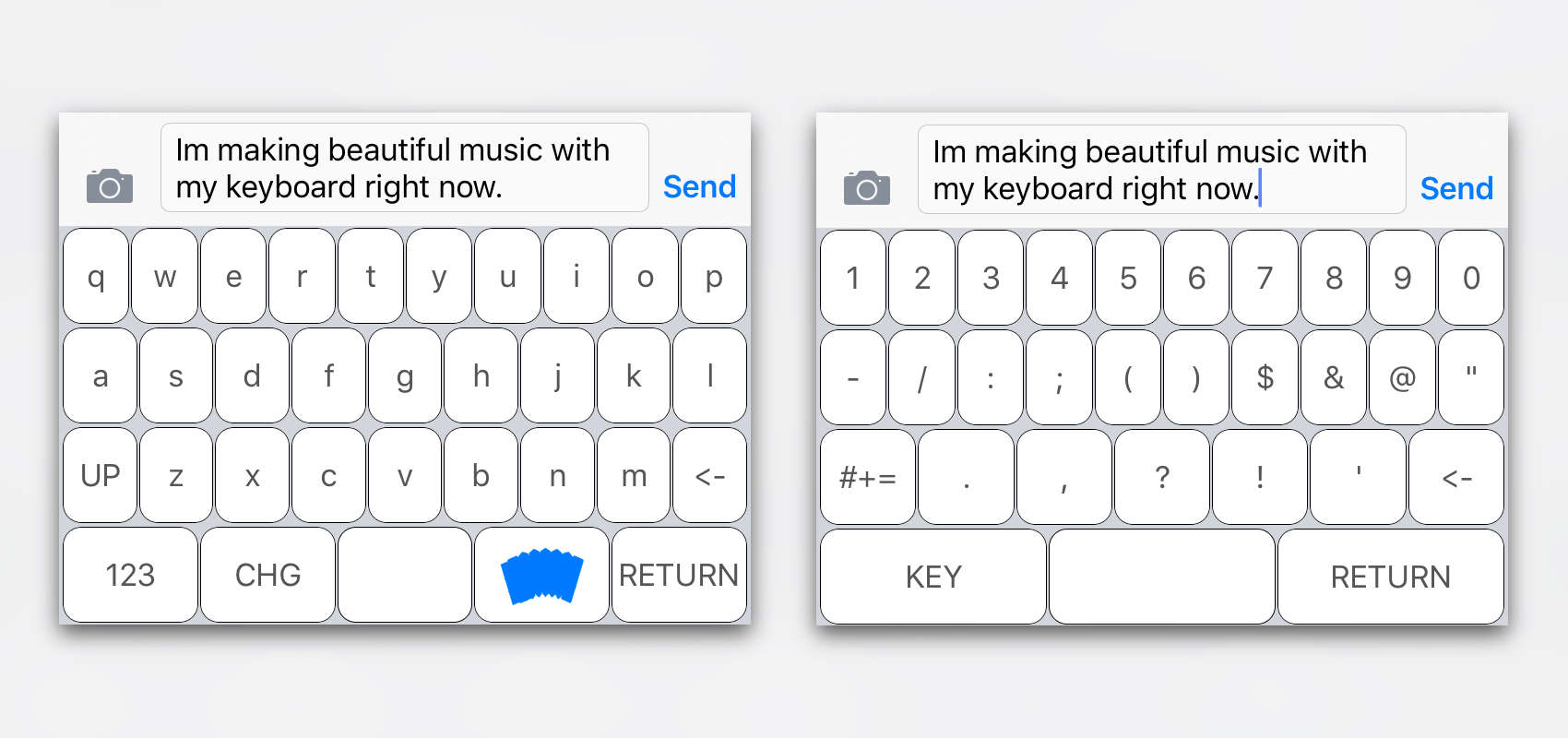
The most melodious way to type.
Typing "LOL" and "WTF" has never been so melodious.
Photo: SoundKey

SoundKey is a clever keyboard app that plays instruments as you type to create melodies from your words.

Developed by two French students who wanted to incorporate music directly into people’s daily use of the iPhone, it’s an unusual twist on the custom iOS keyboards we’ve come to know and love.

The new Apple-infused Beats Pill+ goes on sale

By

beats-pill-plus-apple
Go get your prescription: the Beats Pill+ is out.
Photo: Beats

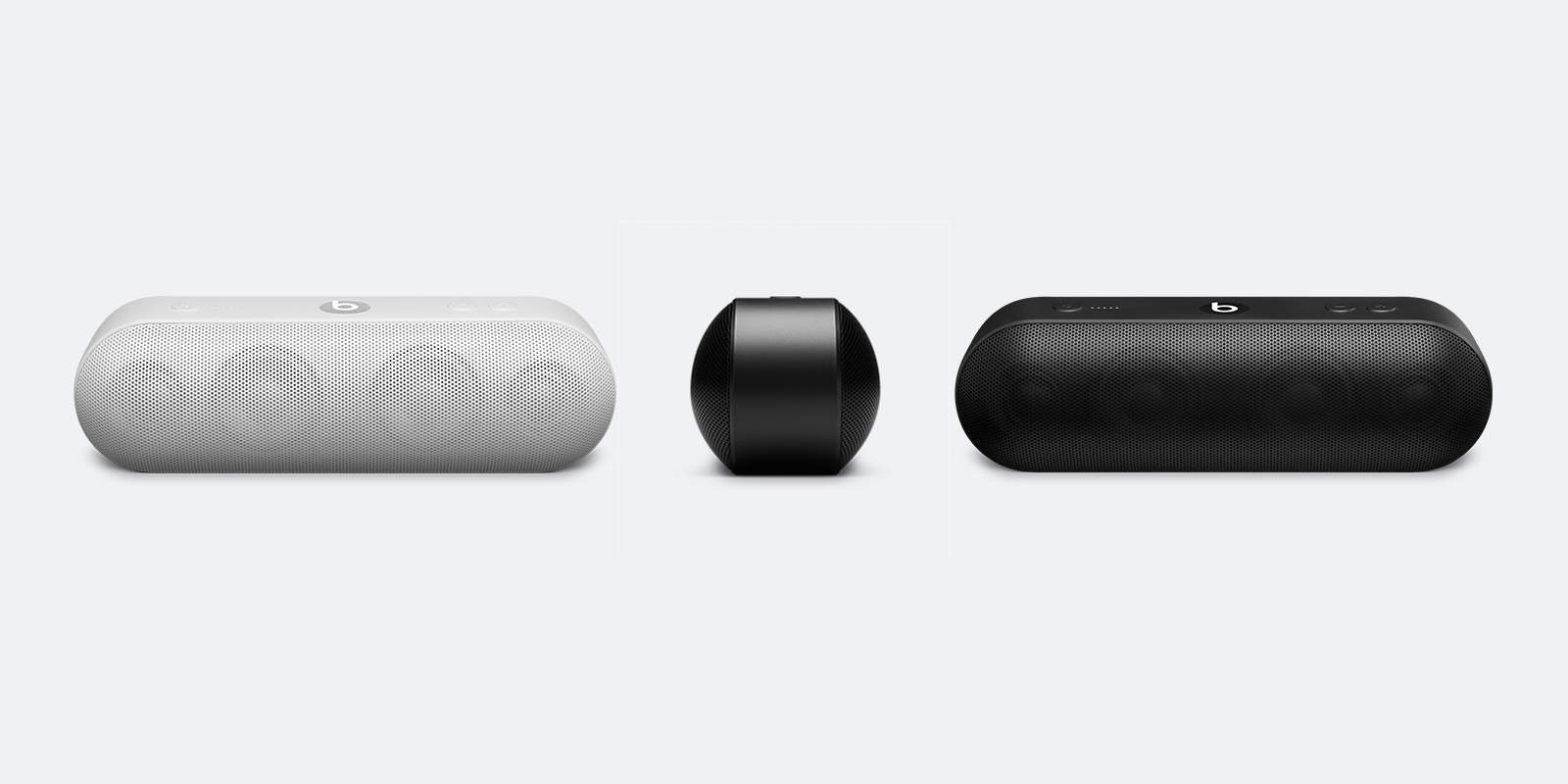
The latest entry to the Beats line of speakers and the first one under Apple’s supervision, the Beats Pill+ is now available. At $229, it’s $30 more expensive than its predecessor, the Beats Pill 2.0, but it has much more to offer. This Bluetooth speaker apparently has improved sound quality, a tweaked design, and unsurprisingly charges via Lightning cable.

Instagram takes on Apple’s Live Photos with Boomerang

By

Boomerang is just like Live Photos.
Photo: Instagram

Instagram’s new app Boomerang lets users create one-second videos of everyday moments, then share them to Instagram, Facebook or Twitter.

The new app is a lot like the new Live Photos feature Apple introduced on the iPhone 6s and 6s Plus. Boomerang takes a burst of five photos, stitches them together into a mini-video, then plays the clip in forward and then reverse — you know, just like a boomerang!

Here’s how it works:

Millennials get opinions they care about in new iOS app

By

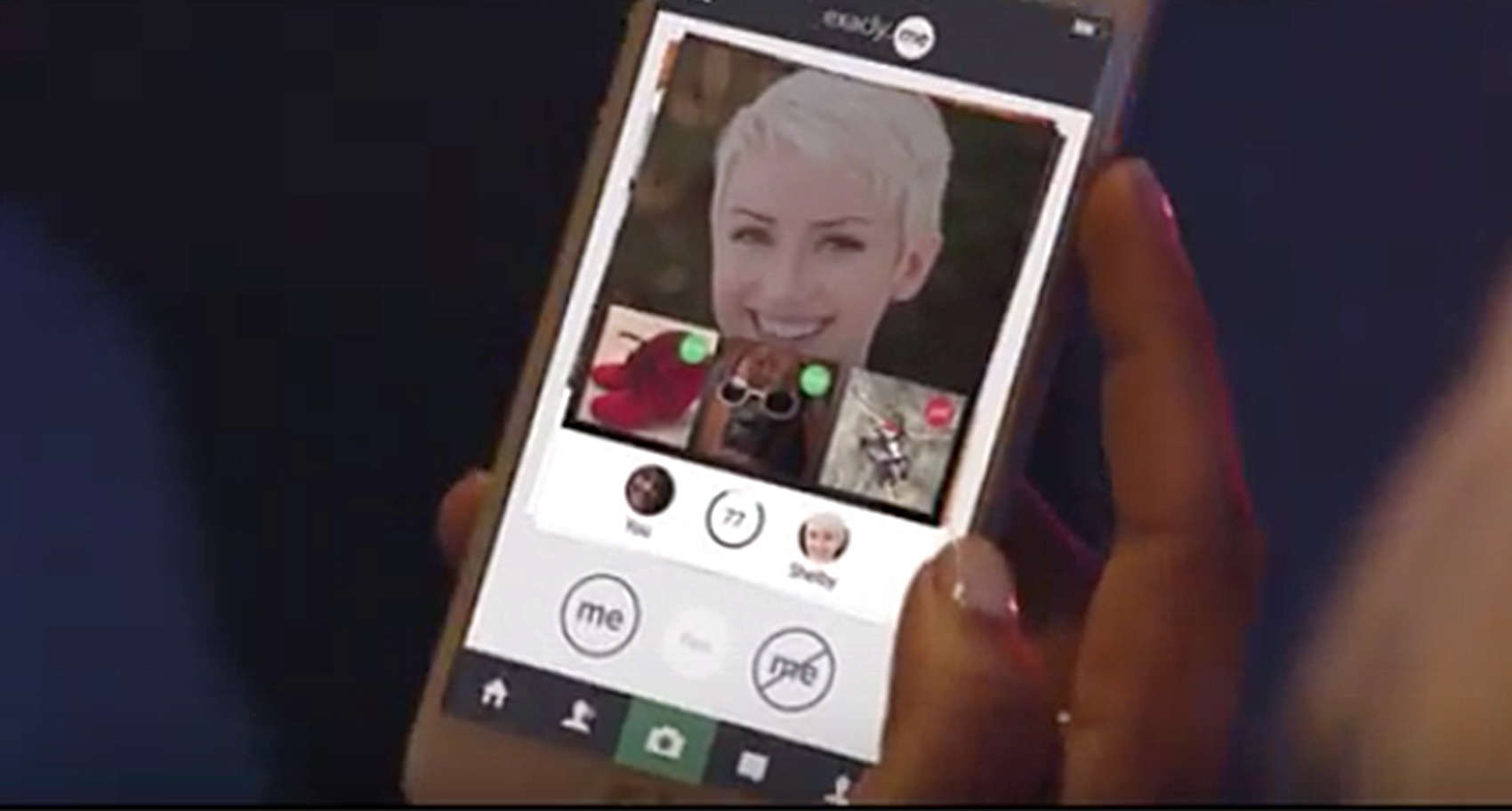
Millennials now have a place to register a range  of opinions with the app exacly.me.
Millennials now have a place to register a range of opinions with the app exacly.me.
Photo: exacly.me

Millennials are a generation of “digital natives” with strong opinions and they’re losing interest in social media that only allows them to register a Like on posts.

The creators of a new social media app called exacly.me believe they can give Millennials a platform for meaningful sharing with the honest self-expression that so defines them. The community of users can rate each other’s content with “Me” or “Not Me.” Gasp at a picture of a friend rock climbing? There’s even an option to say “So Not Me.”

High expectations: Best weed apps for your iPhone

By

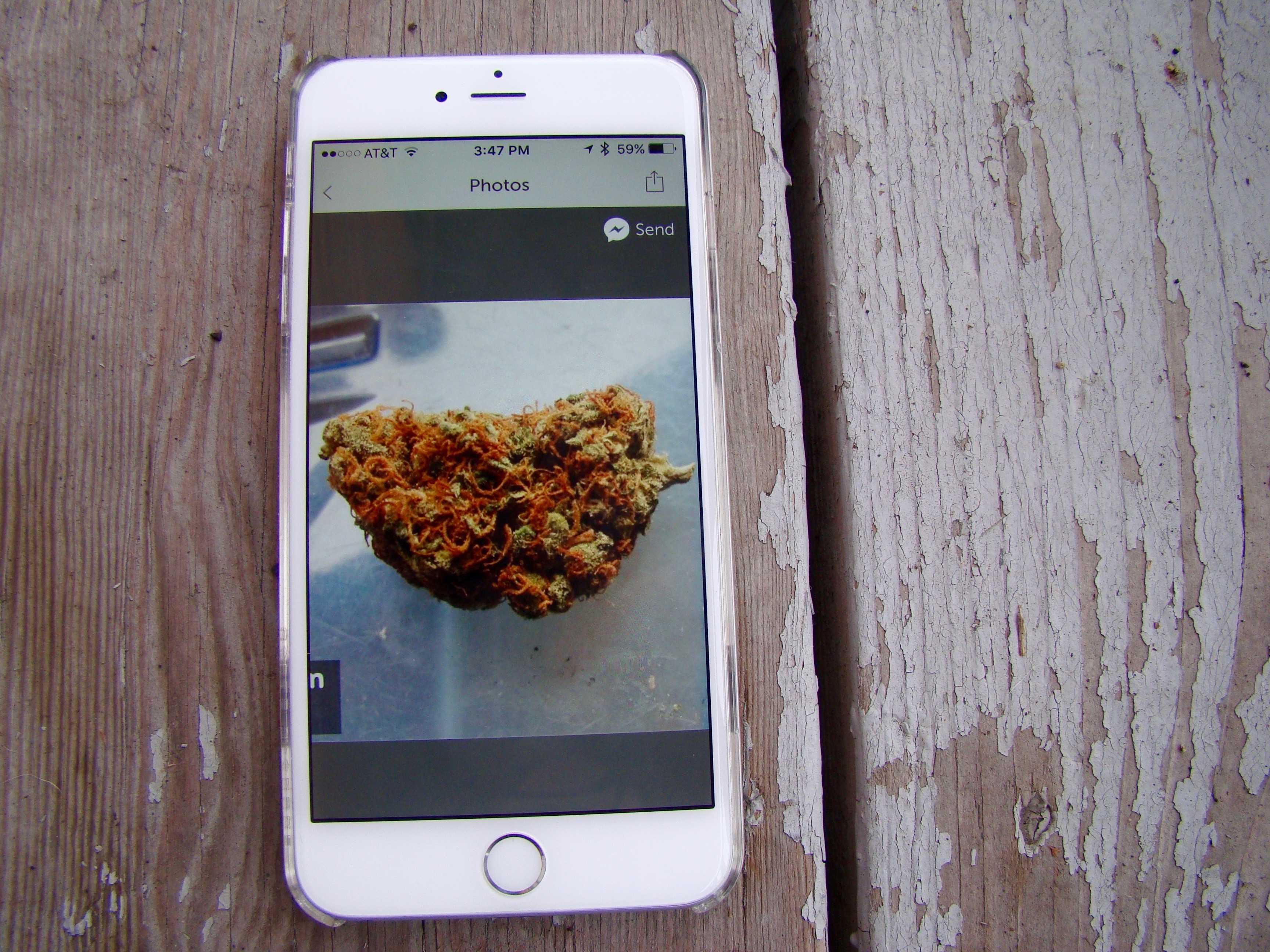
Now that marijuana is  legal in many spots around the U.S., pot apps abound.
Now that marijuana is legal in many spots around the U.S., pot apps abound.
Photo: Rob LeFebvre/Cult of Mac

Where can you buy weed legally? What kind of marijuana is best for you? What are the laws concerning pot use in your neck of the woods? Potent new marijuana apps make it easy to answer all your sticky weed questions.

We’ve harvested the best marijuana apps so you don’t have to pick through the seeds and stems yourself.

How to turn Live Photos into shareable GIFs

By

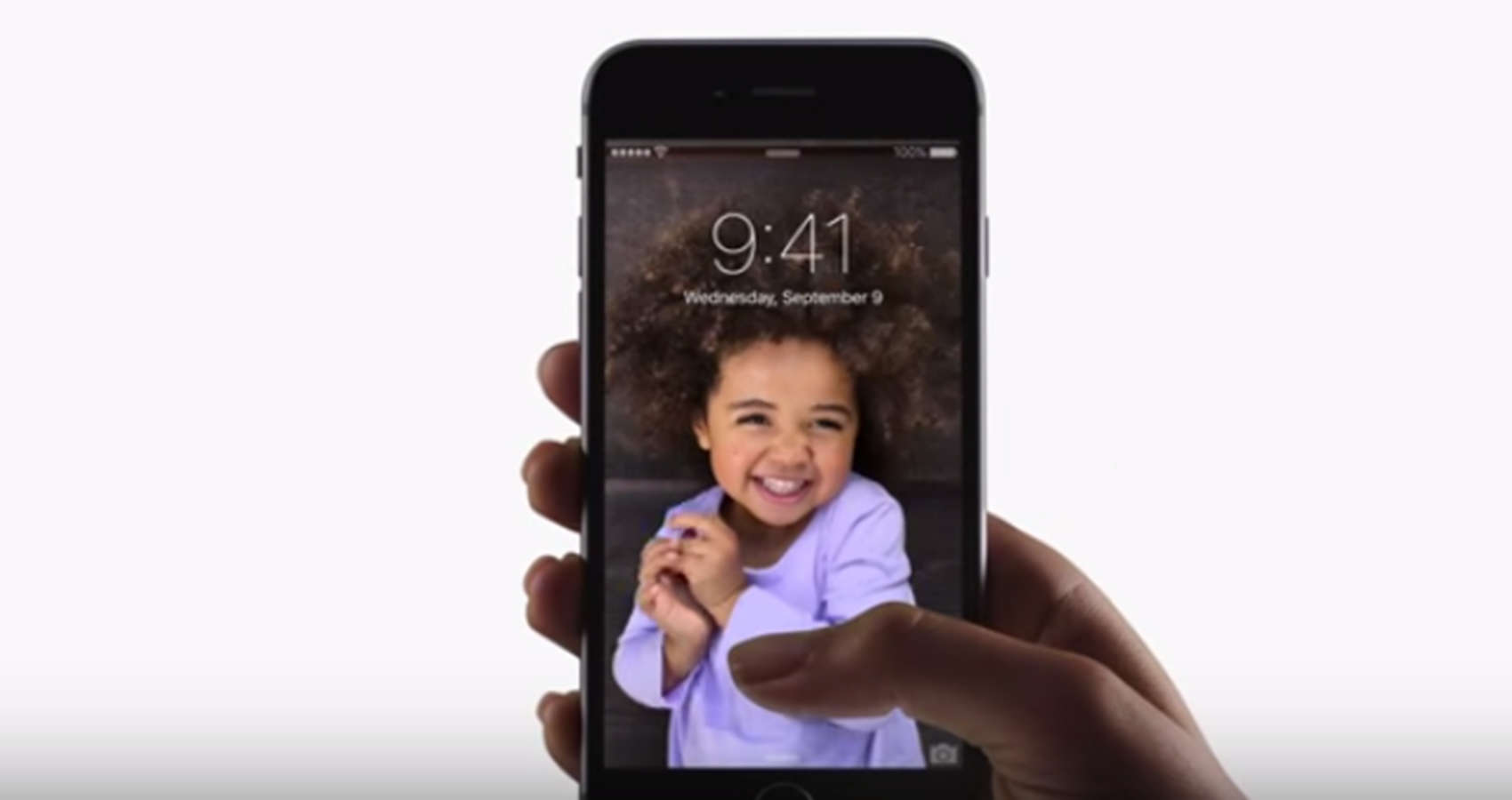
The face that first introduced us to Live Photo.
Photo: Apple

The iPhone 6s’ new Live Photos feature created a new media format, but there’s one major problem with the new moving pictures: You have to own an iPhone 6s to see them.

Most of your friends probably haven’t upgraded yet, which means those cool Live Photos you’ve snapped are only viewable by you. However, there is a way to transform your favorite Live Photo into a shareable GIF or video file, allowing everyone to see the movement in your picture, no matter what device they’re on.

Here’s how to do it:

Apple bans hundreds of apps that swiped user data

By

apps
Apple responded swiftly to the discovery that over 250 apps collected data with private APIs.
Photo: Jason Howie/Flickr CC

Apple banned over 250 apps from the App Store that were using software to access users’ personal information. These apps managed to get through the App Store approval process with private APIs, which are against the rules. Apple took action shortly after news broke this morning that a security firm discovered these apps.

These prediction apps let you show off your inner Nostradamus

By

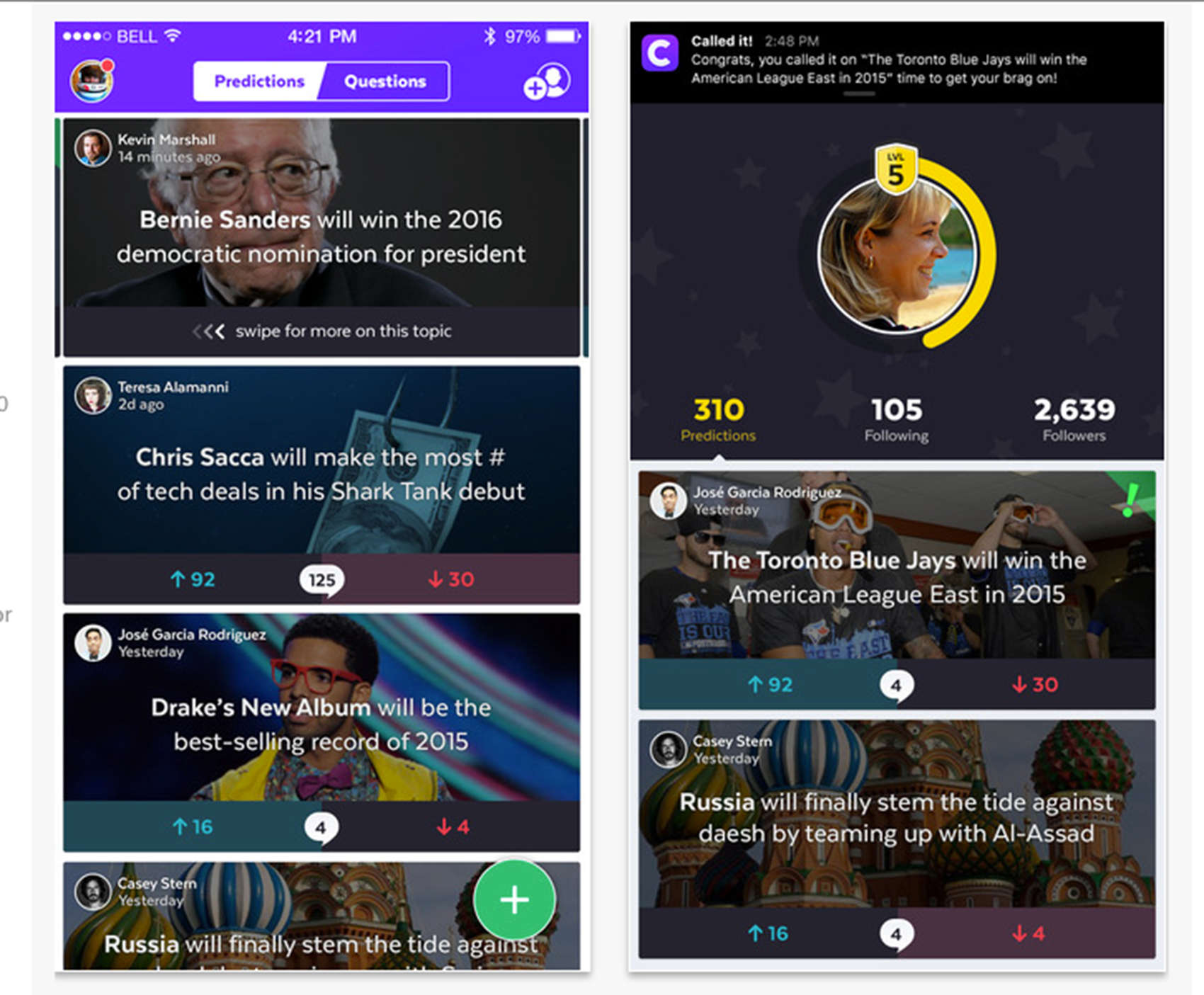
Called It! lets you register predictions and track your accuracy.
Photo: Uncharted

All-knowing soothsayers, there are a pair of apps that will let you register your predictions and even gloat when they come true. Then again, you probably saw this coming.

Called It! and Sage both appeared in the iTunes store this month as social networking apps. Each lets people make predictions on everything from the next big game (the World Series is right around the corner) to the 2016 presidential election. Followers comment on your visions of the future, affirming you or calling you plain nuts.

Watch out, Slack and Google Docs: Pingpad might be the next big thing

By

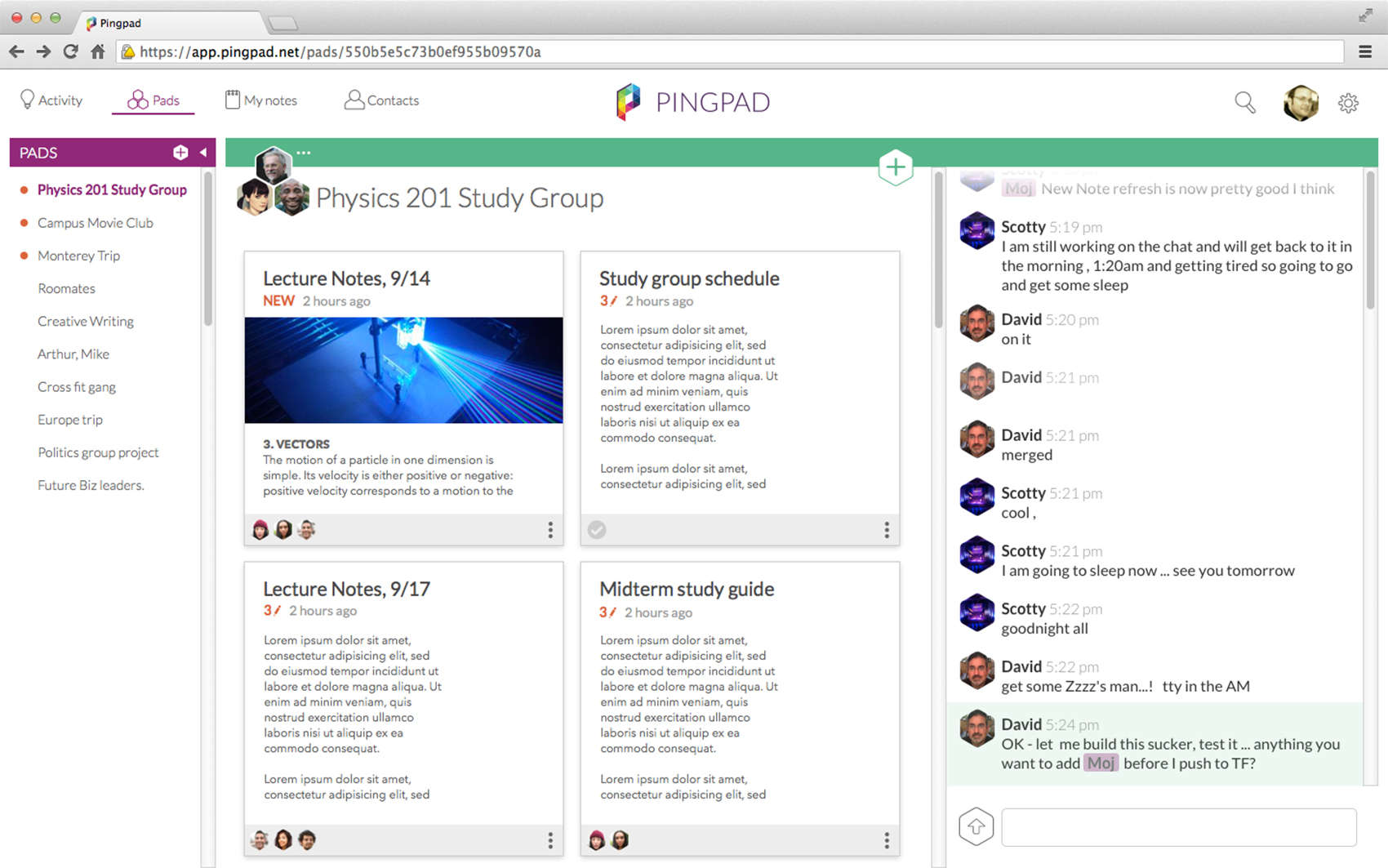
The desktop view of Pingpad.
Photo: Pingpad

There are greats apps for groups to complete tasks and great apps for group communication. In Pingpad, the group has a single app that allows for both.

Pingpad is a stew of many different first generation apps for notes, lists, calendars and instant messaging. In one space, a group can work across platforms on documents, chat back and forth and post pertinent links all in real time. Think Google Docs meets Whatsapp.

Future of fitness apps lies in understanding human movement

By

Can the Workout app's
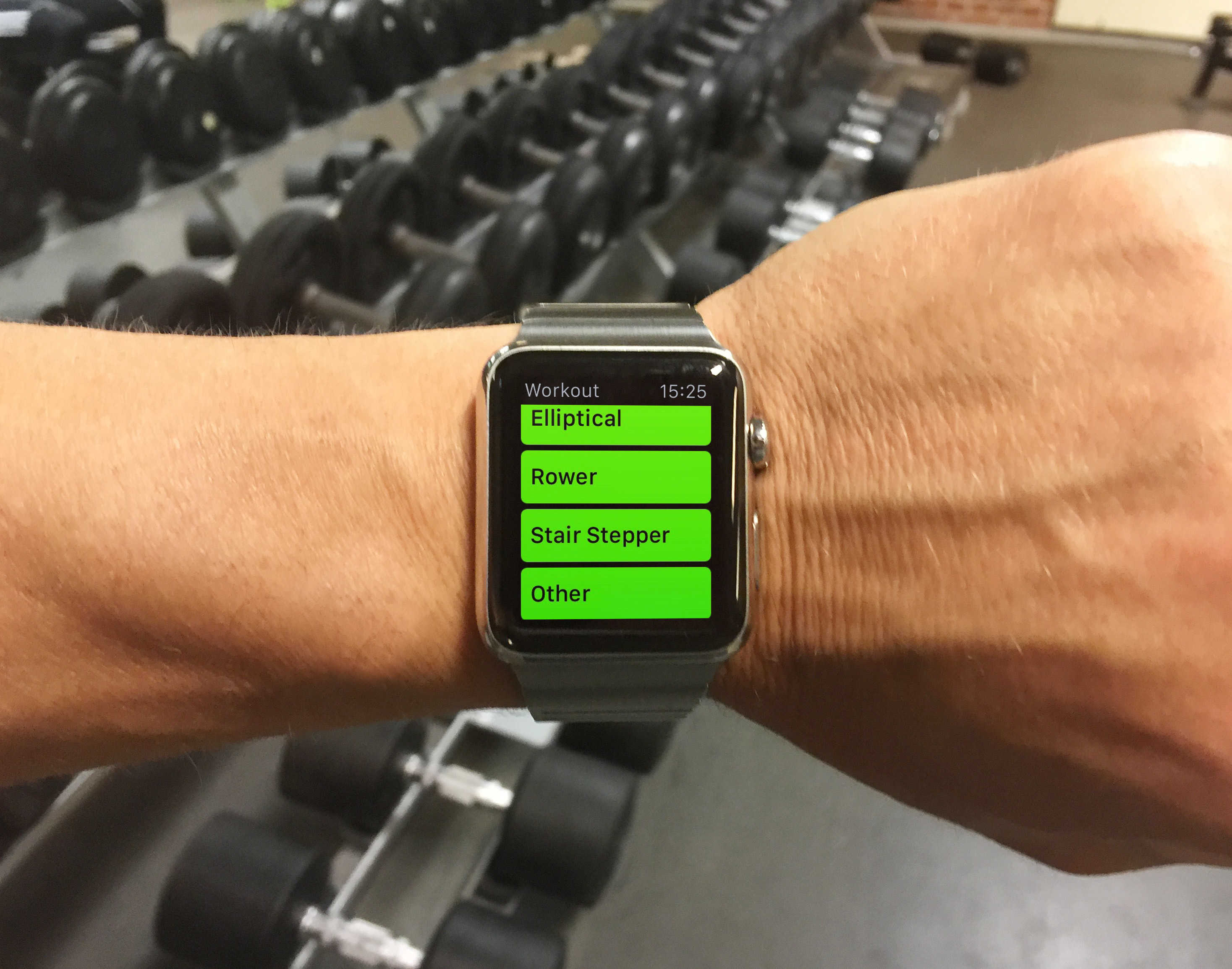
Can you log a weightlifting workout with the Workout app's "Other" option? Not really.
Photo: Graham Bower/Cult of Mac

Some Apple Watch users are apparently confused over what types of exercise the wearable’s Workout app can track. Many people are using it to log weightlifting or stretching sessions, even though Apple only claims the app is suitable for “dedicated cardio workouts.”

Fortunately, a new breed of fitness apps is emerging that uses the accelerometer access enabled by the recently released watchOS 2 to track strength and flexibility workouts more effectively.

Fantastical 2.5 brings goodies for iOS 9 and iPhone 6s users

By

fantastical-ipad-slide-over
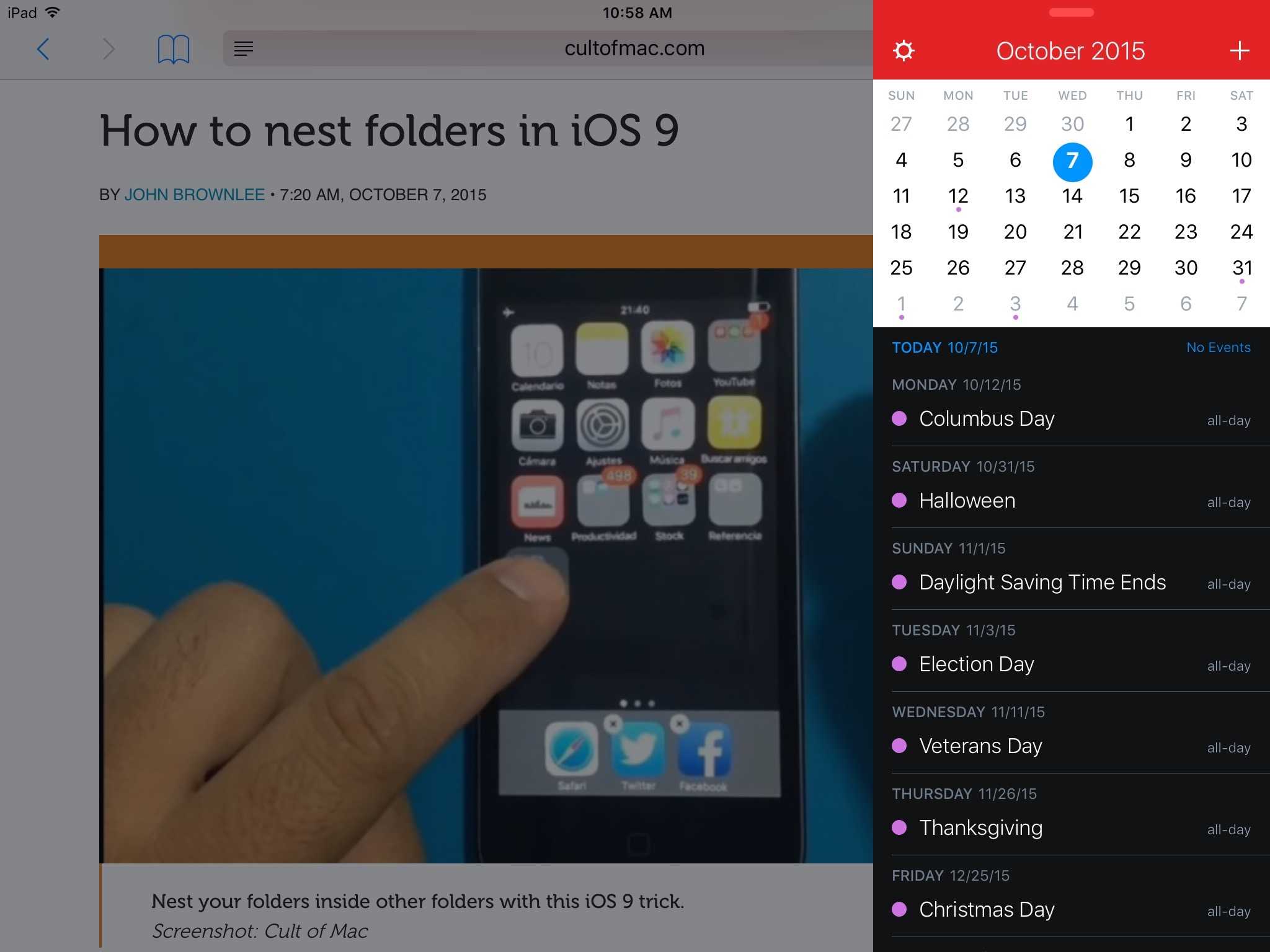
Okay, don't spend too much time multitasking. You have Cult of Mac reading to catch up on.
Photo: George Tinari/Cult of Mac

Flexibits updated its popular Fantastical apps for iPhone and iPad this morning to take advantage of a number of new features in iOS 9 and on the iPhone 6s. Arguably the biggest improvement to productivity comes in the form of multitasking support for the iPad. Fantastical also threw in a dash of the new iPhone’s 3D Touch as well.