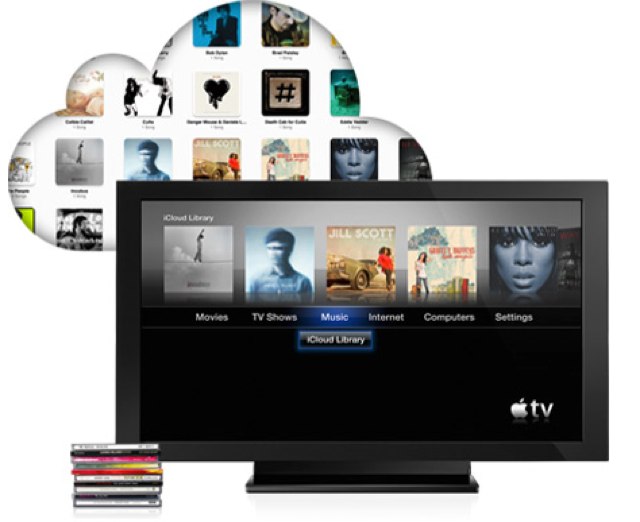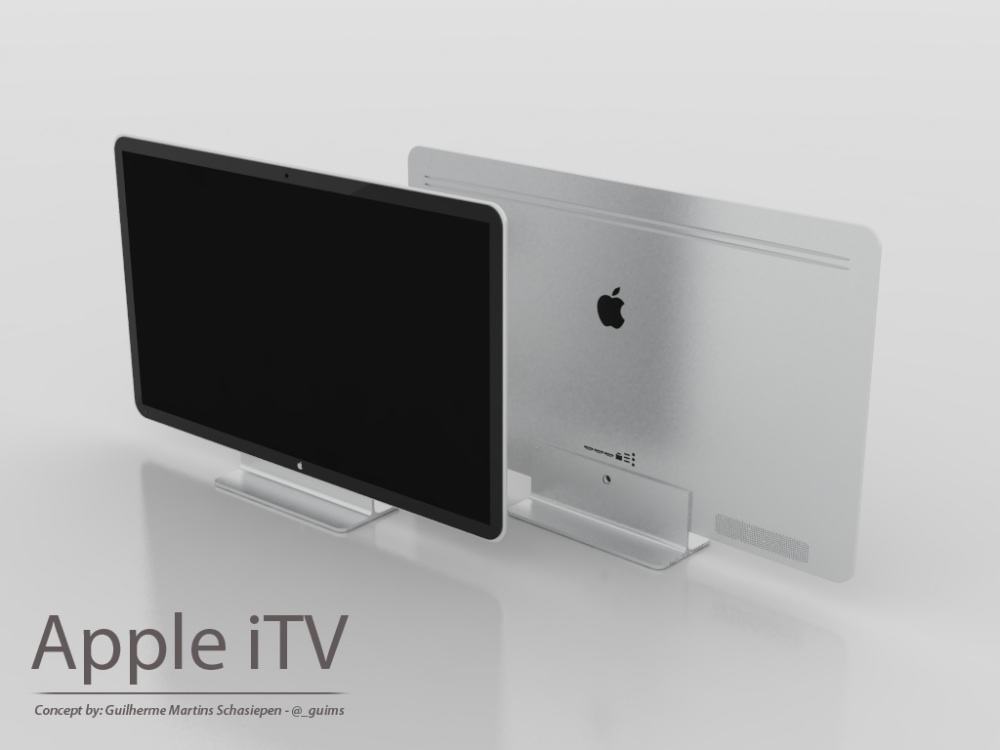
Canada’s two largest telecoms already have Apple’s rumored iTV in their testing labs, according to The Globe and Mail. Rogers and BCE have reportedly been “in talks” with Apple to become launch partners for the upcoming IP-based television.
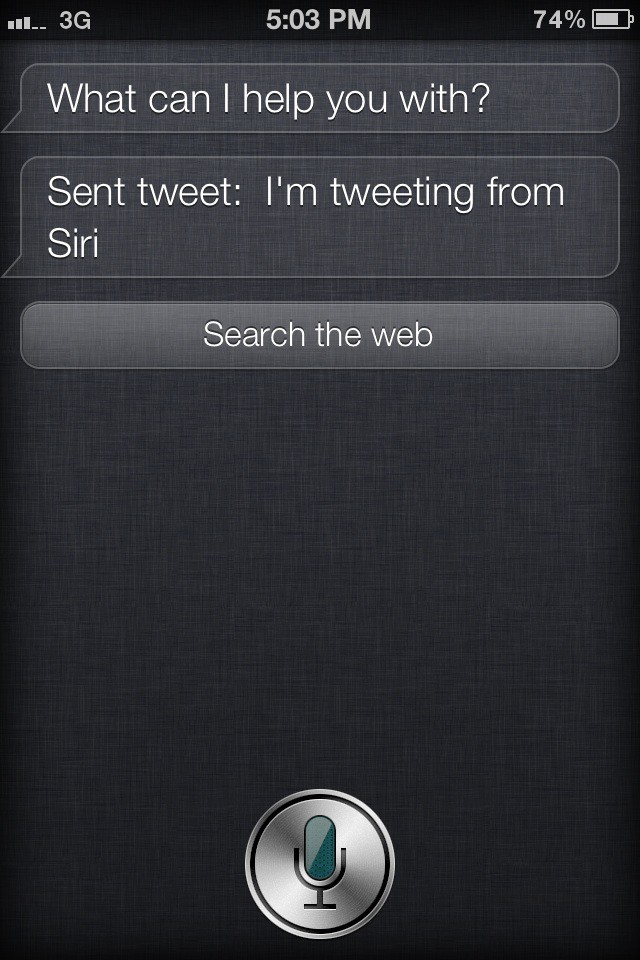
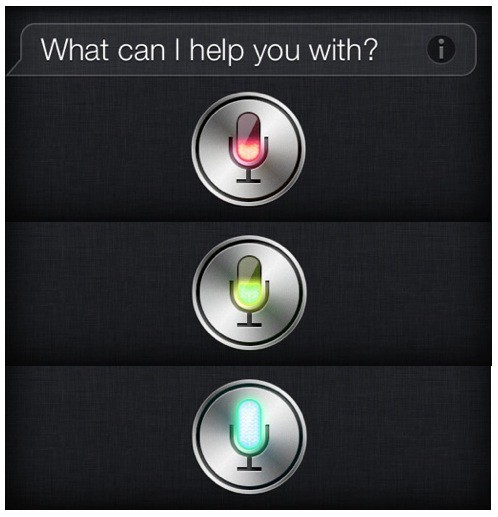
The iTV will have Siri integration and users will be able to control programming with their voices or through hand gestures, according to the report.