Don't get too excited just yet! Photo: Leander Kahney/Cult of Mac
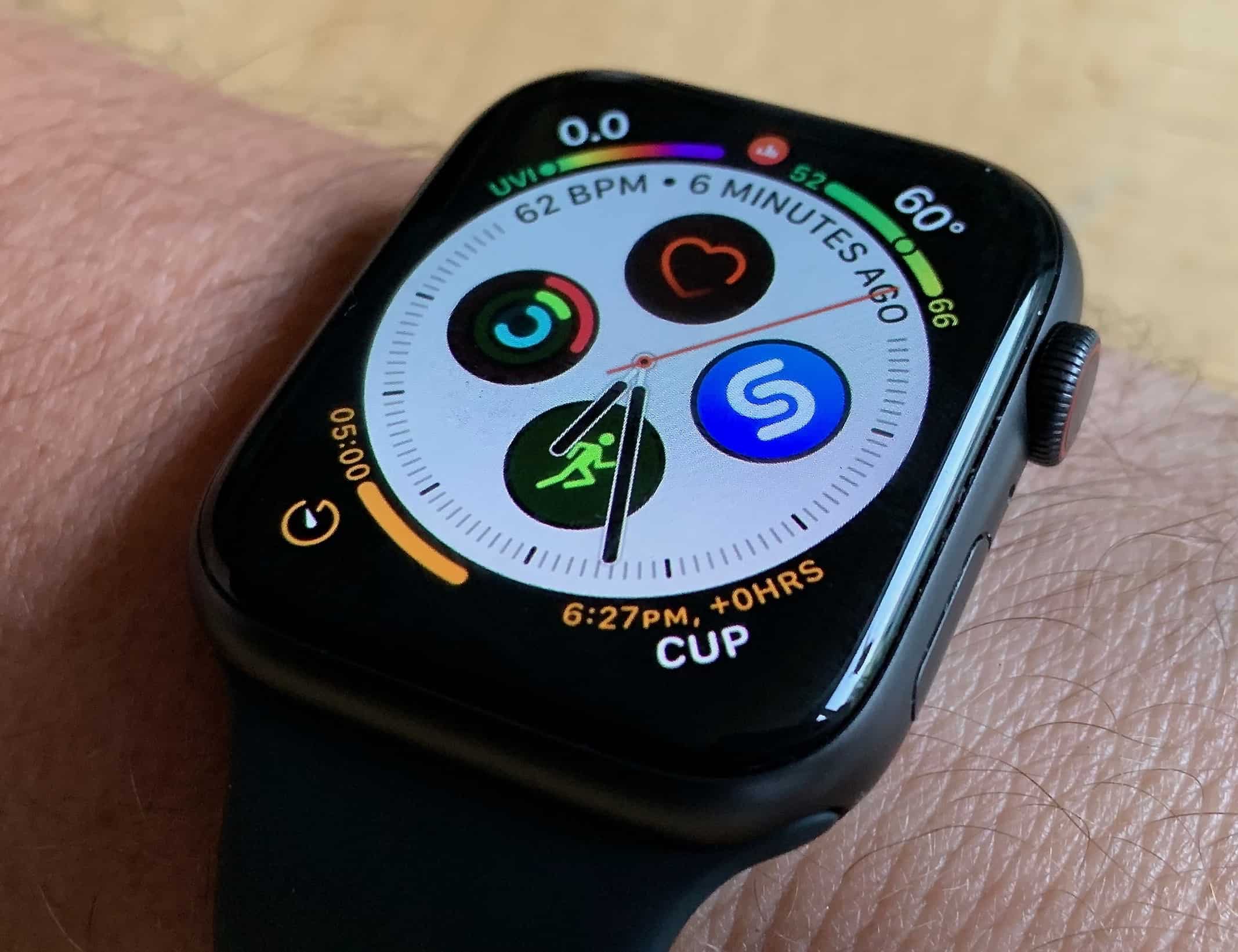
Apple rolled out a watchOS 5.1.1 update this week to address an issue that caused some Series 4 devices to enter a boot loop when upgrading to watchOS 5.1. And that’s not all the update delivered; there are also seven new complications to enjoy.
But there is a catch that a lot of Apple Watch owners won’t be happy with.
Thinking the iPhone XR would have been worth the wait? Photo: Apple
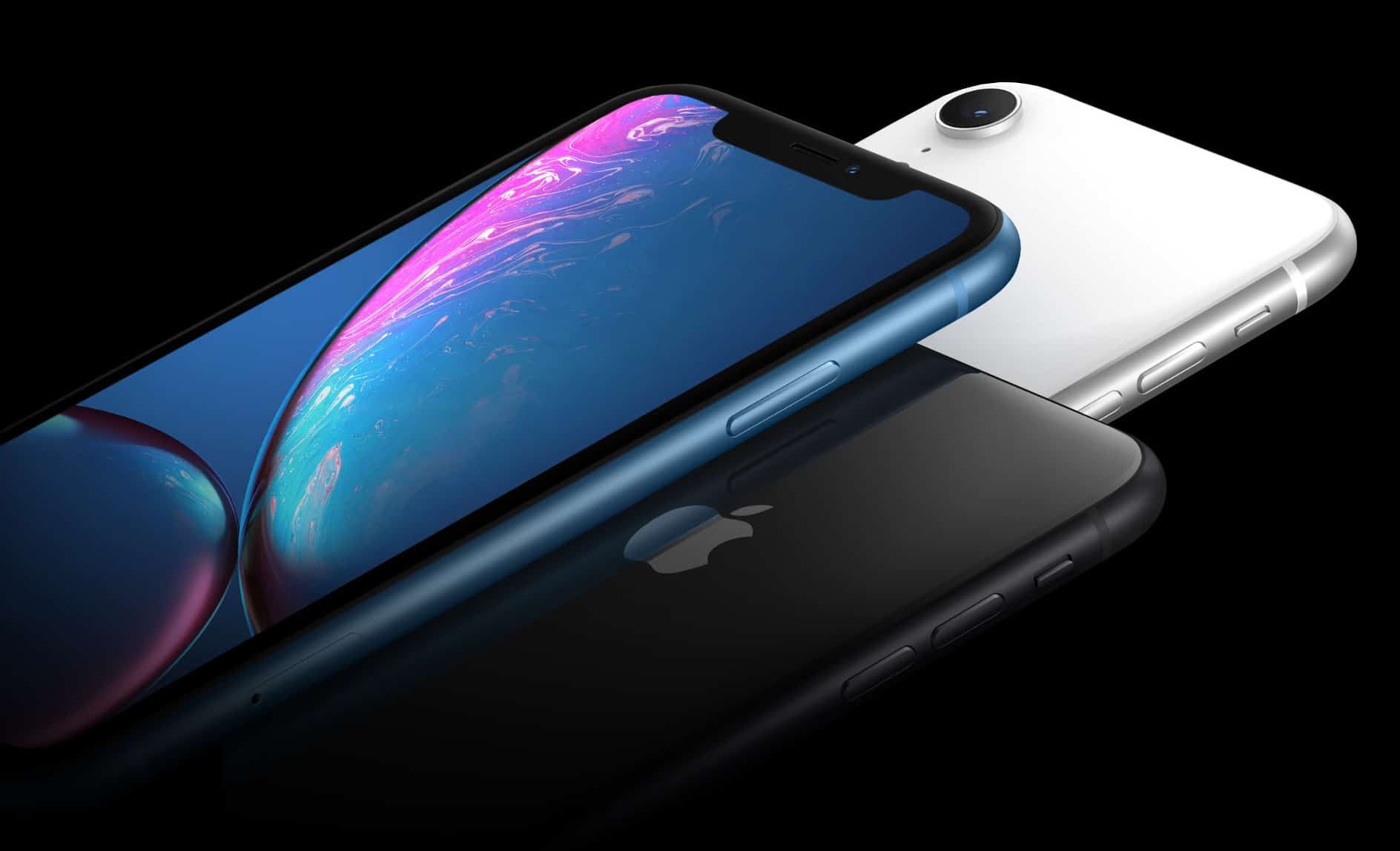
Preorders for the iPhone XR start tomorrow at 12:01 a.m. Pacific. If you want to be sure of getting a new handset — in the color you really want — on day one, you probably need to be quick with your preorder. If not, you could be faced with waiting for Apple to fill the backlog of orders before you finally get a new iPhone sometime near Christmas.
Luckily, we have a guide that will help you preorder your iPhone XR the right way when on October 19.
An iPhone with mmWave 5G could be more than a year away. Photo: Apple
The iPhone Upgrade Program is Apple’s equivalent of a carrier’s monthly contract. You can upgrade your iPhone every year, and pay a monthly fee instead of buying the handset outright. Usually, the upgrade path is simple — there’s a new iPhone every year, and you can upgrade every year. But the iPhone X came out on November 3, 2017, so iPhone Upgrade Program participants still have at least a couple of weeks left to run on their contracts.
You can download any Instagram photo -- even this one. Photo: Charlie Sorrel/Cult of Mac
If you like a photo or video on Instagram, you can like it, or you can save it to your collection. But what about just saving it? You just can’t download Instagram photos.
This week, a friend of mine posted some awesome videos he shot on tape back in the 1980s. I don’t want to dig around in Instagram’s ever-more-convoluted app just to watch them. I want to save them to my iPhone’s Photo Library. Instagram doesn’t let you save an image. Even if you copy the Instagram link using the share feature, then open that image in iPhone Safari, you can’t get at the image.
So I made a shortcut to do it for me. Check it out.
A keyboard is as essential to Photoshop as a screen. Photo: Charlie Sorrel/Cult of Mac
When Photoshop comes to the iPad next year, it will apparently be the full desktop version, with the same code base, shrunk down to run on iOS. At launch, a few features will be missing, but the plan is parity between desktop and iOS versions.
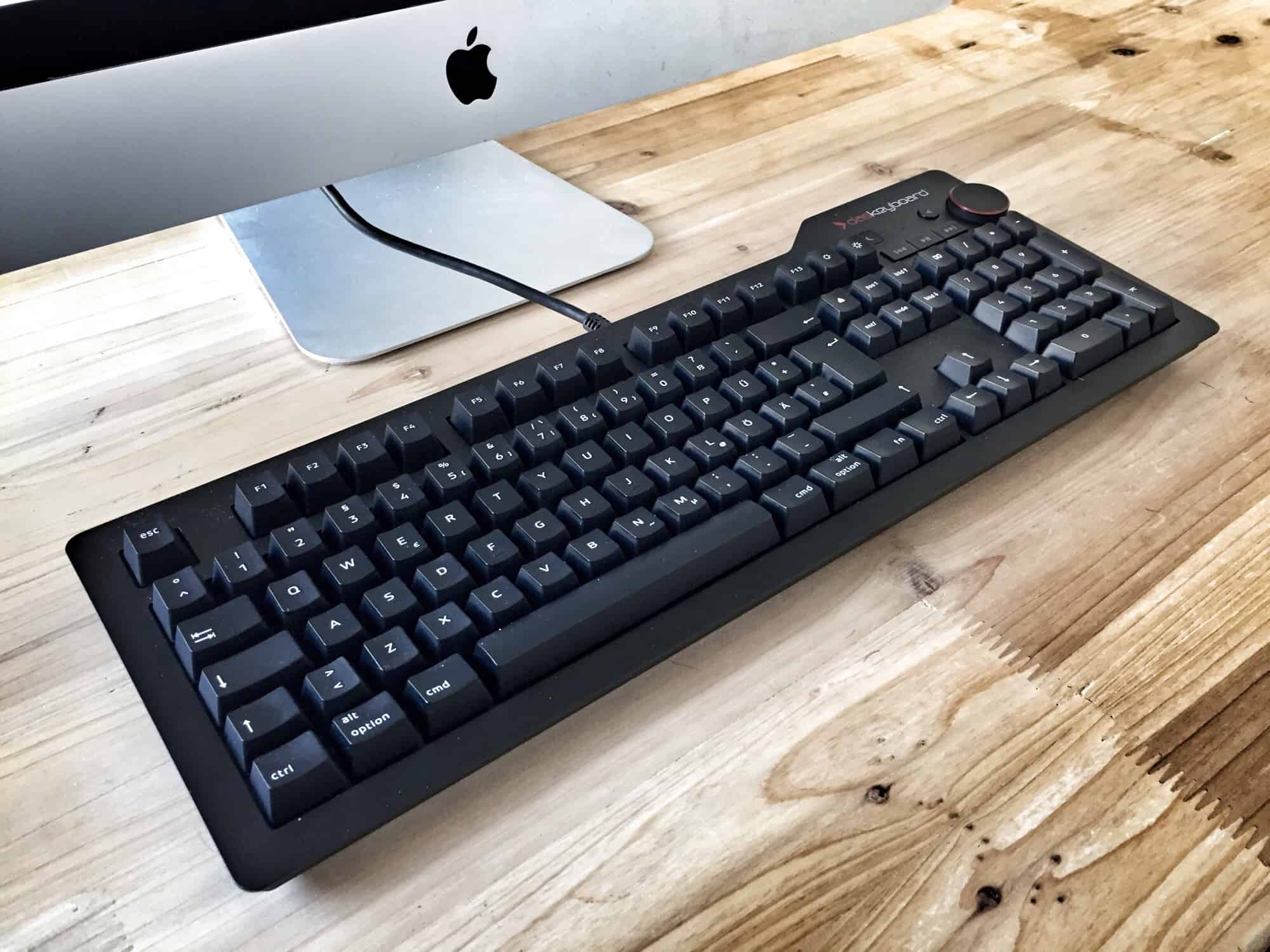
But there’s one thing that will ruin the iPad version of Photoshop from day one — a lack of keyboard shortcuts.
Enjoy turn-by-turn navigation in India today. Photo: Charlie Sorrel/Cult of Mac
If you click a Google Maps link on your iPhone, it either opens in the Google Maps app or — if the app isn’t installed — it opens Google Maps in Safari. But what if you prefer to have that link open in Apple Maps? To good news is tat it’s an easy fix, using iOS 12’s new Shortcuts app. Let’s see this cool Apple Maps shortcut.
This week on The CultCast: Is Apple preparing to dump a bunch of much-needed Mac updates on us? We discuss. Plus: Something very strange is going on with the Mac — we fill you in. And is MacBook Pro’s Touch Bar actually useful? We give you our brutally honest opinions. And stay tuned for another episode of CultCast 2nd Hour. This time: Siri Shortcuts, explained!
Our thanks to Squarespace for supporting this episode. It’s simple to accept Apple Pay and sell your wares with your very own Squarespace website. Enter offer code CultCast at checkout to get 10% off your first hosting plan or domain.
No backsies. Once you go iOS 12 you'll never go back. Photo: Wendelin Jacober/Pexels
Be warned: anyone who upgrades their iPhone or iPad to iOS 12 no longer has the option to downgrade. It’s not possible to go back to any version of iOS 11. Not that there’s much reason to want to.
This isn’t an unusual move. With today’s release of iOS 12.0.1, going to iOS 11 would be two jumps back, and it’s very rare for Apple to allow that.
Fiery Feeds looks great in black. Photo: Charlie Sorrel/Cult of Mac
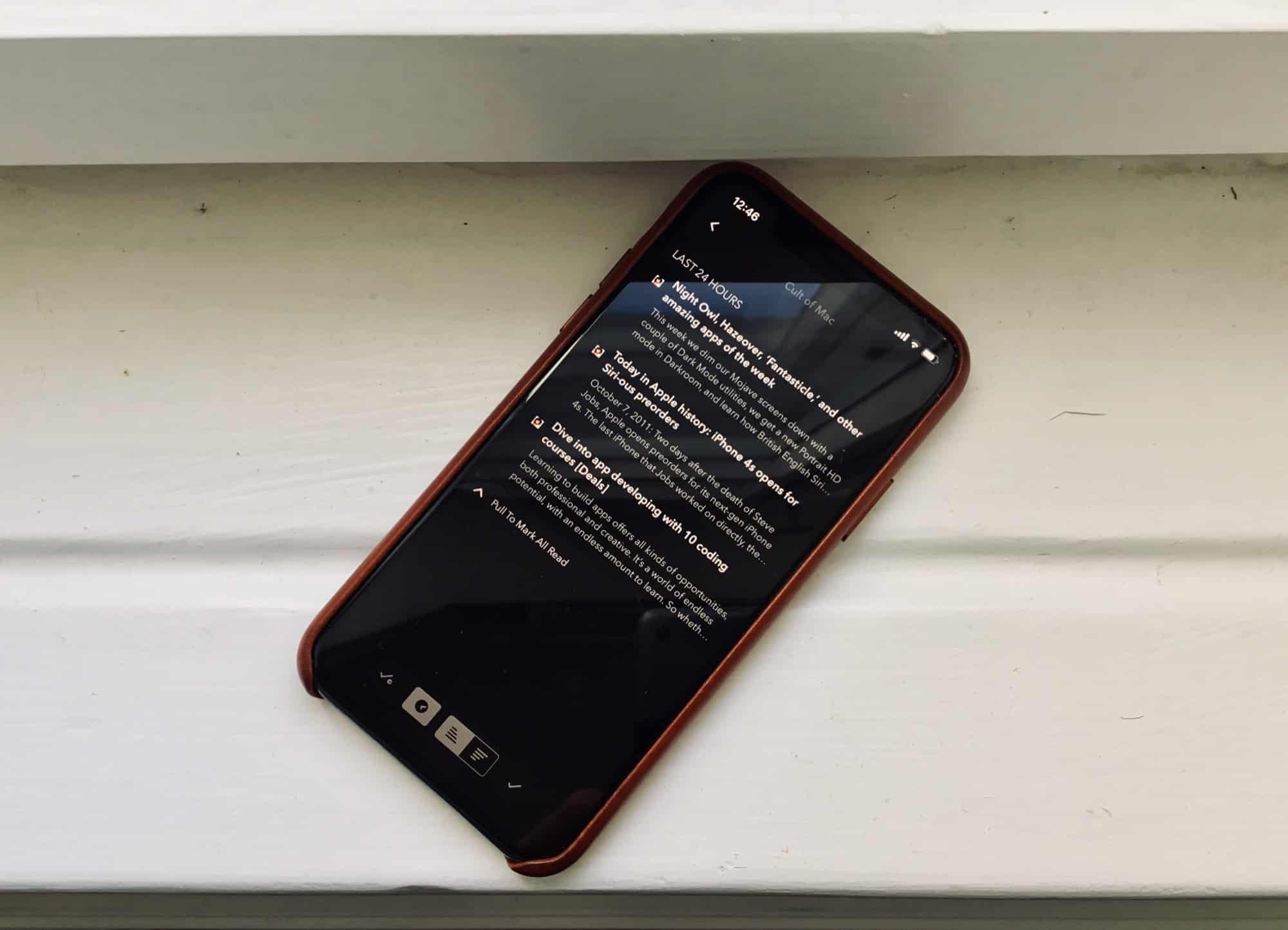
Fiery Feeds is an iOS news-reading app that lets you subscribe to any sites you like, and read all their new stories in one place. It’s way better than relying on Twitter for you news, because important stories never get lost in a sea of doggy GIFs. And the new v2.1 gets a visual overhaul, plus support for using Pinboard as a read-later service. I love it.
This week we dim our Mojave screens down with a couple of Dark Mode utilities, we get a new Portrait HD mode in Darkroom, and learn how British English Siri pronounces “Fantastical.”