This week we look at iOS 12-ready apps Halide and Sorted 3, and then listen to podcasts with Ferrite and Overcast. You’ll also find apps for scuba divers, obituaries and making the most of your local music scene.
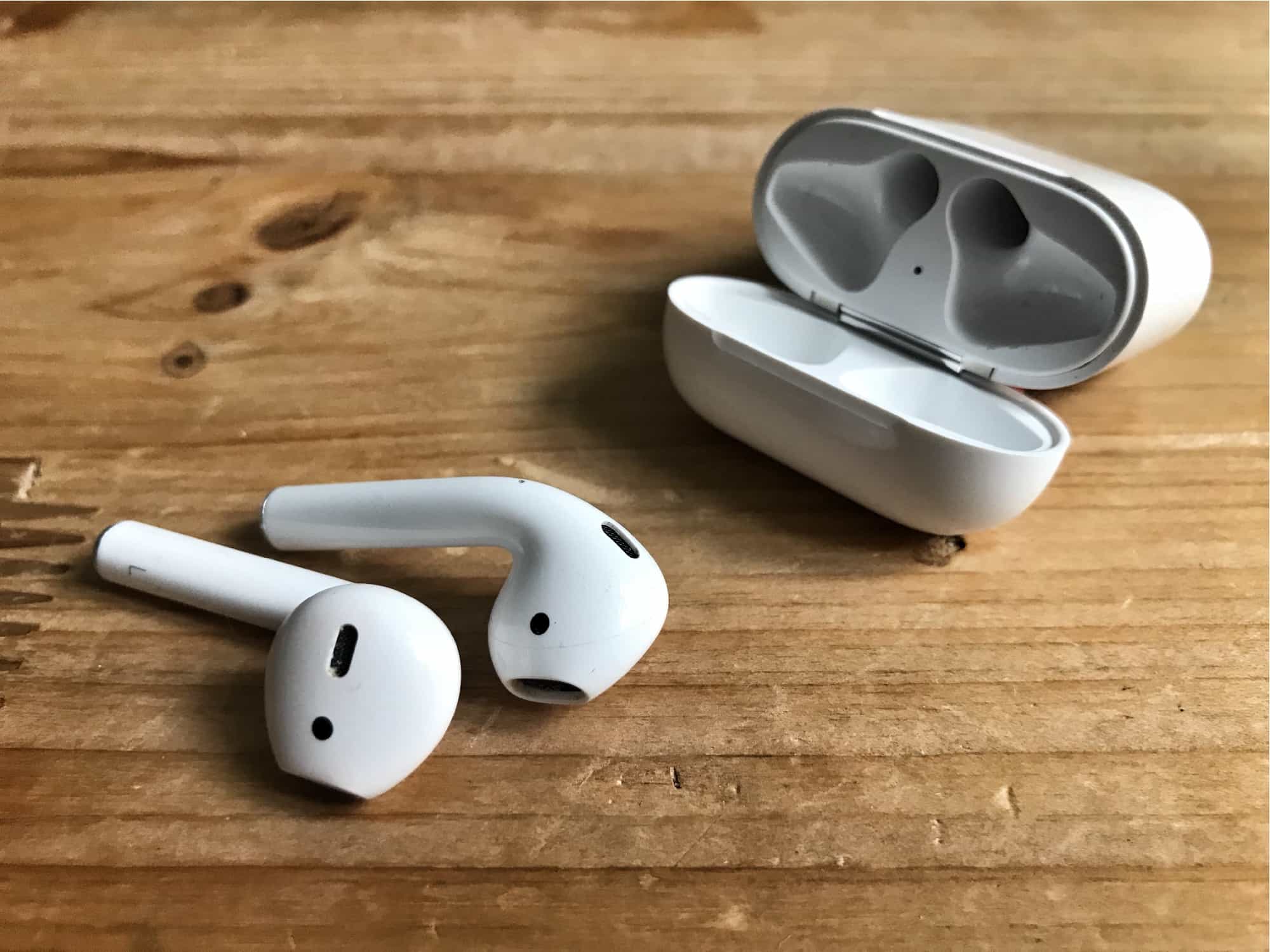
AirPods plus iOS 12 equals Live Listen. Photo: Cult of Mac
Back in 1979, the original Sony Walkman had an odd feature. If you pressed an orange button on the end, a built-in mic would connect to the user’s headphones, letting the person hear what was going on in the outside world. This may be the first case of technology being used to mitigate the bad manners surrounding personal audio.
Now, in iOS 12, this type of feature is back — and way more useful than it was in music’s greatest-ever decade. Live Listen is a new iOS 12 feature that pipes live audio from the iPhone’s mic directly to your AirPods. Why? Well, it’s an accessibility feature, but it can be used for much more.
Instant Tuning lets you tweak alert settings as you get them. Photo: Charlie Sorrel/Cult of Mac
“Instant Tuning” is the rather odd name that Apple gave an excellent new iOS 12 feature. You know how some apps on your iPhone keep popping up notifications you never want or need? And you keep telling yourself that you will dig into the Settings app and switch them off? Only you never, ever get around to this annoying busywork? Instant Tuning is for you.
Now, when a notification comes in, you can access the notifications settings for that app right there in the notification itself. This is huge, and makes culling your notifications way easier. Which in turn makes your most important notifications, like text messages or that sweet eBay auction you’re following, stand out more.
Halide can now add custom background blurs in iOS 12. Photo: Halide
iOS 12 gives your favorite apps access to some amazing new abilities. One is integration with the brand-new Siri Shortcuts, which lets you automate your apps, or to interact with them by talking to Siri. But that’s not all. Camera apps now have access to the the depth information from Portrait Mode, so they can do some pretty special effects.
Safari’s password autofill has also been opened up, so apps like Dashlane and 1Password are now available with a single tap. Let’s take a look at the best new iOS 12-ready apps already available.
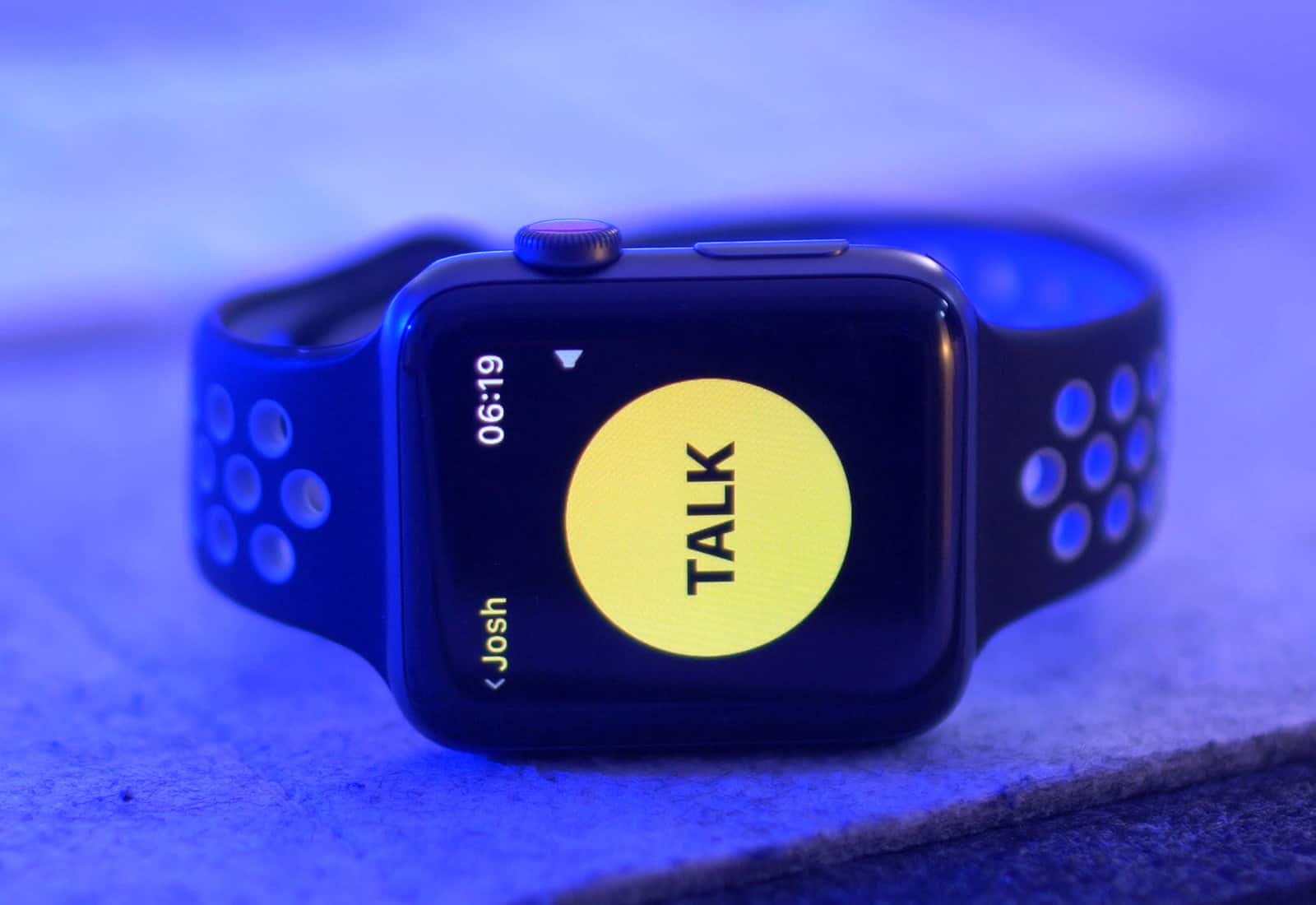
watchOS 5 turns Apple Watch into a walkie-talkie Photo: Ste Smith/Cult of Mac
Apple TV and Apple Watch owners received some new software goodies this morning in the form of tvOS 12 and watchOS 5, coinciding with the public launch of iOS 12.
While tvOS 12 only contains a couple of changes with new screensavers and Dolby Atmos support, watchOS 5 packs some big updates that make wearing an Apple Watch even more useful by turning it into a walkie-talkie, letting you compete with friends and more.
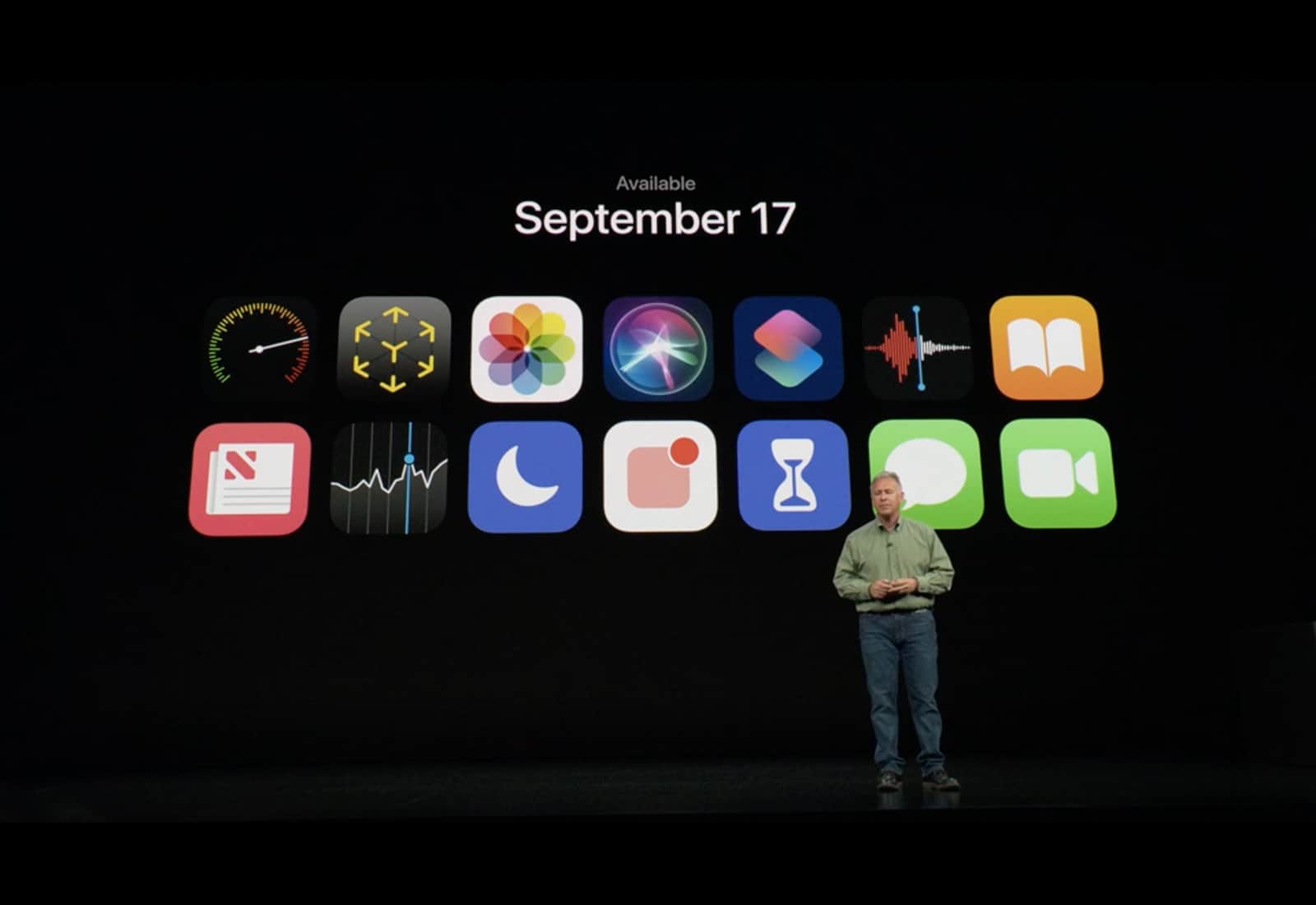
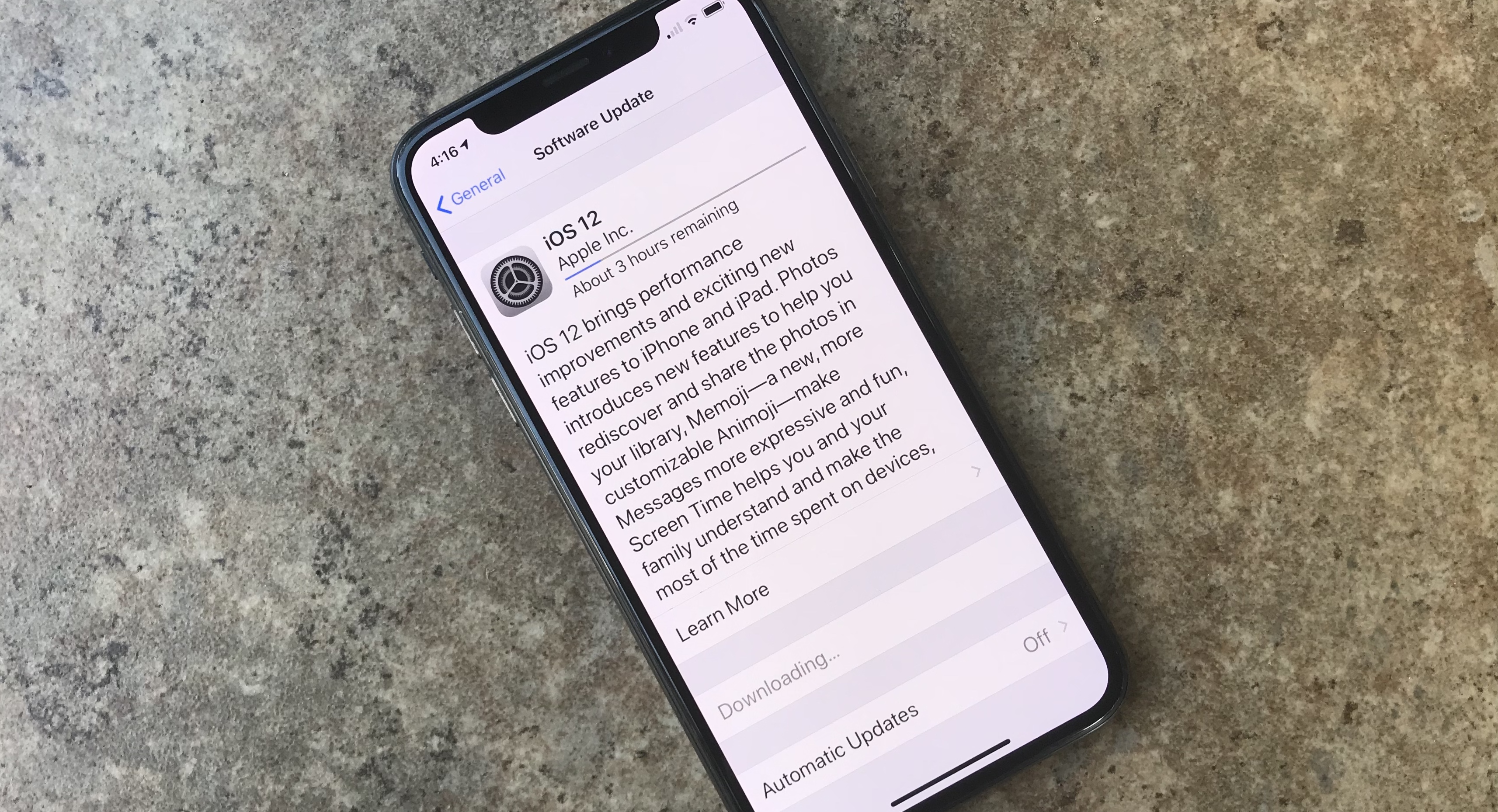
After months of beta testing, Apple finally released iOS 12 to the public, making it available as an over-the-air update. The new iPhone and iPad operating system comes with tons of new features and performance improvements that will make even older devices faster than ever. Best of all, if you have a device that can run iOS 11, iOS 12 will work on it — no problem.
You've got iOS 12. Here's how to make the most of it. Photo: Ed Hardy/Cult of Mac
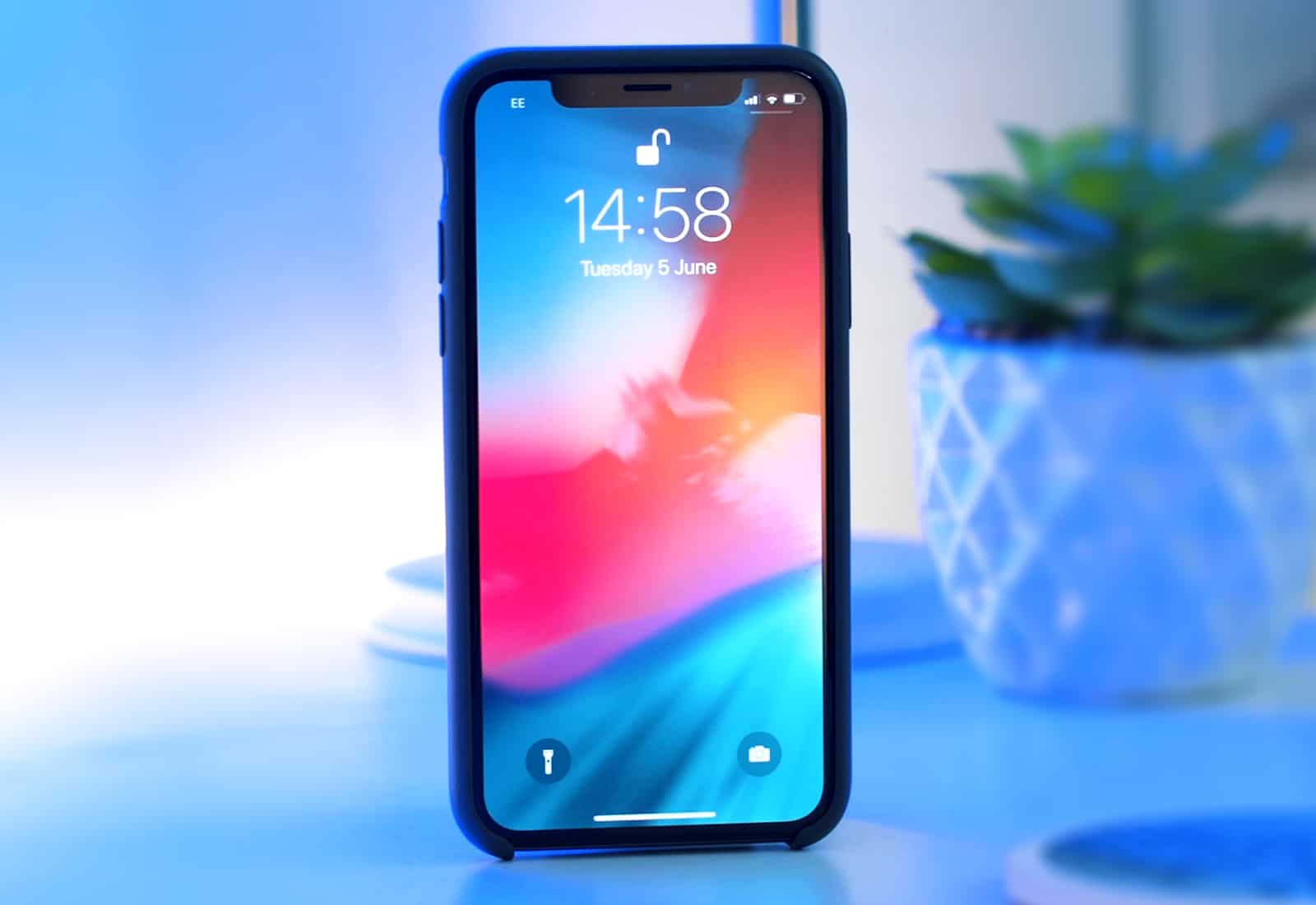
iOS 12 is out now, and you probably already downloaded it and installed it on your device. But what does the new version of iOS actually do? Apple introduced Screen Time, the great new Do Not Disturb, and the powerful Siri Shortcuts at the WWDC 2018 keynote in June. But until you dig into them, you won’t have an idea how great these new features are, along with many more.
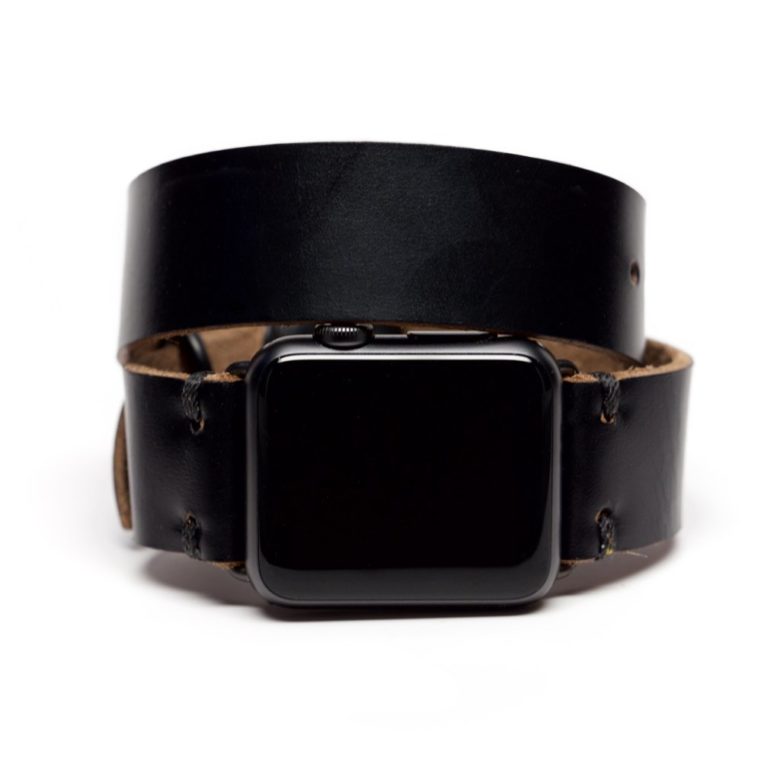
OleksynPrannyk's Double Tour in Black. Photo: OleksynPrannyk
Apple Watch Series 4 orders open midnight September 13 (tonight!) with shipping beginning on September 21.
In the meantime, grab yourself a strap or two befitting Apple’s fourth-generation smartwatch. The 40mm band works with the 38mm straps; the 44mm band works with the 42mm straps. You’re going to love the Series 4 and Cult of Mac’s lineup of best bands to outfit it.