Mobile menu toggle

Search results for: shortcuts

You can now use Siri to check up on your package deliveries

By

Deliveries for iOS
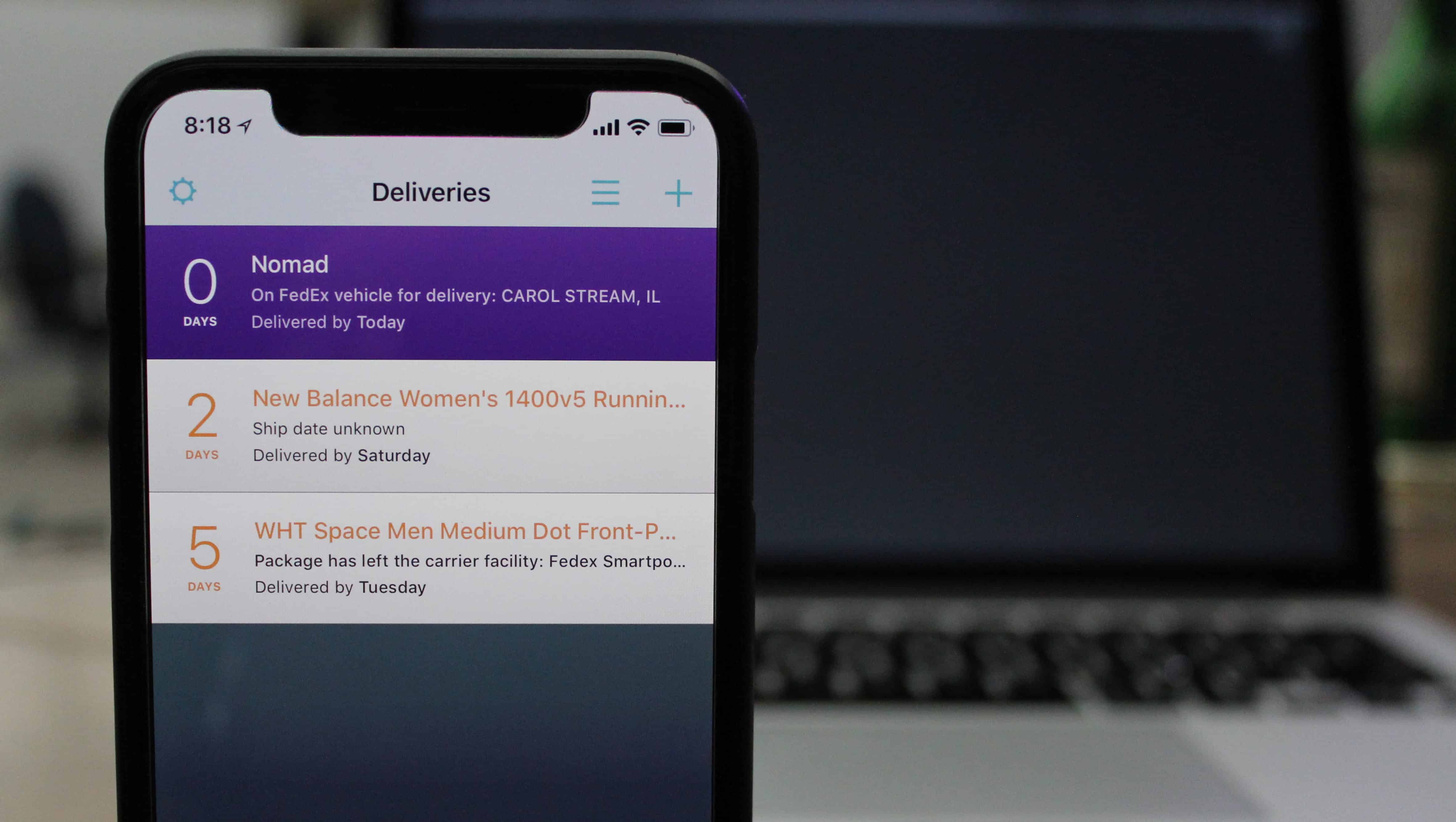
Deliveries app just got even better.
Photo: Ian Fuchs/Cult of Mac

Package-tracking app Deliveries has long been one of our favorite iOS apps, consolidating info on all our various package deliveries into one easy-to-use tool.

Thanks to a new update, it just got even better, too. Thanks to added support for iOS 12’s Siri Shortcuts, you can now check up on the latest status of in-transit deliveries using your voice. What could be easier?


How to use AirPods with Apple TV

By

Apple TV airpods
You kids don’t know how good you have it.
Photo: Charlie Sorrel/Cult of Mac

Are you a late-night movie watcher with sensitive neighbors? Do you hate watching your Apple TV with the volume set too low? Then you might love today’s tip. Did you know that you can use your AirPods with your Apple TV? Sure you did. But did you also know that you don’t need to dig around in your Apple TV’s menus to hook them up? There’s a Siri Remote shortcut that makes switching ultra-convenient.

You can now open Google Assistant with your voice on iPhone

By

Google Assistant
Google Assistant landed on iPhone last year.
Photo: Google

There’s great news for fans of Google Assistant with an iPhone: for the first time, iOS users can now access the smart assistant using a verbal command.

The solution is a little bit convoluted, but it’s a world better than the previous way of opening it. Here’s what you can do.

The ‘best’ podcast listening app just got better

By

Pocket Casts
Pocket Casts gets a big user experience update.
Photo: Pocket Casts

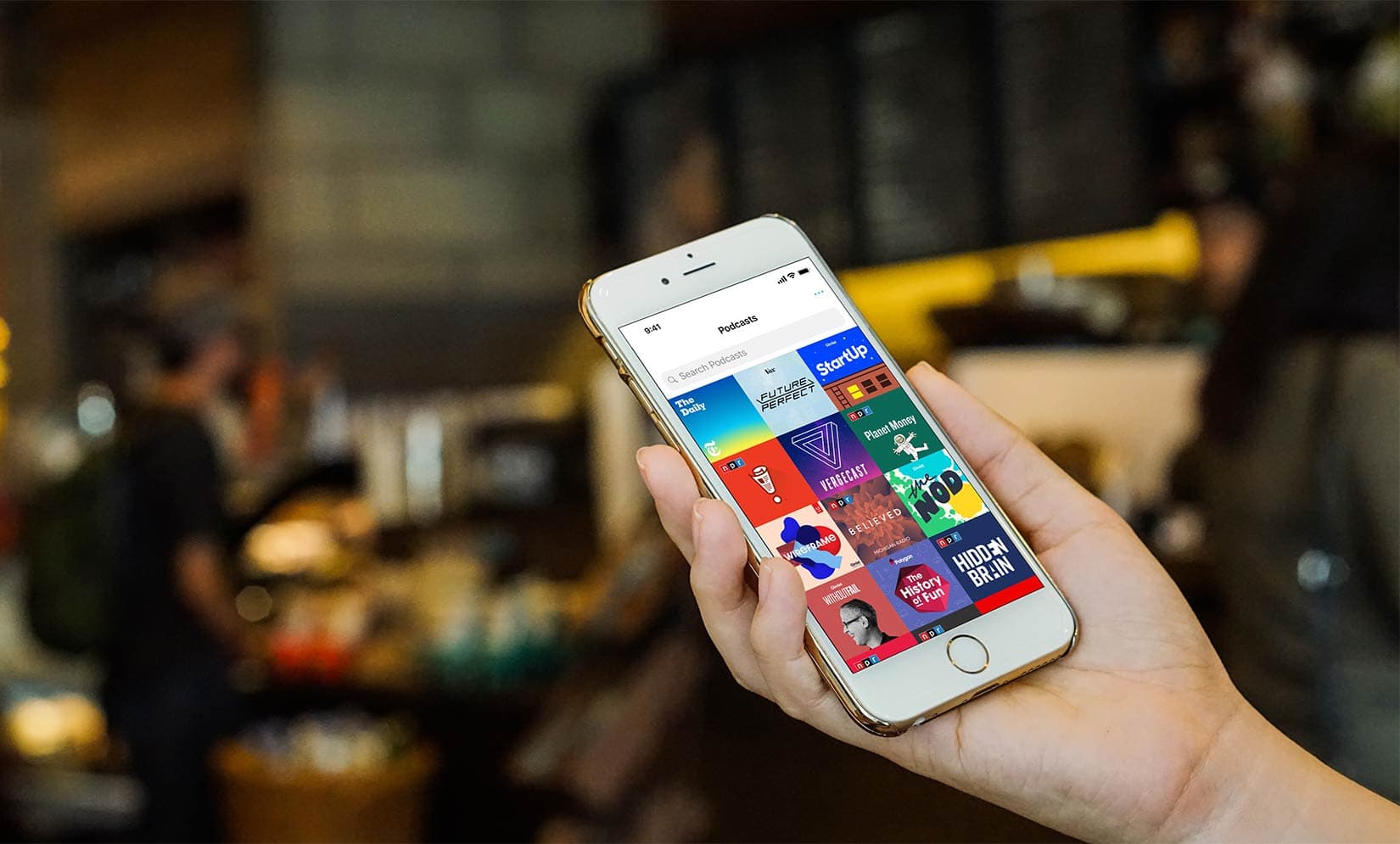
Pocket Casts, the paid app with more than half a million podcasts, is retooling its listening experience. An update to the popular app adds Siri Shortcuts support, improved search and discovery features, and a browse-and-play option without having to subscribe to a show.

One week working on the iPad Pro: Not just for professionals

By

IPad Pro one week review
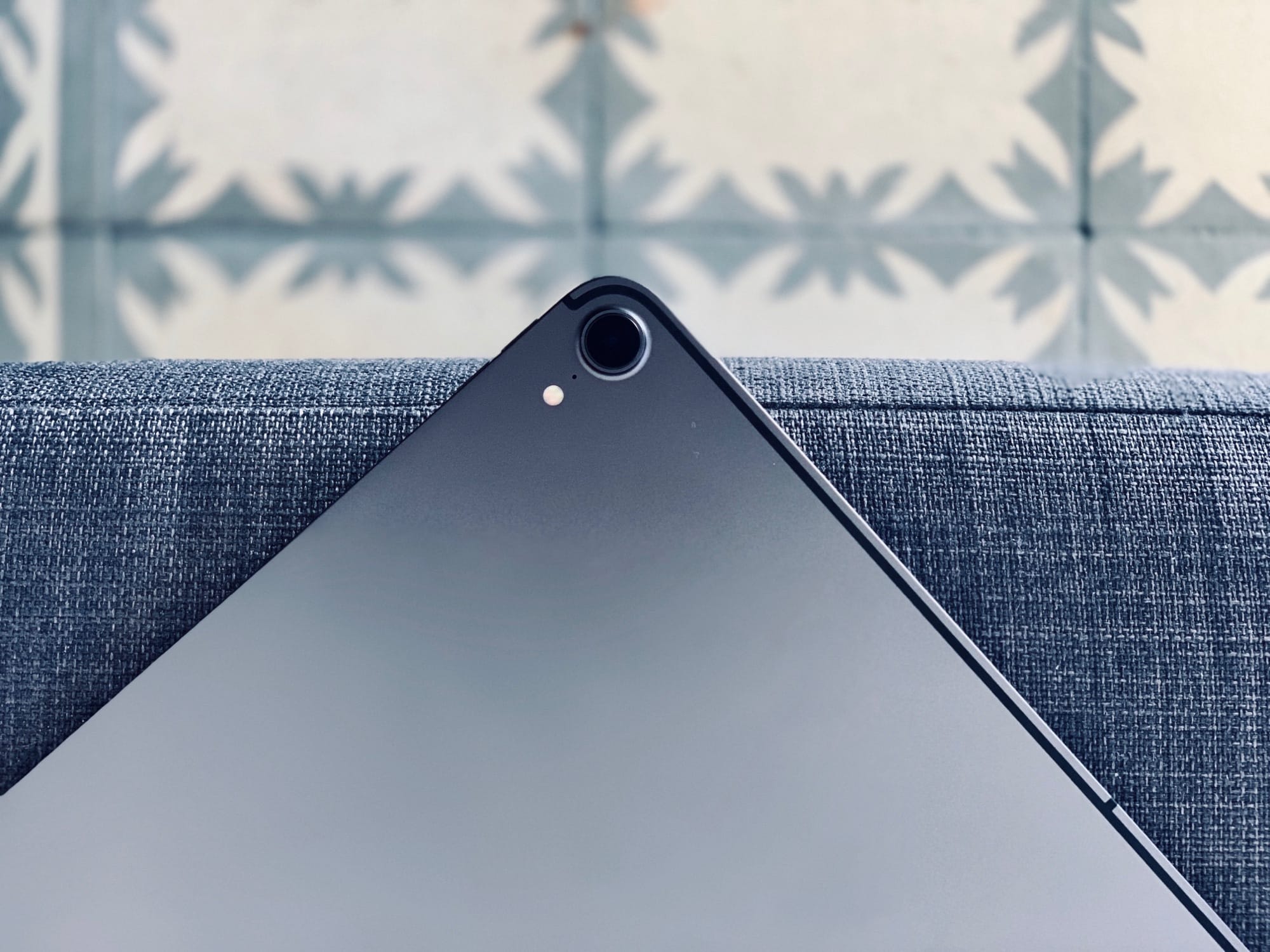
The new iPad Pro is Apple’s best ever portable computer.
Photo: Andrea Nepori

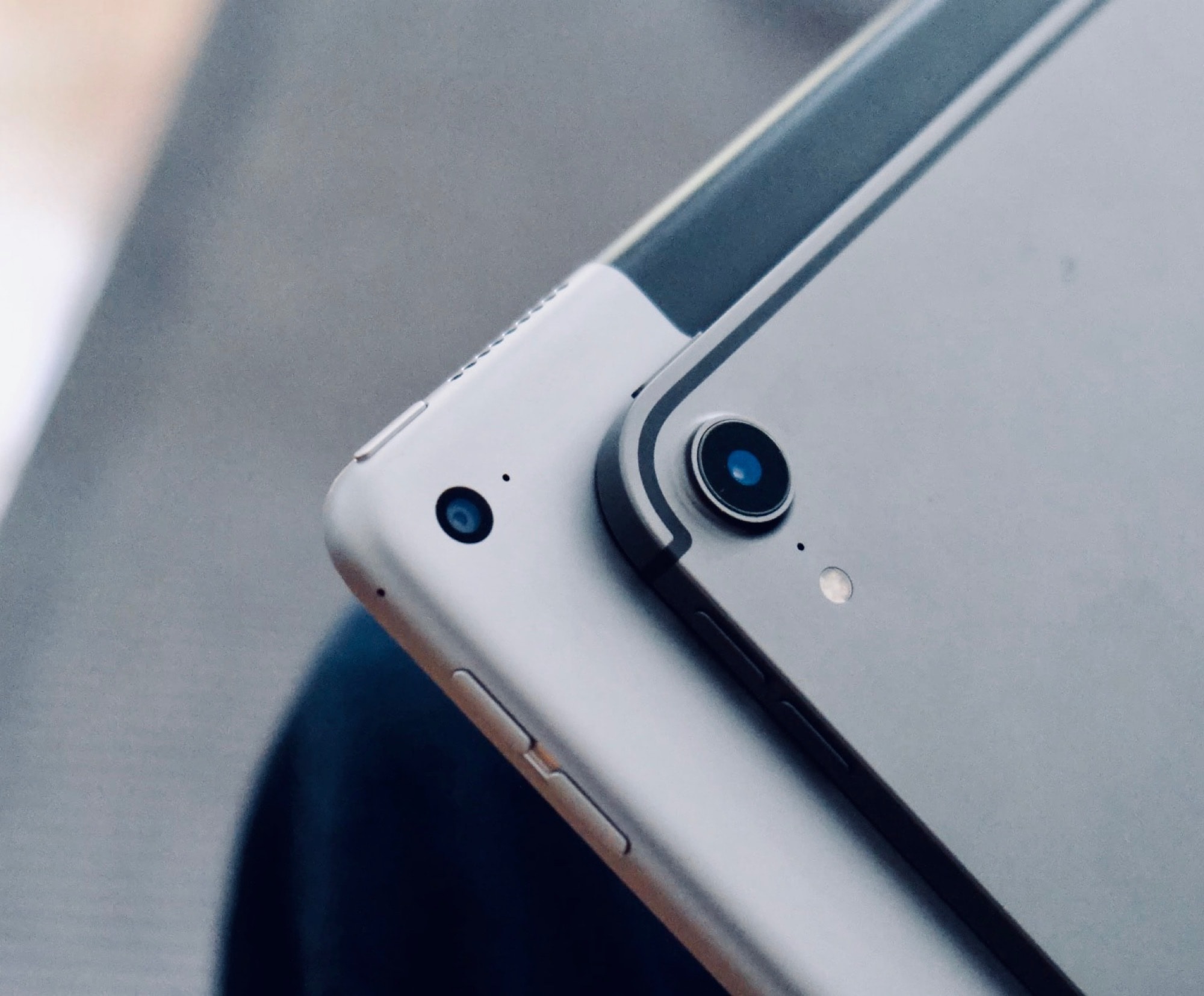
Since I got an new 2018 iPad Pro on launch day last week, I’ve used it exclusively. I haven’t touched my aging, decrepit Mac all week. I’ve used the iPad for work, and for play, so I’ve given it a pretty good workout. The short review is: It’s fantastic, and better in almost every way.

The long review? There are still plenty of annoyances.

Try these powerful 2018 iPad Pro keyboard tricks

By

The iPad loves a nice bit of keyboard action.
Photo: Charlie Sorrel/Cult of Mac

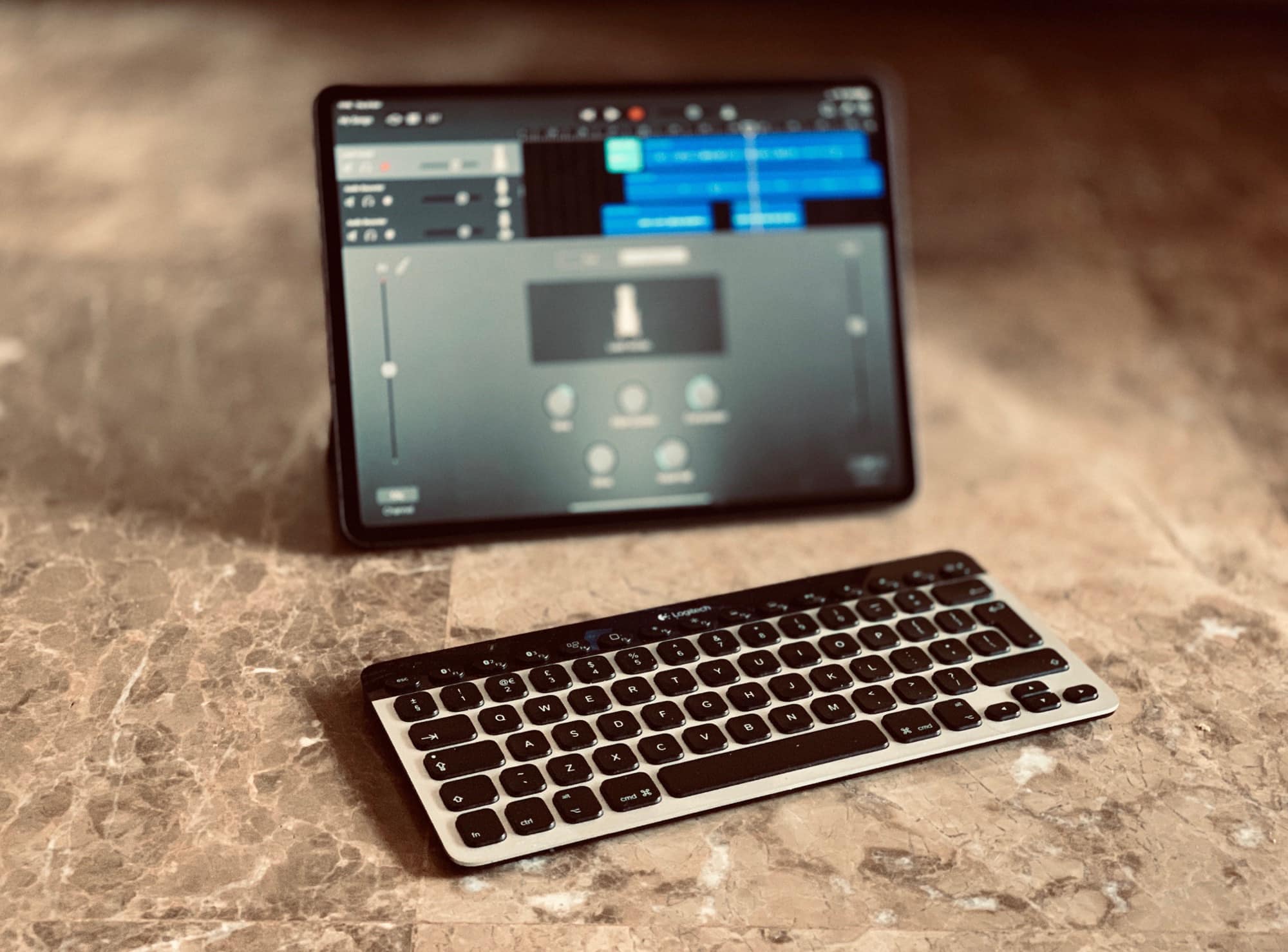
Did you know that the Smart Keyboard Folio you just bought for your new iPad Pro can do a lot more than just type letters and words into your apps? Just like the Mac, the iPad can use keyboard shortcuts to make life a lot easier. In fact, the iPad shares many keyboard shortcuts with the Mac, so once you’re through with this list, you should try out your favorites.

And don’t worry if you don’t have a Smart Keyboard. These shortcuts work with any connected keyboard, be it Smart, Bluetooth, or USB. In fact, most keyboards actually do more for the iPad than Apple’s own.

8 great tricks for the 2018 iPad Pro

By

Your new iPad pro has some neat tricks up its sleeves.
Photo: Charlie Sorrel/Cult of Mac

How’s that new iPad Pro? I love mine, apart from the short USB-C cable that won’t stretch to my desk while I’m working. You’ve probably been scouring the web for tips and trick to get more out of your new beast. Well, you’re in luck, because we’ve been doing the same, and gathered all the 2018 iPad Pro tips together here, in one place.

1 60 61 62 63 64 121