The new Apple Pencil is much nicer than the old one. Photo: Andrea Nepori
Got a new Apple Pencil? Then you should change these two settings as soon as you’ve snapped it onto the side of your iPad Pro and experienced its satisfyingly solid magnetic click.
In the olden days, this was the only way to edit your photos. Photo: Agirldamednee/Flickr CC
Even if you don’t have much interest in editing RAW and JPG images on your iPad, you might still want to check out Darkroom. The brand-new iPad version of the popular photo app offers a view of your standard iCloud Photo Library that’s better-looking and easier to use than the native Photos app. And that’s just for starters.
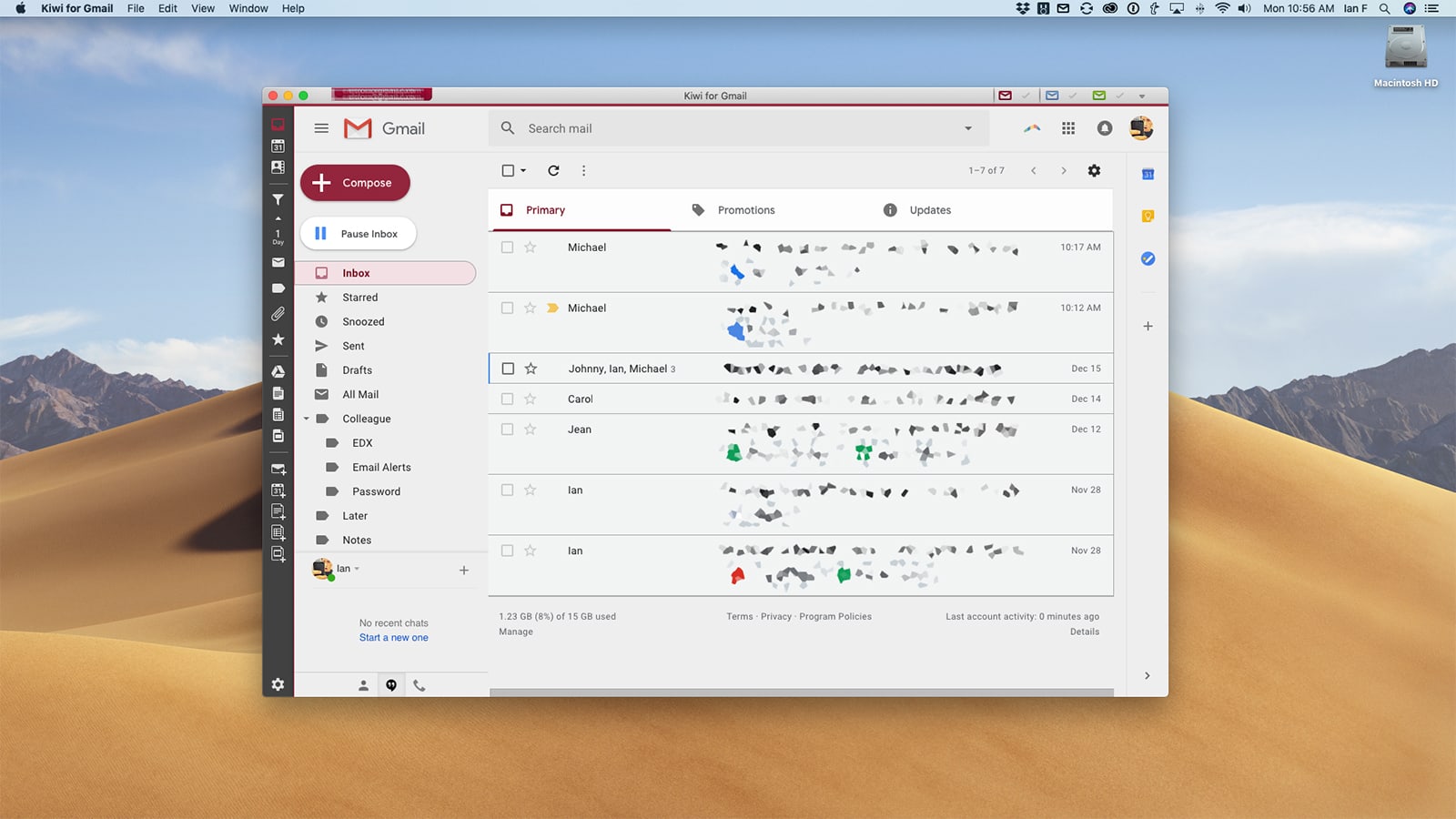
If you use Gmail, you should be using Kiwi on your Mac (or Windows PC). Screenshot: Ian Fuchs/Cult of Mac
Did you know that Gmail has more than 1.5 billion users? For a large portion of those users, email is something they must deal with on a regular basis — whether for work-related matters, personal communication or staying updated on the latest deals at their favorite retailers. Staying on top of your email can be a major pain, and even with all the smarts that Gmail offers, once you fall behind, it’s daunting to catch up.
Kiwi helps add a layer of convenience and intelligence to managing your Gmail and G Suite accounts on your Mac or Windows PC, all while offering the familiarity and comfort of Google’s mail platform.
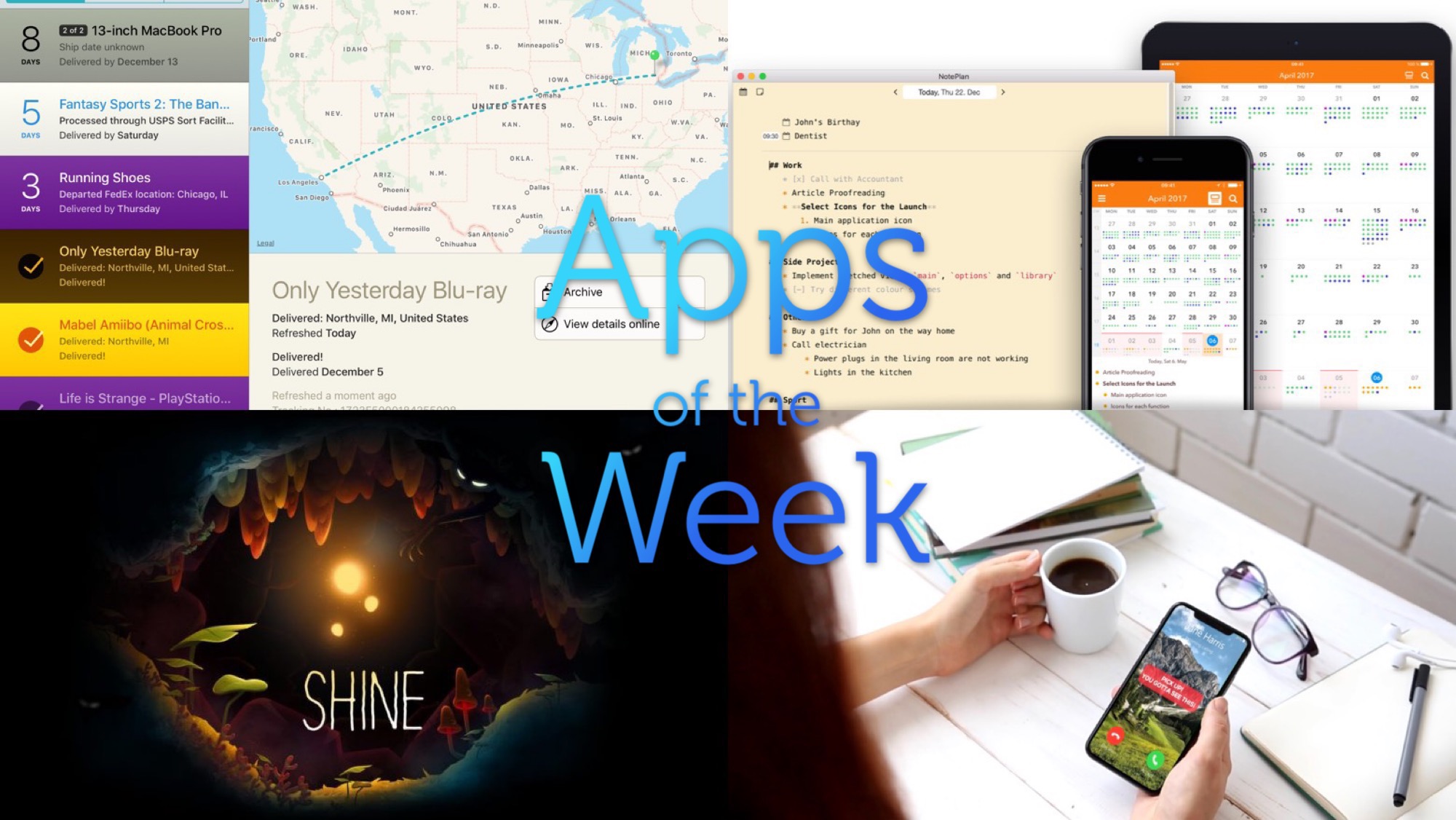
We go deep on baseball metaphors in this week’s app roundup. Photo: Cult of Mac
This week we dim the lights (with HomeRun), fire up the music (with Djay 3.0) and settle in with a nice long read (Instapaper). Also, Nanostudio 2, which I couldn’t fit into that cozy scene, is awesome nonetheless.
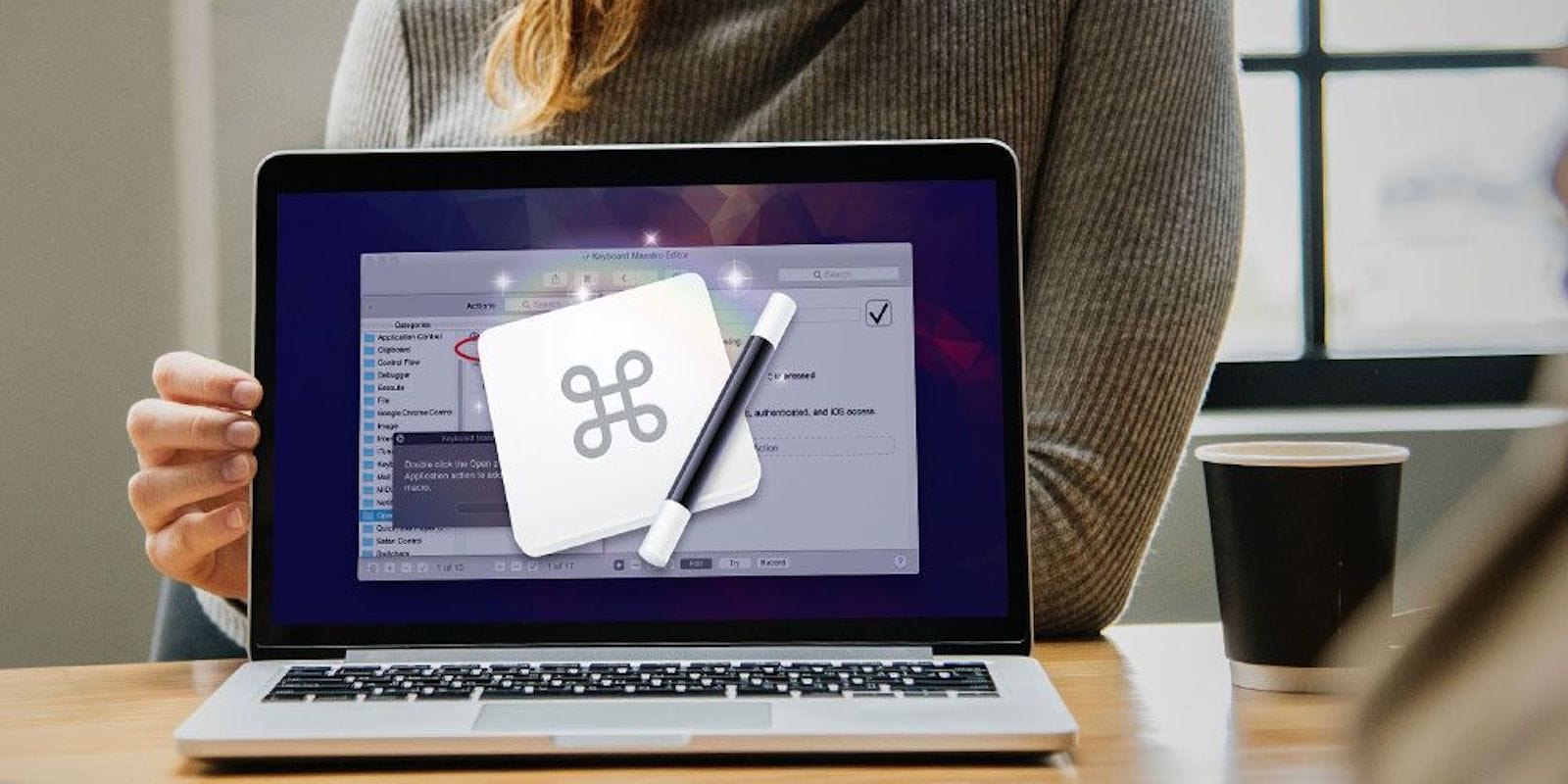
Work more efficiently by creating macros with this Mac app. Photo: Cult of Mac Deals
You may think you’re a power user, but not unless you’re using keyboard macros. Macros are like keyboard shortcuts, but customized so you can tailor them to your workflow.
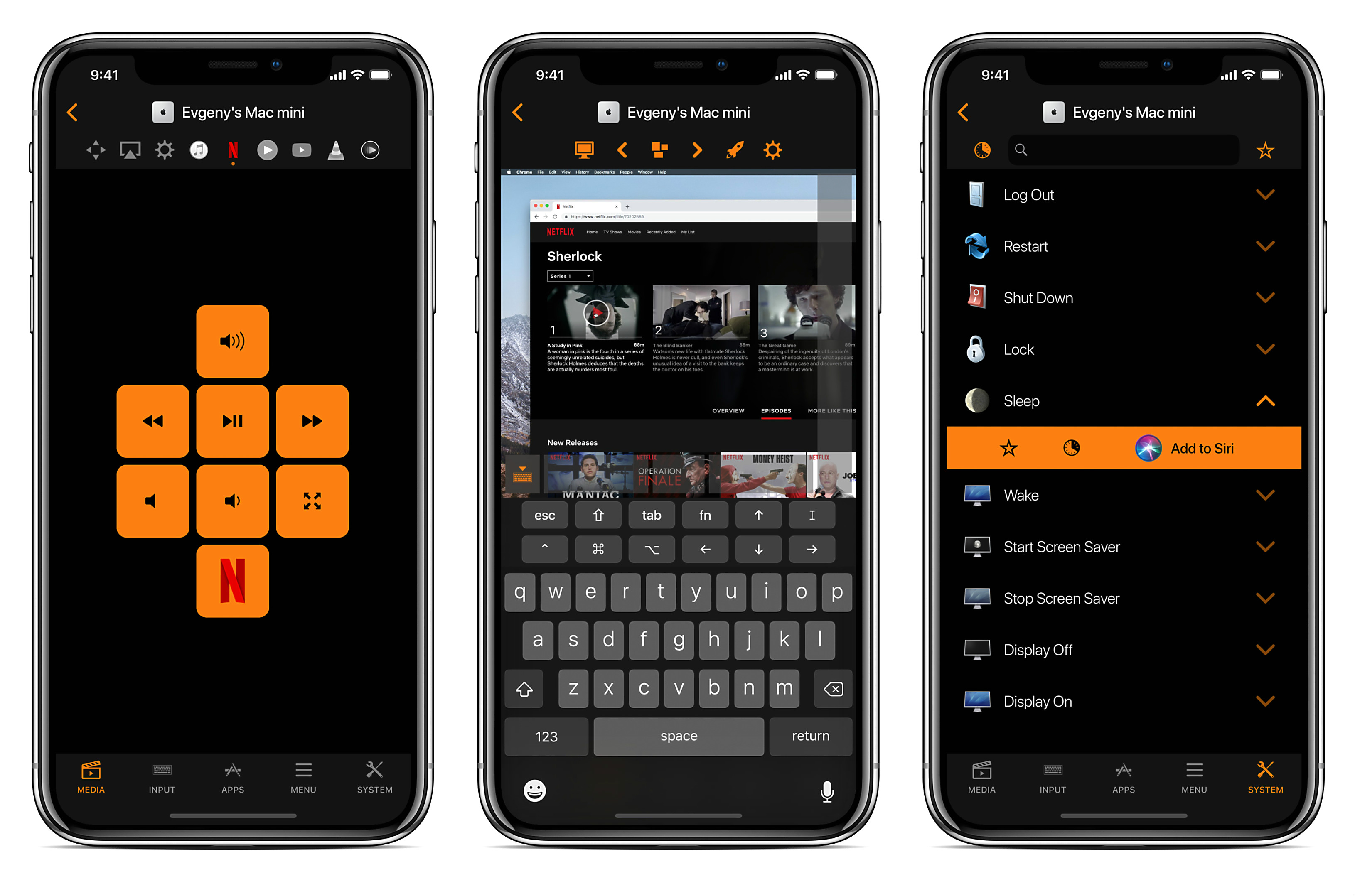
Your Mac or MacBook is a modern media hub. It’s your source for movies, music, podcasts, games, apps and plenty more. But to use it, you’ve still got to walk up and tap at the keyboard and mouse. So in that sense, it’s like a step back to the bad old days of dialing in radio and TV stations.
Remote for Mac adds the convenience that we expect from our devices in the 21st century. It turns your iPhone or iPad into a fully loaded remote control for all kinds of functions on your Mac. It brings full trackpad and keyboard control to your phone, so you can use your Mac without leaving the couch.
"OK, Siri, where's my new iPhone?" Photo: Ste Smith/Cult of Mac
You can now use Siri to check up on product availability or the whereabouts of your latest orders, courtesy of the official Apple Store app for iOS.
Version 5.2 of the app adds new Siri Shortcuts support, letting you create custom voice commands to carry out these tasks without having to open the app.
Depth Control can add subtle or wild background blur to your images. Photo: Cult of Mac
The iPhone XS has an amazing camera, and the best part of that camera is the Depth Control feature, which lets you adjust the background blur after you take the photo.
This is a powerful feature, but to get the most out of it, you might want to check out these tips and tricks on using Depth Control on iPhone XS.
Siri will let you discover new music, via Deezer. Photo: Deezer
Streaming music company Deezer wants to make it easier for users to play the music they want — by adding support for Siri Shortcuts. This means that you can now access your jam (as the kids say) by asking Deezer to “Play my favorite tracks.”
That puts 53 million tracks — including new releases, albums and curated playlists — at your fingertips at the tip of your tongue. And Deezer thinks it has the added secret sauce to make this extra special, too.