Mobile menu toggle

Search results for: shortcuts

How to use Mojave’s fancy new screenshots tool

By

No, not this kind of screenshot.
Photo: Pete/Public Domain

You almost certainly know the shortcuts for snapping quick screenshots on your Mac. It’s ⇧⌘3 to capture the entire screen, and ⇧⌘4 to get a crosshairs cursor to select a section of the screen.

Now, there’s a new screenshot shortcut in town: ⇧⌘5. And boy is this fella fancy. If this were a western movie, ⇧⌘5 would be the young upstart blowing into town with a couple of Uzis and a pair of Kevlar chaps1. Let’s check out Mojave screenshots.


How to create your first Siri Shortcut

By

Using shortcuts is easy, once you know how it works.
Using Shortcuts is easy, once you know how it works.
Photo: Charlie Sorrel/Cult of Mac

Shortcuts is the hot new feature of iOS 12. The Shortcuts app lets you automate some crazy stuff, for instance this shortcut that activates the iPhone’s camera and sends an SMS if the cops pull you over. Thanks to Apple’s terminology, Shortcuts is a little confusing. Is it an automation tool? Does it have something to do with Siri? Why would you use it?

We’ll answer these questions, and then build an awesome shortcut so you can see how the app works.

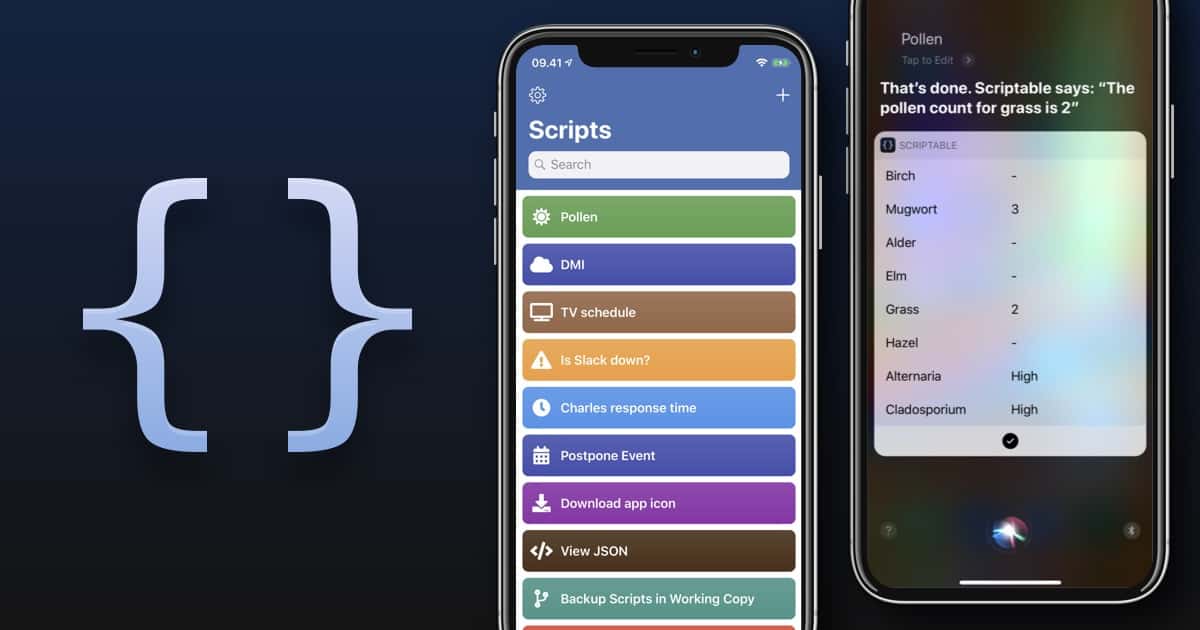
Scriptable controls your iPhone with JavaScript

By

Scriptable works a lot like Siri Shortcuts, only more difficult.
Photo: Scriptable

Now that you’re finally getting used to iOS 12’s new Shortcuts app, here comes Scriptable, a new automation app that runs JavaScript. It can make powerful and deep connections with your iPhone or iPad — working with the Files app, for example, or Reminders.

Why would you want such a thing? Well, maybe you know how to program JavaScript. Scriptable lets you take your code, and integrate it with iOS. You can make your own scripts and use them to automate iOS. For instance, how about creating something as simple as a custom save menu that lets you rename files as you save them?

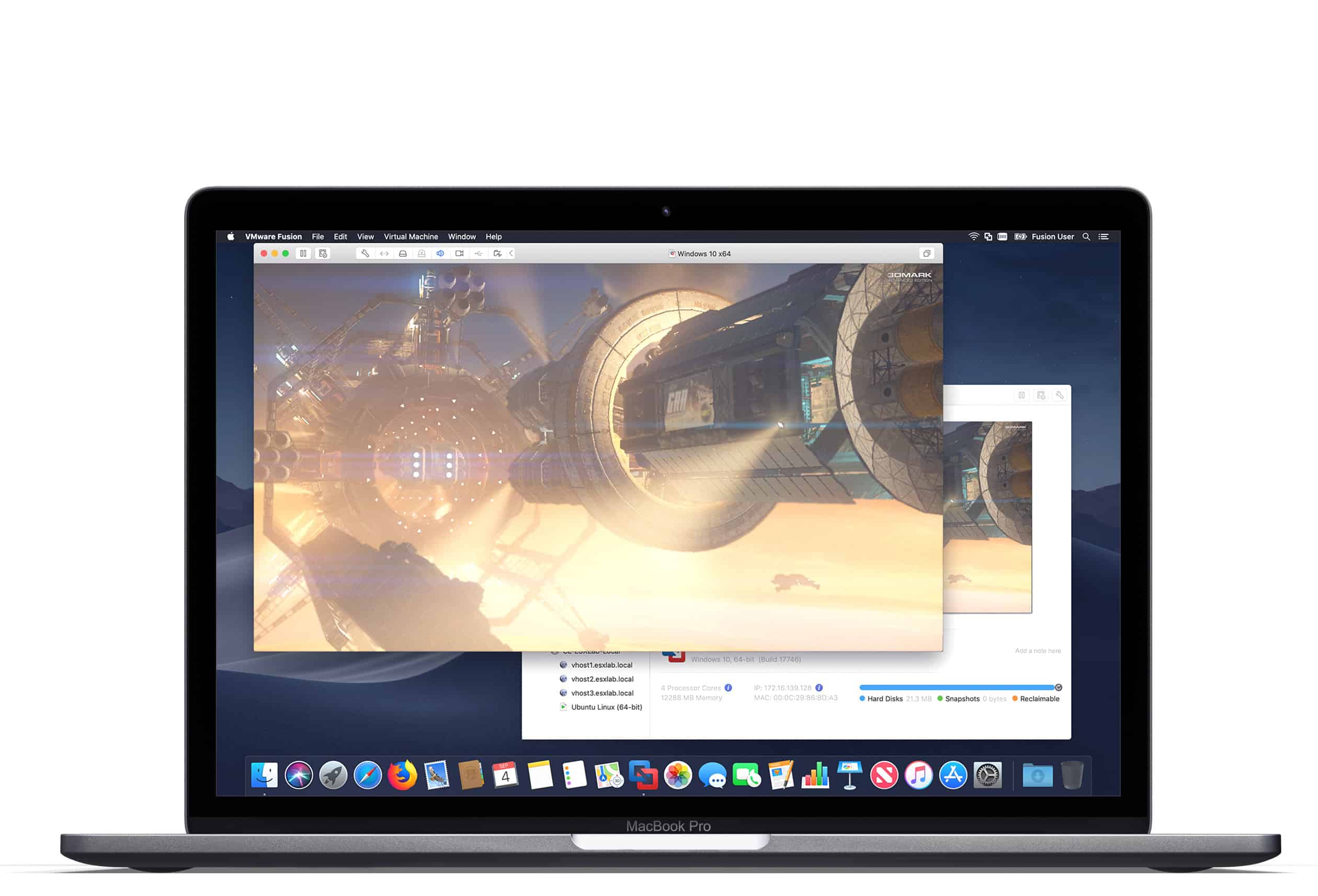
VMware Fusion 11 supports macOS Mojave, 18-core iMac Pro

By

VMware Fusion 11
Upgrade to VMware Fusion 11 today.
Photo: VMware

If you use VMware Fusion to run virtual machines on your Mac, it’s time to upgrade.

Version 11 has arrived with full support for macOS Mojave, the 18-core iMac Pro, and the six-core MacBook Pro released this year. The upgrade also adds enhanced Metal graphics rendering, an updated user interface, and more.

This Siri shortcut keeps an eye on police during a traffic stop

By

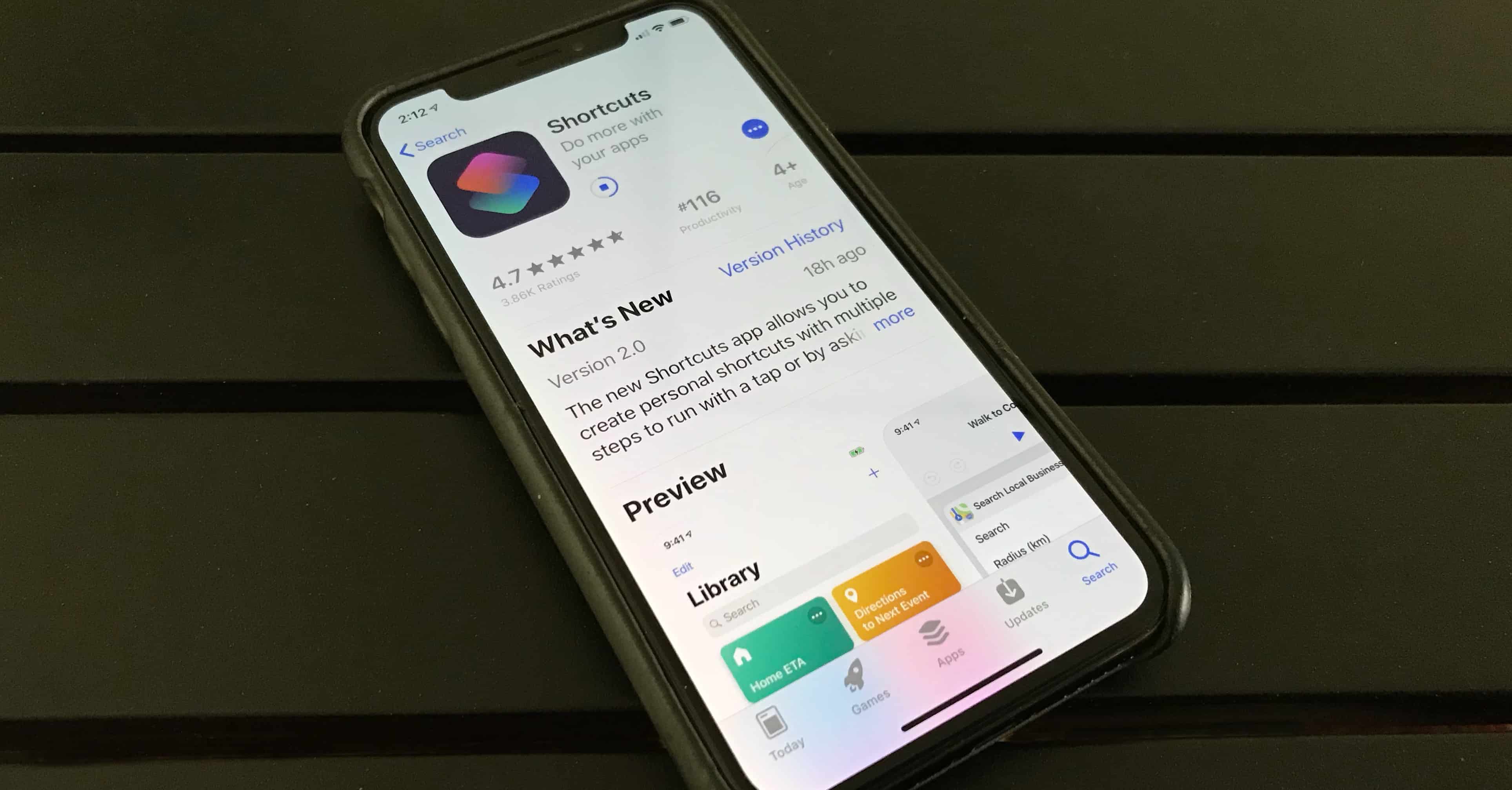
Shortcuts app from iOS 12
Photo: Ed Hardy/Cult of Mac

The smartphone has become a useful tool in shining a light on police abuse and overreach. Now, there’s a Siri shortcut that quickly readies your iPhone to record your experience with police during a traffic stop.

The shortcut was created by Reddit user Robert Petersen of Florence, Arizona, who suggests having users place their iPhone in a dash mount while driving.

Learn to build awesome iOS 12 apps [Deals]

By

iOS 12 Apps
Get coding for iOS 12 for less than $12!
Photo: Cult of Mac Deals

iOS 12 has finally landed, bringing with it a whole raft of new features and updates like Siri Shortcuts and enhanced AR. It offers plenty of opportunity for developers to innovate and build awesome new apps. That is, if you know the development ropes.

Apple teams up with Salesforce to deliver better business apps for iOS

By

Salesforce iOS
The redesigned Salesforce app will bring exclusive features to iOS next year.
Photo: Apple

Apple has entered into a new partnership with Salesforce to deliver new iOS apps focused on business.

Salesforce is redesigning its app and adding exclusive new features as part of the deal, while Apple has vowed to provide tools and resources to help millions of Salesforce developers create their own native apps for iOS.

1 62 63 64 65 66 121