Mobile menu toggle

Search results for: shortcuts

How to use Files app to replace your lame notes app

By

No, not that kind of file.
Photo: Charlie Sorrel/Cult of Mac

After trying out the millionth notes/scrapbooking app for the iPad, I realized that I should ditch apps altogether and just use the built-in Files app. It might be severely limited as an actual file browser, but Files has some big advantages over scrapbooking apps. It makes everything available to Spotlight searches, for one, and it doesn’t create duplicates of your files, because you’re always working with the originals.

Another huge advantage is that marking up PDFs with the Apple Pencil is instant. With all other PDF editors I’ve tried, you have to tap to enter a markup mode. In Files, you just start writing on the PDF. And that’s just the beginning.

Let’s see how it all works.

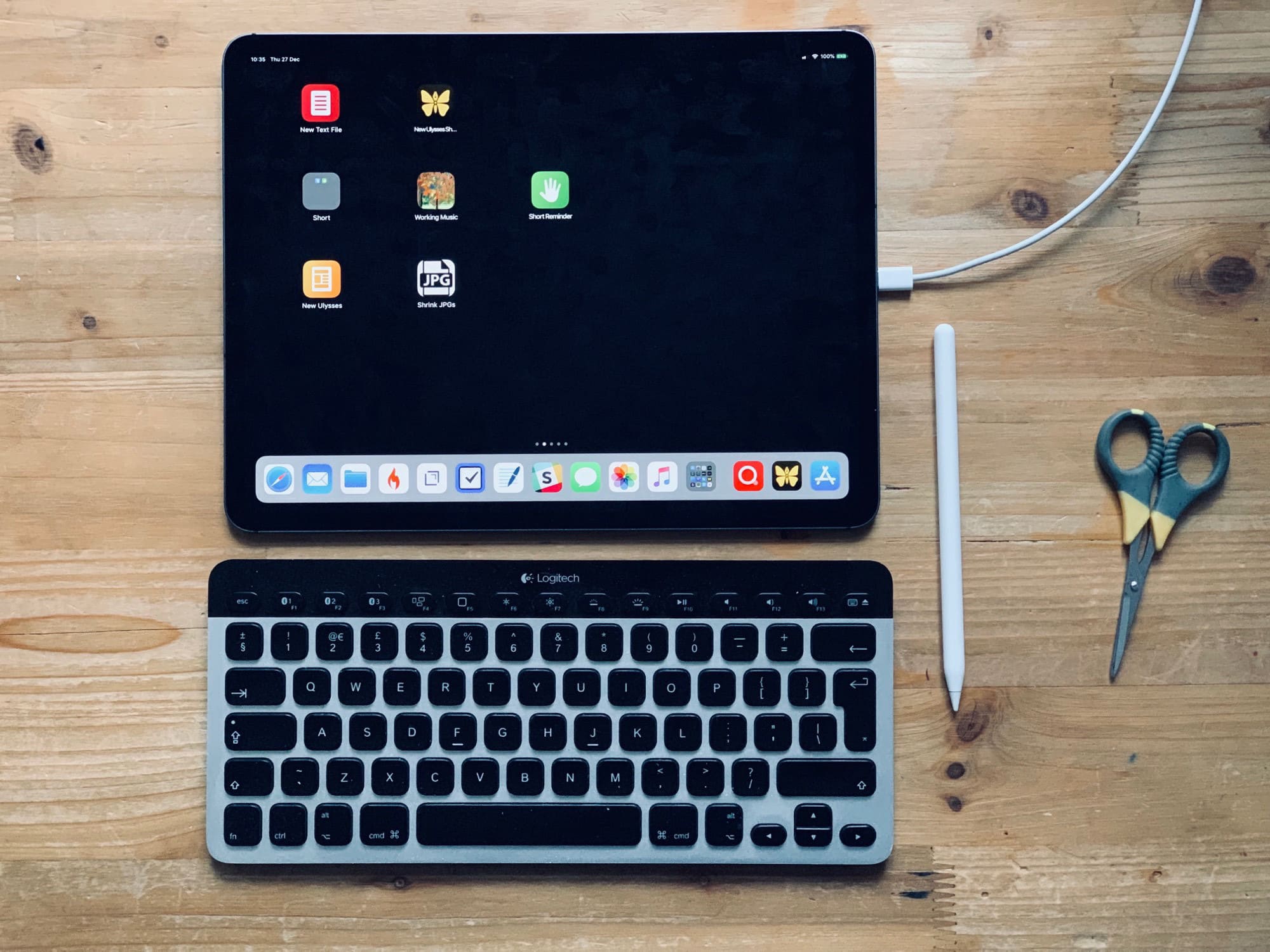
Replace your home-screen app icons with actions

By

Home screen actions
It’s easy to make you home screen more useful.
Photo: Charlie Sorrel/Cult of Mac

The iPad’s home screen is a waste of space. The 4X5 grid of icons looks absurd on the 13-inch iPad Pro. In fact, the fact that you’re limited to a grid of app icons is itself absurd. Where are the live readouts from your weather app or stock ticker? Where are the actions to send a message direct to your spouse/boss without opening an app first?

Worse, because the iPad doesn’t have 3D Touch, you can’t do anything useful with those icons other than launch the app1.

Today we’ll fix that. Using a combination of shortcuts, you can add actions to your home screen, instead of apps. For instance, you can create a grid of custom icons which can email a contact, create a new blank file in your text app of choice, create a quick reminder, and so on. Check it out.

Best apps to download now for your new iPad

By

Best apps for your new iPad
The iPad, home of some of the best apps in existence.
Image: Killian Bell/Cult of Mac

Cult of Mac Year in Review 2018The iPad can be so may different things. I use mine for reading, writing, making music, watching movies, and if I have any time to waste, I might play a game. The iPad is pretty much the ultimate creative tool, but that doesn’t mean that you can’t sit back and “consume” the odd “content” every once in a while.

The best iOS apps of 2018 [Year in Review]

By

Year in Review Best iOS apps 2018
Don’t miss out on these awesome iOS apps.
Image: Killian Bell/Cult of Mac

Cult of Mac Year in Review 2018There are almost 2 million apps available on iOS today, and yet in 2018, 10 years after the App Store opened its doors, developers continue to deliver new and unique titles that blow us away.

We’ve rounded up the very best from the past year right here. We have terrific text editors, fantastic photography apps, amazing utilities, and lots more.

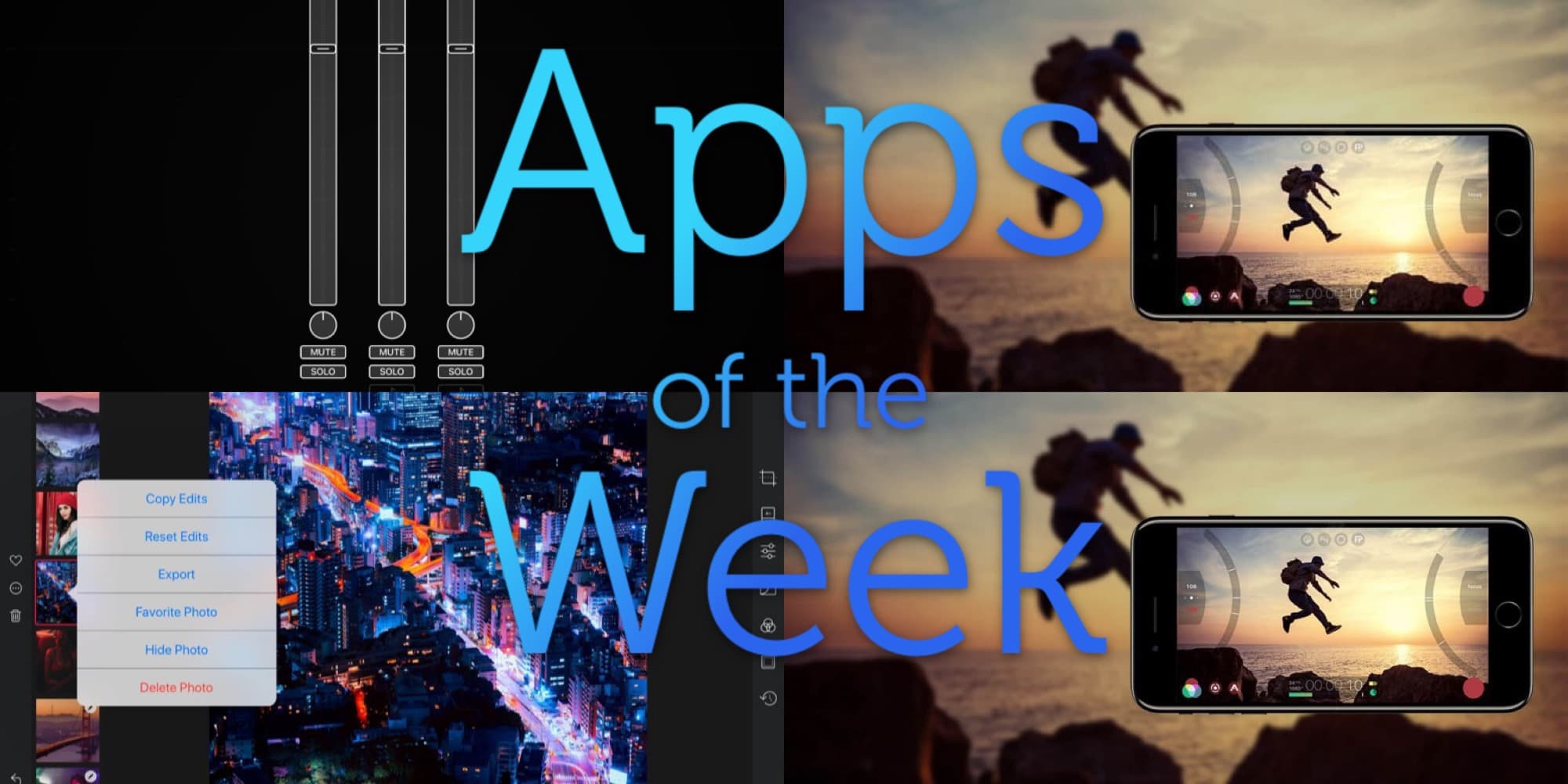
Darkroom for iPad, Audiobus, Filmic Pro, and other great apps of the week

By

What a festive feast of apps we have for you this week.
Photo: Cult of Mac

Oh man, just Darkroom for iPad is enough for this week — it’s that good. If you only use it to browse your photo library it’s worth the download. Also check out Audiobus’ new MIDI learn, Filmic Pro’s crazy, storage-filling new high-Bitrate option, and Agenda’s image and file attachments.

This Shortcut shrinks your huge 4K Christmas videos

By

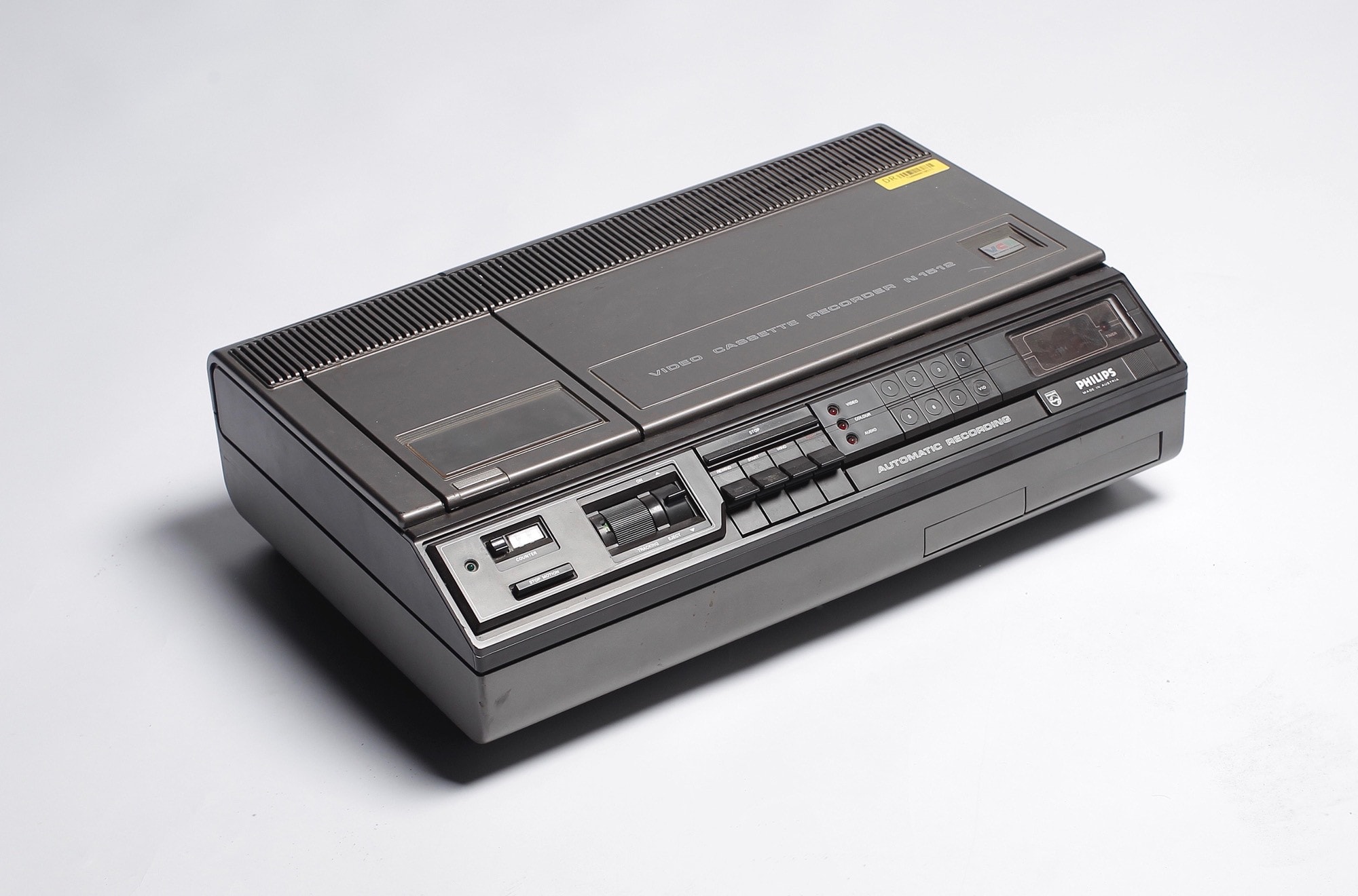
Now this is a big video.
Photo: DRs Kulturarvsprojekt/Flickr CC

“This is going to be the best Christmas video ever!” you tell yourself. You have an iPhone XS, it’s set to 4K at 24 frames per second, and you’re framing your shots like a pro. Smart HDR will illuminate the smiles on the faces of your nieces and nephews, and stabilization will take care of your hangover jitters.

“Oh man, I can’t wait until these morons see this in their iMessages, using iOS 12’s great Share Back feature,” you think somewhat uncharitably, while squeezing a handy link into your thoughts.

Then reality grabs you. That 5-minute 4K clip of the angels ripping their way through a forest’s worth of wrapping paper is over 1.5GB. There’s no way you can share that on your parents’ crappy internet connection. Why oh why didn’t you shoot at 720p? Luckily, Shortcuts is here to save the day. Again.

Make the most of your Mac with these premium apps [Deals]

By

This week we've rounded up tools for keeping your Mac clean, replacing the Apple Dock, maximizing your keyboard efficiency, and lots more.
Photo: Cult of Mac Deals

Macs are powerful machines, but only when they’ve got the right apps. So we’ve rounded up four of the best Mac apps at some of the best prices. There are tools for keeping tidy drives, upgrading Apple’s Dock, expanding the potential of each keystroke, and lots more. Read on for more details:

How to fix your parents’ messed-up computers when home for the holidays

By

Good luck fix parents mac
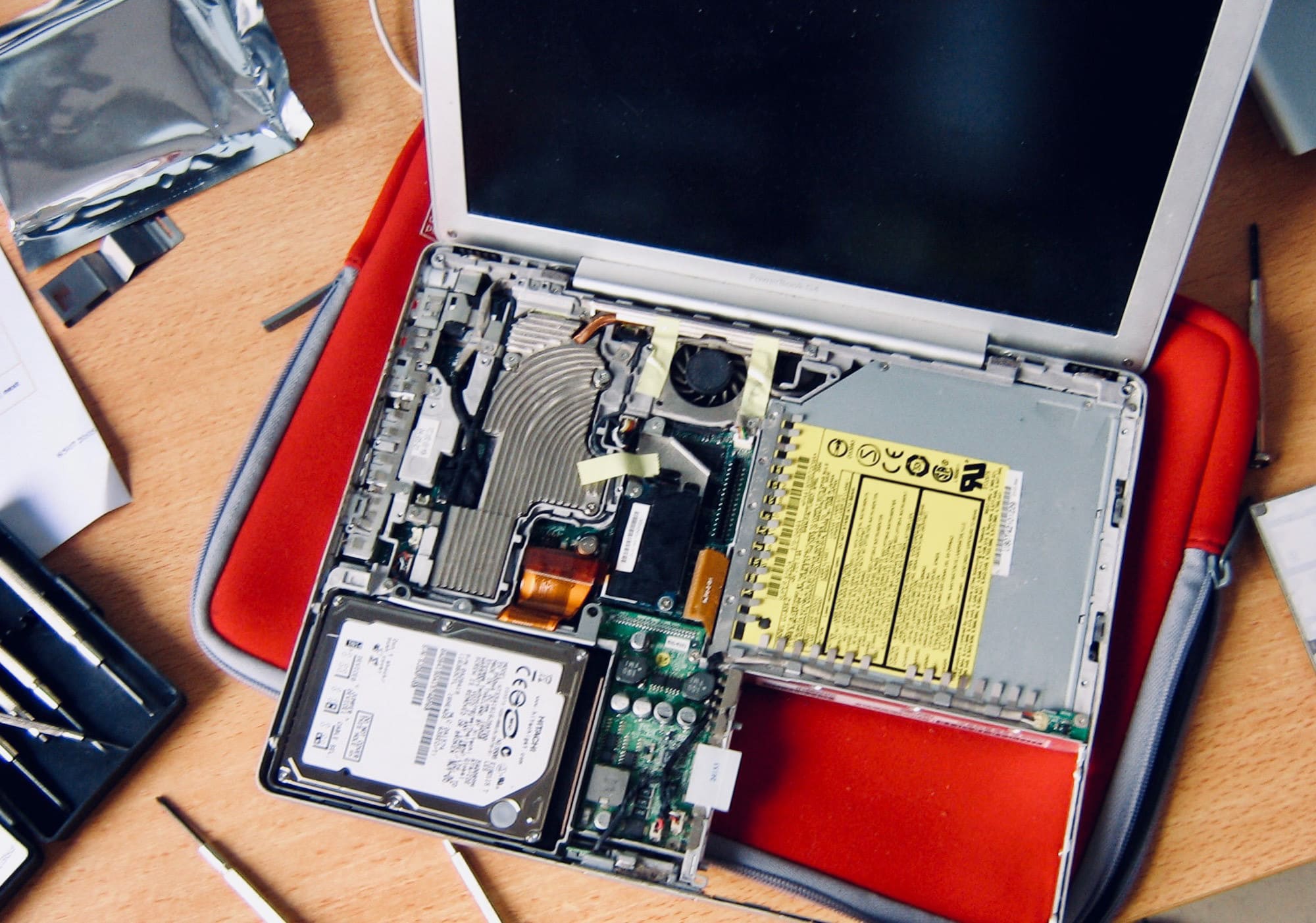
Good luck!
Photo: Cult of Mac

Cult of Mac Year in Review 2018 Christmas time means packing up your daily troubles, forgetting work for a week, and heading home to … troubleshoot your parents’ broken computers and gadgets? Oh man, is it that time of year again already?

That’s the problem with being the family’s only geek — you get handed all the geek jobs. However, you can turn this to your advantage, and make it a lot easier, by going in prepared. Check out our Holiday Troubleshooting Guide right here.

A complete education in iOS 12 coding for just $11 [Deals]

By

Dive into a comprehensive course in building iOS apps, for a deep discount.
Photo: Cult of Mac Deals

Learning to build apps for iOS is a great way to expand your skills. That’s true whether you’re looking to get a new gig, or just want to work on personal projects. But coding is complicated, and iOS 12 is full of advanced features, so it helps to have a guide.

1 58 59 60 61 62 121