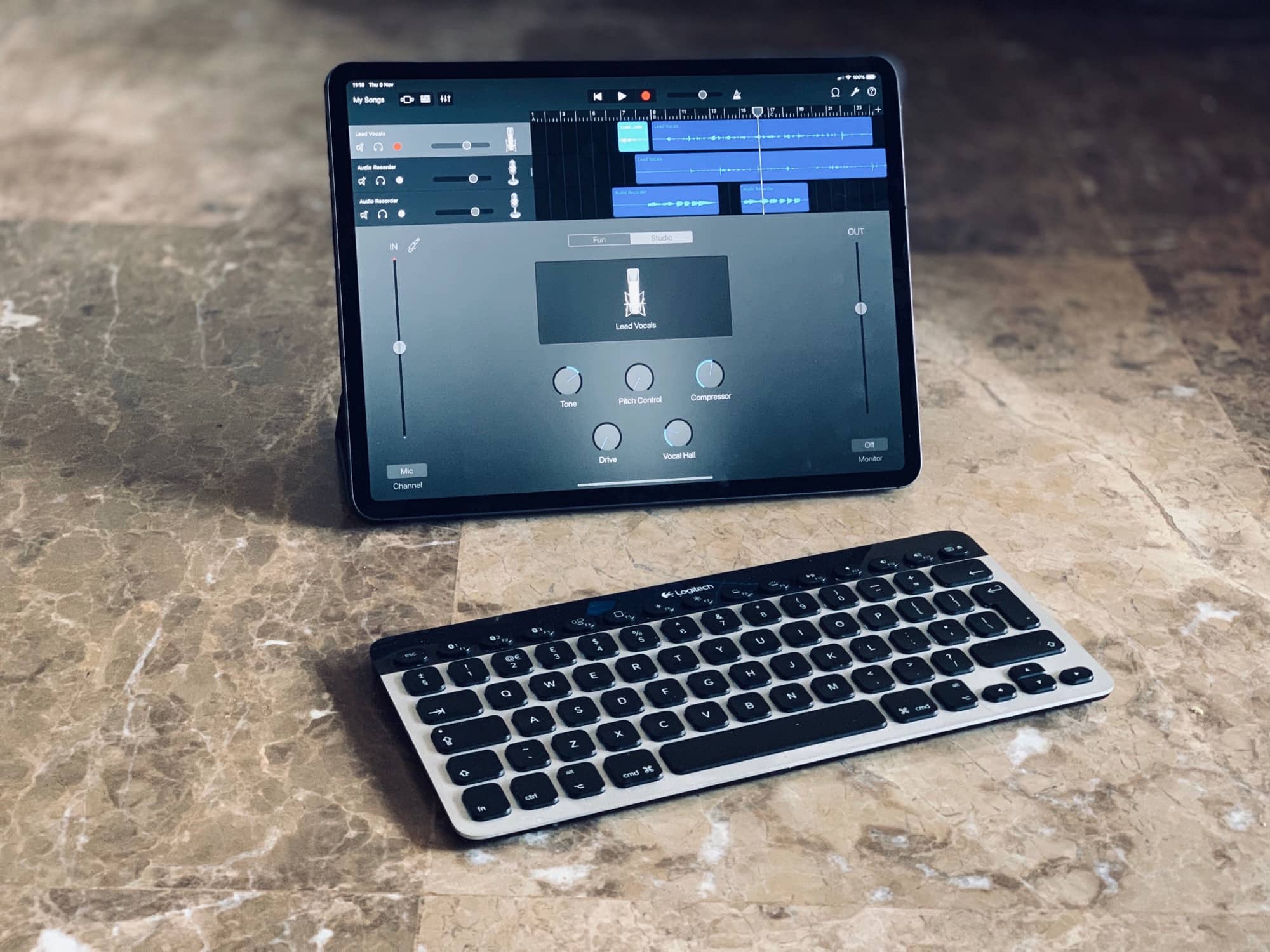
Finally, GarageBand can be controlled from a keyboard. Photo: Charlie Sorrel/Cult of Mac
GarageBand for iPad just got a great new update, adding three new drummers, gimmicky face-controlled audio effects, and one huge game changer: Keyboard shortcuts.
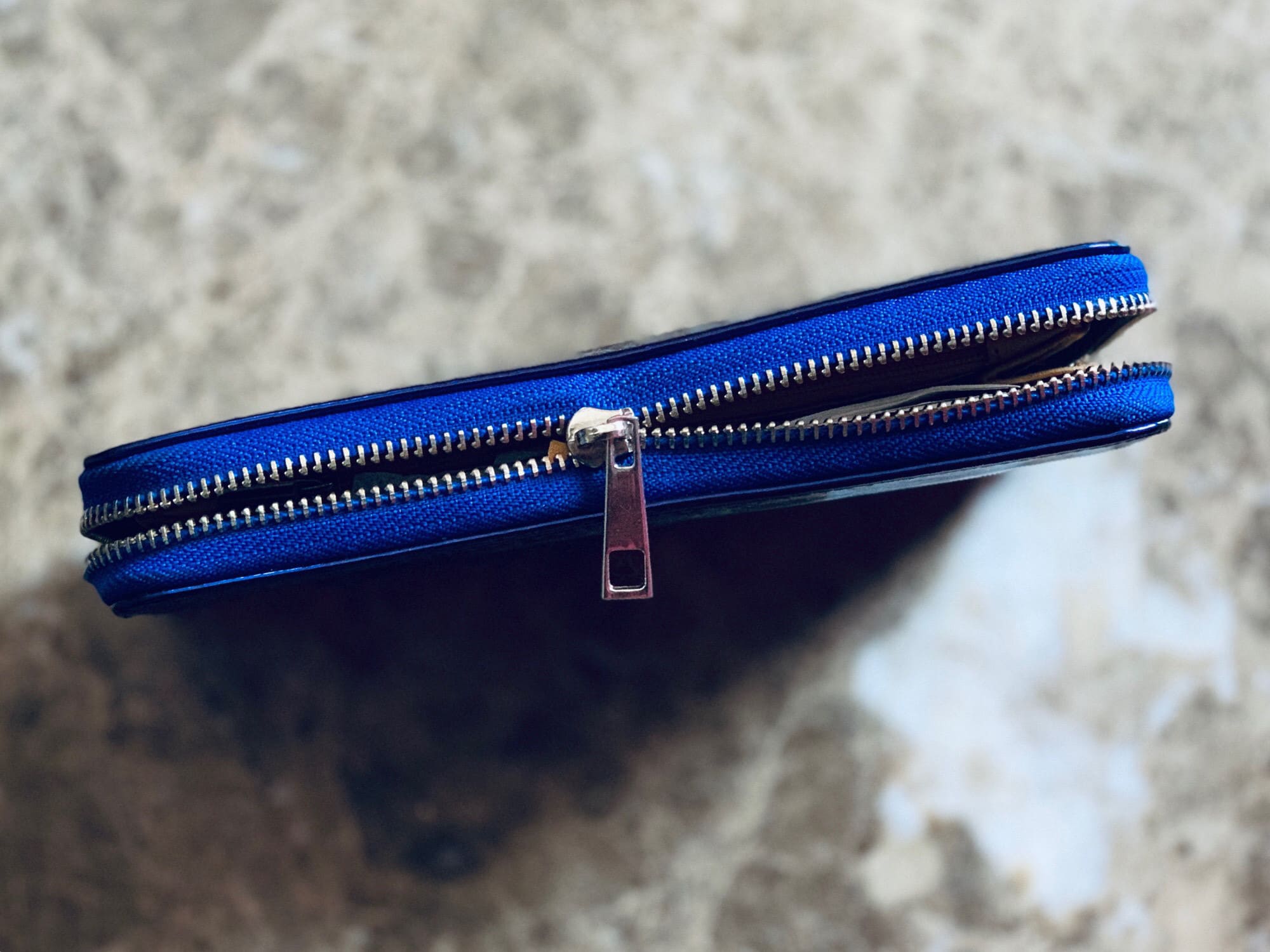
Broken ZIP Shortcut metaphor. Photo: Charlie Sorrel/Cult of Mac
Shortcuts isn’t just about asking Siri to help out when a cop pulls you over, or shutting your home down for the night. Shortcuts can also be little utilities that you use on your files, adding Mac-like functions to your iPad or iPhone. Today’s example shows how to make a shortcut that unzips files, and saves them to your iCloud Drive or Dropbox. Even in iOS 12, there’s no built-in way to unzip stuff. And with this shortcut, you won’t have to buy an app to do it.
Set a timer with the new Shortcuts v2.1. Photo: Charlie Sorrel/Cult of Mac
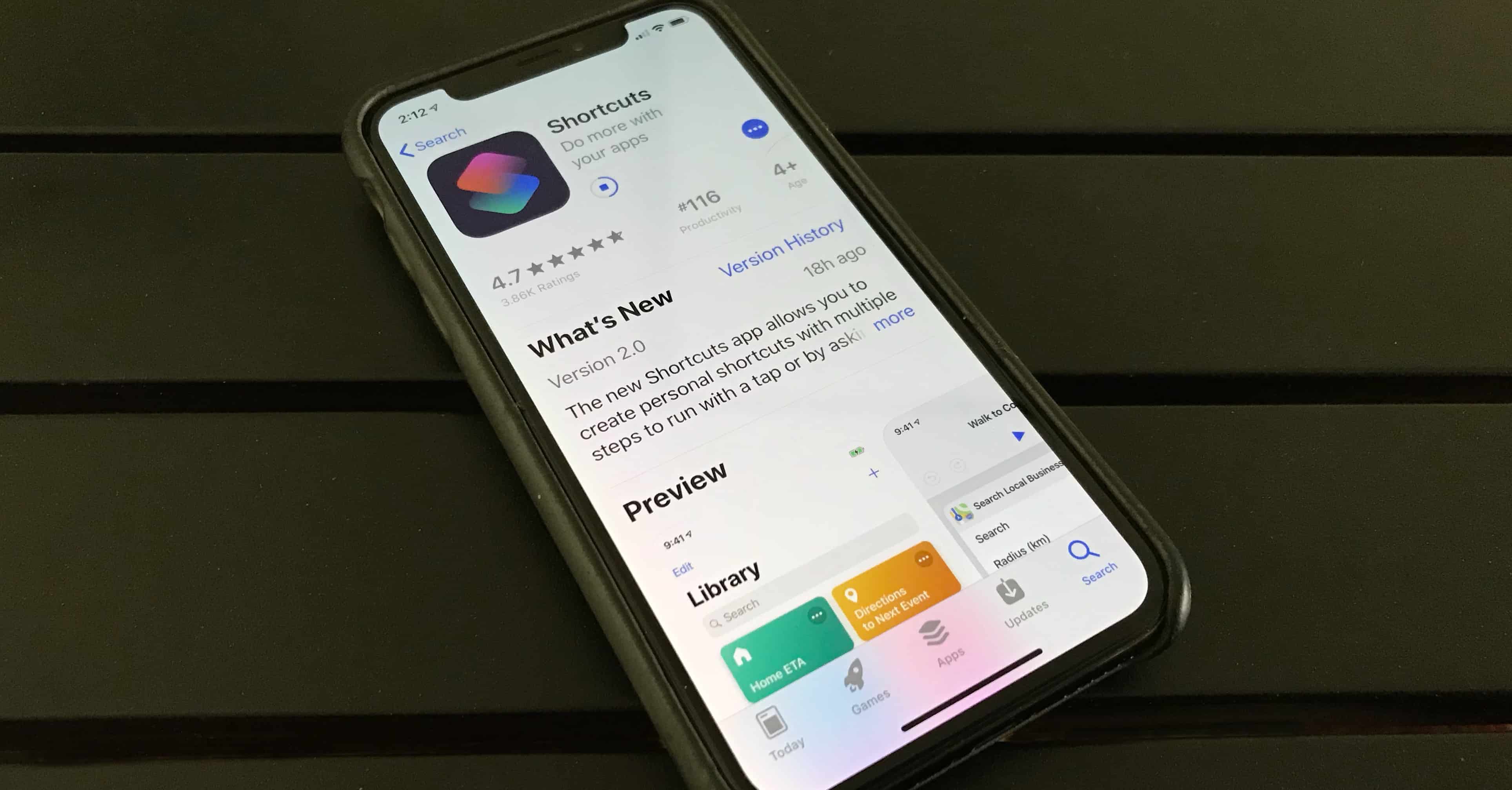
Amidst the flurry of iPad and Mac news yesterday, Apple also released the latest version of Shortcuts, the super-cool iOS automation app. The big news is the addition of seven new actions for checking the weather, setting timers and measurement conversions. Let’s take a look at Shortcuts 2.1.
Set a power nap timer --and more -- with your voice Photo: Charlie Sorrel/Cult of Mac
Here’s a great little shortcut that uses the new Set Reminder action in the newest v2.1 of Apple’s Shortcuts app. Tell Siri that you want to take a nap, and it will ask you for how long. It’ll then set a timer, and schedule Do Not Disturb for the duration. Get ready to clock some serious ZZZs with our power nap shortcut.
The Shortcuts app lets you create your own voice commands, but increasing numbers of third-party apps have Siri Shortcuts built in. Photo: Ed Hardy/Cult of Mac
A highlight of iOS 12 is Siri shortcuts, a way to activate frequently-used tasks with voice commands. Software developers can do this too, and today Apple highlighted some popular applications that have embraced Siri.
Increasing numbers of apps have Shortcuts built in, giving users access to special functions with the voice commands of their choice.
This week it’s all about awesome updates. Spark adds Siri shortcuts to your email, Halide adds Smart RAW to make your iPhone XS camera even better, and Fiery Feeds gets a makeover and Pinboard support.
Hear about all that and more in this week’s app roundup.
Shortcuts created this grid with just a few taps. Photo: Charlie Sorrel/Cult of Mac
Today we’re going to make a Siri Shortcut that takes a bunch of photos you took — today, or any day — and combines them into a great-looking photo grid. It then shares that grid with friends. All you have to do it tap a button or speak a Siri command.
This is a really great way to share photos of an event, a trip to a fancy restaurant, or just an overview of your day. It also shows how easy it is to build a powerful shortcut to perform a task that would take forever to do manually in Photoshop. Let’s check it out.
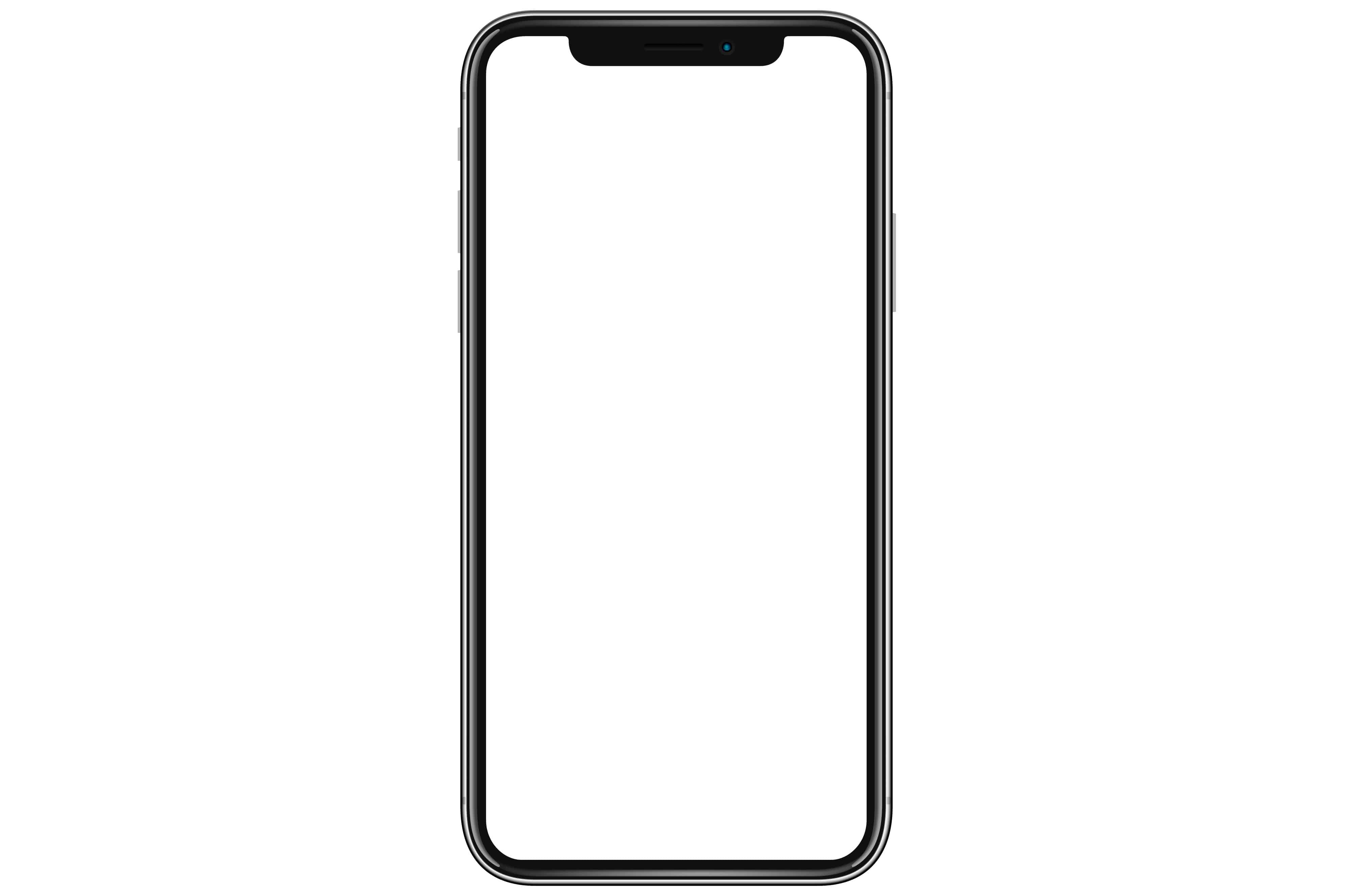
Imagine your screenshot inside this beautiful frame. Photo: Cult of Mac
Today we’re going to make an iPhone frame shortcut that takes your most-recent iPhone screenshot, and wraps it in a device beautiful frame. The frame will be the body of the iPhone, so it’ll look just like the iPhone pictures Apple uses on its site. This shortcut requires a little bit of setup (you have to copy some images into a folder in iCloud Drive), but after that it runs with a single tap.
Let Siri do the hard work for you. Photo: Killian Bell/Cult of Mac
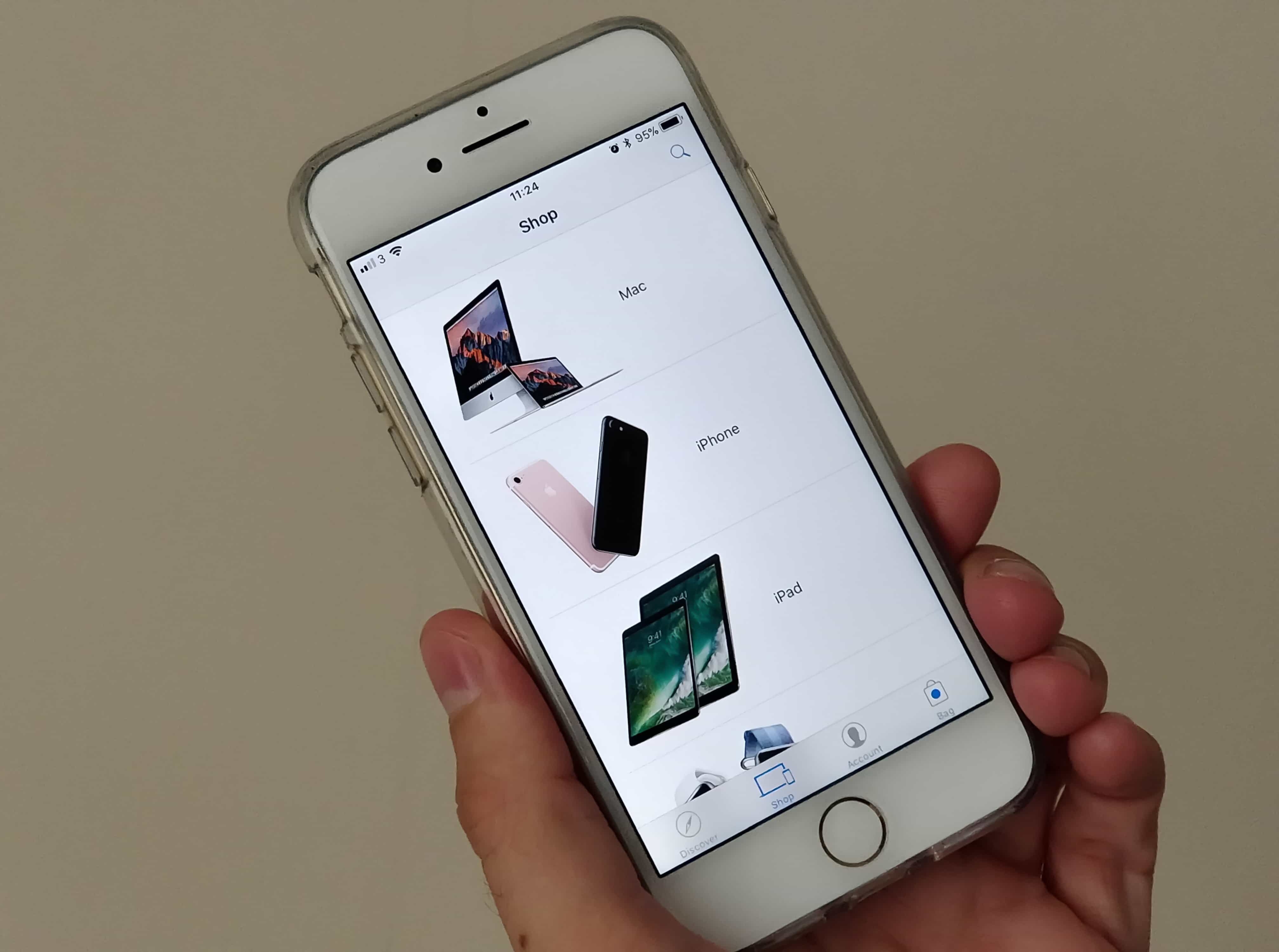
The Apple Store app has been updated to support Siri Shortcuts. It provides shoppers with an “even faster way” to preorder the iPhone XR later this month, Apple says. Here’s what you need to do to get everything set up before October 19.
Shortcuts is Apple’s new automation app for iOS 12. It integrates with Siri and lets you build all kinds of amazing automated workflows, from shutting your house down when you go to sleep, to downloading videos from YouTube and saving the them to iCloud.