One of the biggest shortcomings of mobile Safari is downloading files. It’ll do it just fine, but it loads everything as if it were a web page. PDFs, ZIPs, MP3s: They all get loaded right there into the current page, whereupon you have to use the Open In… feature to save the file.
Perhaps even worse — you don’t have any idea how long the download is going to take. All you have to go on is the loading progress bar up in the URL bar, which creeps along and really only offers two states: “not done yet” and “done.”
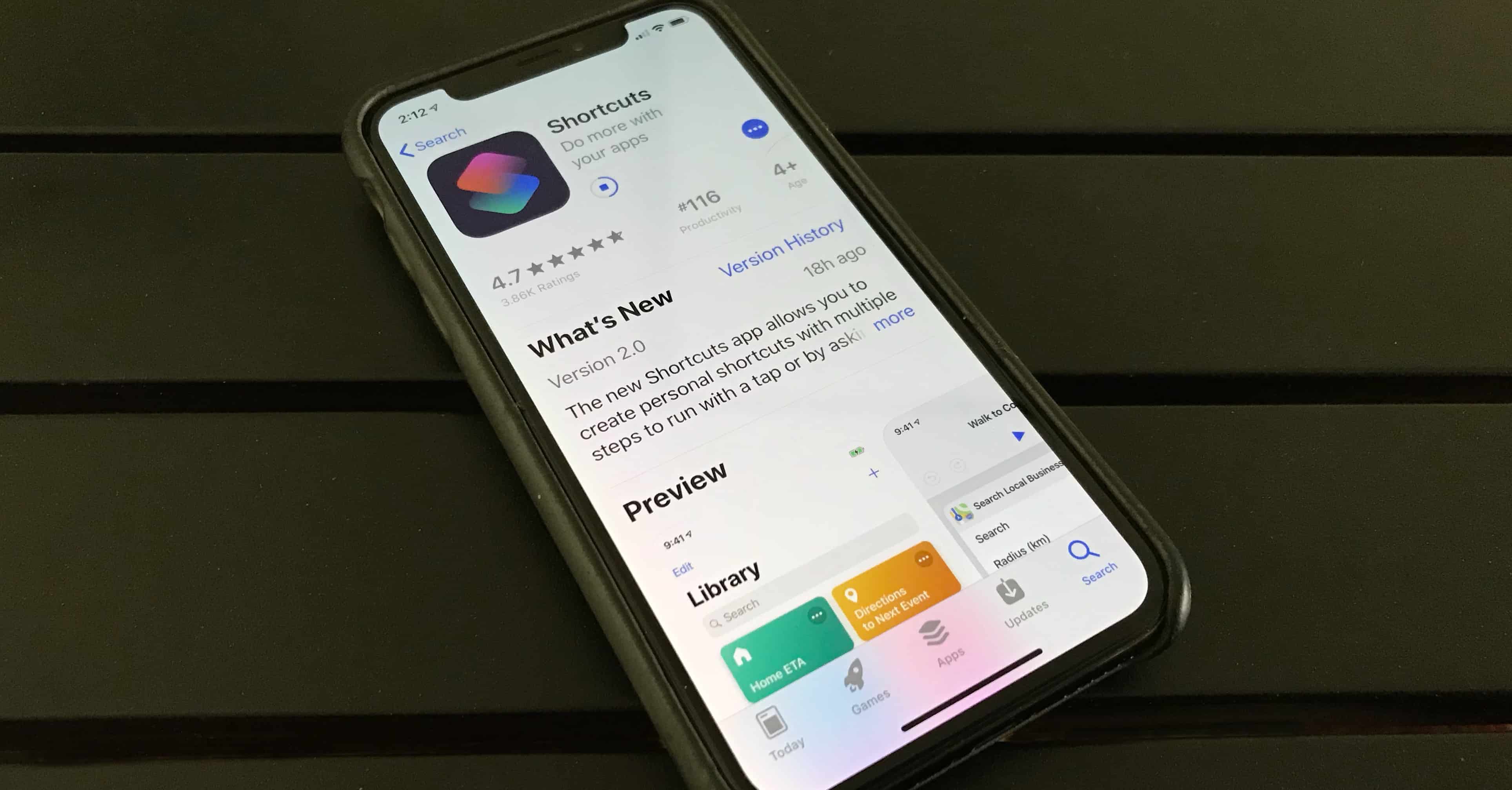
Today we will fix that by whipping up a download manager using the Shortcuts app. Let’s go.