Mobile menu toggle

Search results for: shortcuts

Check out the redesigned share sheet in iOS 13 beta 5

By

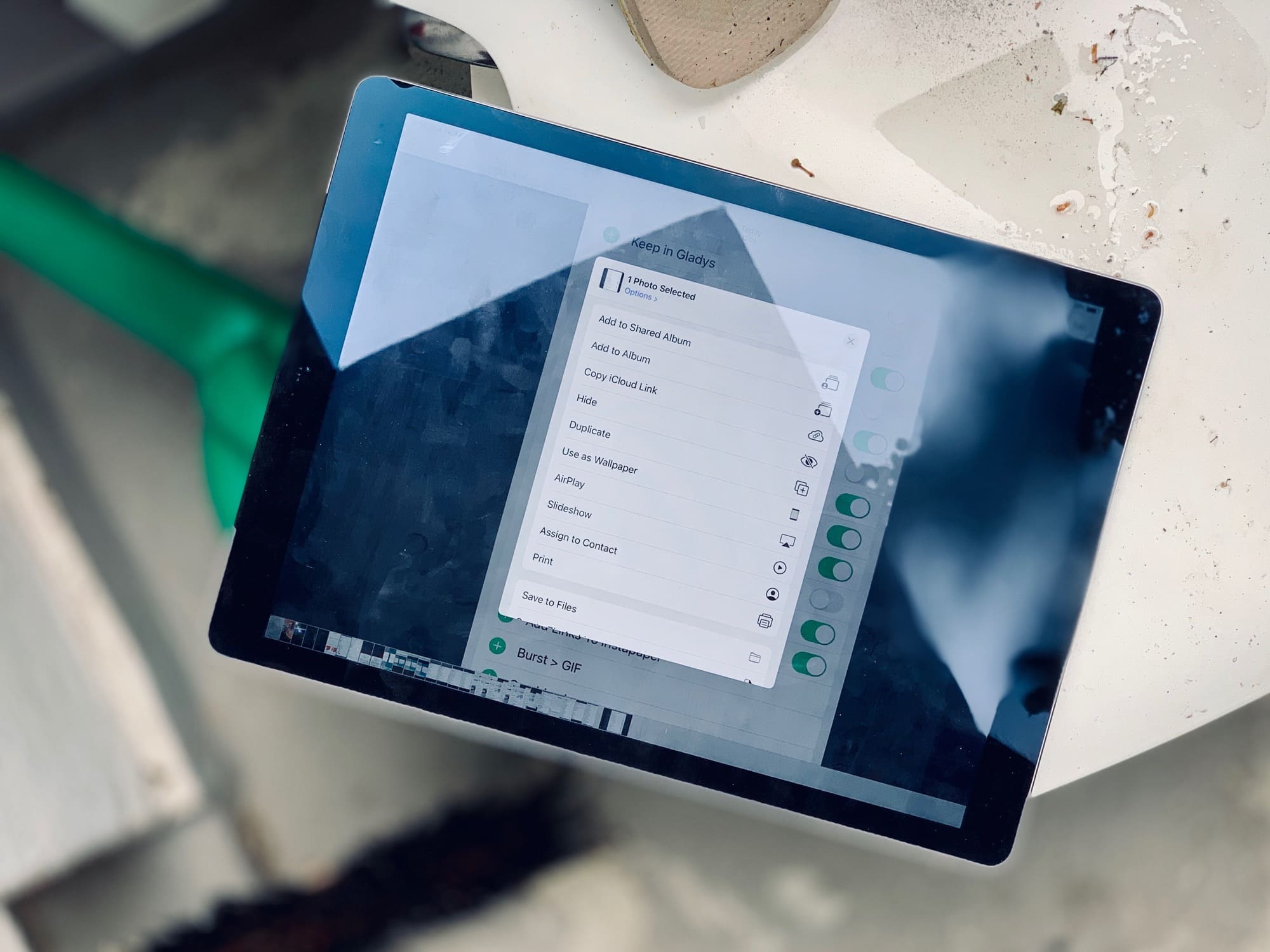
Ipad on wet chair
Sharing is caring, etc.
Photo: Charlie Sorrel/Cult of Mac

Up until the latest developer beta 5, the iOS 13 share sheet has been a mess. At the top is the truly excellent quick-share row, which automatically suggests sharing destinations that you use often — iMessage and email contacts, AirDrop destinations, and so on. Then there was the familiar row of app icons.

However, below that came a single long list of B&W labels, mixing up all the other sharing options, along with all of your shortcuts. It was impossible to use. It also felt like a placeholder for a new UI design.

Now, that new design has been added, and it’s … OK. There’s still no color differentiation for your shortcuts, and the list is still too long, but you can customize some sections. Let’s take a look at the new iOS 13 share sheet options.

Everything new in iOS 13 beta 5

By

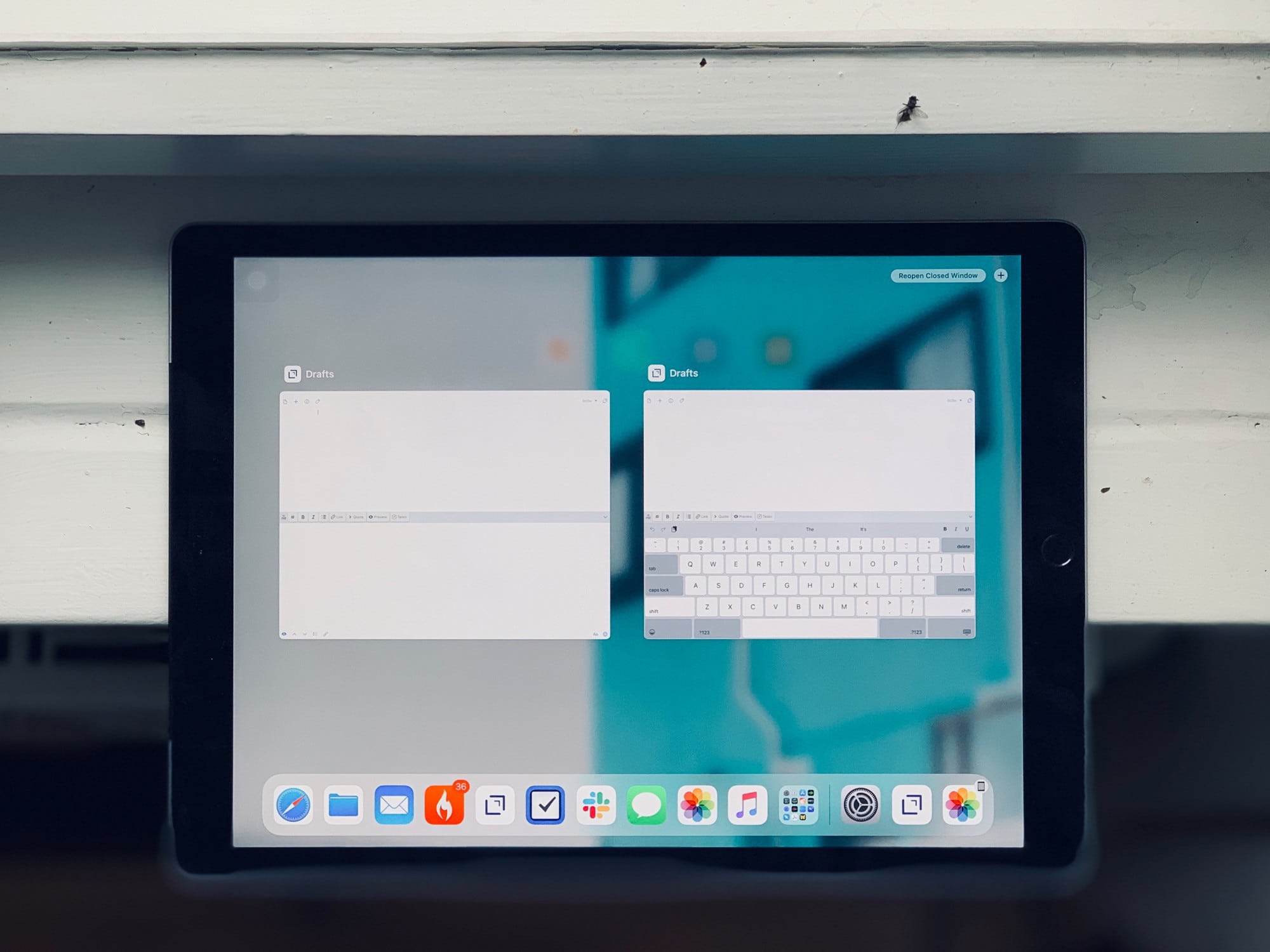
Windows, next to a window.
Photo: Charlie Sorrel/Cult of Mac

The big news in iOS 13 developer beta 5 is that the share sheet has finally been fixed up. Previously, it has been almost impossible to use in the iOS 13 beta, thanks to pretty much every share option being lumped into one never-ending list.

We have a post all about the new share sheet in iOS 13. Check it out to see what’s new on that front. For everything else, keep reading here.

Hilariously sarcastic weather app gets an iPad-focused refresh

By

Carrot Weather 1
CARROT Weather is a quirky -- but surprisingly great -- weather app.
Image: Carrot Weather

Everyone’s favorite sarcastic AI taskmaster weather app has received a big update.

CARROT Weather 4.12 just landed in the App Store, bringing a plethora of upgrades designed around the iPad. If you’re a tablet user with an interest in a quirky, yet surprisingly deep weather app, this may be the one for you!

Every Pixelmator Pro tool now available inside Mac’s Photos app

By

Pixelmator-Pro-Photos
Not just the big ones. All of them.
Photo: Pixelmator

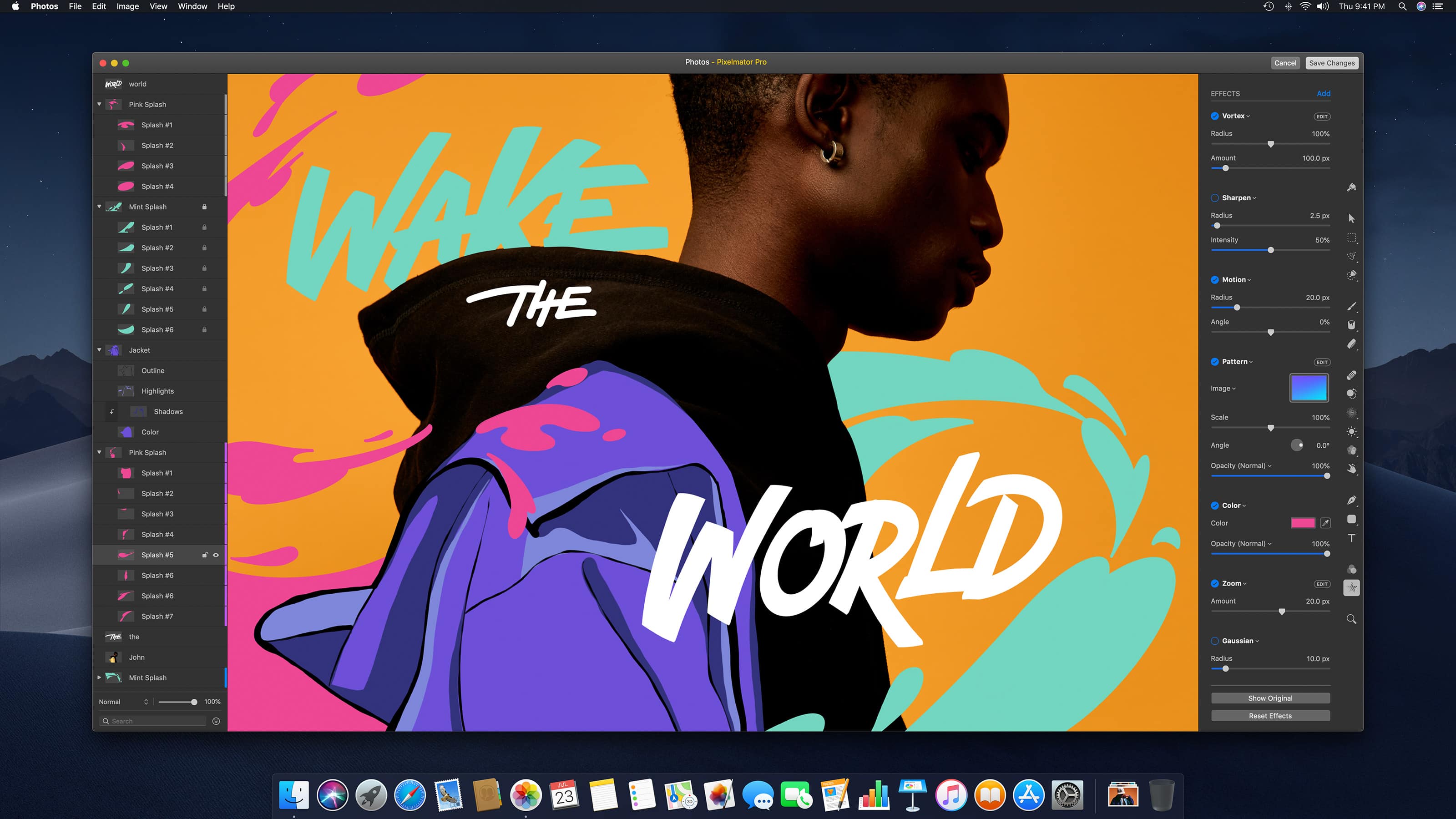
Every single one of your favorite Pixelmator Pro tools can now be found inside the built-in Photos app on Mac.

The latest version of the app makes it so that you never need to leave Photos to edit your best snaps. You can even use the Pixelmator Pro keyboard shortcuts you’re already used to.

Everything new in iOS 13 developer beta 4

By

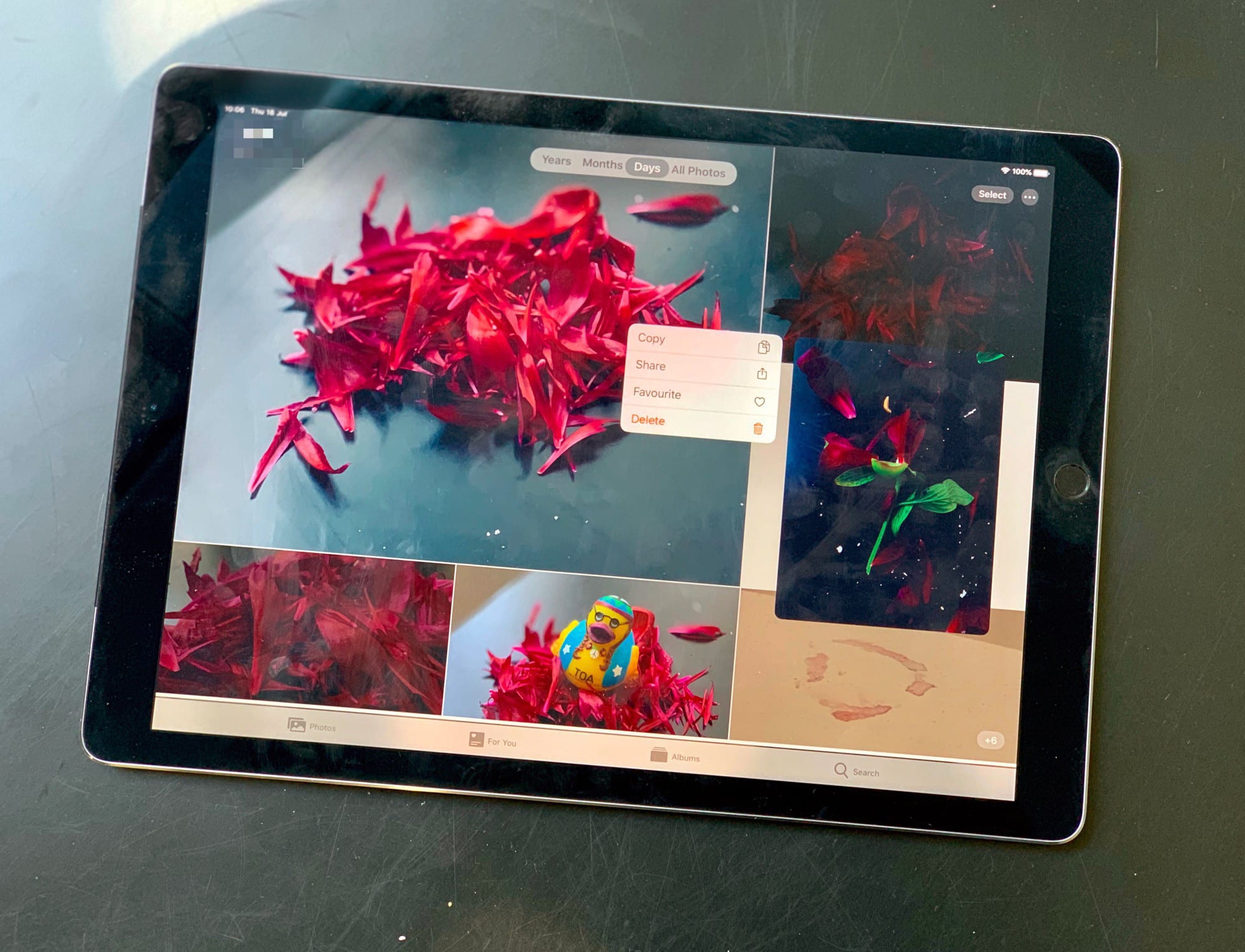
The new Photo Library in iPadOS.
Photo: Charlie Sorrel/Cult of Mac

There’s good ness and bad news in iOS 13 beta 4 — the good news is that the next version of iOS has gotten some polish, lots of bug fixes, and at least one great new feature. The bad news is that new glitches have been introduced, and that the share sheet is still way, way harder to use than the current iOS 12 version. But let’s take a look at what’s new.

Making music on iPad forced me back to the Mac

By

Tuning a ukulele
Sometime the old ways are the best.
Photo: Charlie Sorrel/Cult of Mac

I use my iPad for almost all my computing. I write, read, record and edit music, edit photos — you name it. I’ve used my decade-old Mac less and less in recent years, as the iPad, or rather iOS, has gotten ever more capable.

But this week I dusted off my Mac, ordered some extra RAM (yes, it’s still available!), and fired it up. Why? Because, as powerful as the iPad is, the Mac is still way, way better for some tasks. In my case, that task is recording and editing music.

Third betas for iOS 13 and iPadOS arrive for devs

By

ios13
Users can't wait to get their hands on iOS 13.
Photo: Apple

Apple seeded the third beta build of iOS 13 and iPadOS to developers this morning, bringing a host of new tweaks and bug fixes to test devices just before the 4th of July break.

iOS 13 beta 3 arrives just over two weeks after Apple dropped the last developer beta. The first iOS 13 public beta came out a week ago. Apple also released the third betas of tvOS 13, watchOS 6 and macOS Catalina today.

iOS 13 finally lets you (kinda) replace Apple’s default apps

By

Launch any camera app from the lock screen with this incredibly useful iOS 13 trick.
Launch any camera app from the lock screen with this incredibly useful trick.
Photo: Charlie Sorrel/Cult of Mac

In iPadOS and iOS 13, you can kinda replace the stock Apple apps on your iPhone or iPad. For instance, anytime you tap the Mail icon, Spark could launch instead. Or, and this is probably the most useful, when you tap the lock-screen shortcut for the Camera app, you could launch Halide instead.

This isn’t proper app replacement, but it is a pretty wild trick for iOS devices. We use a new feature in Shortcuts to make the magic happen. And for the Camera app, it works great.

1 51 52 53 54 55 121