Mobile menu toggle

Search results for: shortcuts

Safari in iPadOS is almost as good as macOS [Opinion]

By

Safari in iPadOS desktop-class browsing
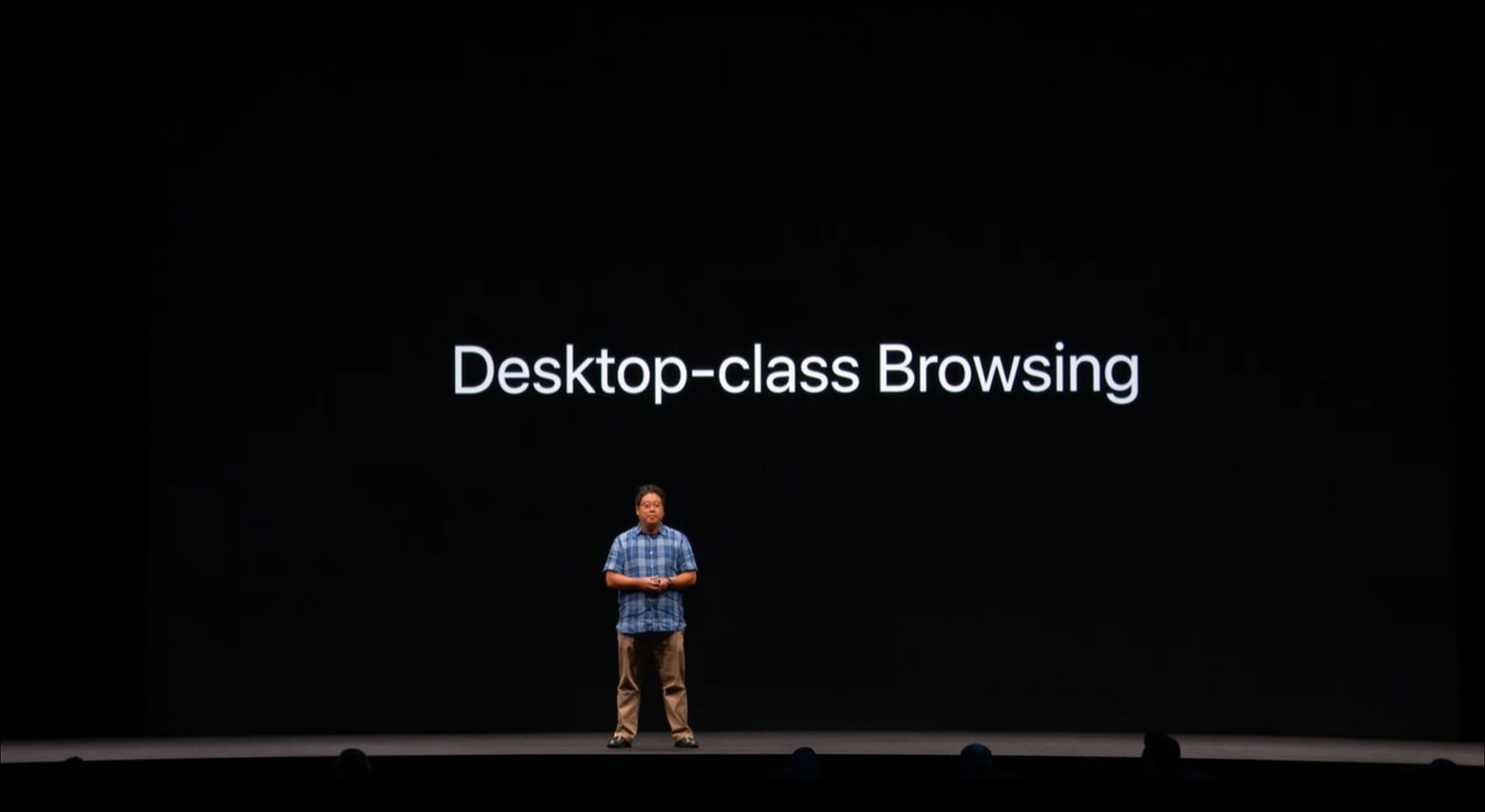
At WWDC, Apple Safari and Desktop Engineer Charles Ying promised iPadOS will include a full-featured browser.
Photo: Apple

Apple promised the Safari browser coming to iPads later this year will be “desktop class.” That’s a vague term, but tests with the first beta of iPadOS 13 show that it comes very close to the macOS version. There’s still room for improvement, though.

Even so, this is a major milestone for Apple’s tablets. Limitations in Safari have held the iPad back for far too long.

WWDC 2019 changed everything: Here’s what you need to know

By

Tim Cook
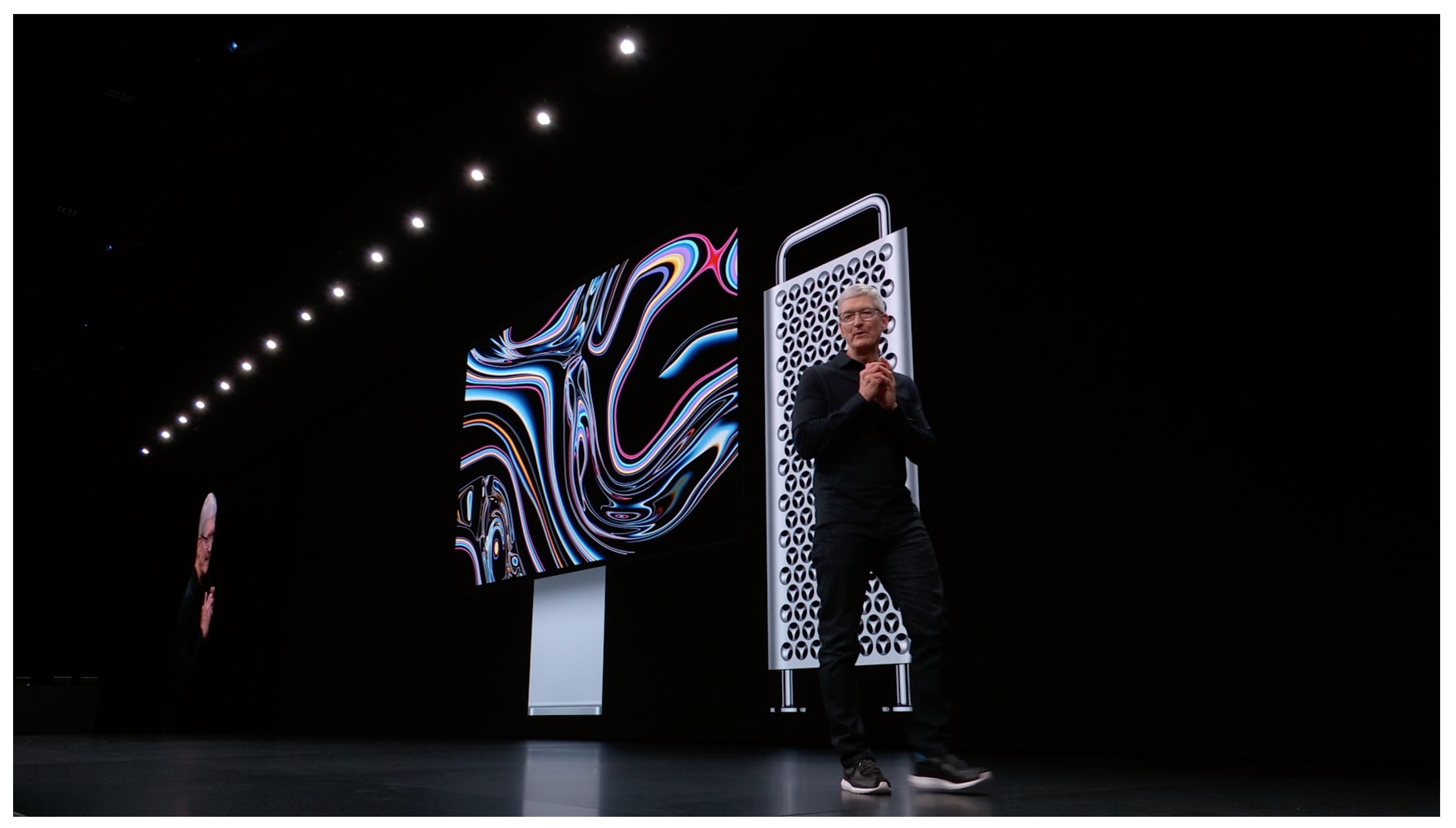
Tim Cook had a lot of news to share at WWDC 2019.
Photo: Apple

WWDC 2019 bug Apple unleashed a mountain of software updates (and even some smokin’ new hardware) Monday, during what was arguably one of the best WWDC keynotes we’ve ever seen.

The entire event ran for more than two hours but it felt like there was hardly enough time to get to all the new stuff. iOS 13 got the most attention, for good reason, but Apple also surprised us with better gaming features on Apple TV, the ability to completely control your Mac with your voice, a new Mac Pro and so much more.

If you didn’t have time to watch the entire WWDC 2019 keynote, we’ve rounded up the highlights so you don’t miss a thing.

Everything you need to know about iOS 13 and iPadOS

By

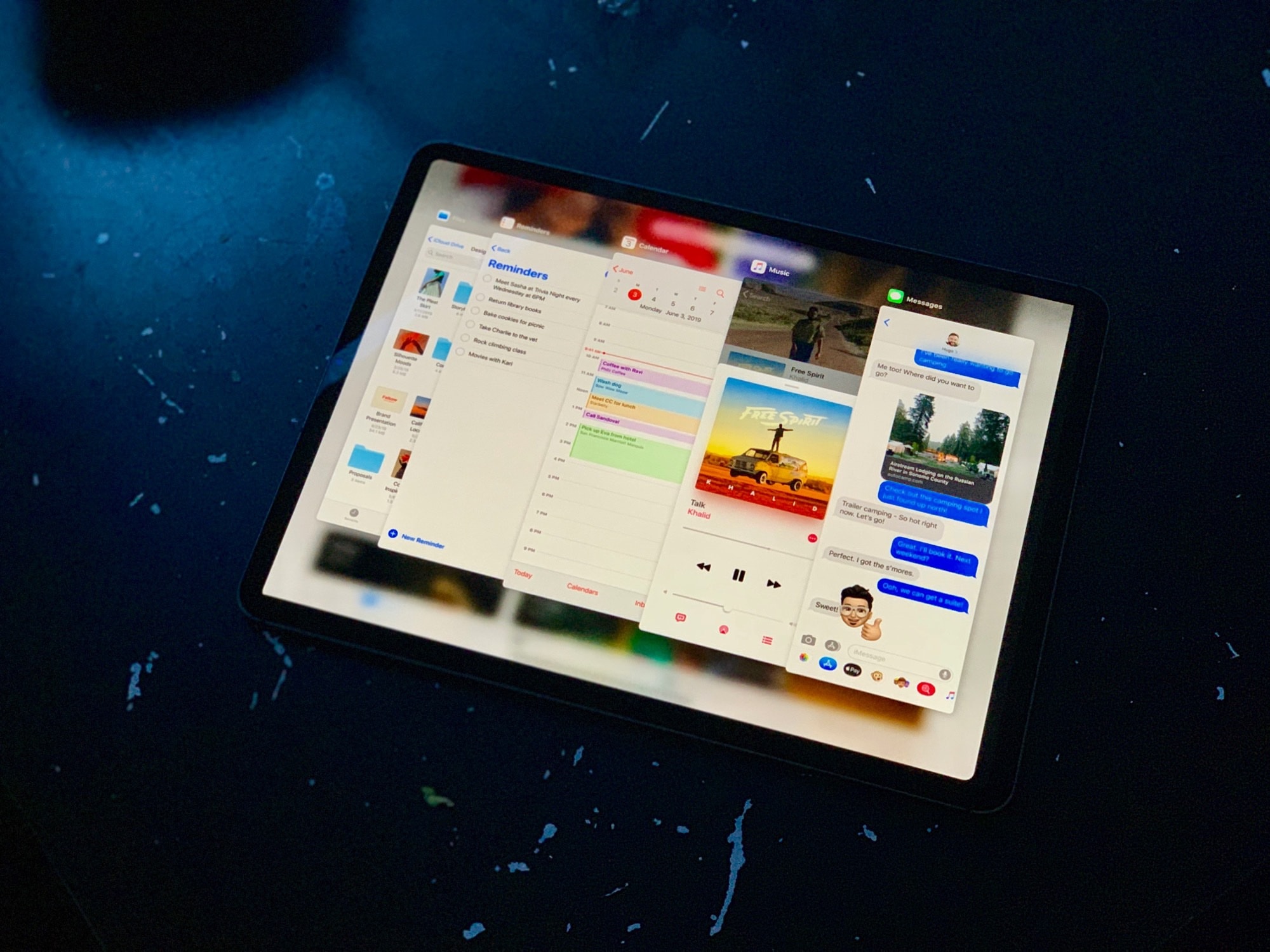
The new iPadOS.
The new iPadOS.
Photo: Charlie Sorrel/Cult of Mac

WWDC 2019 bugWow, iOS 13 is quite something. We got most of what we wanted, and a lot more. Proper USB support, an improved Files app, plus a radical new UI paradigm for the iPad. And what about that mouse support!

Let’s take a look at the main points. And over the coming weeks and months, we’ll be going extremely deep on everything that’s new in iOS 13.

iPadOS brings those killer iPad features we’ve been craving

By

iPadOS is the new name of the tablet version of iOS.
Photo: Apple

WWDC 2019 bugApple just unveiled some of the most significant changes to the iPad line ever as it continues making these tablets ever better computers for professionals. The company even went so far as to free them from iOS — from now on, they run iPadOS.

Other dramatic changes include allowing applications to open multiple windows, a home screen redesign, improvements to the Files app, and more.

What to expect from WWDC 2019

By

WWDC 2019
It’s going to be big!
Photo: Apple

Apple’s annual Worldwide Developers Conference is just days away and it’s shaping up to be one of the most software-packed events in the company’s history.

New software for the iPhone, iPad, Mac and more will be shown off for the first time when Tim Cook takes the stage on June 3rd. Most of the event will be focused solely on Apple’s biggest software updates of the year, but there’s a chance we could see some new hardware too.

All the major features to expect in macOS 10.15

By

MacBook Pro coding
Apple is coding up some big upgrades for Mac this fall.
Photo: Apple

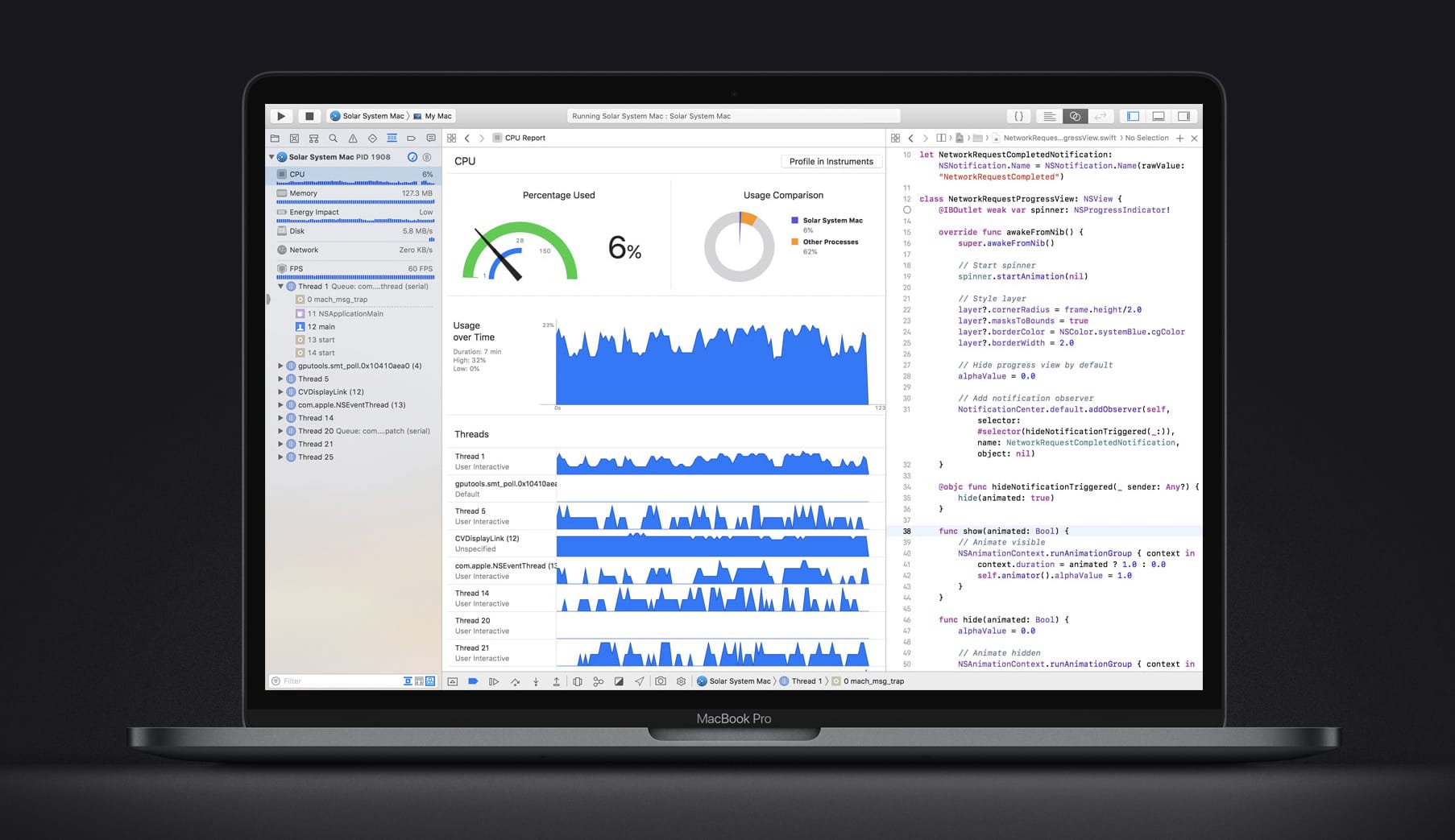
iOS 13 is expected to be the star of WWDC 2019, but this year’s conference could unleash some of the biggest changes for the Mac we’ve ever seen.

The rumor mill has been dishing out tons of details about macOS 10.15 in the lead up to WWDC 2019. We’ve already seen screenshots of some of the new apps and gotten some good details on how iOS apps are making their way onto the Mac. There’s still plenty of room for Apple to surprise us when it reveals the full details of macOS 10.15 on June 3, but here’s what we know about it so far.

How to resize a JPG on your iPhone

By

If only you could resize and share all pictures.
Photo: Charlie Sorrel/Cult of Mac

Ever wanted to resize a photo before sending it, or posting it to the web? The quickest and easiest way to do this is with a shortcut. And it’s even quicker and easier because I’ve already written it for you. All you have to do is share the photo from inside the Photos app, pick this shortcut, and you’re pretty much done. Check it out.

Leaked macOS 10.15 screenshots reveal Music and TV apps

By

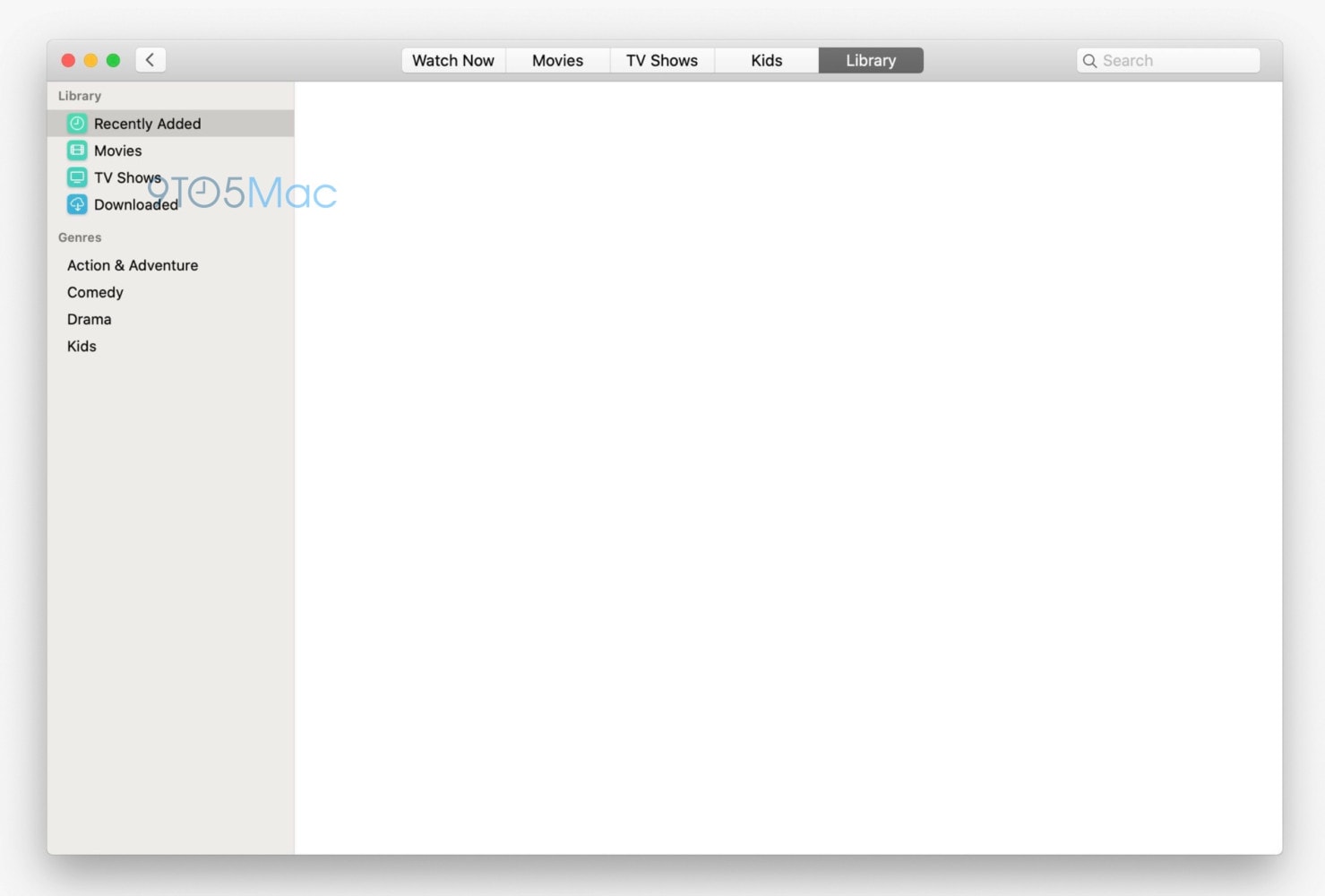
The TV app for Mac is coming this fall.
Photo: 9to5Mac

The first glimpse of Apple’s new Music and TV apps for Mac has been revealed with less than a week to go before WWDC 2019.

9to5Mac published two leaked screenshots of macOS 10.15 this morning just one day after they showed off leaked screenshots of iOS 13’s dark mode. The Music app and TV app screenshots look pretty bare, but reveal some new UI tweaks before Apple’s big keynote on June 3.

Take a look at the new Music app:

Apple expected to ‘eliminate’ 3D Touch from 2019 iPhones

By

3D Touch app switching
Farewell, 3D Touch.
Photo: Killian Bell/Cult of Mac

Apple is expected to eliminate 3D Touch this year, favoring Haptic Touch instead for the 2019 iPhone lineup.

The pressure-sensitive technology was introduced just under four years ago with the iPhone 6s. But the iPhone XR has since proven that it isn’t completely necessary to enjoy 3D Touch features.

Ulysses’ new iPad split-screen view is better than Apple’s

By

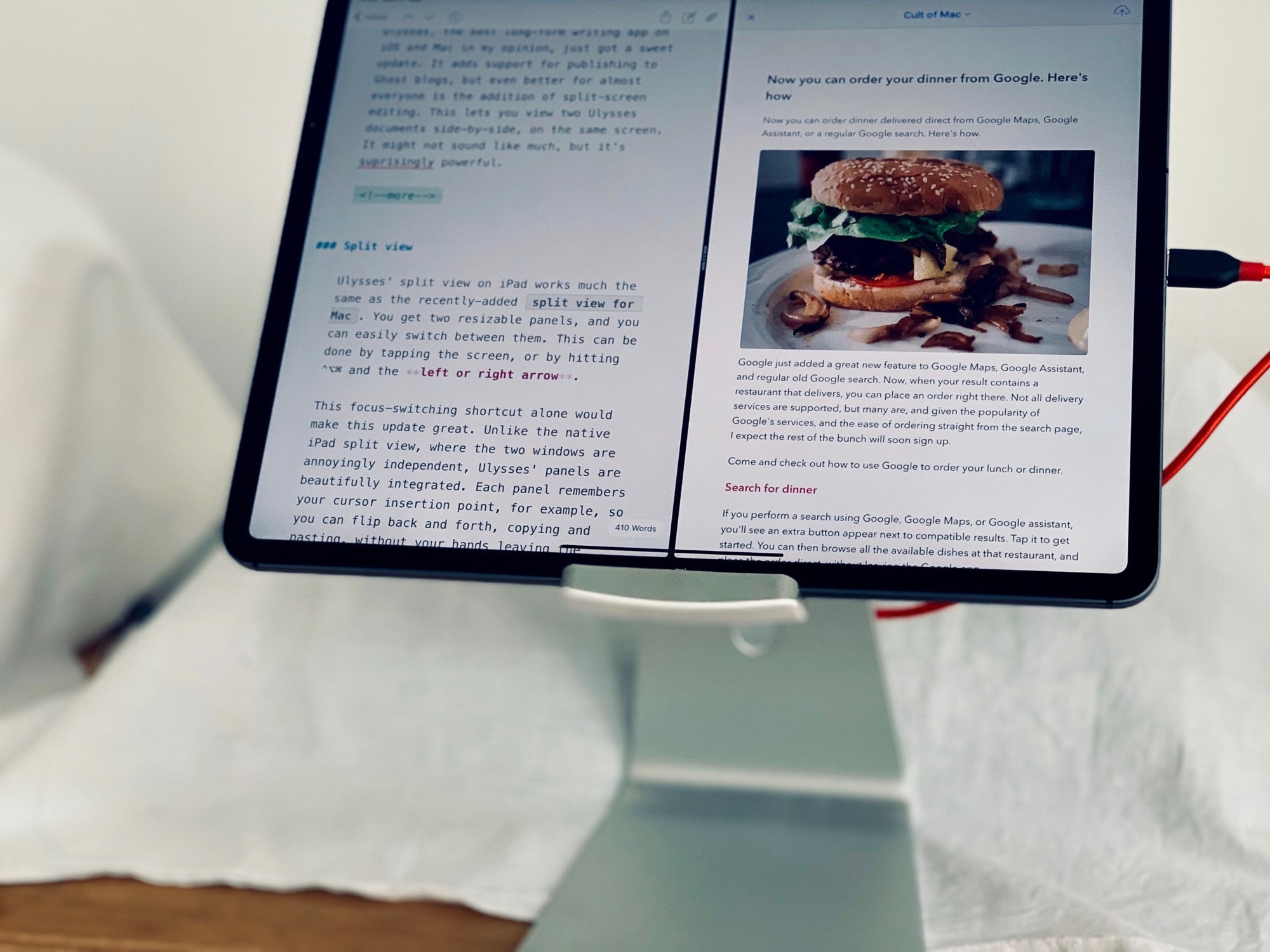
Ulysses split view
View two documents, or one document and its preview, at the same time.
Photo: Charlie Sorrel/Cult of Mac

Ulysses, the best long-form writing app on iOS and Mac in my opinion, just got a sweet update. It adds support for publishing to Ghost blogs, but even better for almost everyone is the addition of split-screen editing. This lets you view two Ulysses documents side by side, on the same screen. It might not sound like much, but it’s surprisingly powerful.

1 53 54 55 56 57 121