Mobile menu toggle

Search results for: shortcuts

We rave about iOS 14’s best ‘secret’ features on The CultCast

By

CultCast 442: AirPods with health sensors
Get a second shot of WWDC 2020 talk in this week's podcast.
Image: The CultCast

WWDC 2020 This week on The CultCast: We bring you a huge list of great iOS 14 features that Apple did not mention onstage during this week’s WWDC keynote, and there’s a lot here to love.

Plus: Why iOS 14’s new Home screen widgets aren’t as powerful as you might think. And get ready to log into websites with Face ID or Touch ID.

Today’s episode is supported by CleanMyMac X, an all-in-one utility that takes care of your Mac’s health: It’s a macOS cleaner, a performance monitor, a malware remover and, occasionally, a lifesaver. And until July 5th, you can go to macpaw.com/cultofmac to get CleanMyMac X with a 30% discount.

The best hidden features in iOS and iPadOS 14

By

Best hidden features in iOS 14
There's a lot more to discover in iOS 14.
Photo: Apple

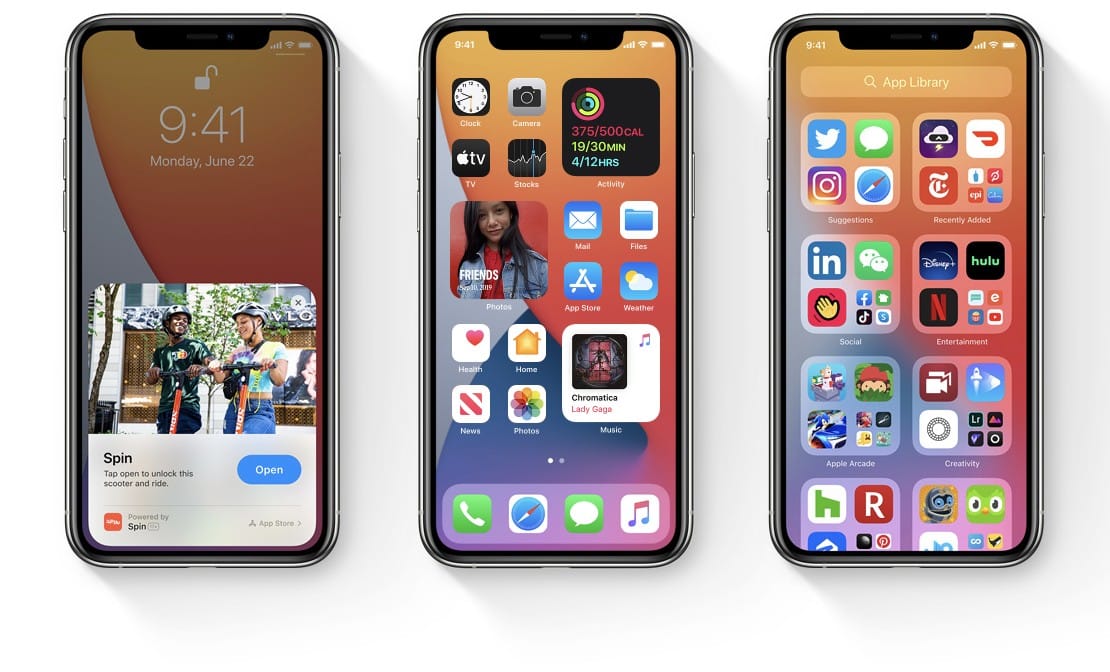
WWDC 2020Apple showcased some major changes and improvements for iOS 14 during its big WWDC 2020 keynote on Monday — and it was just the tip of the iceberg. There’s so much more that we didn’t get to see.

We’re now discovering what some of those things are, thanks to the first beta release, which is already available to registered developers. Here are our picks for the best hidden features in iOS 14.

Activate this Siri Shortcut if the cops pull you over to record what happens

By

This Siri Shortcut will keep a record of police encounters.
Photo: Mark Guim/Flickr CC

A Siri Shortcut activated by the phrase “Hey, Siri, I’m being pulled over” could prove valuable in the event of a police traffic stop. The shortcut triggers your iPhone to start recording video from its front-facing camera, pauses any music, sends your location to a trusted contact, and uploads the video to iCloud or another cloud server of your choice.

The shortcut is designed to help protect users during interactions with law enforcement.

Get the tools and knowledge you need to create great animations [Deals]

By

Cartoon Animator 4
Make your creations come to life with this 2D animation software for Mac.
Photo: Reallusion

Animations aren’t just awesome and fun, though they are both. They’re also powerful ways of telling stories, sharing your ideas or promoting your brand. This deal includes all the tools — and all the knowledge — you need to start animating on your Mac.

The Complete Cartoon Animator 4 Pro Mac Bundle is perfect for any aspiring animator.

Slack for iOS gets sizable remake for easier navigation

By

slack.for.ios.update
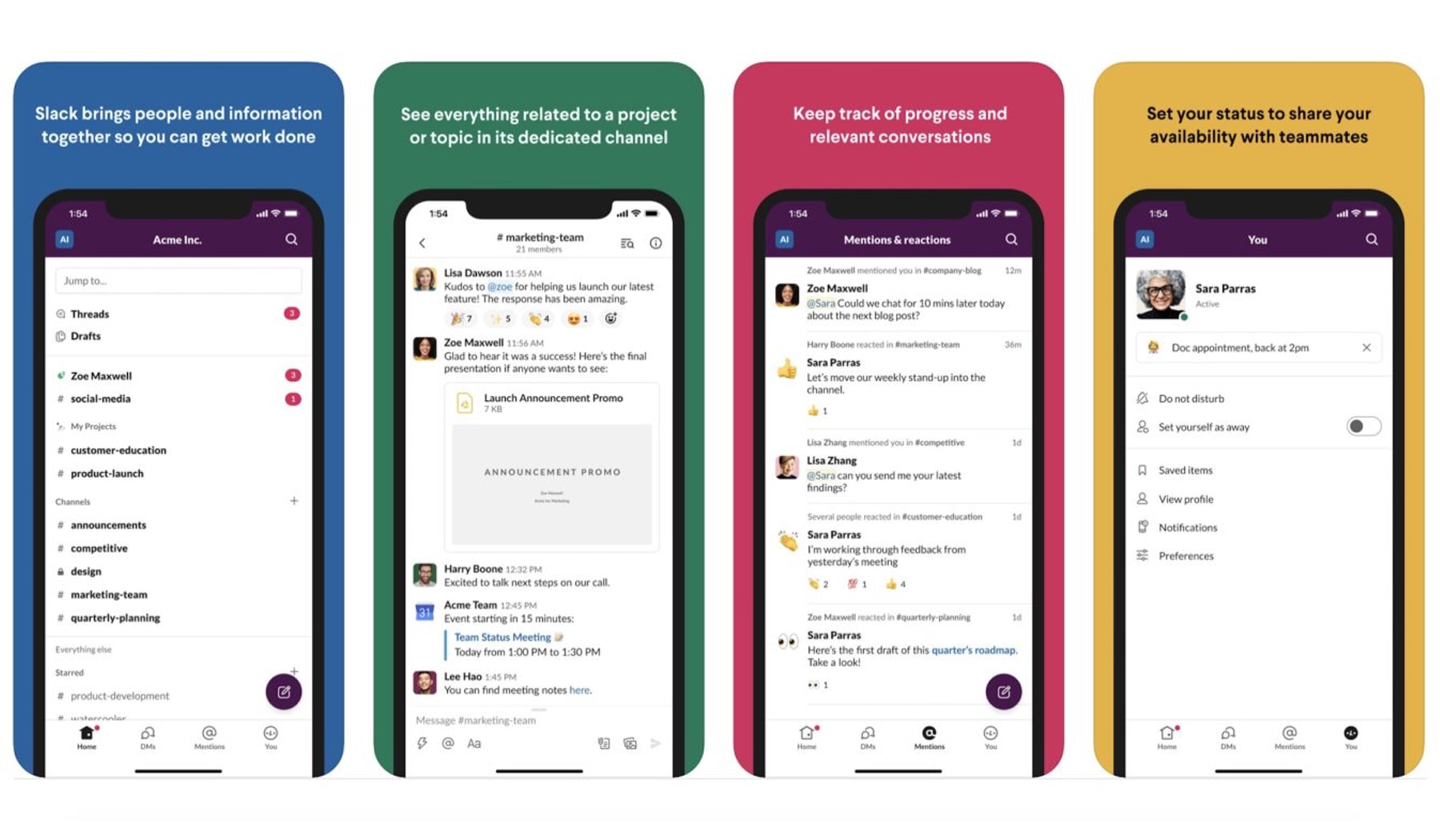
The update to Slack for iOS is focused on easier navigation.
Photo: Slack

In March, the Slack update was for Mac desktops. Now it’s time for iOS. 

The redesigned communications platform Slack released its iOS app Monday with a redesign of its user interface to better improve navigation.

Haptic Touch goes missing on new iPhone SE notifications

By

haptic.touch_.image_.jpg
Haptic Touch notifications aren't working - sort of - on the new iPhone SE.
Photo: Brad Gibson / Cult of Mac

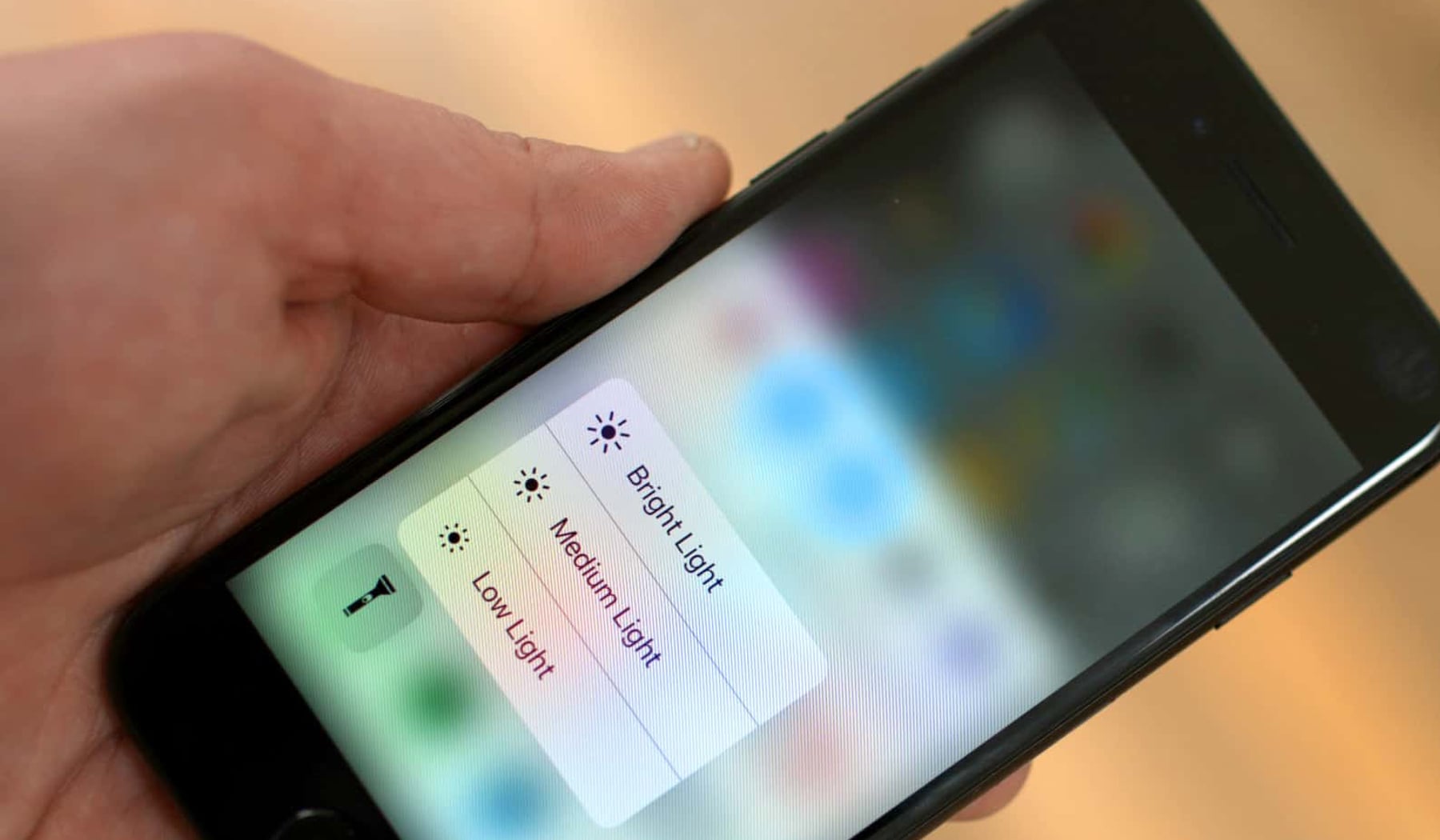
Since receiving their new 2020 iPhone SE mobile phones on Friday, customers have been reporting the inability to press on notifications in the Notification Center and to select various shortcuts and commands, better known as Haptic Touch. From all indications, it appears the specific inability is deliberate on the new device.

How to expand a (potentially dangerous) shortened URL on your iPhone

By

Wiggly yellow road sign
Take a shortcut.
Photo: John Gibbons/Unsplash

Someone sends you a link that looks like this:

https://youtu.be/rZdrlpz3MOo

What do you do? Well, that one is probably safe, as it uses YouTube’s own URL shortener. But what about all those other shortened URLS you see in emails, on Twitter and everywhere else? They could link to anything. A cautious person never clicks on links in emails. And only an insane person would click on shortened links in emails. That’s why you need today’s shortcut, which lets you expand a URL, preview the actual link, and then tap a button to either open it or dismiss it.

1 41 42 43 44 45 121