Mobile menu toggle

Search results for: shortcuts

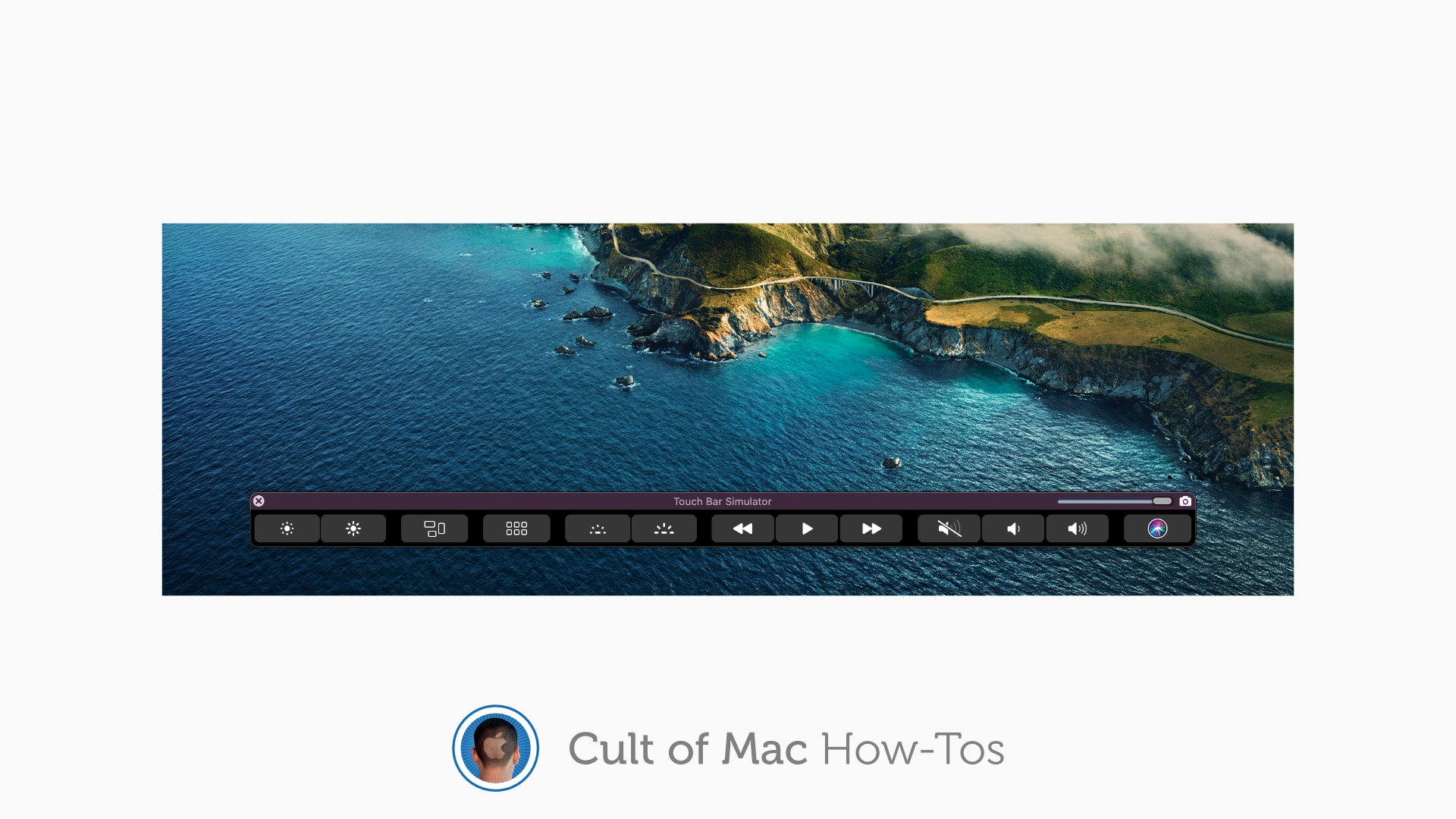
How to use MacBook Pro’s Touch Bar on an external display

By

How to use Touch Bar on any Mac
Don't lose your Touch Bar when your MacBook Pro is closed.
Image: Killian Bell/Cult of Mac

If you’ve grown to love your MacBook Pro’s Touch Bar and all the tools and shortcuts it provides, you likely miss it when you have your machine hooked up to an external display. But it doesn’t have to be that way.

Here’s how to bring the Touch Bar to any screen so that you can continue to use it even when your MacBook Pro is closed.

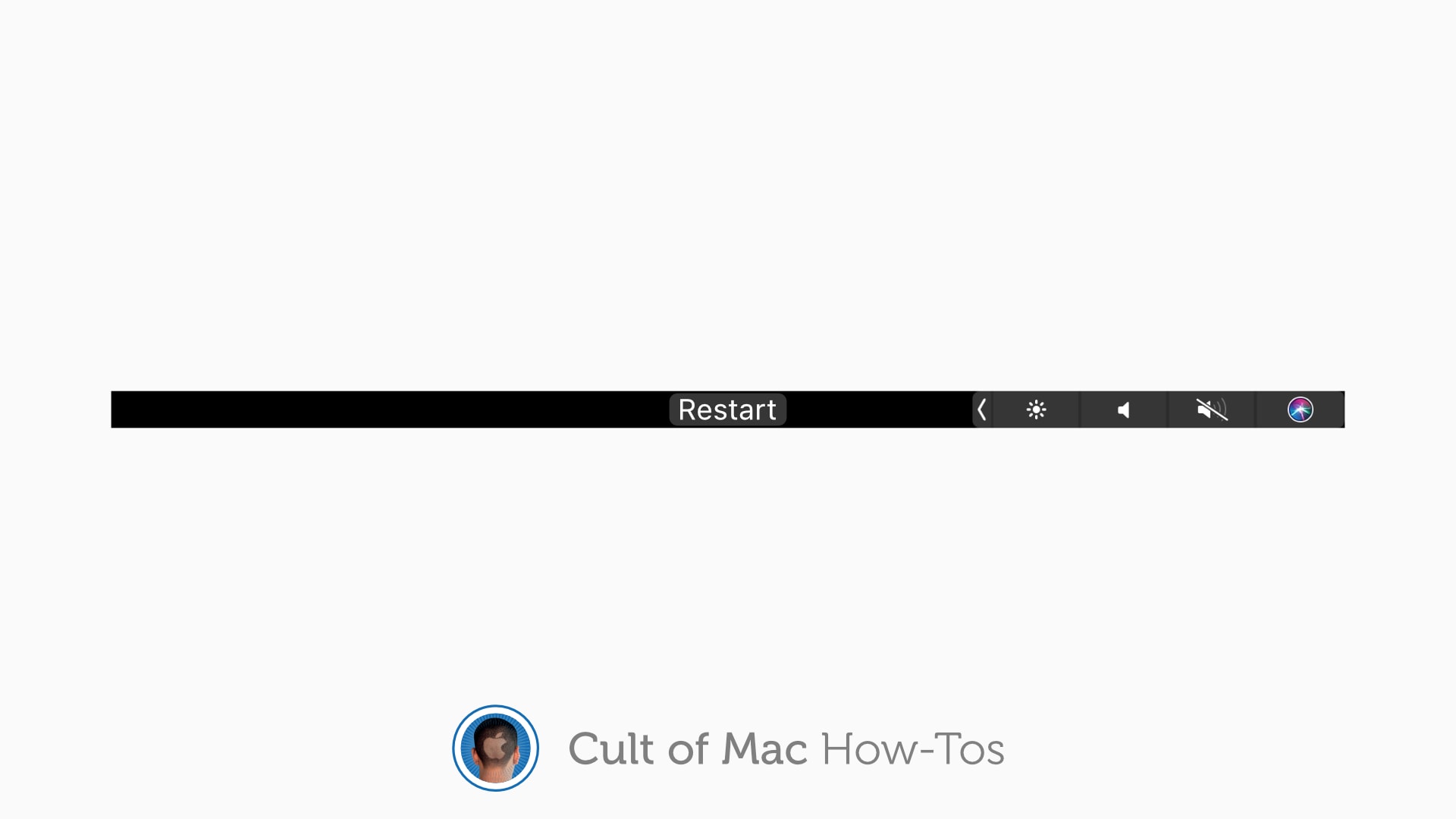
How to fix a frozen MacBook Pro Touch Bar without rebooting

By

How to fix a frozen MacBook Pro Touch Bar
Restart your Touch Bar in an instant.
Image: Killian Bell/Cult of Mac

Whatever your opinion may be on the MacBook Pro’s Touch Bar, there’s no denying it comes in handy from time to time. Except when it freezes — which can be a common occurrence — and then it’s no use at all.

You might reboot your MacBook Pro to get its Touch Bar working again when this happens. But there is a quicker, much less disruptive fix. Here’s how to restart your Touch Bar without rebooting your Mac.

Reorganize Control Center to make favorite tools easier to find [Pro tip]

By

How to reorganize Control Center
And to remove tools and shortcuts you never use.
Image: Killian Bell/Cult of Mac

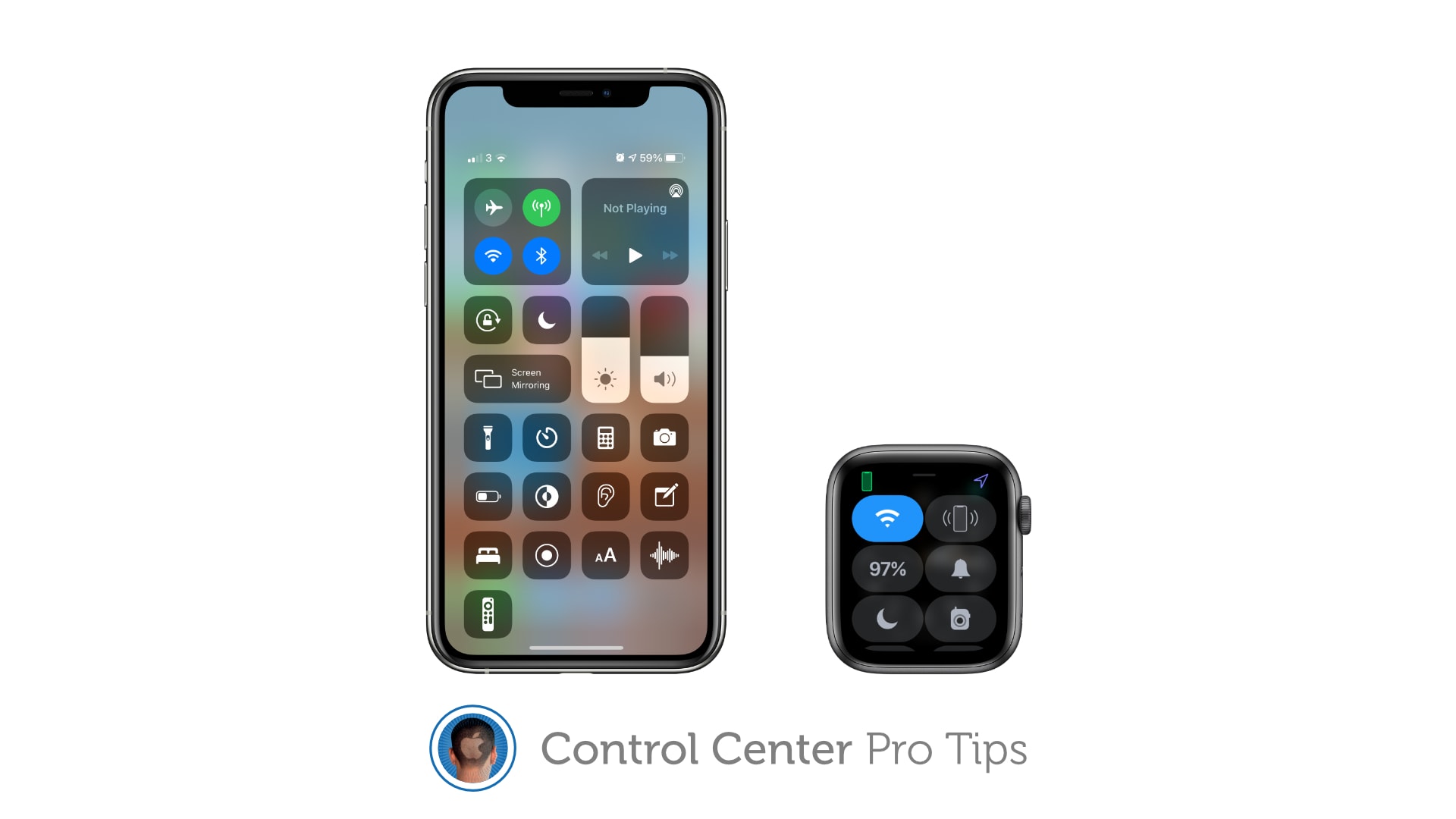
Control Center Pro Tips WeekWe want to help you master Control Center, one of the most powerful and underutilized features on Apple devices. Cult of Mac’s Control Center Pro Tips series will show you how to make the most of this useful toolbox on iPhone, iPad, Apple Watch and Mac.

Make your favorite Control Center tools and shortcuts easier to find by reorganizing and cleaning up your Control Center window. It’s easy on iPhone, iPad, and Apple Watch — and we’ll show you how.

Block access to Control Center when iPhone and iPad are locked [Pro tip]

By

Disable lock screen access to Control Center on iPhone and iPad
Keep Control Center protected by your passcode.
Image: Killian Bell/Cult of Mac

Control Center Pro Tips WeekWe want to help you master Control Center, one of the most powerful and underutilized features on Apple devices. Cult of Mac’s Control Center Pro Tips series will show you how to make the most of this useful toolbox on iPhone, iPad, Apple Watch and Mac.

Control Center puts a ton of useful toggles and shortcuts at your fingertips, and you can access all of them while your iPhone or iPad are locked. If that’s not something you want, you can change it.

Here’s how to block Control Center access from the lock screen on iOS and iPadOS.

Quickly capture voice memos with this Control Center shortcut [Pro tip]

By

Use Voice Memos with this Control Center shortcut
Don't miss the chance to save important info.
Image: Killian Bell/Cult of Mac

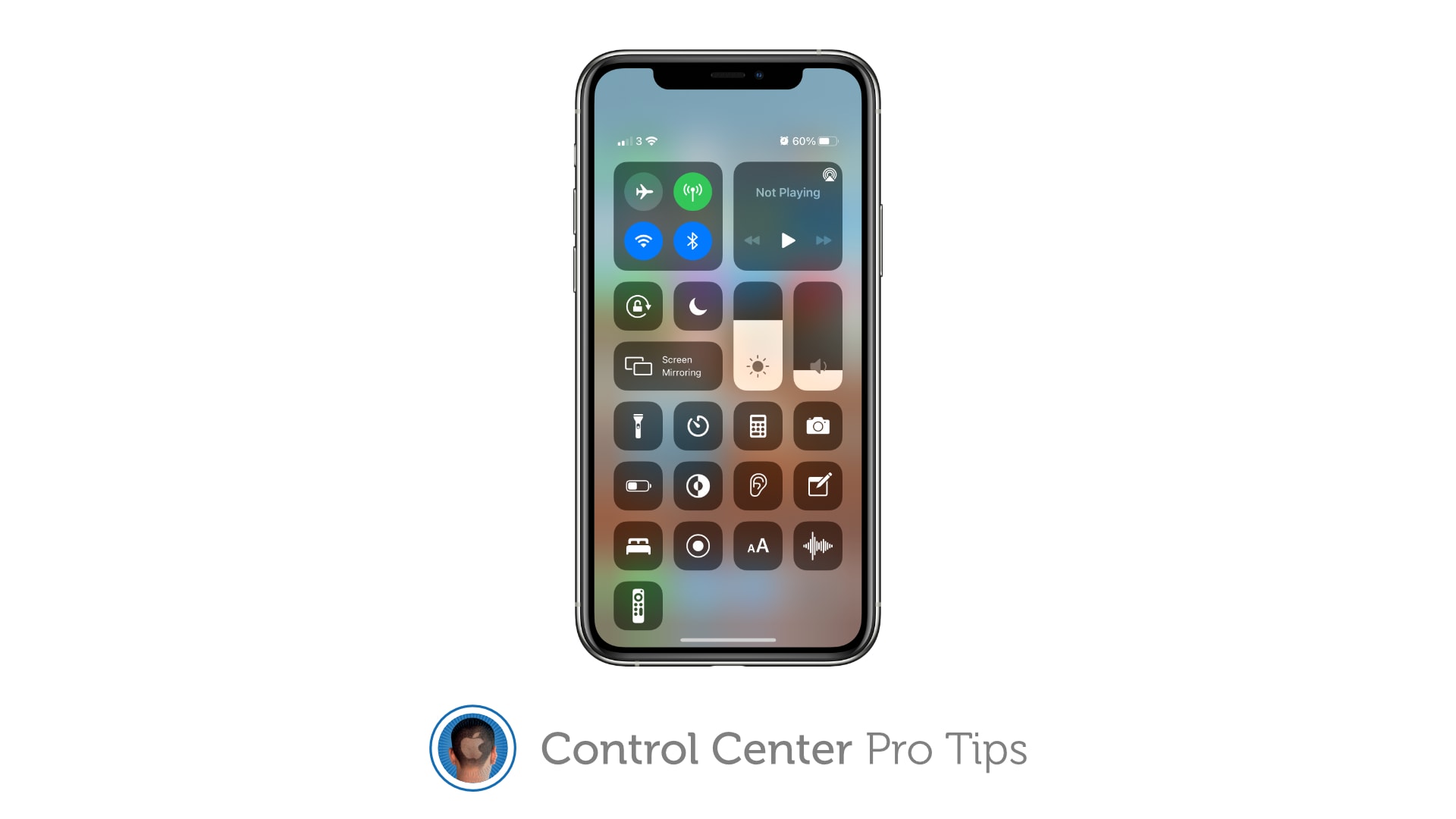
Control Center Pro Tips WeekWe want to help you master Control Center, one of the most powerful and underutilized features on Apple devices. Cult of Mac’s Control Center Pro Tips series will show you how to make the most of this useful toolbox on iPhone, iPad, Apple Watch and Mac.

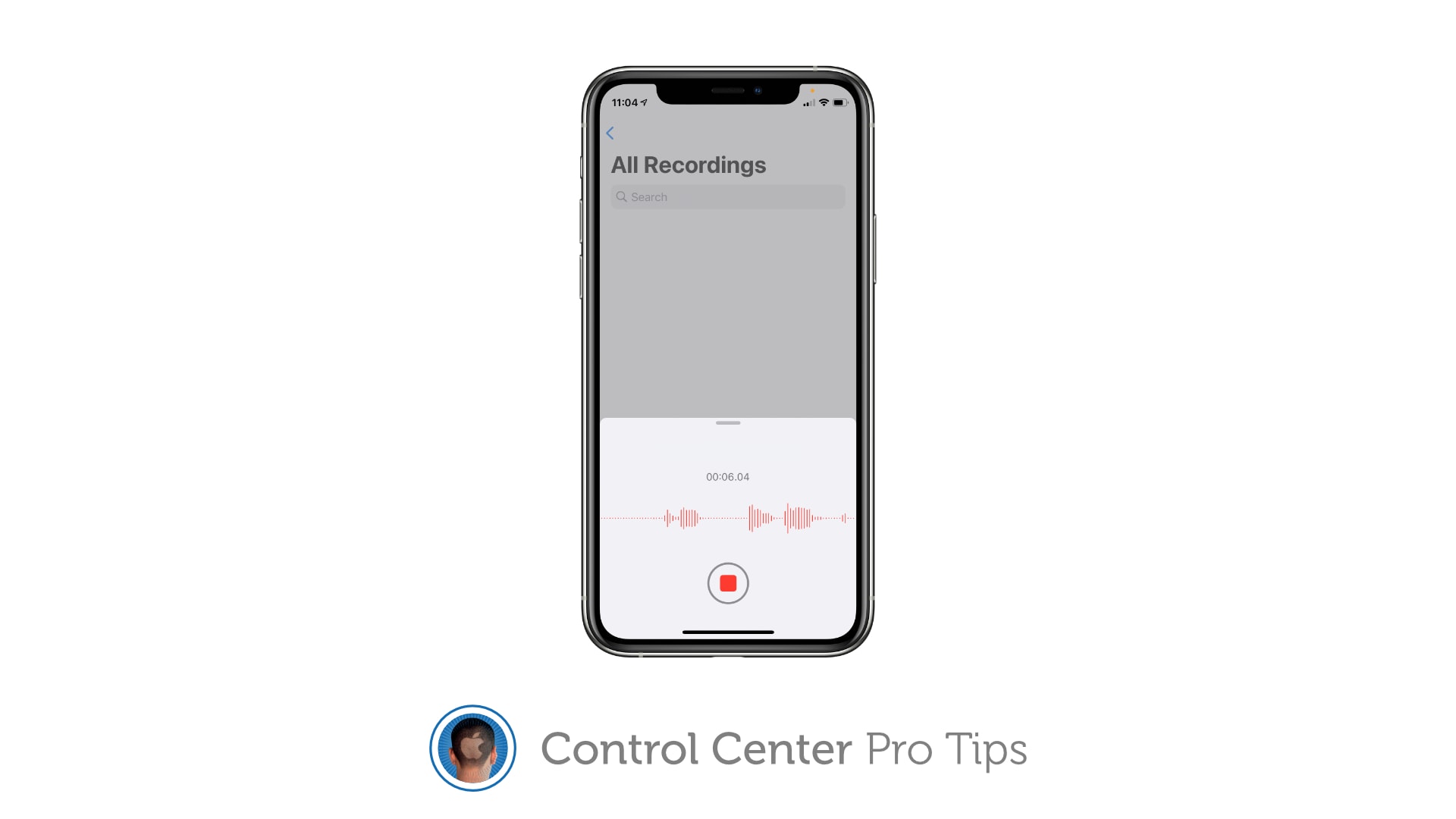
Did you know you can quickly capture a voice memo or audio recording with a simple Control Center shortcut? It’ll save you having to hunt down the Voice Memos app, or from having to place another unnecessary icon on your Home screen that you might not need every single day.

We’ll show you how to get set up.

Indie browser Opera runs twice as fast on M1 Macs

By

Opera browser
Opera has been available on the Mac since the mid-1990s.
Photo: Opera

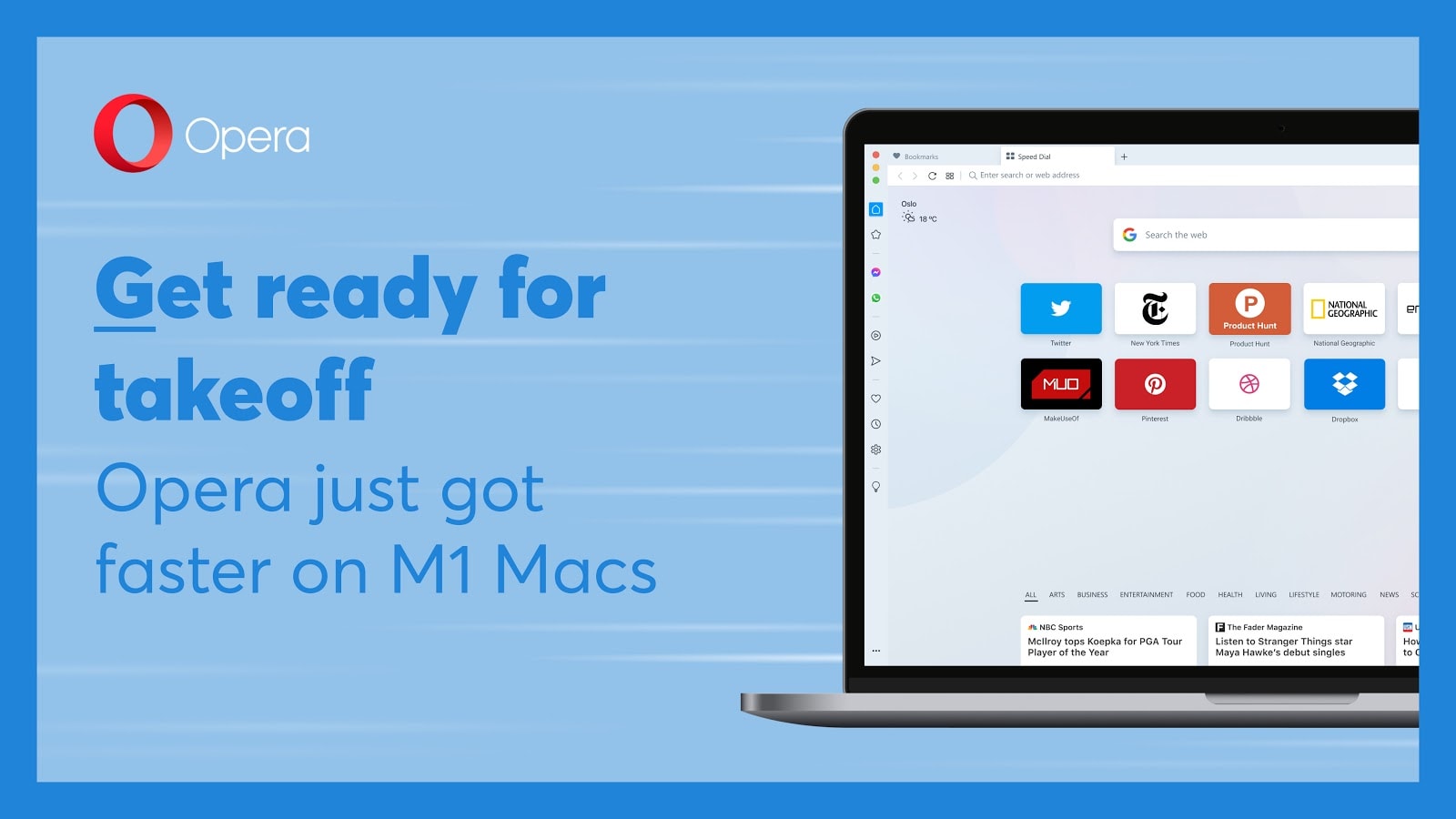
The indie Opera browser, one of the oldest browsers still operating today, has been updated with native support for Apple Silicon Macs. The update means that the Opera browser now runs 2x faster on M1 Macs.

Opera first debuted on Mac way back in 1996. That’s approaching a decade before Safari made its debut. One of Opera’s first big claims to fame was that it made it easier to browse several web pages at once. Today, its big appeal is its minimalist aesthetic, innovative sidebar design, and (now faster than ever) performance.

Free Astropad Studio beta turns iPad into second screen for Windows PCs

By

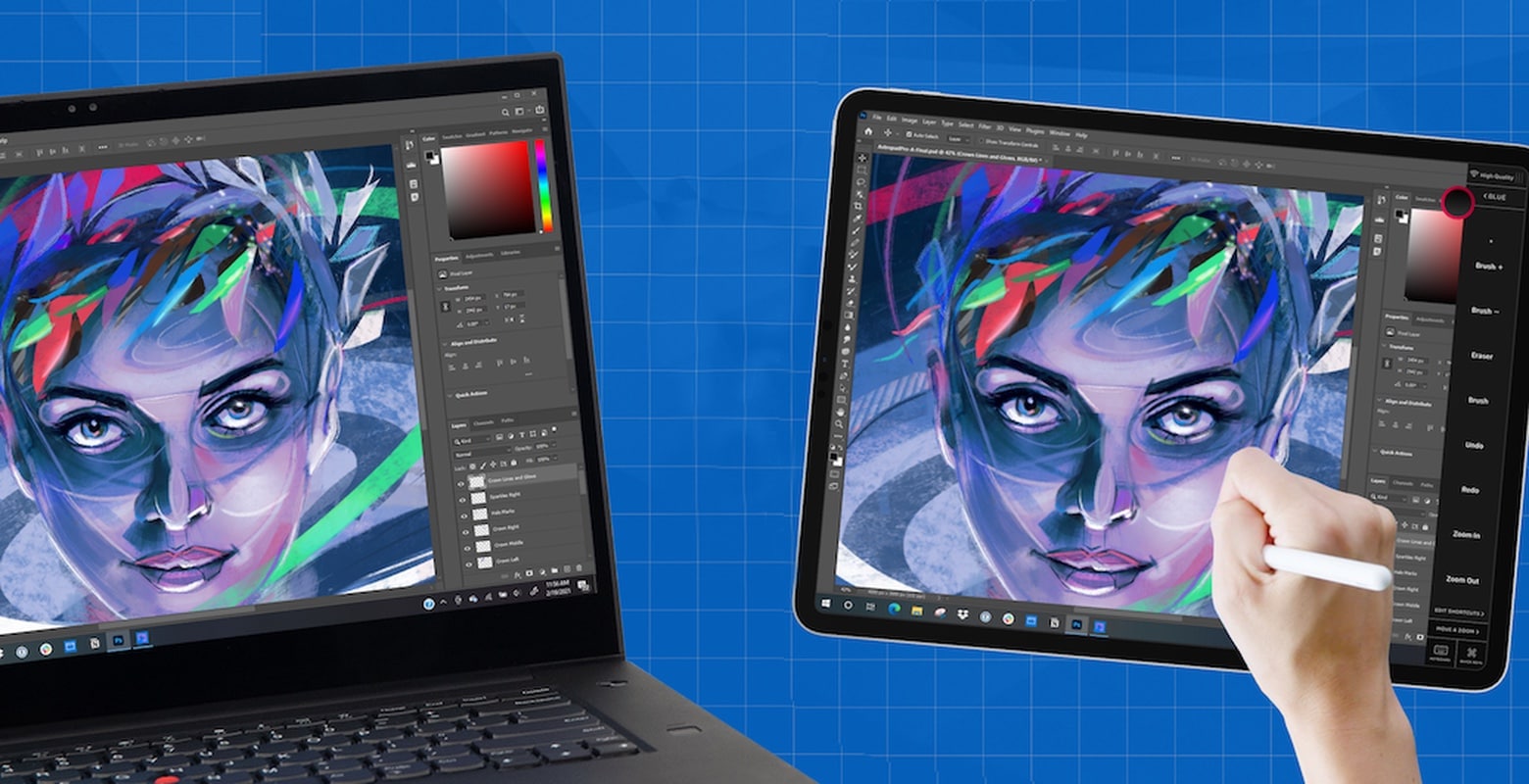
Astropad Studio on Windows lets your iPad become a drawing pad for Windows apps.
Astropad Studio on Windows is available as a free public beta. It makes an iPad into a PC’s second screen.
Photo: Astropad

Astropad released a free public beta of the Windows version of its software that turns an iPad into a second screen for a laptop or desktop. With the beta, users can test out mirroring their favorite apps on the tablet, including using an Apple Pencil to draw in Windows software.

Apple TV 3 loses YouTube support, but there is a workaround

By

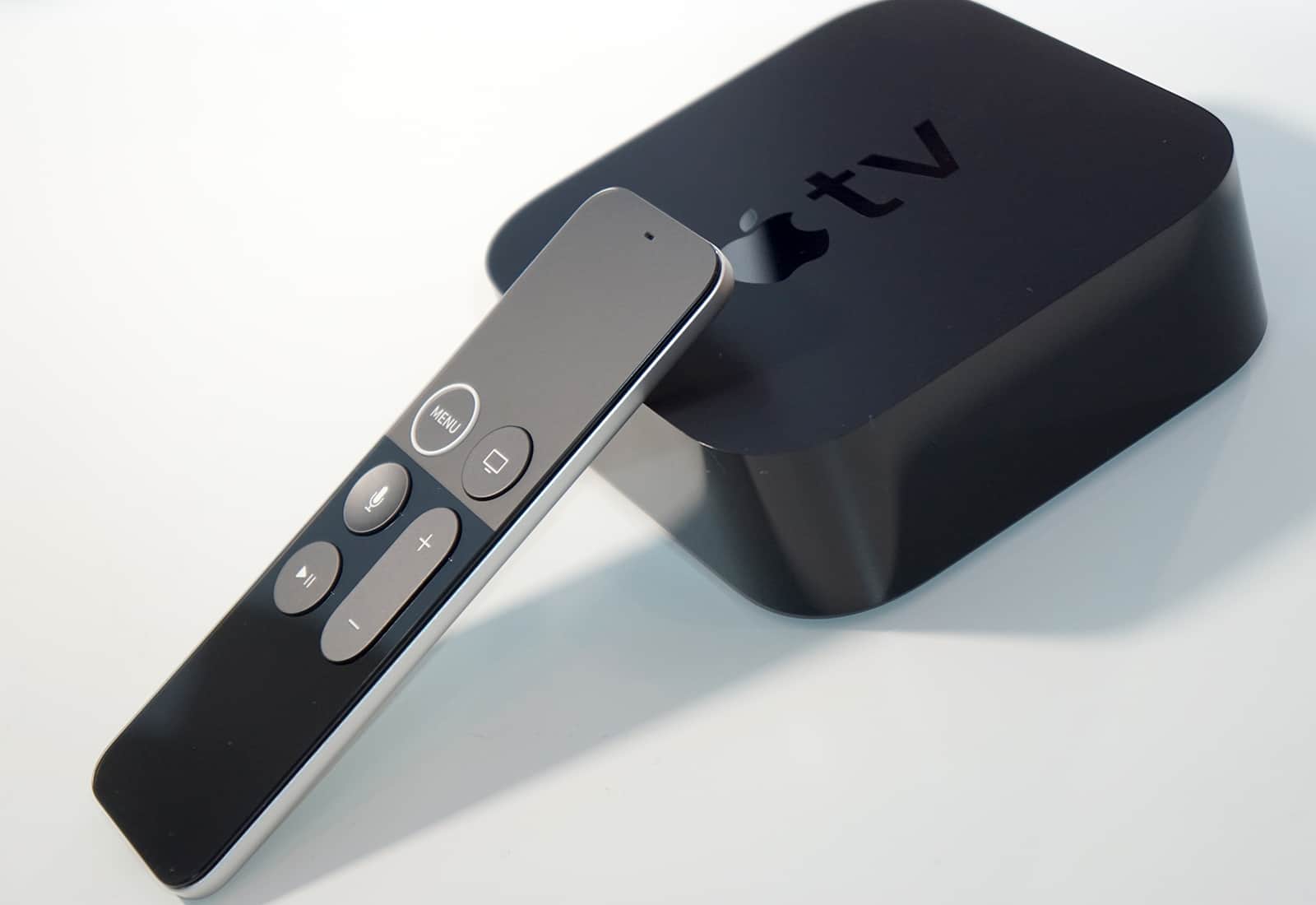
Apple TV Siri Remote
Sad times for third-gen. Apple TV owners.
Photo: Ste Smith/Cult of Mac

YouTube is now officially dead on the third-generation Apple TV. Users who attempt to watch the app will be greeted by an error message that confirms Apple’s aging hardware is no longer supported.

That’s hardly surprising given that the third-generation Apple TV is close to a decade old now. But there is a workaround (sort of) for those who still want to watch their favorite YouTube channels on the big screen.

iOS 14 widgets changed the way I use my iPhone

By

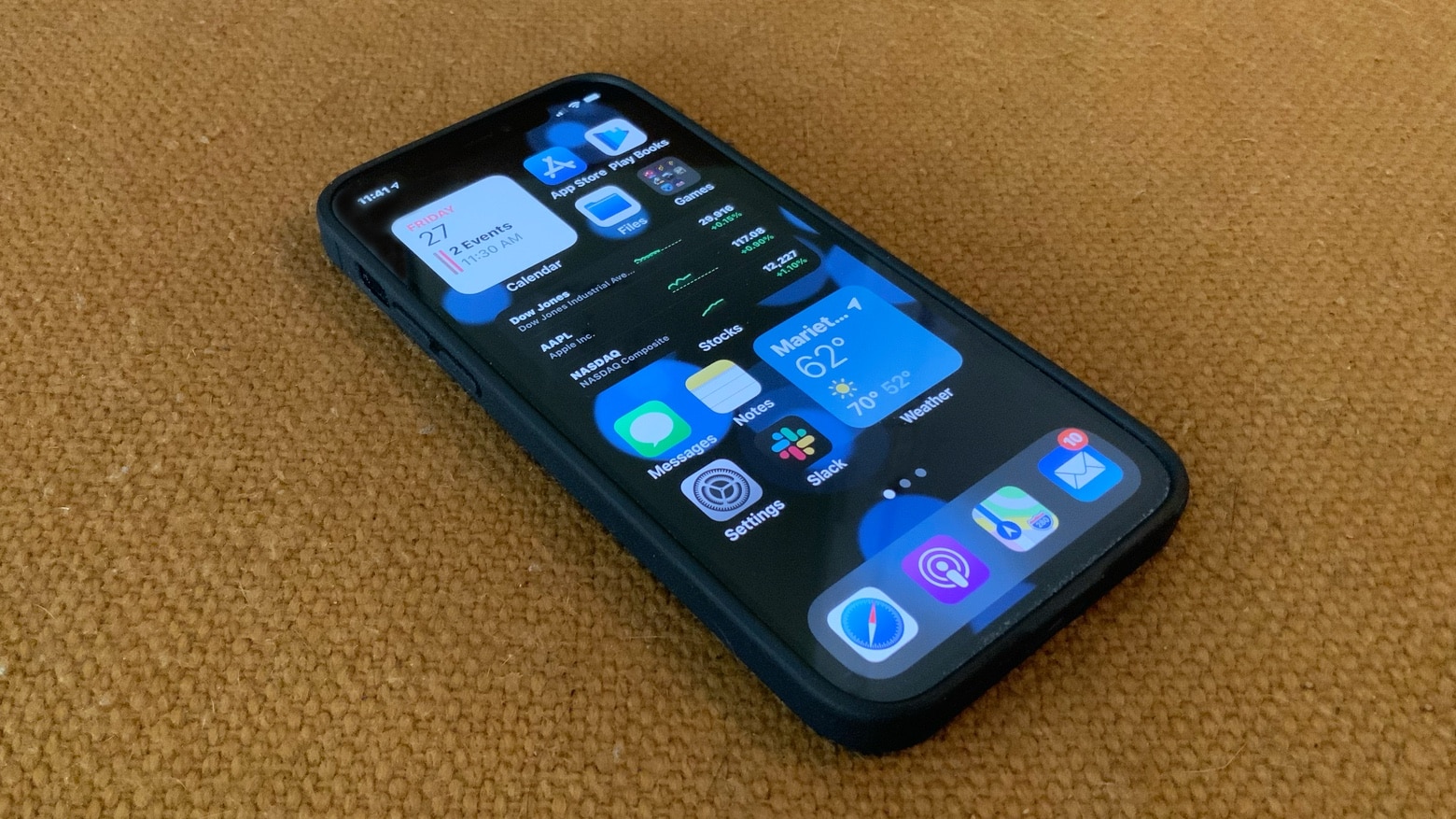
iOS 14 widgets changed the way I use my iPhone.
With iOS 14, my iPhone home screen is primarily a place to put widgets.
Photo: Ed Hardy/Cult of Mac

After a decade with an iPhone, I didn’t expect anything could come along to transform the way I use my phone. iOS 14 widgets proved me wrong. They have me interacting with the handset in a way I never have before.

Jump to Warp Drive – Teleport Racing on Apple Arcade

By

‘ Warp Drive - Teleport Racing’ debuted November 27 on Apple Arcade.
Warp Drive - Teleport Racing is the latest racing game to speed onto Apple Arcade.
Photo: Supergonk

It’s not enough that Apple Arcade’s latest racing game includes quad-rotor racers zooming around a track, players can also teleport to find shortcuts. Warp Drive – Teleport Racing launched Friday for iPhone, Mac and more.

1 39 40 41 42 43 121