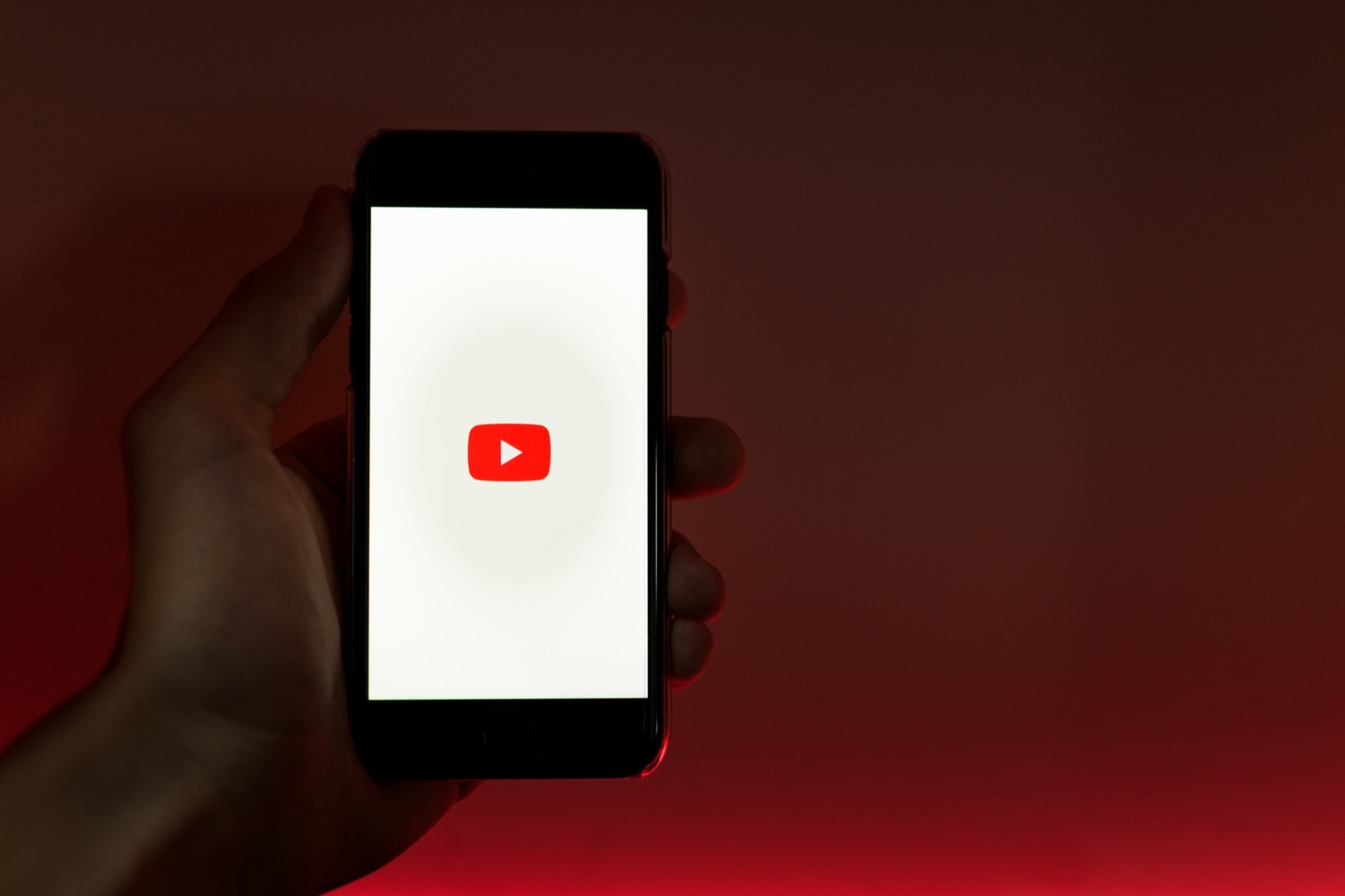
There's no need to stare at a screen just to listen to YouTube music. Photo: Szabo Viktor/Unsplash
Unlike streaming music, which often keeps playing when you switch away from the app or webpage, YouTube playback stops as soon as you leave mobile Safari. This means that using YouTube as a music player is out of the question. Or is it? Can you make YouTube play just the audio, even when you’re not showing the video? You can, and it’s really, really simple.
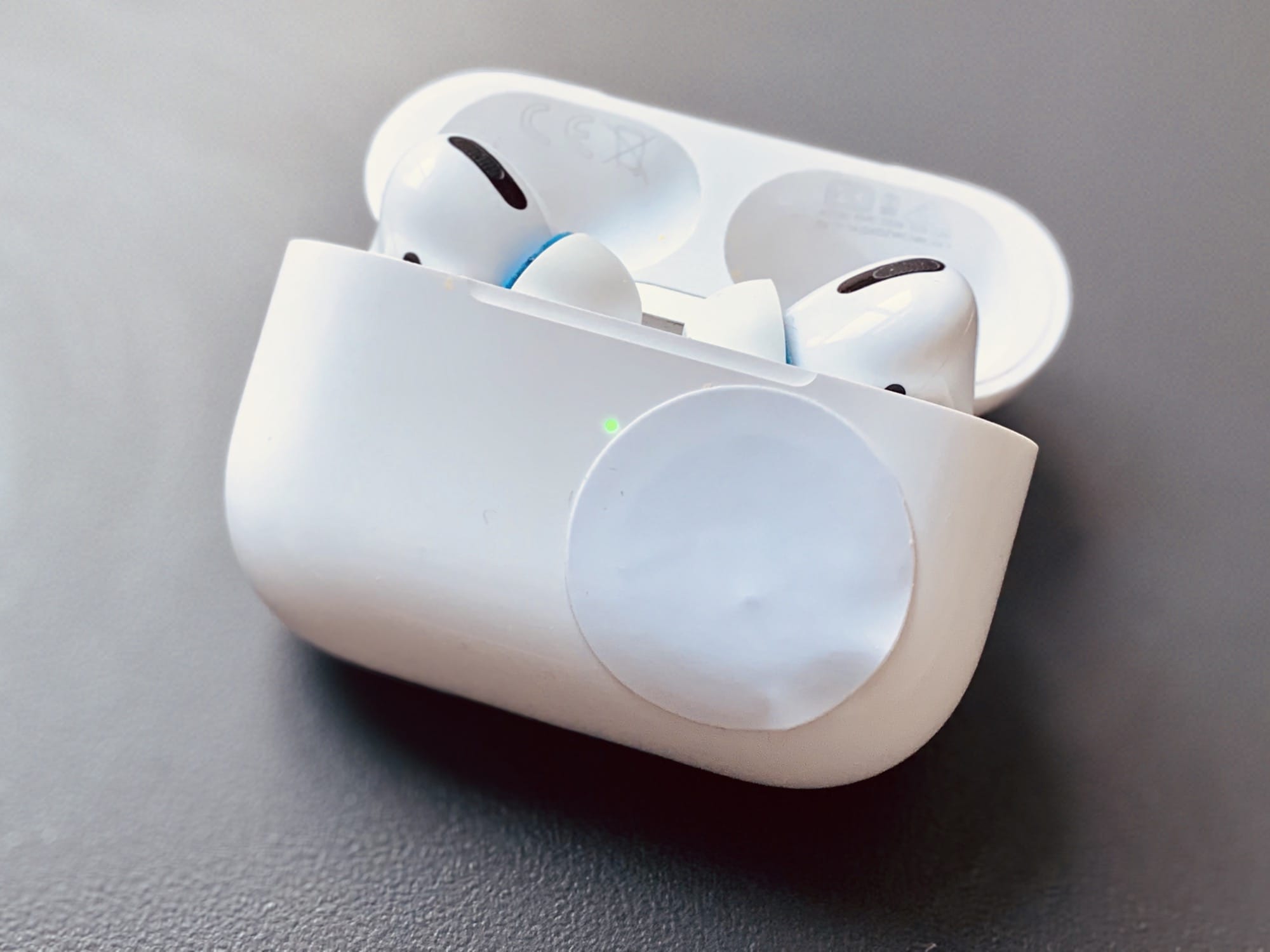
This sticker is just one way to speed up AirPods connections. Photo: Charlie Sorrel/Cult of Mac
If you own multiple iOS devices, then AirPods are supremely convenient. As soon as you connect them to one device, they automatically pair (and remain paired) to all your other devices. So, if you have a Mac, an iPhone, an iPad, and an Apple Watch, then all you have to do is tap connect on whichever device you want to use.
The problem is that the connect button is hidden, and a pain to reach. You have to swipe to open Control Center, then tap the AirPlay icon, then tap your AirPods in the list. And then wait a few seconds to see if it worked. Admittedly, this is a small inconvenience, but we can make it better. How about adding a button to your iPhone Home screen or Mac Dock that connects the AirPods with one tap?
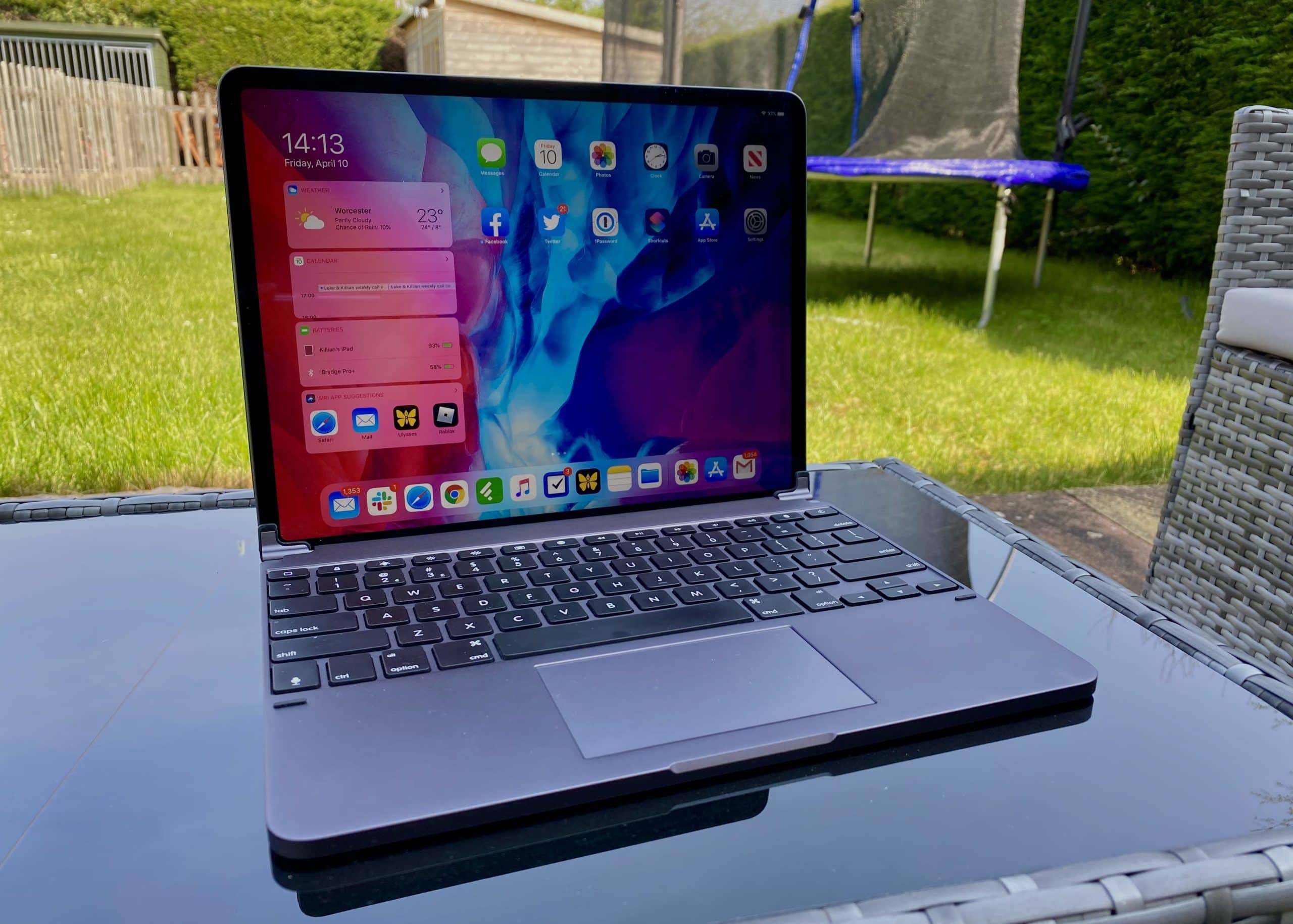
One of the best keyboards money can buy for iPad Pro now comes with a built-in trackpad. The Brydge Pro+ is one of the first to truly embrace mouse support in iPadOS. And it costs a lot less than Apple’s official Magic Keyboard, which won’t debut until May.
Like almost every other Brydge keyboard I’ve used, this one delivers a terrific typing experience that you can rely on every day. It feels superbly comfortable, and it’s brilliantly designed. It makes your iPad feel like a MacBook in the most elegant way possible.
Despite all that — and my appreciation for Brydge as a company — it’s really hard for me to recommend the Pro+. It gets so many things right, but completely misses the mark where it really matters. Here’s my full Brydge Pro+ review after several weeks of use.
UPDATE: February 25, 2021: Brydge is currently preparing a big firmware update for the Pro+ that promises to eliminate its trackpad issues for good by adding native multitouch gestures. That means the Pro+ will soon offer exactly the same functionality as Apple’s own Magic Keyboard.
We have yet been able to test that firmware update, but we have heard that it lives up to Brydge’s promises. Bear that in mind before reading the rest of our original review below.
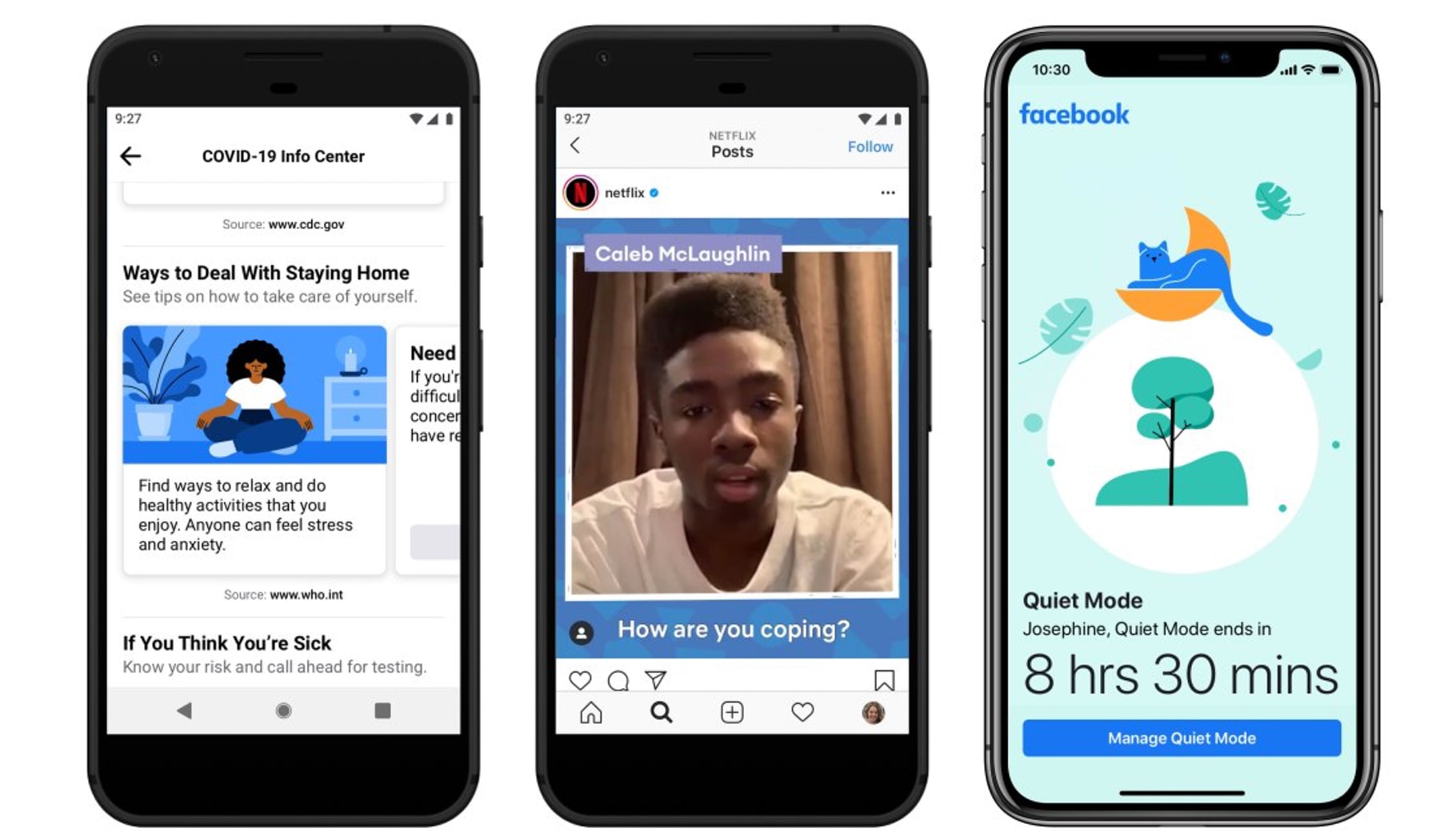
'Quiet Mode' lets users temporarily mute push notifications and essentially put the app on hold. Photo: Facebook
Facebook announced Thursday a new feature designed to help reduce distractions from the social network by letting users temporarily mute push notifications.
Called “Quiet Mode,” the new setting can be activated within a scheduled time period or set intervals.
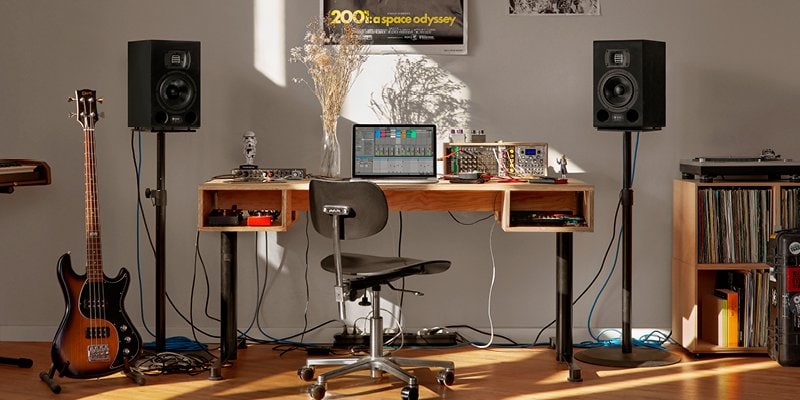
Who needs to leave the house any more? Photo: Ableton
If you’re a stuck-at-home musician, or just someone who would like to learn to make music with their Mac, then maybe you’ve just downloaded the generous, lockdown-era, three-month free trial of Ableton Live. And if you’re a GarageBand (or Logic Pro X) user, you may be feeling a little lost.
Fear not. I did the same thing last year. At first I was overwhelmed just trying to do basic stuff, like routing my guitar into Ableton or trying to work out why the app offers at least three record buttons.
So, as a relatively fresh Ableton user, I thought I’d make a list of handy tips for new users coming from Apple’s music apps.
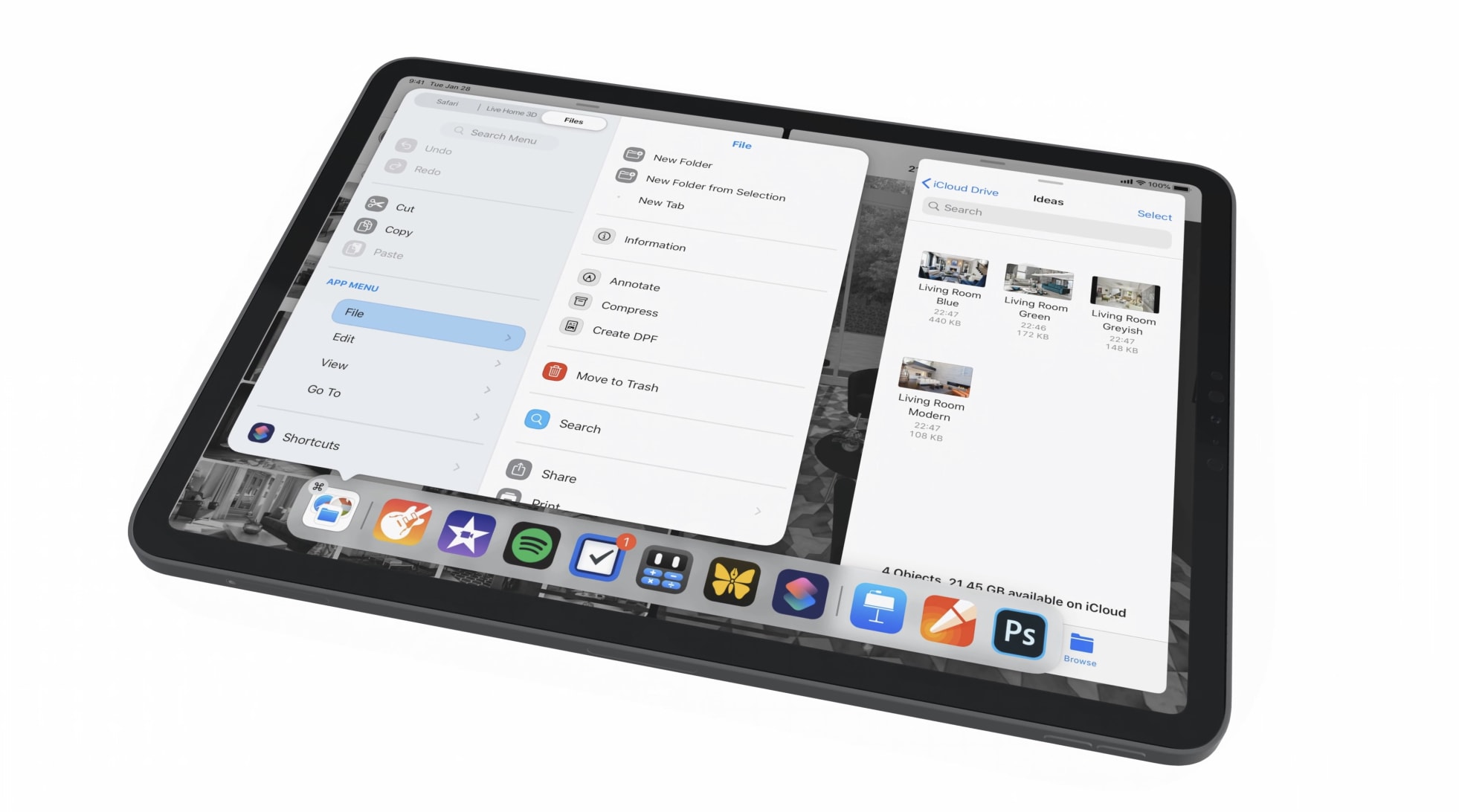
A new way to interact with apps. Photo: Alexander Käßner
This brilliant new iPadOS concept imagines a spectacular “main menu” concept that would change the way we interact with iPad apps.
The feature, designed by Alexander Käßner, would allow for cleaner apps and a standardized method of accessing common functions. It works much like the toolbar every Mac user is familiar with.
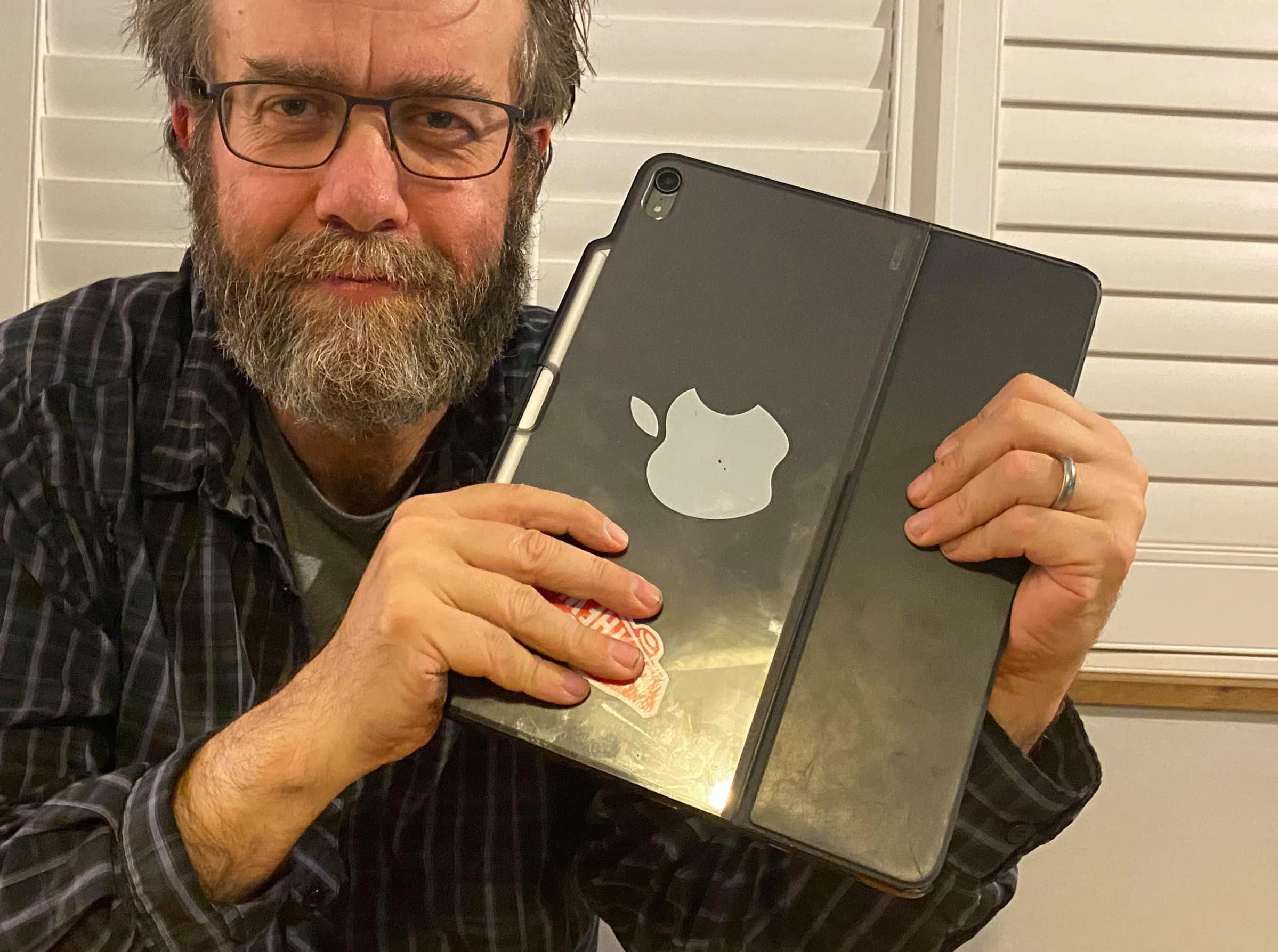
The iPad Pro is the perfect tool for many people. Photo: DP Spender/Cult of Mac
By DP Spender
The launch of the new 2020 iPad Pro brought a plethora of articles from tech journalists asking, “Is this Apple’s laptop replacement?” That question is so open-ended, it might as well be an infinite loop. It’s like asking a toolmaker, “Is your new hammer a suitable replacement for last year’s wrench?”
It is in many ways a pointless question — and one that in my opinion totally misses the point. The question should be, “Does the 2020 iPad Pro get your job done?” To which my answer is yes, but then so did the 2018 model.
Apple late on Tuesday rolled out the latest updates to its iWork and iMovie apps for iPhone and iPad. All now offer full mouse and trackpad support, iCloud file sharing, and a number of other new features and improvements.
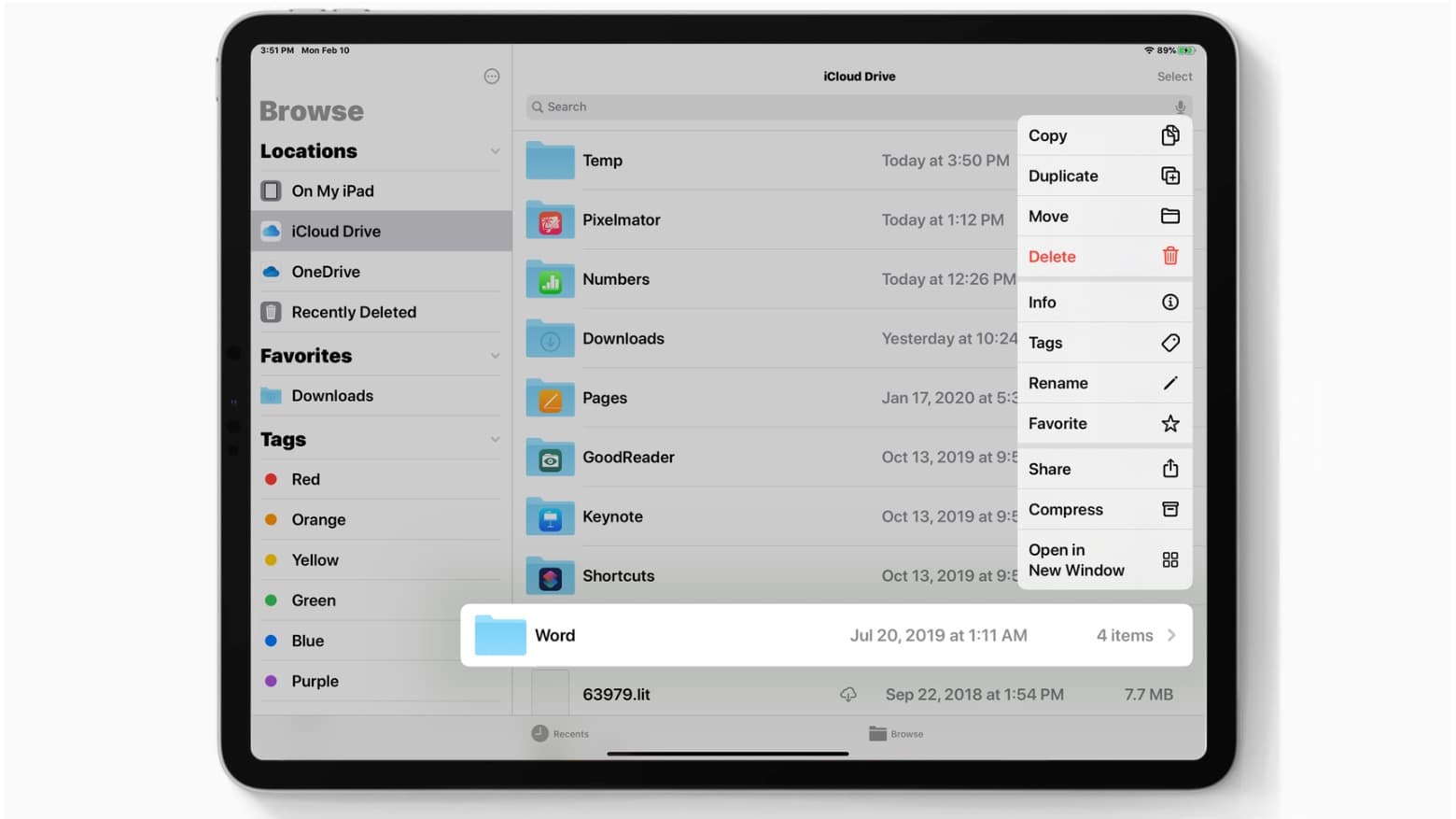
iCloud folder sharing finally arrives in iPadOS 13.4 and iOS 13.4. Photo: Ed Hardy/Cult of Mac
iPad and iPhone both just received important software updates, with iPadOS 13.4 and iOS 13.4 bringing a range of new features. Apple’s tablets now enjoy robust mouse/trackpad support. iPhones and iPads both gain iCloud Drive folder sharing.
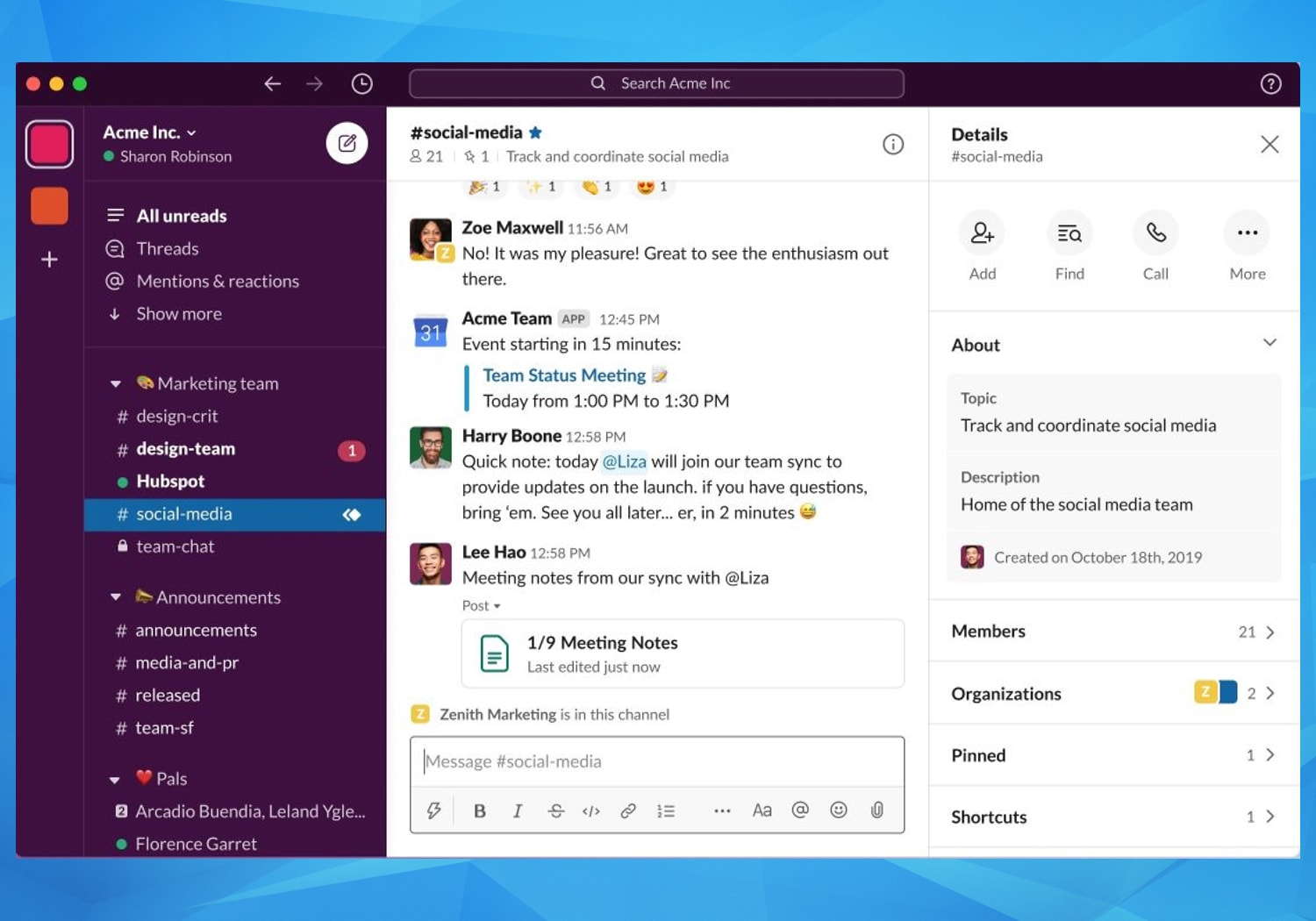
Slack rolls out major update as coronavirus forces more to work from home Photo: Slack
Slack, the workplace chat and productivity platform used by more than 12 million people worldwide, is getting a major upgrade soon with a simpler and more organized layout, the company said in a Wednesday blog post.
The announcement comes as more people are working from home in the wake of the coronavirus pandemic.