Mobile menu toggle

Search results for: shortcuts

Friday Night Fights: Android’s Virtual Buttons Vs. iOS’s Home Button

By

post-141816-image-63403a307bc38d4379960309ccaf19f5-jpg

Laaaaaaaaaaadies and Gentlemen, welcome to Friday Night Fights, a new series of weekly deathmatches between two no-mercy brawlers who will fight to the death — or at least agree to disagree — about which is better: Apple or Google, iOS or Android?

After this week’s topic, someone’s going to be spitting teeth. Our question: Which is better? Android’s three virtual buttons or iOS’s physical home button?

In one corner, we have the 900 pound gorilla, Cult of Mac; in the opposite corner, wearing the green trunks, we have the plucky upstart, Cult of Android!

Place your bets, gentlemen! This is going be a bloody one.

See Only Files Created Today Or Yesterday [OS X Tips]

By

cannedsearch

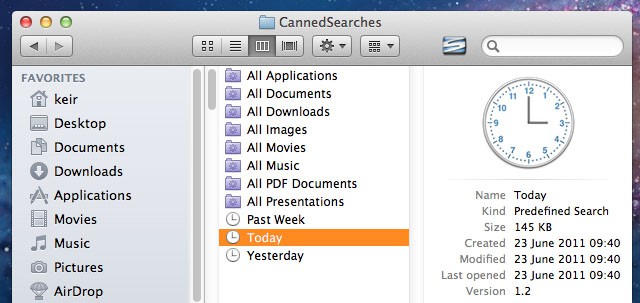
Wouldn’t it be useful to click a link in Finder that showed only files accessed or created today, yesterday, or within the last week? That would make it significantly easier to find files you’ve been working on but forgotten the location of.

Users of OS X Leopard and Snow Leopard already have this at their fingertips in the Finder sidebar, but Apple saw fit to remove it from OS X Lion, its latest release. Here’s how to restore it.

QuickWiFi Web App Allows You To Share Your Network Credentials The Easy Way

By

Screen Shot 2012-01-05 at 2.40.31 PM
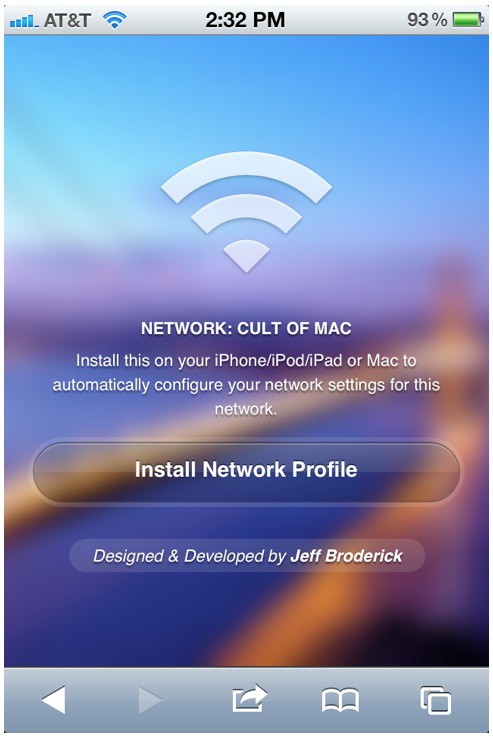
Install this theme yourself: http://brdrck.me/wifi/theme/vue

Jeff Broderick, the designer behind the beautiful iOS Settings Home screens shortcuts we detailed weeks ago, has released a new web app for easily sharing a secured network with multiple users. QuickWiFi is a simple web interface that lets you distribute your network credentials with others via a verified WiFi profile.

With QuickWiFi, you no longer need to give everyone on your network a SSID and password. You can create a unique URL that others can use to gain access to your network — no password required. If you want to keep your network secure from the outside but also offer an easy way for your friends to join, this is the perfect tool.

5 Awesome Things You Can Do With Alfred On Your Mac

By

alfred-icon

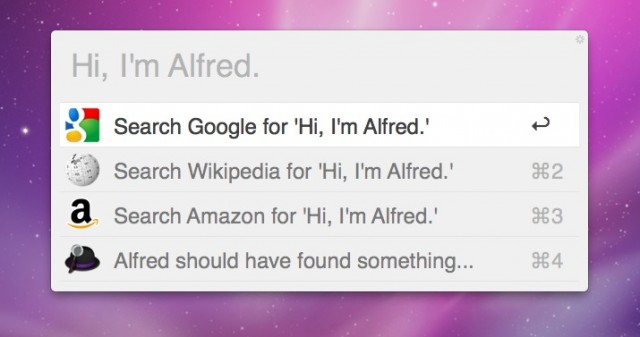
We told you about the recent release of Alfred 1.0, the popular app launcher tool for the Mac. The developers from Running with Crayons have created a robust, sleek, Apple-like tool for controlling nearly every facet of your Mac.

Most Alfred users understand how to open apps and files, but there are many things Alfred can do that may surprise you. The recent versions of Alfred support third-party extensions, and that opens up the door to all kinds of possibilities.

Alfred Mac App Launcher Hits Version 1.0 With Tons Of New Features

By

Screen Shot 2011-11-29 at 11.06.11 PM

Alfred is a relatively new launcher app for the Mac, and the tool has received a warm welcome from the Apple community since it launched in beta form last year. Today the development company behind Alfred, Running with Crayons, has launched Alfred 1.0, and the update brings with it many new features.

While Alfred offers many of the same launching abilities as other apps, like Quicksilver and LaunchBar, version 1.0 reinforces that Alfred is way more than your typical launcher tool for the Mac.