Instant is a five-dollar retro photo filter app for OS X, replicating the look and feel of a Polaroid camera, and it does the job with style.
This Retro Photo Mac App Does Polaroids Pronto [Review]
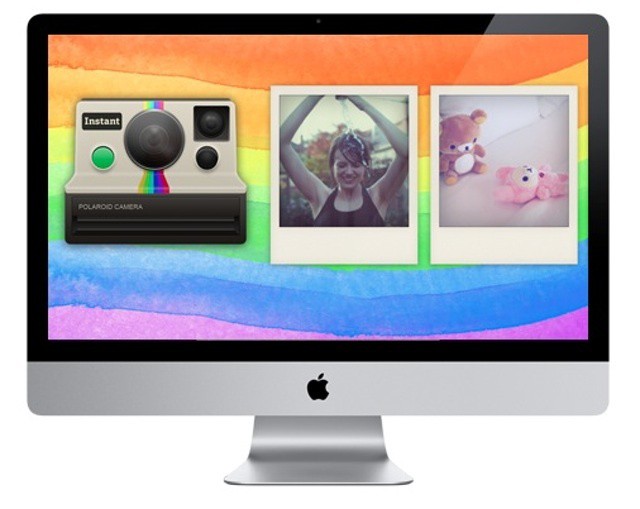

Instant is a five-dollar retro photo filter app for OS X, replicating the look and feel of a Polaroid camera, and it does the job with style.
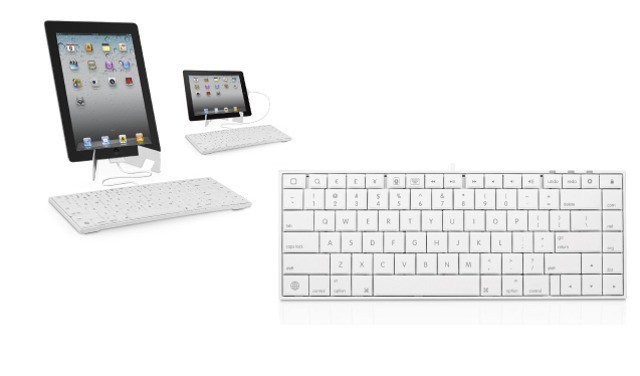
Who says iPad keyboards have to run on Bluetooth? Not MacAlly, that’s for sure. The iKey30 is a good ol’ USB keyboard which sports a 30-pin dock connector on the end of its cable, and comes with an almost ridiculous number of special function keys.

Cult of Mac Deals has another stellar app bundle lined up for our readers — with a total savings of over $400 on 9 great Mac apps! The apps in this bundle can help you in a wide variety of activities, from digital media with Roxio Toast to searching for files more efficiently and effectively with Houdah Tembo to keeping track of your home inventory easily with Compartments.
All of these apps would normally retail for $453 on their own. But thanks to Cult of Mac Deals you can get all of them for only $49 for a limited time. That’s an 89% savings!
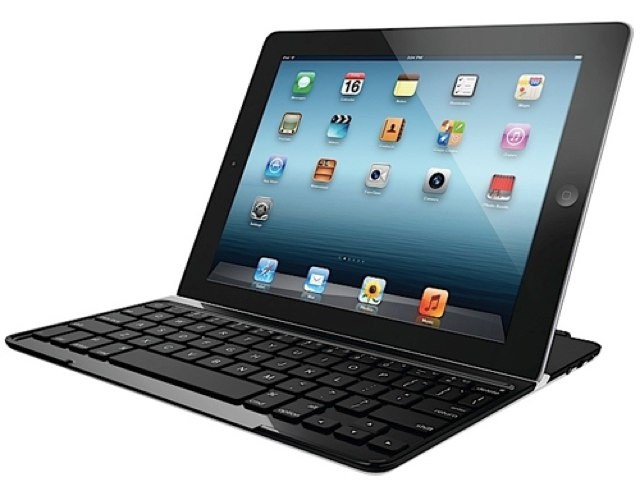
Logitech already makes one of the best keyboard cases available for the iPad, but its latest solution looks even more incredible. The Ultrathin Keyboard Cover is, as its name suggests, is a super thin wireless keyboard that takes advantage of your iPad’s Smart Cover magnets to double up as protective aluminum cover. It’s the perfect partner for your iPad.
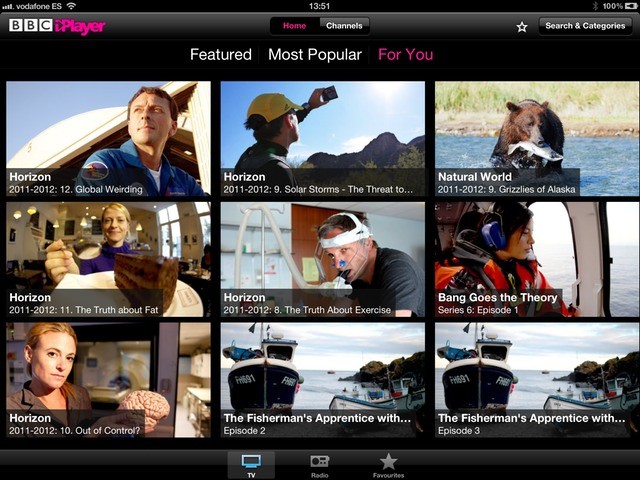
UnoDNS is a service that will let people outside the U.S stream services like Hulu and Netflix, and let users inside the U.S get in on things like BBC iPlayer. There are other services which do this, but UnoDNS is the easiest I have tried, although I do have a few worries. In short, it’s cheap, it works, and it can be free.
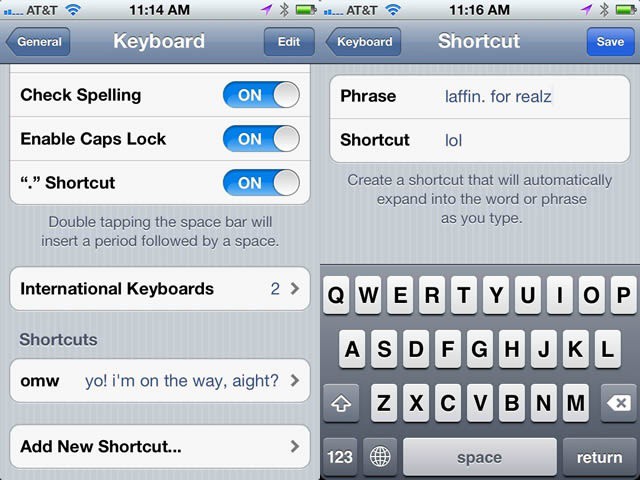
Look, I know some folks like the auto-expand of omw to “On My Way!,” but honestly? I’m rarely that enthusiastic when sending a text about my plans to head over to a buddy’s house. Just sayin’. If this bugs you as well, here’s the way to fix it, as well as add others to your texting repertoire.
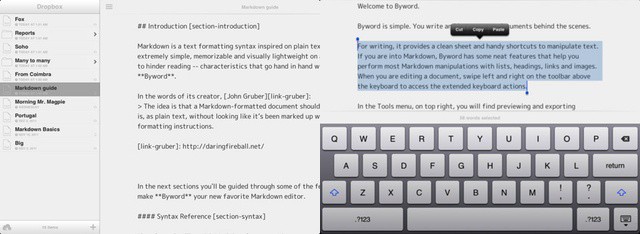
After a brief moment in the iTunes in the iTunes App Store sun last week, Markdown text editor ByWord has officially arrived on your iPad and iPhone. It’s a companion to the excellent OS X version of ByWord, and is one of a growing number of apps to sync using iCloud.

Now that you’ve placed your order for your new iPad, it’s time to prepare your old one for the upgrade. When you transfer all of your data on launch day, you’re not going to want to eat up storage space with apps, photos, and music that you never use.
Here’s how to prepare your old iPad for an upgrade to the new one — the right way.
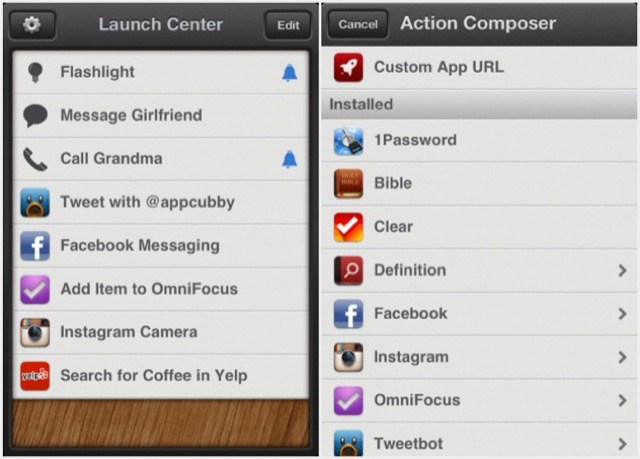
I first heard about Launch Center from my old TUAW colleague Dave Caolo when he began writing a series of posts about it on his excellent 52 Tiger blog.
Read what Dave writes, and take careful note of his wise words: Launch Center is an ingenious little marvel that’s well worth having on your iPhone. Allow me to explain why.

Once you’ve downloaded Better Touch Tool and started to explore what it has to offer, you’ll wonder how you ever lived without it.