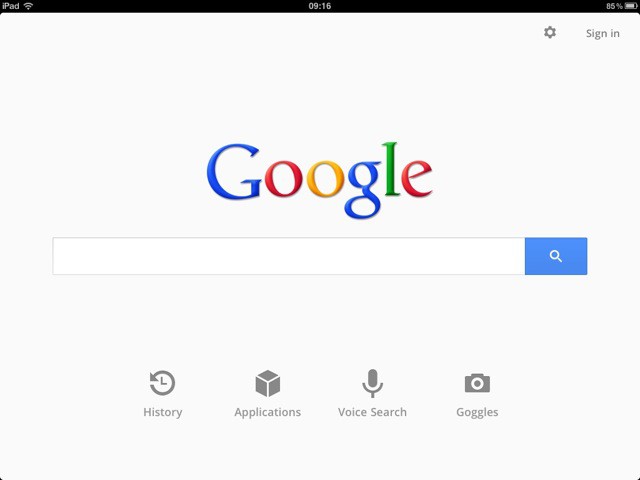
The revamped Google Search app for iOS, which we reported on yesterday, is a huge improvement on what went before.
It’s slick, speedy, and simple. Everything you want in a web search app. Enter your query and results show up as you type, thanks to Google Instant (you can switch this off if you like). If you’d rather not type, it accepts spoken input just as well.
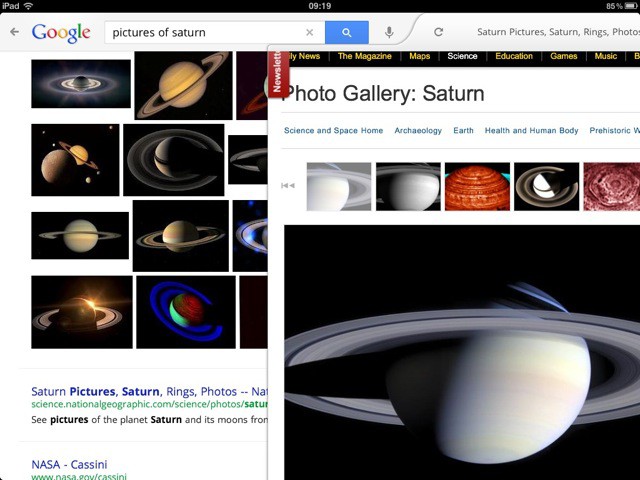
The browser pane for viewing results slides in from the right, over the top of the results list. If you use the official Twitter app, you’ll be familiar with the idea. It works beautifully, and makes flicking through several pages of results much easier. Even little details look good: the bottom edge of the browser pane’s toolbar acts as a progress bar, thin but functional and squeezed in without sacrificing useful space elsewhere.
Beyond search, though, Google has sneaked some very ChromeOS-like extras into this app. There’s an applications page, where you’ll find big friendly icon shortcuts to stuff like Gmail, Google Reader, Google Calendar, and so on.
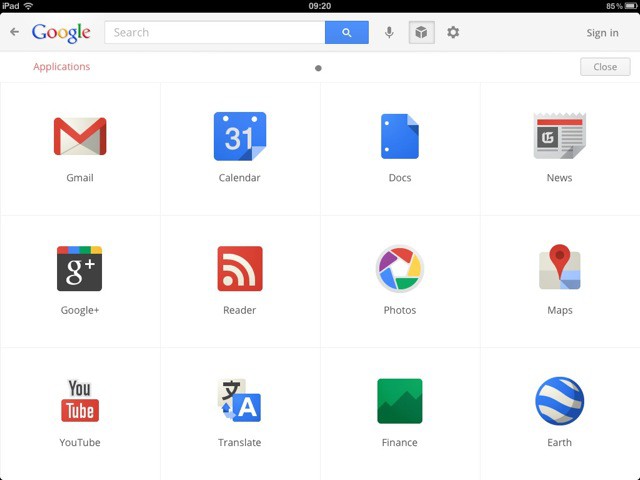
Interestingly, this applications page is like the iOS Springboard. You can flip sideways to see more apps. So although this app is called “Google Search”, it has much in common with Google’s Chrome browser.
Google’s done an excellent job with this new release. Bravo.
[xrr rating=100%]

Giles Turnbull is a freelance writer in England. He also writes for the Press Association and The Morning News. You can find out more at his website, and follow him on Twitter @gilest.

