Mobile menu toggle

Search results for: mechanical keyboard

Top audio interface shapes MacBook Pro rig’s sound [Setups]
By

top audio interface
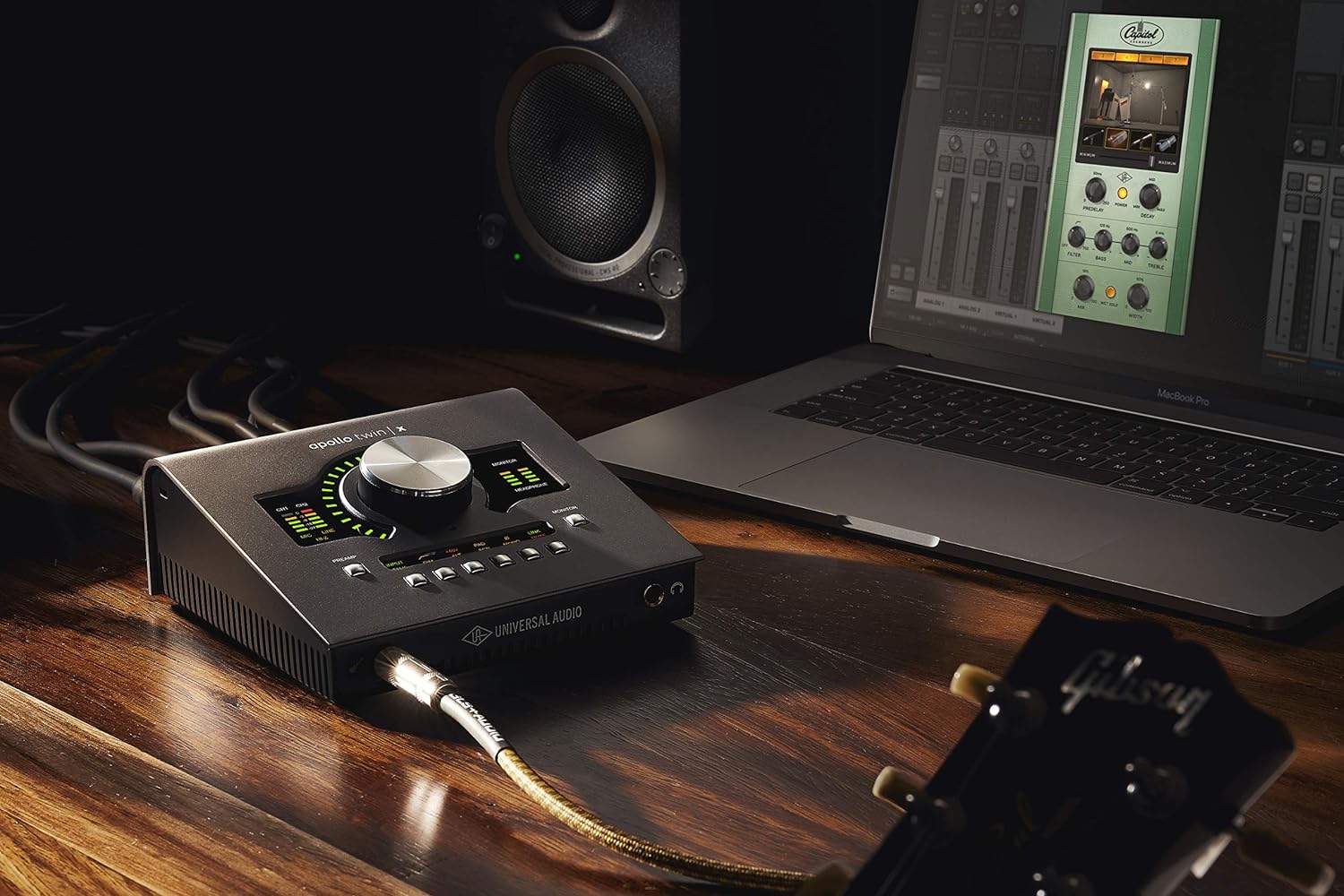
This shot from Universal Audio shows the Apollo Twin Duo audio interface in action.
Photo: Universal Audio

If you want great sound out of your computer setup, you need excellent speakers, of course. But if you work with music rather than just listening to it, you also need a top audio interface for Mac to run between your computer and other gear. Today’s MacBook Pro setup incorporates one of our top picks in a recent roundup of best audio interfaces for Mac and pairs it with a nice set of Yamaha speakers.

Would you spend $650 on a desk lamp? [Setups]

By

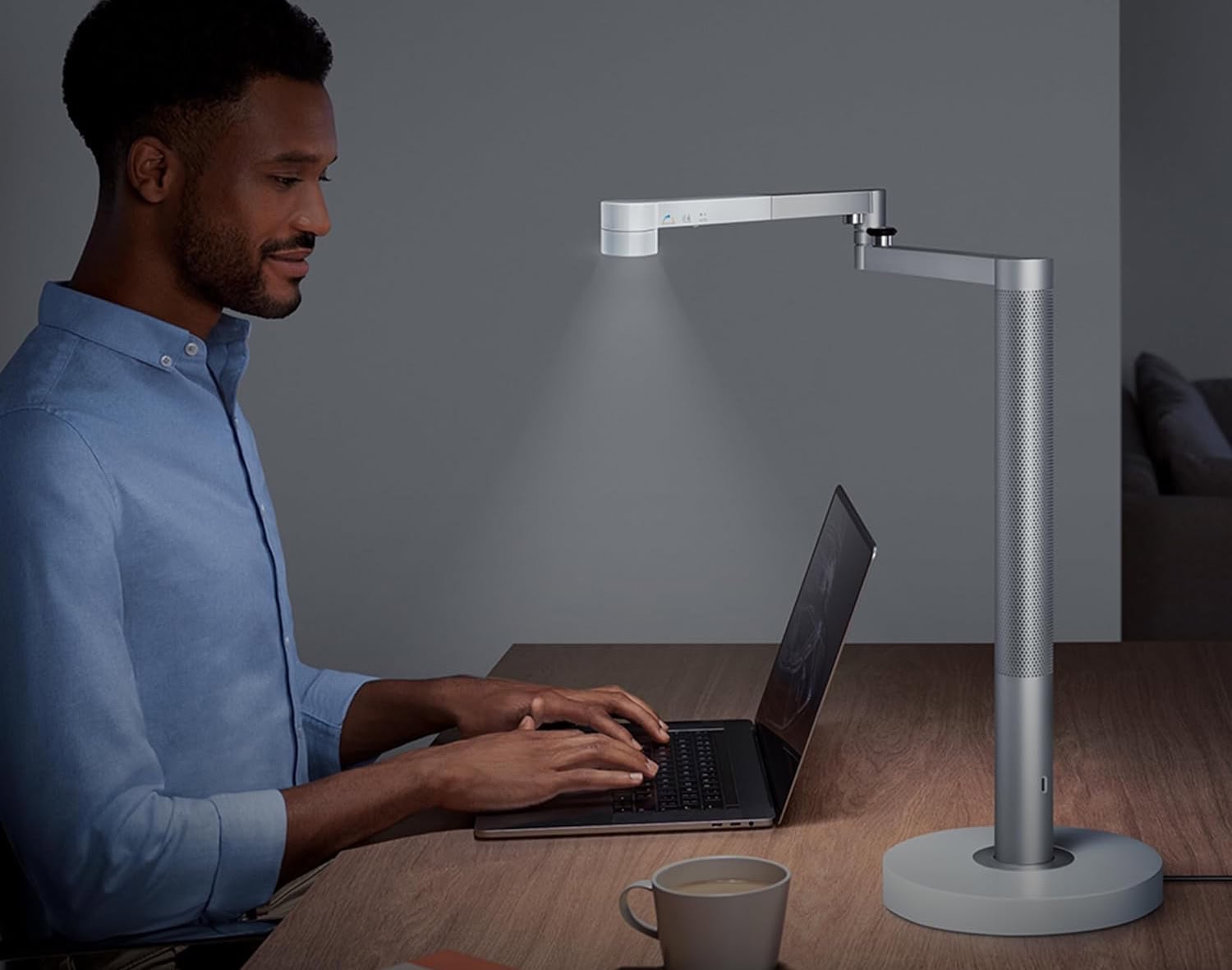
Dyson Solarcycle Morph Desk Light-2
The light self-adjusts and allows for very focused lighting.
Photo: Dyson

Cult of Mac‘s setups coverage loves to look at premium products, but we often emphasize value with thrifty-but-reliable gear. Today we marvel, however, at just how much one desk lamp can cost. Our MacBook Pro user places a $650 Dyson Solarcycle Morph Desk Light on a very nice Vari sit-stand desk.

Do people really pay that much for a lamp? Even our user claims it was a gift, not a purchase.

Love it or hate it, this is a great way to store gear [Setups]

By

pegboard for setup storage
With the right accessories, you can store pretty much anything on a pegboard (shown at left of setup).
Photo: [email protected]

While many computer setups shown off on social media look suspiciously immaculate, the truth is we tend to live at our desks and make a big mess of them routinely. Stuff just piles up. But a great way to keep your workstation clean and organized is to deploy one of the best fixes — a pegboard for setup storage.

With pegboards, you can put practically anything right on your wall, like today’s MacBook Pro user does. We’ve seen some pretty strong negative reactions to them, but there’s no denying their effectiveness.

Primo speakers and subwoofer blow the roof off [Setups]

By

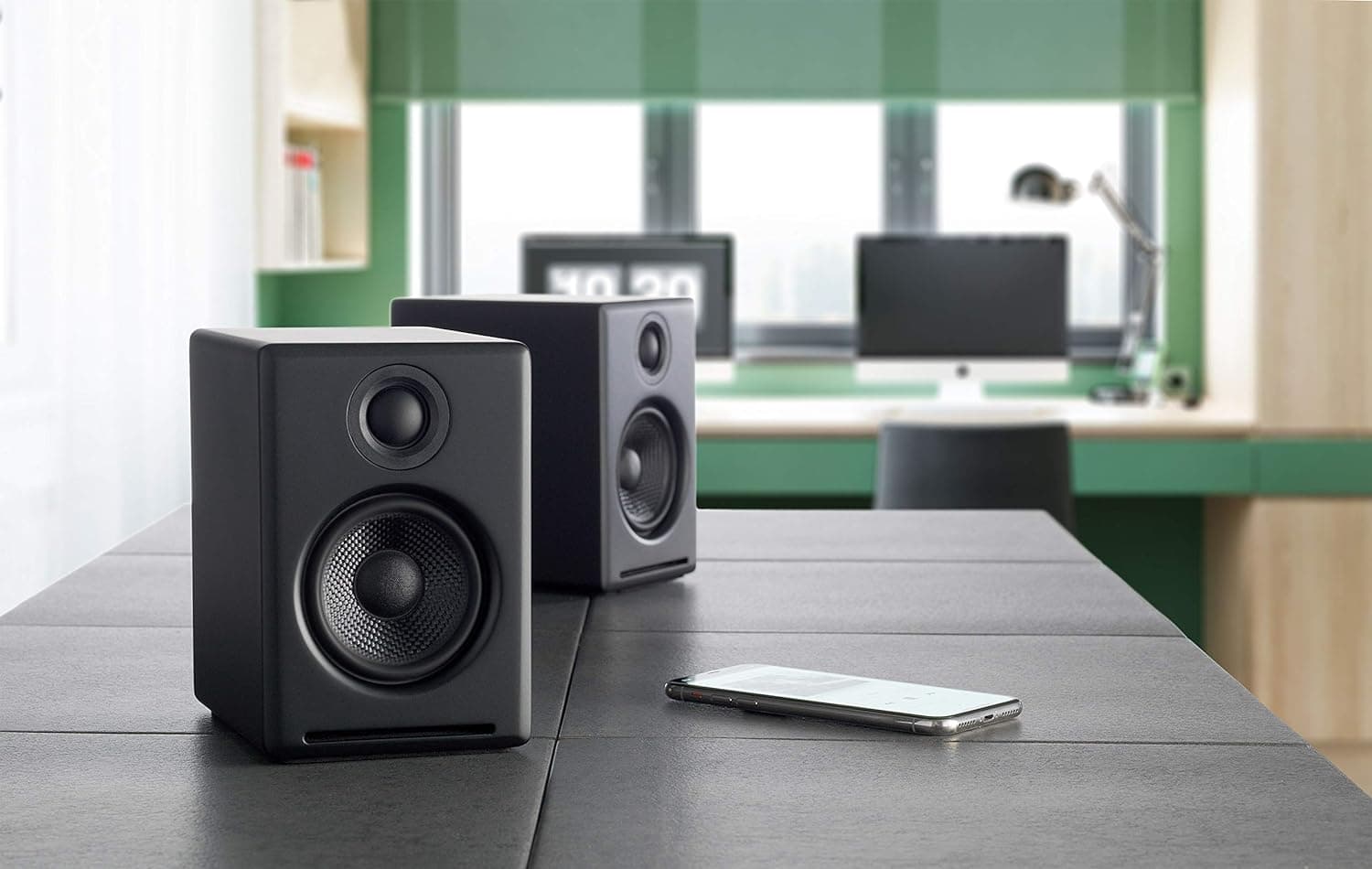
Audioengine desktop speakers
This shot from Audioengine shows its powerful A2 Plus desktop speakers with an iPhone.
Photo: Audioengine

At Cult of Mac, we love great audio. So when a computer setup comes along on social media showing off a killer system, we love to feature it. Today’s M3 Pro MacBook Pro setup kicks out the jams — we also love obscure references to cult-favorite bands of yesteryear — with Audioengine A2 Plus speakers and a Kanto Sub6 subwoofer.

So, as nice as the MacBook Pro’s six speakers may be, they don’t have a chance against that sound system.

Sweet ultra-wide display deserves great dual-monitor stand [Setups]

By

BenQ Creator Ultrawide Display
This 34-inch BenQ Creator Ultrawide Display features 1440p resolution and color-matching technology.
Photo: BenQ

Not everybody needs, wants or can afford an Apple display. Luckily, many good options abound for use with a Mac, including the 34-inch BenQ Ultrawide Creator Monitor featured in today’s exceptionally nice M3 Pro MacBook Pro setup. And it’s ideally situated on a handsome Oakywood dual-monitor stand.

New MacBook Pro powers perfect workstation [Setups]

By

M3 MacBook Pro setup
Everything is well-situated on stands in this M3 MacBook Pro setup.
Photo: [email protected]

Some computer setups just seem to have it all. Today’s featured workstation sports a new M3 Pro MacBook Pro with hefty amounts of memory and storage, plus a speedy Thunderbolt 4 dock connected to a well-curated selection of peripherals. Even the gear stands and furniture are especially nice.

A top microphone needs a great audio interface [Setups]

By

Shure SM7B microphone setup
The Shure SM7B microphone and Focusrite Vocaster Two audio interface are crucial to the user's work on YouTube.
Photo: [email protected]

A prolific YouTuber runs today’s featured MacBook Pro setup. And you can tell it’s the pride and joy of a streamer or podcaster just by some of the crucial equipment. Namely, an excellent Shure SM7DB microphone run through a Focusrite Vocaster Two audio interface to ensure high-quality audio recording.

Edifier speakers rock slick MacBook Pro rig [Setups]

By

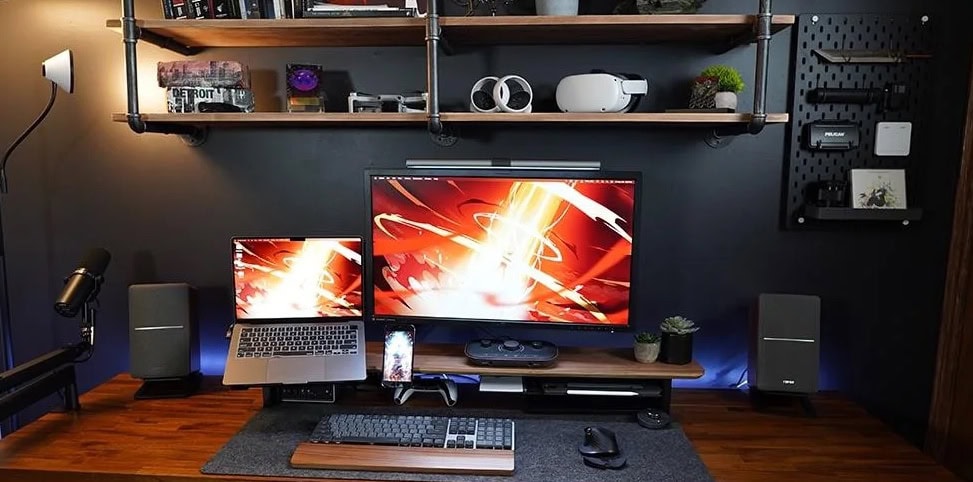
Edifier R1280T speakers setup
The Edifier R1280T powered bookshelf speakers pump up this MacBook Pro setup's sound.
Photo: [email protected]

If you’ve read much of Cult of Mac’s computer setups coverage, you know we love good audio. And we love it more when it’s high-value, where the sound is great despite affordable pricing. Edifier R1280T speakers meet that mark.

Edifier is a brand that has long lived in that space. And today’s MacBook Pro and PC laptop setup makes good use of a pair of powered Edifier bookshelf speakers that even MacBook Pro’s fine set of six can’t really compete with (outside of portability).

Killer dock keeps MacBook Pro and PC in play [Setups]

By

Orico Thunderbolt 3 dock setup
A 15-in-one Thunderbolt 3 dock handles a MacBook Pro, a PC laptop and a bunch of peripherals.
Photo: [email protected]

Another Mac and PC computer setup stands in the spotlight today — this time a MacBook Pro and PC laptop driving a 4K display and an array of peripherals through an Orico Thunderbolt 3 dock bristling with 15 ports.

The setup emphasizes gaming, too, with a PlayStation 5 mounted under the desk. We’ll take a look at that, too.

Not all monitor light bars are created equal [Setups]

By

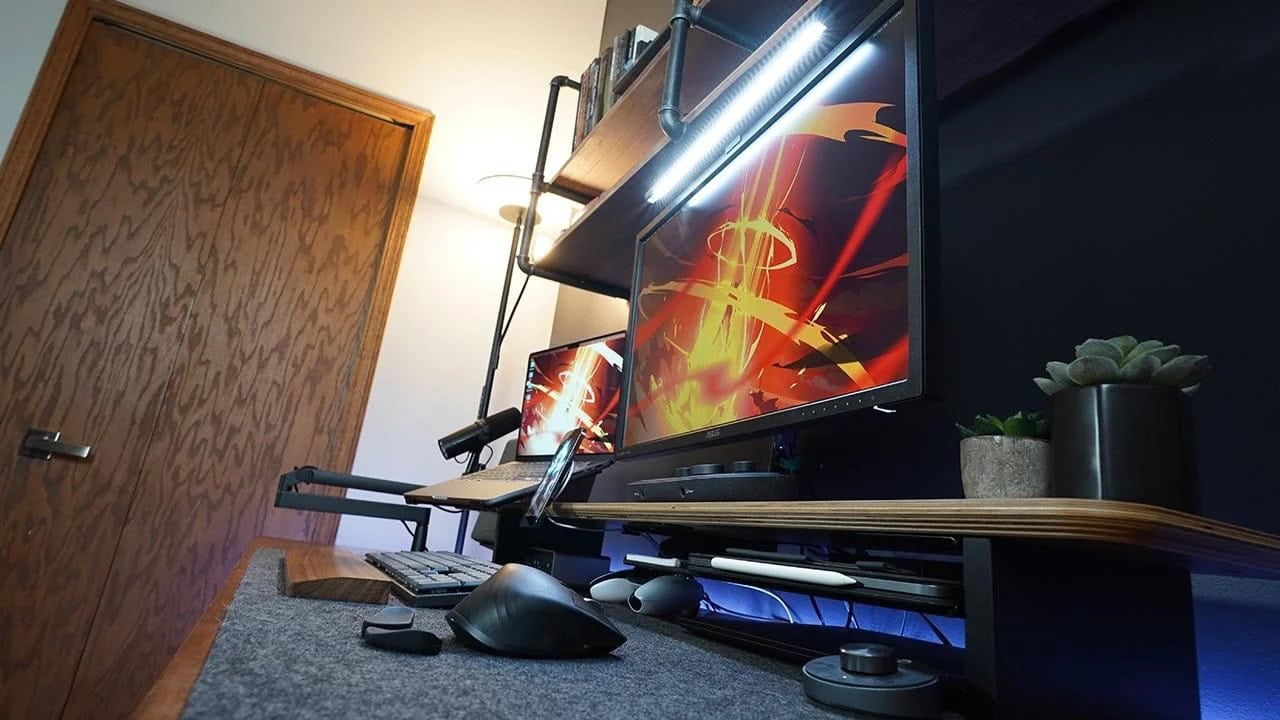
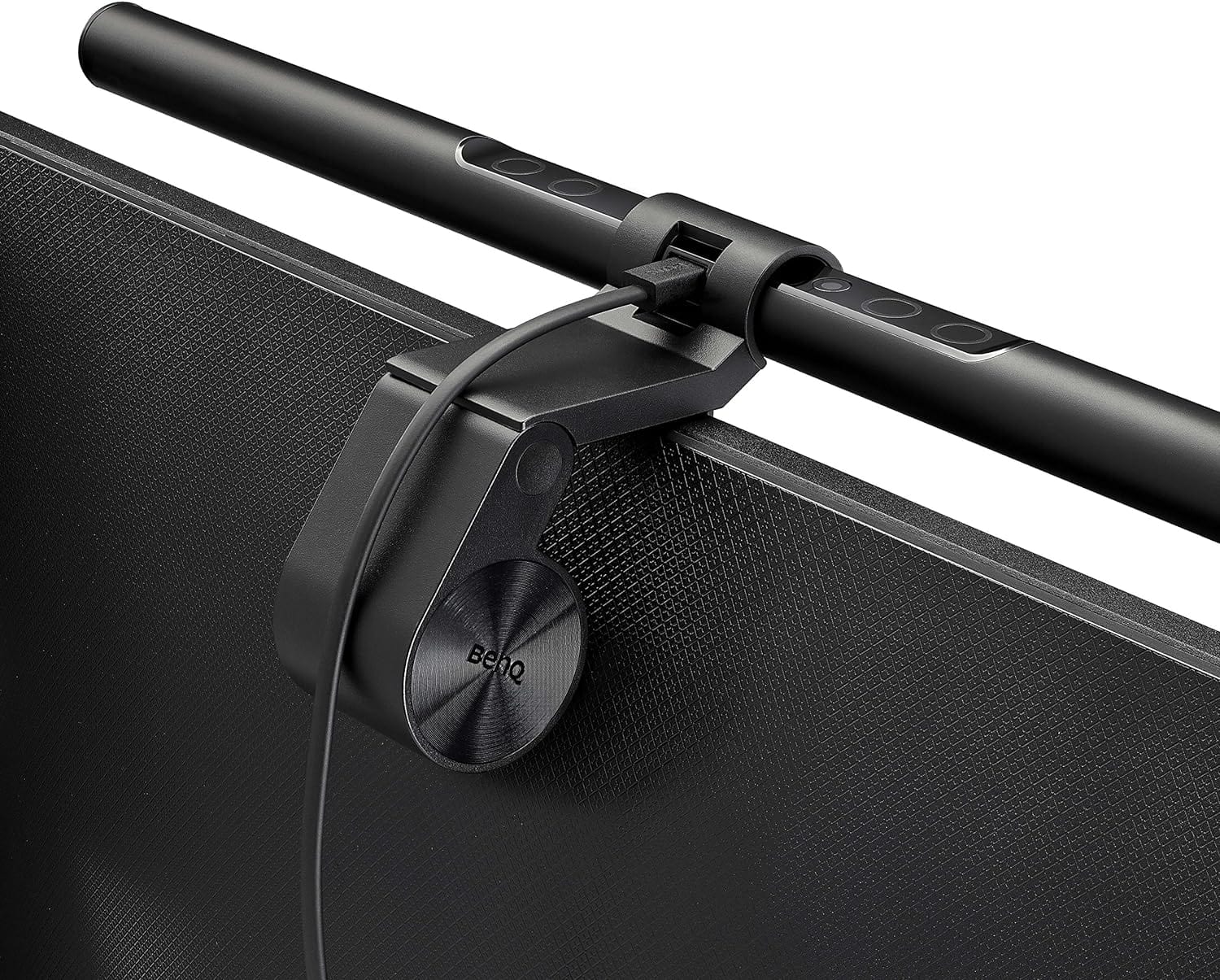
BenQ ScreenBar Monitor Light setup
BenQ's ScreenBar monitor light isn't cheap, but it's a good investment.
Photo: BenQ

You can buy a monitor light bar pretty cheap, even as low as about $20. But will it be a great piece of gear, illuminating your desk from atop your display, with a nice array of features? Probably not. Today’s M3 MacBook Pro and PC setup laid out a little more cash for a keeper — the BenQ Screenbar Monitor Light.

1 18 19 20 21 22 48