Mobile menu toggle

Search results for: mechanical keyboard

Powerful MacBook Pro plays nice with PC [Setups]
By

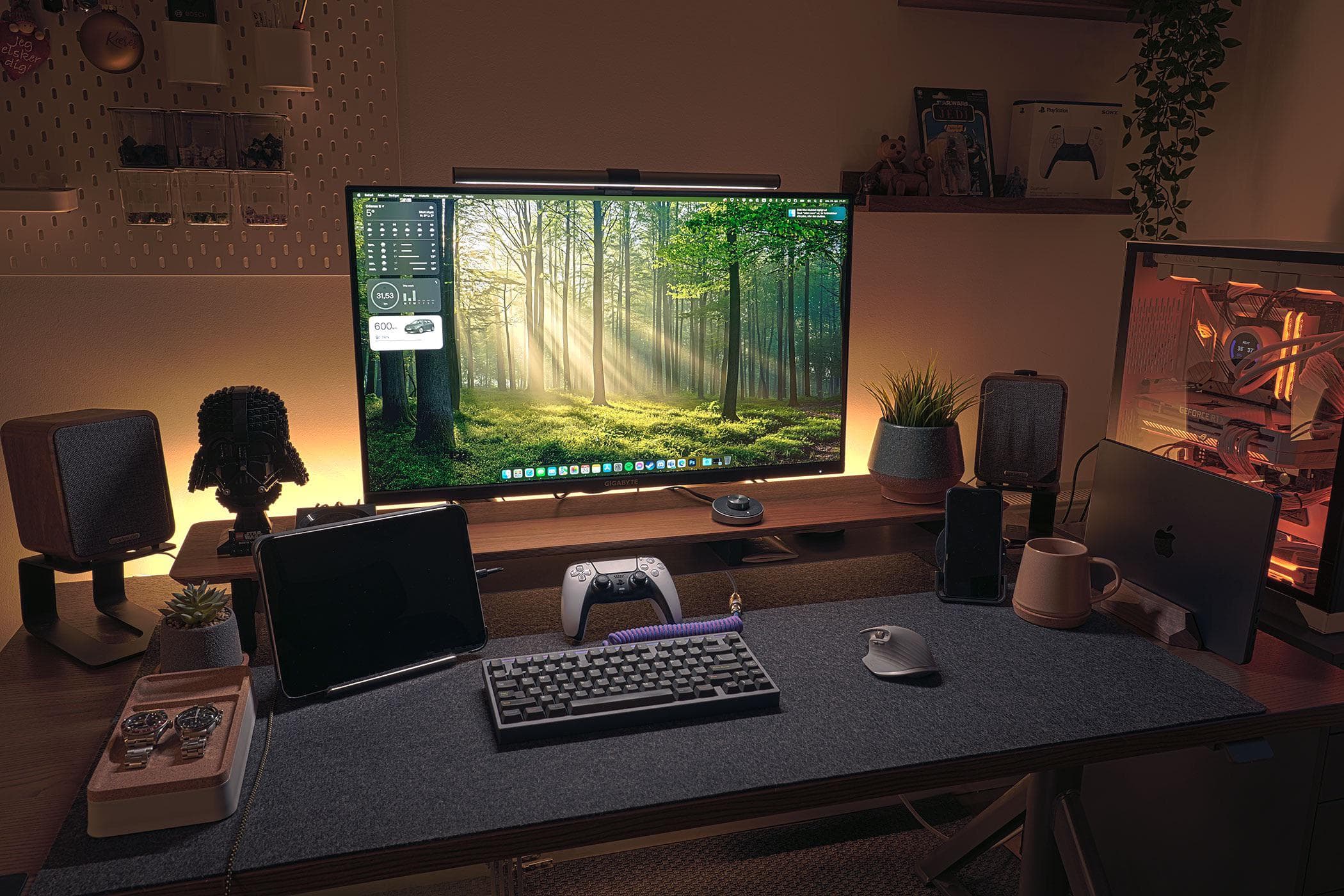
MacBook Pro and PC setup
This IT manager has a heck of a nice M3 MacBook Pro setup. And note the big gaming PC on the right.
Photo: [email protected]

Today’s beautiful MacBook Pro and PC setup lets the two “frenemy” computers work easily in the same setup through a 4K external display’s built-in KVM switch. That means no messing around with cables, and no swapping out or re-pairing peripherals.

Handsome desk shelf brings calm to chaos [Setups]

By

Fenge monitor stand setup
The white Fenge monitor stand, or desk shelf, is one of the coolest choices we've seen lately.
Photo: [email protected]

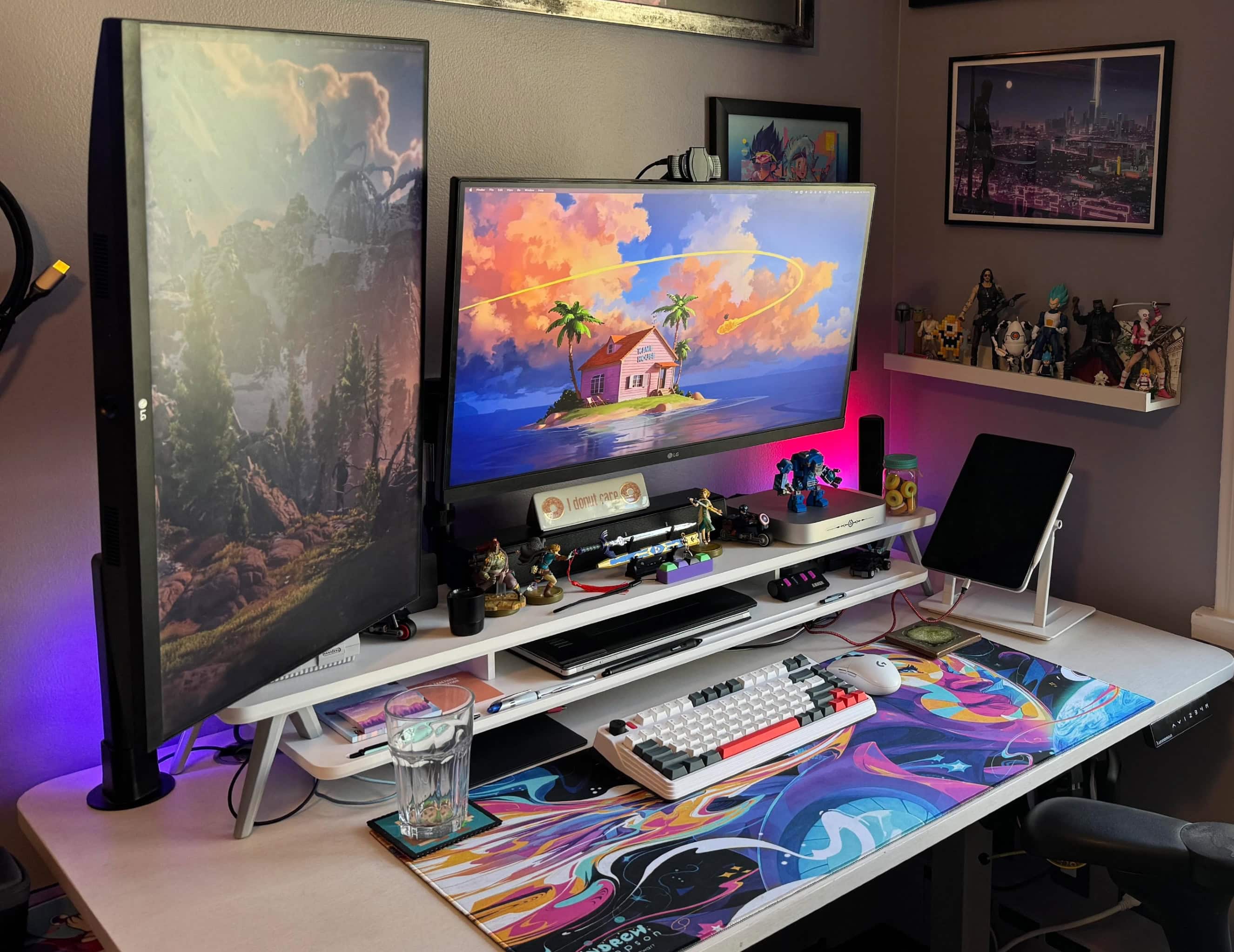
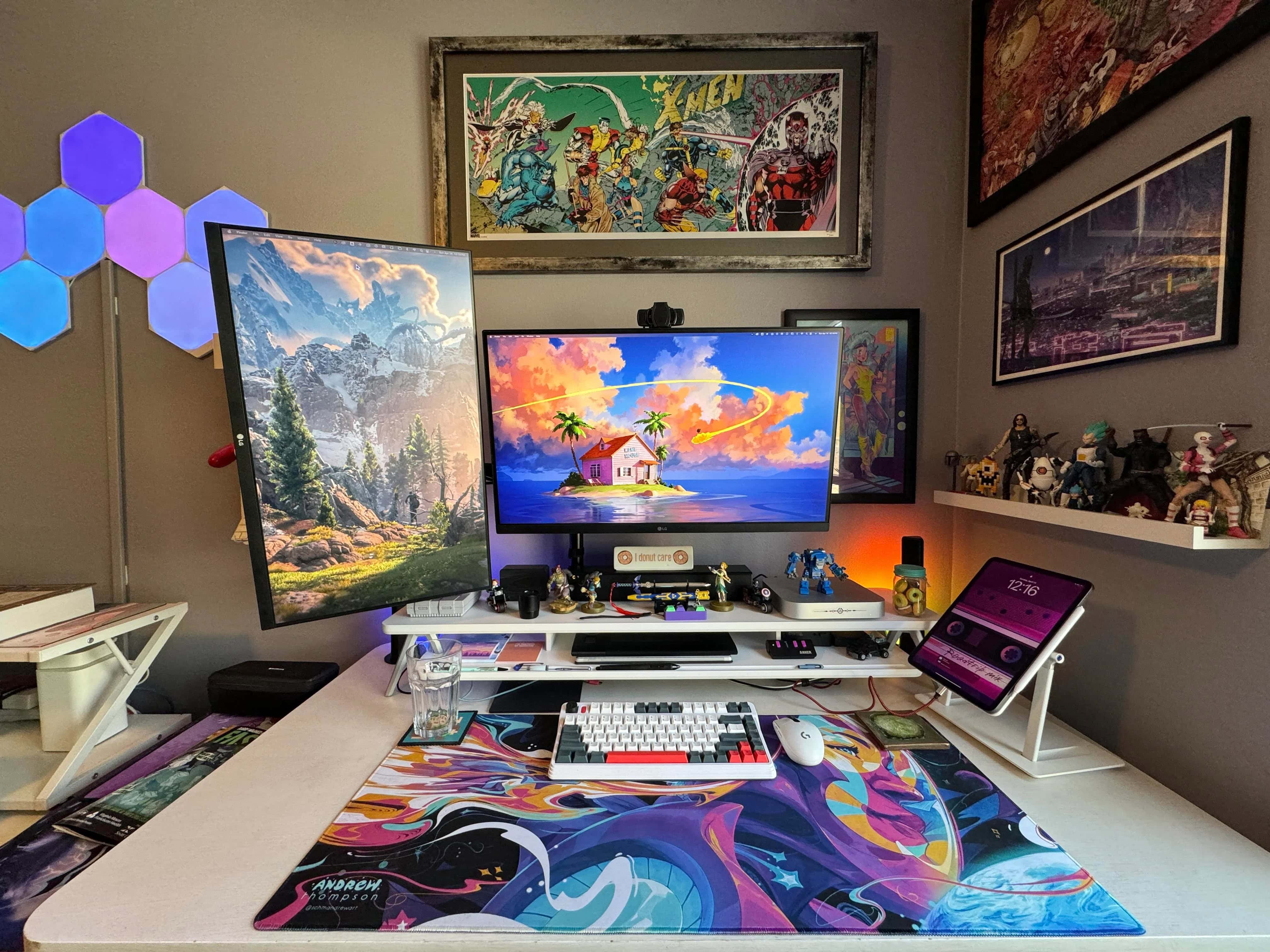
Monitor stands, aka monitor risers or desk shelves, are often unsung heroes of computer setups. Even just a single shelf can add so much in terms of organization and ergonomics. In today’s colorful and artistic Mac mini workstation, the Fenge monitor riser is crucial. Without it, the desktop would devolve into chaos. 

Artist loves his iPad Pro stand for good reason [Setups]

By

Lab22 Infinity Adjust iPad stand
This M1 Mac mini setup features a lot to look at, but don't miss that cool iPad Pro stand on the right.
Photo: [email protected]

Sometimes what stands out in a computer setup isn’t a major piece, like a computer or display, but a cool accessory. Today’s colorful M1 Mac mini workstation with dual displays and loads of artwork features a cool accessory one could easily miss — a Lab22 Infinity Adjust iPad stand.

Big curved Dell 4K display serves MacBook duo [Setups]

By

Dell 4K curved monitor
This 40-inch Dell 4K curved monitor makes a great external display.
Photo: [email protected]

A Dell curved 4K monitor — especially a big 40-incher — can make an excellent external display, if today’s featured MacBook Air and MacBook Pro setup is any indication. The user put the dramatic display together with a 27-inch 4K monitor after trying two other configurations. 

Dual-display rig boasts speedy M3 and M2 MacBooks [Setups]

By

M3 Max MacBook Pro setup
With an M2 MacBook Air and an M3 Max MacBook Pro from work, this setup is highly productive.
Photo: [email protected]

Who doesn’t love a good MacBook? Or maybe two MacBooks, like in today’s setup. The guy has his own M2 MacBook Air, a formidable machine. But he’s lucky enough to add to it an absolutely screaming M3 Max MacBook Pro courtesy of his employer. Nice perk, that.

He can also thank work for his second 4K display. But it doesn’t top his own.

42-inch smart TV may be user’s best display ever [Setups]

By

LG C2 smart TV setup
This photographer said the 42-inch LG C2 smart TV is better than other displays he's tried.
Photo: [email protected]

Today’s Mac Pro and smart TV setup is a rare find for two reasons. First, Mac Pro costs so much that we rarely see it in the wild. Second, while big smart TVs used as computer displays continue to gain popularity, we don’t often hear users saying they’re one of the best they’ve ever had. But that’s the case with this LG C2 smart TV setup, used by a photographer and musician. 

In it, a powerful cheese-grater Mac Pro drives a gargantuan 42-inch smart TV as an external display.

Classic iMac G4 looks on as Mac Pro drives monster display [Setups]

By

Mac Pro setup
Music and photography appear to big big jobs for this powerful Mac Pro setup. Note the iMac G4 as well as Wall-E and Eve above the cheese grater.
Photo: [email protected]

It’s somewhat rare that we come across a Mac Pro setup on social media for the obvious reason that Apple’s top desktop computer costs a fortune. And the ones we see are often older than 2019’s cheese grater design. But today’s Mac Pro and smart TV setup is a welcome exception to that rule.

It sports a powerful cheese-grater Mac Pro driving a gargantuan smart TV as an external display.

And what’s more, a classic iMac G4 that still works and Wall-E and Eve toys from the Pixar movie look on from a shelf!

Rad gaming speakers complete dual-display workstation [Setups]

By

Razer Nommo Chroma gaming speakers setup
You can see one of the Razer Nommo Chroma gaming speakers to the left behind the display.
Photo: [email protected]

A systems engineer who works for a software developer showed off today’s M1 Pro MacBook Pro setup, which features unusual audio. Razer Nommo Chroma gaming speakers rarely come up in setups despite their high coolness factor. They look a bit like highway patrol speed guns. And the noise-canceling wireless earbuds are a favorite — Soundcore Space A40. 

Odd-couple dual displays suit MacBook rig [Setups]

By

Different-size dual displays
The two primary external displays in this setup are different sizes and resolutions.
Photo: [email protected]

We see many, many dual-display computer setups in our coverage, with the vast majority being two screens of the same size, whether they’re oriented differently or not. But that’s not always the case. Today’s M1 Pro MacBook Pro and Windows laptop rig sports different-size dual displays that even have different resolutions. But it works for the user, a systems engineer who works for a software developer.

Anker dock handles MacBook Pro and PC laptop [Setups]

By

MacBook Pro and Anker dock setup
This user swaps out an M1 MacBook Pro with a Windows laptop using an Anker dock.
Photo: [email protected]

It’s the best of both worlds: A computer setup with a Mac and a PC. They each have their strengths. But how best to use both in the same workstation? Well, today’s setup does it with a MacBook Pro and Anker dock arrangement.

The user, a systems engineer for a software developer, relies on an Anker 5-in-1 Thunderbolt 4 dock to connect an M1 Pro MacBook Pro and Windows laptop to displays that suit them, plus other peripherals.

1 19 20 21 22 23 48