Mobile menu toggle

Search results for: mechanical keyboard

My MacBook Pro quantum leap from M1 Pro to M4 Pro [Review] ★★★★

By

M4 Pro MacBook Pro review★★★★
It looks like pretty much any M-series MacBook Pro since 2021, but this 14-inch M4 Pro MacBook Pro is a powerhouse.
Photo: David Snow/Cult of Mac

I took the leap from the 2021 M1 Pro MacBook Pro to the new M4 Pro MacBook Pro. As you’ll see from my review, having used the M1 Pro model for the past couple of years, I was eager to see how Apple could improve on the already-impressive machine. And, despite the lack of redesign, I’m impressed, to say the least.

While the M1 Pro and M4 Pro laptops could be the same exact machine judging from the outside — same as all M-series MacBook Pro models — the new one takes some big steps forward in performance. That should future-proof me on this daily driver for at least a few years.

Cool teleprompter boosts MacBook Pro user’s Zoom calls [Setups]

By

teleprompter setup
Reading from a teleprompter helps this user maintain eye contact on Zoom calls.
Photo: [email protected]

Many computer setups feature advanced camera and lighting arrangements for tasks like video streaming, but not every day do we see home rigs with teleprompters in them. Today’s MacBook Pro is an exception. The user runs a teleprompter setup with a specialized monitor and key lights. So is the user a remote correspondent on some news show? Nope, he uses the teleprompter outfit just for Zoom meetings, actually.

Stuffed penguin rocks to Edifier powered speakers [Setups]

By

Edifier powered speakers
That penguin doesn't just use an Edifier speaker as a chair, according to this MacBook Air user.
Photo: [email protected]

As we’ve pointed out in product news coverage and reviews, Edifier is one of those smaller companies that always seem to come across with great value. Its audio gear is solid and sounds great, but it’s on the inexpensive side of things. And that’s the case for the Edifier powered speakers in today’s MacBook Air setup. The workstation features a penguin plush toy that doesn’t just use an Edifier box as a chair, according to the user. The stuffed animal apparently rocks out, too.

M3 MacBook Air rides alongside ultra-wide external display [Setups]

By

monitor arm laptop tray
Some external monitor arms come with a laptop tray for your MacBook.
Photo: [email protected]

We see more laptop-based computer setups using the machine in clamshell (mode) on a vertical stand than we see setups with open laptops. But they’re both pretty popular options. Today’s M3 MacBook Air sits on a tray attached to the same arm that holds the ultra-wide external display. So they float together above the desk. That monitor arm laptop tray situation wouldn’t work for everyone, but it’s a cool way to add a second display when you need one (and you have an external keyboard so you don’t have to use the laptop’s).

How would you improve this MacBook Pro rig’s lighting? [Setups]

By

setup lighting
Commenters gave this user plenty of good advice for improved lighting.
Photo: [email protected]

Most users obsess about the main hardware they have in their computer setup, from computers to mechanical keyboards, but lighting plays a big role, too. After all, you have to be able to see what you’re doing without eye strain (and how better to snap pics and show off your rig on social media?). Today’s MacBook Pro user asked for lighting advice and got it, below.

Bookshelf speakers kick out MacBook Air’s jams on the cheap [Setups]

By

Sanyun bookshelf speakers
This product shot shows Sanyun Bookshelf Speakers in black pumping out gaming audio.
Photo: Sanyun

Lots of Mac users pump up their computer setups with pricey, high-powered speaker systems. But it doesn’t have to cost much to provide a bigger, fuller sound than most computers or monitors can provide on their own. Today’s MacBook Air user enjoys Sanyun Bookshelf Speakers, which pump out 60 watts of sound using proprietary technology, and look pretty good doing it. And you can get a pair for less than $70.

Developer sees the light in dual Studio Displays [Setups]

By

dual monitor setup
Another user sees the light with dual monitors.
Photo: [email protected]

While the dual display setup has become so commonplace it seems standard, debate still rages over exactly what works best. In today’s MacBook Pro setup, a developer experiments with single- and dual-display configurations before coming to the conclusion, on the way to their one true configuration, that size really does matter more than most other considerations.

From one dock user to another: CalDigit or Satechi? [Setups]

By

Caldigit Thunderbolt dock setup
This MacBook Book Pro uses loves his CalDigit Thunderbolt dock, but a Satechi user thought of making the switch.
Photo: [email protected]

Certain names in USB-C and Thunderbolt docks and hubs carry a lot of weight, like CalDigit and Satechi — both well-respected brands. But in today’s M2 MacBook Air setup, a discussion broke out over the user’s exceptional experience with a CalDigit Thunderbolt dock and a commenter’s woes over a Satechi Thunderbolt dock. Read some of the commentary and learn more about the gear below.

Get this guy’s ultra-wide curved gaming display for $700 off right now [Setups]

By

Samsung Odyssey G9 monitor
You can get hundreds off that ultra-wide curved gaming monitor right now.
Photo: [email protected]

In the never-ending arms race for more and bigger external displays in computer setups, one distinct subset is the ultra-wide, curved gaming monitor. Samsung is big in that game, and today’s M1 Mac mini user likes his 49-inch Samsung Odyssey G9 monitor, which he pairs with a couple of 32-inch 4K flat displays. And by the way, the big curved gaming monitor is deeply discounted right now on Amazon.

The user also asked for feedback on his new setup. You can see that below, too.

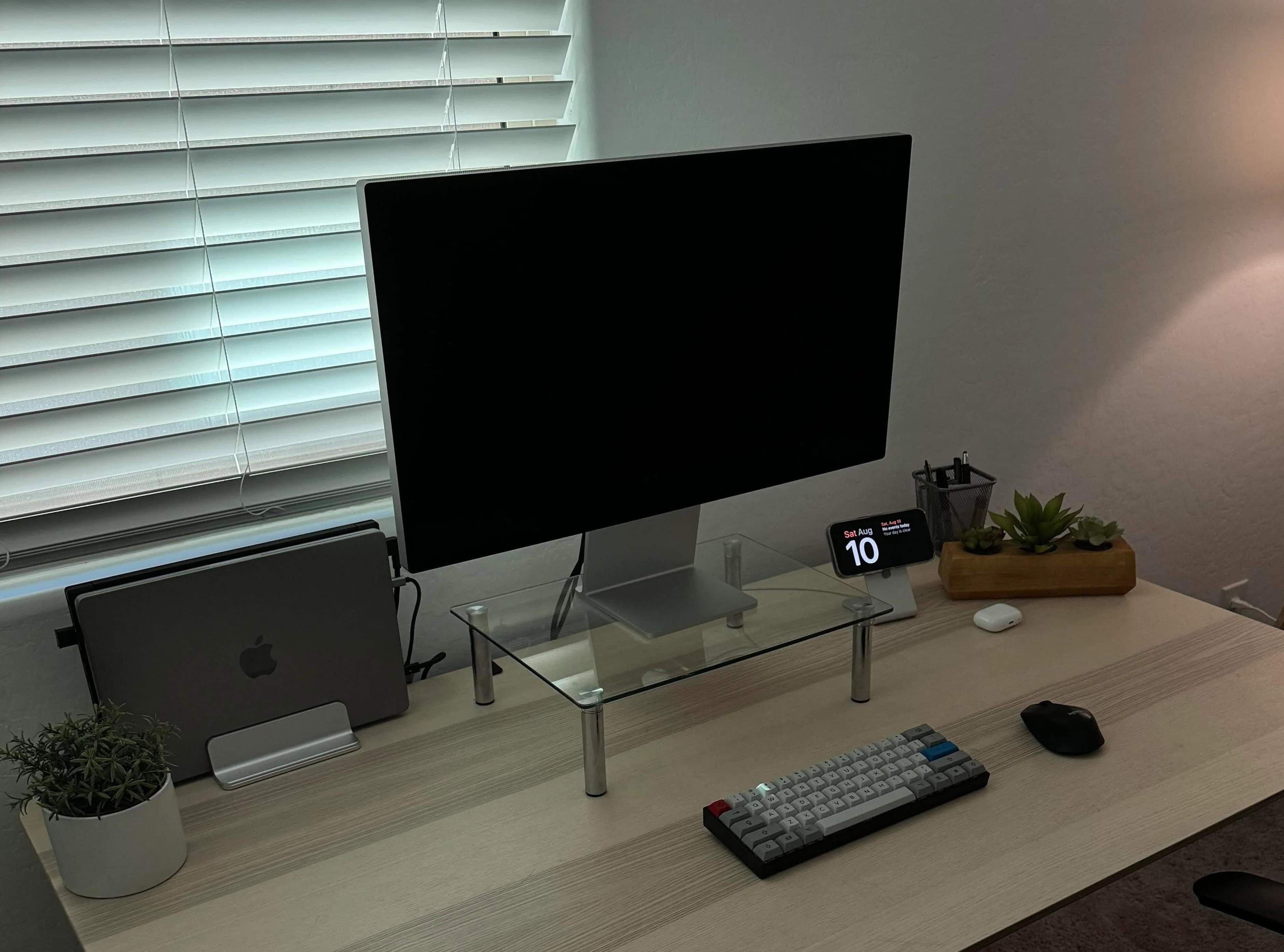
Is it really a sin to place Studio Display on a monitor riser? [Setups]

By

Studio Display stand
Some people object to the whole idea of putting Apple displays on stands.
Photo: [email protected]

When a MacBook Pro perched his Studio Display on a generic stand and then asked for recommendations for alternative risers for Studio Display, some Apple users reacted a bit brusquely. That’s simply not done, they seemed to say, presumably because Apple provides adjustability options as part of the purchase process. But plenty of commenters responded to the question with practical advice, below.

1 16 17 18 19 20 48