Mobile menu toggle

Search results for: mechanical keyboard

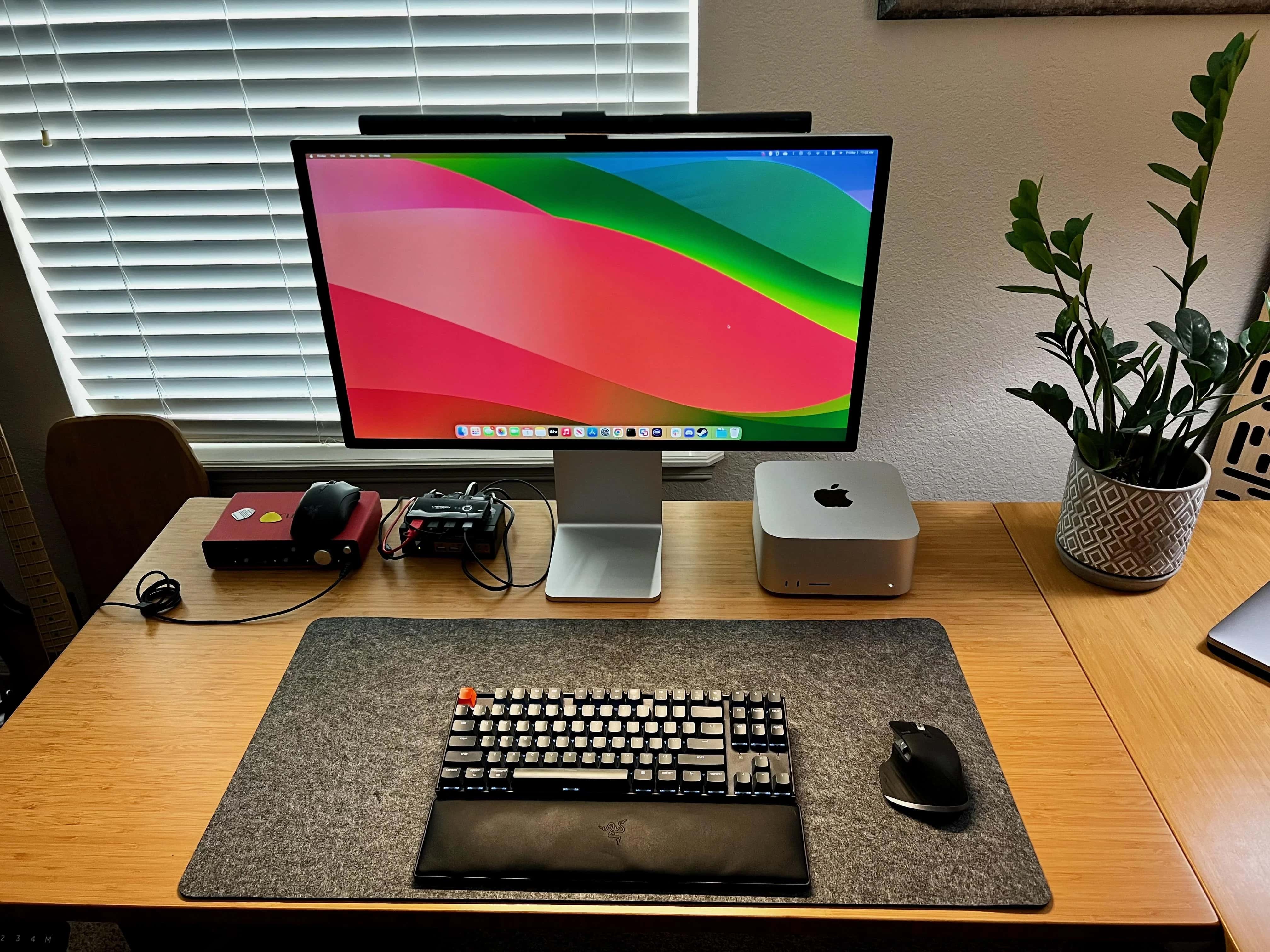
Scarlett audio interface masters Mac Studio rig’s sound [Setups]

By

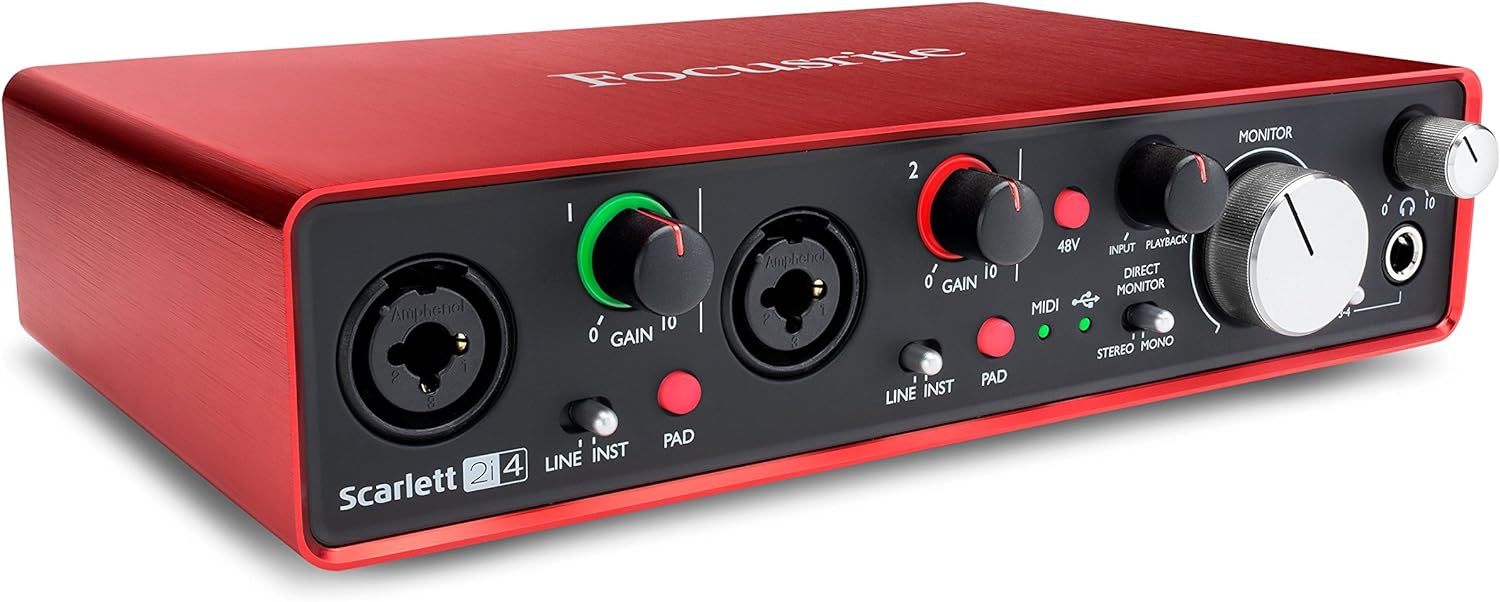
Focusrite Scarlett 2i4 USB Audio interface
This audio interface turns your Mac into a music studio for two microphones and two instruments.
Photo: Focusrite

If you’re going to make and manipulate music or other sound with your Mac setup, odds are you need a good audio interface. Today’s Mac Studio workstation relies on a Focusrite Scarlett 2i4 USB audio interface when the user makes YouTube videos, for example.

Check it out below, along with the rest of the setup’s gear.

Mac Studio and Studio Display refurbs seem new [Setups]

By

Mac Studio and Studio Display refurbs in setup
This user said it's hard to tell his Mac Studio and Studio Display aren't new.
Photo: [email protected]

When new Apple gear comes out, sometimes it pays to wait a bit and grab it when the iPhone giant and other sellers start offering refurbished versions of it. Today’s setup boasts a Mac Studio desktop computer and a Studio Display, both refurbished, and the user said he had a hard time telling they’re not actually new.

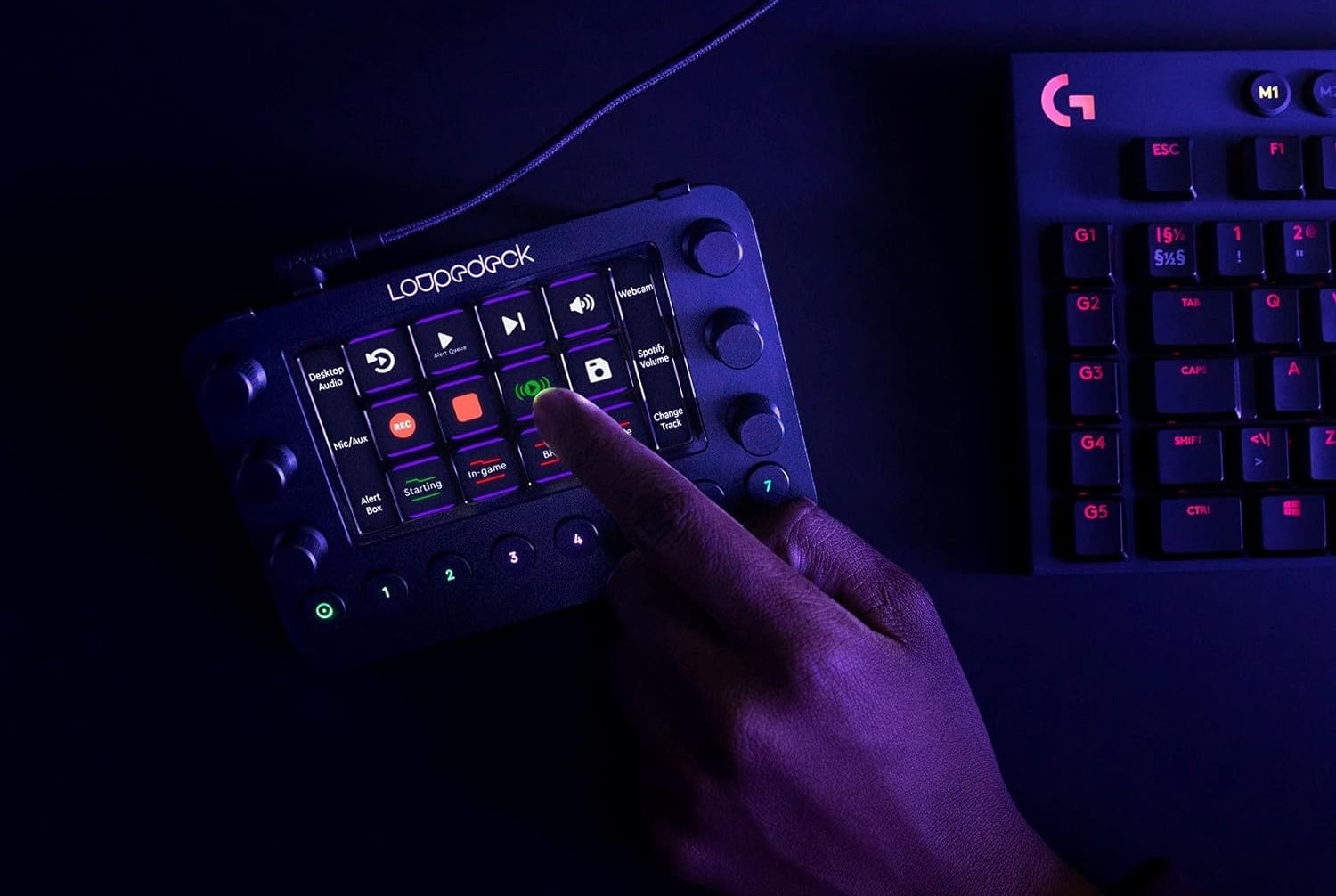
What Loupedeck can do for your photo and video editing [Setups]

By

Loupedeck
Today's user relies on Loupedeck Live for photo and video editing tasks.
Photo: Loupedeck

The other day we featured an M1 Ultra Mac Studio setup. We wanted to loop back to call out a couple of cool components in it — namely, a Loupedeck streaming media console and a Keychron Q1 Pro Mechanical Keyboard. It turns out Loupedeck Live is great for video editing (photos, too!).

You’ll never guess what this user thinks sets Mac Studio apart [Setups]

By

Mac Studio
Mac Studio has one of the nicest accessories of its kind a user has ever seen.
Photo: [email protected]

The M1 Ultra Mac Studio set a new benchmark for computing power in a package smaller than Mac Pro when it came out in spring 2022. Today’s setup sparked discussion about the relative merits of the powerful desktop machine, with one user citing a surprising point of praise — the Mac Pro braided power cord!

How gamer avoids neck pain looking up at stacked Studio Displays [Setups]

By

Mac Studio setup with dual Studio Displays
You don't see two Studio Displays stacked on a desk shelf every day. But the user says neck pain isn't an issue.
Photo: [email protected]

With all the computer setups out there with two, three and even five displays, sometimes you’ll see them stacked. But a dual-Studio Display setup that stacks one on top of the other is a rarity.

Today’s Mac Studio user, who is also an avid PlayStation 5 and Ninendo Switch gamer, said the stacked displays work well and don’t cause any neck pain from looking up all the time.

No regrets on move from monster PC to M3 MacBook Pro [Setups]

By

M3 Max MacBook Pro setup
The M3 Max MacBook Pro in clamshell mode offers plenty of power in a small, mobile footprint.
Photo: [email protected]

If you have a powerful custom desktop PC, why would you switch to a MacBook Pro? We’ve seen plenty of setups that opt to include both, but today’s setup made the swap and its user feels zero regrets.

The Mac laptop is just that powerful, and the option for mobile use proved irresistible.

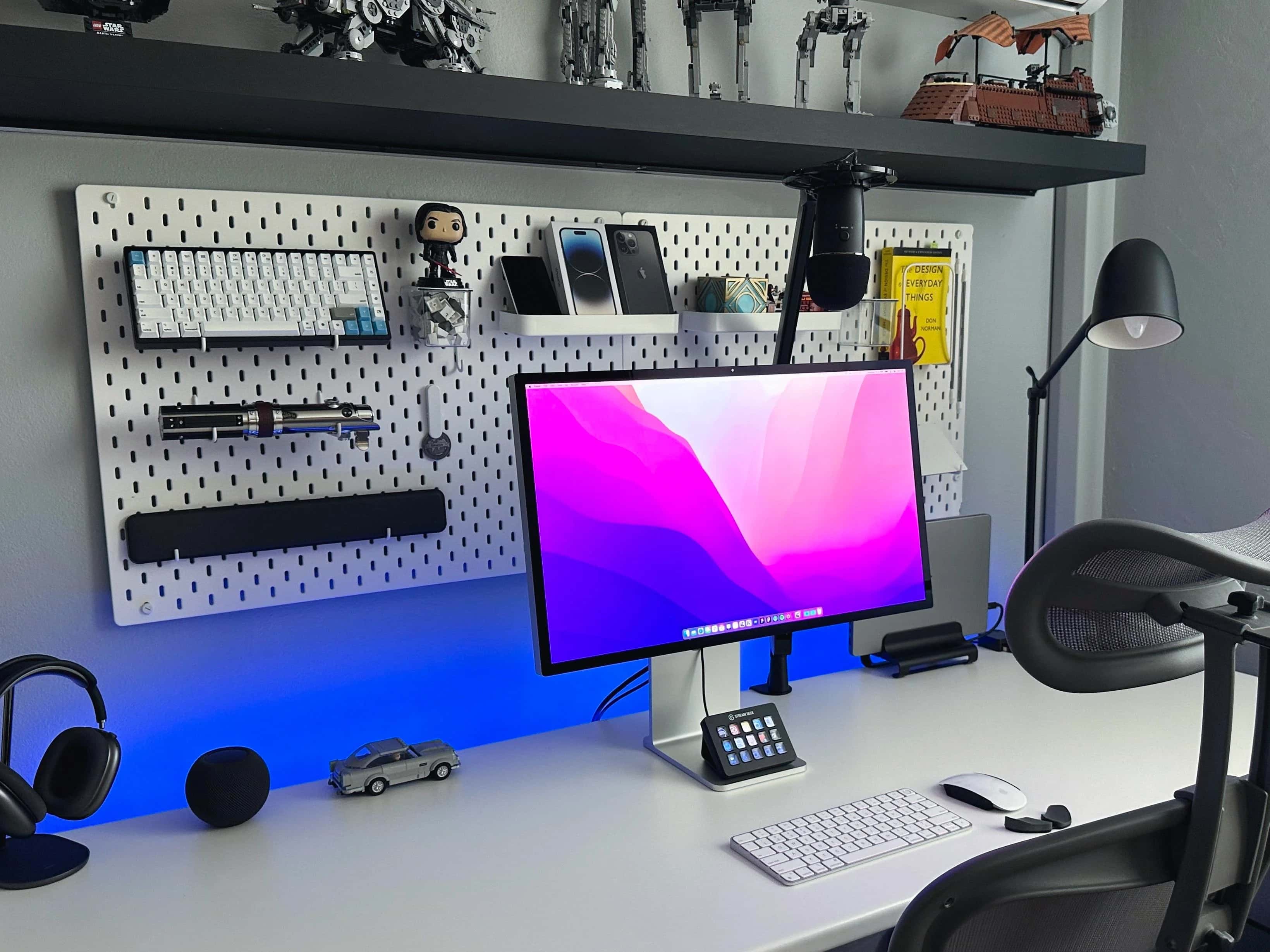
Studio Display stars in designer’s Lego-rich home office [Setups]

By

Setups Jose Munoz desk with MacBook Pro and Studio Display
Munoz loves his Studio Display the most, but he also praises his 14-inch M1 MacBook Pro and other gear.
Photo: Jose Munoz

If Apple’s popular but pricey Studio Display is well-suited to anyone, it’s any type of designer because of the monitor’s formidable graphics chops.

In today’s loaded MacBook Pro setup, a designer sets apart his Studio Display for the highest praise among many items in a remarkably well-equipped workstation. And his Lego collection is epic, too.

How many displays would you add to this MacBook Pro workstation? [Setups]

By

MacBook Pro setup with ultra-wide Samsung display
Would you add displays alongside or above this ultra-wide monitor, or replace it?
Photo: [email protected]

If you had a gigantic 49-inch curved ultra-wide display, would you dream of adding more external monitors to it? If so, would you stack them, or add one or two displays in portrait mode (vertical) on either side of the big screen?

A MacBook Pro user with a giant Samsung display is pondering those very questions.

You won’t see a vertical display more nuts than this one [Setups]

By

Mac Pro setup with 55-inch curved Samsung display in portrait mode
Can you imagine working on that screen?
Photo: [email protected]

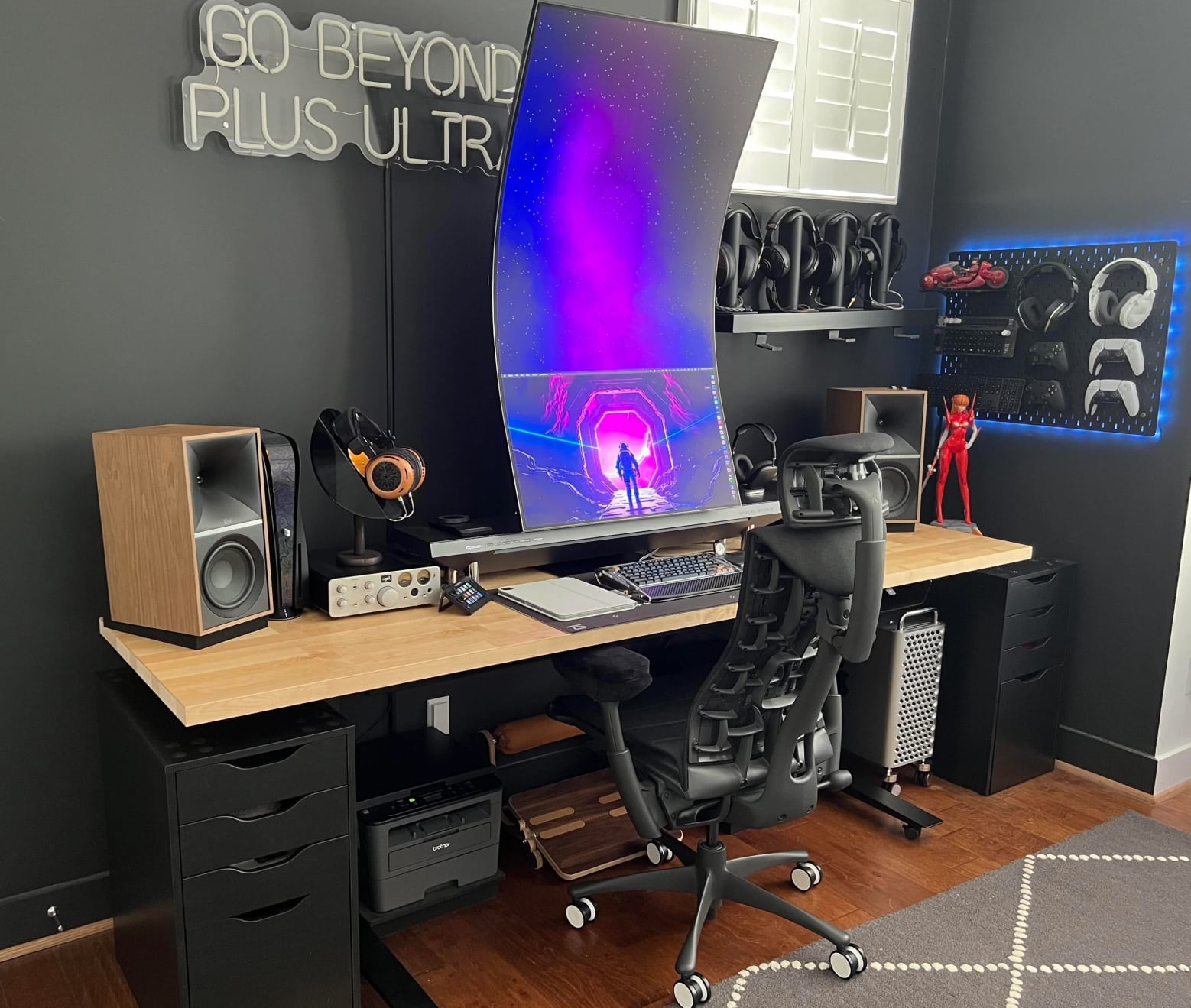
Curved ultra-wide gaming displays have been making their way into Mac setups for quite some time now. But some people want to experiment, maybe push the envelope a bit, so they mount them on top of other displays or sometimes in portrait mode (vertical). But today’s Mac Pro setup takes the cake in that regard.

The user nixed a Studio Display with a high-quality external webam in favor of a truly massive, 55-inch curved ultra-wide Samsung gaming display — mounted vertically. It towers over everything with a pronounced stoop.

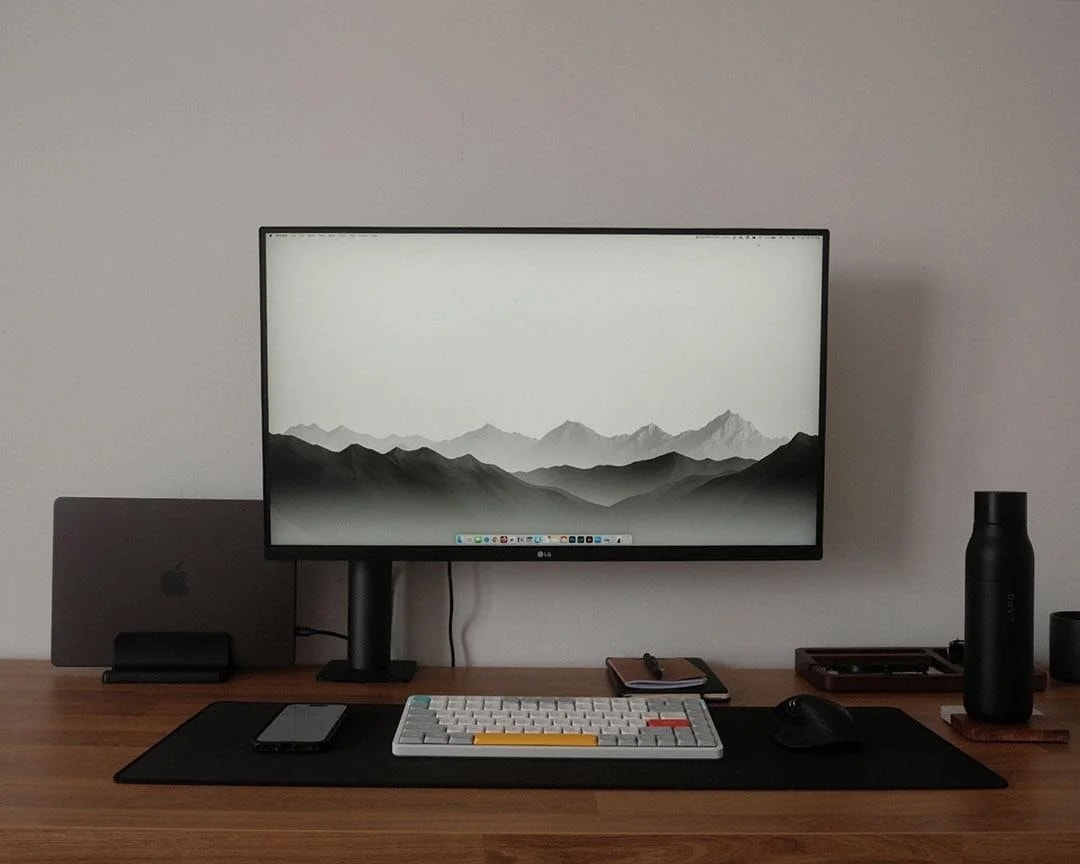
‘Winter edition’ MacBook Pro rig boasts fine 5K display and top-shelf scotch [Setups]

By

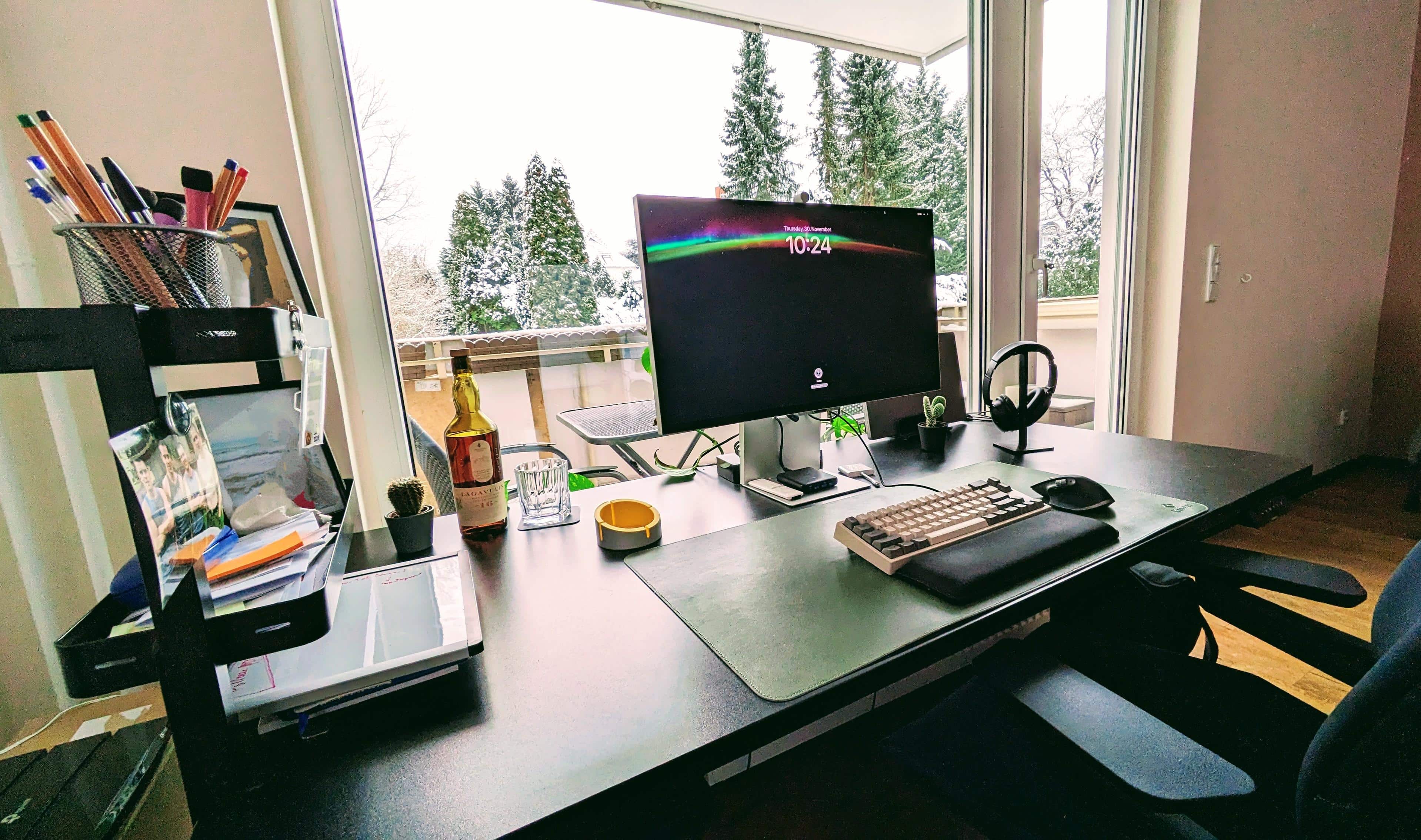
MacBook Pro setup with scotch
"The whiskey bottle adds a lot to it," a commenter noted.
Photo: [email protected]

As we ring in the first day of December, let us toast winter. More specifically, let us toast what a user calls their “winter edition” computer setup in Berlin, Germany, featuring a powerful MacBook Pro, a gorgeous 5K display, a cool mechanical keyboard and the best tool of all for toasting — a bottle of extremely good, peat-forward scotch from Islay, Scotland.

1 20 21 22 23 24 48