Mobile menu toggle

Search results for: mechanical keyboard

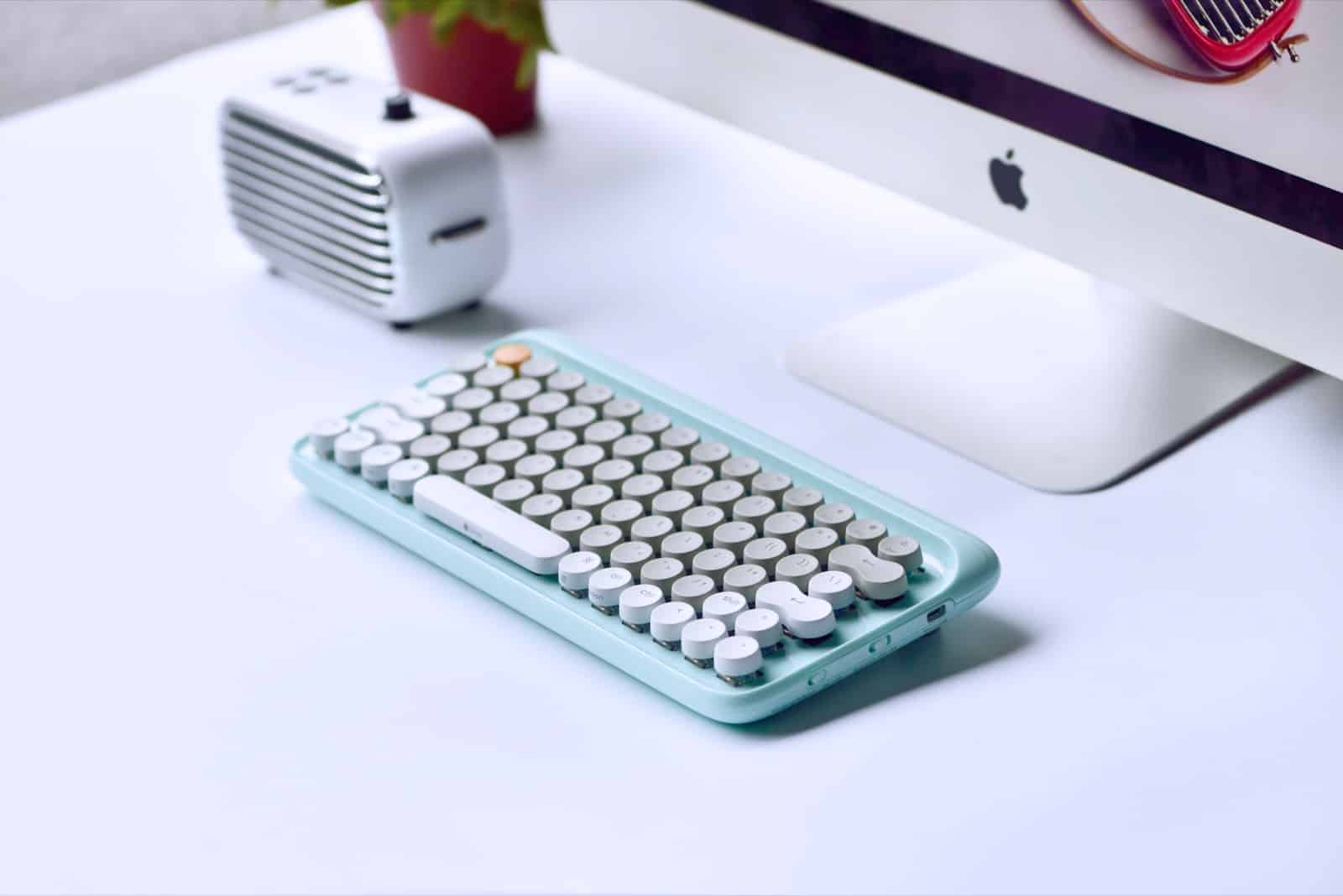
Lofree keyboard feels like a typewriter, looks spectacular
By

lofree keyboard
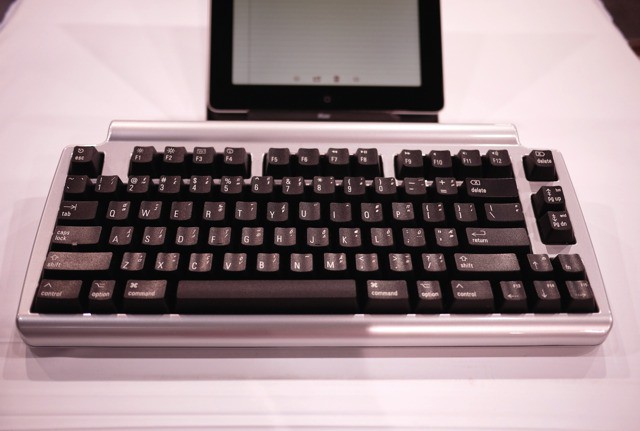
Who wouldn't want this beauty under their Mac?
Photo: Lofree

If you like mechanical keyboards, you love mechanical keyboards. Their clickety-clack action is way more positive than the soft, short travel of any MacBook or Magic Keyboard, and once you get used to them everything else seems squishy. It’s like driving a big American boat-like sedan after spending a week driving a hard-riding European sports car. The problem is, unlike a vintage Porsche or a Ferrari, the average mechanical keyboard has the looks of a corporate pool car. The Lofree keyboard, on the other hand, looks fantastic.

Apple may be working on keyboard with e-ink display keys

By

The next Magic Keyboard may look something like this.
Photo: Sonder

Apple is reportedly in talks to acquire an Australian startup called Sonder that specializes in making keyboards with individual e-ink displays on each key.

The Sonder acquisition is supposedly part of Apple’s plan to update its Magic Keyboard in 2018 with a smart keyboard module and color e-ink keys that allow programs to quickly swap characters for shortcuts or change to a different language.

Check out the e-ink keyboard in action:

How to turn Apple’s best keyboard into a fully-functional PC

By

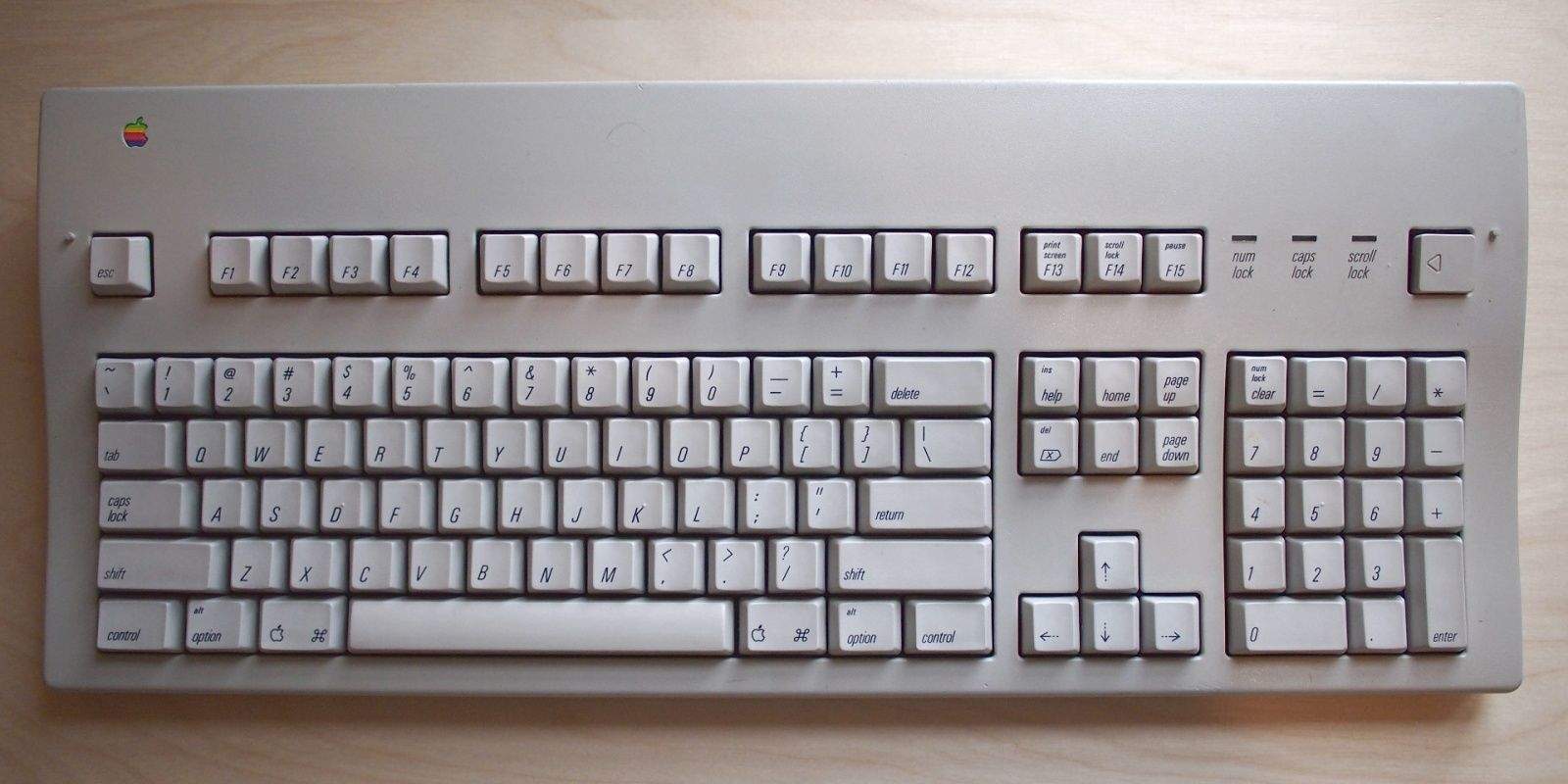
The Apple Extended Keyboard II
You can turn your Apple Extended Keyboard into a full computer. Photo: University of Chicago
Photo: University of Chicago

We never cease to be amazed at all the amazing DIY projects that Mac fans do with old Apple hardware. Case in point: see this vintage Apple Extended Keyboard? It’s not hooked to a computer. It is a computer, thanks to the embedded Rapsberry Pi inside.

Clickety keyboard without the clack is perfect for stealth missions

By

Beautiful and functional. And no frikkin wires. Photo Charlie Sorrel/Cult of Mac
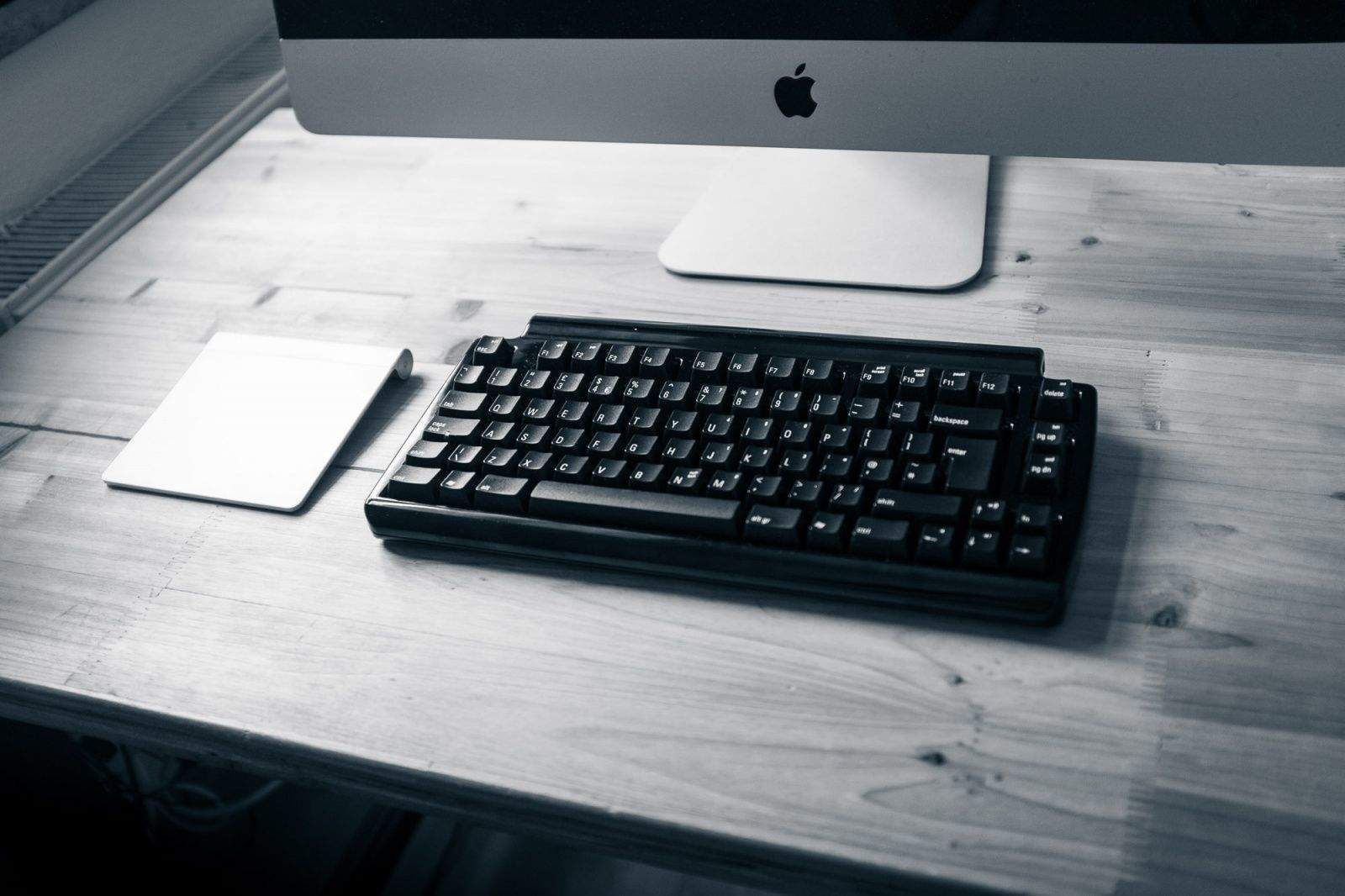
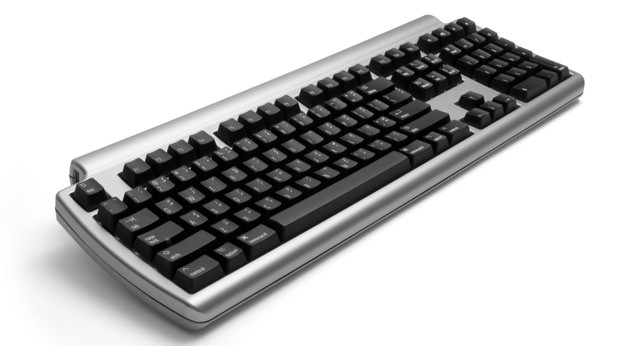
The Matias Secure Pro is beautiful and functional. And no frikkin' wires. Photos: Charlie Sorrel/Cult of Mac

If you like mechanical keyboards, but those inconsiderate jerks in your office or home can’t stand the clackety racket they make, then you might consider something that uses “tactile” keys instead, which look and work like clicky keys — only without the click.

And if you’re into wireless keyboards, but you don’t like the NSA van parked outside snooping the connection and recording your keystrokes, you might like something with an encrypted wireless connection.

Well, guess what? We have just the thing. The Matias Secure Pro, a tactile keyboard with 128-bit AES Encryption.

Filco MiniLa Air Bluetooth: Clackety keyboard on the go

By

filco keyboards
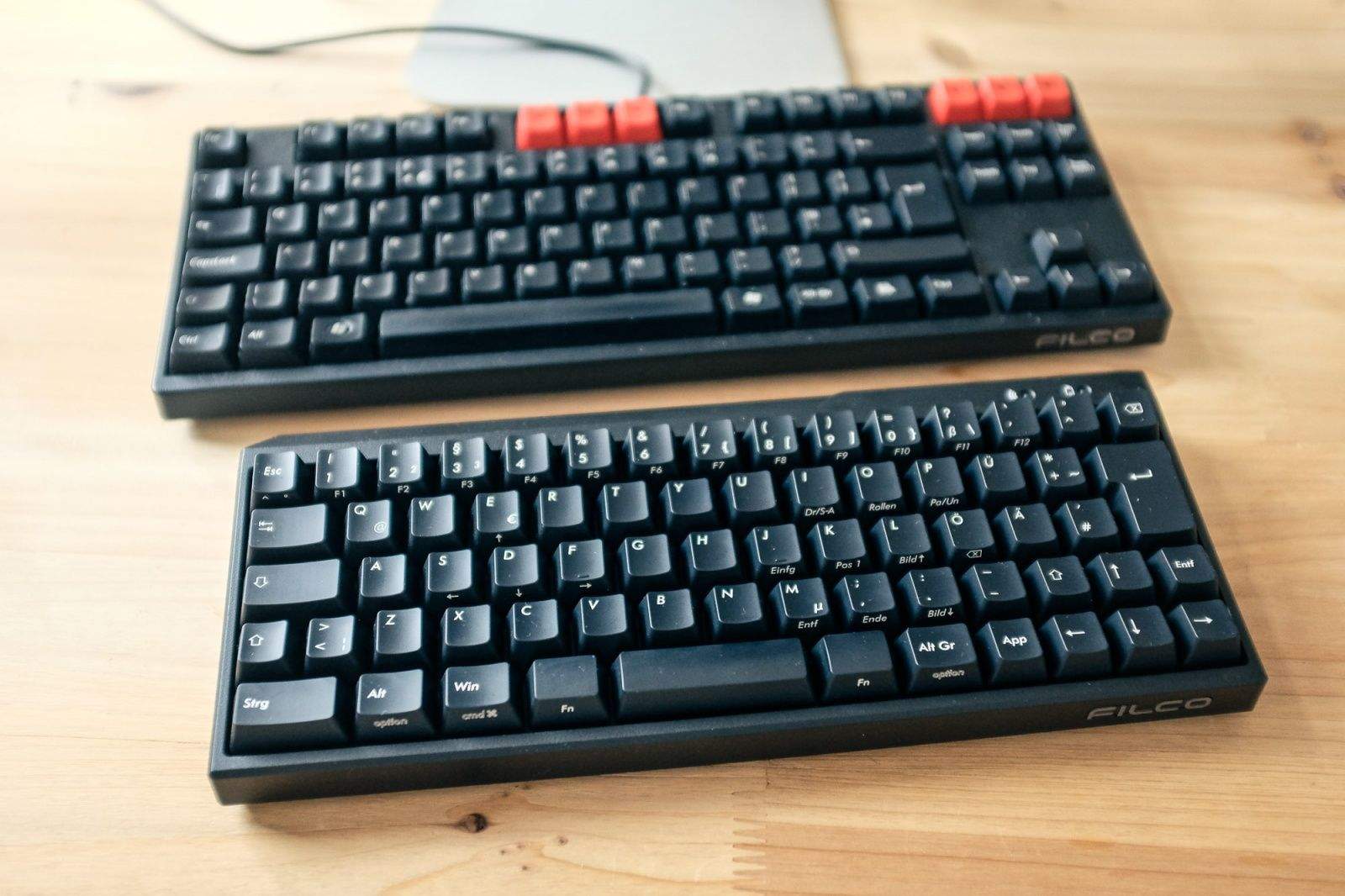
The Filco MiniLa Air Bluetooth, alongside my own tenkeyless Filco Majestouch. Photo: Charlie Sorrel/Cult of Mac
Photo: Charlie Sorrel/Cult of Mac

I took the Filco MiniLa Air Bluetooth keyboard with me on vacation this year to use with a MacBook Air propped up on the fantastic Roost stand. I use the tenkeyless Filco Majestouch at home, and I was hoping for the same super-accurate, clicky-key action in this battery-powered, portable wireless version.

And I almost got it. But for one major flaw, the MiniLa is almost as good as the desktop version. The good news is, that flaw might just be a personal quibble.

Matias Tenkeyless Bluetooth Keyboard For Mac And iPad [CES 2013]

By

1357685252.jpg

CES 2013 bug LAS VEGAS, CES 2013 – Are you ready to have your mind blown? Three words: Bluetooth Clackety Keyboard. More words: without the clack.

That’s right. Matias, maker of the non-clicky Quiet Pro, has released a tenkeyless version of the mechanical-switched keyboard, and it has Bluetooth, which means it works with the iPad.

Matias Quiet Pro, A Clicky Keyboard, Without The Clack

By

1348229278.jpg

Matias, maker of clicky, mechanical-switch keyboards, has spent the last two years perfecting a new clicky mechanical keyboard switch. The twist? It’s almost silent. If you want the feel of a proper, burglar-killing keyboard but love the (lack of) sound of your modern, slimline notebook keyboard, then this $150 monster might be just the ticket. It’s called — fittingly — the Quiet Pro.

DAS Keyboard Updated With Mac Media Keys

By

wpid-Photo-02082012-1140.jpg
Clickety-clack -- you won't go back.


Despite being noisy, big, heavy and hard to type on, clackety keyboards like the DAS are hot fashion right now, despite their impracticality (isn’t that always the way with fashion?). I kid. I actually use a DAS keyboard with my iMac, although to be honest I almost never use the iMac these days.

The only thing that really drives me crazy about the DAs, though, is the lack of media keys. F15 and F16, or whatever the last keys are in the top row, control screen brightness out of the box, but volume, media keys and other OS X essentials are lacking, leaving rather kludgy third-party fixes as the only way to add them back.

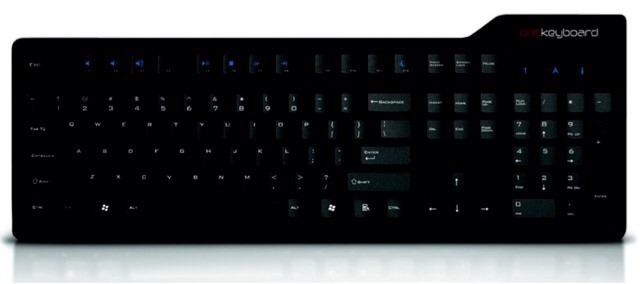
Now, the Model S Professional and Professional Silent models sport proper media keys. Three word: At frickin’ last.

Das Keyboard Model S Professional For Mac Is Like A Jackhammer For Typing [Review]

By

DSC_0002

There’s a certain kind of computing nostalgia that holds that the art of typing has been steadily wussified since the late 1980s, when the venerable IBM Model M and Apple Extended Keyboard went out of favor.

These keyboards, it is held, were the last of a breed of keyboards for men. Like a vintage Underwood typewriter, these mechanical marvels were made for those who meant for their words not just to be heard, but to be felt: the hefty chunk of each key smashing into the mechanical switch underneath shouldn’t just make a letter light up on a screen; it should land with such authority it shakes your teeth loose.

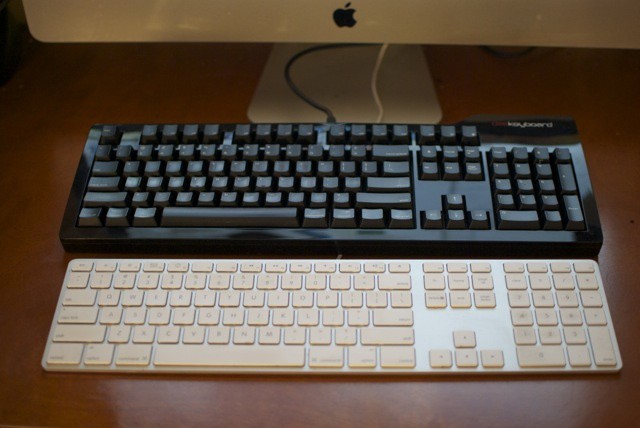
For the last month, I’ve been trying to become one of these burly typist he-men. I put my Apple Wireless Keyboard — as pale, thin and pretty as the world’s most anemic twink — and have instead replaced it with the Das Keyboard Model S Professional for Mac. Now when I type, it sounds like ten tiny John Henrys working away under my fingers, pounding spikes through the invisible gold-plated key switches beneath each key.

It’s not really for me. Not most of the time.

1 10 11 12 13 14 48