Mobile menu toggle

Search results for: mechanical keyboard

Keyboards collide: Apple Magic vs. Logitech MX Keys [Setups]
By

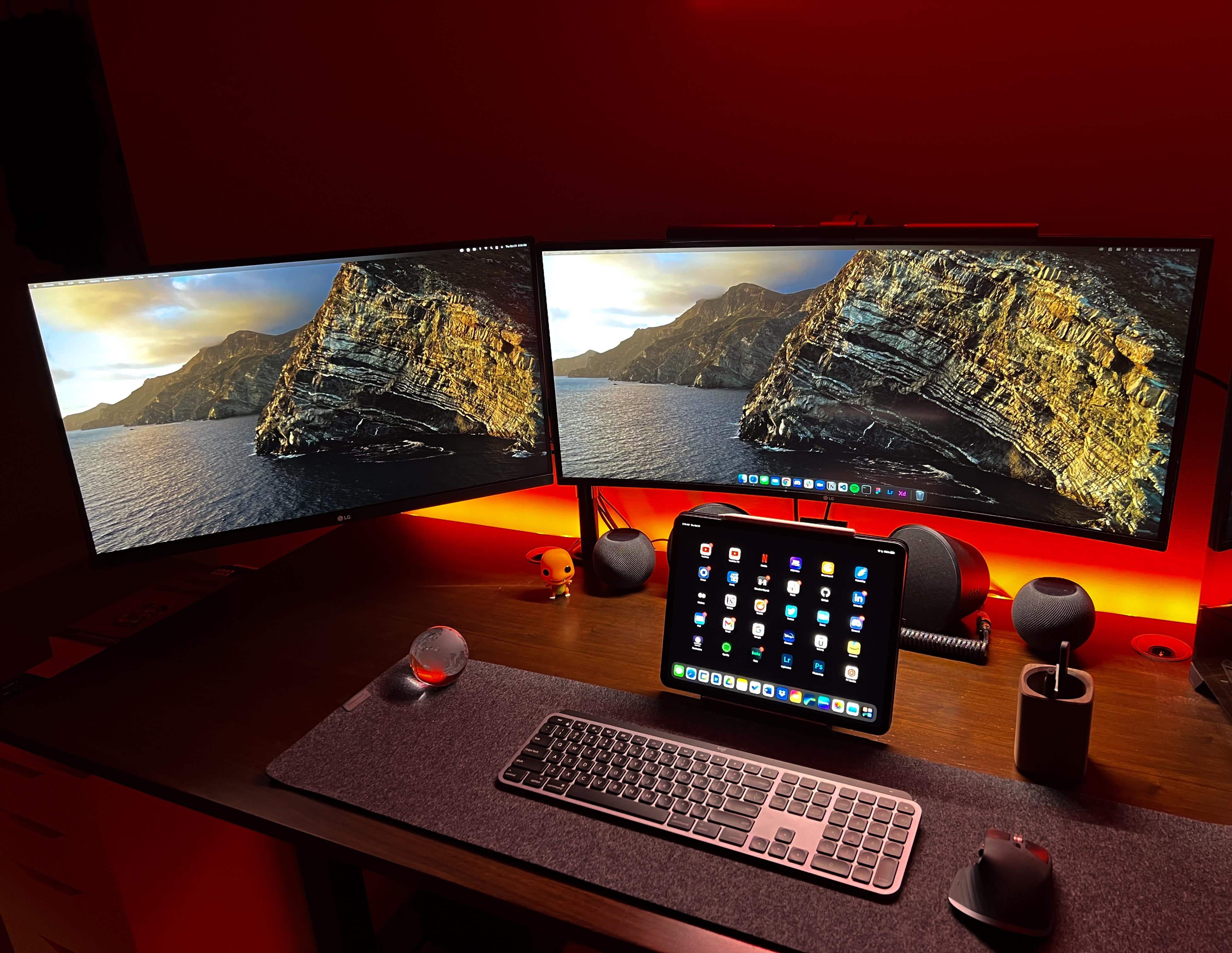
People choose sides in a fight between a Magic Keyboard and a Logitech MX Master Keys.
Photo: [email protected]

In a knock-down, drag-out fight between an Apple Magic Keyboard and one of its most popular alternatives, the Logitech MX Keys wireless keyboard, which would win? Actually, it might be more of a minor dust-up than a brawl. Maybe just a slightly heated discussion among proudly opinionated nerds, even.

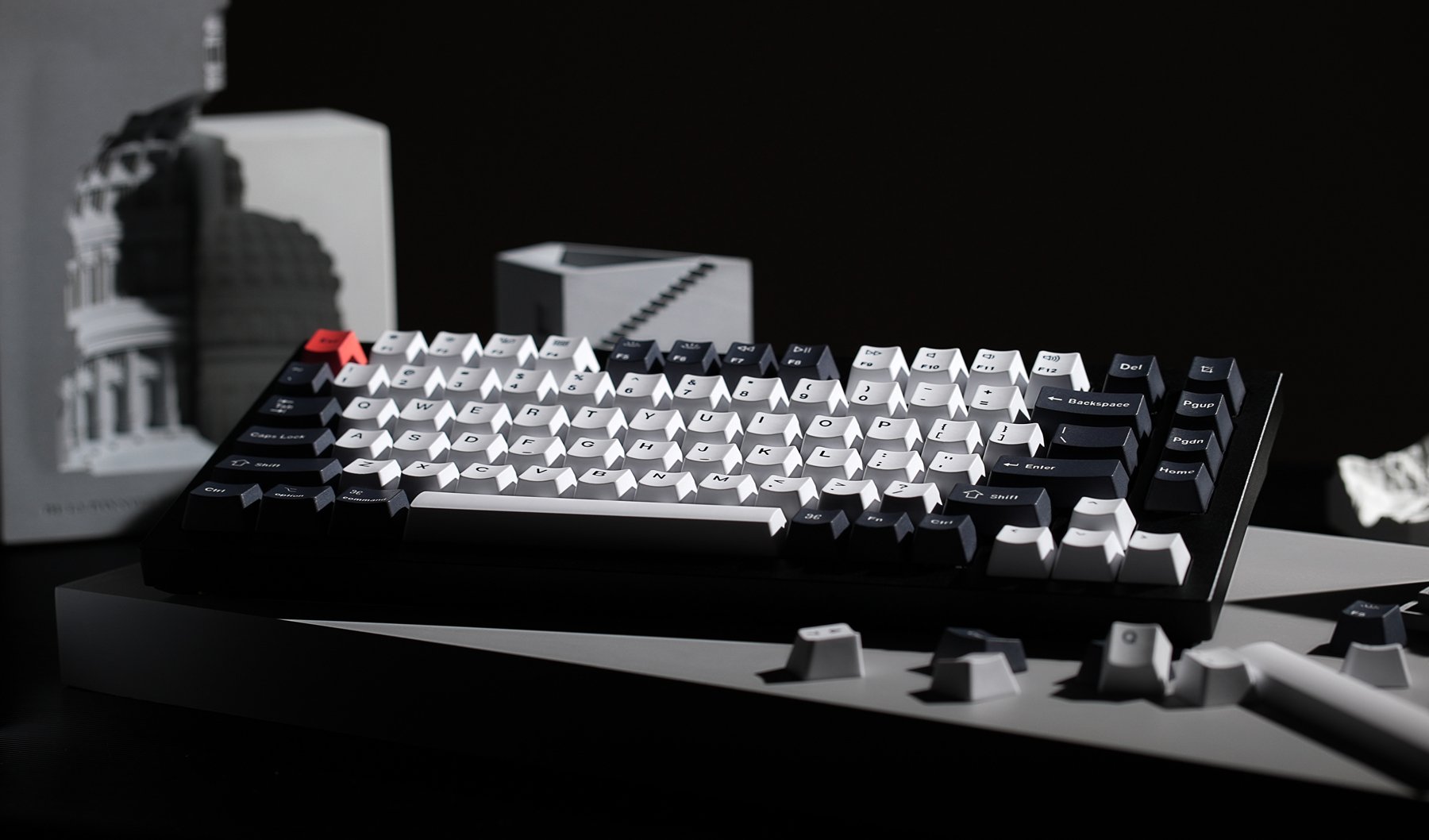
New Keychron Q1 brings keyboard customization to the masses

By

Even a beginner can customize the new Keychron Q1 mechanical keyboard.
Photo: Keychron

Those who love the old-school touch and feel of a mechanical keyboard have long-admired Keychron for its range of K-series keebs. The newest member of the family offers a new series name, Q1, an affordable price and more customization than the company has yet put out there.

Should you put a keyboard cover on a MacBook Pro? [Setups]

By

Note the cool-looking keyboard cover on the MaBook pro at left.
Photo: [email protected]

When a computer setup is as clean and spare as Redditor whatsyourname’s, the eye tends to go to the most unusual item. In this case, it’s probably the colorful keyboard cover on the MacBook Pro, making it look like some other model of laptop.

And, of course, what did commenters most want to talk about in the setup? That thing. Naturally, a little bit of a debate ensued. Should you use a keyboard cover on a MacBook at all?

‘Mostly monochrome’ rig focuses on innovative storage, nice lighting, cool keyboards [Setups]

By

It's amazing what you can do with a pegboard (left) and some inexpensive but effective lighting.
Photo: carrotcakeblack@Reddit

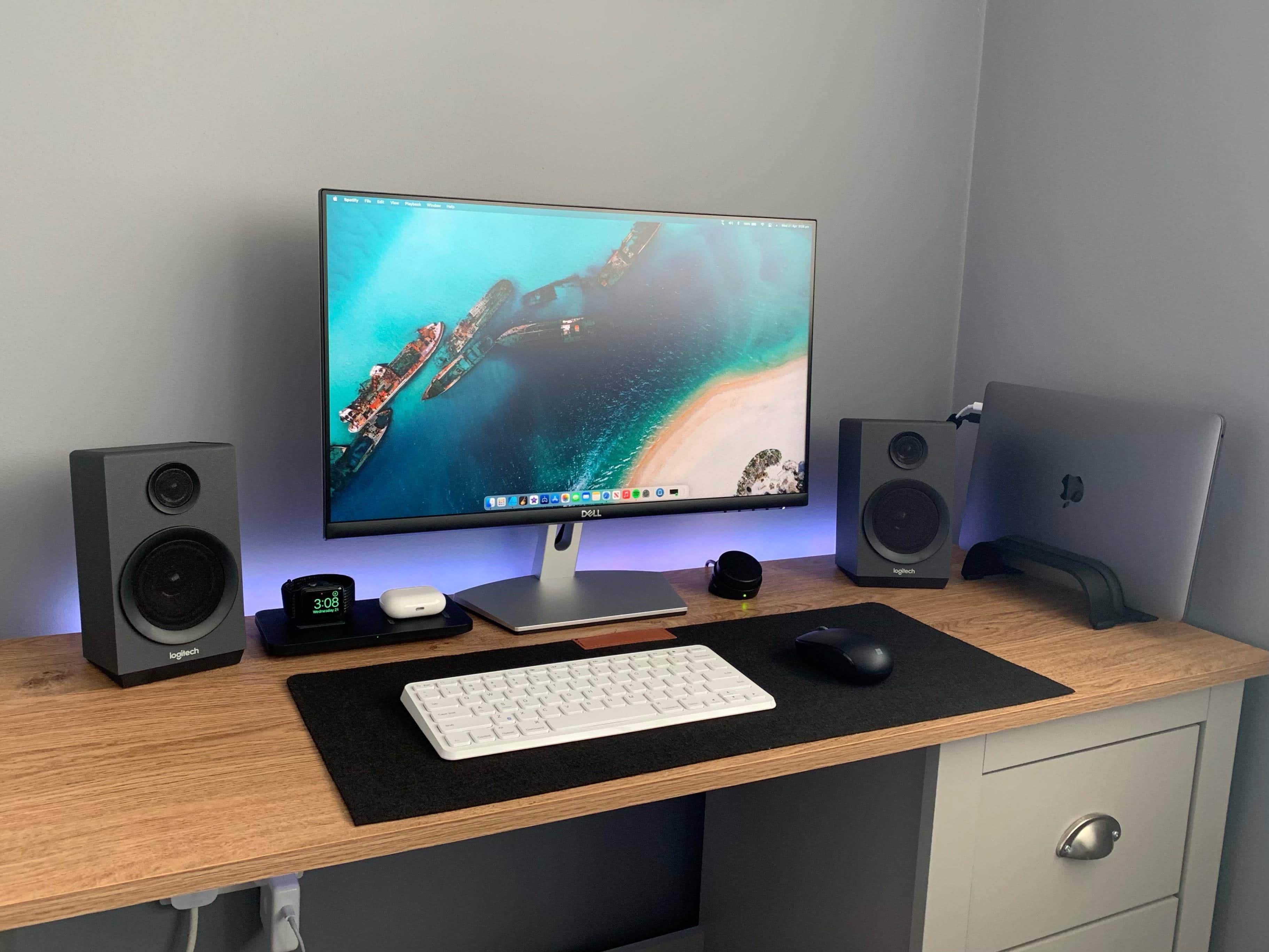
Redditor carrotcakeblack wins more than a few style points for his “mostly monochrome! Also some keyboards” setup, as he calls it in his post’s title.

But he leaves out one of the factors visitors like most about his well-photographed MacBook Pro-based outfit. Namely, the way he hangs so much of his gear on a pegboard off to one side in such a visually appealing way.

Desperately seeking keyboard recommendations [Setups]

By

Which keyboard would you suggest for this setup?
Photo: KunalBH@Reddit

Redditor KunalBH bought a compact, no-frills Anker keyboard to use with his iPad in 2017. Now he’s asking the universe for help finding a worthy replacement (or additional) keyboard for his MacBook Pro-based setup.

Passionate suggestions are pouring in. See below for some of the leading contenders.

Apple said to be planning new iPad Pro keyboard with built-in trackpad

By

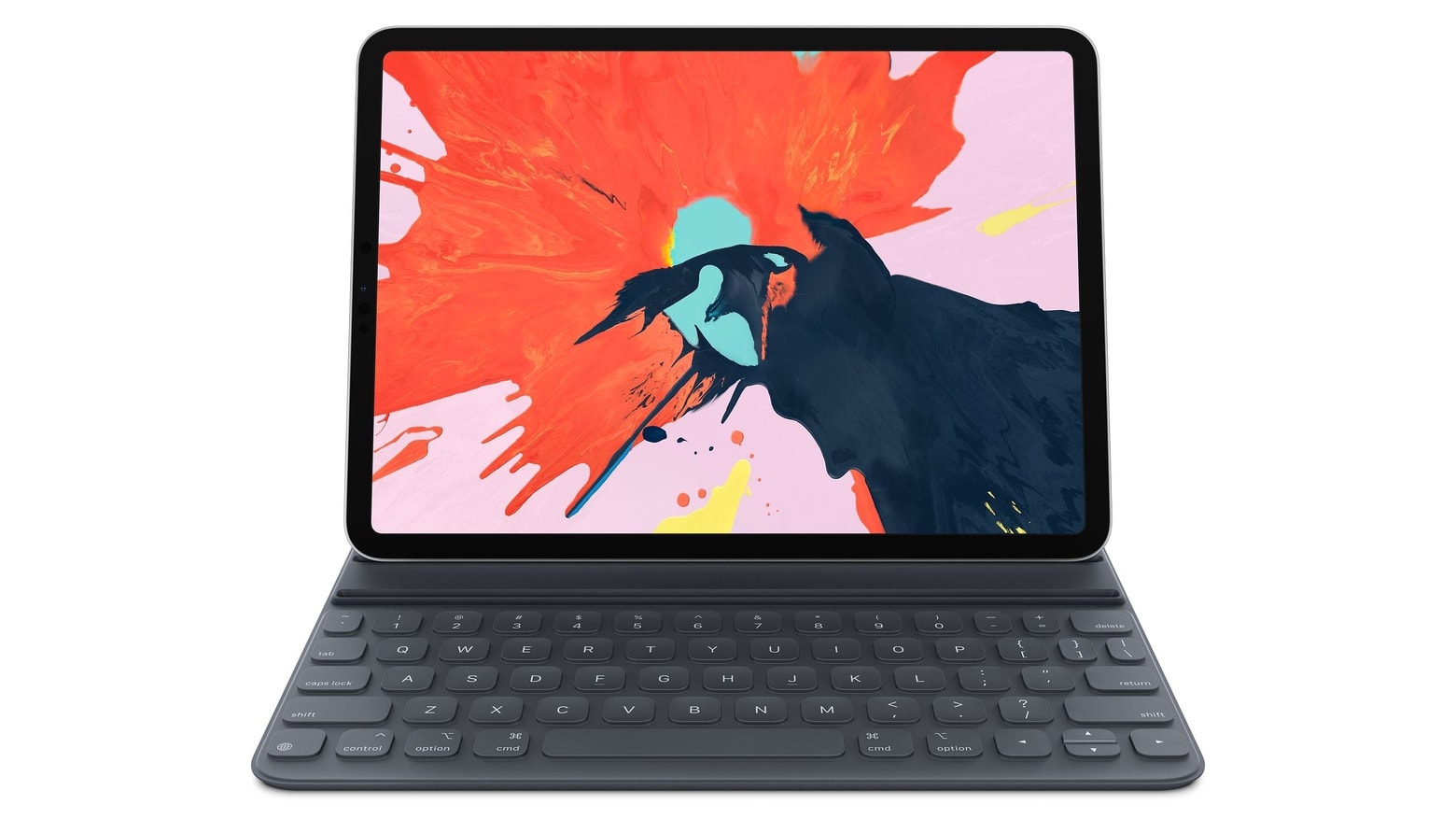
iPad Pro with Smart Keyboard
Apple wants to make iPad Pro an even better laptop replacement.
Photo: Apple

Apple plans to deliver a brand-new iPad Pro keyboard with a built-in trackpad, according to a new report.

The accessory is will take advantage of mouse compatibility in iPadOS, and is aimed at making iPad Pro a better laptop alternative. Foxconn, Apple’s largest manufacturing partner, is said to be preparing for mass-production ahead of a launch later this year.

iPadOS 13.4 lets you (finally) use a PC keyboard with your iPad

By

remap iPad keys
Finally, you can remap that stupid globe to an escape key.
Photo: Charlie Sorrel/Cult of Mac

Using a keyboard with your iPad is a beautiful thing. It seems like every iOS update brings more and more keyboard shortcuts. But until now, you’ve been stuck using Mac-compatible keyboards only. If you hooked up a PC keyboard to your iPad, then the ⌘ and ⌥ keys would be the wrong way around.

On the Mac, thats always been easy to fix, thanks to a preference screen for switching these keys via software. And now, in iOS 13.4 beta, you can finally remaps modifier keys, too. And, yes, you can even remap the stupid globe icon on Apple’s Smart Folio Keyboard.

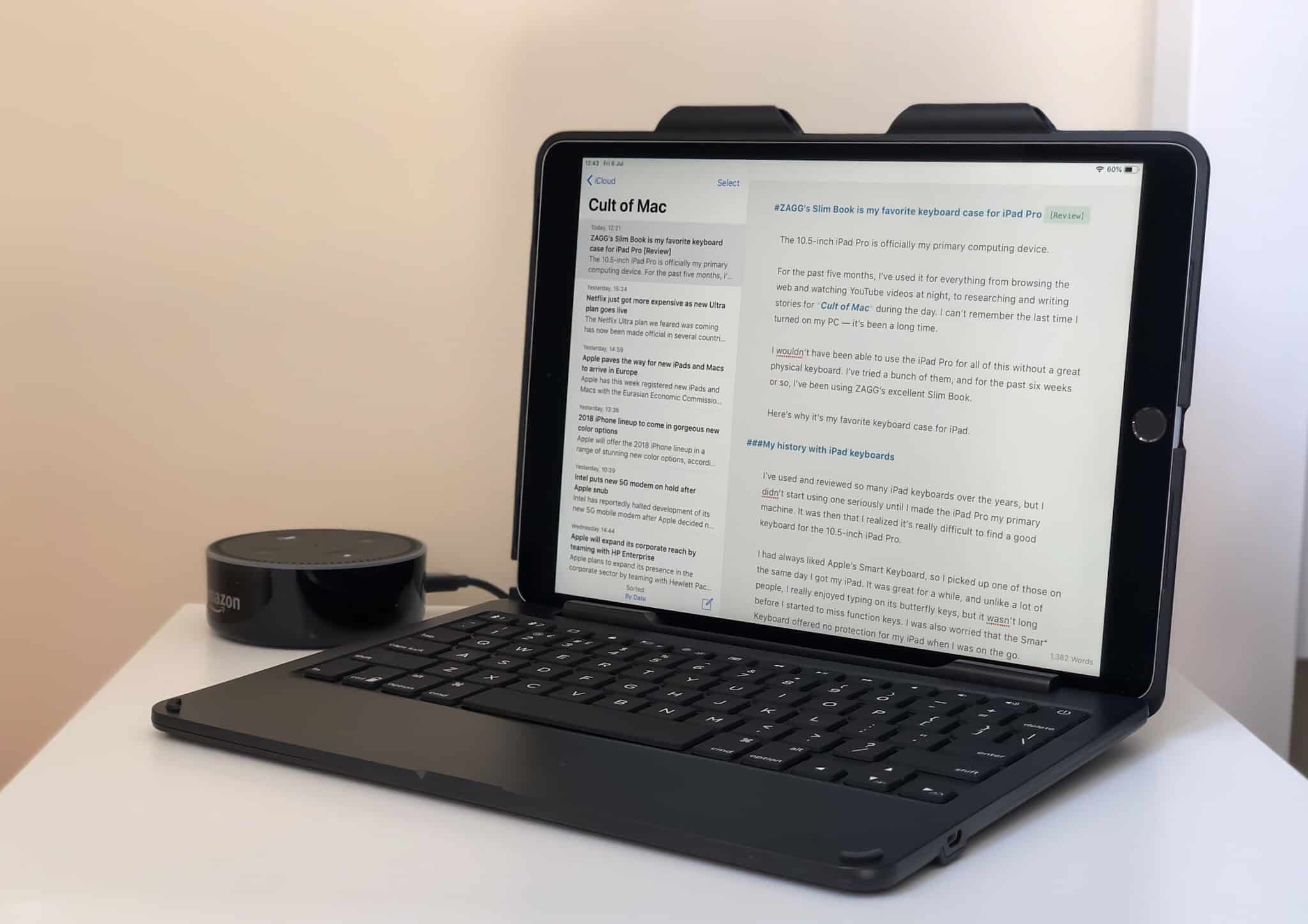
Zagg Slim Book is my favorite keyboard case for iPad Pro [Review]

By

ZAGG Slim Book for iPad Pro
I’ve tried a lot of iPad Pro keyboards, but nothing beats the ZAGG Slim Book.
Photo: Killian Bell/Cult of Mac

The 10.5-inch iPad Pro is officially my primary computing device.

For the past five months, I’ve used it for everything from browsing the web and watching YouTube videos at night, to researching and writing stories for Cult of Mac during the day. I can’t remember the last time I turned on my PC — it’s been a long time.

I wouldn’t have been able to use the iPad Pro for all of this without a great physical keyboard. I’ve tried a bunch of them. And for the past two months or so, I’ve been using Zagg’s excellent Slim Book.

Here’s why it’s my favorite keyboard case for iPad.

Apple proposes hybrid keyboard that’s also a trackpad

By

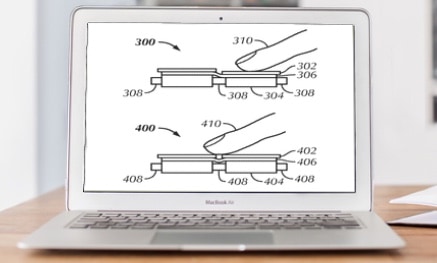
Proposed hybrid keyboard
A proposed hybrid keyboard would have regular keys that can also sense light touches.
Photo: Ed Hardy/Cult of Mac

A future MacBook might have a hybrid keyboard that can sense when the. keys are lightly touched as well as when they’re pressed. This would allow the entire keyboard to function as a trackpad.

Apple wants to redesign the keyboard. It’s proposed various ways to make this classic input device more functional. Last month, it floated the idea of a replacing the keyboard with a flexible touch panel.

1 9 10 11 12 13 48