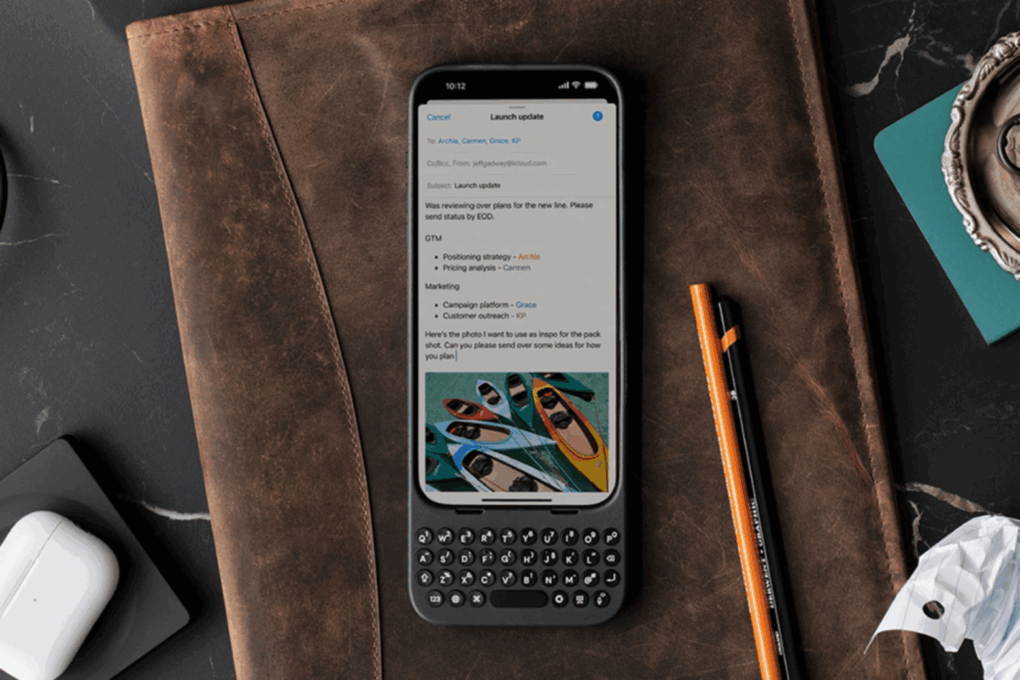
Get a 28% discount on this keyboard case for your iPhone. Photo: Cult of Mac Deals
If you ever wished your iPhone had real buttons, you need to meet Clicks — the premium iPhone keyboard case that blends nostalgia with next-gen design. On sale for just $99, this premium accessory frees up your iPhone screen and lets you type on physical keys like a BlackBerry.
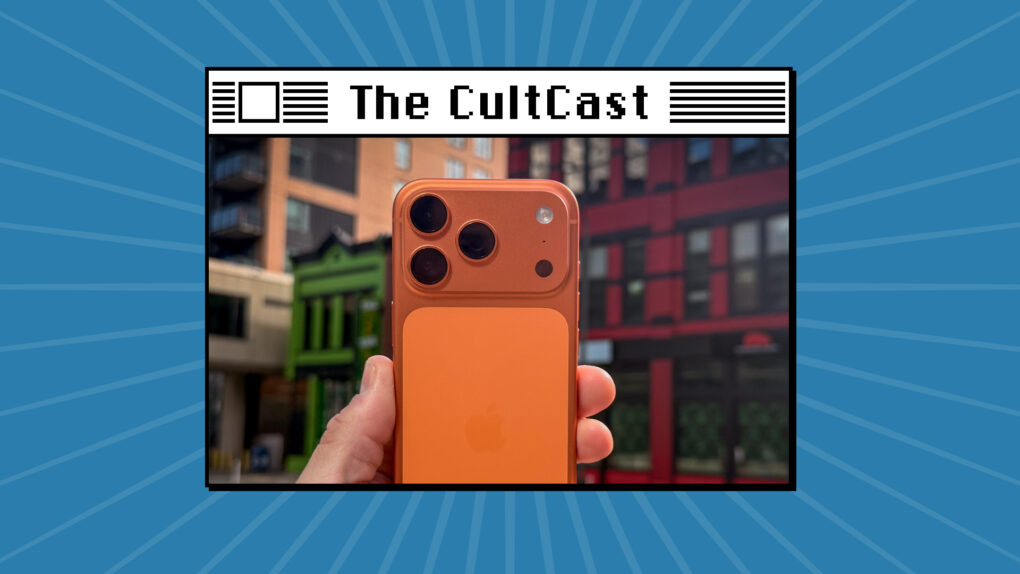
The iPhone 17 Pro is a bright orange beast. Photo: Cult of Mac
This week on Cult of Mac’s podcast: We dish out our reviews of the iPhone 17 Pro, iPhone Air and AirPods Pro 3.
How’s the battery life? How’s the cosmic orange? How badly does the iPhone 17 Pro scratch? How good is AirPods’ new Live Translation feature?
In this extra-long edition, we go deep on our first impressions of Apple’s latest gear.
Also on The CultCast:
We know Scratchgate is real. And an expert offers an explanation for the iPhone 17 Pro’s problem.
Apple’s new iPhone cases are pretty great — and they’re already on sale.
Listen to this week’s episode of The CultCast in the Podcasts app or your favorite podcast app. (Be sure to subscribe and leave us a review if you like it!) Or watch the video live stream, embedded below.
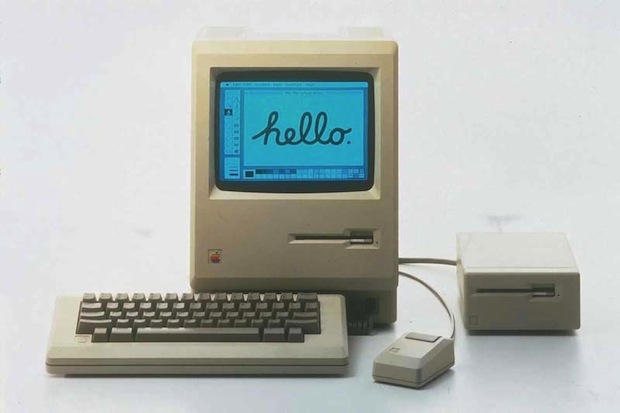
The war over the Macintosh's soul started on this day in 1979. Photo: Apple
September 27, 1979: Years before the Macintosh will ship, Steve Jobs and Jef Raskin clash for the first time over the direction of the R&D project to produce Apple’s revolutionary computer. Raskin, the founder of the Macintosh project, wants to produce a machine that’s affordable for everyone. Apple co-founder Jobs wants a computer that’s going to be the best, regardless of price.
With fast Qi2.2 (25W) wireless charging, faster wired charging and an informative display, this is our top choice. Photo: David Snow/Cult of Mac
Ever been stranded with a dead iPhone in a crucial moment? Finding the best power banks for Apple devices can be the difference between staying connected and watching your screen go black. Thankfully, the market is loaded with great portable power banks that can keep your iPhone and other Apple devices powered up on the go. We rounded up the top 10 power banks for Apple users, including two of the fastest Qi2.2 models available so far.
Get this Carabiner Keychain with Apple Find My integration at a discounted price! Photo: Cult of Mac Deals
This carabiner keychain with Apple Find My integration is a simple but seriously smart accessory that saves you time, stress and a lot of frantic couch cushion digging.
With a Siri revamp under way, Apple’s voice assistant needs a chatbot. Graphic: ChatGPT
Apple is reportedly testing an AI-powered chatbot that can perform many tasks that the promised Siri upgrade will be able to handle. The app supposedly gives Apple employees a way to test future Siri capabilities, but also to explore whether Siri needs a chatbot functionality.
ChatGPT, Google Gemini and others made AI chatbots mainstream, so not having one in the long-promised Siri revamp would be a glaring omission. One that would draw considerable criticism.
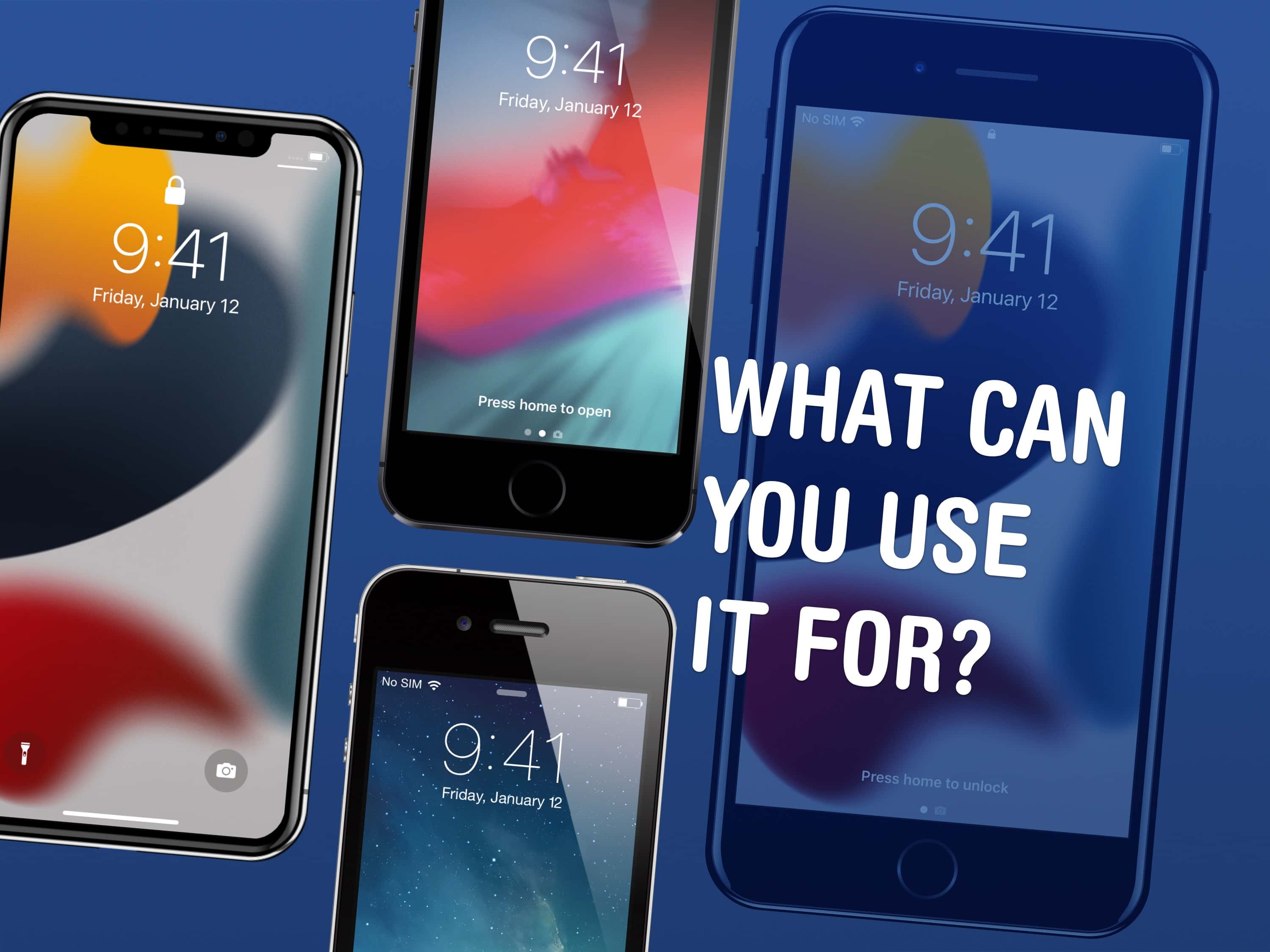
There are a few things you can use an old iPhone for. Image: D. Griffin Jones/Cult of Mac
There are a lot of things you can do with old iPhones. In fact, it might be worth keeping them around rather than trading them in. You can use an old iPhone as a DIY HomePod, a games console, a camera, a weather station, a smart display or a digital clock.
Here are the nine things you can do with an old iPhone. Keep reading or watch our video.
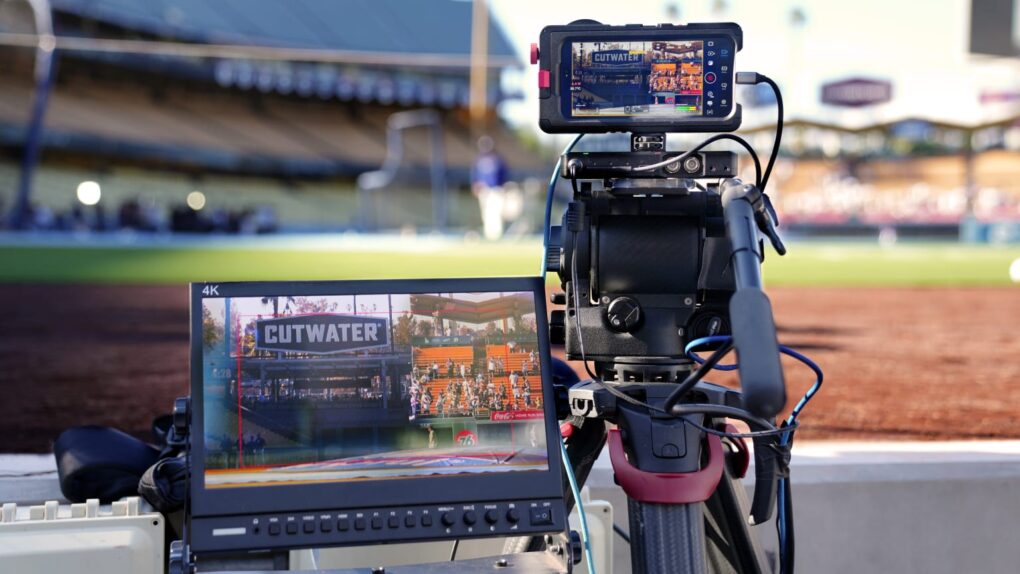
Four iPhone 17 Pro handsets will capture all sorts of action. Photo: Apple TV+
Apple’s latest smartphone will step into the major leagues Friday night when the iPhone 17 Pro helps capture live footage during a professional sports broadcast for the first time. The Detroit Tigers vs. Boston Red Sox game at Fenway Park, streaming on Apple TV+ as part of Friday Night Baseball, will feature live game footage shot on four iPhone 17 Pro devices, according to MLB.com
And by the way, the game — part of the two teams’ final series of the regular season — has big playoff implications. Apple TV+ subscribers can watch it at no extra cost.
The EU's Digital Markets Act causes plenty of headaches for Apple. Photo: European Commission
The European Union pushed back Thursday after Apple said the Digital Markets Act — antitrust legislation aimed at broadening competition among tech companies — is backfiring on consumers and forcing Apple to delay key features for European users.
In a detailed statement submitted during the EU’s review process, Apple claimed the DMA is achieving the opposite of its stated goals. Apple’s statement, issued Wednesday, was the company’s strongest criticism of the law to date, and EU leaders did not care for it. But European Commission spokesman Thomas Regnier said the lawmakers were “not surprised” by Apple’s stance.
“Apple has simply contested every little bit of the DMA since its entry into application,” said Regnier in a Politico article, adding that Apple has snubbed EU efforts to have positive talks on the matter. “This undermines the company’s narrative of wanting to be fully cooperative with the Commission.”
In addition to the European Commission, some users took issue with Apple’s statement slamming the DMA.
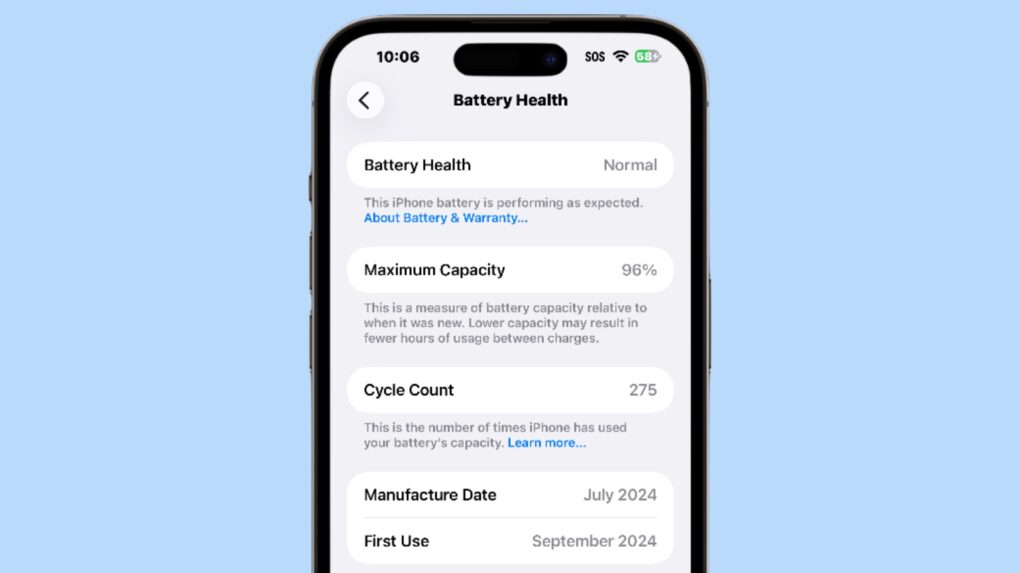
An iPhone battery’s cycle count is an indication of its health. Screenshot: Ed Hardy/Cult of Mac
The latest iPhones show the devices’ battery cycle count, helping users track the long-term “health” of the battery. Displaying this data is simple, though it’s somewhat hidden.
In addition, you can check when the iPhone 15, 16 or 17 was manufactured and first activated. (Note: This does not work with older iPhones.)

 September 27, 1979: Years before the Macintosh will ship, Steve Jobs and Jef Raskin clash for the first time over the direction of the R&D project to produce Apple’s revolutionary computer. Raskin, the founder of the Macintosh project, wants to produce a machine that’s affordable for everyone. Apple co-founder Jobs wants a computer that’s going to be the best, regardless of price.