Mobile menu toggle

Search results for: Apple One

Make your iPhone read text out loud

By

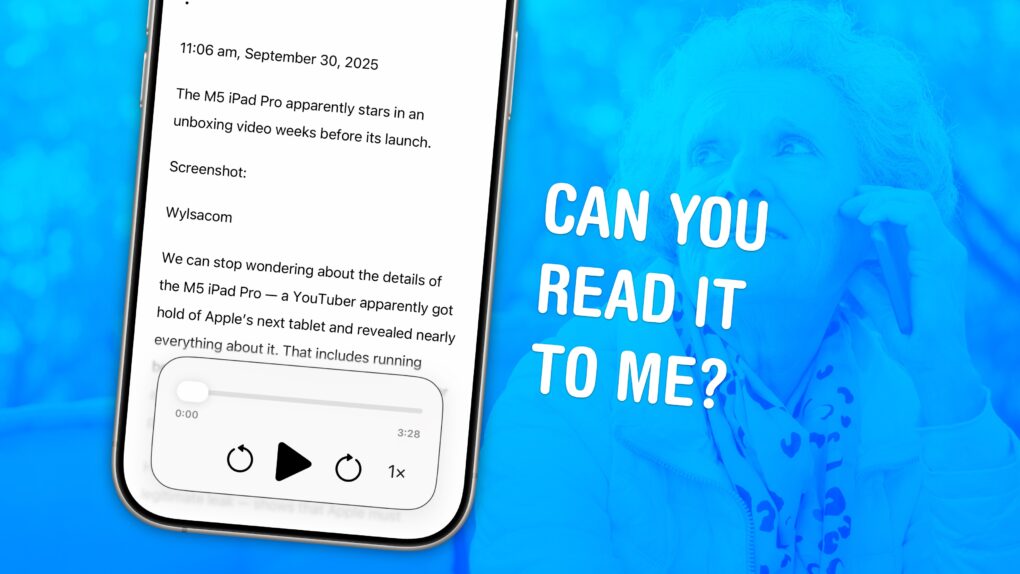
Image of an iPhone with the words
Your iPhone can read text from websites and iMessages (and even words in photos). Here's how to make it happen.
Image: D. Griffin Jones/Cult of Mac

You can have your iPhone read out loud any text on its screen with a useful accessibility feature called Accessibility Reader. Apple designed this feature for people who have trouble reading small text, but you will find it handy even if you don’t — in lots of situations.

For instance, your iPhone can read recipes aloud while your hands are busy cooking. Or you can quickly hear how to pronounce a word you don’t know — that’s what I use Accessibility Reader for most often. You can even hear what you’re typing as you write.

The potential applications for everyday use are incredibly broad. Here’s how to use Accessibility Reader and all of the iPhone’s Read & Speak features. 

Audio experts blind-test 6 premium headphones — you won’t believe which pair wins

By

Cheapest pair wins in blind test of 6 premium headphones
When the blindfold goes on, brand perception slips considerably.
Photo: ChatGPT

When stripped of branding, features and design, how do premium headphones actually sound? Wired put this question to the test by having audio pros blind-test six popular over-ear headphones.

The results not only shocked the panelists, they validated one of my favorite pairs of “budget” headphones. They won the test, coming out above top contenders from the likes of Sony, Bose and, yes, Apple. 

Today in Apple history: Macs get that iSyncing feeling

By

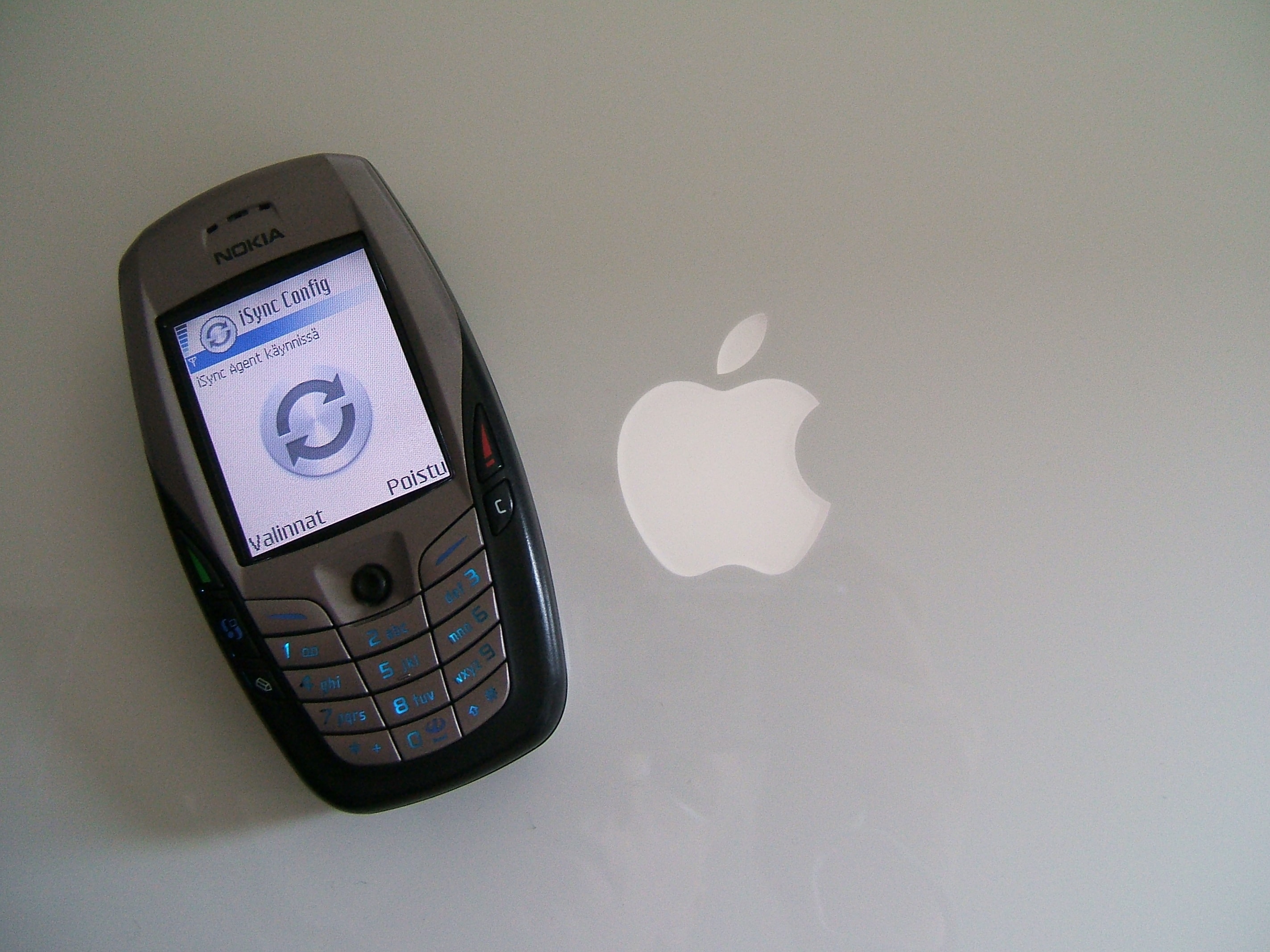
Today in Apple history: Macs get that syncing feeling as Apple launches iSync. It was a killer app for its time.
iSync let Macs sync with a variety of other devices.
Photo: Juska Wendland/Flickr CC

September 30: Today in Apple history: Apple introduces iSync, letting Macs sync to cellphones and iPods September 30, 2002: Apple introduces iSync, a tool that lets Mac users synchronize their address books and calendars with their cellphones, iPods and Palm OS-compatible handheld organizers via Bluetooth.

“iSync is the beginning of something really big,” Apple CEO Steve Jobs says in a press release announcing the iSync public beta. “With the push of a button, iSync synchronizes the address book and calendar on your Mac with those on your mobile phone.”

It represents a big leap forward in the ability of computers and mobile devices to talk with one another. And it hints at some of Apple’s later advances.

Adobe Premiere video editor launches on iPhone

By

Adobe Premiere on iPhone hero image
Precise editing from your phone.
Image: Adobe

Adobe Premiere, the powerful video editing suite used for years on Macs, just arrived on the iPhone. Now you can cut together your next video using Premiere’s professional tools, right from your phone.

The Adobe Premiere iPhone app, released Tuesday, offers precision editing, automatic captions, stock music and more.

It doesn’t come with the big price tag of the desktop Adobe suite — in fact, it’s free. You only have to pay if you want access to its Firefly AI features, like its generative sound effects and Image Expand tool.

Premiere is available today for iPhone and iPad from the App Store.

Why Apple should bring back the iPod

By

AI image of a person holding a hypothetical new iPod, with AirPods in their ears.
Everything old could be new again.
Image: ChatGPT

Bring back the iPod! Apple should start manufacturing its dedicated music player again. With iPhones increasingly banned from schools, a simple entertainment device could fill the gap.

That said, creating a new iPod for the streaming era would not be as simple as bringing previous models back to life.

How to scan QR codes on iPhone: 3 easy ways to get the info you need

By

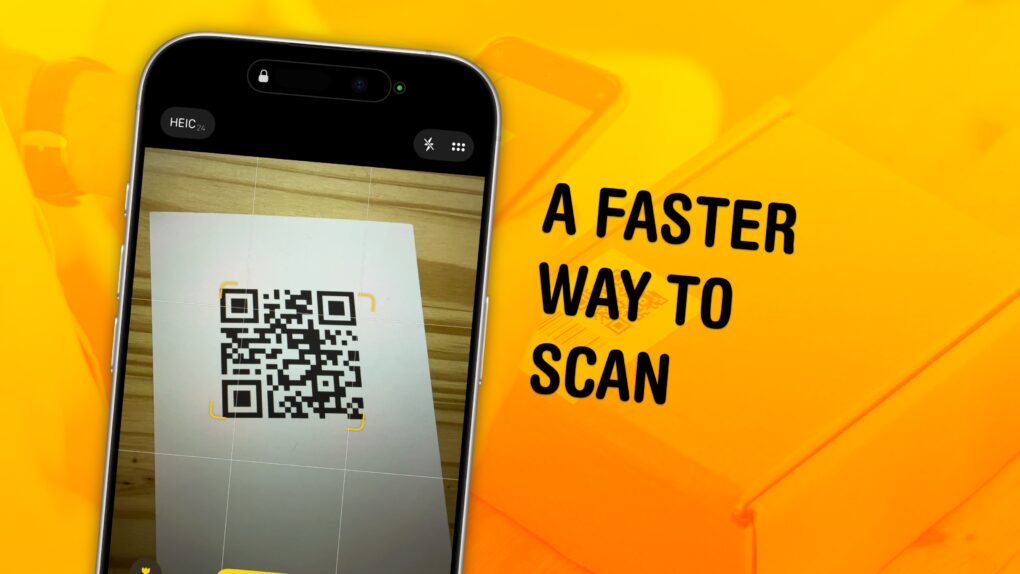
Image of an iPhone with a QR code and the words
Scan QR codes faster with these tips.
Image: D. Griffin Jones/Cult of Mac

You can scan a QR code directly from your iPhone — you don’t need to download a third-party app to get the information you need. Apple even gives you three ways to do it. You can scan a QR code using your iPhone’s camera, using a shortcut in Control Center, or directly from an image in your Photos library

As QR codes become increasingly prevalent, it’s good to know these methods. If you’re in a restaurant and you want to open the digital menu or join the Wi-Fi network, you don’t want to fiddle with installing a third-party app.

To learn three ways you can scan a QR code using your iPhone, keep reading or watch our short video.

Apple goes on nasty bug hunt with fresh iOS and macOS updates

By

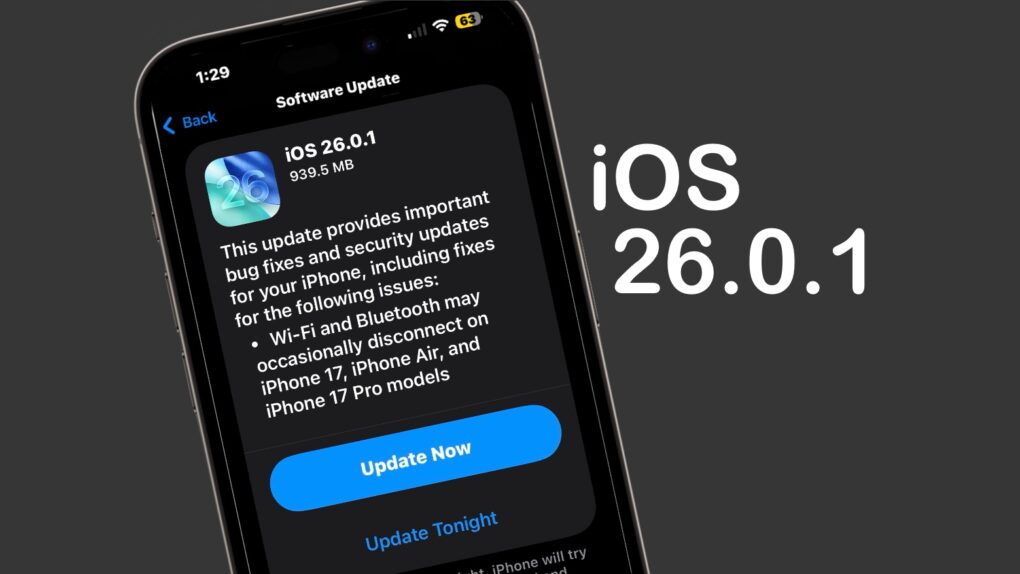
iOS 26.0.1
iOS 26.0.1 includes multiple bug fixes for iPhone 17 users.
Image: Cult of Mac

iOS 26.0.1 and macOS Tahoe 26.0.1 launched on Monday, bringing a range of bug fixes to the major operating system upgrades introduced earlier this month. That includes taking care of multiple issues in the new iPhone 17 series — some quite serious. 

In addition, iPadOS 26.0.1, watchOS 26.0.2, tvOS 26.0.1 and visionOS 26.0.1 all went to users on Monday.

Apple Foundation Models framework brings on-device AI to third-party apps

By

Apple Foundation Models framework
Apple’s Foundation Models framework lets developers of apps like SmartGym, Stoic and VLLO create new intelligence features. They can do it by tapping into the on-device large language model at the core of Apple Intelligence.
Photo: Apple

Apple released its Foundation Models framework to developers with iOS 26, iPadOS 26 and macOS 26. It enables third-party apps to tap into the same on-device large language model that powers Apple Intelligence, the iPhone giant said Monday. 

“We’re excited to see developers around the world already bringing privacy-protected intelligence features into their apps,” said Susan Prescott, Apple’s vice president of Worldwide Developer Relations. “The in-app experiences they’re creating are expansive and creative, showing just how much opportunity the Foundation Models framework opens up.”

FCC leaks confidential iPhone 16e schematics

By

FCC leaks iPhone 16e schematics
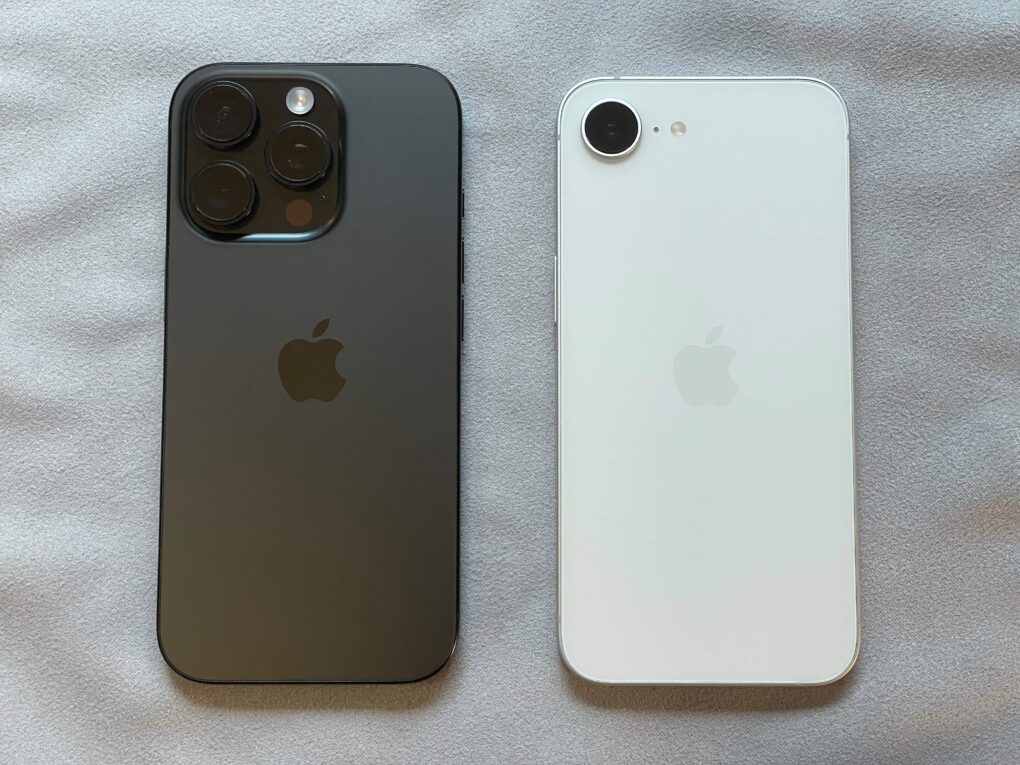
Thanks to the leaked schematics, competitors can find out a lot about iPhone 16e, right, without reverse engineering.
Photo: D. Griffin Jones/Cult of Mac

The Federal Communications Commission appeared to inadvertently expose detailed electrical schematics for Apple’s iPhone 16e, despite the company’s explicit request to keep the documents confidential. The leak, discovered Monday, looks like a breach of the regulatory agency’s confidentiality protocols and could potentially benefit Apple’s competitors.

Bad Bunny will headline Apple Music Super Bowl LX Halftime Show

By

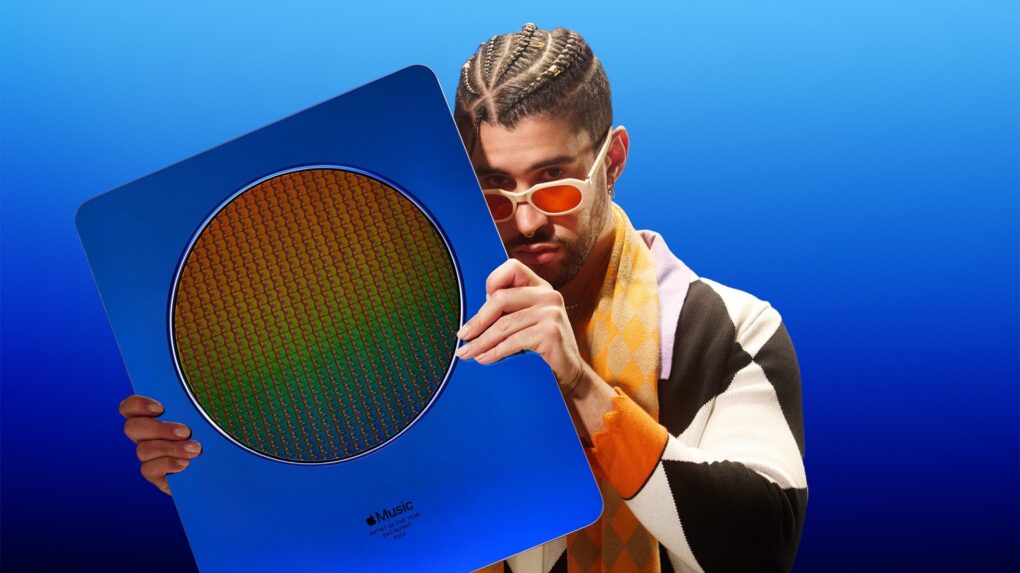
Bad Bunny will headline Apple Music Super Bowl LX Halftime Show
Bad Bunny, Apple Music's 2022 Artist of the Year, will perform at Super Bowl LX.
Photo: Apple Music

Three-time Grammy Award winner Bad Bunny will headline the 2026 Apple Music Super Bowl LX Halftime Show. The game will air on NBC, bringing the Puerto Rican superstar to one of the world’s biggest entertainment stages.

“What I’m feeling goes beyond myself,” Bad Bunny said in a press released issued by the NFL  on Sunday. “It’s for those who came before me and ran countless yards so I could come in and score a touchdown. This is for my people, my culture, and our history. Ve y dile a tu abuela, que seremos el HALFTIME SHOW DEL SUPER BOWL.”

The game will take place at Levi’s Stadium in Santa Clara, California, on February 8, 2026.