Mobile menu toggle

Search results for: Apple One

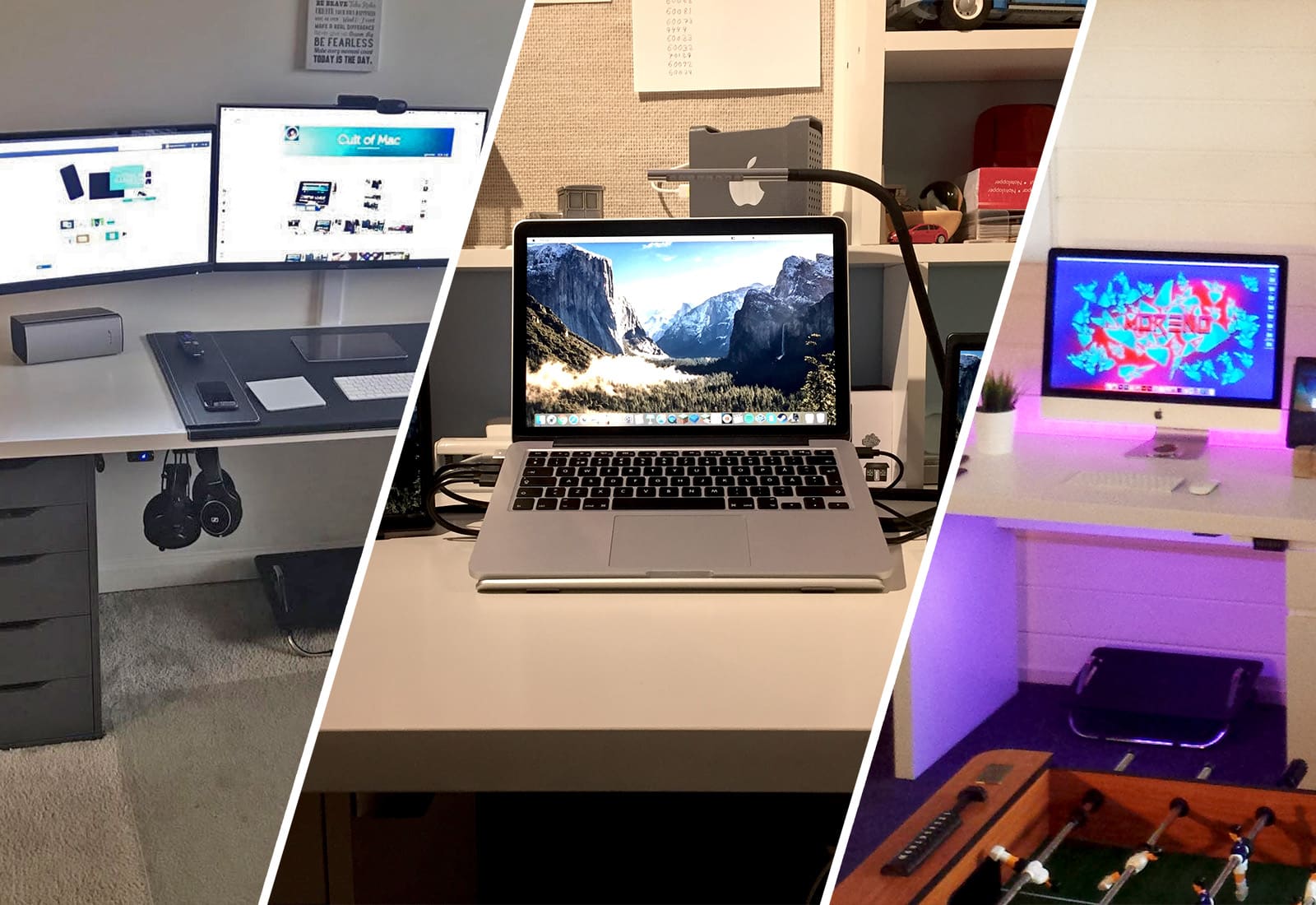
Mac setups featuring a 3D printed Mac Pro, portable screens and more in this week’s iSetups

By

mac setups
Want to see a super cool custom, 3D printed HDD case? Of course you do.
Photo: Alex Castro/Morten Bietilæ/Joakim Jidbacken

The great thing about Mac setups is that they can all be completely different. While one person may dream of a super minimalist science lab-type room, another may want an inspiring, comfortable haven. That’s what makes this week’s iSetups submissions so great.

iSetups is our new show that highlights the best Apple-centric setups submitted by our viewers. (You’ll also get plenty of tips and tricks for how you can improve your own setup.) Check them out for yourself in the video below, as well as full breakdowns and links to featured products.

Drive Genius 5 unclogs and revives your Mac’s drive [Deals]

By

Drive Genius 5- Standard License
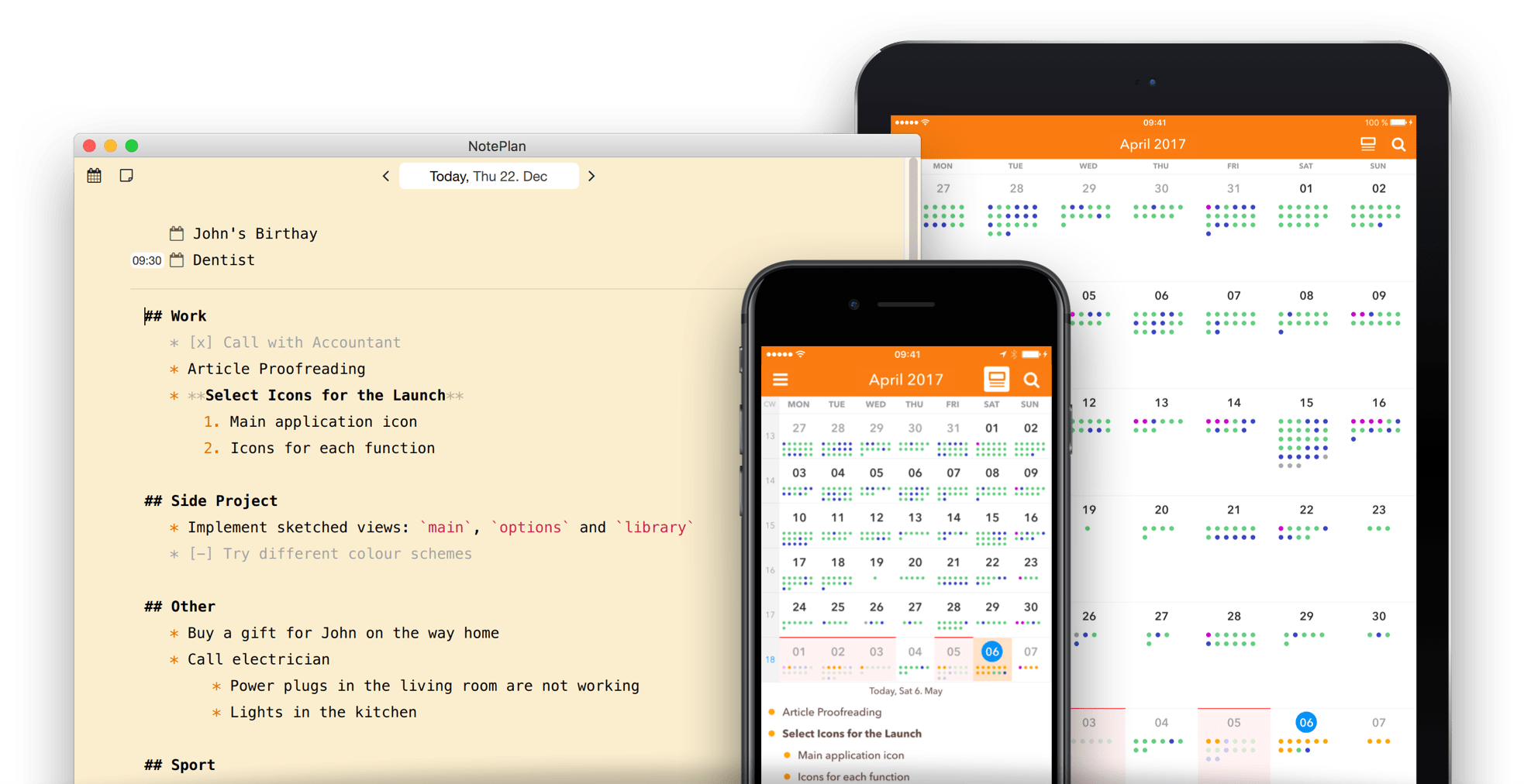
Drive Genius offers a toolbox for keeping your Mac drive clean and running at top speeds.
Photo: Cult of Mac Deals

Your Mac is meant to work like magic. But we all know that beneath the sleek silver there’s a complicated machine, one that needs to be taken care of if it’s going to last. Drive Genius is a popular app designed to keep hard drives hygienic, and recover ones that have already gone kaput. Used by no less than the Apple Genius Bar itself, they offer a suite of tools that can help to speed up, clean up, protect, and even revive your Mac. It’s well worth looking into for any Mac owner, but right now you can get a standard license for Drive Genius 5 for just $39 at Cult of Mac Deals.

Old Man’s Journey, Google Assistant, and other awesome apps of the week

By

Awesome Apps
'Appy weekend!
Photo: Ste Smith/Cult of Mac

A gorgeously illustrated, story-driven game with an utterly unique gameplay mechanic is just one of the titles we’ve picked out for this week’s “Awesome Apps” roundup.

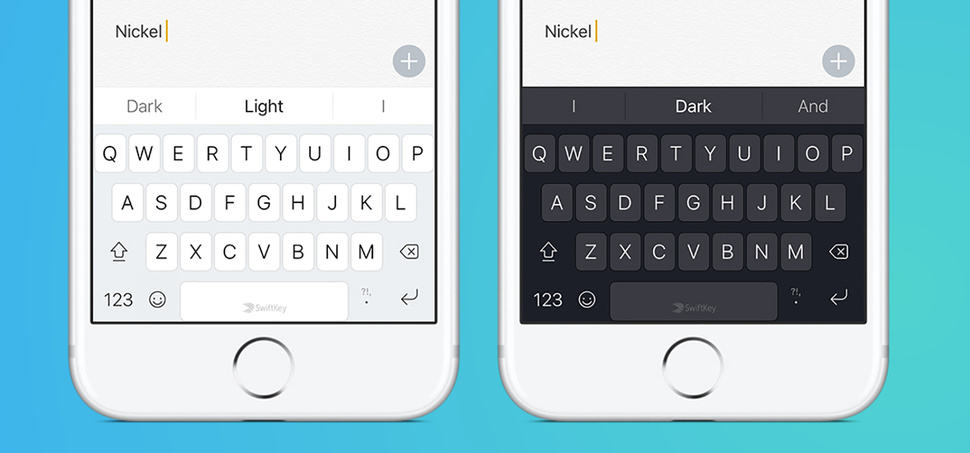
We’ve also got Google’s AI assistant, a classic Capcom game finally landed in the App Store after almost 30 years, and a third party keyboard that’s gotten even better. Check out our picks below.

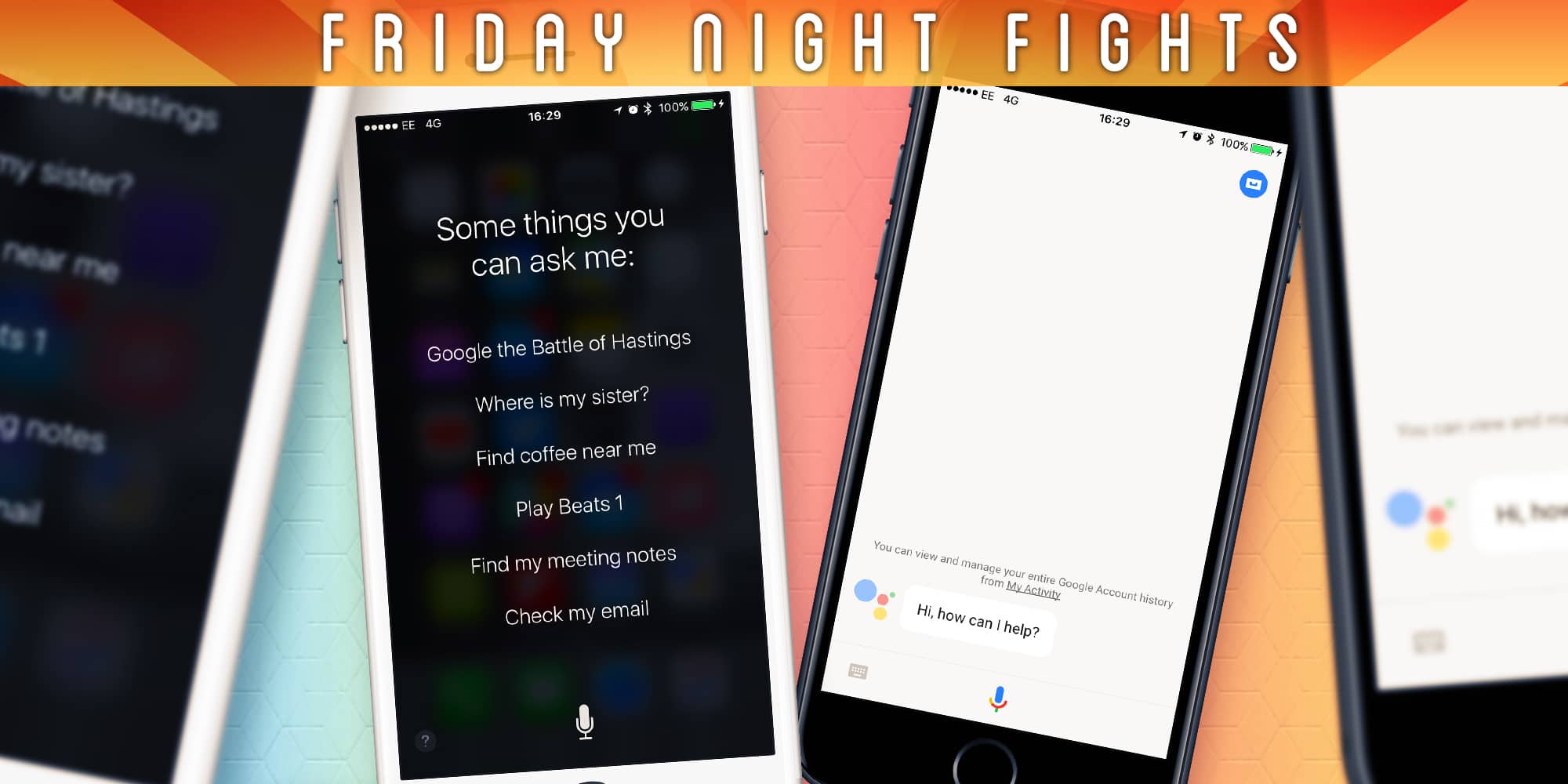
Will Siri ever be as good as the Google Assistant? [Friday Night Fights]

By

The gap is getting wider.
Photo: Ste Smith/Cult of Mac

Google brought its Google Assistant to iOS this week, finally giving iPhone fans a taste of the best virtual assistant on the planet. But those on Android are in for so much more, with major improvements on the way, including impressive Google Lens integration.

Friday Night Fights bugThe changes make it harder than ever for Siri to catch up. Despite the improvements Apple made with iOS 10, it still feels like Siri is well behind its rivals. Is that gap now too big, or can Apple catch up? Will Siri ever be as good as the Google Assistant?

Join us in this week’s Friday Night Fight as we wage war over virtual assistants.

Beautiful iOS 11 concept shows big changes iPad needs

By

They call it
They call it "The Shelf".
Photo: Federico Viticci

Apple hasn’t exactly given the iPad first priority when it comes to iOS updates, but that could change next month at WWDC where the company is expected to unveil iOS 11.

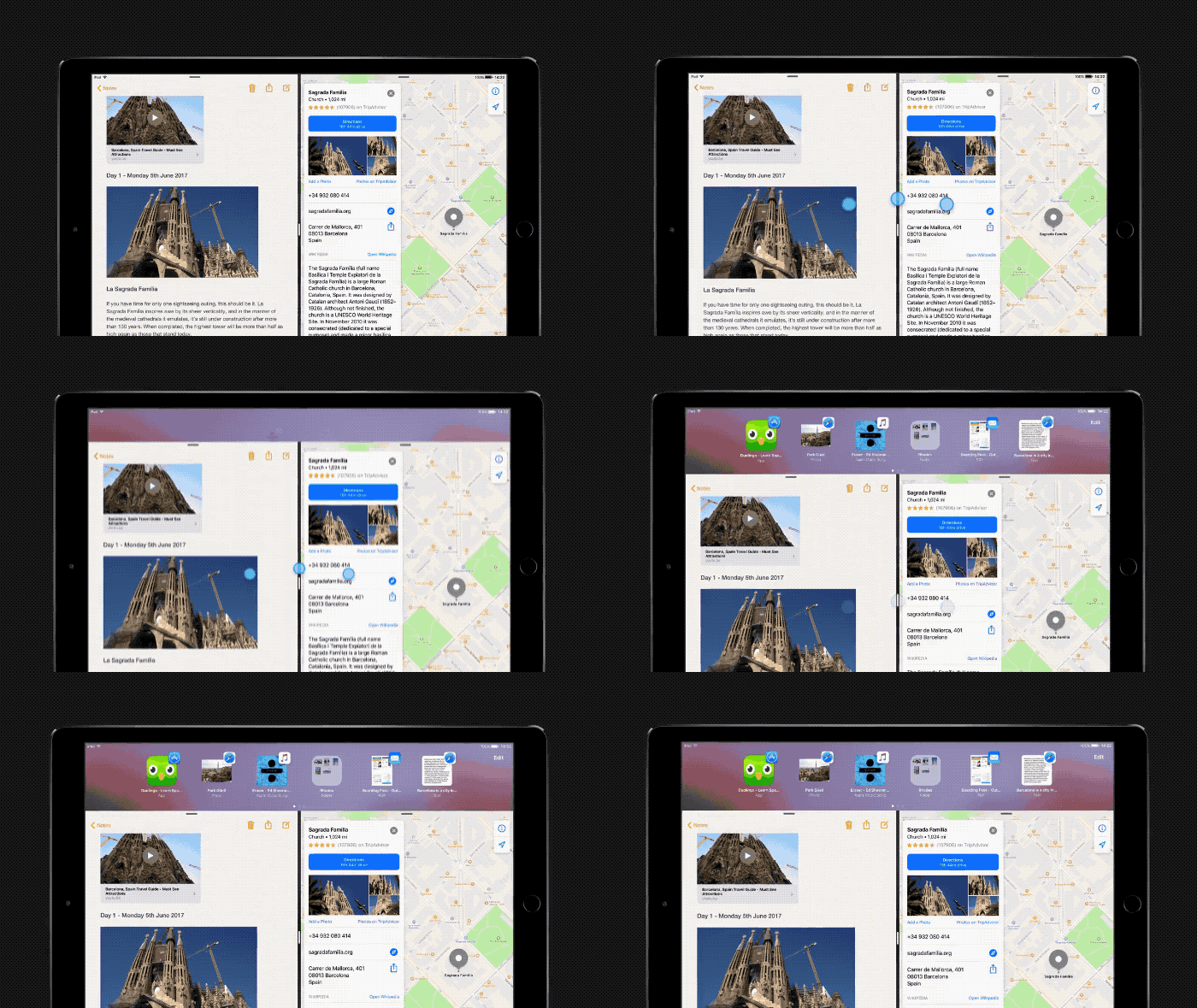
Most of the iOS 11 concepts we’ve seen have been all about the iPhone, but iPad power-user Federico Viticci and Sam Beckett created a beautiful concept that shows some big and simple changes that would transform the iPad from a fun tablet into a pro machine. Features like Finder, Drag and Drop between apps, multi-channel audio and more are on display in the fantastic mockup.

Apple, if you’re reading this, please steal these features:

New MacBook Pros as WWDC? Don’t miss this week’s CultCast!

By

Are you ready for Apple to make Macs
Are you ready for Apple to make Macs "pro" again?
Photo: Cult of Mac

This week, on The CultCast: new MacBook Pros at WWDC? Insiders say yes! We’ll tell you all we know. Plus: why future Macs might get much faster CPUs; Apple makes a big move to bring manufacturing back to the US; and we’ll wrap up with 5 weird and whacky facts about the new Apple Park campus.

Our thanks to Squarespace for supporting this episode. It’s simple to accept Apple Pay and sell your wares with your very own Squarespace.com website. Enter offer code CultCast at checkout to get 10% off any hosting plan.

How to activate Photos’ hidden 3D Flyover view

By

3d flyover photos
See all your photos on Apple's 3D Flyover map
Photo: Cult of Mac

The iOS Photos app might just look like a simple grid-like list, but it has a ton of hidden power. For instance,  you can see your photos on a full-screen, 3-D Flyover map. And with one simple swipe on a photograph, you can see where it was taken, see other photos taken nearby, and collections photos that your iPhone figures are related to the one you’re looking at. It’s a fantastic way both to find out more about your pictures, and to browse. After all, why limit yourself to flipping through pictures, one by one, in the order you shot them, like some film-camera using hipster luddite, when you can see your photos on a map in Apple’s glorious 3-D Flyover view?