Mobile menu toggle

Search results for: Apple One

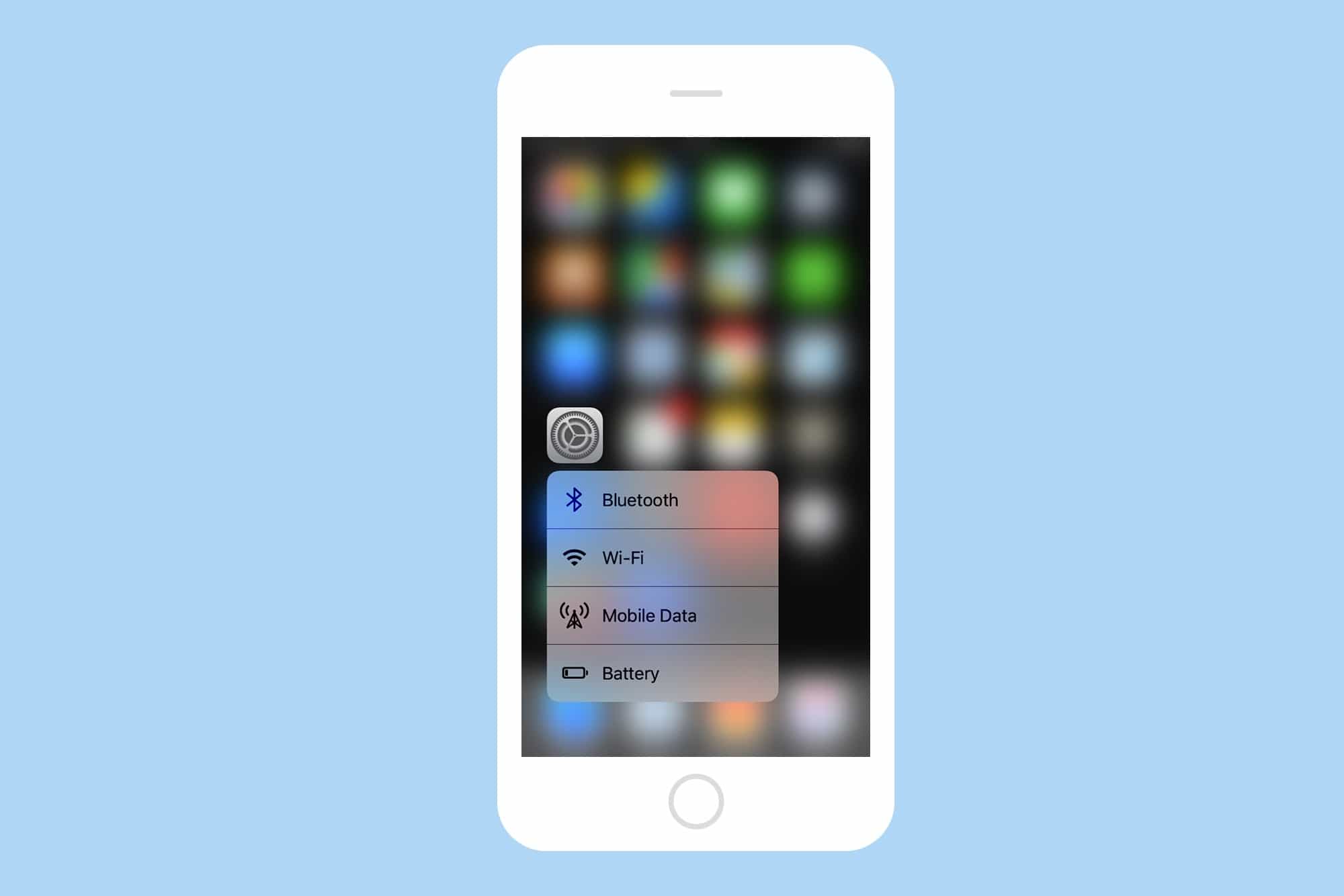
How to quickly change iOS Settings with 3D Touch
By

3d touch settings shot
Get quick access to the settings you change the most.
Photo: Cult of Mac

Perhaps the best way to ease yourself into the relaxing, time-saving bathtub of increased productivity that is 3D Touch is to start by pressing a little harder on Apple’s own app icons. Specifically — in today’s article at least — the Settings app icon, where you will find quick-access shortcuts to your most often-used settings. Let’s take a look:

Magikarp Jump, 4K Video Downloader, and other awesome apps of the week

By

Awesome Apps
'Appy Memorial Day weekend!
Photo: Ste Smith/Cult of Mac

The surprisingly addictive new Pokémon game, starring everyone’s favorite fish Pokémon Magikarp, is just one of the great titles we’ve picked out for this week’s “Awesome Apps” roundup.

We’ve also got a tremendous free video downloading tool, a SEGA classic gone free, and a slate of productivity apps that now let you easily drag and drop content between them on your iPad.

Check out our picks below. There’s really no better way to spend the middle day of the Memorial Day weekend!

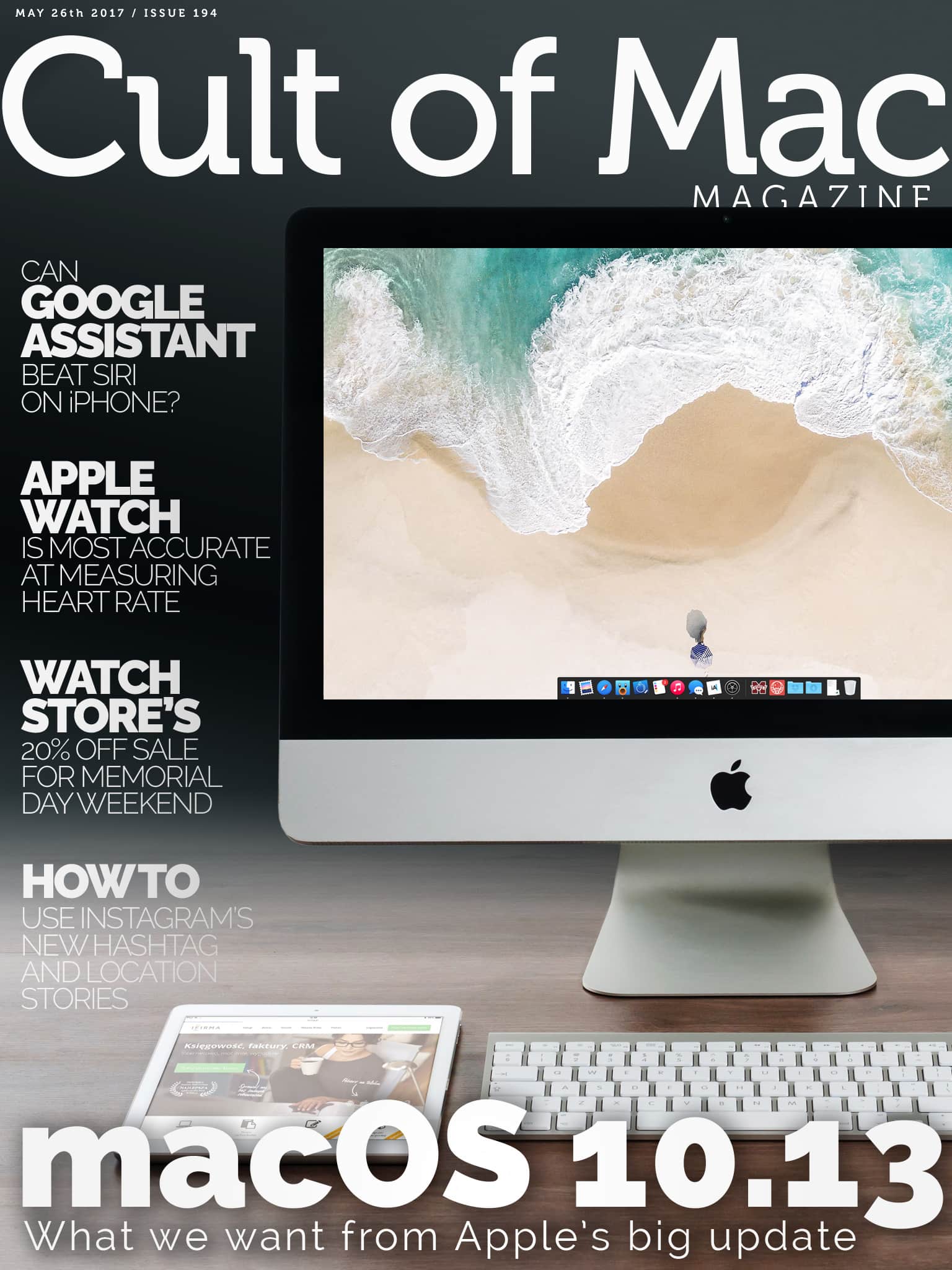
Cult of Mac Magazine: Huge Memorial Day sale at Watch Store, macOS 10.13 update, Google Assistant vs. Siri, and more!

By

x

Photo: Ste Smith/Cult of Mac

In this week’s Cult of Mac Magazine, we give you our wish list for macOS 10.13, which will be introduced by Apple in two weeks at the WWDC.

Take advantage of our massive Memorial Day weekend sale at Watch Store, where we offer 20 percent off a large selection of Apple Watch bands an chargers from top name brands: JUUK, Clessant, Form Function Form, Just Mobile, Jack Foster and more. Sale starts today, so get shopping!

Here are this week’s top stories.

Reach new levels of digital creativity and productivity [Week’s Best Deals]

By

collage-2017-05-23 (1)
The apps and accessories in this week's best deals will add new dimensions of productivity and efficiency to your Mac.
Photo: Cult of Mac Deals

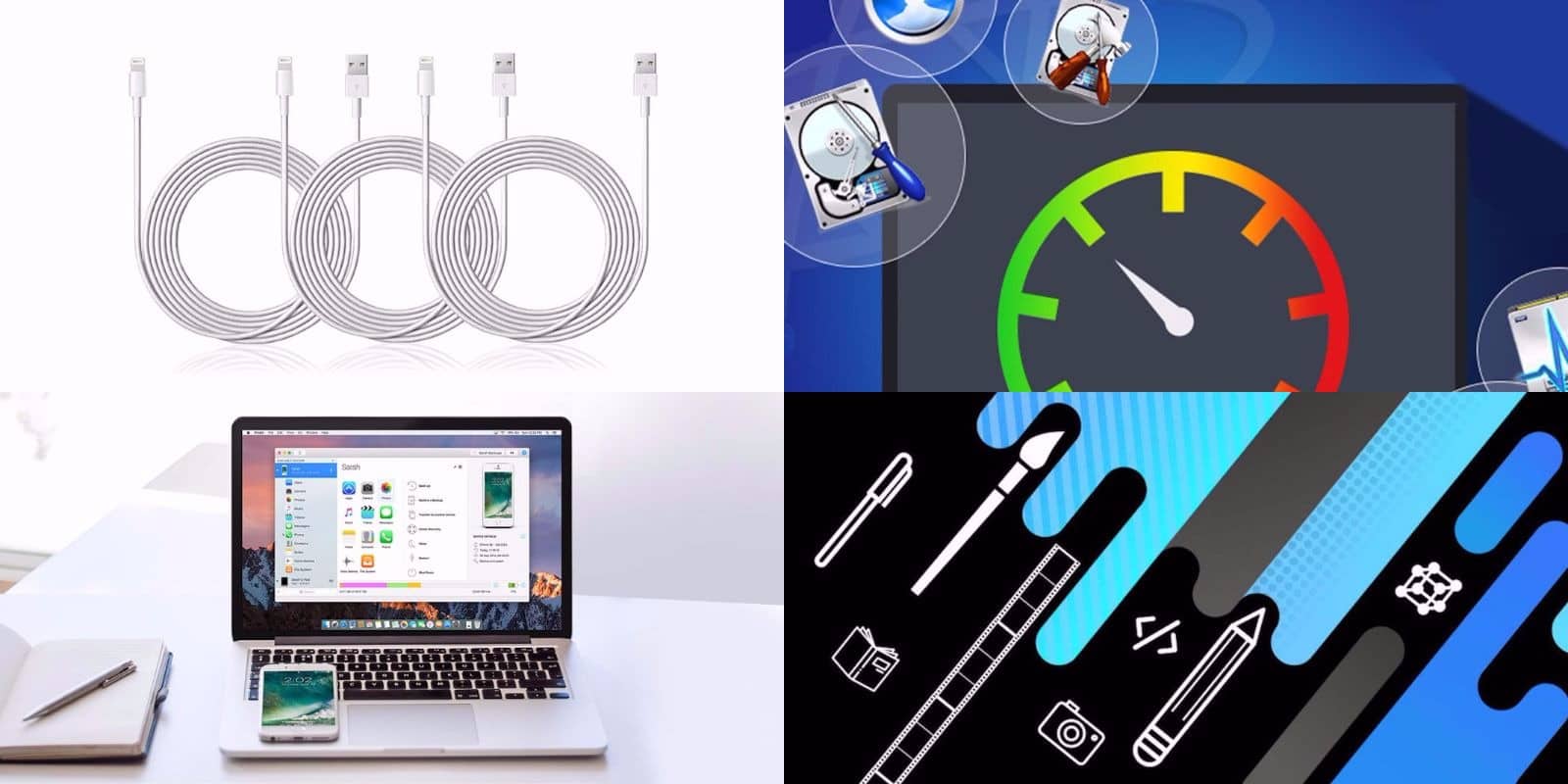
While you’re outside enjoying the warm weather, we at the Cult of Mac Store are busy stocking up on great new deals. This week, we’ve got a great roundup of apps that’ll add new levels of control and creativity to your Mac and iOS devices. We’ve got a drastically discounted license for the maintenance app Drive Genius 5; iOS data transfer tool iMazing 2; a top shelf bundle of Mac apps and lessons; and a triple set of extra long, Apple-certified Lightning cables. Read on for more details:

How to use 3D Touch in Maps to see the weather anywhere

By

maps app 3d touch weather
One of the neatest tricks in Maps app is the ability to quickly check the weather anywhere in the world.
Photo: Cult of Mac

Apple’s Maps app has gotten pretty great recently, as long as you don’t want parks and forests marked in green. Like most of Apple’s built-in apps, Maps is even better when used with 3-D Touch. By pressing on everything from the app icon to the tiny weather can on the corner, you can access shortcuts and extra info. Let’s take a look.

Investigators suspect iOS device in plane crash that killed 66

By

iPhone on plane
Apple is not involved in the investigation.
Photo: Ste Smith/Cult of Mac

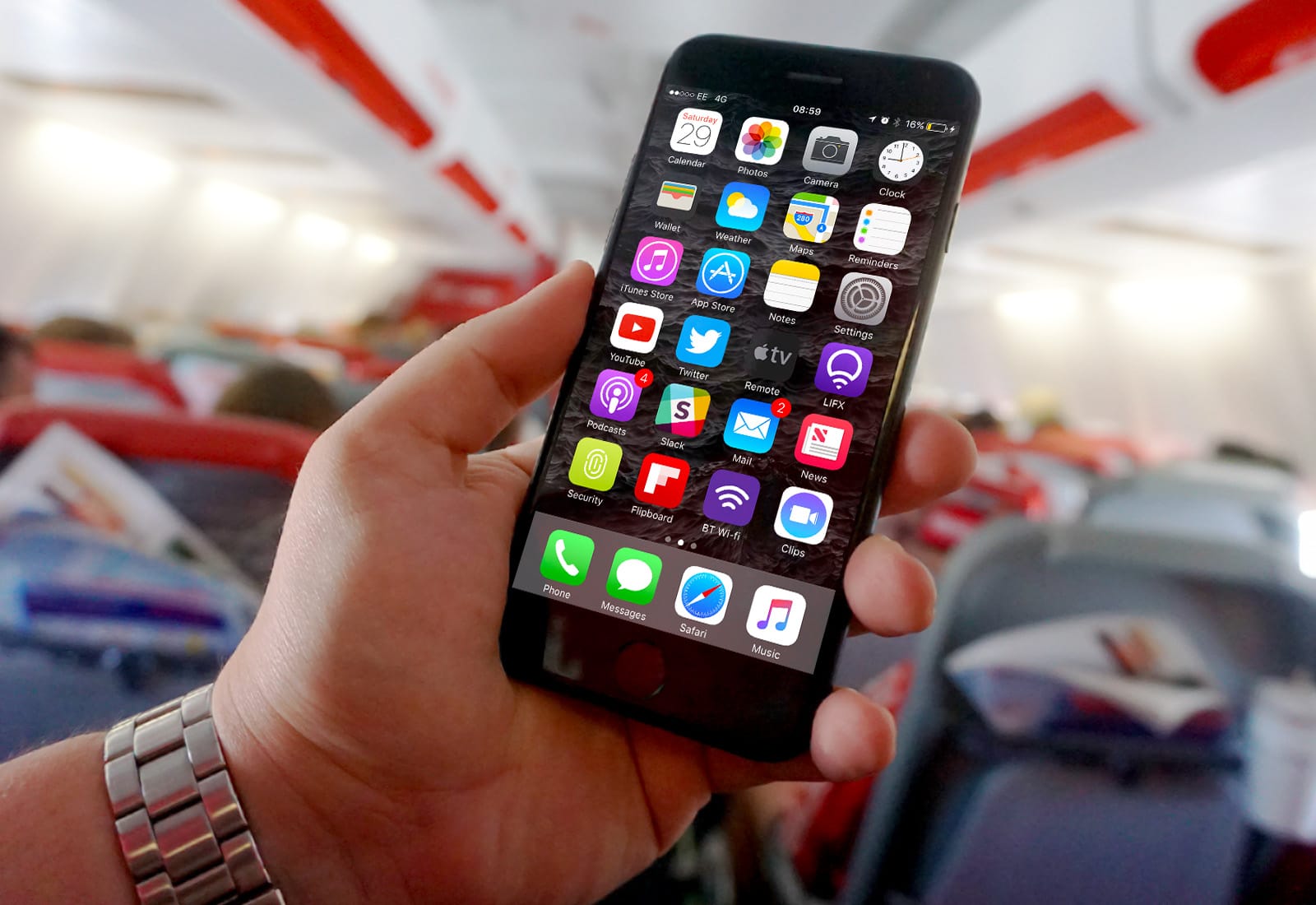
French officials are investigating the possibility of whether an iPhone or iPad was the cause of EgyptAir Flight 804.

The 2016 crashed killed 66 people yet the investigators have been stumped on what brought the plane down. Some new clues may hint that it was an overheating iOS device that sparked the catastrophe.

How to automatically import new music into iTunes

By

iTunes on Mac
Use an Automator workflow and never manually add media to iTunes again!
Photo: Apple

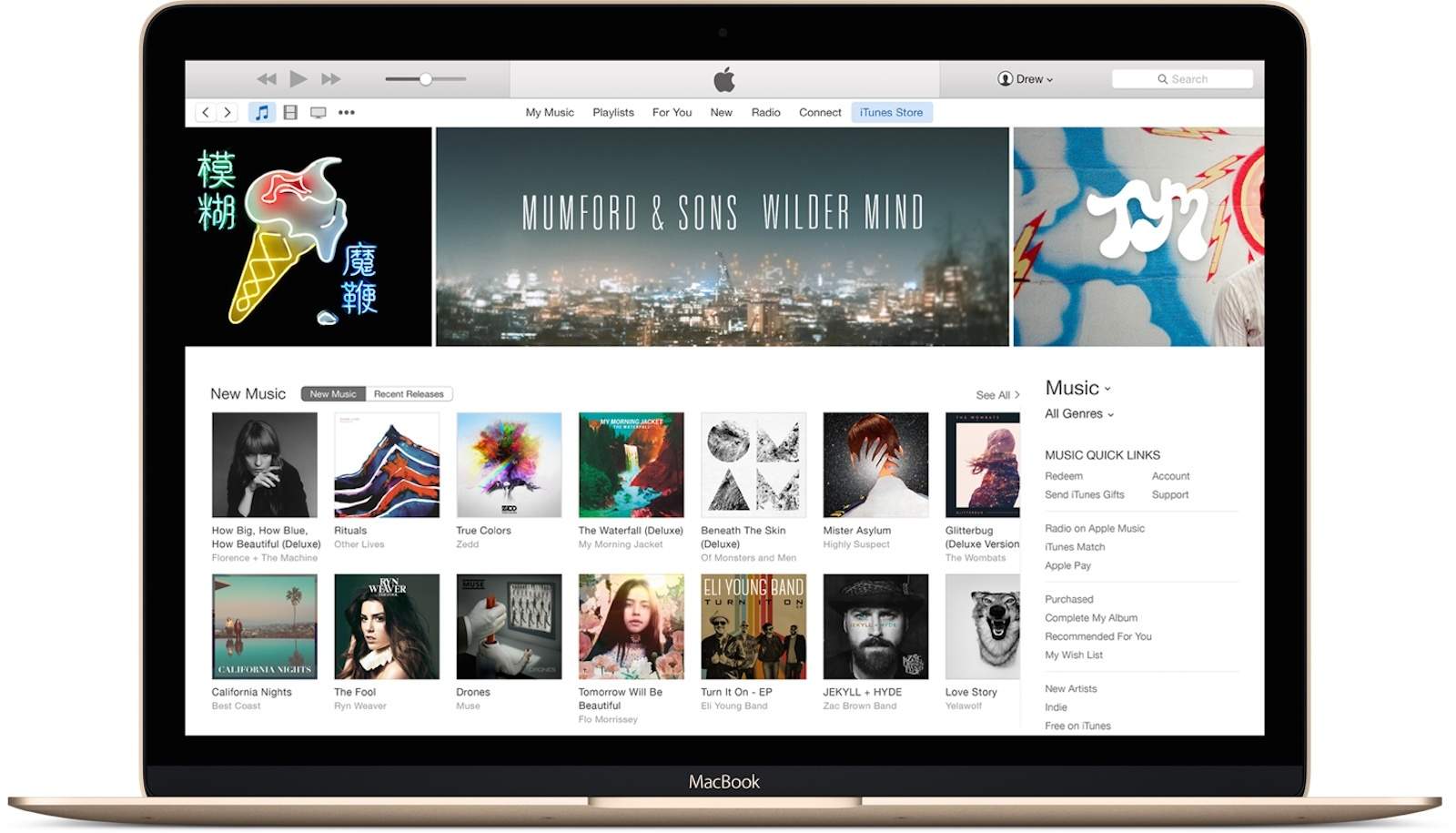
So, say you have a Dropbox folder that keeps your media files synced across all your machines. Wouldn’t it be super-convenient to have iTunes import music from the Dropbox folder automatically? Also, just double-clicking the media files to import them to iTunes doesn’t sound too much work at first, but, what if your files are scattered all over the disk? For instance, some of you might have organized your media files into different folders by artist name, or by download source.

Let’s see how you can harness the power of automation to automatically import music to iTunes on a Mac.

The New Yorker‘s stunning new cover was painted on an iPad

By

CoverStory-Colombo-Basketball-872x1200-1495121111
Not bad for a picture painted with an iPad. Or with anything, actually.
Photo: New Yorker

Looking for more evidence that the iPad Pro can be used to create stunning artwork? The cover of the latest issue of The New Yorker might be just the proof you’re searching for.

Created by the magazine’s long-time art editor Jorge Colombo, it depicts kids playing basketball near to his home in Brooklyn. “This was a risky drawing to make,” he said. “I kept worrying that the ball would hit me or the iPad.” Not that he let that stop him from creating a stunning image!

Jony Ive talks Silicon Valley’s culture in BBC interview

By

Jony Ive
Jony Ive agrees that diversity is one of Apple's biggest strengths.
Photo: Vanity Fair/YouTube

Jony Ive was interviewed on the BBC’s Today program on BBC Radio 4 today, during which he talked about the importance of design, and Apple’s push to embrace diversity.

“At Apple, we’ve been very clear about how important it is that we have a diverse pool of talent that we can hire from,” Ive said. He also described the way that Silicon Valley’s cultural diversity, comprising people from all over the world, is what makes it special.