Mobile menu toggle

Search results for: Apple One

Macphun to offer software for Windows-based photogs

By

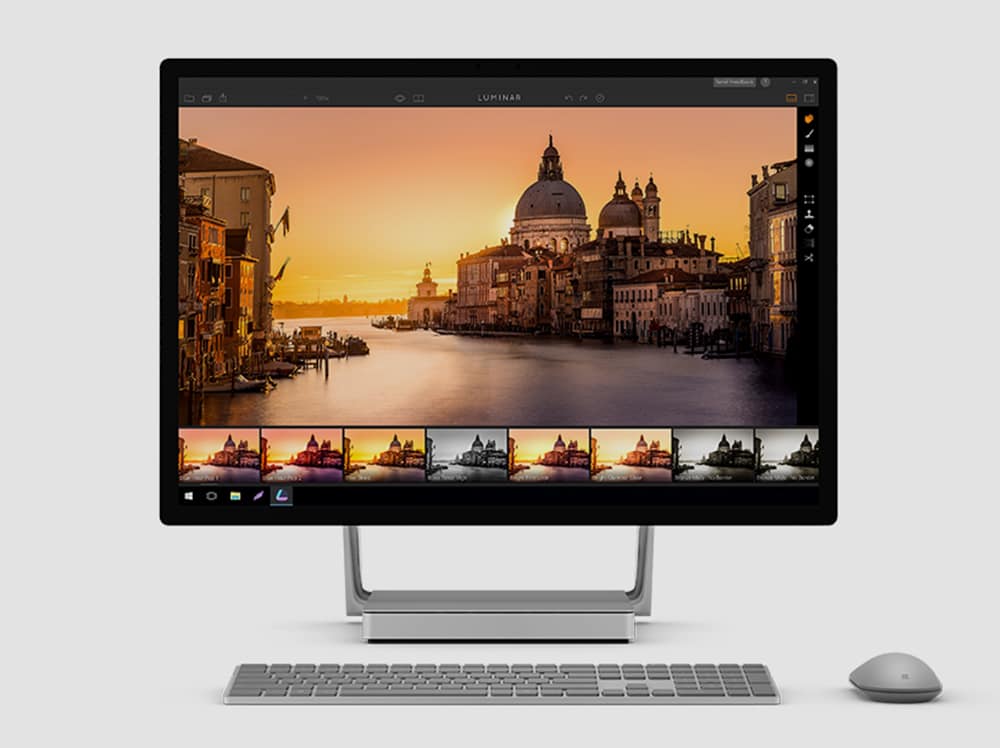
Macphun brings its imaging software to Windows.
Photo: Macphun

The imaging software company Macphun is about to make its products fun for photographers who use Windows.

The award-winning and, until now, Mac-centric company announced today it will launch a public beta version of its all-in-one photo editing software Luminar for Windows this July.

1Password can now lock down your data when you travel

By

Don't give up your data while you travel.
Photo: 1Password

1Password, the ultimate password management app for iOS, now makes your data even more secure when you travel.

Its new Travel Mode removes every vault from your devices except for those marked “safe for travel.” If you’re asked to unlock your smartphone or tablet at the border, only the passwords you really need will be exposed.

Jony Ive’s BFF has created a spectacular new timepiece

By

a_20010362_copy
It's all yours for $12,000.
Photo: Hodinkee

Jony Ive’s BFF Marc Newson may have played a role in the design of the Apple Watch, but he’s now turned his attentions to designing an entirely new timepiece. Although this isn’t one that you’ll be wearing on your wrist!

Instead, it’s a $12,000 limited edition hourglass, designed for the world’s leading online wristwatch magazine, Hodinkee. Check it out below.

Quick tip: How to translate words in iOS with a single tap

By

translate dictionary ios
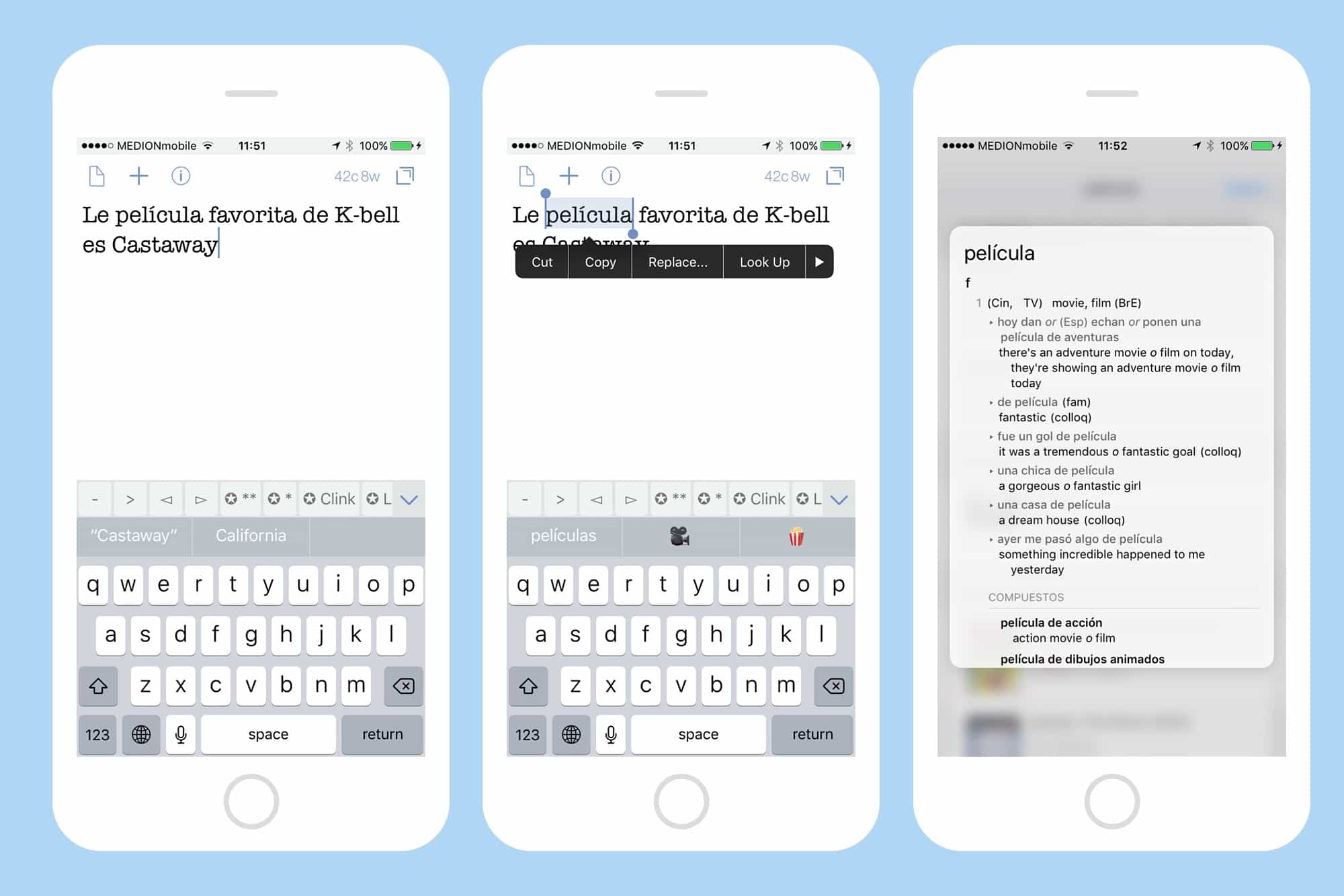
Translate any word with a tap on iOS.
Photo: Cult of Mac

The Look Up feature in iOS, which lets you tap on a word and look it up in the dictionary, the web, Wikipedia, and more, is one of the most useful things about reading on an iPhone or iPad. But did you know that you can also add new dictionaries, including translation dictionaries for foreign languages? That’s right. You can look up words in all kinds of other languages and translate them into English, or vice versa.

How to use Text Replacement to avoid typing the words you hate

By

Text Replacement shortcuts in iPhone
Text Replacements are easy to set up, and save a ton of time and hassle. You can even use them with emoji.
Photo: Cult of Mac

What if you could type out any of your email addresses just by tapping on the same key a few times? Or do Google searches over and over on a favorite website just as easily? What about easily typing that special symbol that’s so hard to reach on the iOS keyboard that you usually never bother? All this, and more, can be yours, if only you’ll spend a minute or two setting up some text replacement shortcuts. Let’s do it right now.

Microsoft takes aim at iPad with new Surface Pro

By

The Surface Pro looks slick.
Photo: Microsoft

The iPad Pro is getting some fresh competition from Microsoft after the company just took the wraps off its newest tablet, the Surface Pro.

It’s been over 16 months since Microsoft’s would-be iPad-killer was last updated. Although its the 5th version of Microsoft’s tablet, this go around the company decided to ditch the number suffixes and pack the Surface Pro with more features than ever before.

Before your Lightning cables fray, get some backup [Deals]

By

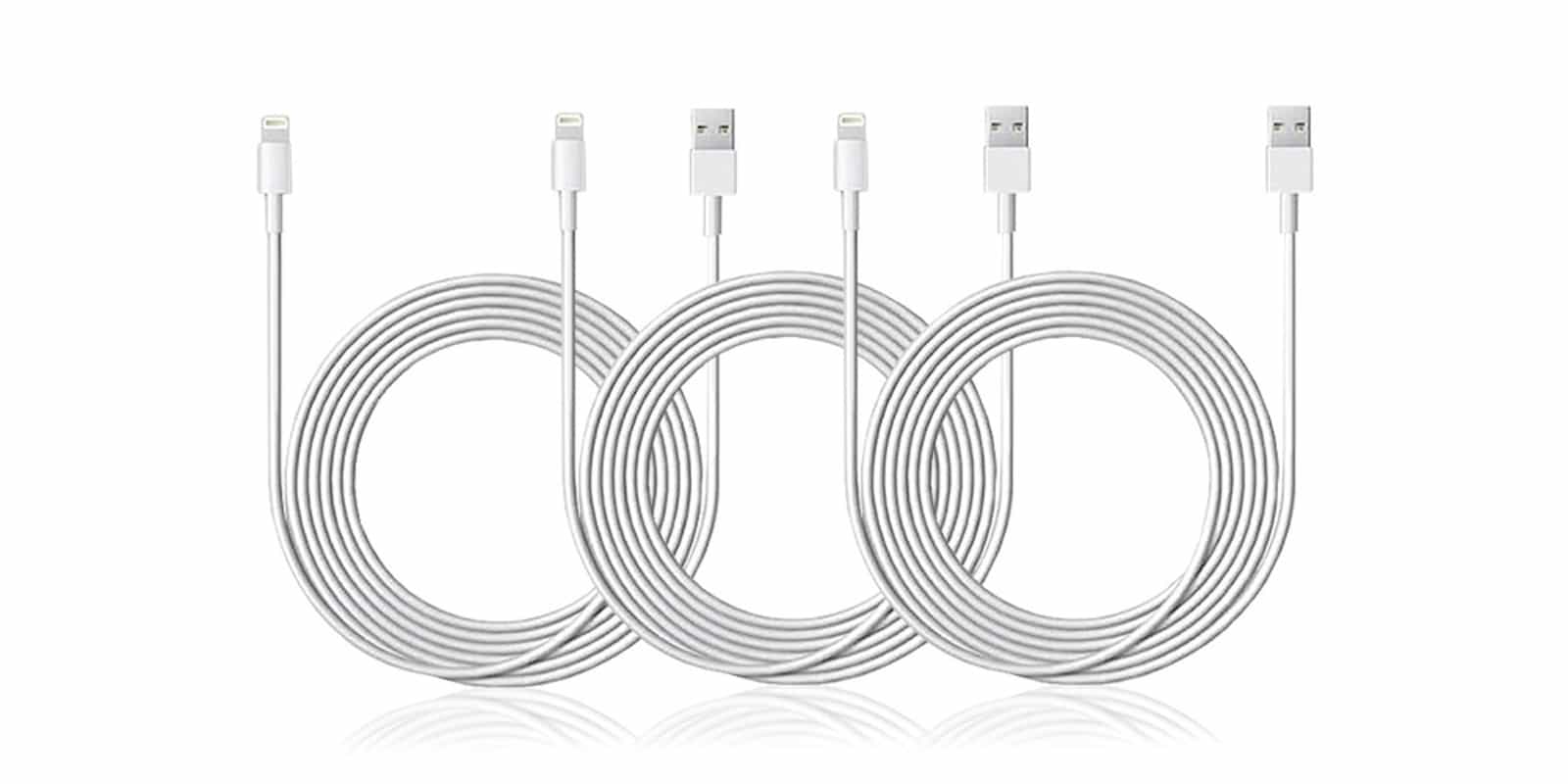
CoM - 6.5-Ft Apple MFi-Certified Lightning Cable- 3-Pack
With these three extra long, Apple certified cables, you'll be covered for when your Lightning cable inevitably frays or breaks.
Photo: Cult of Mac Deals

We rely on our Lightning cables to keep our iDevices charged and synced. Unfortunately, these soft white cables are pretty prone to fraying and breaking. With something so essential to our digital lifestyles, it’s important to have backup. And, while we’re at it, why not add a little reach? Right now you can get all of the above, when you get a triple pack of MFi-certified, 10-foot long Lightning cables for just $20 at Cult of Mac Deals.

Use Notes app to plan your vacation

By

notes vacation plan
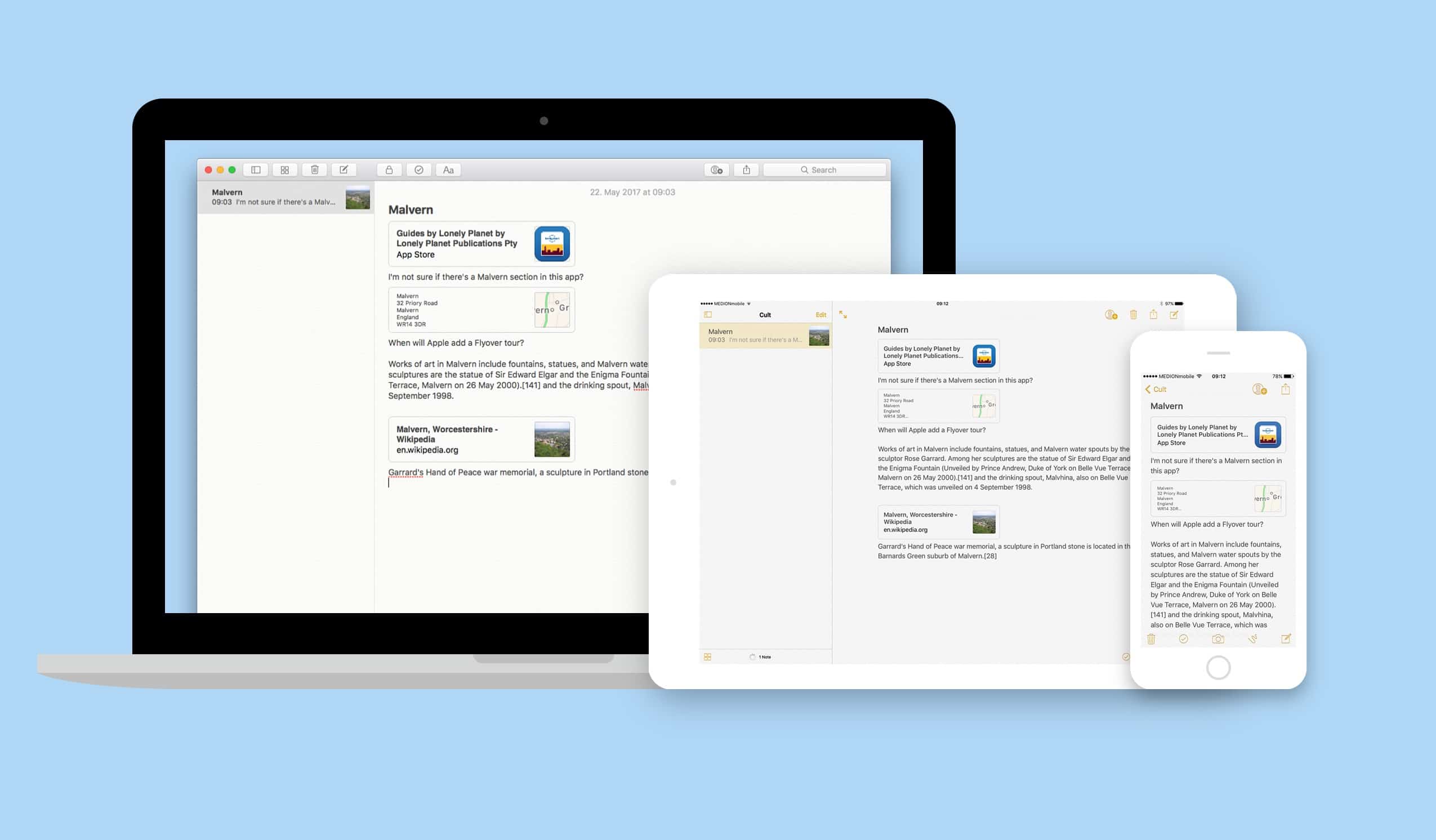
The notes app is a great way to share the planning of your next vacation.
Photo: Cult of Mac

Here’s the worst way to organize any task: email. You can’t put everything in one place, and even if you could, you could never find it. Apple’s built-in Notes app, on the other hand, is the perfect place to store all those snippets of info you accumulate when planning something like a vacation. You can collect web pages, add checklists and photos, and even sketch maps, or add other media like PDFs or apps. And then you can share that note with any number of people and all read and update it.

Let’s see how it all works.