Mobile menu toggle

Search results for: Apple One

How to restart any model of iPhone, even if the buttons don’t work

By

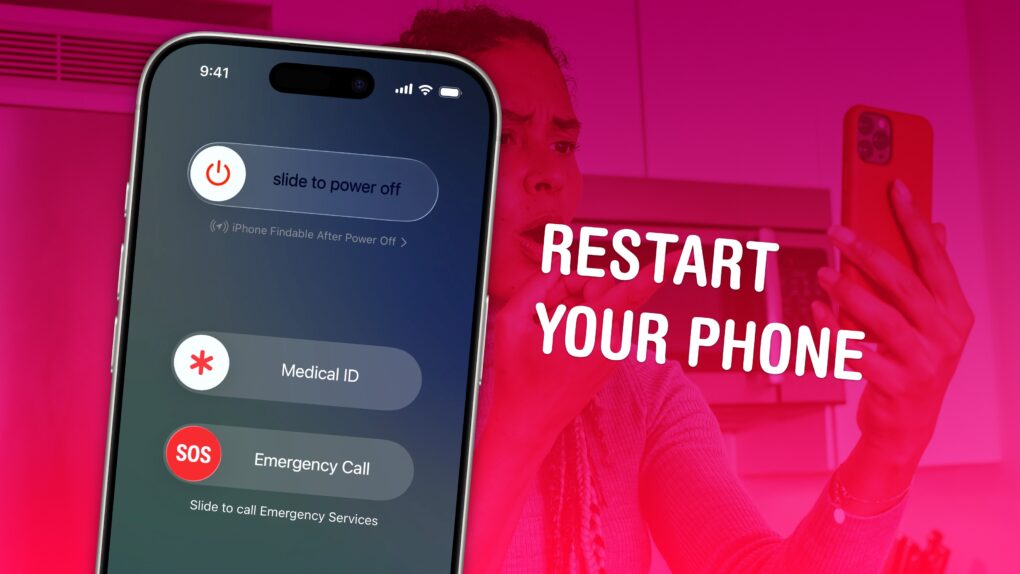
Image of an iPhone screen on a pink background with the words,
Turning your iPhone off and on again is the closest thing there is to a magical, just-fix-it solution.
Image: D. Griffin Jones/Cult of Mac

If your iPhone ever experiences odd technical problems, the first thing you should try is a good, old-fashioned restart. You’ll be surprised how many problems you can fix by simply rebooting your phone.

Restarting your iPhone is just like restarting a computer. All of the apps and software will be reset, and you shouldn’t lose any saved data.

If a particular app you’re using is acting up, you can always force-quit it and open it again to reset it. But if there’s a deeper underlying problem with your phone’s software, like if Bluetooth accessories aren’t working or phone calls suddenly won’t connect, you should restart your iPhone.

Here’s how to do it with any model of iPhone.

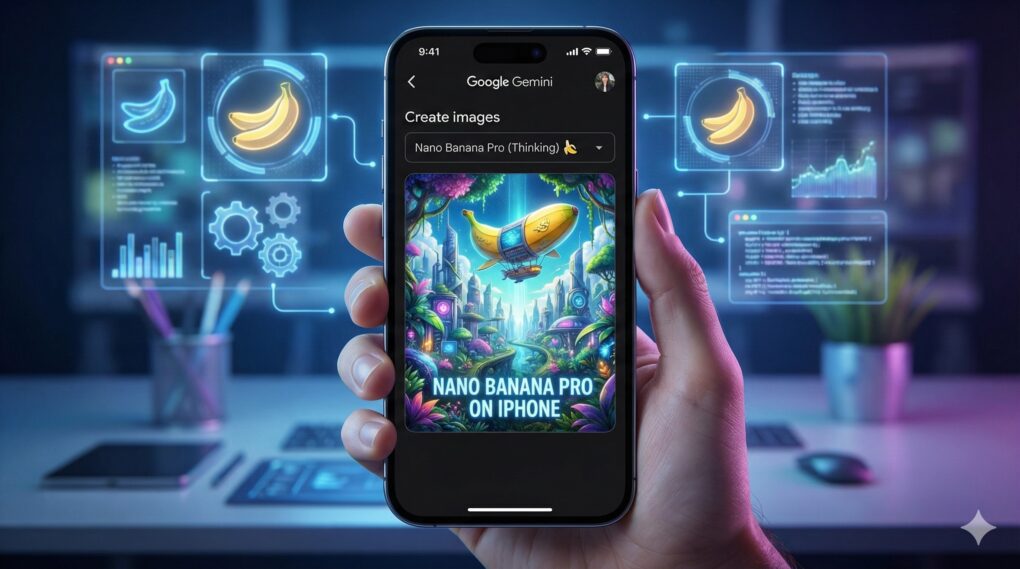
Use Nano Banana Pro to create amazing AI images on your iPhone

By

How to use Nano Banana Pro on iPhone
Use Google's latest image editing AI model to create amazing images on your iPhone.
AI Image: Google Gemini

From wild concept art to polished edits, Google Gemini’s Nano Banana Pro image creation and editing tool can spin up impressive visuals from a single prompt on your iPhone.

The featured image of this article itself serves as an amazing example of Nano Banana Pro’s capabilities. And it also showcases just how far behind Apple is in the AI race. (Sorry, Image Playground.)

If you’re itching to use Google’s Nano Banana Pro on your iPhone, this guide will show you how.

Price drop: Don’t board the plane without this travel hack for your phone

By

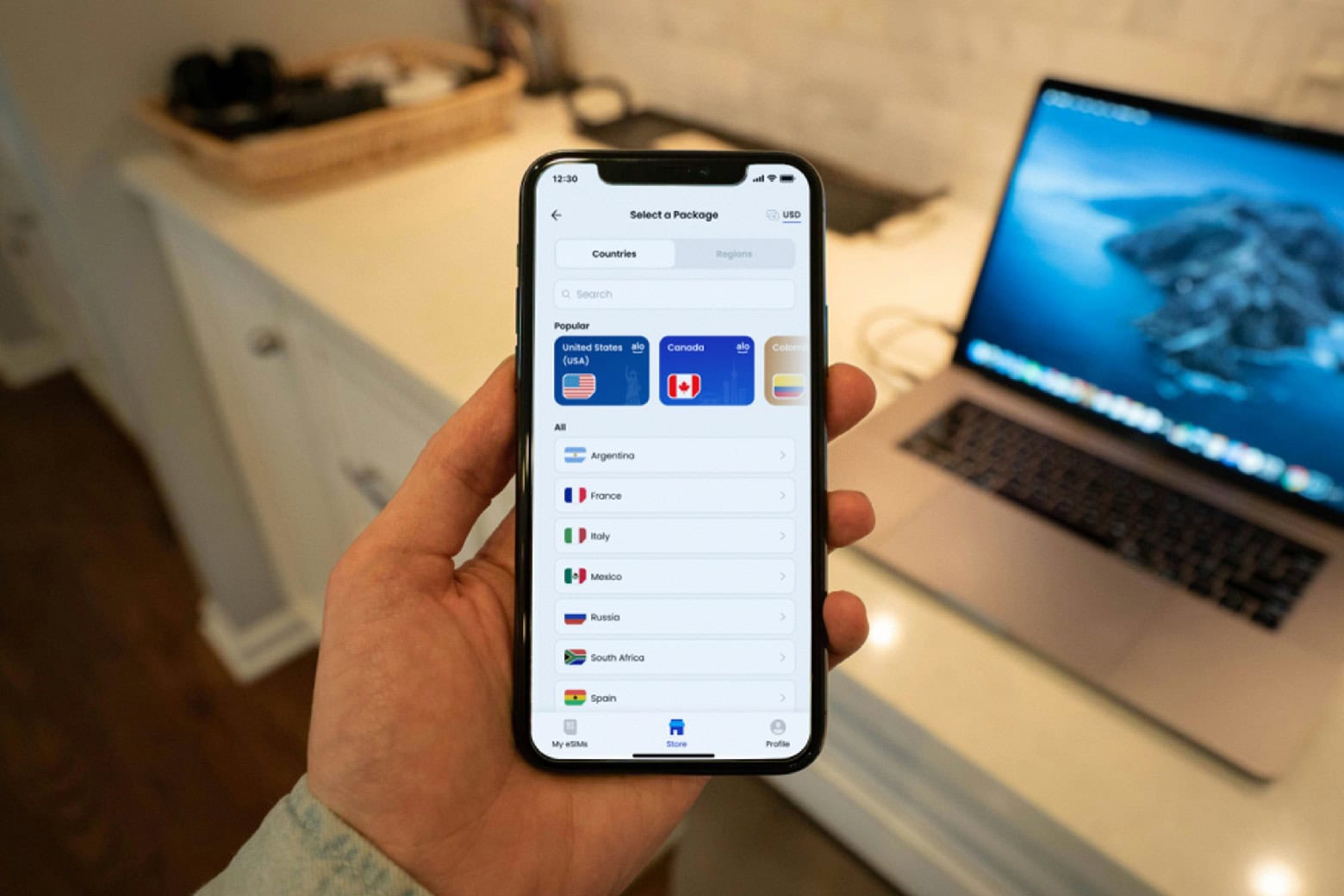
Man setting up the eSIM from aloSIM.
Get an aloSIM Traveler's Mobile Data Plan for $34.99.
Photo: Cult of Mac Deals

Staying connected while traveling can feel like a nightmare, especially when those international roaming fees hit you like a ton of bricks after your trip. An international eSIM like aloSIM makes it easy to stay online while you travel abroad.

Sure, you could buy a SIM card for every new place you visit, but aloSIM is a simpler option. The company’s international eSIM plans let you tap into local data networks in more than 175 countries. That means you can ditch those pesky roaming fees and stay connected without worrying about your budget. It costs just $22.97 to get the base eSIM (which lasts for life), and you also get a $50 credit.

Black Friday 2025 brings big savings on iPhones — if you know where to look

By

Black Friday 2025 brings big savings on iPhones — if you know where to look
We help you find the Black Friday iPhone deals you want.
Image: Cult of Mac

As Black Friday 2025 rolls in, Apple fans and deal hunters are looking to save some cash on iPhone. We’re here to help by pointing you to savings on a variety of models.

And speaking of helping, we can also explain why you’re struggling to find big discounts on the iPhone 17 series.

Get an intuitive Apple TV button remote for less than $25

By

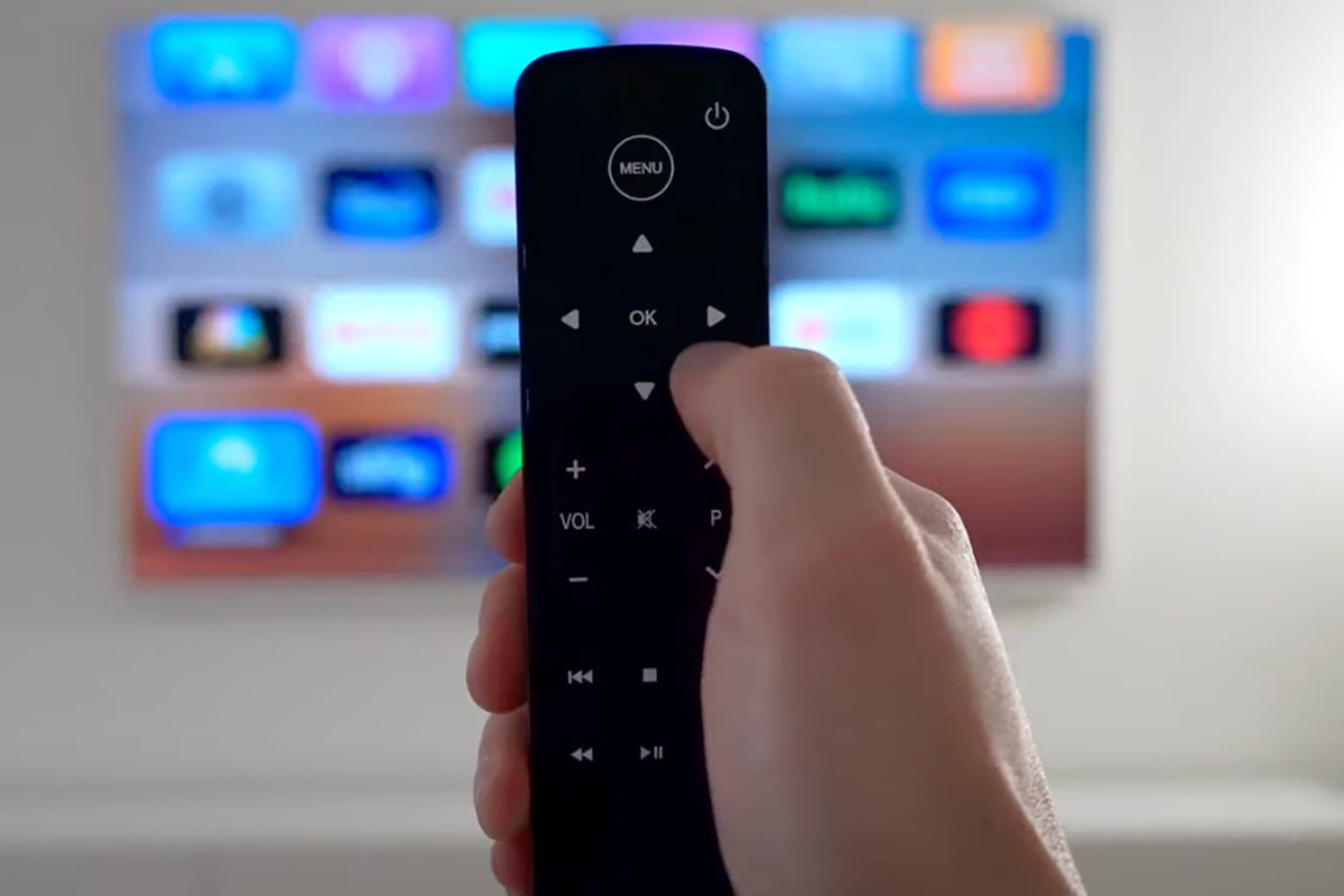
Enjoy a more intuitive Apple TV experience with this button remote.
Trade your standard Apple TV remote for this sleek, simple button remote.
Photo: Cult of Mac Deals

For many Apple TV owners, there’s still one kink to be worked out: the remote. The Siri Remote is all about being skinny and putting Apple’s AI assistant front and center. But some people prefer an alternative Apple TV remote with lots of buttons, like the recently upgraded Button Remote from Function101 (see our hands-on review).

Upgraded with Bluetooth connectivity in addition to infrared, it works with Apple TVs and more than a hundred other television brands. And you can get one for only $24.97. That’s just two-thirds the price of a replacement sixth-gen Siri Remote from Apple.

Today in Apple history: Toy Story 2 arrives in theaters

By

Toy Story 2 coincided with the start of Steve Jobs' own career second act.
Photo: Pixar

November 24: Today in Apple history: Toy Story 2 arrives in theaters November 24, 1999: Apple co-founder Steve Jobs gets another feather in his cap when Toy Story 2, the sequel to the 1995 Pixar hit, debuts in theaters. It goes on to become the first animated sequel in history to gross more than the original.

While more a piece of Steve Jobs history than Apple history, the release of Toy Story 2 caps a spectacular year for Apple’s interim CEO.

iOS 27 focuses on the one feature every iPhone user wants most

By

iOS 27 goes on a bug hunt
iOS 27 reportedly will focus on eliminating iPhone bugs.
AI image: Google Gemini

Apple’s iOS 27 developers have reportedly been tasked with bringing to iPhone a feature many users have asked for, and every one actually wants. And it’s not AI. No, it seems the focus of the next major upgrade will be on removing bugs and improving the performance of the operating system.

The same supposedly goes for the next major version of macOS, iPadOS and other Apple OSs.

Today in Apple history: iTunes cracks top 10 on list of US music retailers

By

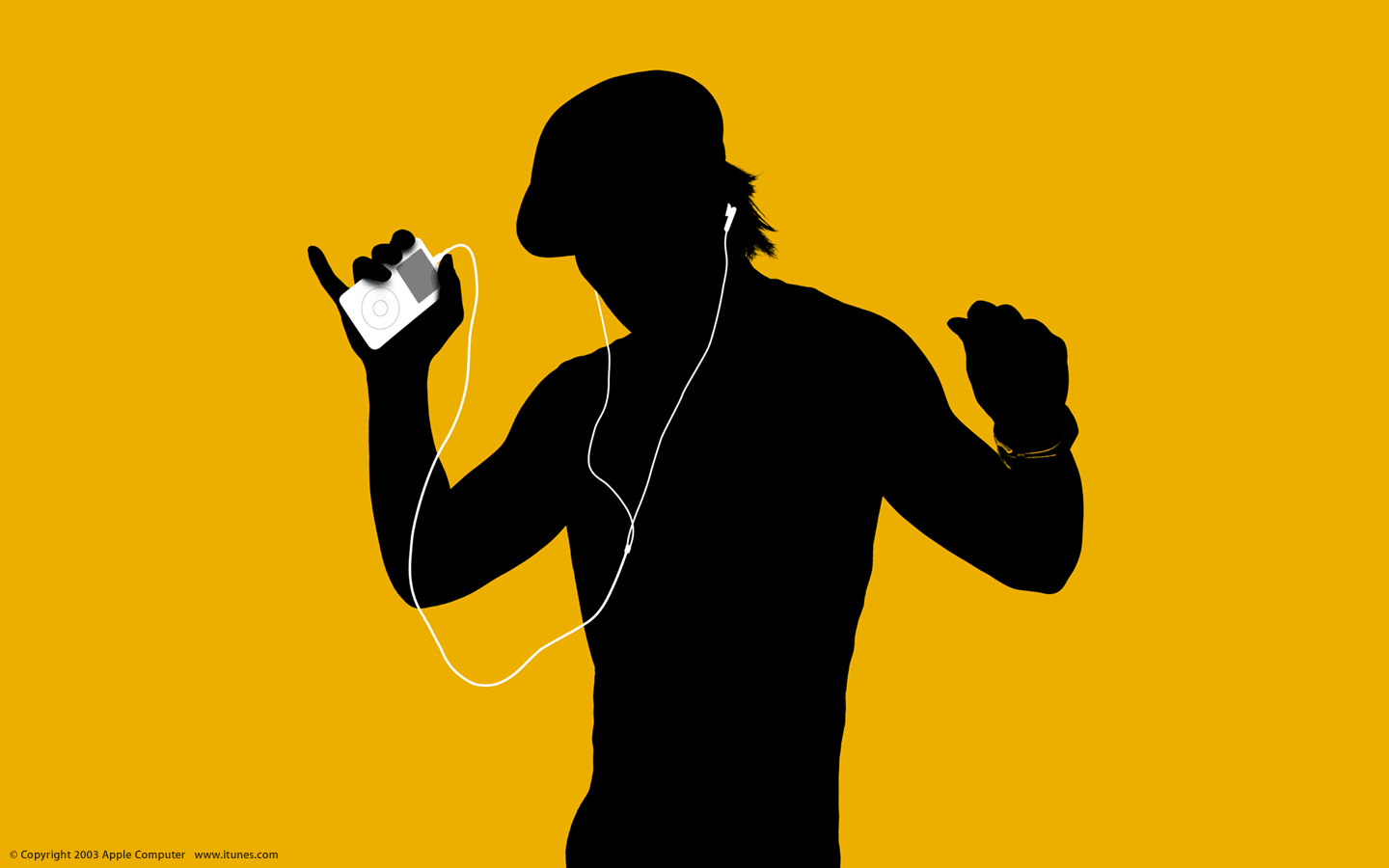
iPod silhouette ad, part of the marketing campaign that boosted iTunes Music Store sales
What was your first ever iTunes music download?
Photo: Apple

November 22: Today in Apple history: iTunes becomes one of top 10 U.S. music retailers November 22, 2005: Two-and-a-half years after opening its virtual doors, the iTunes Music Store enters the list of top 10 U.S. music retailers. While iTunes sales numbers can’t yet match the selling power of established retail giants like Walmart, Best Buy and Circuit City (or fellow tech company Amazon), this milestone nonetheless represents big news for Apple — and digital music distribution as a whole.
10 tricks to kick your iPhone addiction

By

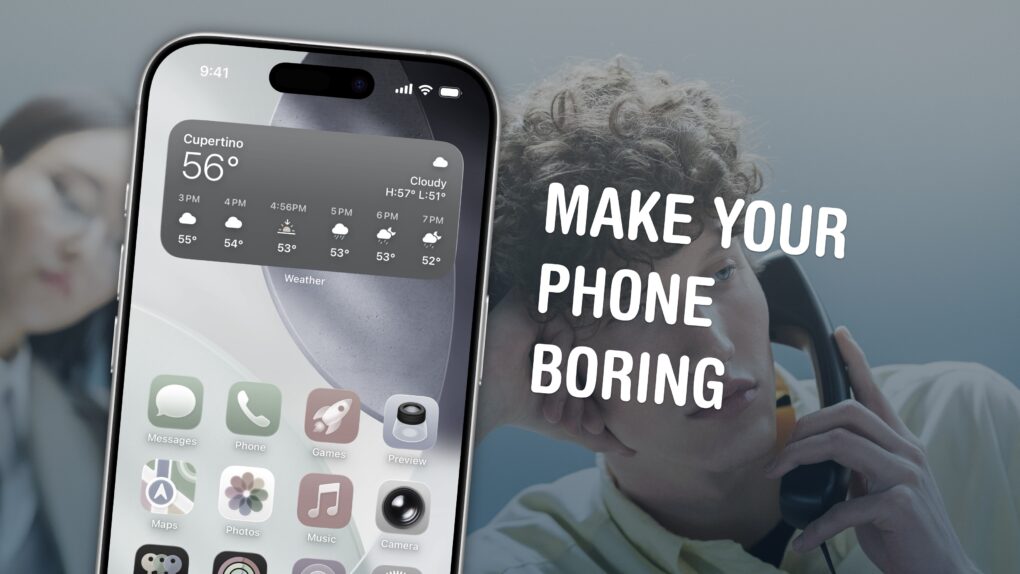
Make Your Phone Boring
Here are my tips for spending less time on your phone.
Image: D. Griffin Jones/Cult of Mac

Phone addiction is real. Constant iPhone use can literally change the makeup of your brain. Sure, people waved similar panic flags about the television, the radio and even the novel, but those were easily left at home. You carry the internet with you, and it’s constantly blasting a firehose of content, everywhere you go.

Luckily, you can make your iPhone less addictive.

If you feel the impulse to unlock your iPhone at every empty moment, or scroll through an app when you feel like you should be getting to bed, here are my tips for making your iPhone a bit more boring. And that, in turn, will help you curb your phone addiction.

Today in Apple history: Apple signs damaging deal with Microsoft

By

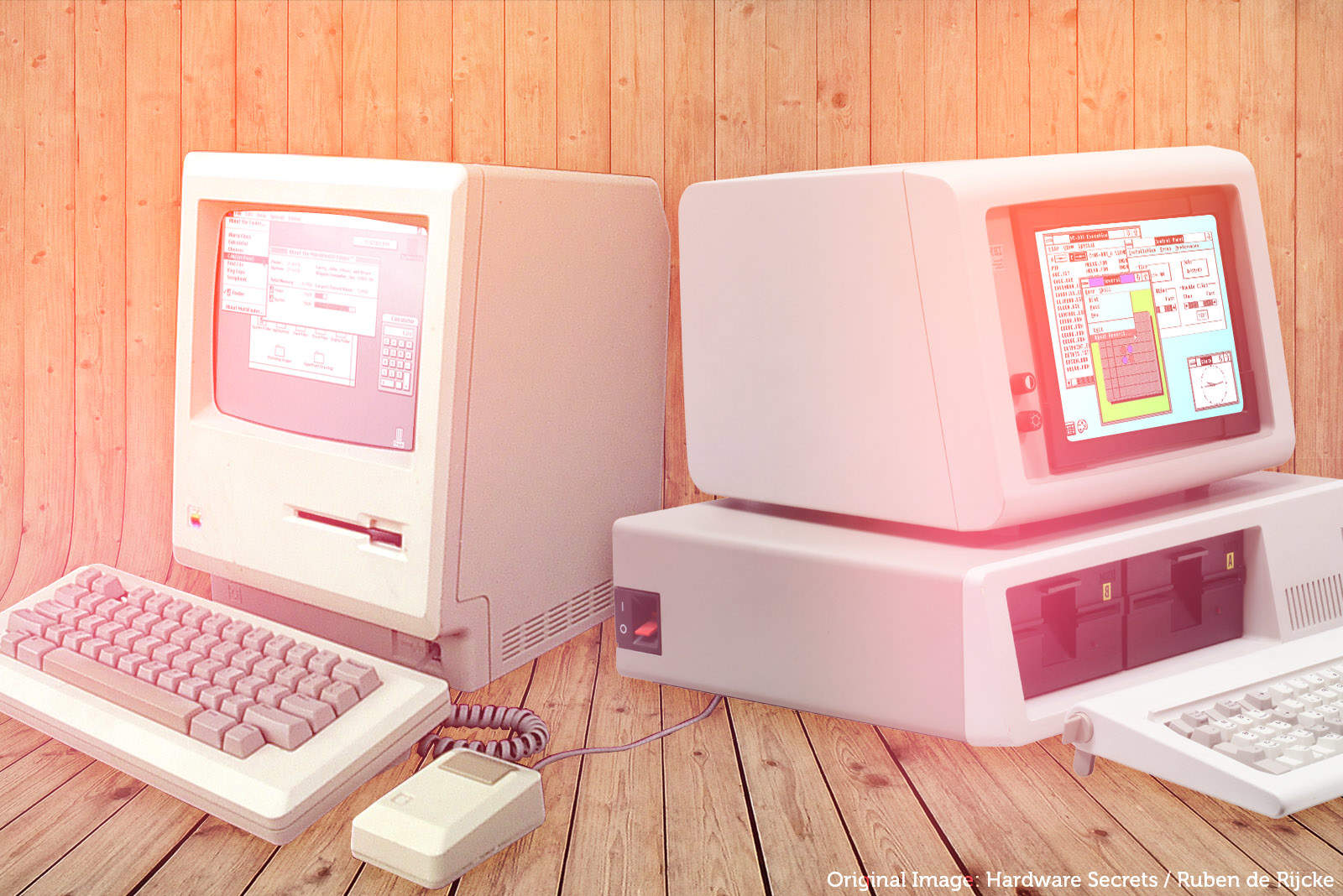
Windows used a number of elements of the Mac UI
This 1985 pact with Microsoft was one of the most damaging deals in Apple history.
Photo: Ste Smith/Cult of Mac

November 21: Today in Apple history: Apple signs Microsoft deal licensing Mac look and feel November 21, 1985: Following Steve Jobs’ departure, Apple comes close to signing its own death warrant by licensing the Macintosh’s look and feel to Microsoft. The Apple-Microsoft deal — struck by Microsoft co-founder Bill Gates and Apple CEO John Sculley — comes hot on the heels of the Windows operating system’s release.

The pact gives Microsoft a “non-exclusive, worldwide, royalty-free, perpetual, nontransferable license to use [parts of the Mac technology] in present and future software programs, and to license them to and through third parties for use in their software programs.”

Oh, boy!