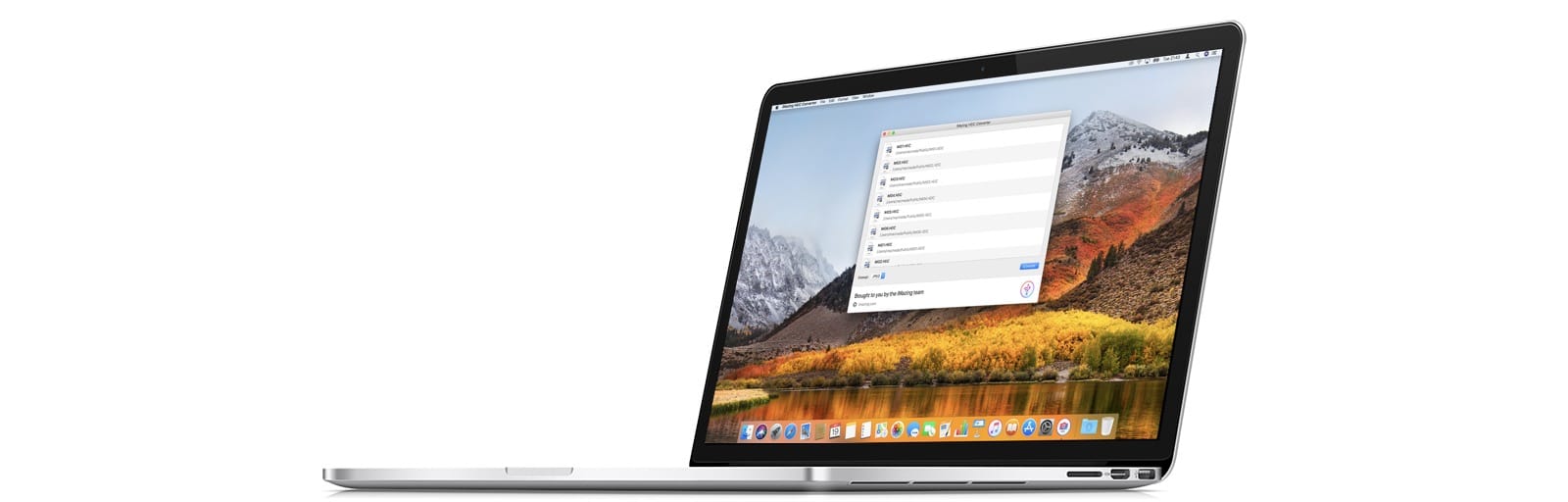
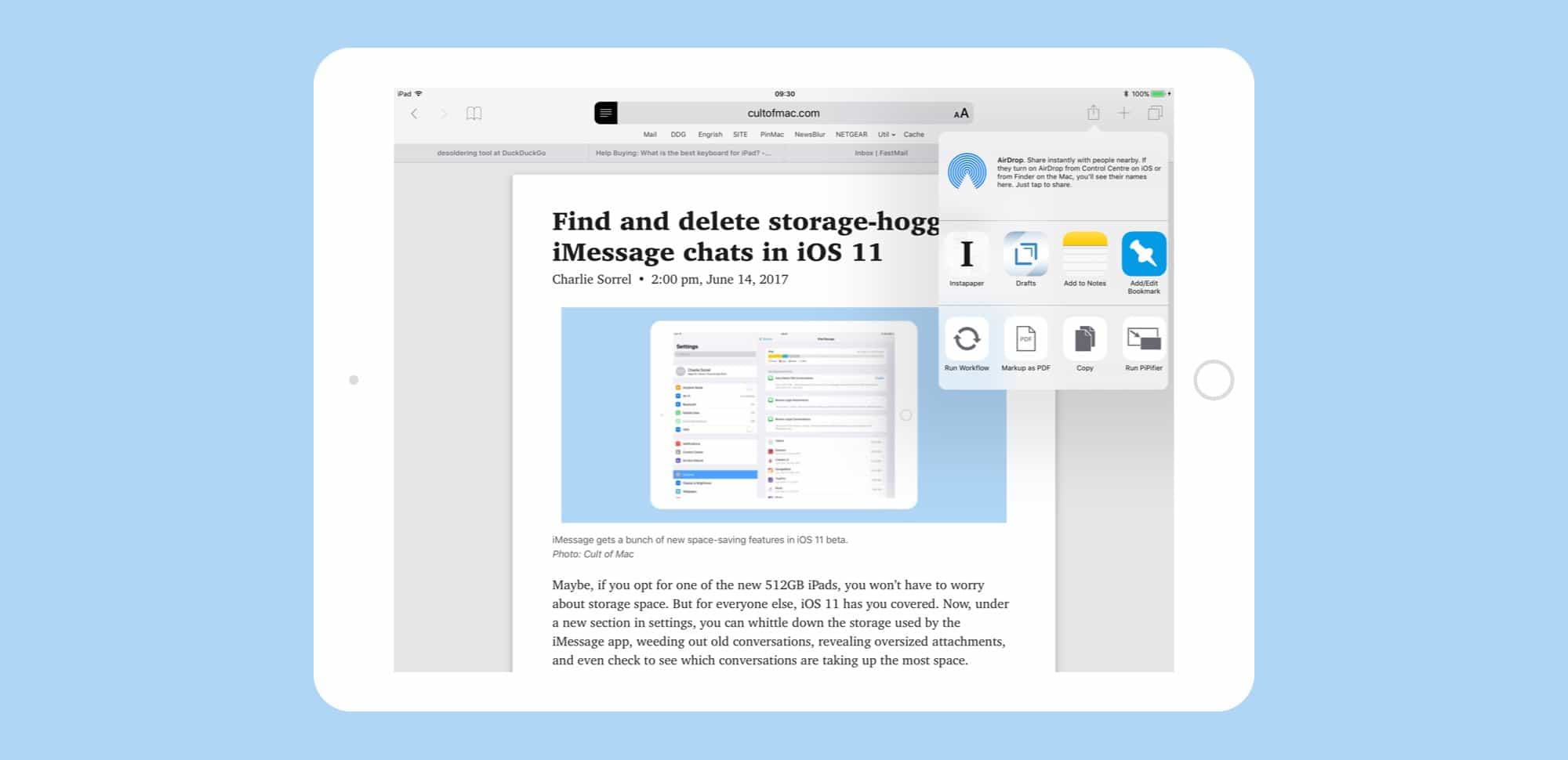
You can use a free app, or you can just change a setting on your iPhone. Photo: iMazing
iMazing, the folks behind the iMazing iPhone management app for the Mac, has come up with a new tool to convert HEIC images to JPGs. Most people will not need this, but in case you do, iMazing HEIC Converter is both free, and handy to have around.
iOS 11 lets you narrow down your target notes by search whenever you save a new snippet. Photo: Cult of Mac
Apple’s Notes app got a few headline updates in the iOS 11 section of the 2017 WWDC Keynote — in-line sketches and handwriting recognition for example — but there’s another tiny tweak that might be an even bigger deal than those two. Now, when you use the Share arrow to send a URL, snippet of text, or anything else, to the Notes app, you can search your existing notes, and choose which one you want to add it to.
This is huge, and takes Notes from being a higgledy-piggledy junk drawer to being a real replacement for things like Evernote and Microsoft’s One Note. Now you can keep a note for, say, planning an upcoming vacation, and easily add new places and plans to it as you find them, or quickly add links to a book reading list.
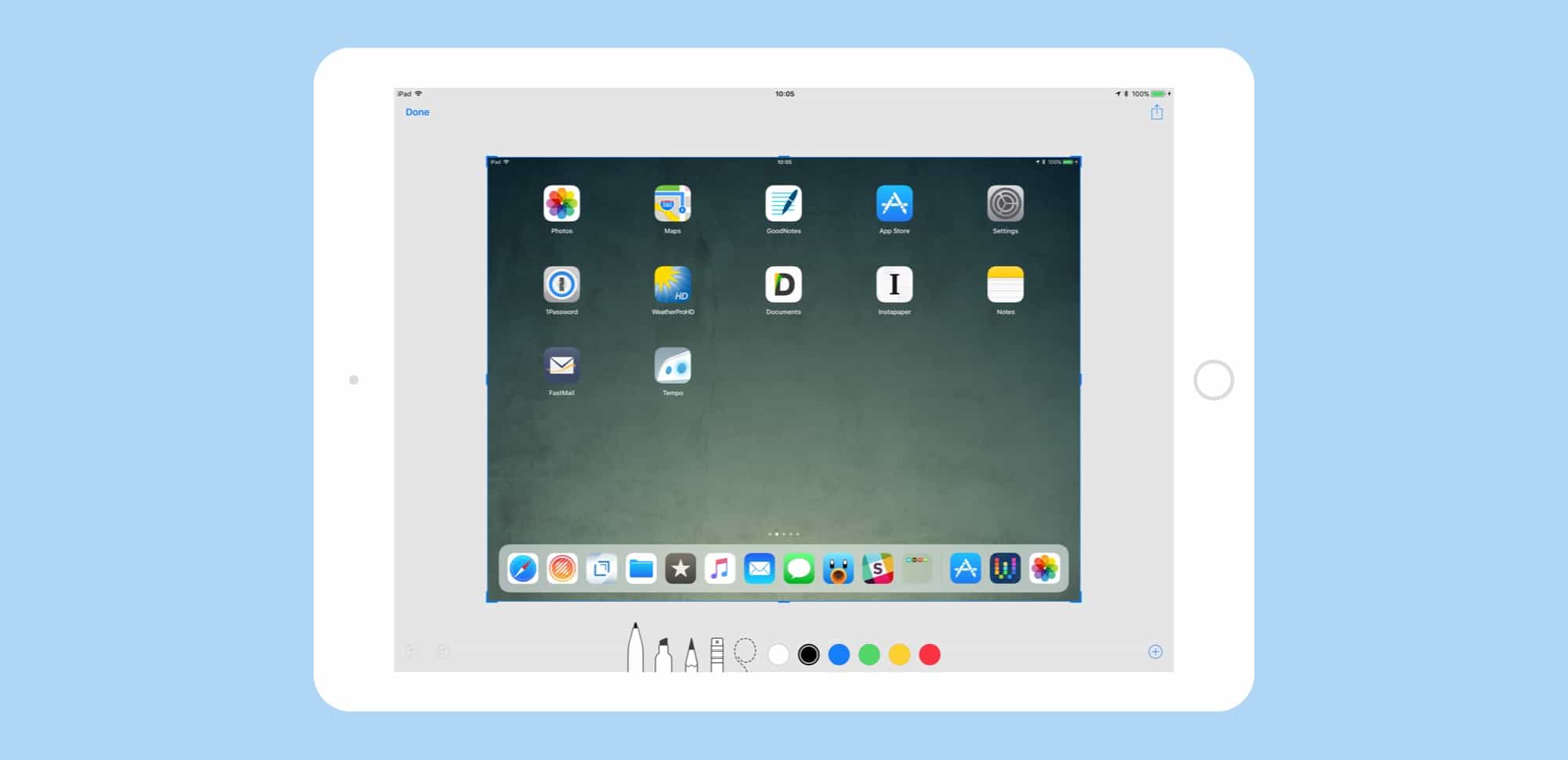
Screenshots have moved from a semi-secret, mostly-hidden feature to a proper tool. Photo: Cult of Mac
iOS 11 has added some great new features to the humble screenshot tool. You can quickly view a new screenshot without a trip to the Photos app first, and you can edit and mark it up before saving it. By adding some powerful pro-level features to screenshot markup, Apple has –somewhat ironically — made them way more useful and accessible for everyone.
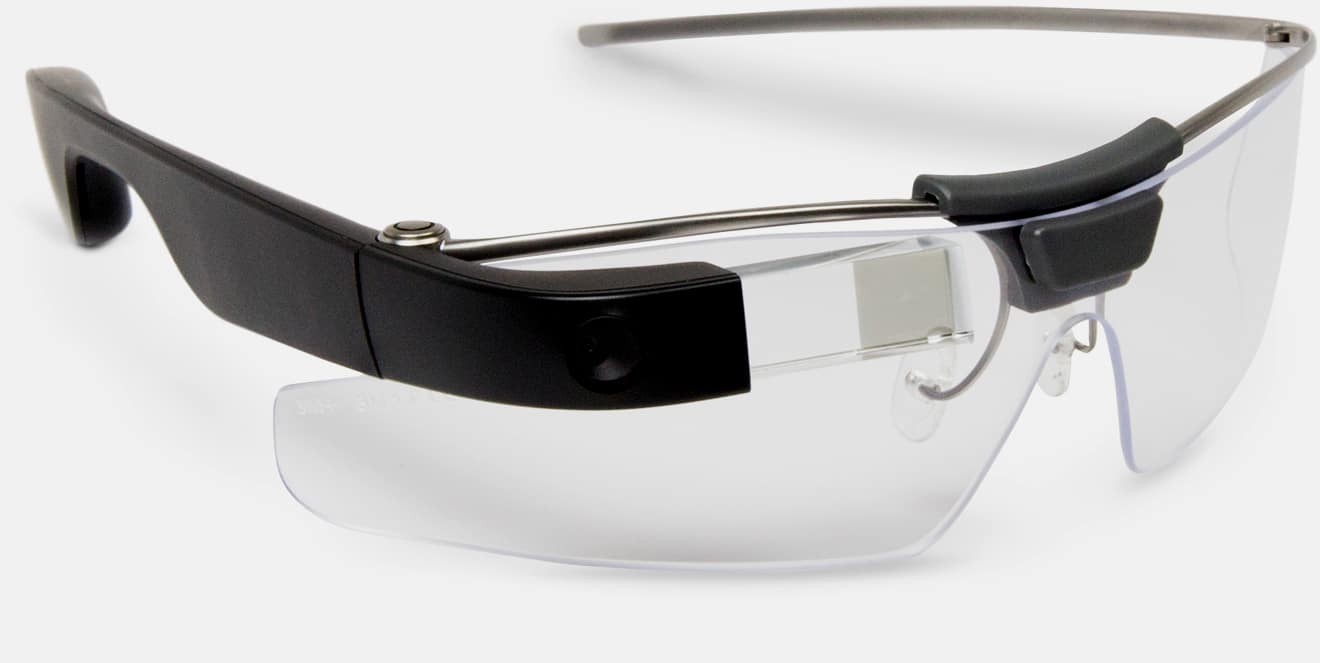
Creator of the Google Glass is behind Amazon's new initiative. Photo: Google
Amazon is working on developing a pair of smart glasses that will come with its virtual assistant Alexa built in, a new report claims.
It’s not clear the exact functionality that the smart glasses will offer, but among them will be to the ability to let users converse with Alexa at any time. This will work via a bone-conduction audio system so that the user does not have to wear headphones to hear Alexa’s responses.
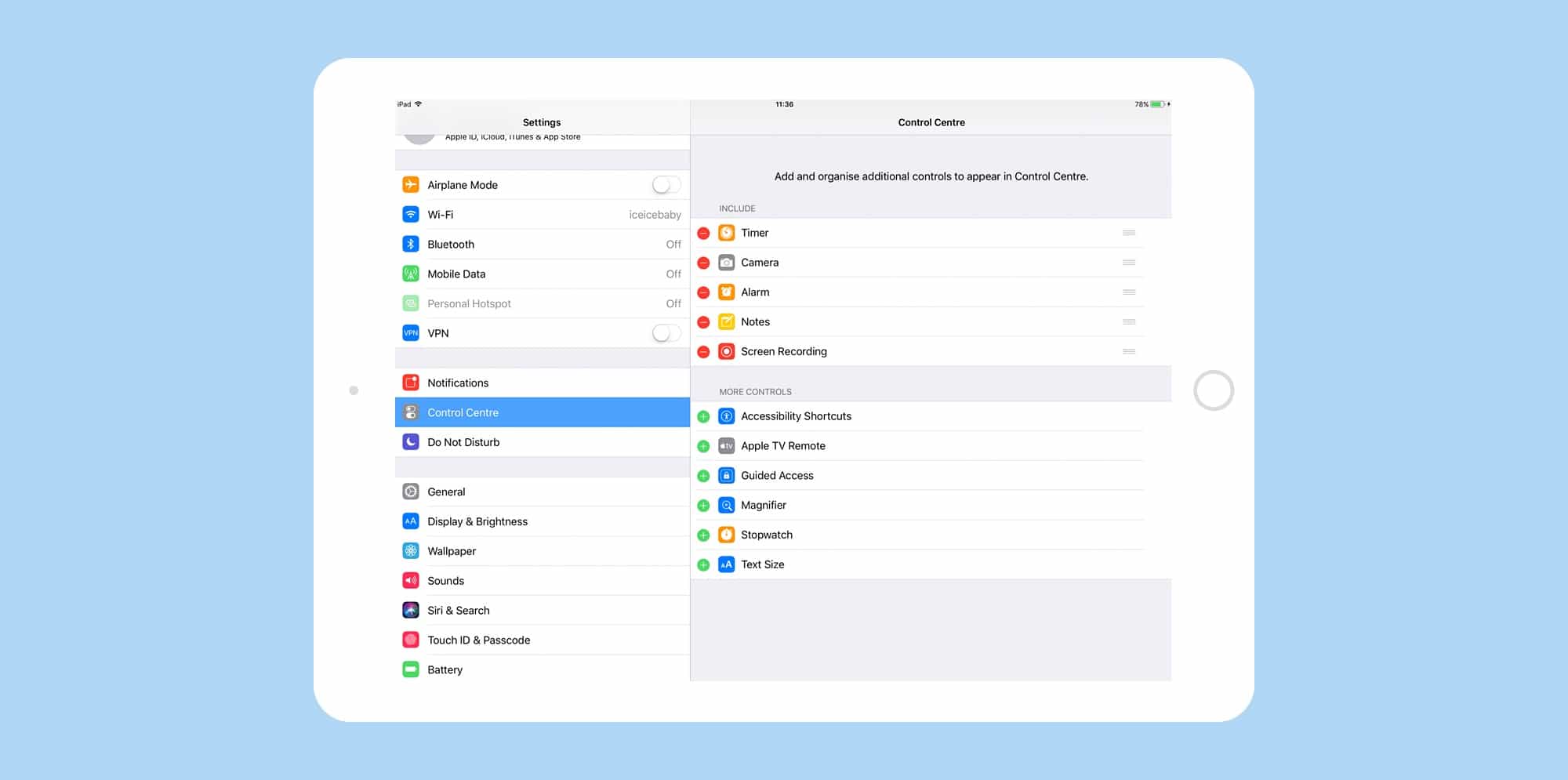
At last, you can customize the Control Center in iOS 11. Photo: Cult of Mac
In iOS 11, you can customize the Control Center, removing some of the shortcuts you don’t use, and adding in some new ones. This, combined with Control Center’s new in-depth, 3D Touch controls, makes it a lot easier to quickly access functions you don’t necessarily want to open an app to use.
For instance, you can get quickly access an Apple TV remote, add widgets for alarms and timers, change text size, and even start screen recordings.
Instant Markup and Instant Notes are designed with a touchscreen in mind. Photo: Cult of Mac
The Apple Pencil is way more useful in iOS 11 than it ever was before. That’s down to three new features. One is inline drawing in the Notes app, which lets you just start drawing anywhere in the middle of a text note. The other two, which we’ll cover today, are Instant Notes and Instant Markup, only one of which is actually instant.
Instant Notes lets you tap the lock screen of your iPad Pro, and have the iPad launch into a note, ready to draw or jot. It makes the iPad almost as convenient as a piece of paper in terms of just writing. Instant Markup, which is the least “instant” of the two, is a persistent, system-wide way to turn the screen into a PDF and mark it up.
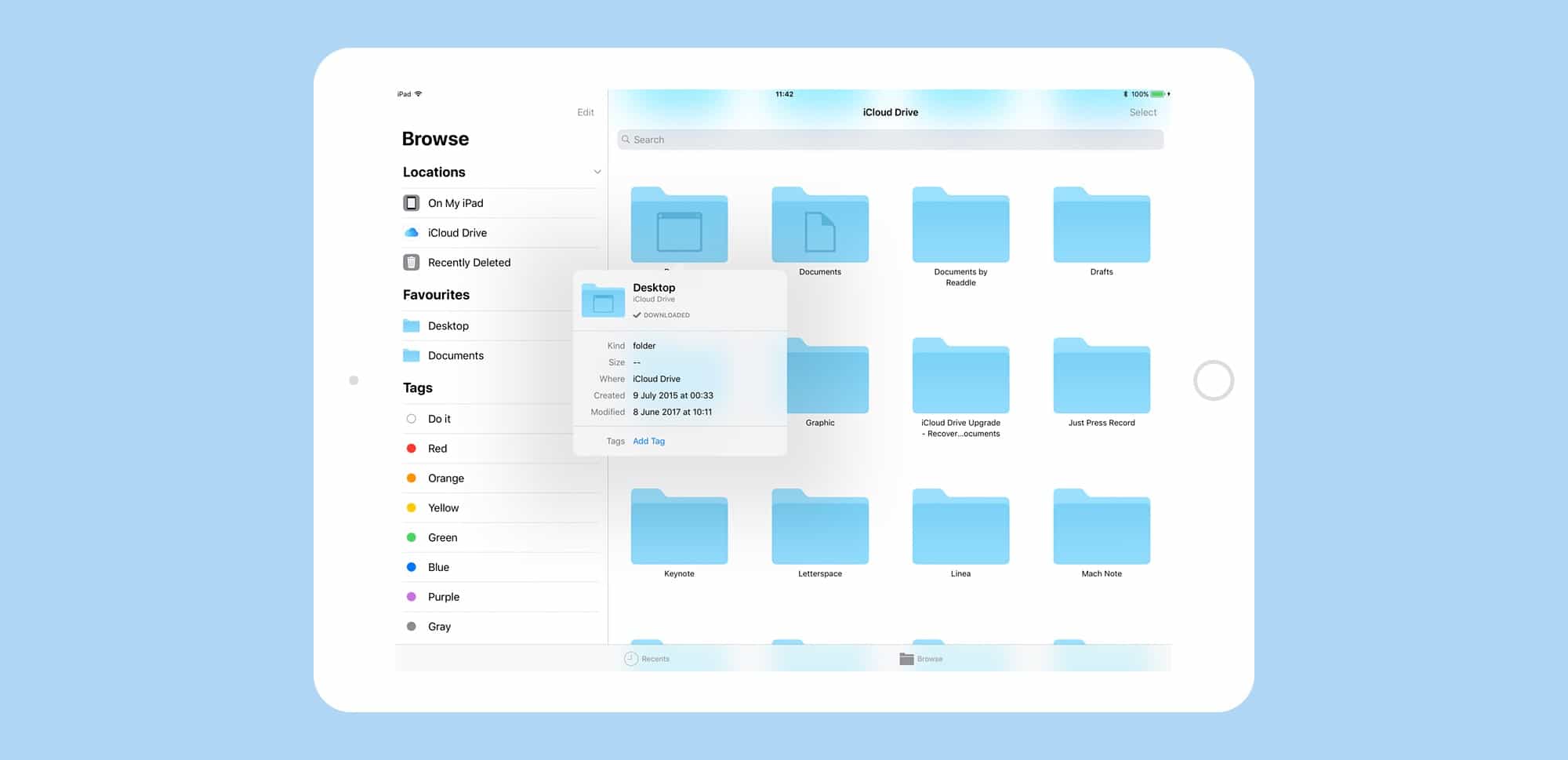
Files is like the Finder for iOS 11. Photo: Cult of Mac
Files is the new Finder app for iOS 11, and it’s already about a million times better than the basic file-picker it replaces — iCloud Drive. Files is a central place from which to access all the files on your iDevice, and in iCloud. You can find, organize, open, and delete all the files on your device, in iCloud, and on 3rd-party storage services like Dropbox. And because this is iOS 11, Files supports all the fancy new multitasking features like drag-and-drop.
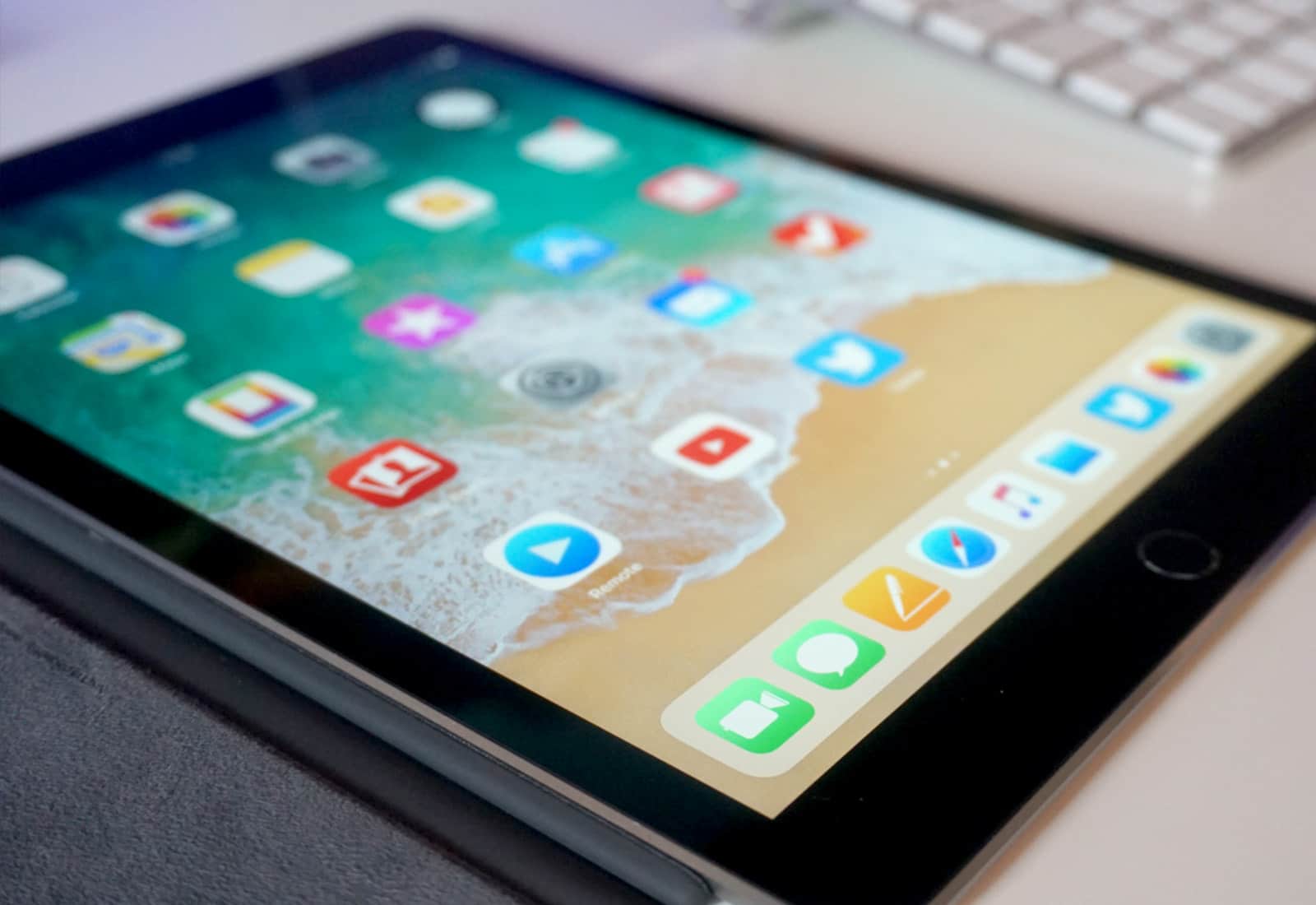
New features in iOS 11 make the iPad a multitasking beast. Photo: Ste Smith/Cult of Mac
IOS 11 is a huge update to Apple’s mobile operating system, but only if you’re using an iPad. While the iPhone gets its fair share of tweaks and polish, the iPad is transformed into a different machine. When you install iOS 11, your iPad will be transformed from a big iPhone, into a slick mobile computer. It has completely changed how I use my iPad, to the extent that I probably never need to buy another Mac again.
The headline features are drag-and-drop between apps, a new Mac-like Dock, a Finder-like app named Files, and a radically re-thought Control Center that echoes the one found in — you guessed it — the Mac. IOS 11, then, brings many of the Mac’s best features to the iPad, but redesigned to suit the touch screen.
What does this mean for daily use? It means that Mac and PC users can switch to the iPad without having to relearn how to do everything, and existing users will no longer feel like they have their hands tied while trying to do the simplest tasks.
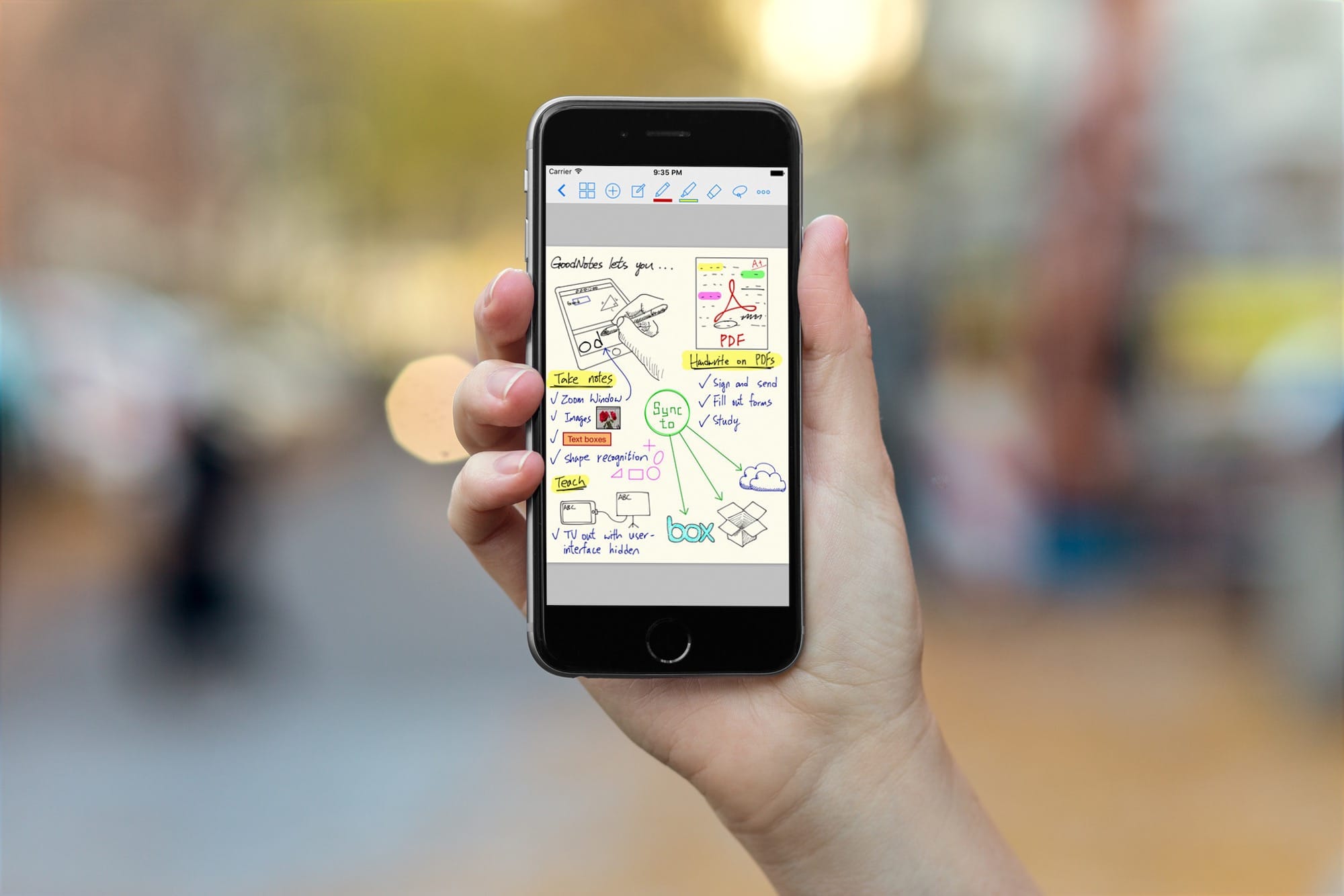
GoodNotes gets an amazing drag-and-drop update for iOS 11 Photo: Cult of Mac
With the iOS 11 launch imminent, developers are releasing updates that take advantage of all its new features. Some, like Dropbox, will support the new Files app, making Dropbox appear like just another folder like it does on the Mac. Other apps, like 1Writer and GoodNotes, now support drag-and-drop. And one of these apps in particular — GoodNotes — makes a spectacular and unexpected use of dragging and dropping.
Is your iPad or iPhone compatible with the latest version of iOS? Photo: Ste Smith/Cult of Mac
iOS 11 launches in Tuesday September 19th, 2017, and will be an amazing update for both iPhone and iPad. It brings Do Not Disturb While Driving, a much-improved Siri, a brand-new space-saving photo format, a whole new interface and multitasking system on the iPad, and a zillion little tweaks that improve almost everything. But is your iDevice compatible?