Mobile menu toggle

Search results for: Apple One

iOS 11 lets you customize left and right AirPod double-tap shortcuts
By

AirPods
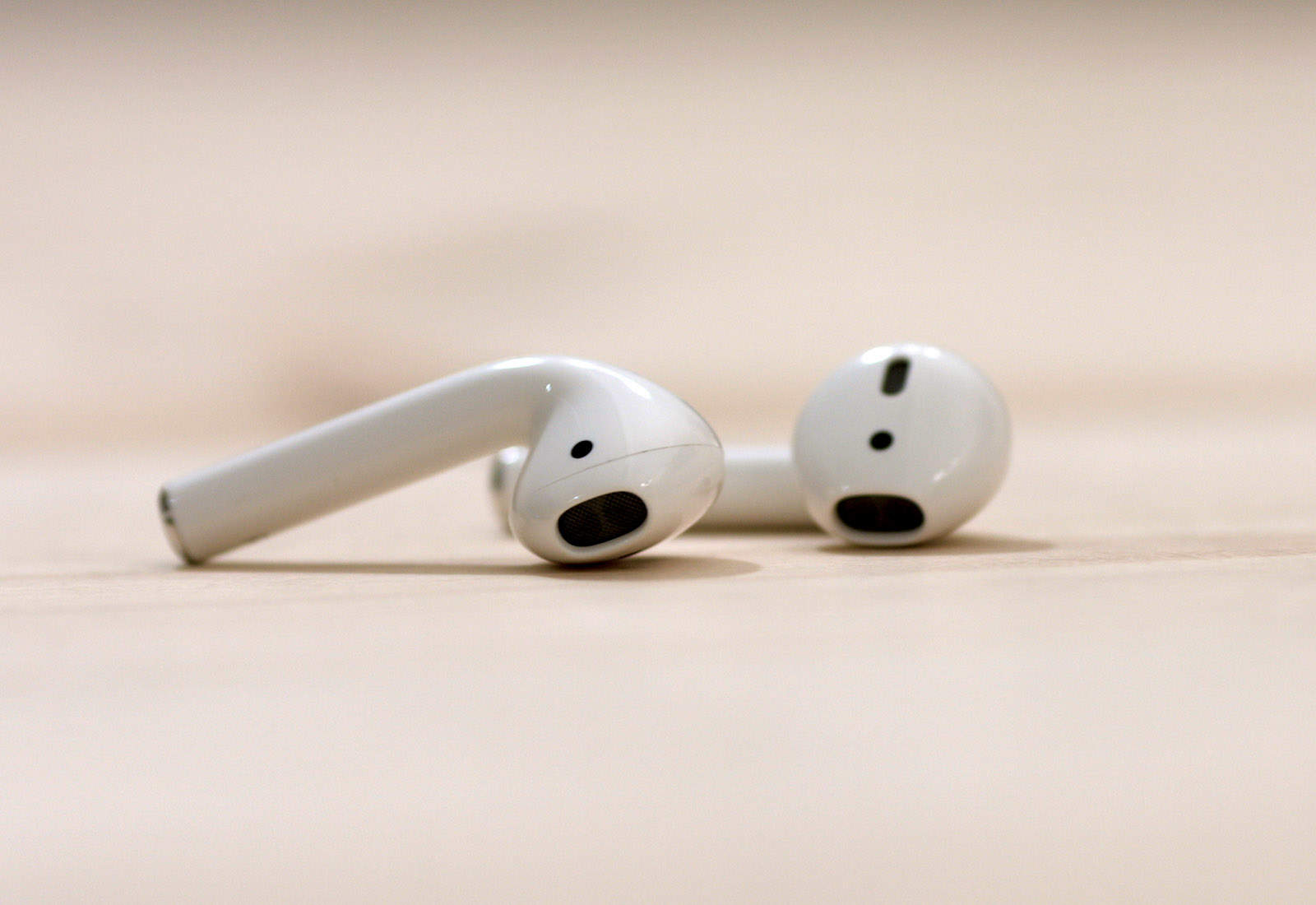
iOS 11 brings independent left/right controls to AirPods.
Photo: Cult of Mac

iOS 11 is full of small tweaks that have a big impact. Today’s tip is one of those. In iOS 10, you can customize the double-tap shortcuts on your Apple AirPods to perform various actions — invoke Siri, or play/pause, for example. But the same shortcut would apply to both AirPods. In iOS 11, you can customize each AirPod independently. So, your left ear could be set to call Siri, and your right ear set to play and pause. That’s double the options, with just a software update!

How to upgrade to macOS High Sierra the right way

By

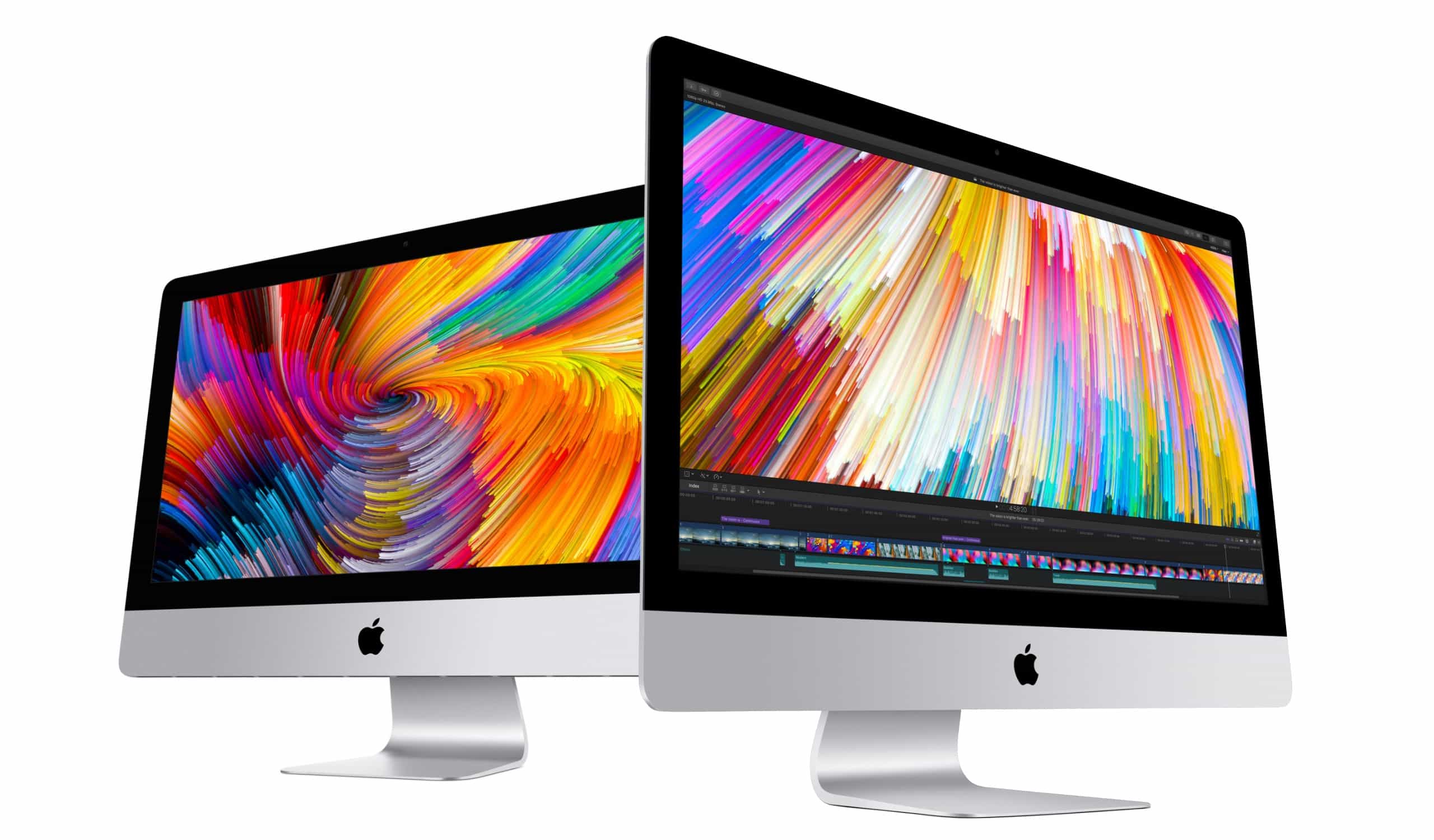
Save $200 on a new iMac
Elevate your Mac to High Sierra.
Photo: Apple

Apple’s latest update for the Mac finally arrived today in the form of macOS High Sierra, bringing a host of improvements to Mac users. While the update doesn’t contain a ton of outward-facing changes, it’s definitely worth taking the time to upgrade if you want your Mac to be faster and more secure than ever.

Here’s how to do it.

macOS High Sierra is now available to the public

By

macOS High Sierra
macOS High Sierra is ready for primetime.
Photo: Ste Smith/Cult of Mac

The wait for macOS High Sierra is finally over.

Apple unleashed its huge update for the Mac this morning bringing a host of new features and UI changes to desktops after months of beta testing. Most of the update contains under-the-hood changes the makes machines faster and more stable, but there are plenty of new additions to love.

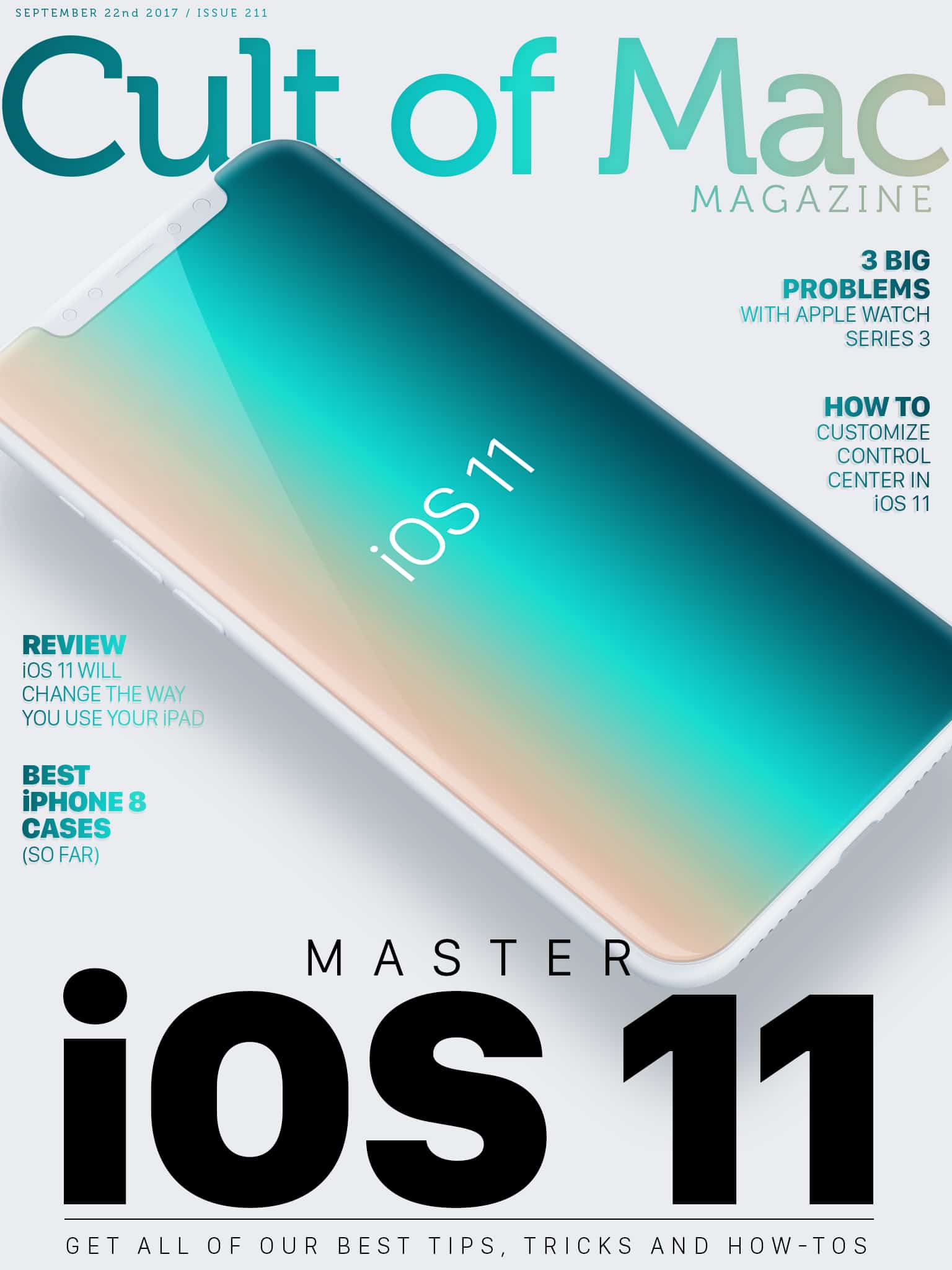
Cult of Mac Magazine: Everything you need to know about iOS 11 and more!

By

Cult of Mac Magazine: Everything you need to know about iOS 11

Image: Ste Smith/Cult of Mac

Apple’s latest mobile operating system brings tons of great new features. From multitasking to drag-and-drop functionality, iOS 11 will turbocharge your device. Find out how to make the most of your iPhone or iPad in this week’s Cult of Mac Magazine with our roundup of the best iOS 11 tips and how-tos.

In this week’s issue, you’ll find those stories and more. Get the latest on on how iOS 11 will change the way you use your iPad. Check out our roundups of the best new cases for your iPhone 8 and iPhone 8 Plus as well as the best straps to outfit your new Apple Watch Series 3. Get your free subscription to Cult of Mac Magazine from iTunes. Or read on for this week’s top stories.

Morphite, Ikea Place, and other awesome apps of the week

By

Awesome Apps
'Appy weekend everyone!
Photo: Ste Smith/Cult of Mac

Apple’s ARKit takes center stage in this week’s “Awesome Apps” roundup — with two impressive demos of iOS 11’s new augmented reality platform that, hopefully, will help convince you that AR is every bit as revolutionary as Tim Cook thinks it is.

In addition, we’ve picked a great open world universe game that’s sure to go down as one of the year’s best iOS titles, and a new entry in a beloved series of legal games (yes, really!). Check out our choices below.

How to manually offload and reinstall apps in iOS 11

By

iphone
iOS 11 introduces 'offloading,' a way to delete an app without deleting its data. Here's how to manually offload and reinstall any app on your iPhone or iPad
Photo: Ste Smith/Cult of Mac

iOS 11 can automatically delete apps when space gets tight on your iPhone or iPad. It’s called offloading, and only the app itself gets removed.

All the app’s data is saved. That way, if you reinstall the app in the future, it will be like you never deleted it. Wouldn’t it be great if you could choose to offload apps yourself, instead of deleting them? Well, good news, because you can totally do that. Here’s how.

How to rearrange photos in iOS 11

By

In iOS 10 and earlier, if you don’t like the order of your photos in an album, then tough luck. In iOS 11, though, you can rearrange photos as easily as dragging them into a new spot. It’s just like rearranging pictures in a real photo album, only without all that futzing with sticky cellophane corners.

How to scan QR codes with iOS 11’s Camera app

By

QR codes
Beware sketchy QR codes if you’re using iOS 11.
Photo: Thomas Leuthard/Flickr

QR codes are set to take off in a big way, thanks to a new feature included in iOS 11 that makes scanning the quirky-looking blocks easier than ever before.

Apple didn’t announce the feature during its WWDC 2017 keynote, but the new QR-scanning capability is among the many minor iOS 11 features that may prove to be a big deal. Even though QR codes have been around for nearly two decades, they haven’t been super-useful to regular consumers.

That’s about to change.

Bose takes on AirPods and Beats by baking in Google

By

Bose
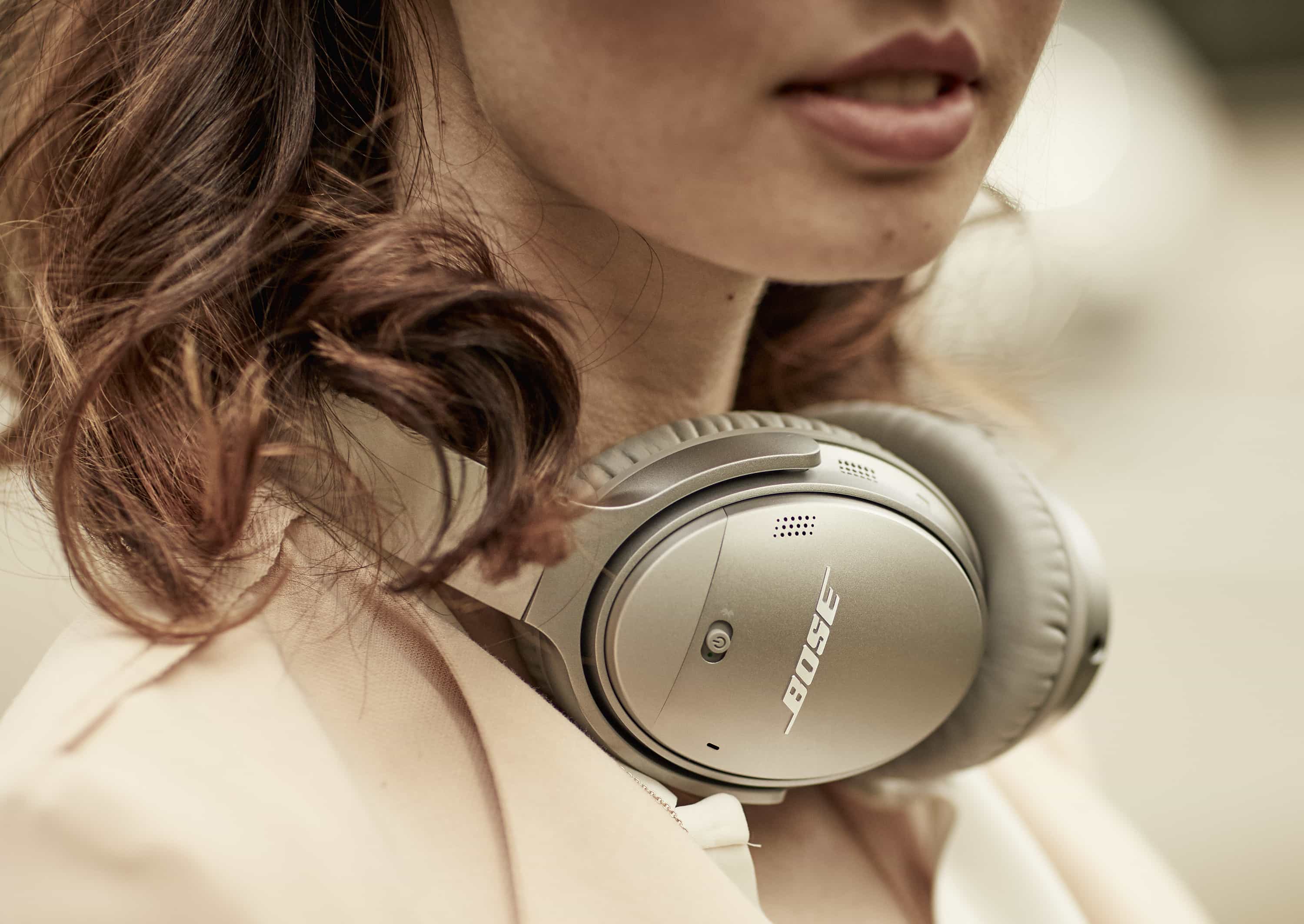
Bose's Quietcomfort 35 II wireless headphones are the start of a partnership with Google.
Photo: Bose

Apple’s AirPods and Beats headphones are getting some fresh competition from one of the biggest audio companies in the game. And they’re getting a little help from Apple’s rival, Google.

Bose unveiled two new products today. One is its first ever foray into the world of truly wireless earbuds. The other is a pair of brand new noise-canceling headphones that are also designed to work with Google Assistant.