Mobile menu toggle

Search results for: Apple One

Face ID logo resurrects a classic Macintosh icon

By

FaceID
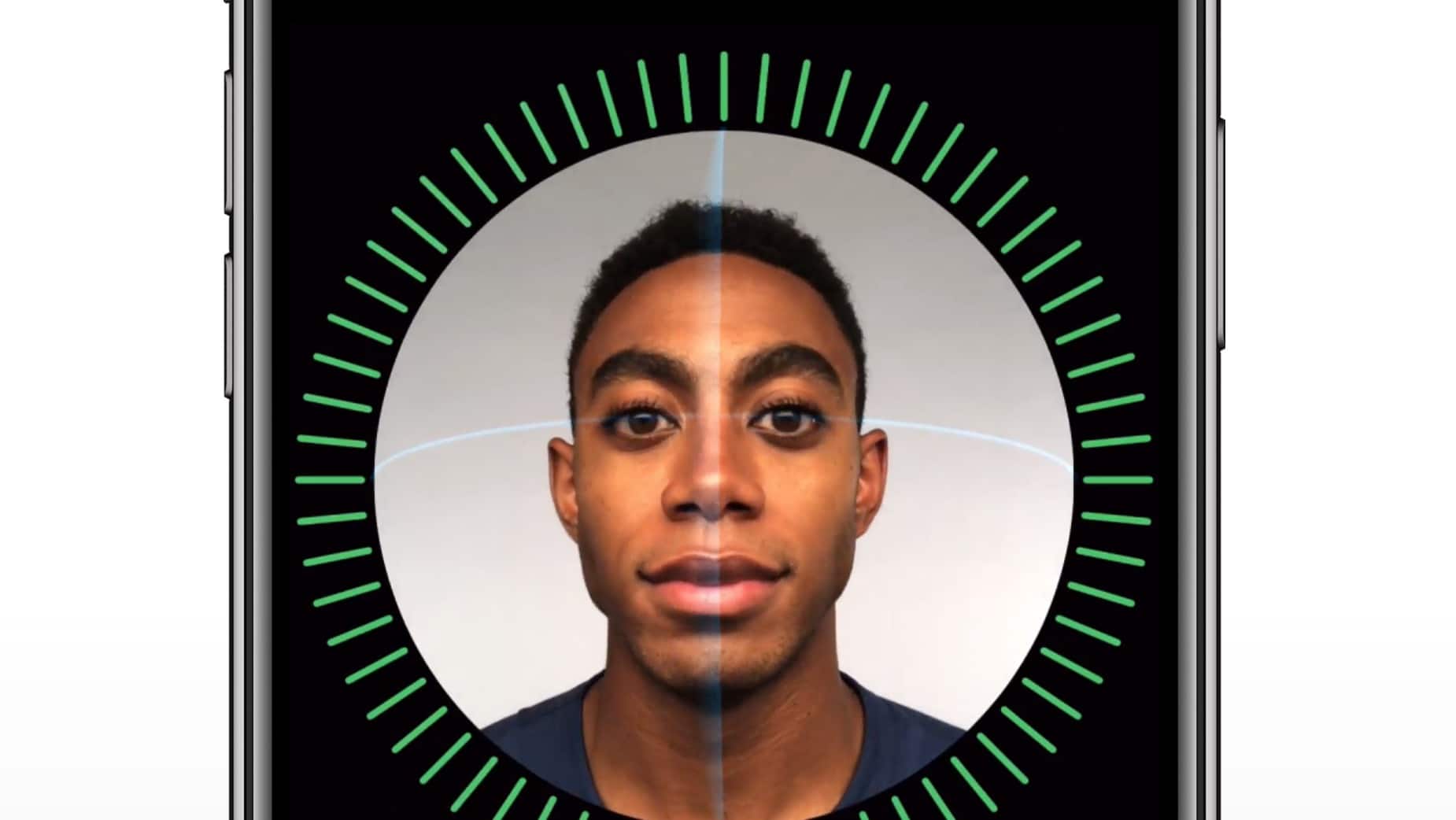
The iPhone X's FaceID feature looks impressive.
Photo: Apple

For a company that insists it doesn’t like to look to the past, Apple’s new Face ID logo will certainly feel familiar to longtime Mac users.

Apple debuted the new logo during its iPhone X keynote yesterday to show off the phones facial scanning features. It features a simple smiling face that looks three dimensional, but it’s actually just a repurposed version of the classic Happy Mac icon originally created by Susan Kare for the original Macintosh.

Check out the similarities:

This typing assistant can save valuable time [Deals]

By

Typinator Licenses
By collecting all your most commonly typed phrases and typos, this app can save valuable time at the keyboard.
Photo: Cult of Mac Deals

When you type a lot, you develop some habits that can cost valuable time. That’s true whether you’re filling out forms, coding, writing copy. No matter what you do at the keyboard, there are ways to cut down on wasted keystrokes.

Typinator is an app that helps eliminate the many small strings of text and even images that add up to minutes and even hours. Additionally, it operates on multiple apps and platforms. And right now, you can get a standard license for Typinator for just $15.99 at Cult of Mac Deals. Get an additional 11% off this deal with coupon code “iOS11”.

You can no longer browse the App Store inside iTunes

By

iTunes App Store
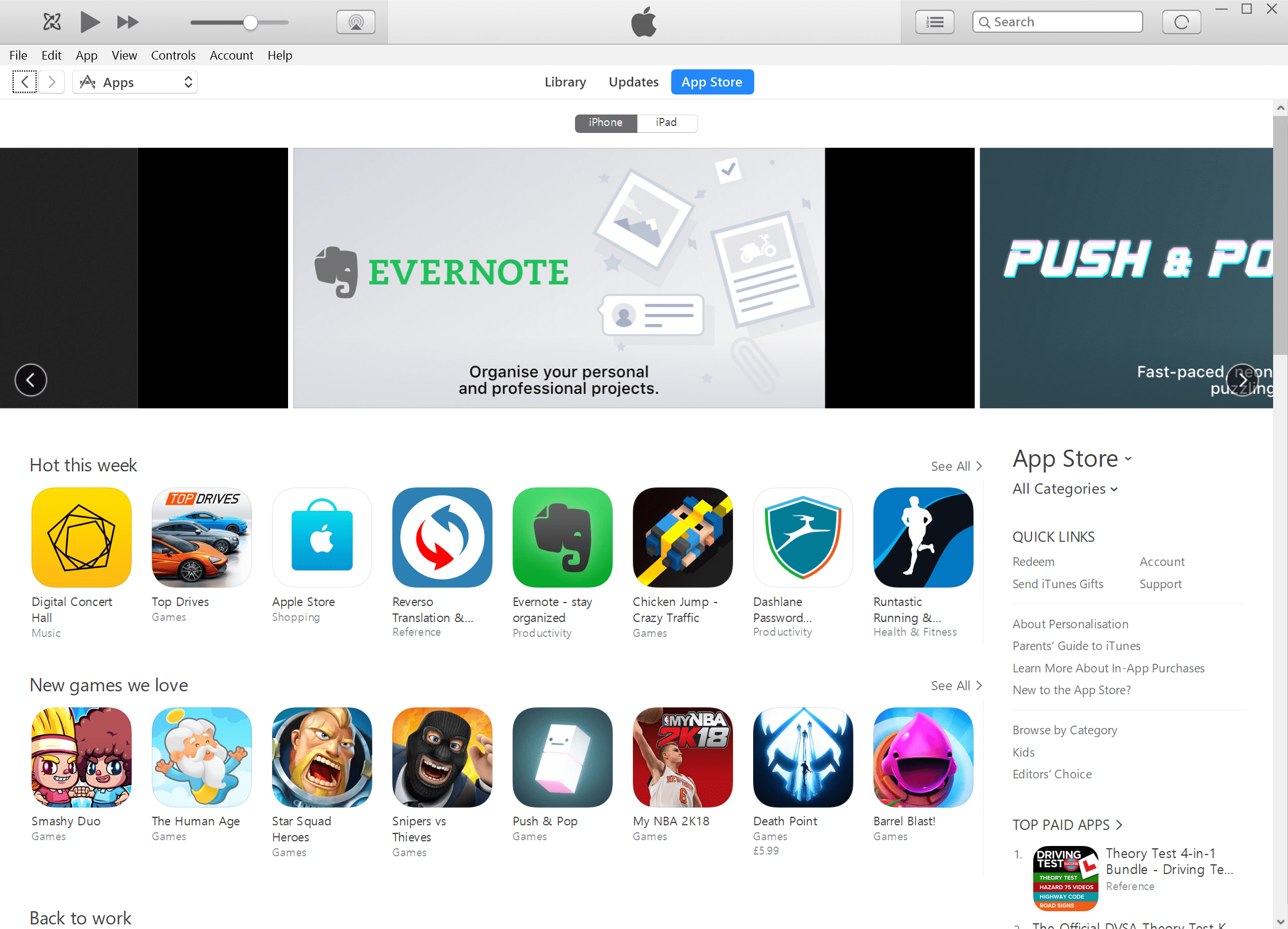
The App Store is back in iTunes 12.6.3.
Photo: Cult of Mac

Apple has eliminated the ability to browse the App Store from within iTunes on a Mac or PC.

Its latest update is focused on “music, movies, TV shows, podcasts, and audiobooks,” Apple says. This means app management can only be done on an iOS device.

Here’s when you can upgrade to macOS High Sierra

By

macOS update
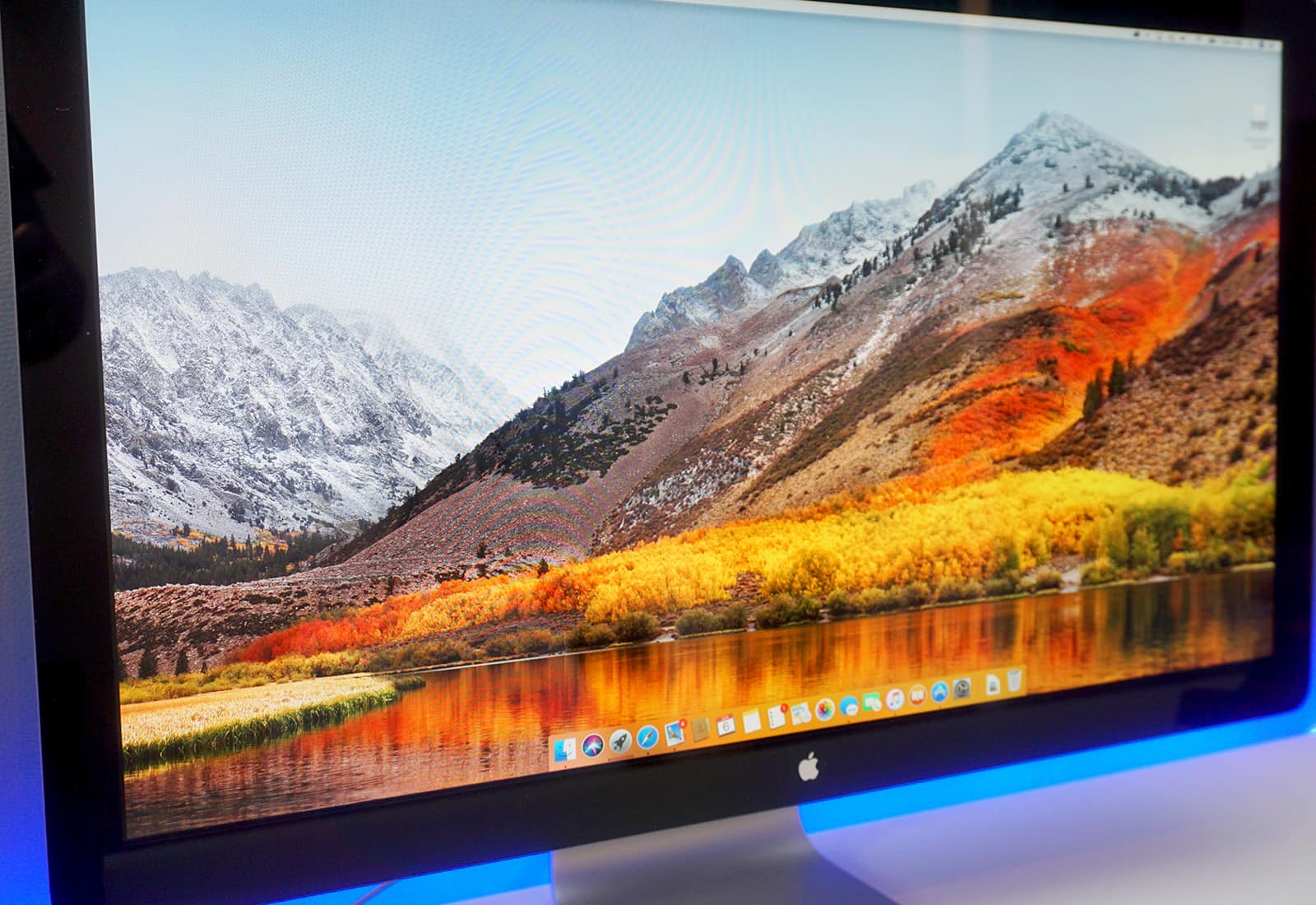
A macOS update adds support for Messages in iCloud.
Photo: Ste Smith/Cult of Mac

Following three months of beta testing, macOS High Sierra is almost ready to make its public debut.

There are a whole bunch of new features and improvements to look forward to in this update, including an overhauled Photos app, enhanced Siri, and the new Apple File System.

How to remove embarrassing word suggestions from the iOS keyboard

By

remove word suggestion iOS keyboard
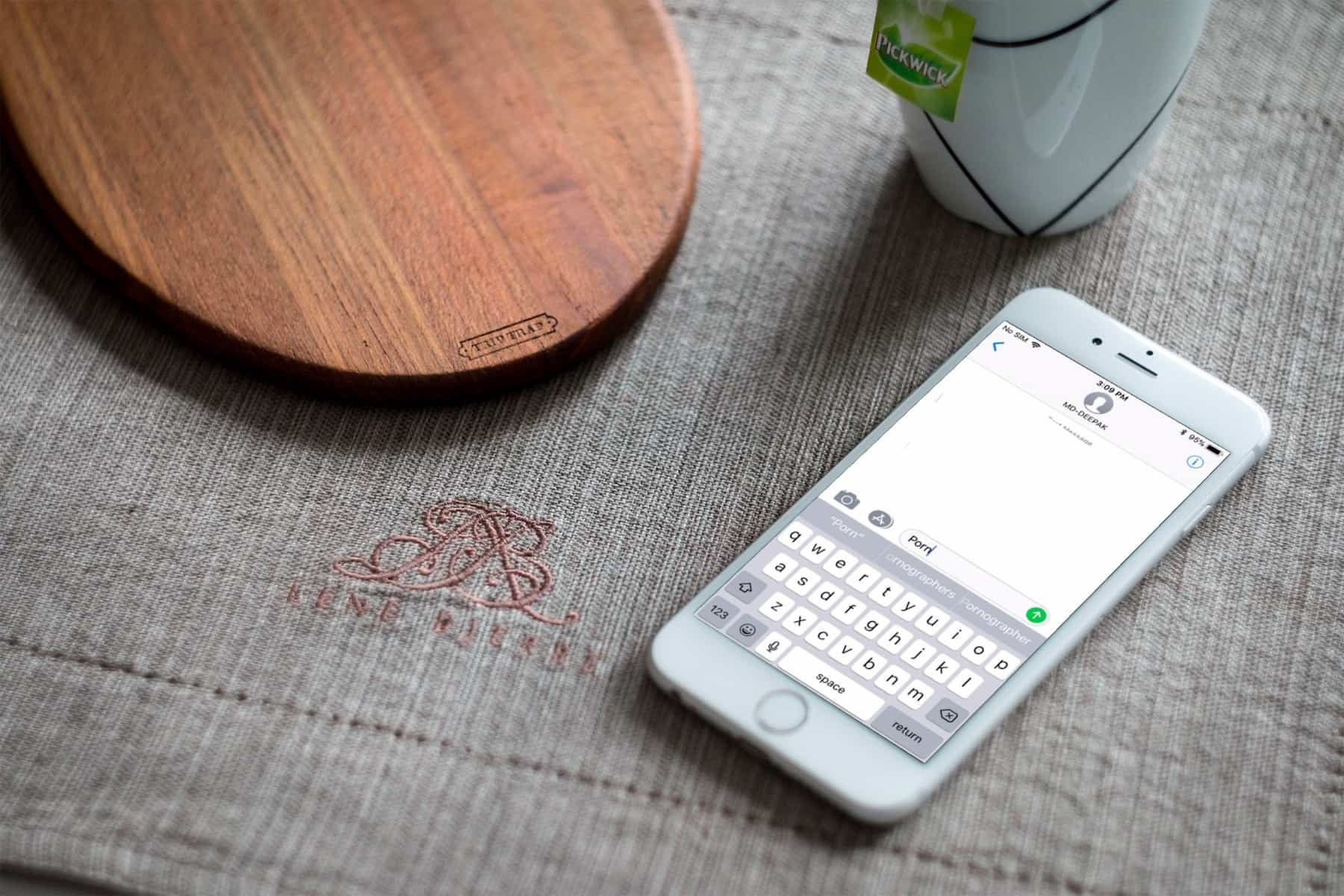
The iPhone's keyboard is smart enough to learn the words you type.
Photo: Cult of Mac

Since iOS 8, the QuickType predictive text has been a tentpole feature of the iPhone’s keyboard. It analyzes the text you’ve typed so far and remembers new words that you type so it can suggest them later. However, if you tend to misspell a word, it automatically learns that word and offers it in the suggestions. If this happens a lot, it might even attempt to autocorrect the correctly spelled word to the misspelled “learned” word.

The iOS keyboard might also offer suggestions for embarrassing words it has learned. Having such words pop up in the suggestions can be really annoying. If you’re experiencing this, you may want to reset keyboard dictionary to remove unwanted words and start fresh.

iOS 11 has another feature to stave off snooping cops

By

iOS passcode

Photo: Killian Bell/Cult of Mac

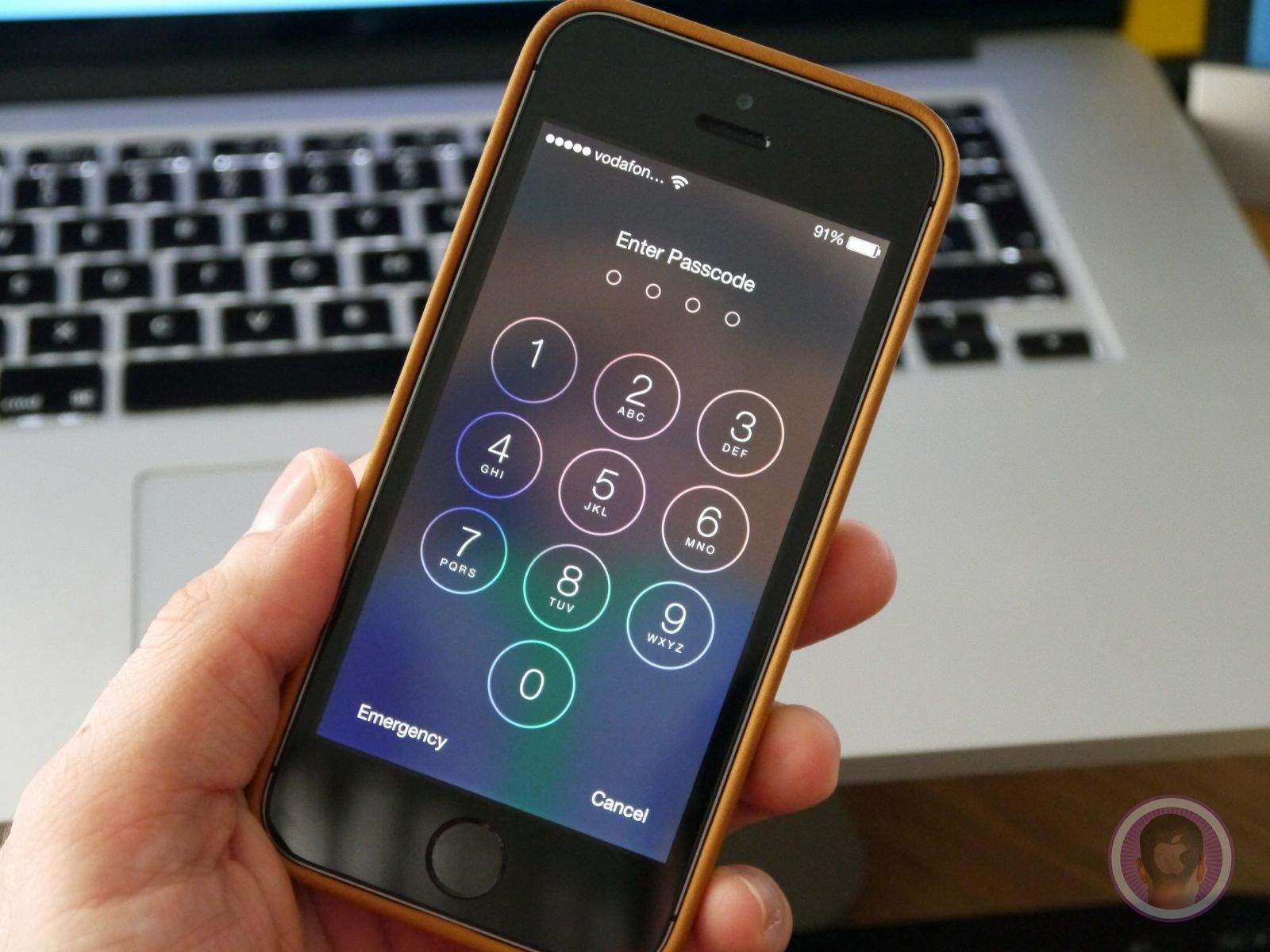
Apple has made a couple of changes in iOS 11 that make it more difficult for cops to get into your iPhone. We discovered one of those last month, and now another has been uncovered by security software developer ElcomSoft.

It makes it even more difficult for law enforcement to obtain the data on your iPhone, even if they have your fingerprint.

iOS 11 has had more betas than any other iOS version

By

thinkybits iOS beta chart more betas
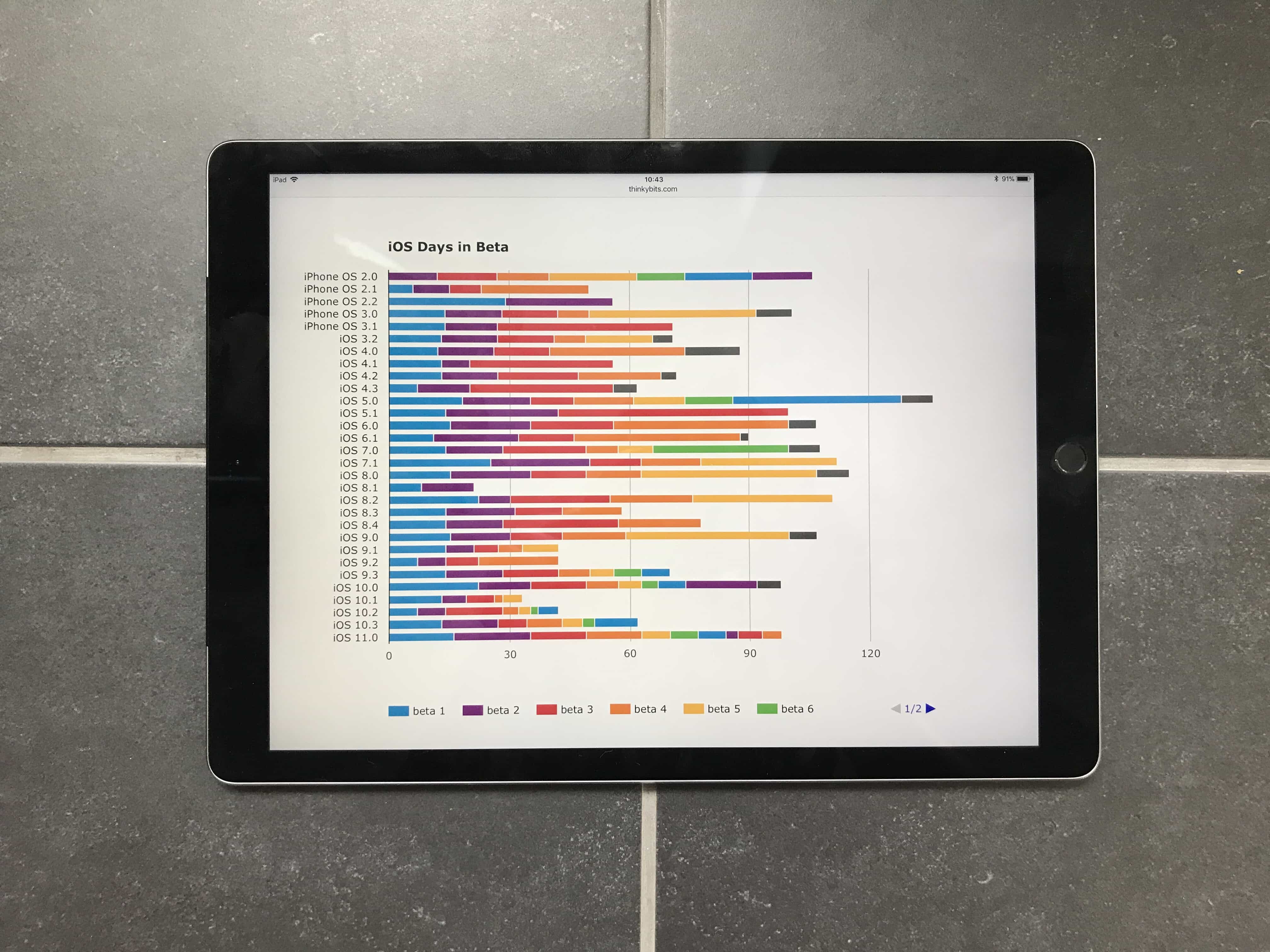
Will Hains' fantastic chart shows you everything you need to know about the history of iOS betas.
Photo: Will Hains

iOS 11.0 has had ten beta versions. That’s more betas than any version of iOS before it: Only iPhone OS 2.0, and iOS 10.0 come close, tying with eight beta versions apiece. Now that the iOS 11 gold master has been leaked, we can safely guess that there will be no more iOS 11 betas until Apple starts testing iOS 11.0.1.

Cold Blood Go, Glowish, and other awesome apps of the week

By

Awesome Apps
'Appy weekend, everyone!
Photo: Ste Smith/Cult of Mac

How does an augmented reality zombie invasion game sound as a way to while away your Sunday? Fortunately, just such a title is part of this week’s “Awesome Apps” roundup.

We’ve also got a reminder of why Google rules the map app space, a soothing minimalist puzzle game worth checking out, and an alternate history shooter/strategy game. Check out our choices below.

Streamline your Mac workflow, master iOS 11 and more [Week’s Best Deals]

By

collage-2017-09-05
Master iOS 11, streamline your Mac workflow, and more with this week's best deals.
Photo: Cult of Mac Deals

Fall has finally arrived, but the Cult of Mac Store is staying warm with a fresh shipment of hot new deals. This week, we’ve got a comprehensive bundle of iOS 11 courses that’s yours for whatever you want to pay. Plus, we’ve got a 1080p snaking camera, a tool for streamlined file sharing, and an app for clearing gigs of space on your Mac. Everything is top shelf and hugely discounted. Read on for more details:

Peek inside the incredibly extravagant Steve Jobs Theater on The CultCast

By

Steve Jobs Theater
Steve Jobs theater, a true and fitting monument.
Photo: Duncan Sinfield

This week on The CultCast: A look at the new Steve Jobs Theater, a beautiful spectacle of technology and architecture, a physical manifestation of the Apple ethos, and a true and fitting monument. And like any Apple product, it packs some features that will delight you. Plus: Why it will probably be damn near impossible to purchase an iPhone 8. And we’ll pitch you our favorite gadgets, then vote on which is best, in an all new Faves ’N Raves!

Our thanks to Squarespace for supporting this episode. It’s simple to accept Apple Pay and sell your wares with your very own Squarespace.com website. Enter offer code CultCast at checkout to get 10% off any hosting plan.