Greatness Code asks six sports legends to describe their career-defining moments. Photo: Apple
Greatness Code on Apple TV+ offers interviews with sport legends from Lebron James to Alex Morgan to Usain Bolt. It debuts next week, and the trailer released Monday gives a sneak peek.
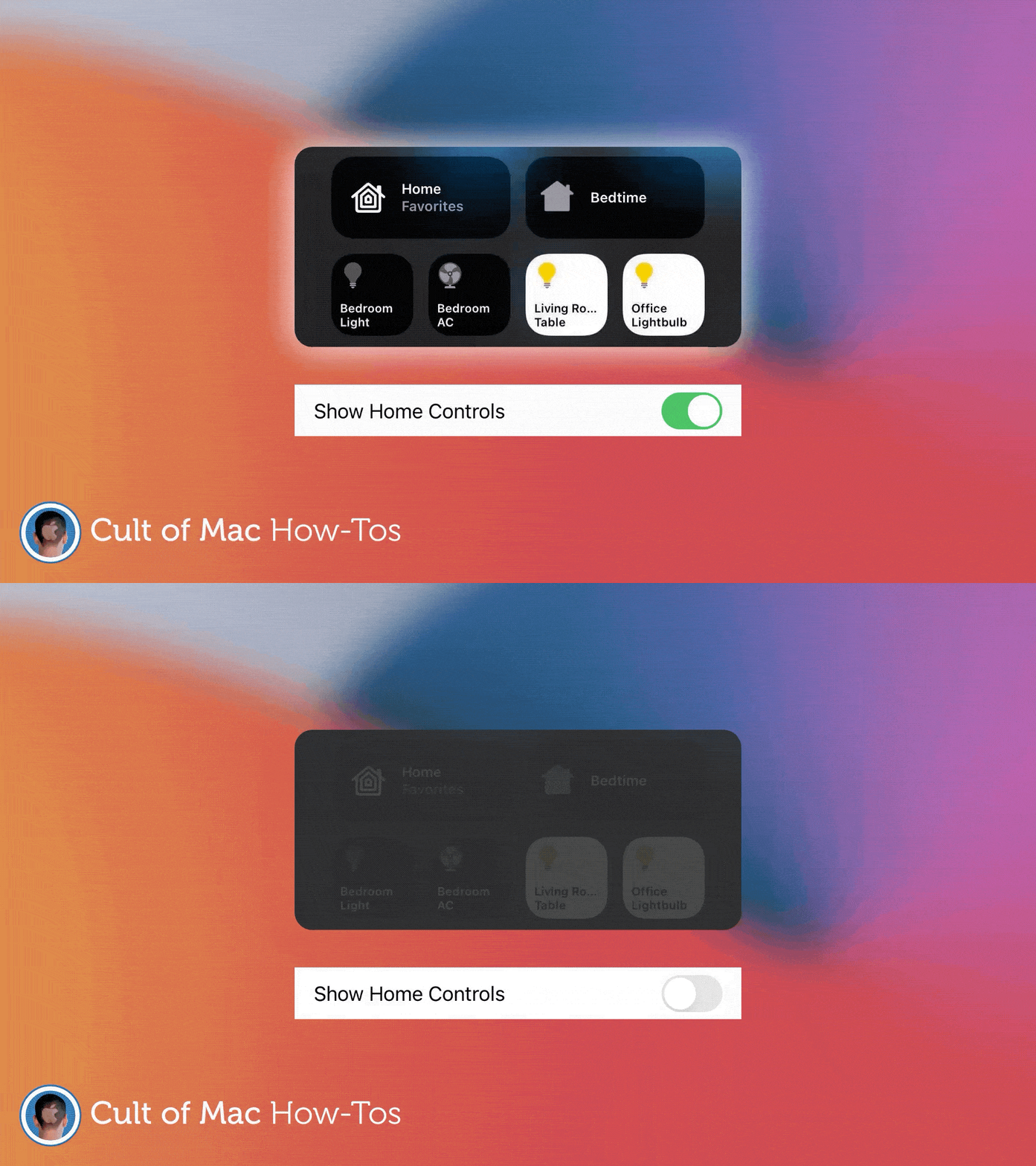
Don't need Home controls? Give them the boot! GIF: Killian Bell/Cult of Mac
iOS 14 ships with brand-new Home controls that make it easy to interact with smart devices from within Control Center. They’re handy, but they take up a lot of space, and not everyone owns HomeKit gadgets.
So, here’s how to remove those new Home controls if you don’t need them.
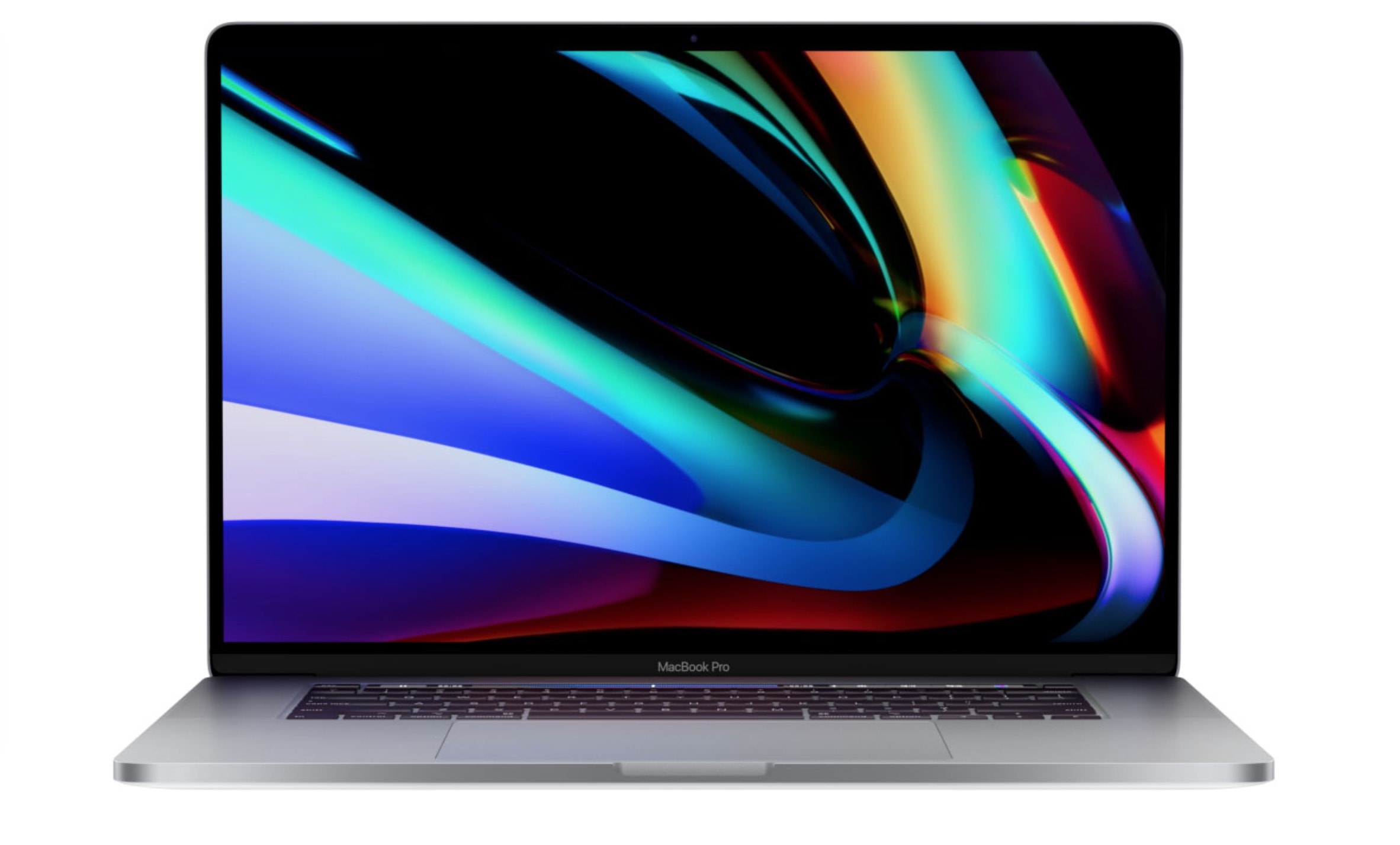
If your Mac is getting a little long in the tooth and even basic tasks result in long load times, you might want to think about upgrading before the huge macOS Big Sur update rolls out this fall. And it’s a great time to do it!
Metal Slug will make its return to the App Store for the first time since 2016. Photo: Metal Slug Code: J
Popular run-and-gun franchise Metal Slug looks to be returning to iOS for the first time since 2016’s Metal Slug Attack. Over the weekend, Tencent’s Timi Studios released a trailer for what they are currently calling Metal Slug Code: J.
From the look of it, it picks up the gameplay that the Metal Slug games are known for, with plenty of action, ridiculously overwrought vehicles, explosions, and more. However, it includes quasi-3D movement that wasn’t part of the original SNK games and a slightly more modern art style. Check out the trailer below.
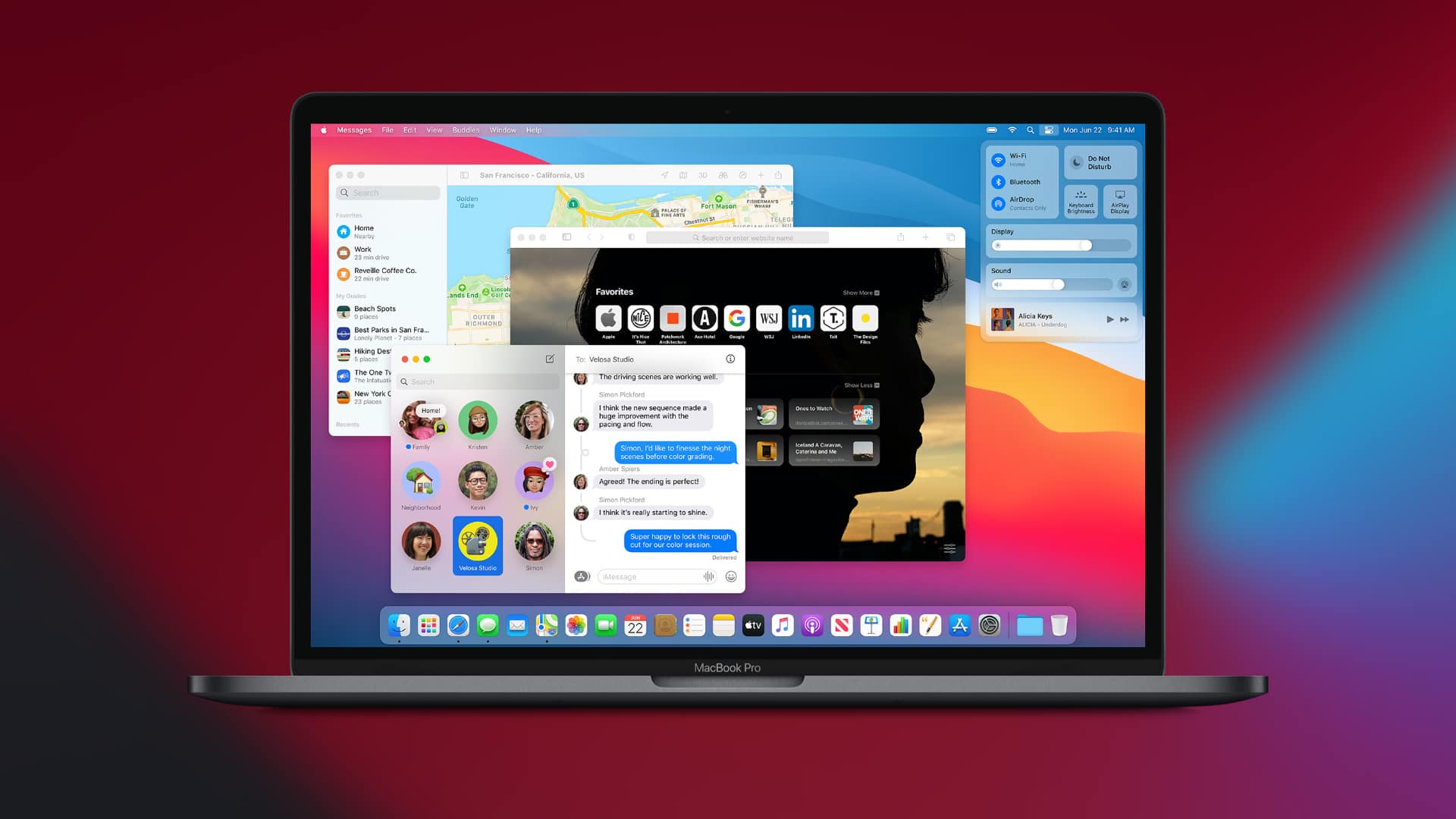
What do you think of macOS Big Sur's new app icons? Photo: Apple
There’s a lot to love about macOS Big Sur, but one thing that’s dividing Mac fans is its redesigned app icons. Some look good enough to eat. Others are so ugly they’ll make you want to use Windows (not really). And some have simply lost some of their charm as a result of simplification.
What do you think of Apple’s new desktop icon designs so far? Check out all of them right here.
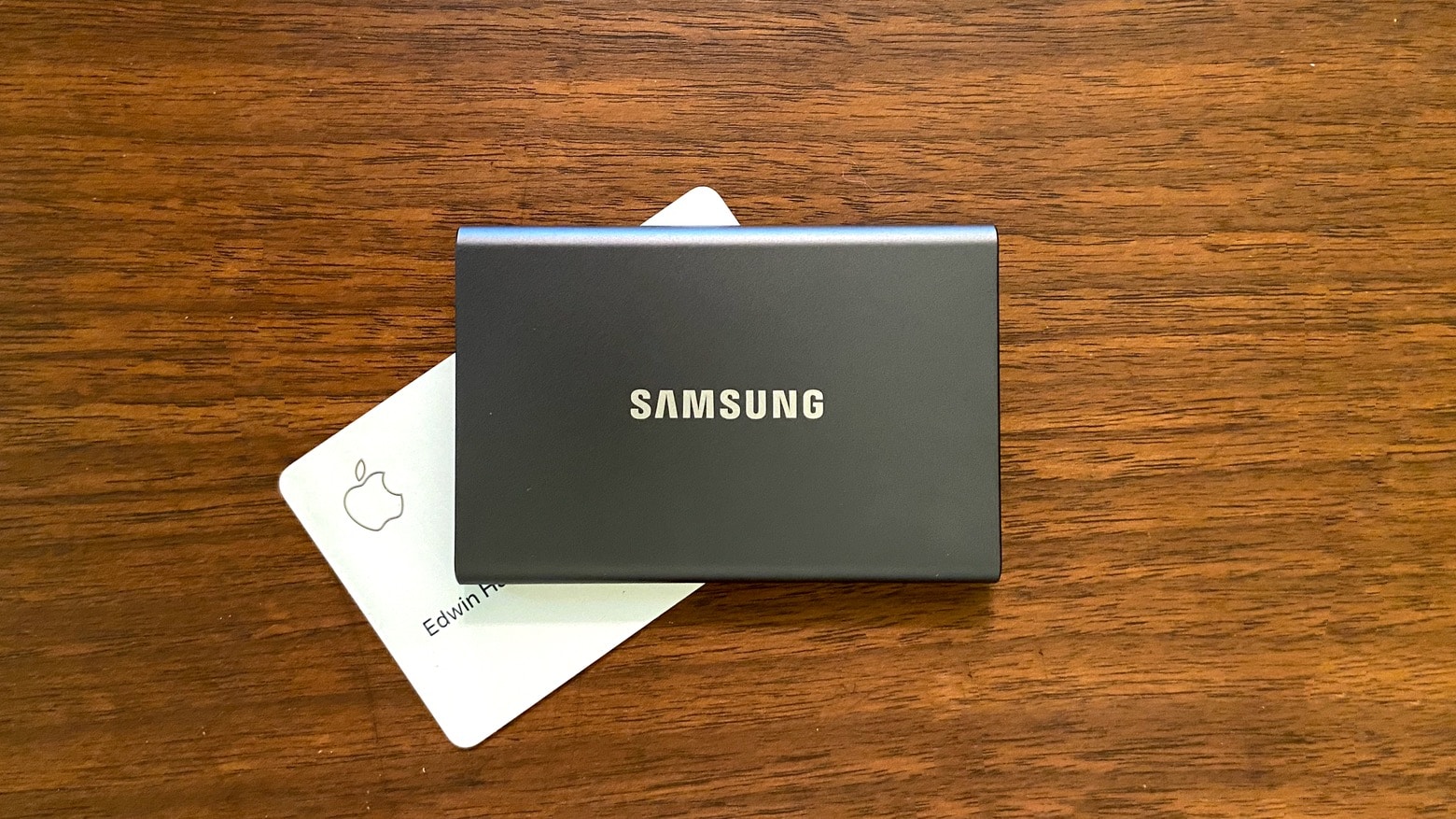
The Samsung T7 isn’t much bigger than an Apple Card but still holds 2 terabytes of data. Photo: Ed Hardy/Cult of Mac
The Samsung T7 holds an amazing amount of data considering its svelte design. This Solid State Drive isn’t much bigger than a business card but holds up to 2TB. And it can be passed around between multiple computers — it’s compatible with Mac and iPad Pro, as well a wide variety of other devices.
I loaded up this recently-released SSD with a variety of files and put it through some real-world testing. Here’s how it stood up.
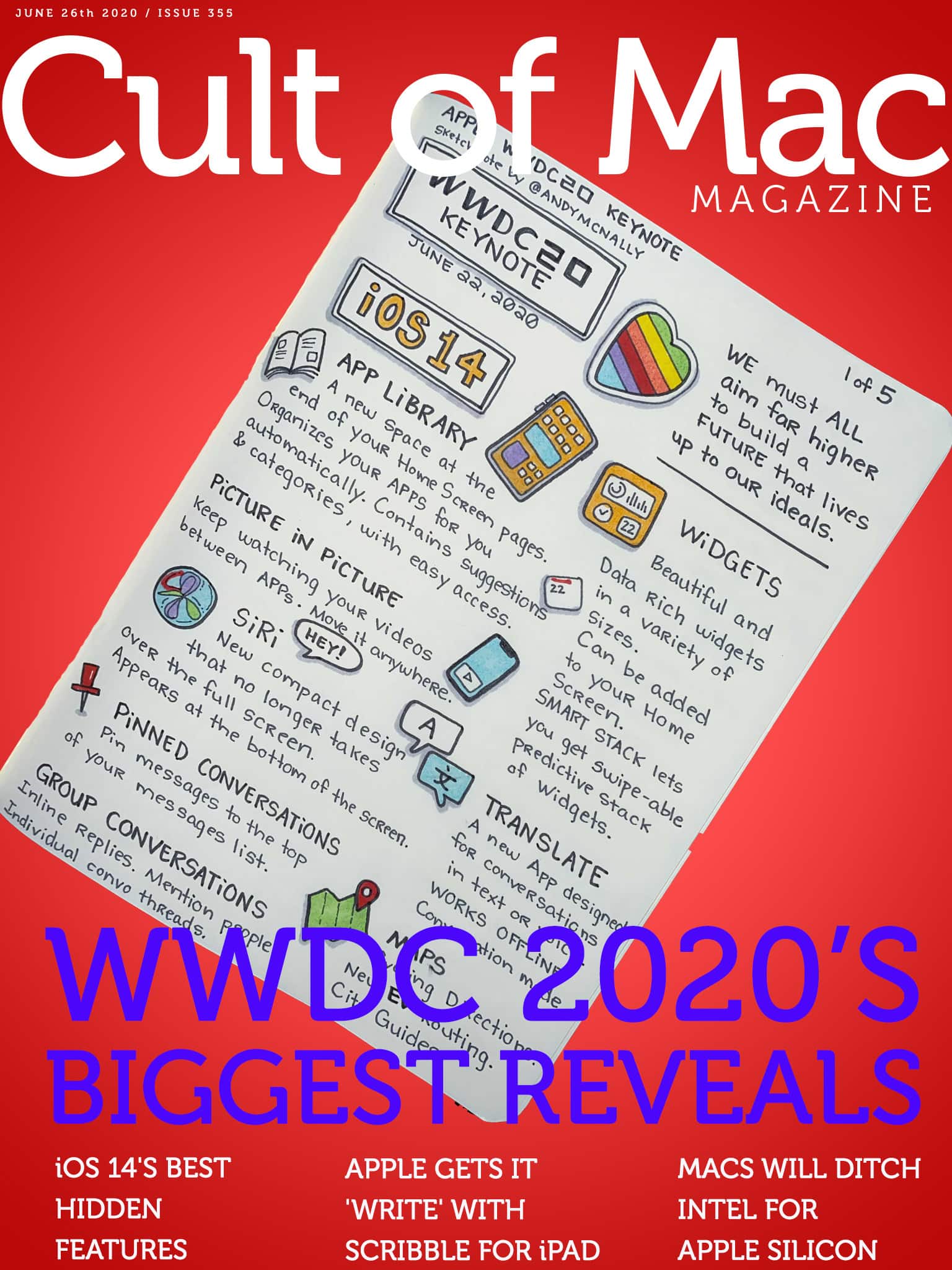
WWDC 2020 gives us a clear vision of the bright future of macOS and iOS. Cover: Leander Kahney/Cult of Mac
We didn’t get the new Apple hardware we expected during this week’s WWDC keynote, but we did get a whole bunch of hot new software. Get our take on upcoming updates to Apple’s biggest platforms — macOS Big Sur, iOS 14, iPadOS 14, watchOS 7 and more — in this week’s free issue of Cult of Mac Magazine.
Don’t miss our roundup of all the cool “hidden” iOS 14 features that Apple couldn’t squeeze into its slick virtual keynote. We’ll also toss in the rest of our coverage of this year’s Worldwide Developers Conference, plus some handy how-tos and reviews. Read it all in the free mag (which you can download from the App Store) or in the links below.
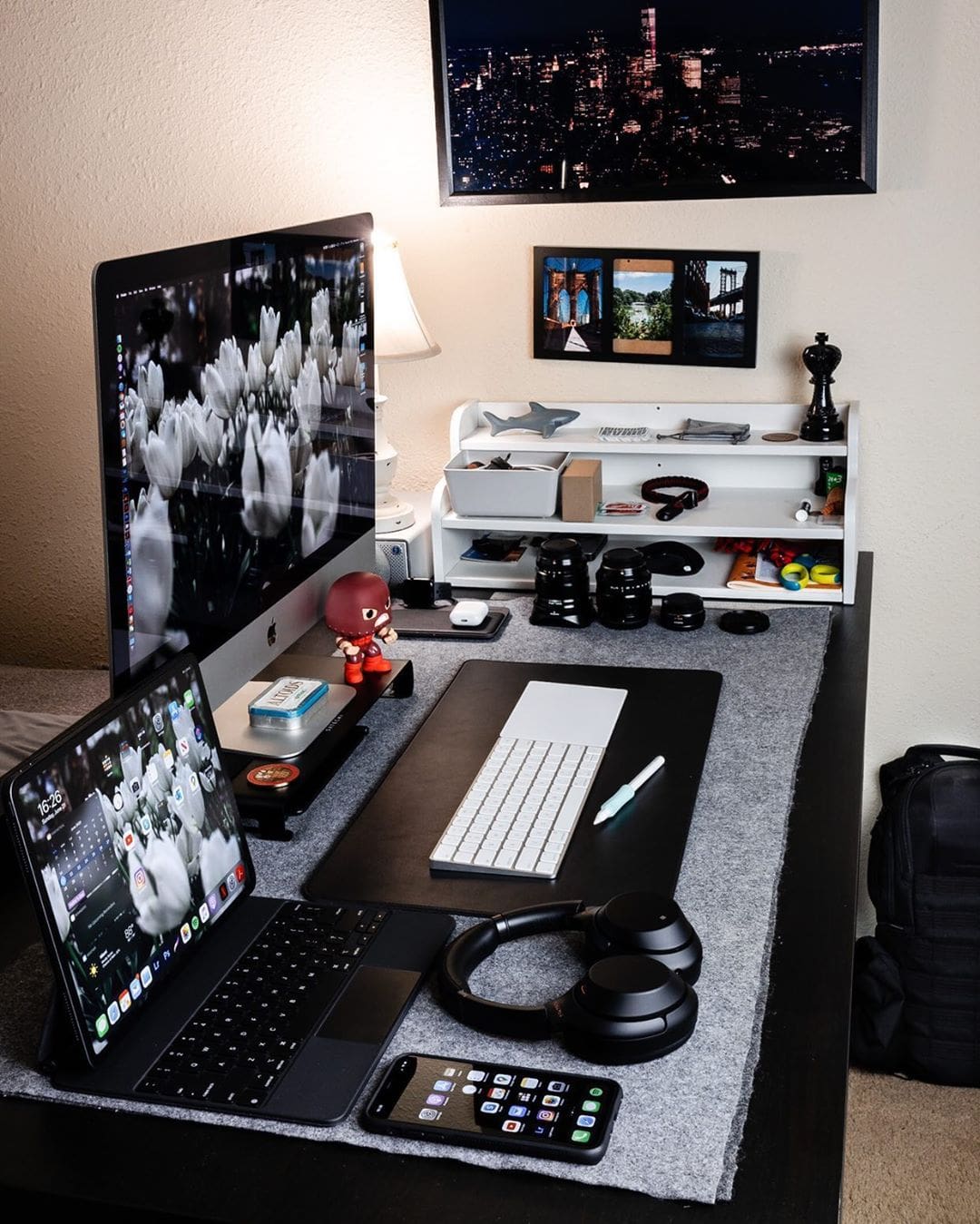
Jake Weisler is a professional wedding photographer and a content creator for Full Time Filmmaker, which produces crash courses about filmmaking. So having lots of storage — a whopping 56 terabytes — is key to his success.
At the center of this setup is the incredible 27-inch iMac Pro. Weisler uses a Magic Trackpad and Magic Keyboard with the additional Numeric Keypad. He also sports an Azio Retro Classic Mouse, which actually has a leather topping for some genuine comfort. As an editor, he needs both a trackpad and a mouse because he uses them simultaneously to scroll, click and swipe.
Get a second shot of WWDC 2020 talk in this week's podcast. Image: The CultCast
This week on The CultCast: We bring you a huge list of great iOS 14 features that Apple did not mention onstage during this week’s WWDC keynote, and there’s a lot here to love.
Plus: Why iOS 14’s new Home screen widgets aren’t as powerful as you might think. And get ready to log into websites with Face ID or Touch ID.
Today’s episode is supported by CleanMyMac X, an all-in-one utility that takes care of your Mac’s health: It’s a macOS cleaner, a performance monitor, a malware remover and, occasionally, a lifesaver. And until July 5th, you can go to macpaw.com/cultofmac to get CleanMyMac X with a 30% discount.