Mobile menu toggle

Search results for: Apple One

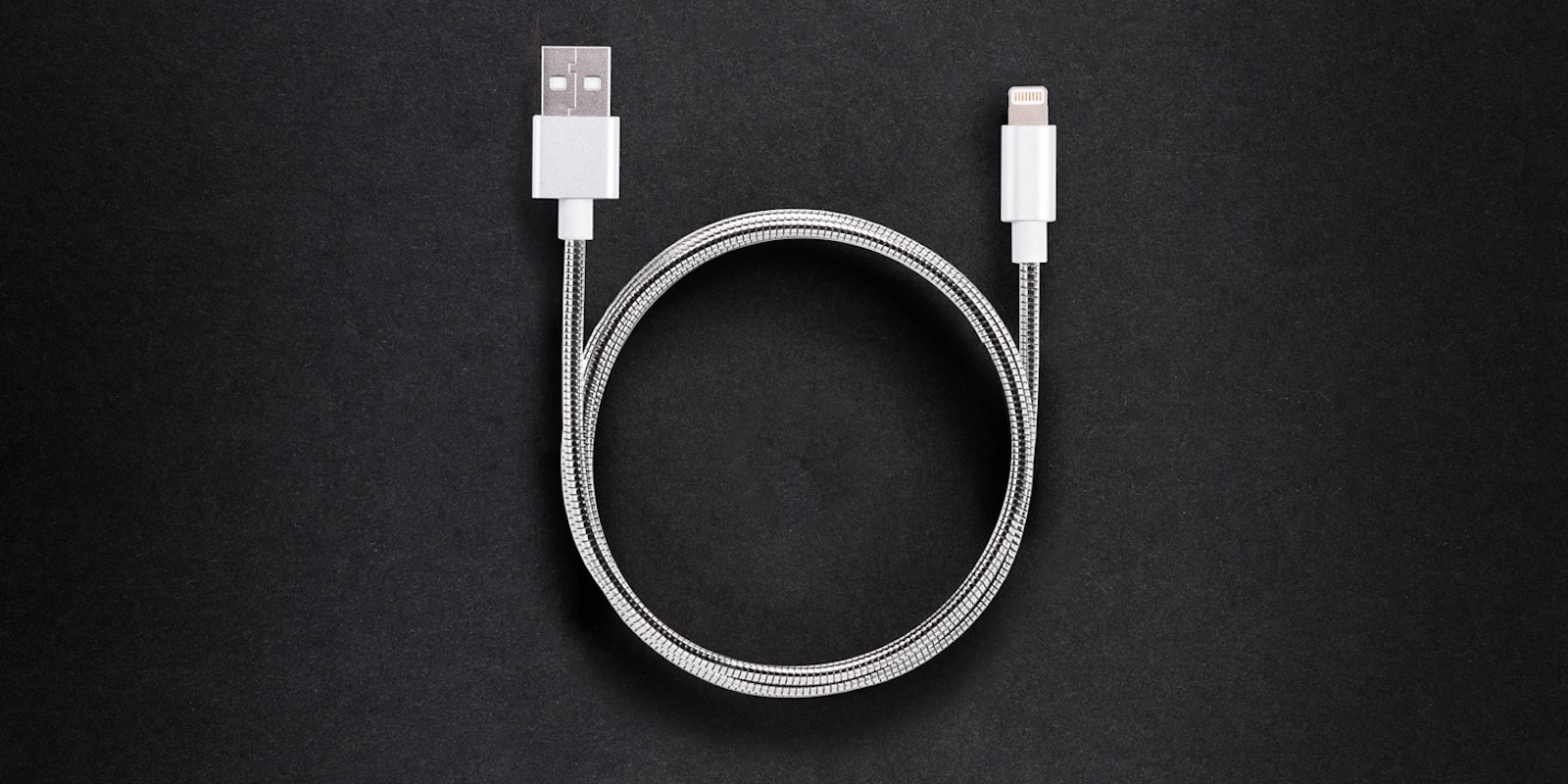
These steel-jacketed Lightning and USB-C cables resist fraying and tangling [Deals]
By

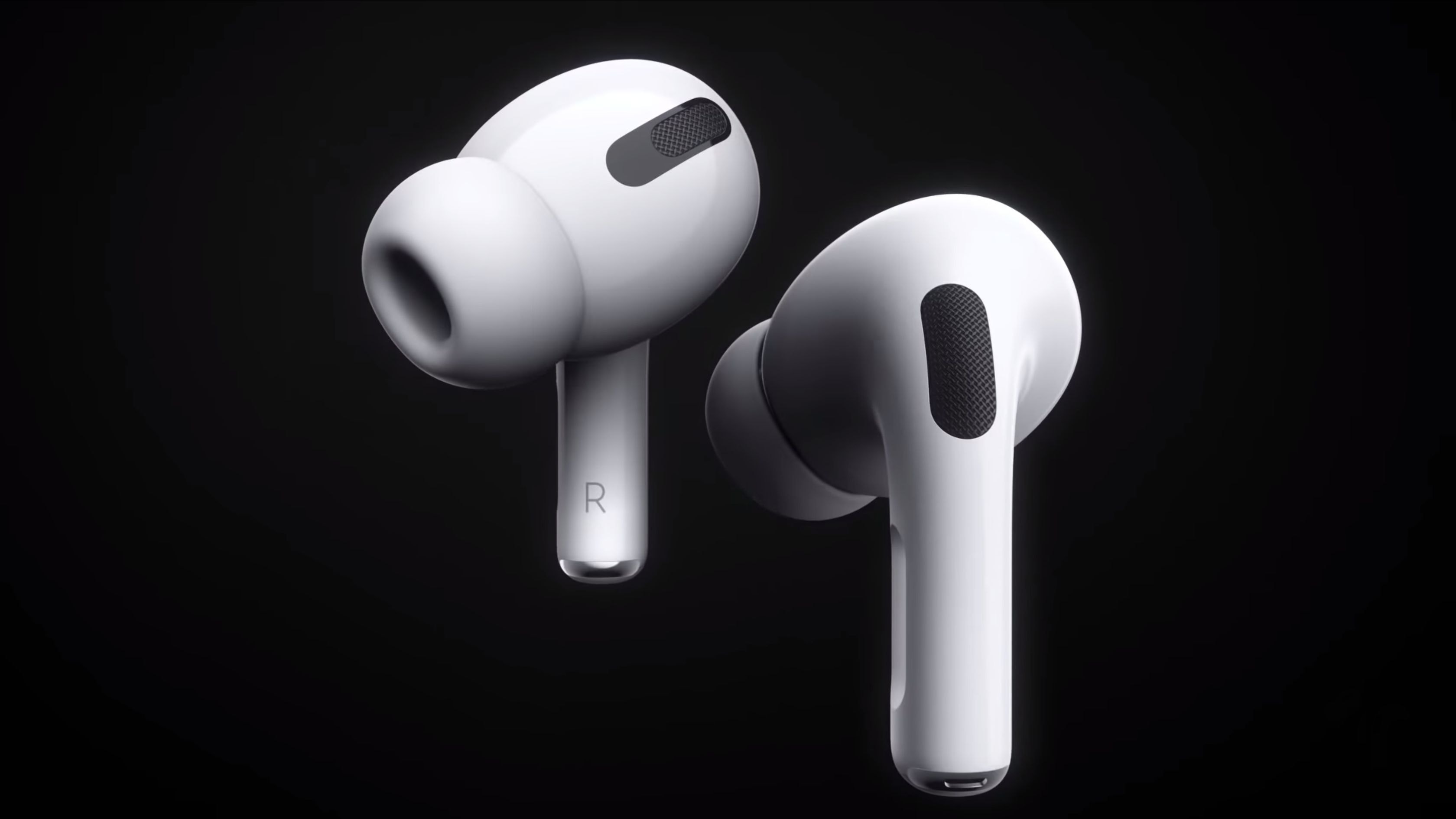
Evercable: Score the world's strongest phone cable, with 4.3 foot length, fast charging and data-transfer speeds.
Score what just might be the world's strongest phone cable, in either Lightning or USB-C.
Photo: Cult of Mac Deals

Mobile devices depend on Lightning and USB cables to stay charged and synced, so it’s a bummer that those cables are so prone to fraying and breaking. Even in perfect shape, standard Apple cables tend to last just a few months. Not so with these Iron Man-worthy cables from Evercable.

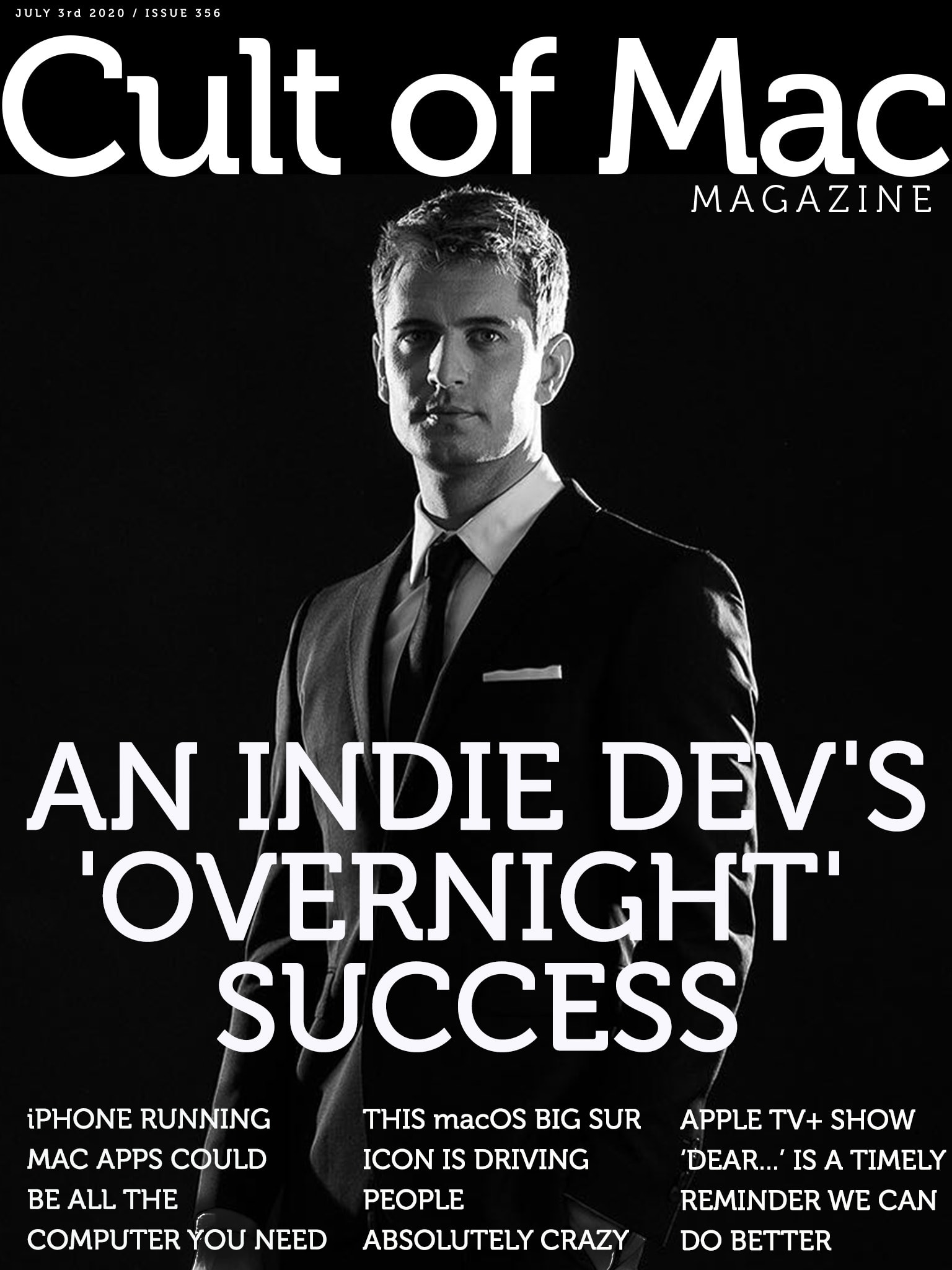
Inside an indie dev’s ‘overnight success’ [Cult of Mac Magazine 356]

By

It took 10 years of work to create StaffPad, an iPad music app that won an Apple Design Award.
It took 10 years of work to create StaffPad, the iPad music app that won an Apple Design Award.
Cover: Leander Kahney/Cult of Mac

David William Hearn, co-creator of revolutionary iPad music notation app StaffPad, reveals the decade-long quest that earned the app an Apple Design Award.

You’ll find that story, plus the usual roundup of iPhone and Mac news and rumors, in this week’s free issue of Cult of Mac Magazine. It’s packed with Apple how-tos and reviews, too. Download it to read the slick iOS mag on your iPad, or hit the links below to get the stories in your browser.

P.S. Don’t miss our Fourth of July sale in the Cult of Mac Store.

A setup journey of epic magnitude starts with a single step [Setups]

By

MacBook Pro Setup
It took three years to assemble this rig.
Photo: @carlosazaustre

It took web designer Carlos Azaustre a span of three years to piece together his setup. Everything was carefully chosen.

To start off, the Madrid-based front-end engineer has the Samsung 34-inch UltraWide Monitor. He previously had a 24-inch FullHD Monitor but after a few years of wear-and-tear he decided it was time to make a change. So he splurged and went with the Samsung UltraWide. He runs his rig off of a 13-inch 2013 MacBook Pro which sits upon an AmazonBasics Laptop Desk Stand.

How to downgrade to iOS 13 after installing the iOS 14 beta

By

How to use widgets in iOS 14
Not ready for iOS 14? Here's how to go back.
Photo: Killian Bell/Cult of Mac

If you caved and installed the iOS 14 or iPadOS 14 betas on your iPhone and iPad, and now you’re running into problems, you’ll be pleased to know you can downgrade to iOS 13.

It’s a relatively simple process that shouldn’t take you long, and as long as you’ve backed up, you won’t lose too much data data. We’ll walk you through the process in this step-by-step guide.

See just how amazing macOS would look on iPad

By

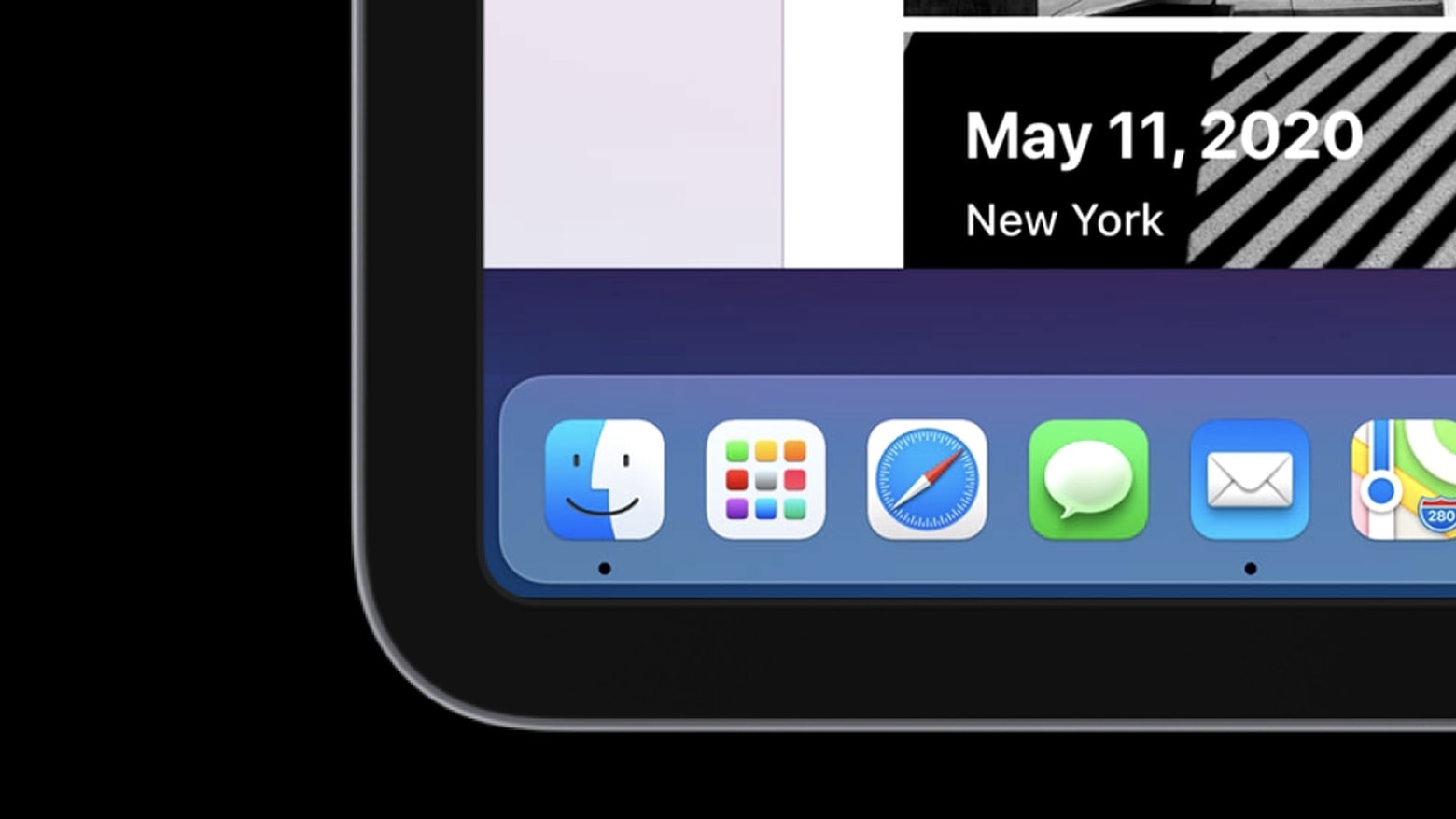
Check this simulation of macOS on iPad created with SwiftUI.
macOS on iPad is a dream of many people. A developer created a glimpse of that possibility.
Photo: Jordan Singer

There’s pent up demand for Apple to bring macOS to iPad, so a clever developer created a simulation in SwiftUI to show what it would look like.

While it appears much like an Apple tablet running the Mac operating system, and even seems to work, this is not macOS Big Sur on an iPad. It’s just something that mimics part of the user interface. Still, it shows those eager for a “MacPad” what one could look like.

Watch a video of the macOS simulation in action:

Tim Cook agrees to testify before Congress in antitrust probe

By

Tim Cook goes to Washington
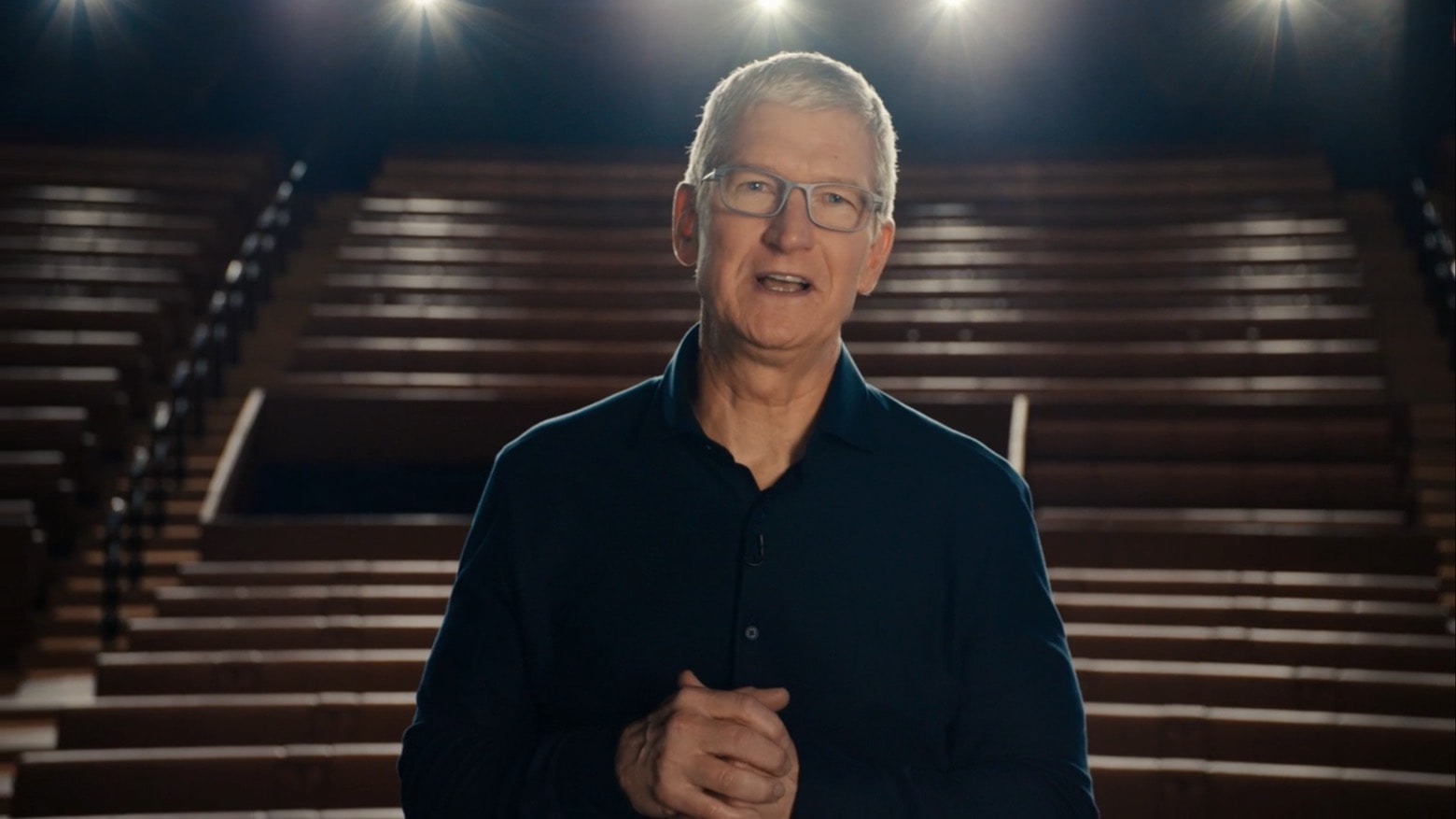
Apple chief Tim Cook will testify before Congress, and he’ll be joined by the CEOs of Amazon, Facebook and Google.
Screenshot: Apple

The CEOs of four of biggest tech firms will testify in the House of Representatives’s probe into antitrust activities. That includes Apple’s Tim Cook, along with the heads of Amazon, Facebook and Google.

This is part of an ongoing investigation by the House Judiciary Committee into whether the largest tech companies play fair with smaller competitors.

How to sort podcast episodes so they play in the right order

By

How to sort podcast episodes
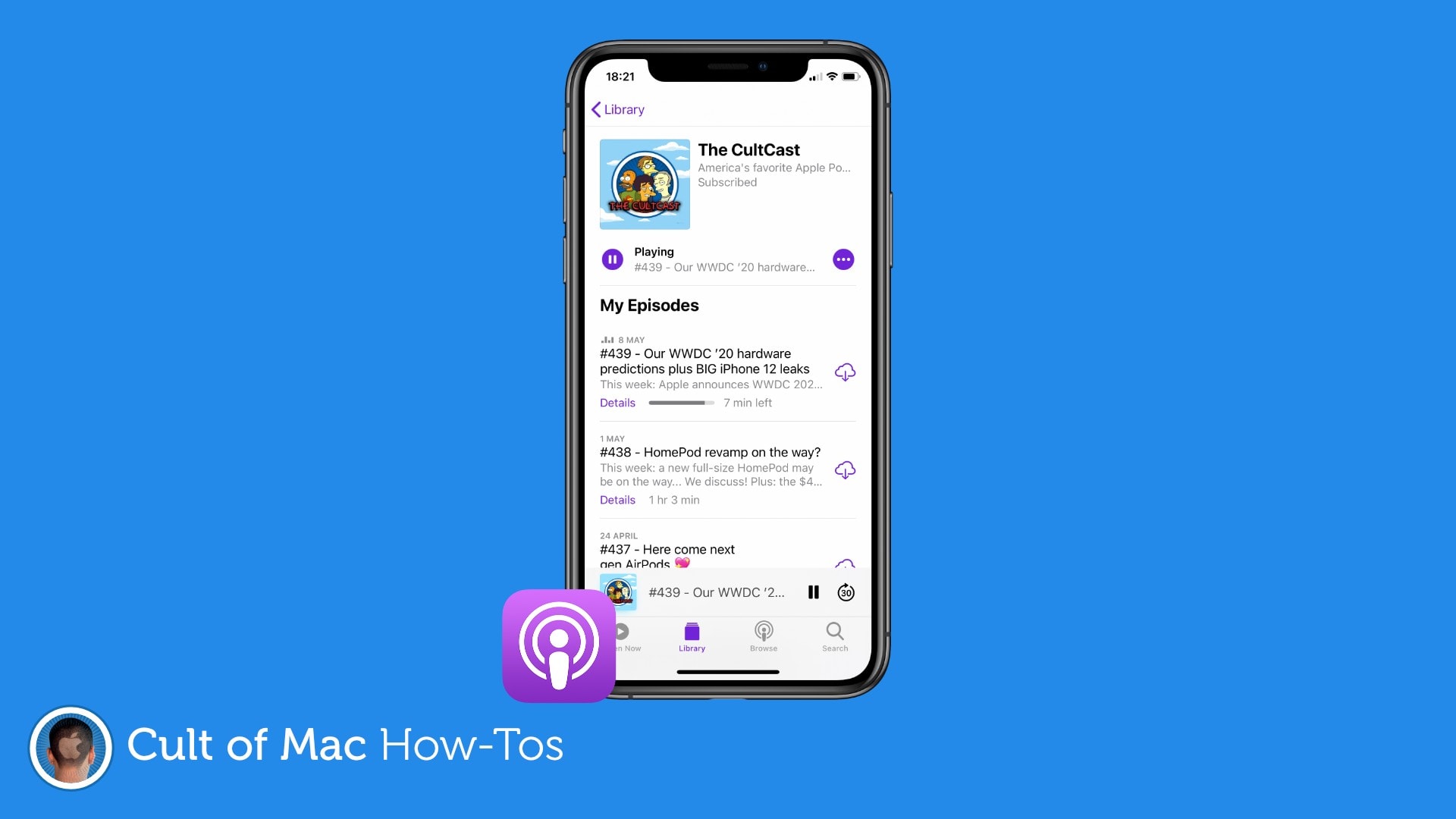
You don't always want to hear the most recent episode first.
Image: Killian Bell/Cult of Mac

If you’re starting a new podcast that you want to listen to from the very beginning, you’ll need to change some settings to ensure that the Podcasts app doesn’t automatically play the latest episode first.

It’s a simple tweak that takes just a minute, and we’ll walk you through it in this step-by-step guide.