Mobile menu toggle

Search results for: Apple One

iPad music app’s overnight success took 10 years of hard work

By

StaffPad being used on iPad
This great musical notation app is one of Apple's favorites.
Photo: David William Hearn

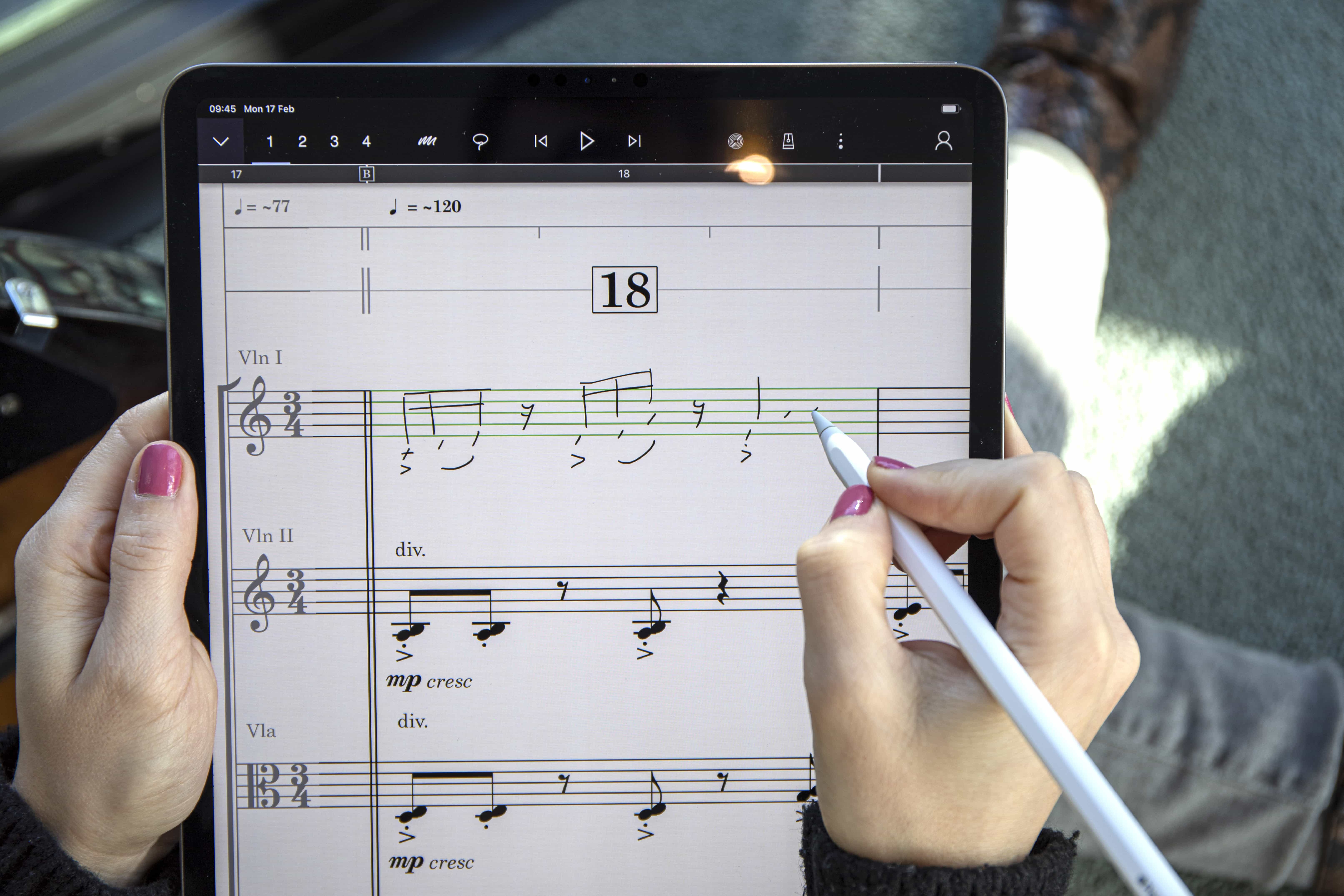
Londoner David William Hearn is not a trained programmer. He has no university education when it comes to making software. And yet his musical notation app for iPad, StaffPad, just won a coveted Apple Design Award this week.

The iPad app gives composers and conductors powerful tools for writing and tweaking musical scores, and for sharing their changes instantly with musicians on a stage or in a recording studio. StaffPad places the iPad and Apple Pencil squarely in the center of the collaborative creative process.

Here’s how Hearn and his team created their award-winning music-notation app.

Engage your kids in STEM studies with play-based learning [Deals]

By

Papumba
Connect your kid to one of the world's top play-based preschool platforms, which offers more than 500 interactive games and activities.
Photo: Cult of Mac Deals

Science, technology, engineering and mathematics are subjects many kids don’t seem to naturally love. One thing that all kids do love, though is play — and this clever STEM learning app combines the two.

App Store revenue continues to dwarf Google Play’s in 2020

By

app-store
The App Store was a cash-printing giant in the first half of 2020.
Photo: Apple

Total App Store spending surged to a massive $32.8 billion in the first half of 2020, combining money spent on premium downloads, subscriptions, and in-app purchases, a recent blog post from app analytics firm Sensor Tower suggests.

Not only is that an enormous amount of cash, but it’s also close to double the estimated gross revenue spent in the Google Play store, despite the bigger market share enjoyed by Android. User spending on Google Play reportedly hit $17.3 billion in the first half of the year.

Siri activated by ‘a city’ or ‘OK, Jerry’ reveals study of false wake words

By

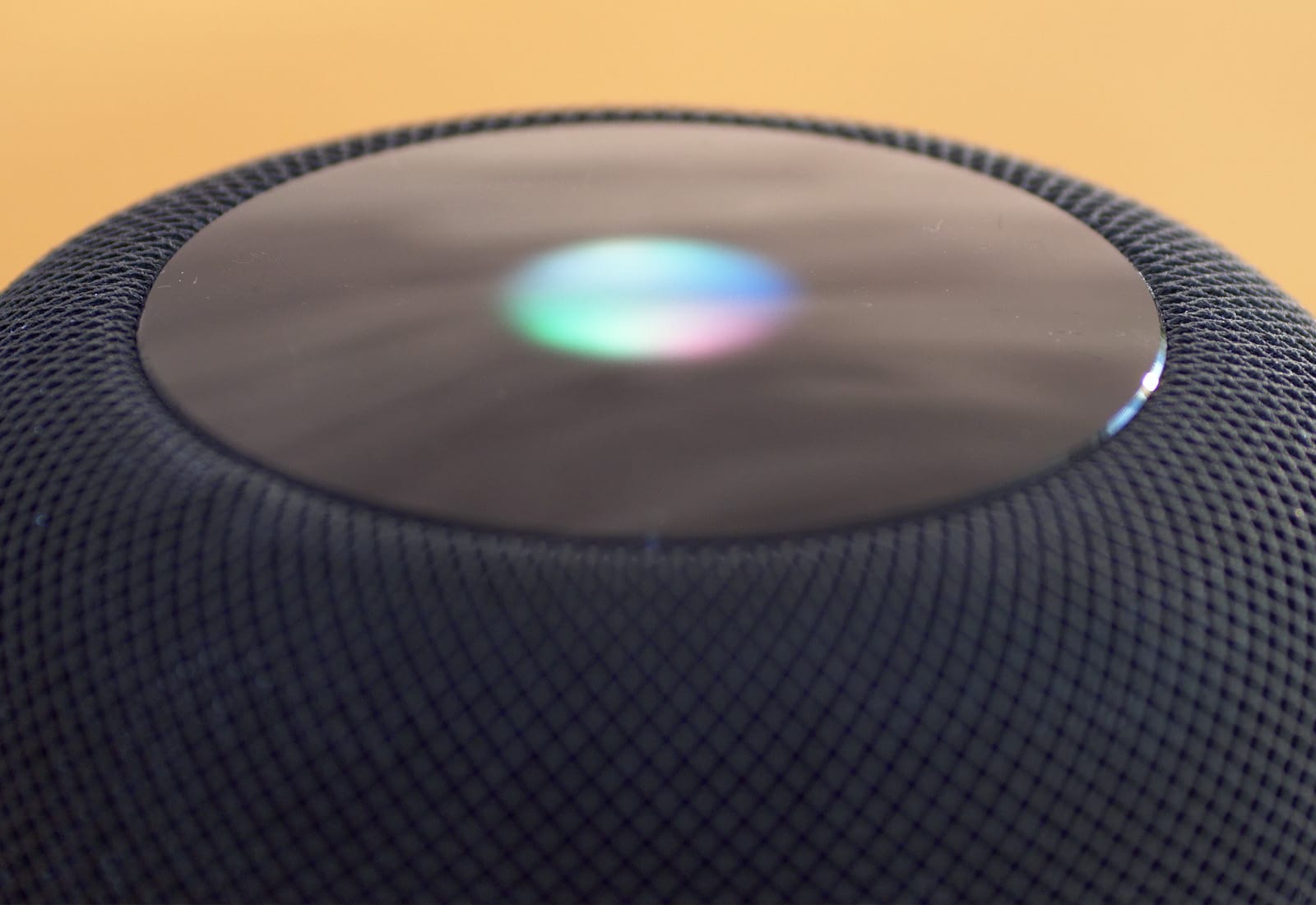
Siri Lights
Accidental wake words affects all the major smart assistants.
Photo: Ste Smith/Cult of Mac

“Hey Siri” can be inadvertently activated by other wake words including “A city,” “Hey Jerry,” and more, reveal researchers from Germany’s Ruhr-Universität Bochum and the Bochum Max Planck Institute.

Siri’s far from the only voice assistant with a weakness when it comes to false triggers, however. The study compiled a list of over 1,000 words that can accidentally activate different A.I. assistants.

Wood, leather and metal are the core elements of this setup [Setups]

By

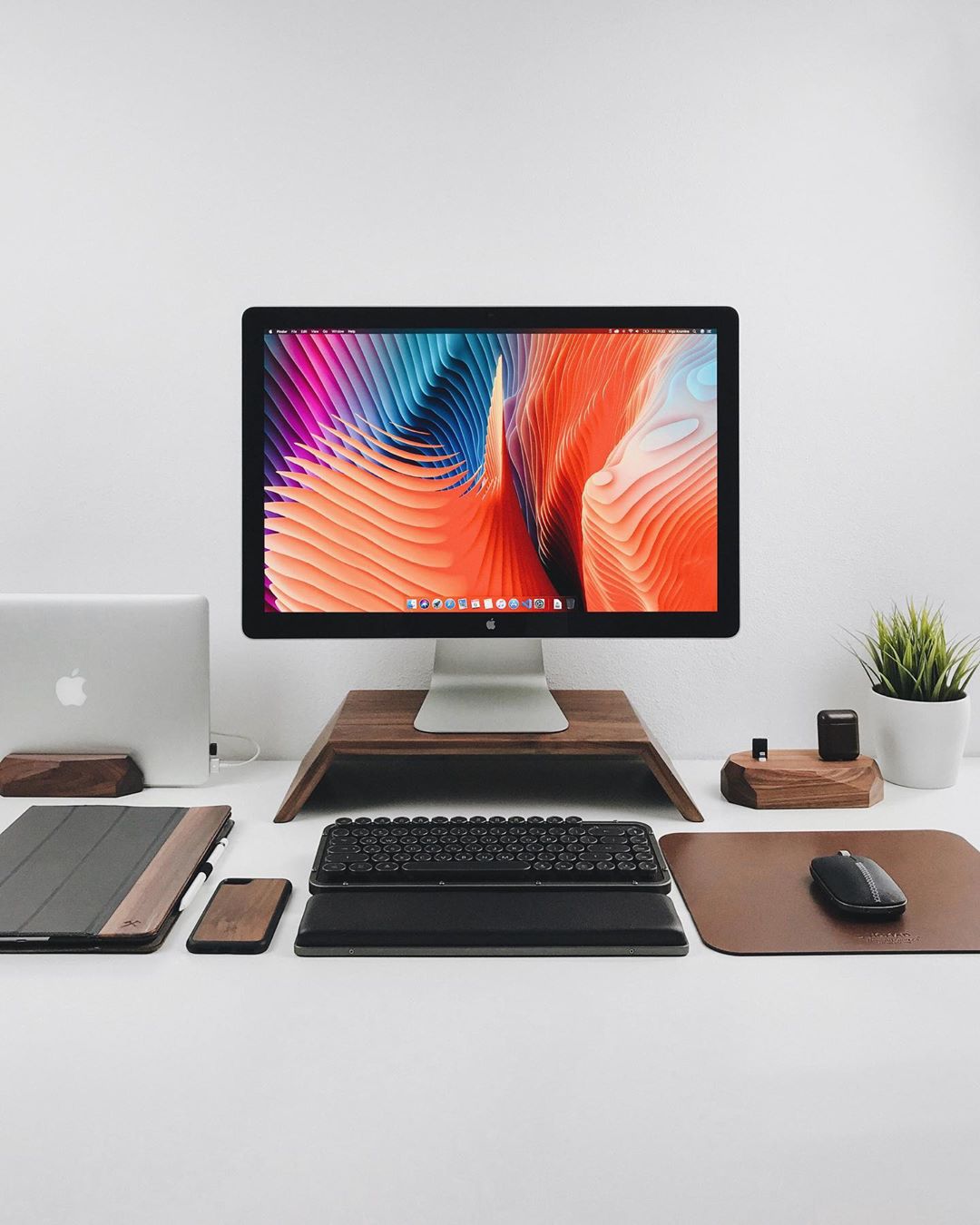
MacBook Air Setup
This setup screams high quality.
Photo: @vigokrumins

Vigo Krumins is a German-based web designer and when it comes to accessories he does not mess around. He collaborates with different high-quality accessory companies to build his dream setup. He says “companies reach out to me and if I like their stuff, we agree that they send me their products and I feature them in my posts giving my honest opinion about them.”

His monitor is a blast from the past. He has an Apple Cinema Display. Even though Apple discontinued them in 2011, the screen quality is still great. The exterior even resembles the Pro XDR display, albeit bulkier. He has the late 2008 version and has no plans to replace it with a newer monitor, unless of course, “Apple will release a cheaper version of the Apple Pro Display XDR.” Keep dreaming Vigo!

This rig streamlines communication [Setups]

By

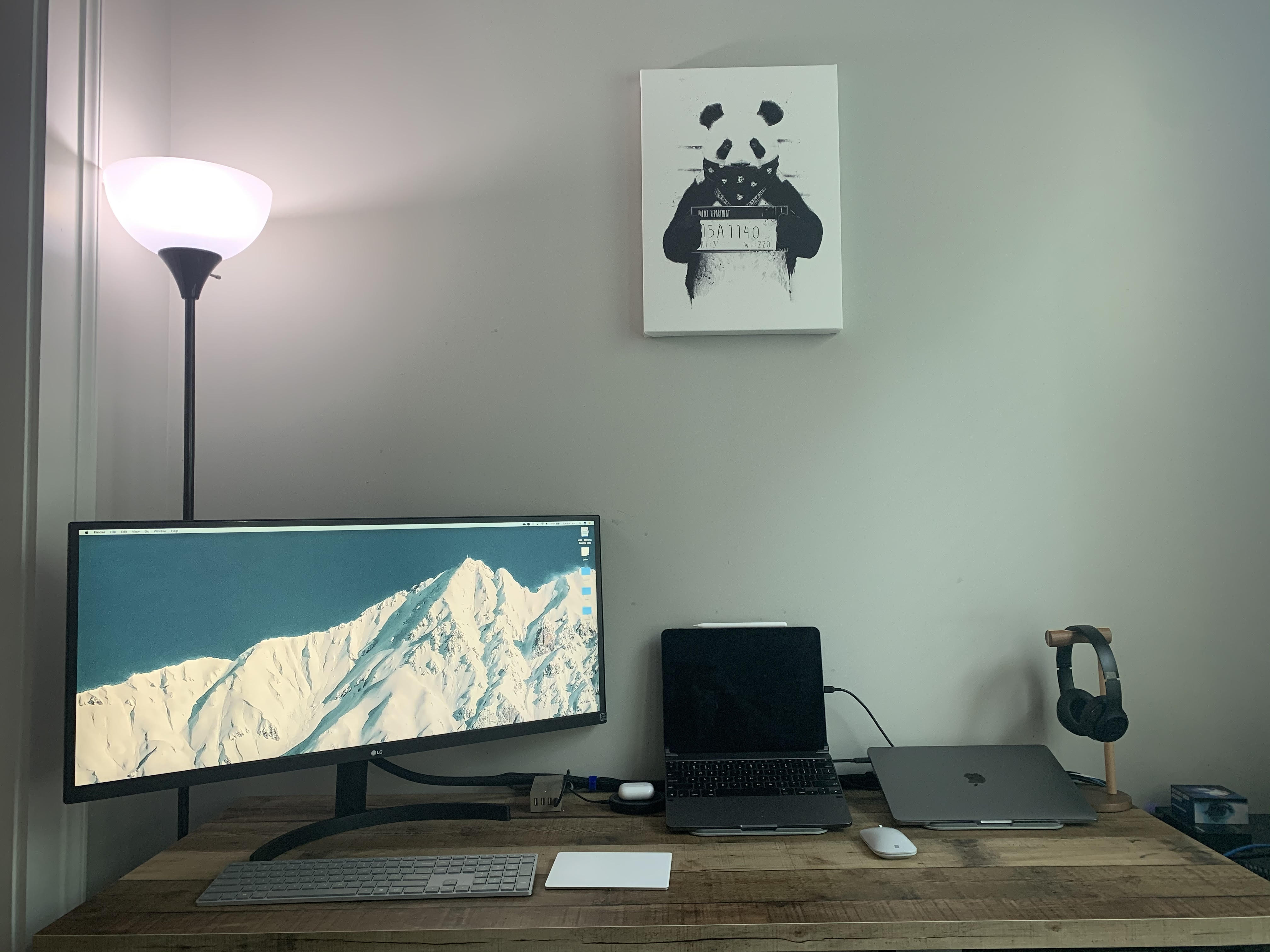
MacBook Pro Setup
This setup was designed to get work done.
Photo: Luke Peluso

Luke Peluso runs a mid-sized IT company from his desk so organization is essential. He has to be in constant communication with his team and his clients. That is why he uses both a MacBook and an iPad: the MacBook for work, and the iPad for communication.

His MacBook is a 2019 13-inch MacBook Pro and he primarily uses it for “agency management type software and few Windows-only apps.” The iPad is the 2019 iPad Pro that he uses with a Brydge Pro+ Wireless Keyboard. The iPad is for “iMessage and Zoom meetings,” Peluso says, and that having “separate large device just for communications is very helpful.”

Here’s how iOS 14 could be paving the way for ‘glassOS’

By

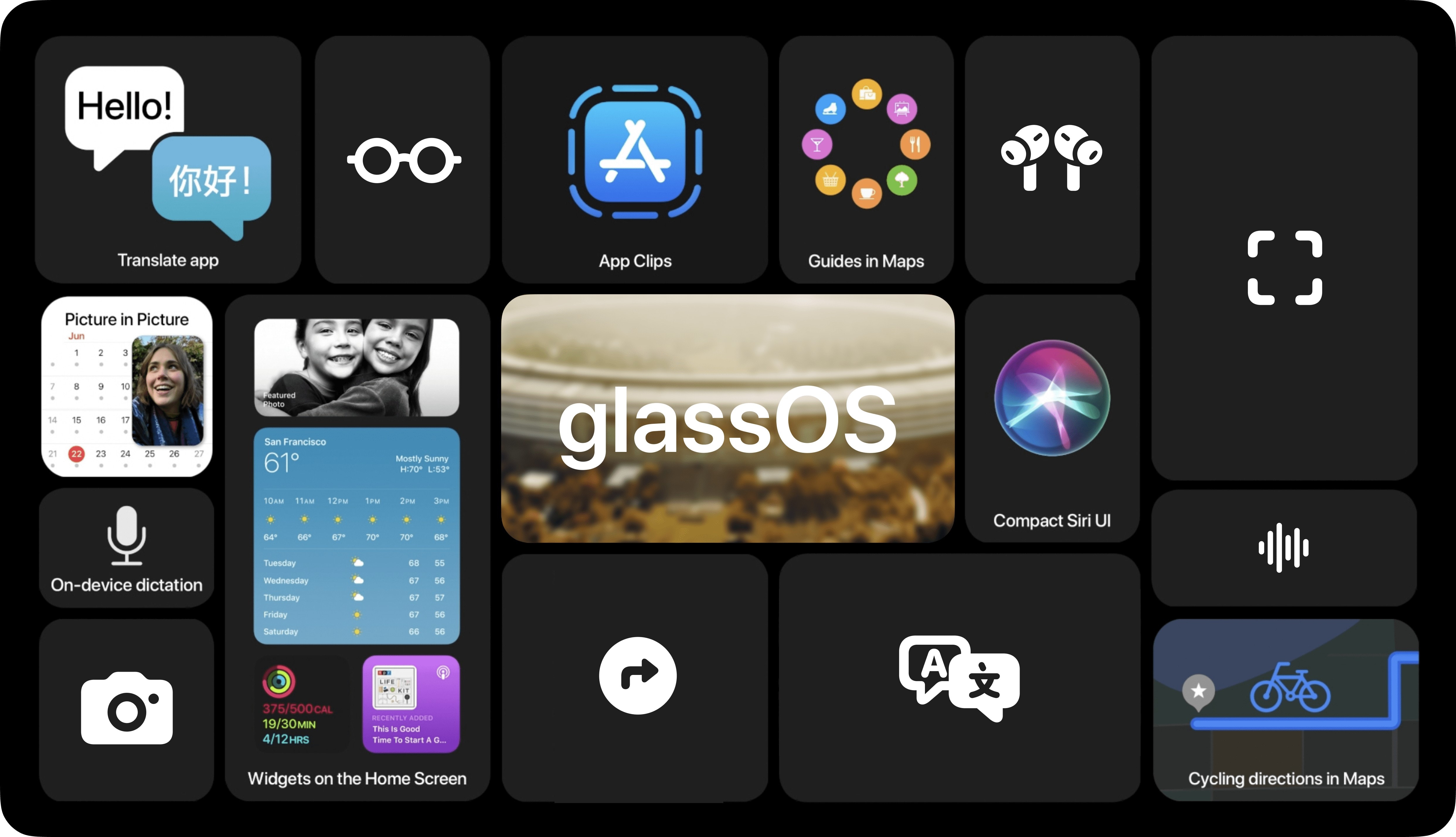
glassOS concept 3
This is how notifications and widgets could look on glassOS.
Photo: Jordan Singer

It’s still not clear exactly when Apple’s AR glasses are going to be available, but 25-year-old product designer Jordan Singer says that Apple has left enough breadcrumbs in its code to offer a compelling glimpse of what a possible glassOS might look like.

“I don’t usually like to speculate on what Apple is going to do next, but this time I found too many coincidental examples of new UI in iOS 14 that seems to be able to translate nicely to a pair of glasses,” Singer told Cult of Mac. “I’d like for this concept to give insight into how Apple is foreshadowing the future.”

macOS Big Sur’s Digital Color Meter icon is a little off and it’s driving people crazy

By

Digital Color Meter Big Sur 1
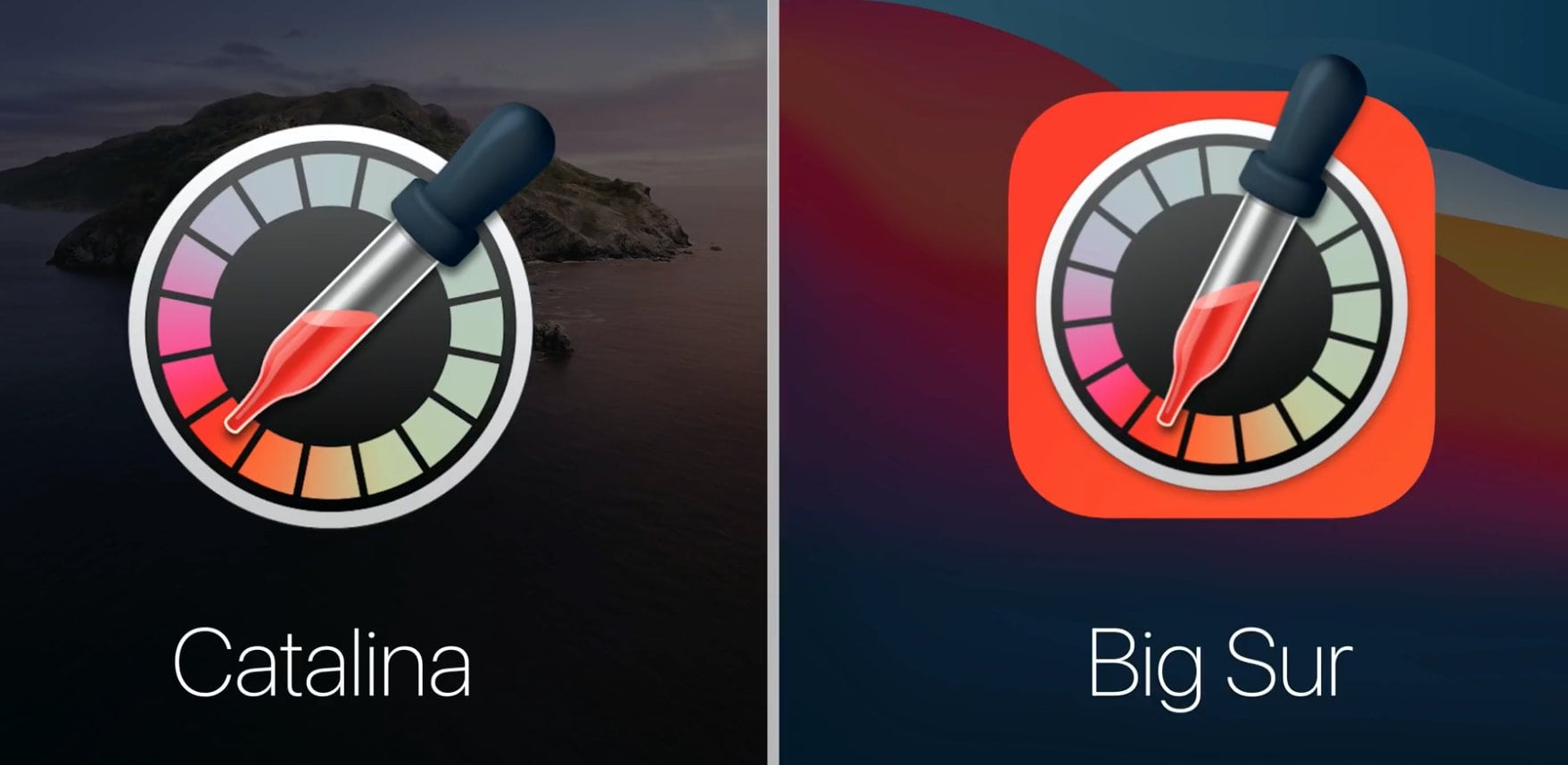
Spot anything weird about that pipette?
Photo: Roel Van Gils/Apple

When it comes to design, Apple’s not a lazy company. Cupertino sweats the small details, which — like that anecdote about Van Halen’s “no brown M&Ms” concert rider — shows it sweats the big details, too.

That’s why Apple fans seem so surprised to see that the icon for macOS Big Sur’s Digital Color Meter has something, well, just a little off about it. Can you see what’s wrong?

A dual-monitor rig can still be minimal [Setups]

By

MacBok Pro Setup
You won't find much clutter on this desk.
Photo: @ jordanpulmano

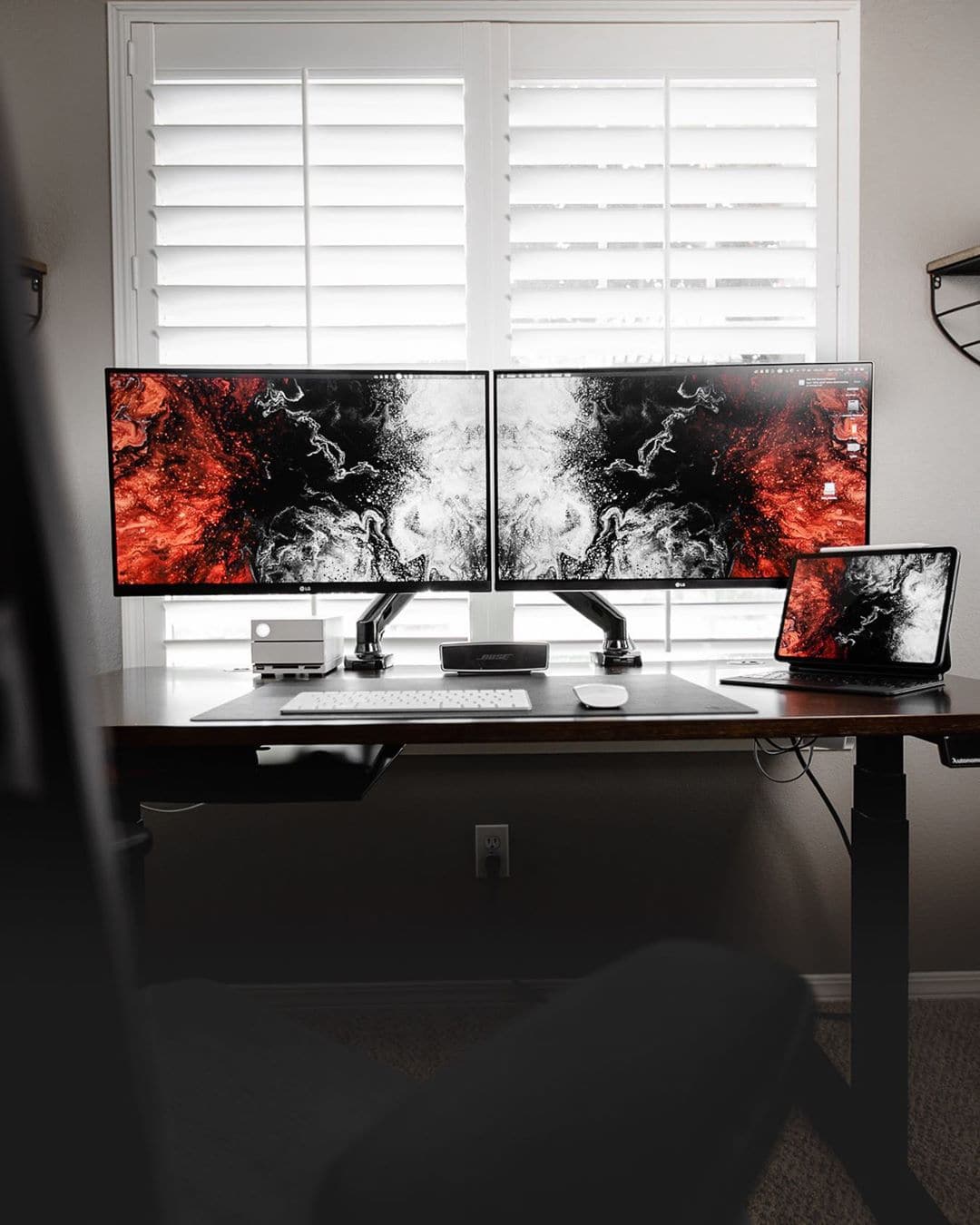
Jordan Pulmano is a professional cinematographer and photographer so he wanted a desk with style, specifically minimalist style. He has two LG 27-inch FreeSync monitors. He got his first in 2017 and liked it so much he decided to get a new one. They are both held up by a pair of North Bayou Monitor Stands. He thought about getting a dual monitor stand but he rearranges his desk a lot and did not want to remove a monitor and have one arm exposed.

He has both the Magic Mouse and Keyboard. The setup is MacBook-run but he stows his laptop in a VIVO Sliding Laptop Tray. This gives him a convenient place to store his MacBook while freeing up space on his desk.