See ya, Safari! Photo: Killian Bell/Cult of Android
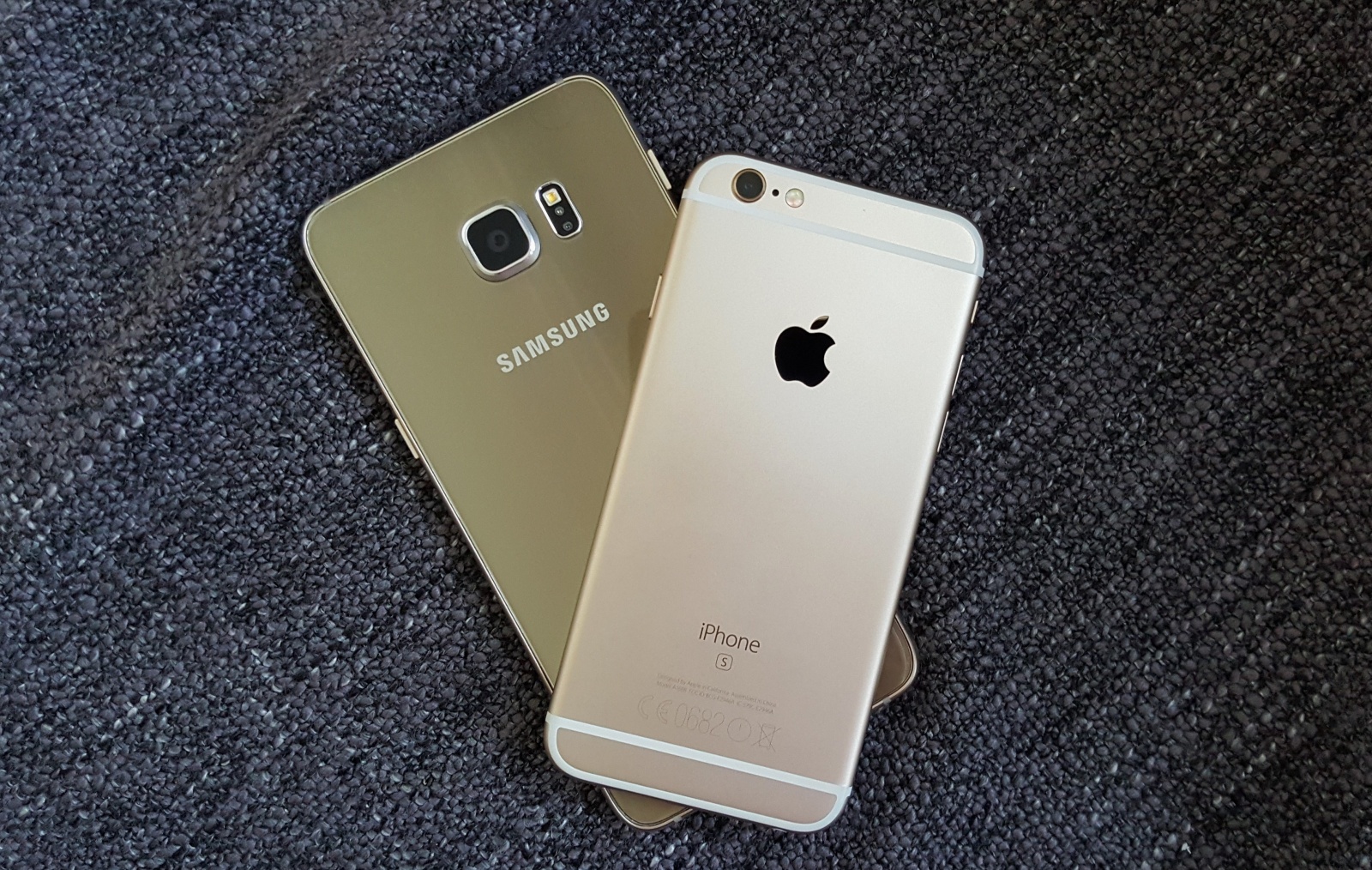
Googlebot, the giant webcrawler that Google uses to scan webpages and update its index, is ditching its iPhone disguise to become an Android.
Rather ironically, the tool has been masquerading as an Apple device running iOS 8.3 for years, but it will soon become a Nexus 5X running Android 6.0.1 Marshmallow to become more efficient.
Get up to speed with these awesome Safari tips Photo: Ste Smith/Cult of Mac
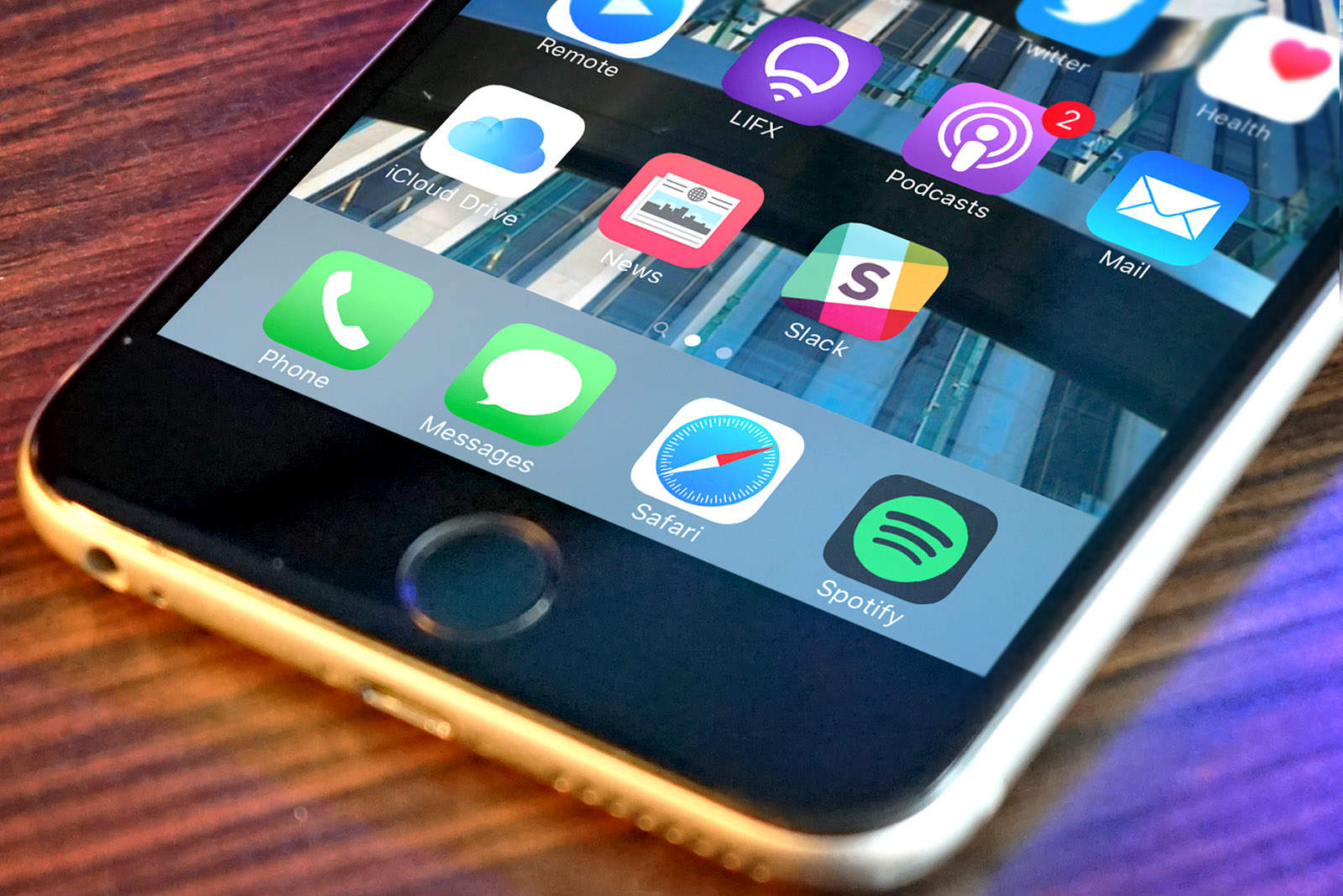
The mobile web browser of choice for most iPhone and iPad users is still Safari. As the stock browser for iOS, it has been a staple of the iPhone since its release in 2007, but Safari has a few subtle features you’ve probably never heard of.
With Safari going through so many changes with each new iOS version, some tricks may have sneaked past your attention. In today’s video, we’ll show you 10 killer Safari tricks every iPhone and iPad users needs to know.
Don't get caught like this. Photo: Stephen Smith/Cult of Mac
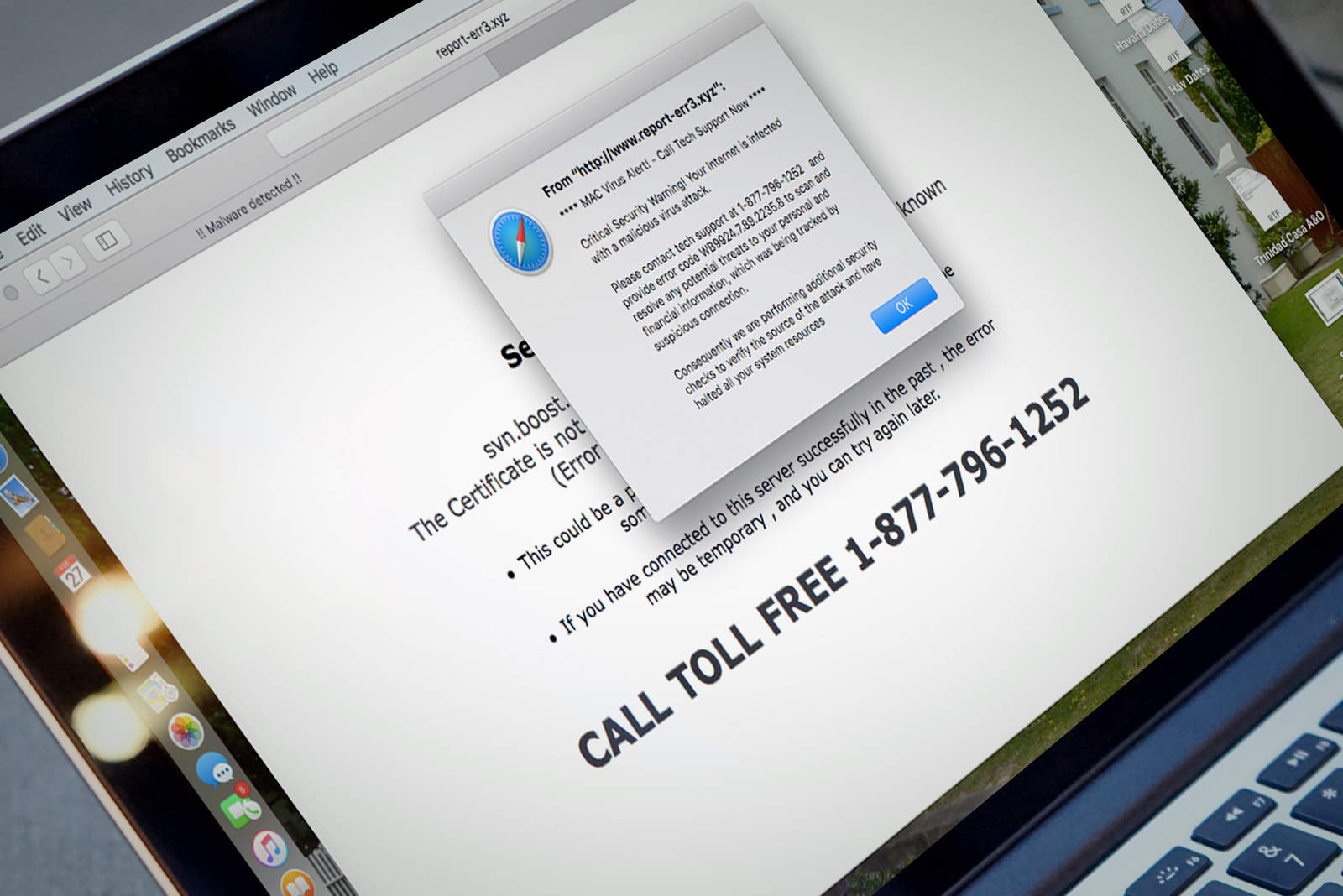
In addition to various viruses that can harm your Mac, there’s a different kind of annoyance you might have stumbled upon: adware.
This might manifest itself as a web page that tells you you’ve been infected, with an accompanying phone number to call or malicious website to visit, or it might even show up as an ostensibly helpful Mac app you don’t remember installing.
If you’re experiencing the pain of malicious adware, we’re here to help. Here’s how to eliminate the adware that’s plaguing your Mac.
Apple fixes Safari... but you'll have to wait. Photo: Killian Bell/Cult of Mac
Apple’s upcoming OS X 10.11.4 update will fix broken Twitter links in Safari. The fix is already available in the third 10.11.4 beta, which rolled out earlier this week, and it should be available to all by the end of March.
Good news for iOS users who prefer Chrome: Google’s browser is now as fast as mobile Safari.
Chrome has switched to the WKWebView engine, which first became a feature in 2014 with iOS 8, allowing third-party browsers access to the same rendering engine as Safari.
This is the closest I could find to a picture of a crash on safari. Photo: Universal Pictures
A number of iOS and OS X users around the globe were confronted with a strange glitch this morning, when the simple act of tapping or typing into the Safari address bar instantly caused the Apple browser to crash.
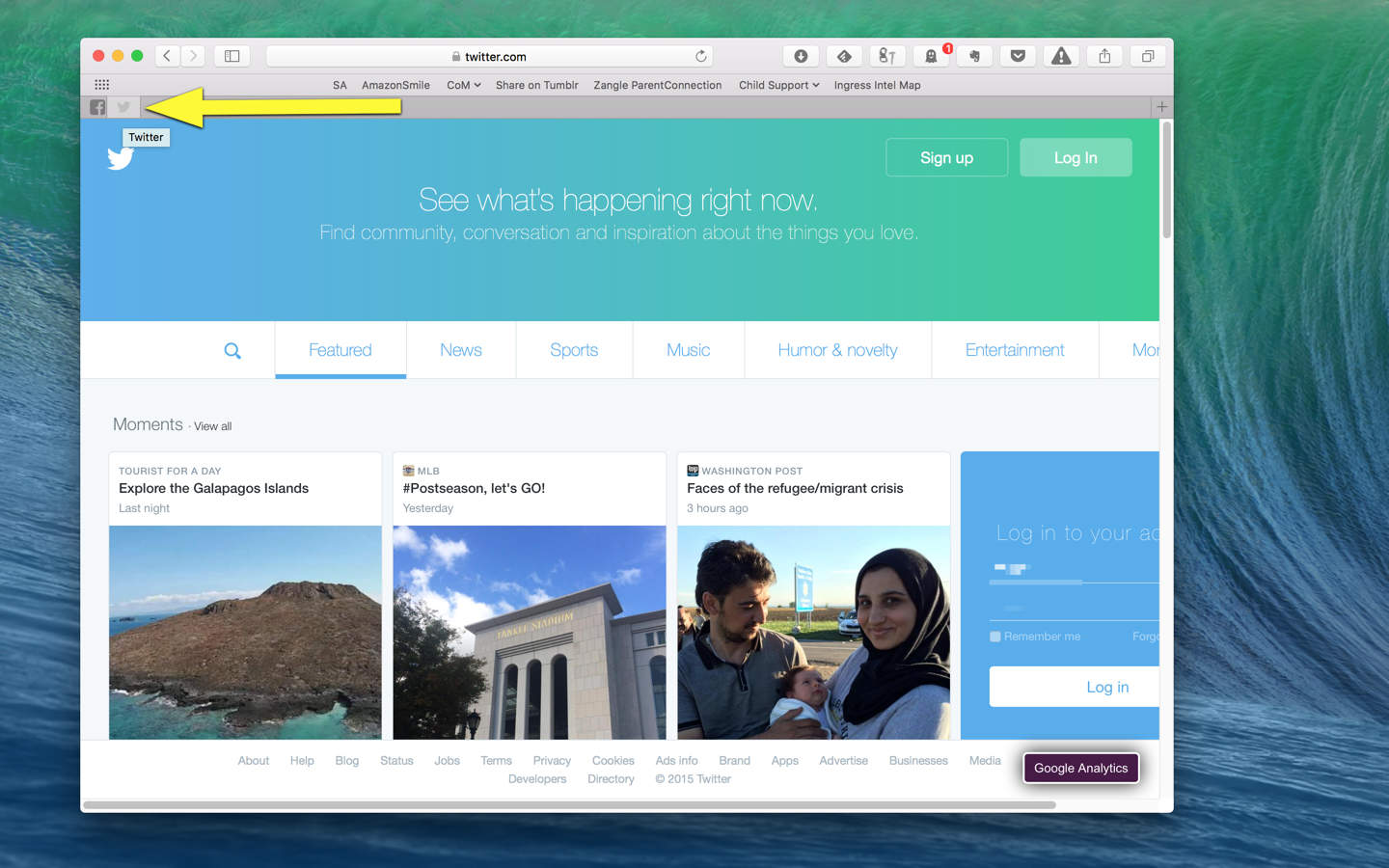
T.co links work in every browser. except Safari. Photo:
If you browse Twitter on Safari, there’s a longstanding obnoxious bug where Safari won’t full resolve shortened t.co links. That results in an error message: “Safari can’t open the page because the server where this page is located is not responding.”
Good news, though. Apple’s finally going to fix it.
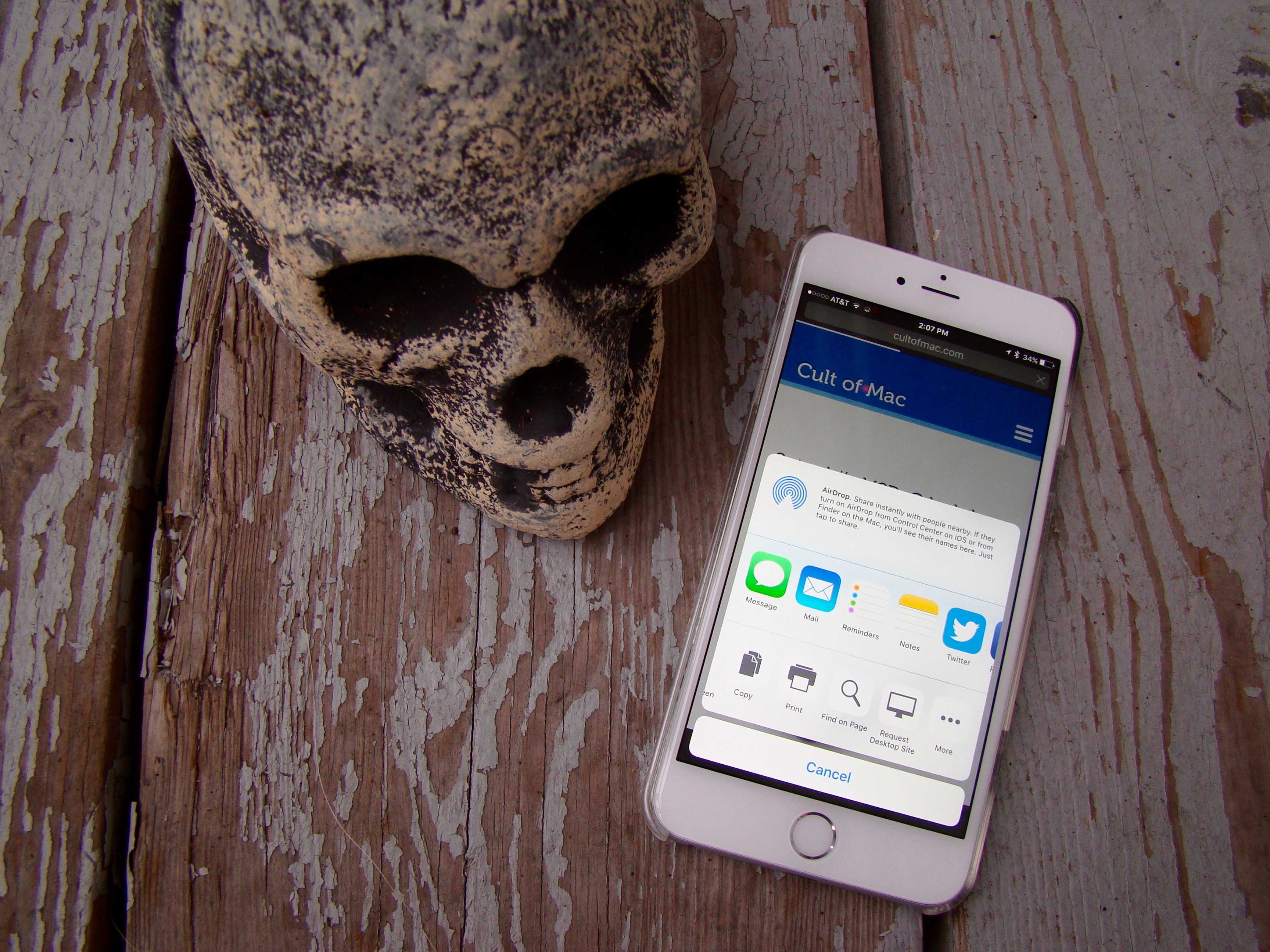
Find what you want in mobile Safari. Photo: Rob LeFebvre/Cult of Mac
Sometimes I’m browsing a site like Cult of Mac on my iPhone and I’m looking for something specific, like a story about encryption, for example. Instead of swiping down the page and hoping I see the story I’m looking for, I want to just search for it.
When you’re on your Mac, it’s super easy to find something like this: simply hit Command-F, type in the text string you’re looking for, and Safari (or any other web browser on the Mac, really) will find them all in the web page you’re on, highlighting them for you.
But what about finding stuff when browsing the web on your iPhone? There’s no Command-key on the built-in keyboard, so how do you search your favorite web page to find keywords?
Turns out, there are two ways to do it, which is kind of odd.
iOS 9 is on a huge number of Apple's mobile devices. Photo: Rob LeFebvre/Cult of Mac
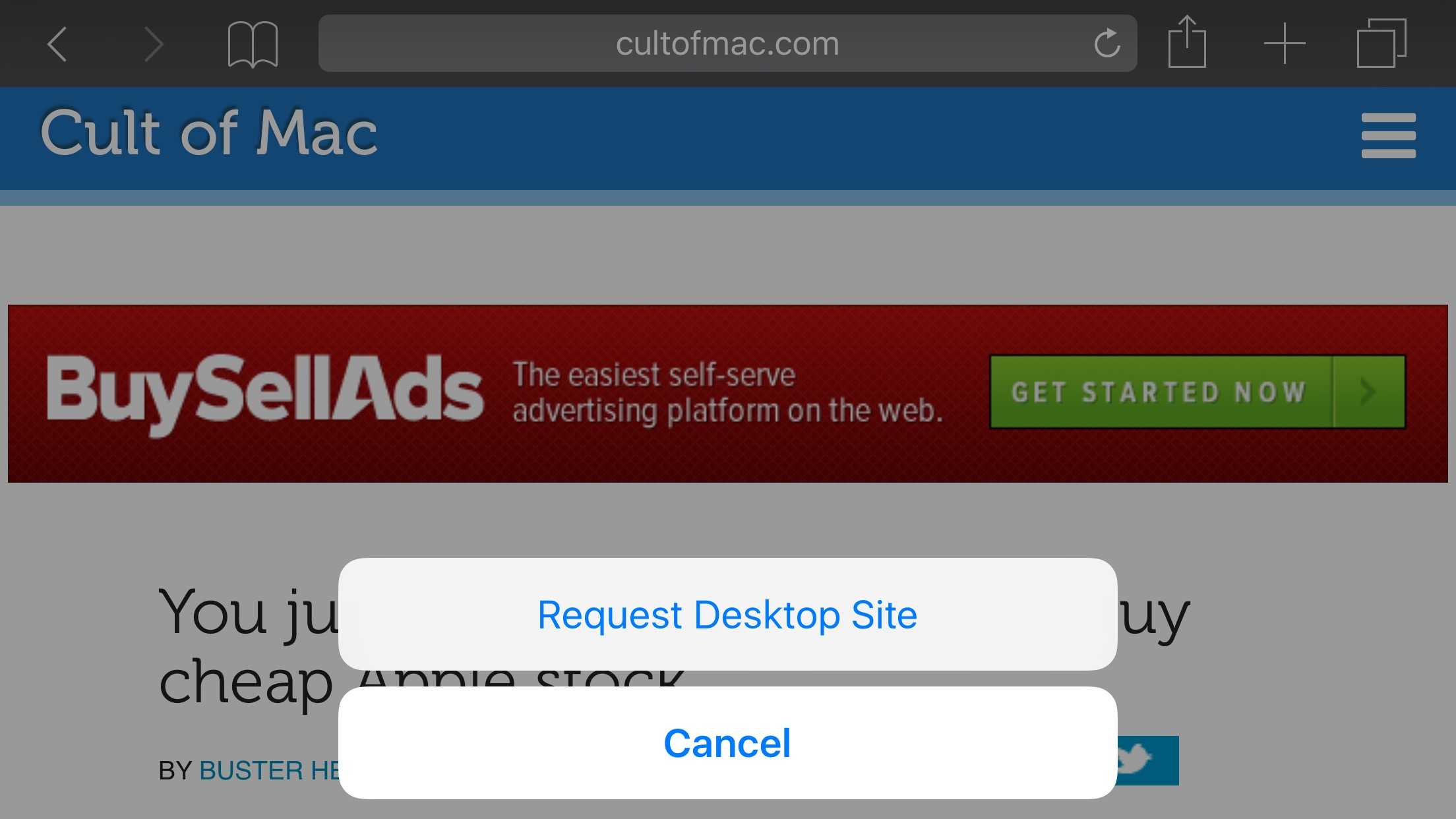
Whereas most websites these days — Cult of Mac included — are responsive to whatever device you’re browsing on, there are still a few websites out there that will serve you a special mobile version when you head there on your iPhone.
Unfortunately, sometimes the functionality of the full desktop version of the website is missing from the mobile version. When that happens, you can use the iOS 9 version of Safari to get the full desktop versions even when the web developers don’t provide a link to do so.
Keep your important tabs active in the background for easy access. Screen: Rob LeFebvre/Cult of Mac
Let’s be honest: there are a handful of sites that you visit a lot, open in tabs in Safari.
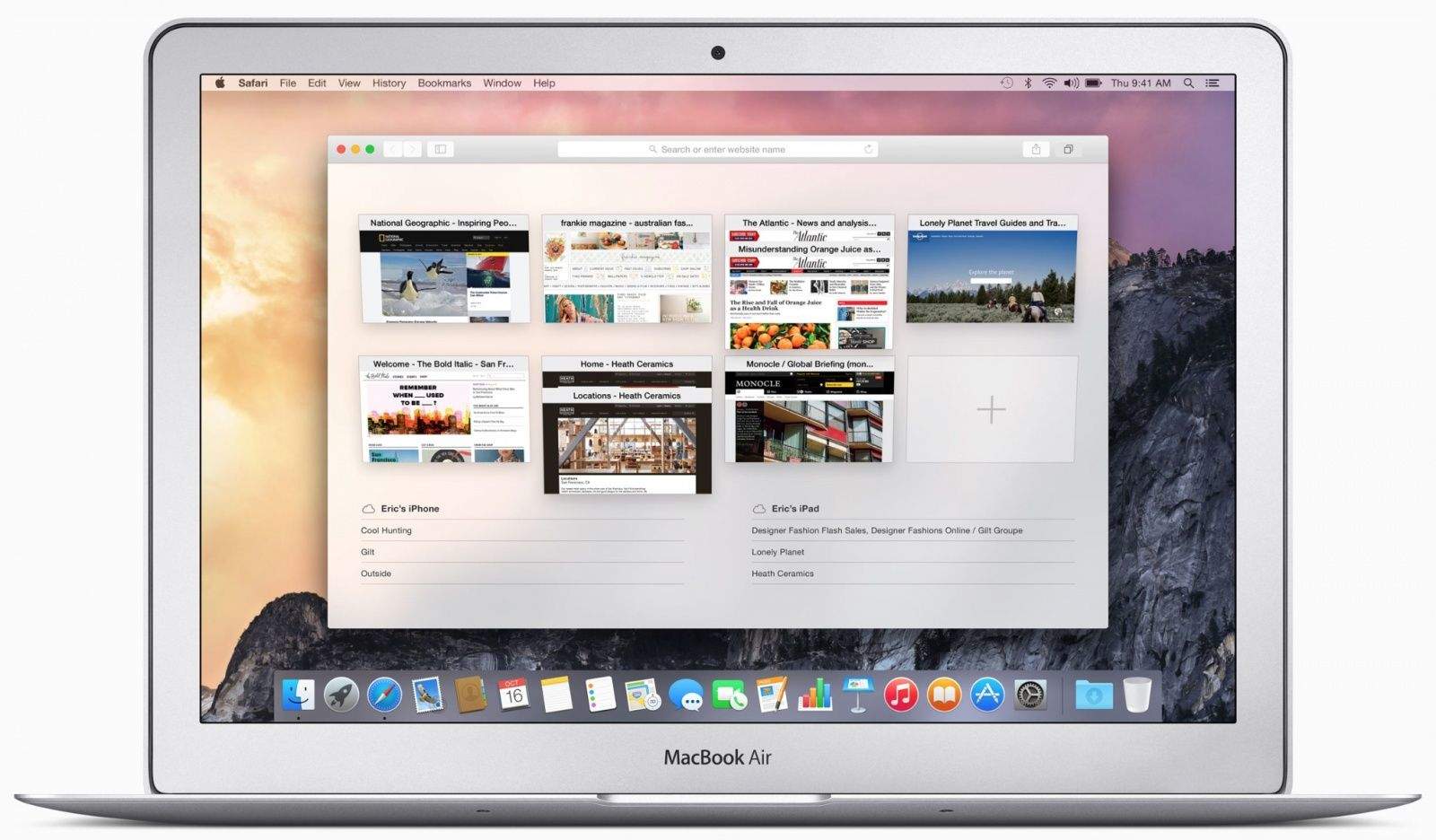
If you want to keep these tabs ready to go in every Safari window you open, even after you’ve quit Safari and re-launched it, you can use El Capitan’s new tab pinning feature to keep pages “open, up to date, and easily accessible.”
The sites you pin will stay active in the background, pinned to the left side of your tab bar. Here’s how to create (and get rid of) pinned tabs in Safari.
El Capitan beta is here to change your Mac. Photo: Apple
OS X El Capitan promises to redefine the Mac experience with a host of new improvements that make working (and playing) smoother than ever.
There’s a lot to learn about all the new goodies in El Capitan, which finally became available to the public for free today. Everything from Notes to Safari, from AirPlay to Spotlight, has seen gains both big and little.
After spending a lot of time with the new OS, which has been in beta for months, we’ve found 13 killer features every Mac owner needs to know to get the most out of El Capitan. Here they are!
Silentium (left) and Purify, two great content blockers for iOS 9. Photo: Rob LeFebvre/Cult of Mac
iOS 9 includes a new feature that desktop users have had for a while: content blocking. More conventionally known as ad blockers, this software cuts out all the advertisements and other cruft from web pages, allowing faster load times and a more streamlined experience.
Of course, most websites you read these days (including Cult of Mac!) rely on advertising to keep the lights on.
Luckily for all of us, most new content blockers let you whitelist specific sites so you can continue to help them pay their bills.
New Safari feature will come in handy. Screen: Rob LeFebvre/Cult of Mac
Using the mobile web is an uneven affair in terms of what you’ll see once your little blue progress bar slides across the page to let you know your page has loaded.
Some sites give you a crippled version of the original, making sure you can’t find any information on them at all. Looking for a tiny link to load the desktop site can be an exercise in frustration.
iOS 9, currently in public beta, has an answer to this issue baked right into Safari. Here’s how to make it happen.
If you’ve been using Google’s Chrome browser on Mac, you’ve been missing out on some serious performance gains made by Apple with its Safari browser: Not only is Cupertino’s favorite browser faster than Chrome, it also saves battery power.
But Chrome is looking to catch up with a coming update that some Mac users are raving about.
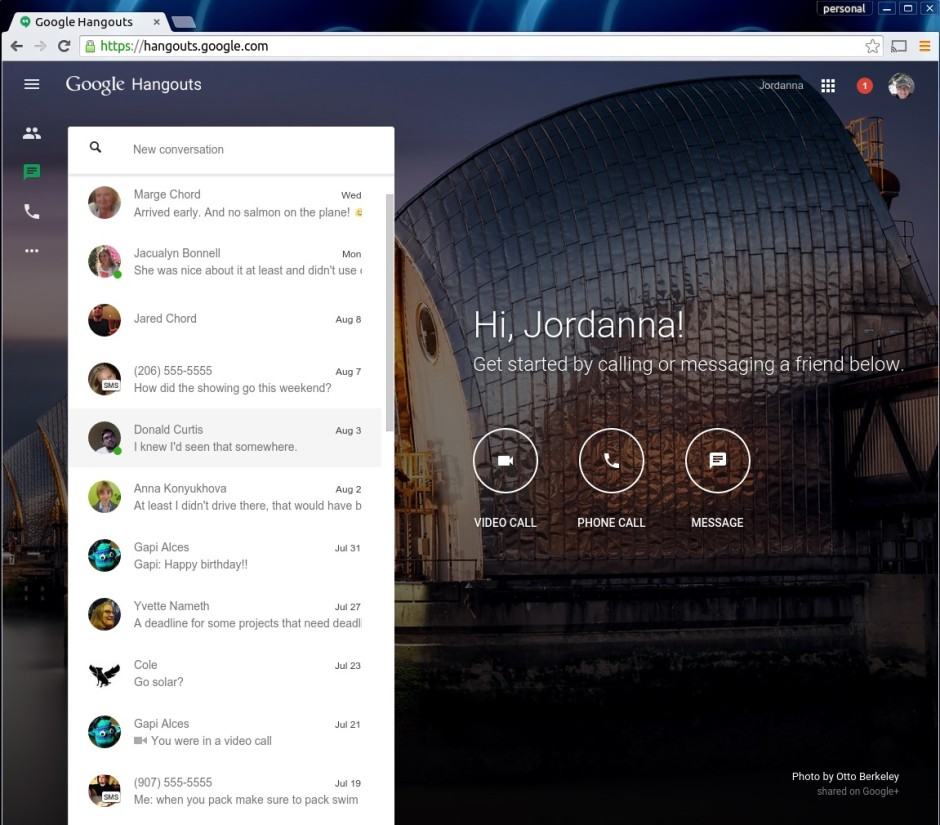
Yet another way to access Google Hangouts. Photo: Jordanna Chord/Google
Google’s chat and video messaging service, Hangouts, got a whole new standalone web app on Monday afternoon.
“We are launching another way to use Hangouts today,” writes Google’s Jordanna Chord on Google Plus. “From our new site you’ll be able to take advantage of the best of Hangouts in the browser, along with an inspiring image to get you through the day.”
Now you’ll be able to keep in touch with all your Hangouts-using buddies in any web broswer, including Safari, without having to run Gmail or Google Plus (or the Chrome app).
The results are in: you're stupid if you don't switch to Safari on your MacBook. Photo: BatteryBox
We’ve seen before that changing from Chrome to Safari can make a big difference on your Mac’s battery life.
But if you haven’t switched from Chrome or Firefox to Safari yet, this fact might change your mind: If you’re a MacBook user, you’re losing an average of one hour of total battery life by using anything but Safari.
The World Wide Web would like you to pay attention. Photo: Apple
Websites these days have another tool to engage you: the desktop notification. Many sites, this one included, allow you to opt in to a system of popup notices that encourage you to click through and see new content.
Of course, not all content is created equal, and you might someday wish to stop being notified of new cat photos from that feline-friendly website.
Here’s how to manage web notifications using two of the Mac’s most popular web browsers, Safari and Chrome.
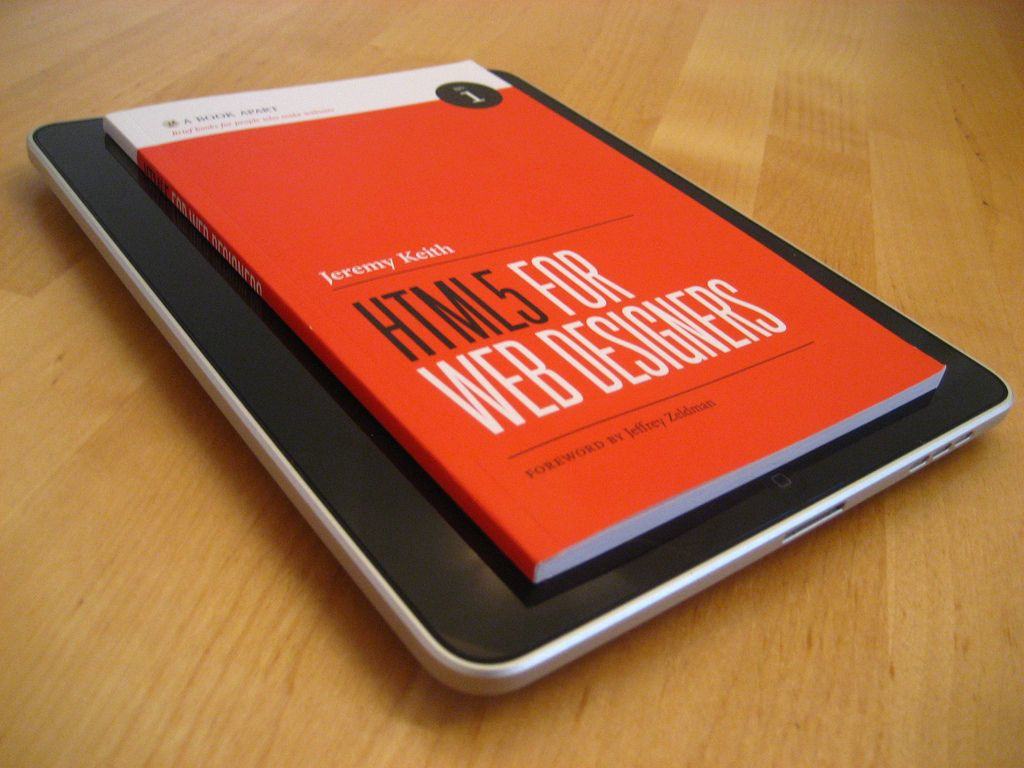
The battle continues to put Flash to death in favor of HTML5. Photo: Jeremy Keith/Flickr CC
Though Adobe Flash has been dying a slow death over the past few years, it’s far from dead yet. However, it seems like some people are getting pretty impatient with it and Facebook’s new chief security officer Alex Stamos is one of those people. He publicly tweeted yesterday calling out Adobe to just set a date already to kill Flash and make an announcement to put an end to its misery.
Apple seeded iOS 9 beta 2 to developers today and while there aren’t any groundbreaking new features or drastic improvements, the company did manage to add a bunch of little changes and tweaks across the OS.
Most of the improvements are small design changes, but there are a couple really useful additions too, like adding Handoff to the app switcher, search improvements are more.
Take a look at everything that’s new in iOS 9 beta 2:
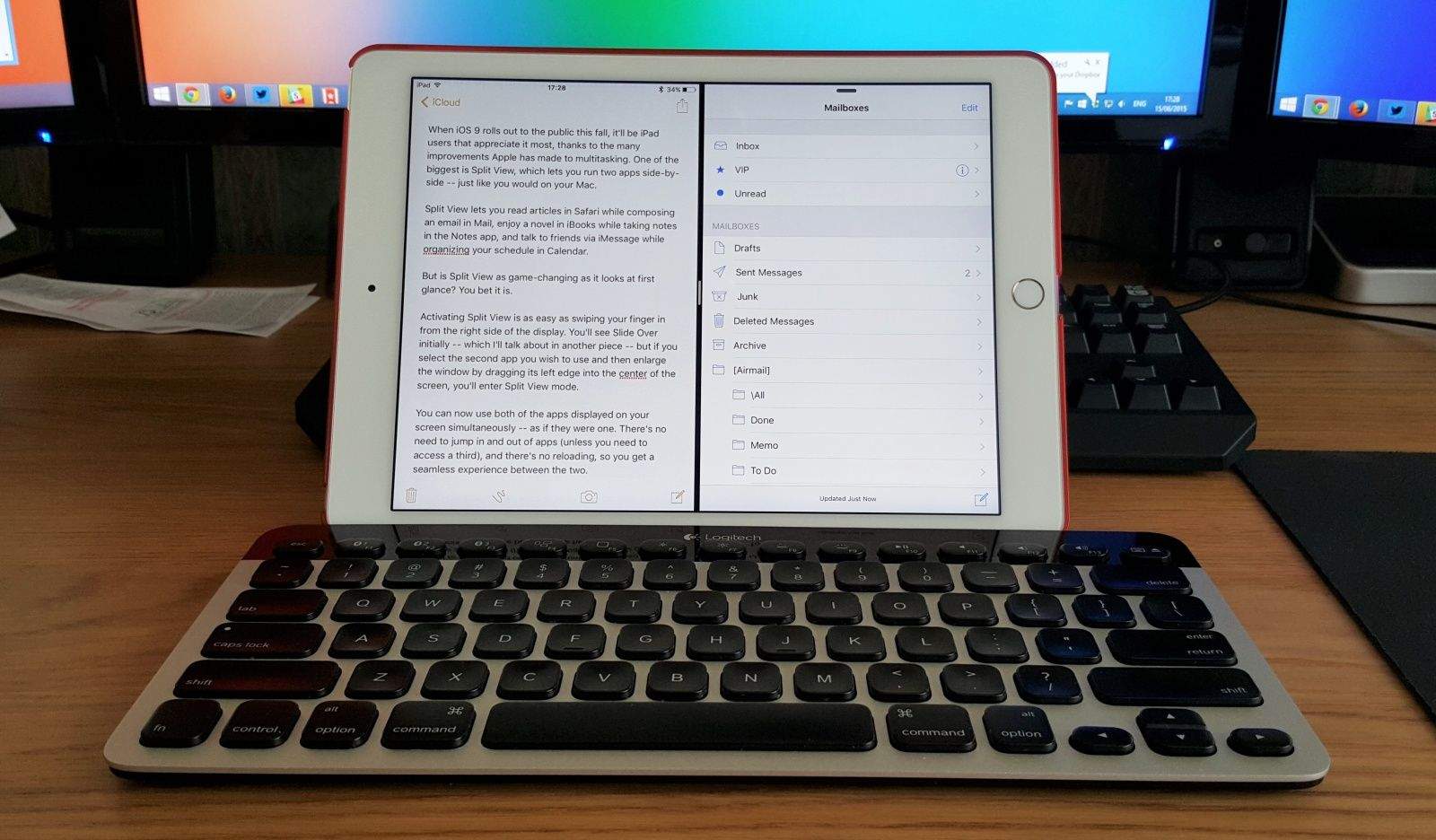
When iOS 9 rolls out to the public this fall, it’ll be iPad users that appreciate it most, thanks to the many improvements Apple has made to multitasking. One of the biggest is Split View, a feature that’s exclusive to the iPad Air 2, which lets you run two apps side-by-side — just like you would on your Mac.
Split View lets you read articles in Safari while composing an email in Mail, enjoy a novel in iBooks while taking notes in the Notes app, and talk to friends via iMessage while organizing your schedule in Calendar.
But is Split View as game-changing as it looks at first glance? You bet it is.
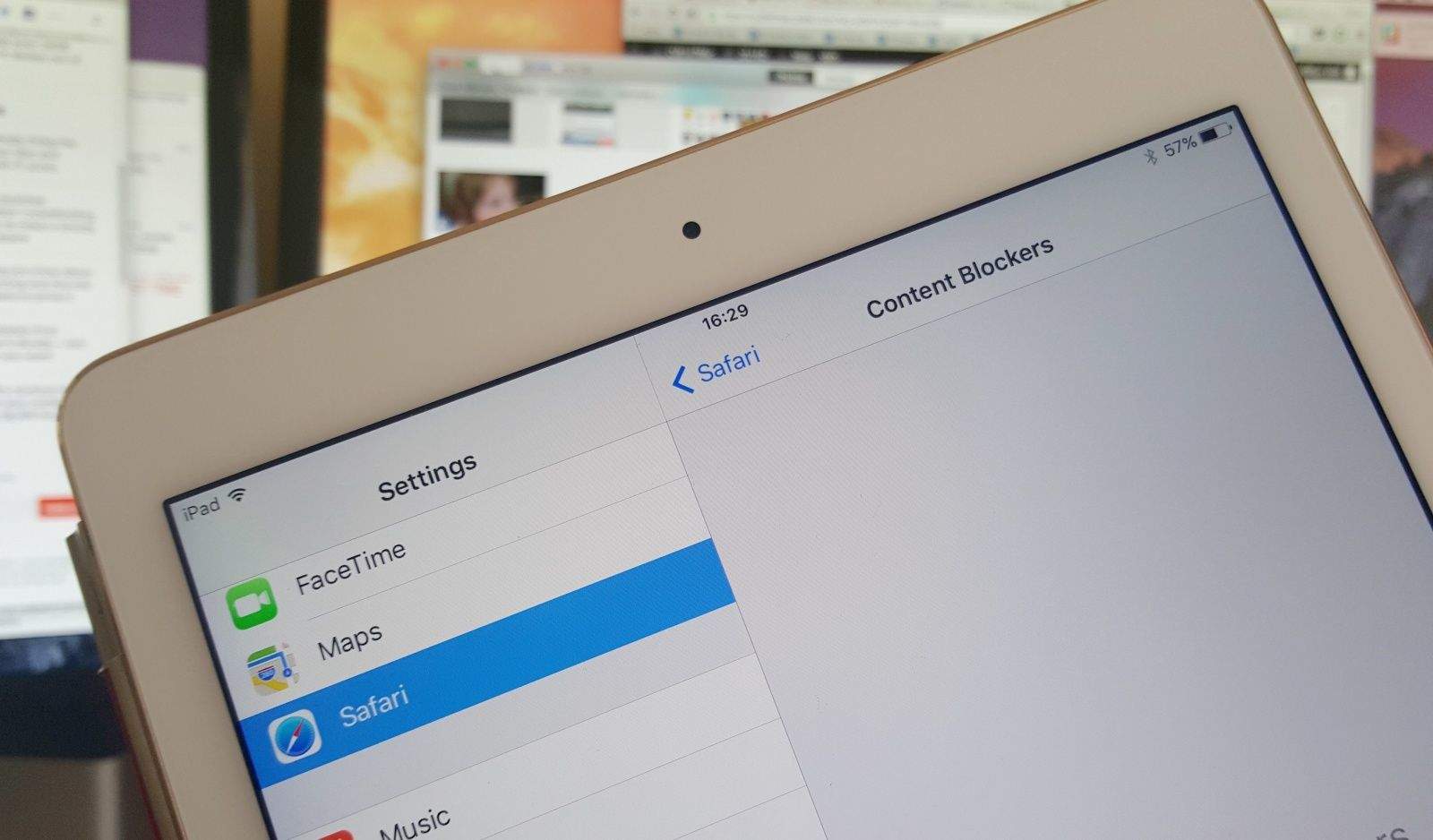
Safari's new Content Blockers settings in iOS 9. Photo: Killian Bell/Cult of Mac
Apple is planning to open up mobile Safari to “Content Blockers,” according to a new features discovered in the iOS 9 beta. The change could pave the way for ad blocking extensions, which prevent images, popups, and other content from loading as you browse the web.
Bookmarks everywhere! Photo: Rob LeFebvre/Cult of Mac
I took the plunge and downloaded a password manager today, and when I was researching how to use it on my iPhone, one help page said I needed to put some bookmarklets onto my Mac and then move them over to the iPhone.
Problem was, I wasn’t sure how to make that happen; I figured it was just automatic.
It might be magically enabled for you, but if you’re like me and don’t know how to get your Safari bookmarks from one device to the other, here’s how to get it to work.
Whatever, Safari. I'm not believing a thing you say anymore. Screenshot: Evan Killham/Cult of Mac
Tech-wizard scientists have discovered a crack in the Safari web browser’s armor that will let evildoers trick it into showing false information in its address bar.
The exploit could lead to users giving up sensitive information when they think they’re just trying to buy some pants or something.
Safari on the Apple Watch would suck. Photo: Comex
Apple Watch is great at many things like checking weather, tracking fitness and sending notifications. But when it comes to surfing the web, Apple Watch is unsurprisingly the worst device for the task.
An Apple Watch version of Safari wasn’t included with Jony Ive’s smartwatch, but that didn’t stop notorious jailbreaker Comex from hacking a web browser onto the wearable. Comex posted a video of his hacked Apple Watch running a web browser on the Google homepage over the weekend, showing it is possible to browse the web from your wrist — but you’ll never want to.
It's now possible to bypass certain paywalls. Photo: Cult of Mac
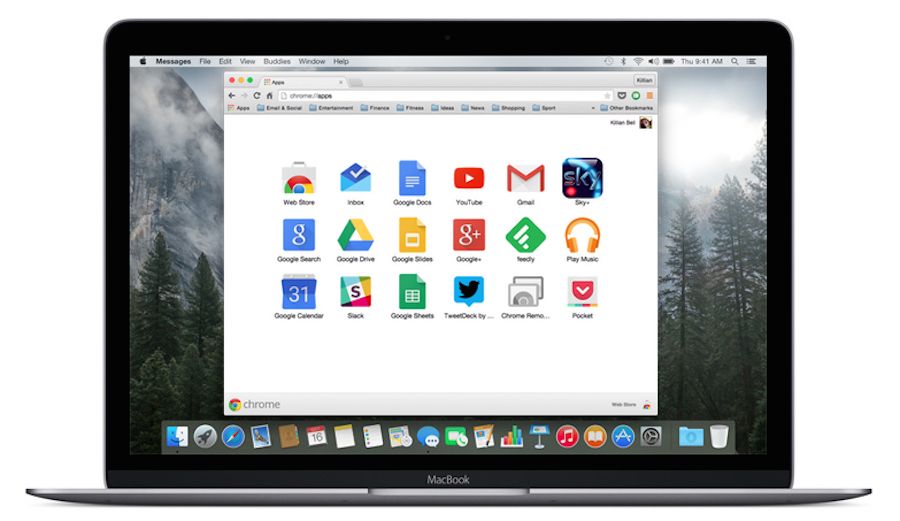
There’s no question that Google Chrome is one of the best web browsers you can get, but it’s long been a resource hog under OS X. By simply avoiding it on the new MacBook, your battery could last more than three hours longer in between charges.