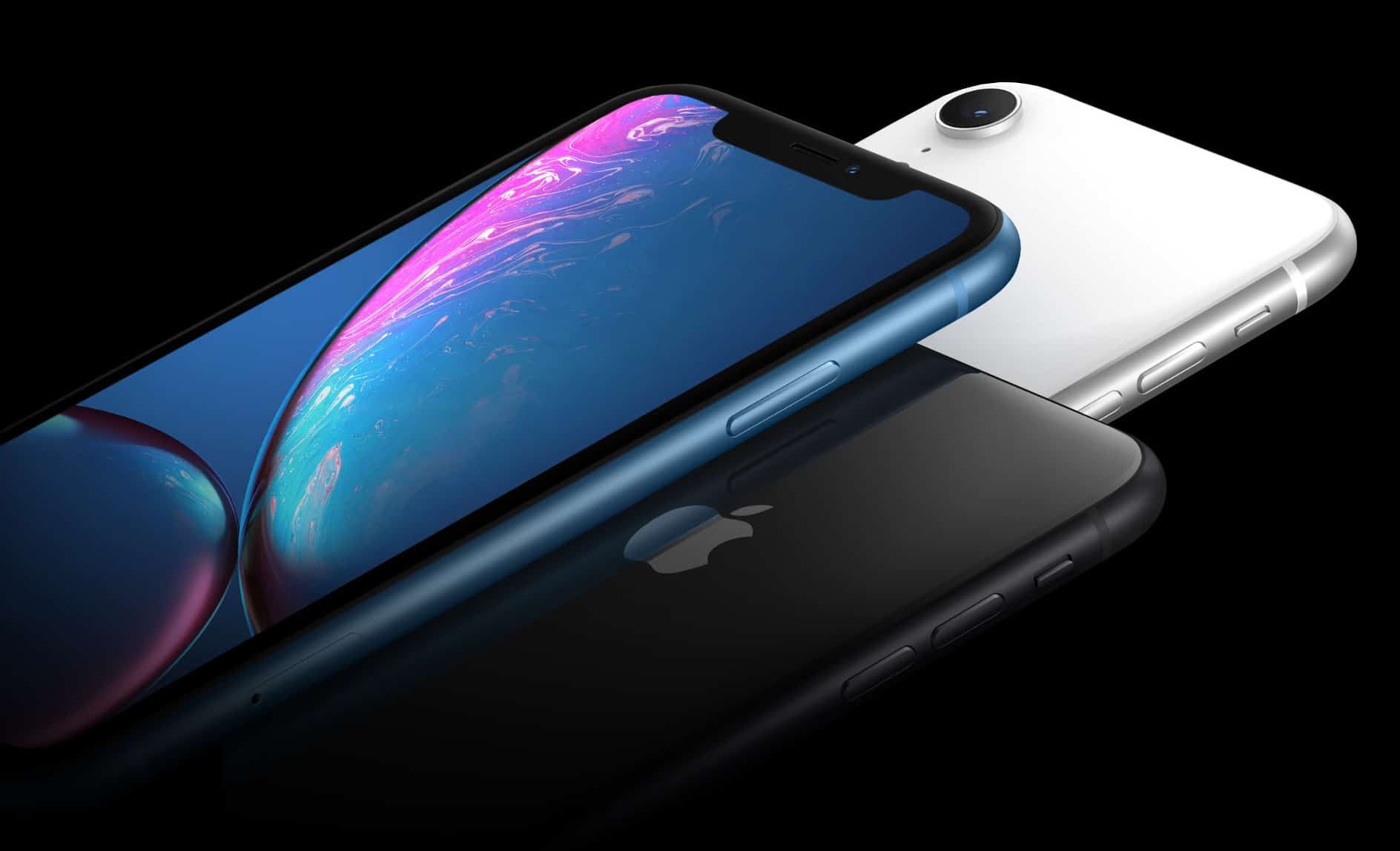
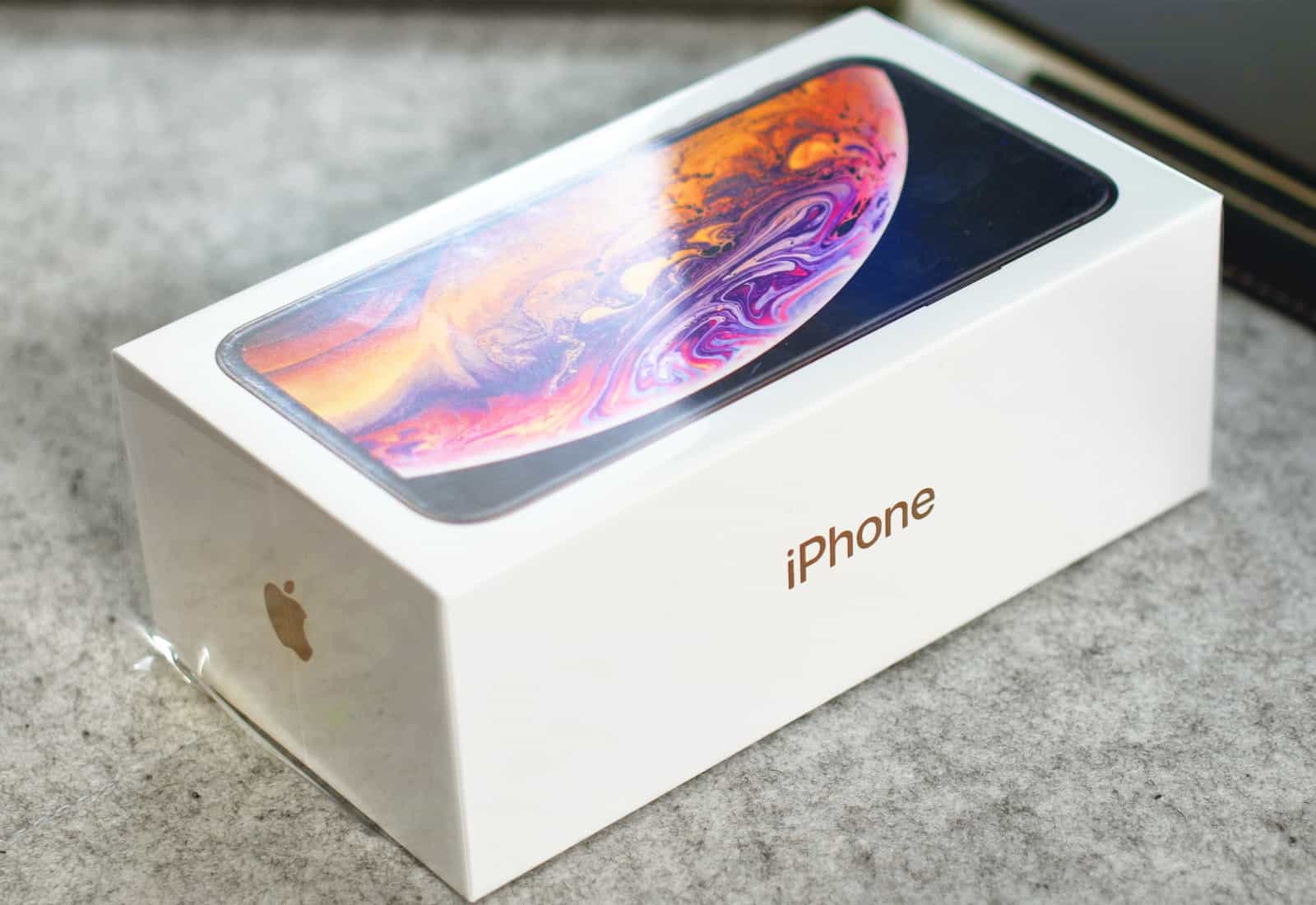
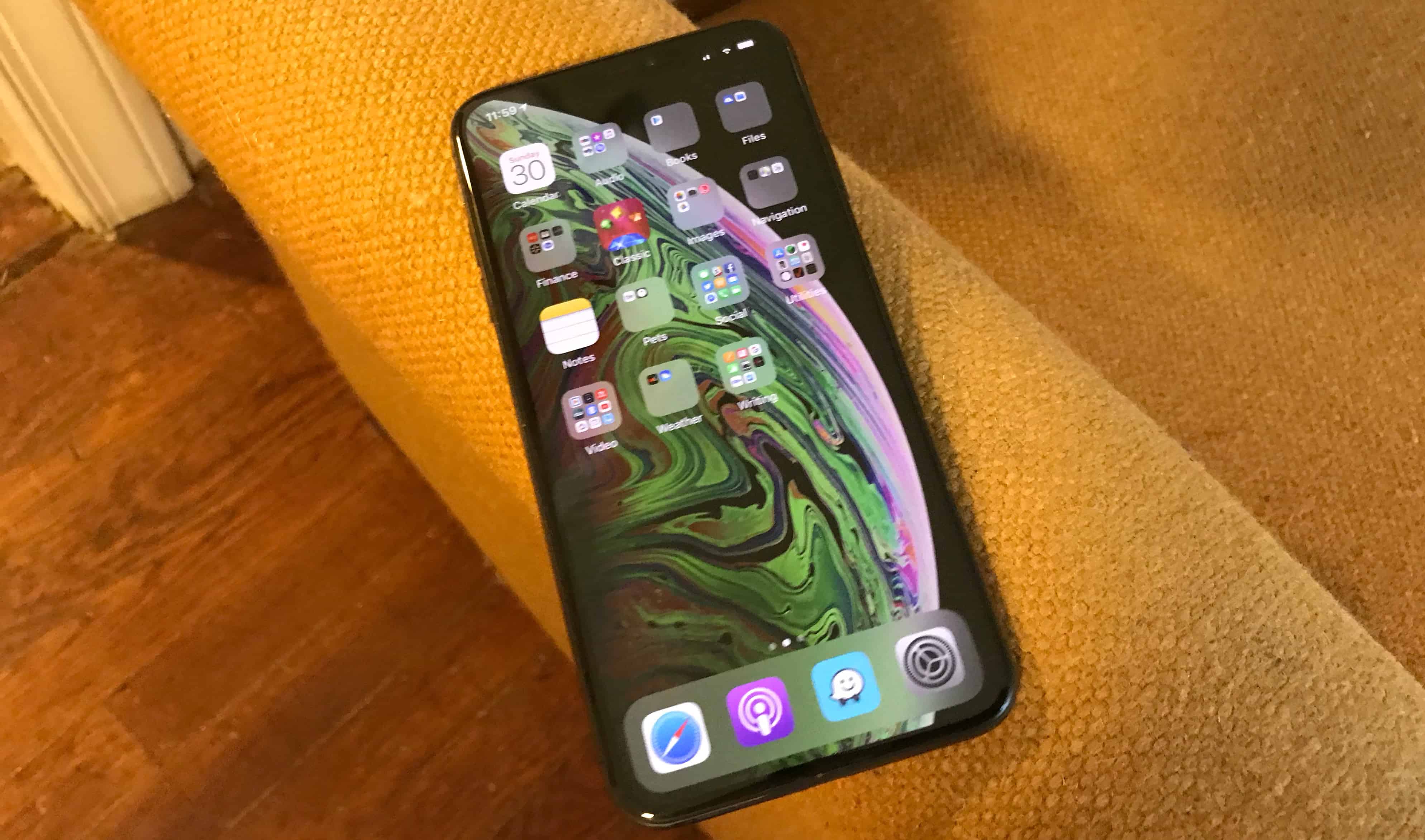
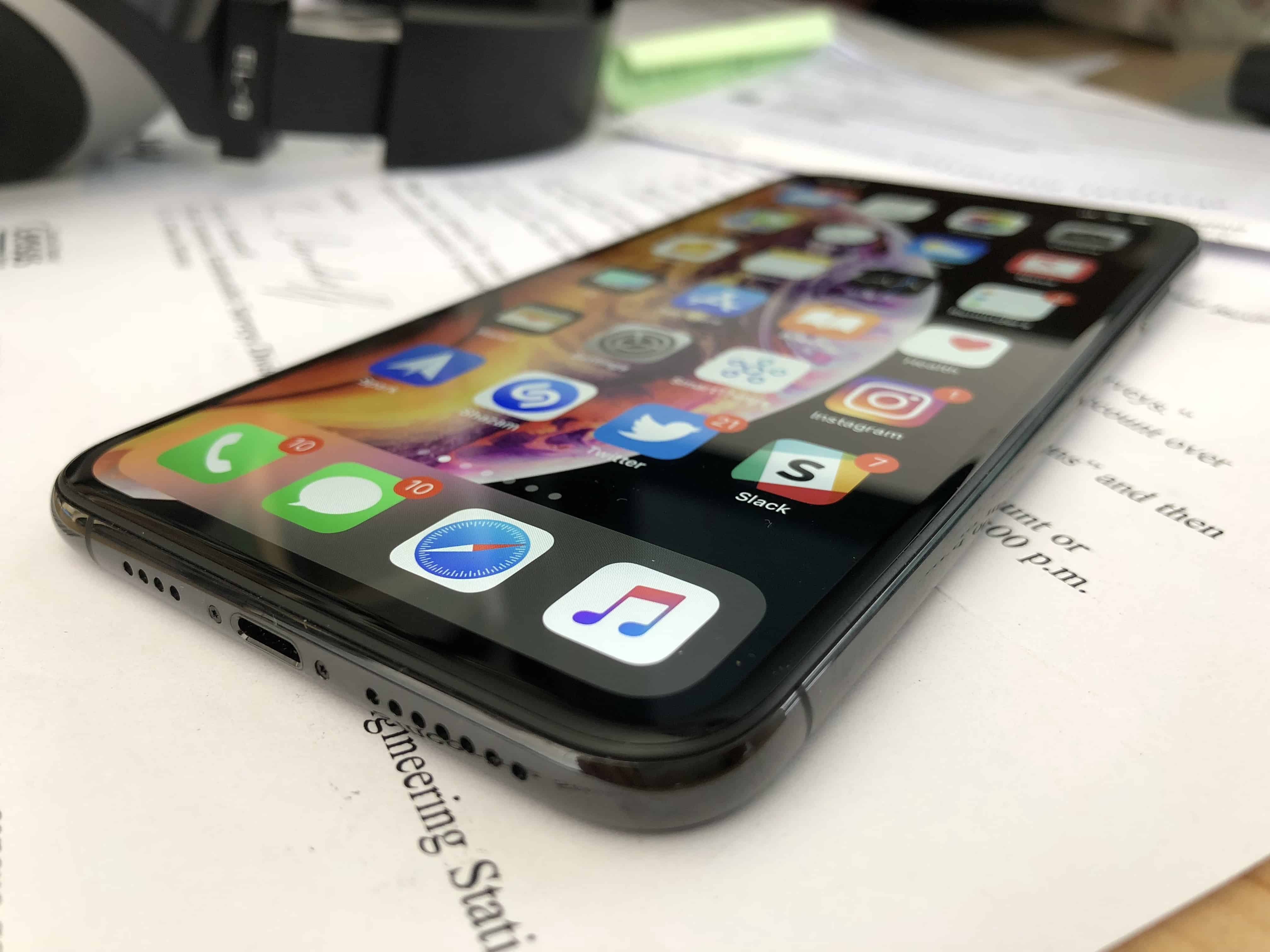
You should really consider the iPhone XR. Photo: Apple
The first iPhone XR reviews are out just a few days before the handset makes its official debut, and one thing’s clear: This is one of Apple’s best smartphones to date.
Despite being a more affordable alternative to the iPhone XS, the iPhone XR is just as good in many areas, and even better in a few others. It makes some sacrifices to be more affordable, but it certainly lives up to the promises where it counts.
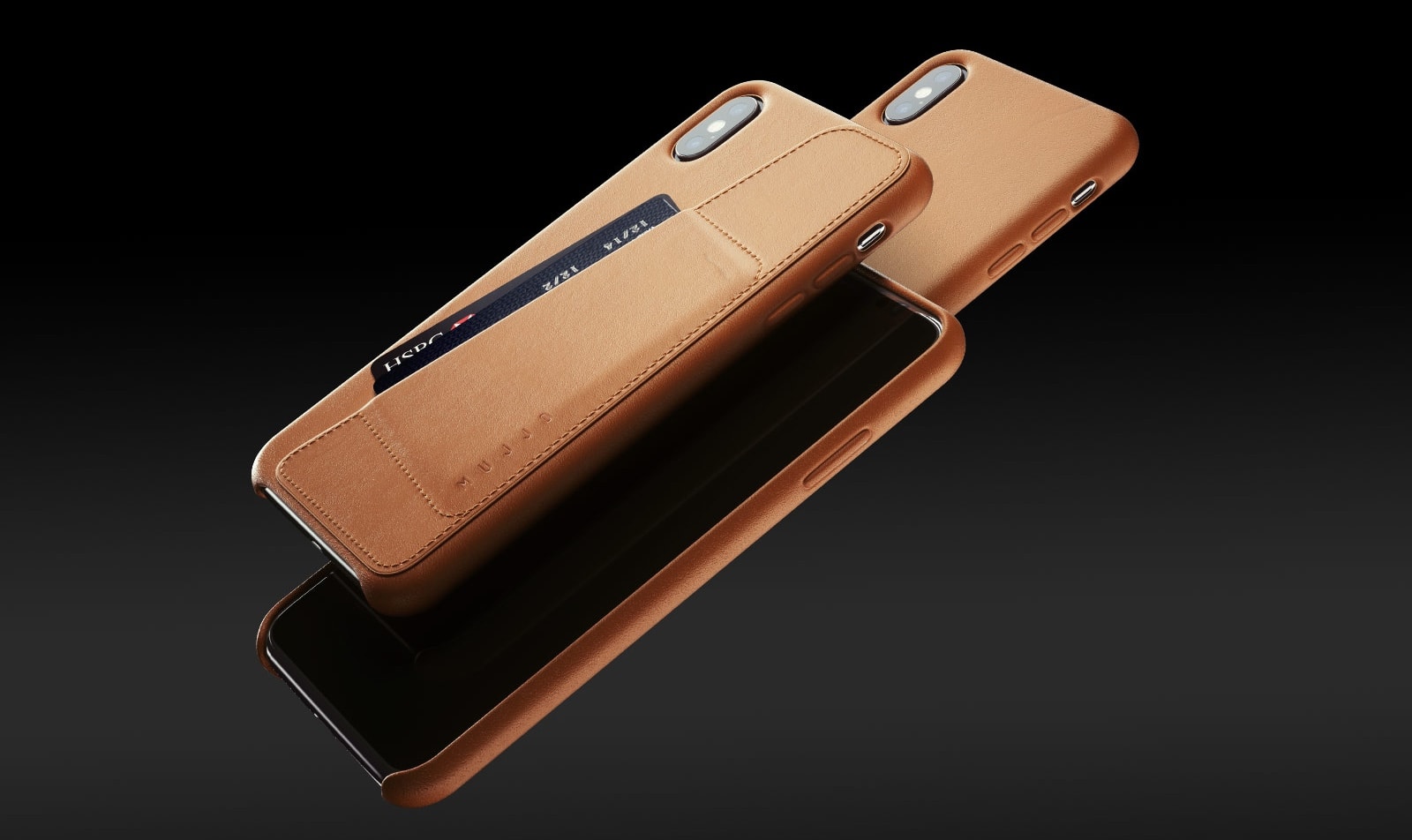
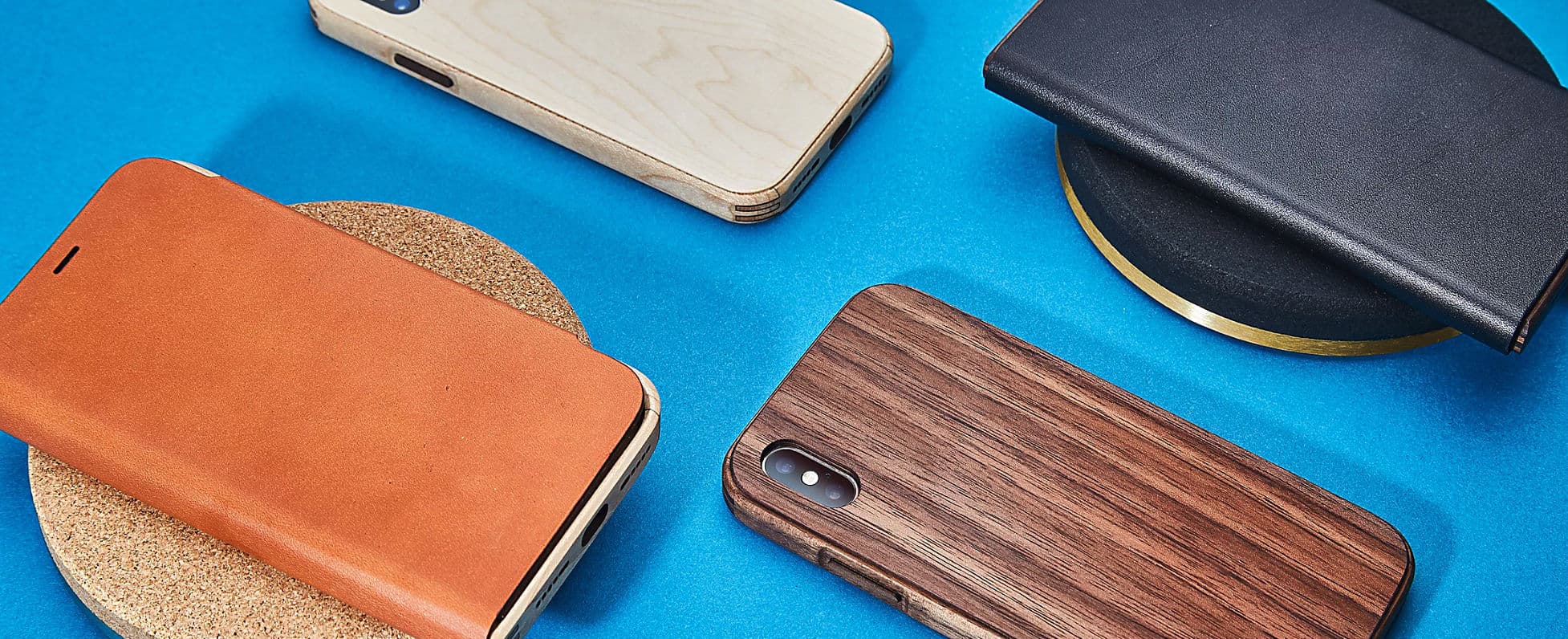
The Mujjo Full Leather Wallet Case for the iPhone XS Max looks great from any angle. Photo: Mujjo
There are quite a few iPhone cases that can also function as wallets and Mujjo makes the best we’ve tried. There are other options that provide more features but this one gets all the basics just right.
Read on for our review of the Mujjo Full Leather Wallet Case for the iPhone XS series.
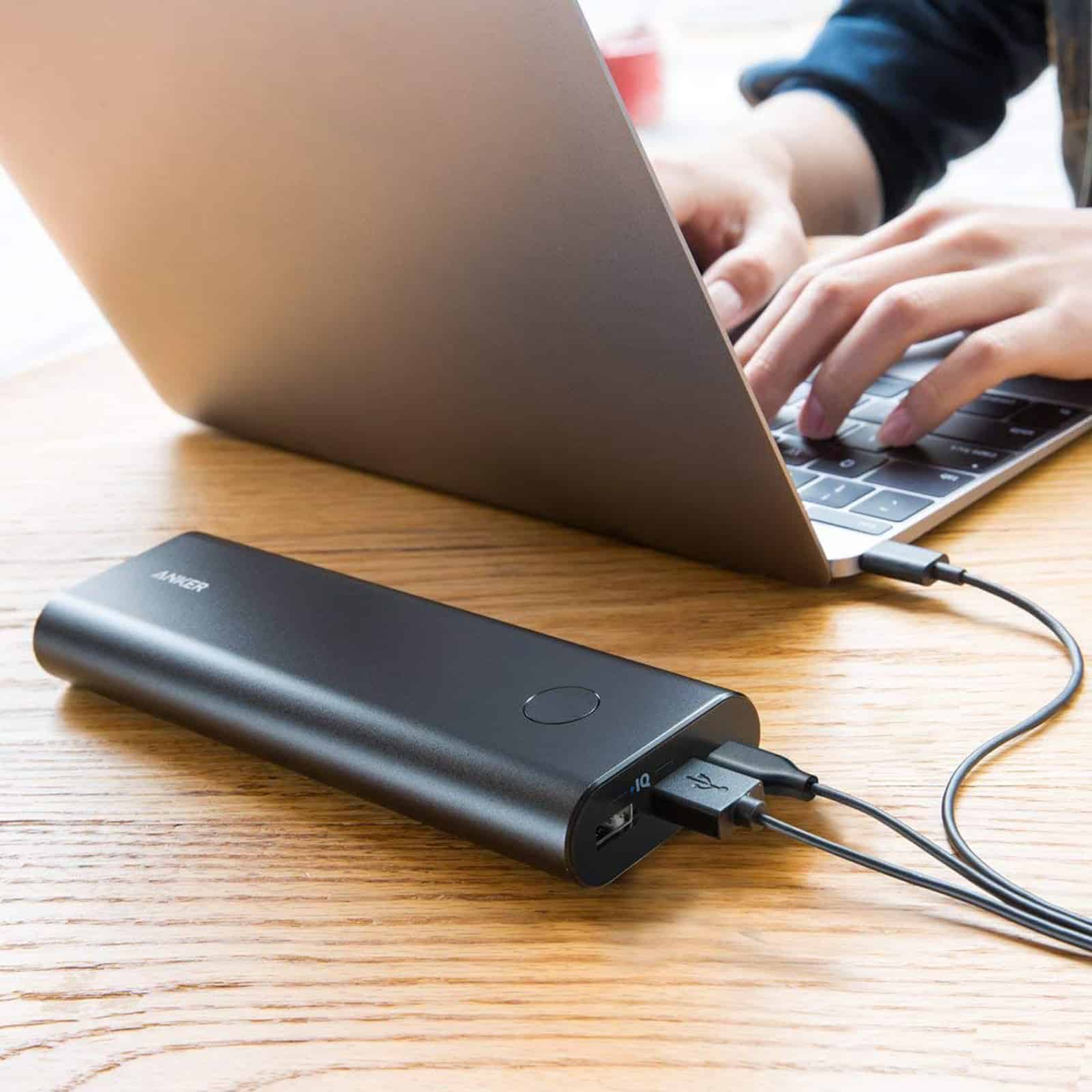
USB-C battery packs, chargers, hard drives, cables and hubs will future-proof newer Macs. Photo: Anker
USB Type C — it’s no longer a novelty but an emerging connectivity standard for Apple products. As a newer, more powerful variation of the same USB we all know and love (well, kinda), USB-C features higher power and faster data transfer than its predecessors via a smaller connector.
While older USB Type A and B were a great gift for Mac users — few mourned the passing of ADB and SCSI — USB is often finicky. Just plugging in an old-school USB cable can prove challenging, since you must position the connector just so for it to slide smoothly into the port. That often means several tries to achieve the proper angle and orientation.
Those obstacles disappear with USB-C because, in addition to its smaller size, it is designed to be reversible — with no up or down orientation, just like a Lightning cable — and the cables can have the same type of connector on both ends.
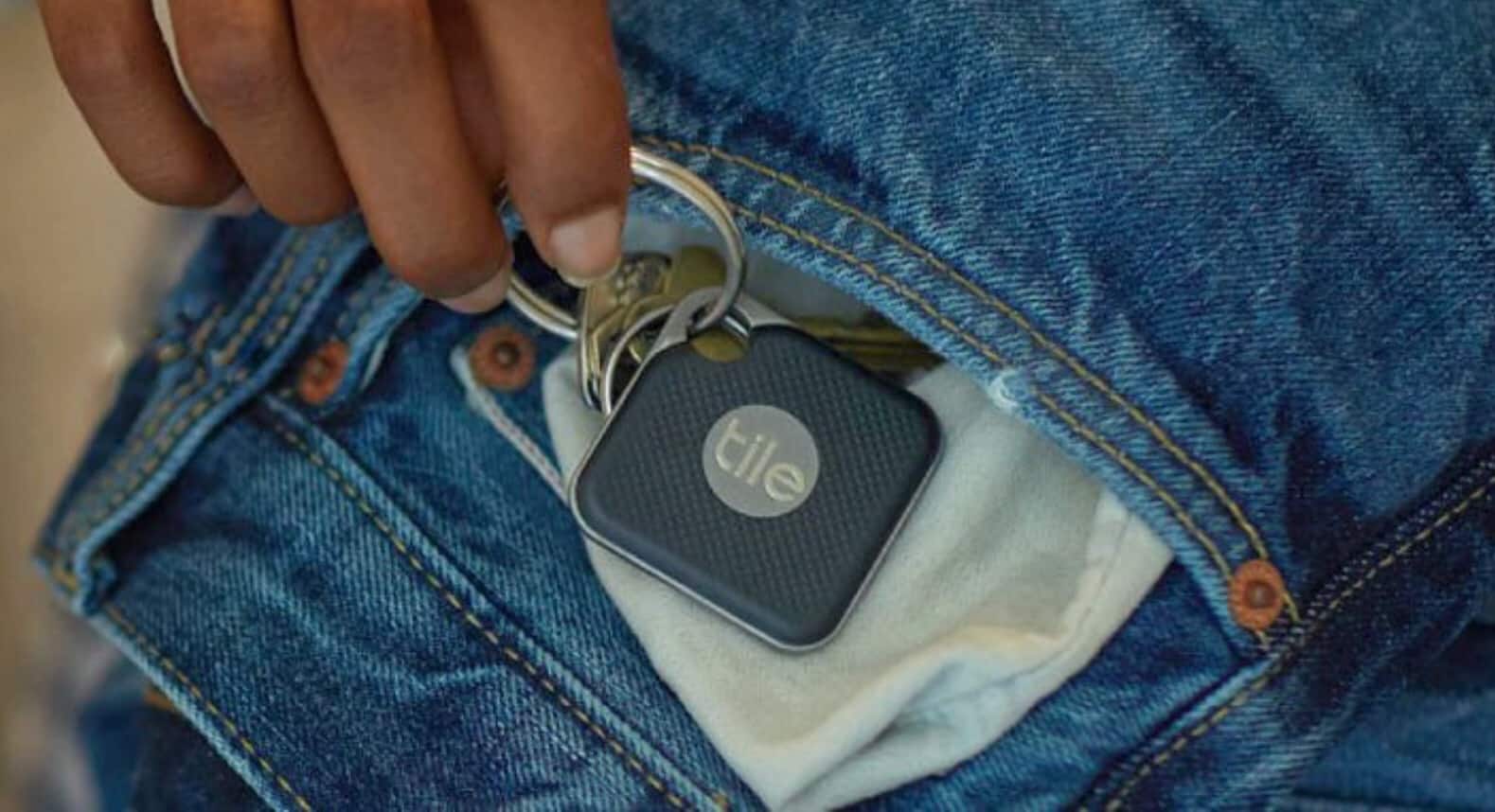
A 2018 Tile Pro can be used for years now that the battery can be swapped out. Photo: Tile
For much too long, the best key finder had a significant flaw. A Tile Pro or Tile Mate helps you keep track of your keys, the remote, or other items, but each only lasts a year. Then you have to buy another one because the battery can’t be replaced. That finally changes in the new 2018 version. Plus they have a greater range.
We tested the latest versions of the regular and Pro versions of the Tile tracker to see if they live up to their promises.
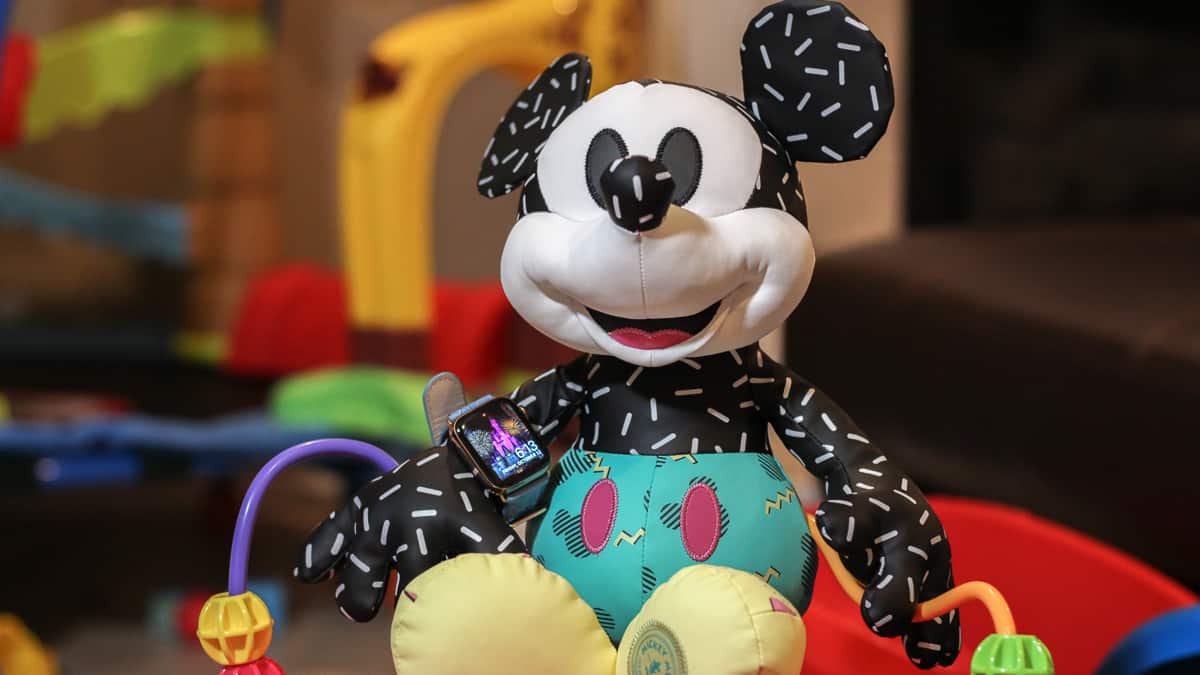
The Apple Watch Series 4 made a vacation to Disney World more convenient. Photo: Ian Fuchs/Cult of Mac
In 2015, I purchased my wife a stainless steel Apple Watch (series 0) for her birthday. Since then, she’s used it to track hundreds of workouts, reply to thousands of texts, and triage countless notifications. She’s also told me nearly every day for the past year that she hates it and it never works right.
While that might be a bit of an exaggeration, she has a point. The original Apple Watch is slow and unresponsive. Plus, some features have become frustratingly unreliable (looking at you, Siri).
This year, we decided to upgrade her Apple Watch in time for our family vacation to Disney World. It was the perfect opportunity to test Apple’s magical wrist communicator at the most magical place on Earth.
I knew it couldn't last, but we had a great time together. Photo: Ste Smith/Cult of Mac
For the first time in 11 years, I did not get Apple’s latest iPhone delivered to my door on launch day. I’ve been using an iPhone X since last November and I was still happy with it; I certainly didn’t see the need to drop another $999 on what seemed like a slightly better device.
But then I got the chance to use an iPhone XS Max.
I had the handset for just over a week, and I loved every second I spent with it. I was wrong to not upgrade this year, and it killed me to return the device to its rightful owner.
The best and most useful apps for iPhone and iPad Photo: Ste Smith/Cult of Mac
With our 50 Essential iOS Apps series, the goal was to help you find some of the best apps for iPhone and iPad. Picking the finest offerings from the more than 2.2 million iOS apps in Apple’s App Store proved challenging. But we highlighted apps that offer excellent features or make life easier in various ways.
To wrap up the series, we’ve sorted the apps by category to make the list easier to browse. We’re also showcasing Cult of Mac readers’ alternatives to our picks.
(You’ll find reader faves linked at the end of this post. That’s especially helpful since one of our must-have apps is about to die an unceremonious death.)
Would you trust fitness advice from Apple Intelligence? Photo: Graham Bower/Cult of Mac
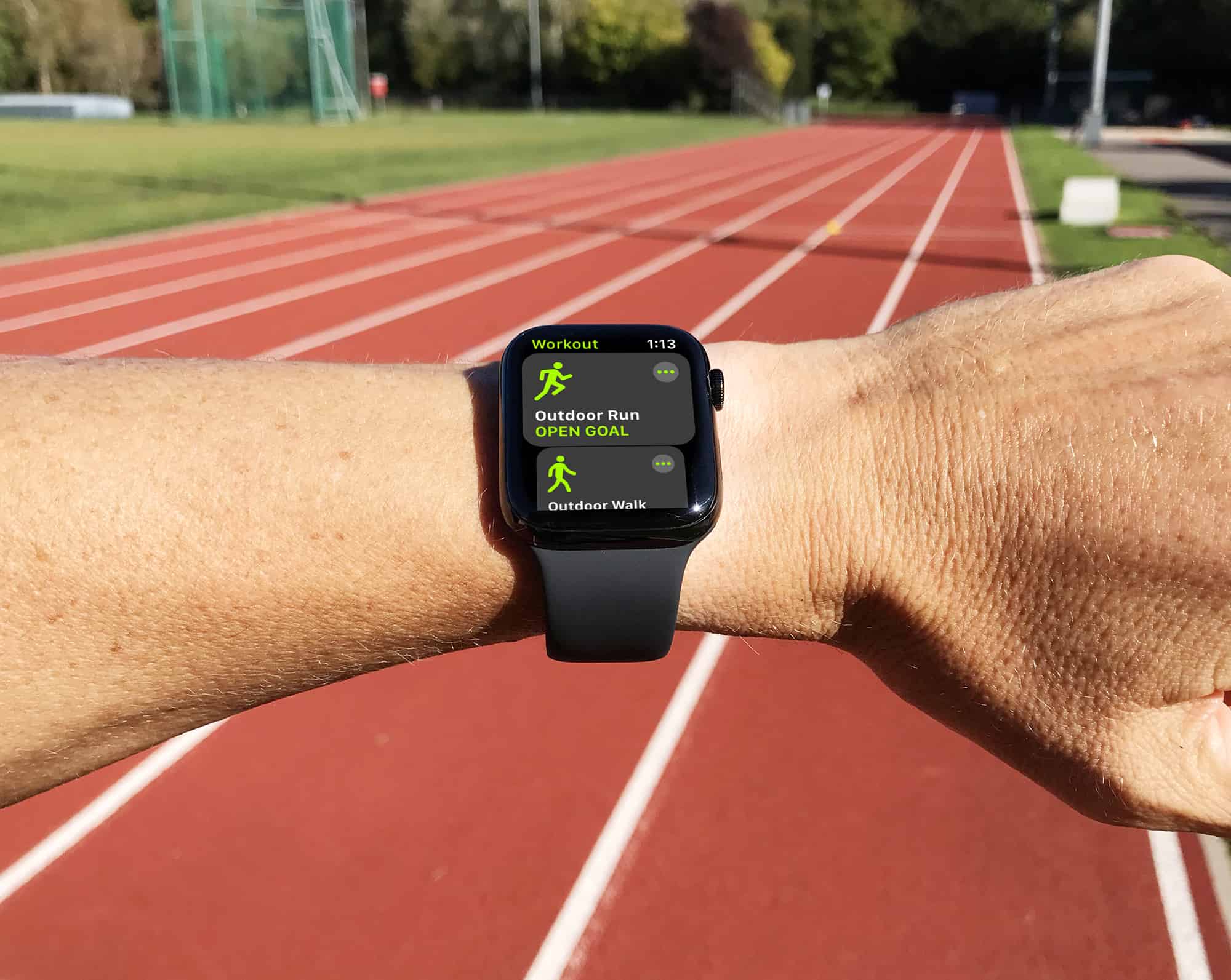
Apple Watch is pretty awesome at doing a lot of things. But mapping workouts isn’t one of them. At least, not until now. Back in 2016, I was pretty disappointed with the maps I got from my Apple Watch Series 2 (the first model that came with built-in GPS). When I tested it at my local running track, the maps it generated looked like random scribbles.
Fast-forward to today, and things look a whole lot better. Last week, I repeated that test with a shiny new Apple Watch Series 4 and got some very interesting results.
The iPhone XS Max is 25 percent larger than any previous iOS handset. So how is it as an iPad mini replacement? Photo: Ed Hardy/Cult of Mac
Apple stopped updating the iPad mini a few years ago because sales dropped off at the release of the first iPhone Plus model. Seems lots of people prefer a large-ish smartphone to a small tablet, even if the iPad is bigger than the iPhone.
And now there’s the iPhone XS Max, Apple’s biggest smartphone ever. So we explored using one as a replacement for an iPad mini 4.
From weird to wonderful, you won't have any problem finding the perfect case for your new iPhone. Photo: Grovemade
You’ve got a shiny new iPhone XS or XS Max, and you want top keep it that way. Thankfully, there are already a ton of cases available for you. For simple protection, there’s Apple’s own leather or silicone case, but why stop there? You can choose for rugged cases, cases that hold two phones, cases that also work as wallets, and cases that can carry your EarPods.
Even if you don’t normally go for a case, you may like one just so it covers up the iPhone XS’ big camera bump, which really does make the phone wobble on the table. So, sit back, relax, and read our guide to the best iPhone cases around right now.
There are over 1.4 billion active Apple devices in the world. Photo: Ste Smith/Cult of Mac
If you ever watched schlocky ’70s sci-fi show The Six Million Dollar Man, you probably remember the opening sequence, during which a faceless narrator describes building a man who is “better than he was before. Better … stronger … faster.”
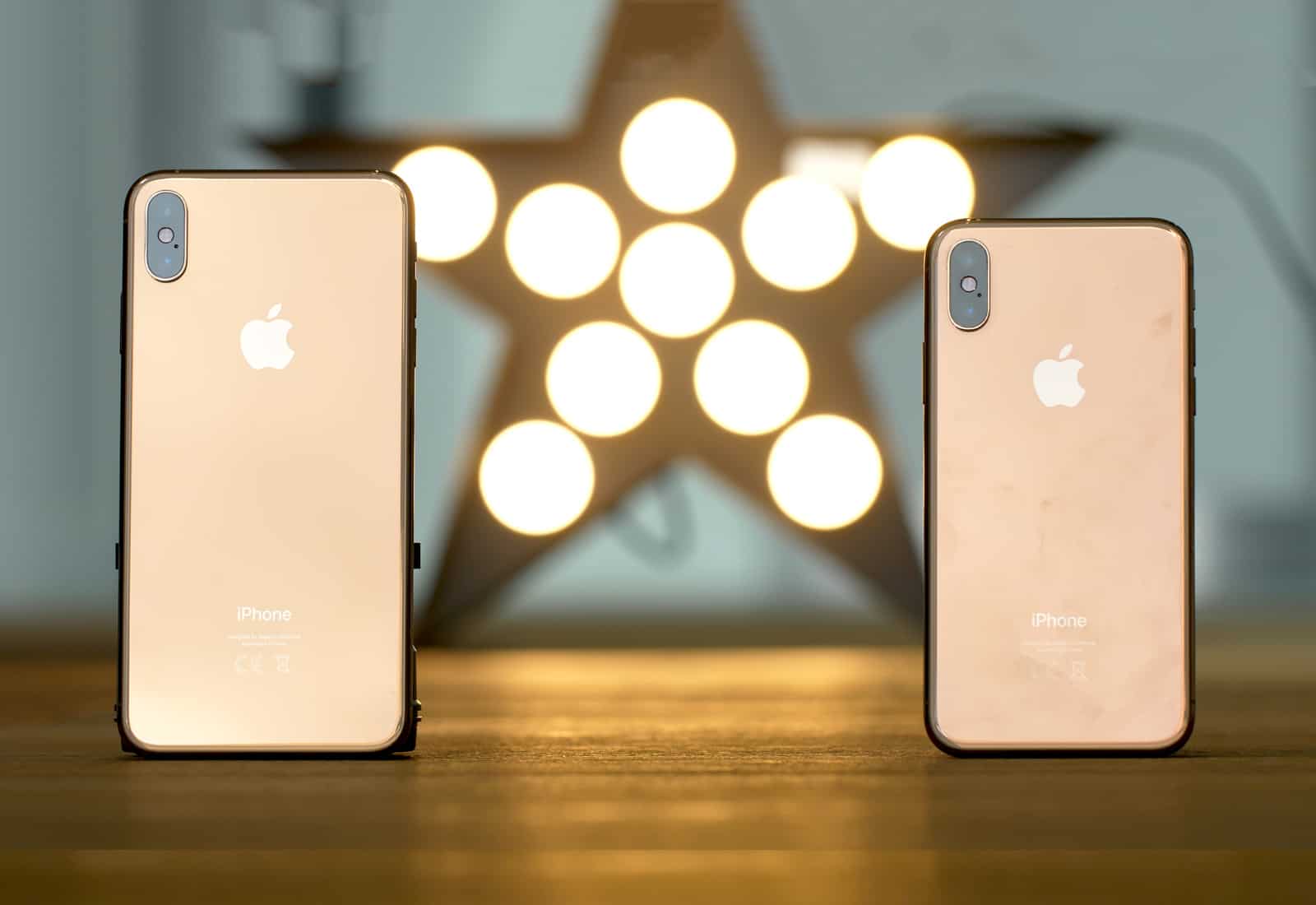
With the iPhone XS and iPhone XS Max, Apple’s engineers achieved just that type of incredible transformation. They fabricated phones that look “normal,” like last year’s iPhone X. But, just like the shadowy geniuses who built the bionic man, Apple indeed made the iPhone X better, stronger and faster — thanks in large part to the A12 Bionic chip that powers the new phones’ most advanced functions. (Other hardware and software upgrades help, too.)
Just like Col. Steve Austin, the ace astronaut who got $6 million worth of bionic implants after a devastating crash, the iPhone X received massive internal upgrades to morph into the iPhone XS and iPhone XS Max. While it looks like the same old (excellent) device, it’s actually far more fantastic and futuristic.
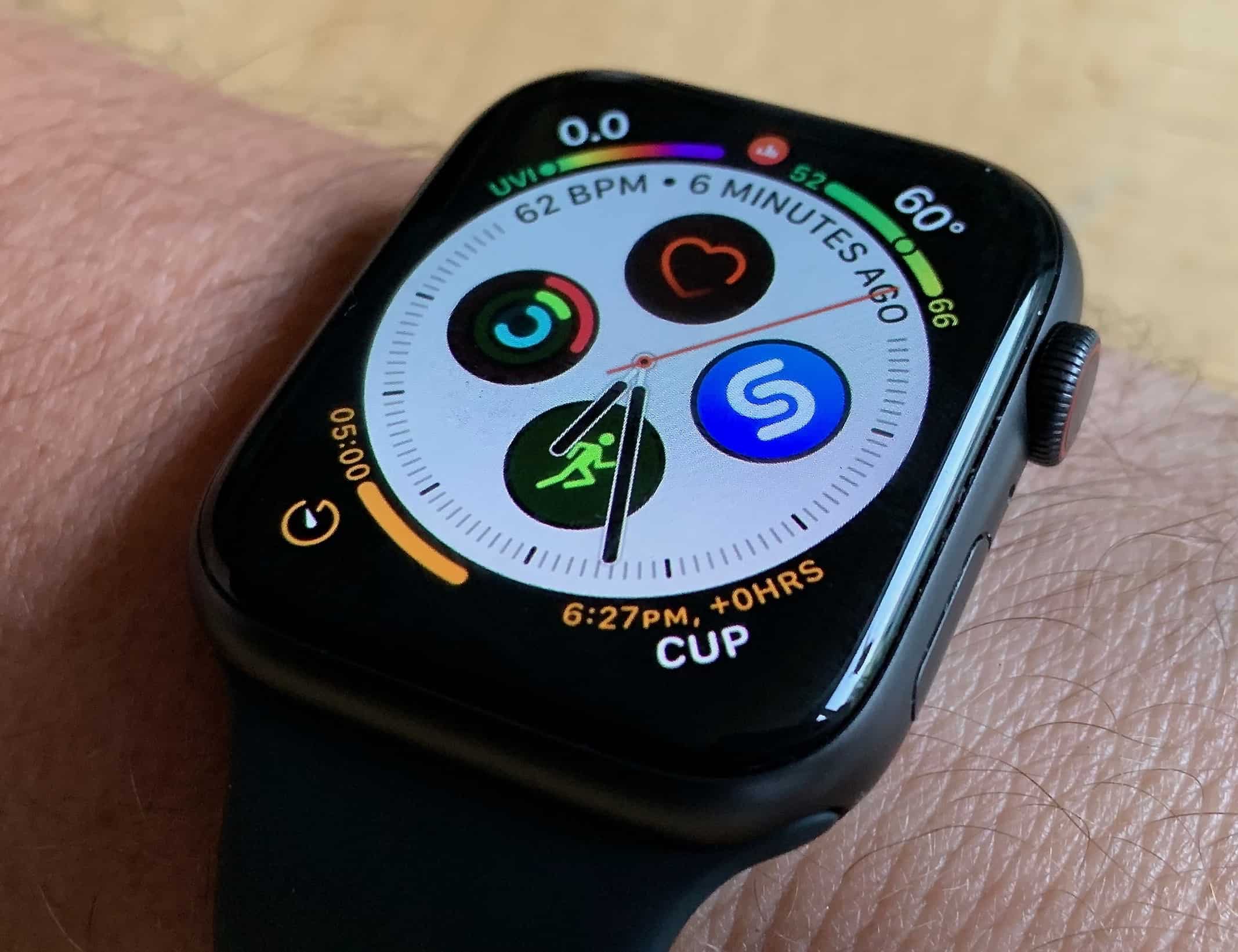
The Series 4 comes with some great new watch faces, like this information-packed Infograph face. Photo: Leander Kahney/Cult of Mac
I have a new best friend. It’s the Apple Watch Series 4. Boy, do I love this miraculous little machine.
The new Apple Watch really is wonderful. As with everything else, speed makes it so much more fluid and seamless. The display is gigantic and awesome! There’s so much technology packed inside, it’s a sci-fi marvel.
I took it for a long bike ride to test it out. Here’s what I found.
Depth Control gets confused by glass. Photo: Charlie Sorrel/Cult of Mac
Most iPhone camera reviewers are upgrading from last year’s model, the incredible iPhone X. Most iPhone buyers are upgrading from an earlier iPhone, probably the iPhone 6s or 7. This review is for the buyers. In it, I compare the new iPhone XS camera to the iPhone 7 camera, and talk about just how massive an upgrade this is.
iPhone X owners shouldn’t feel left out, though. Camera-wise, the iPhone XS and XS Max might be the biggest iPhone upgrade since the iPhone 3GS added autofocus. One note: The iPhone XS Max has the exact same camera as the XS, so this review goes for both.
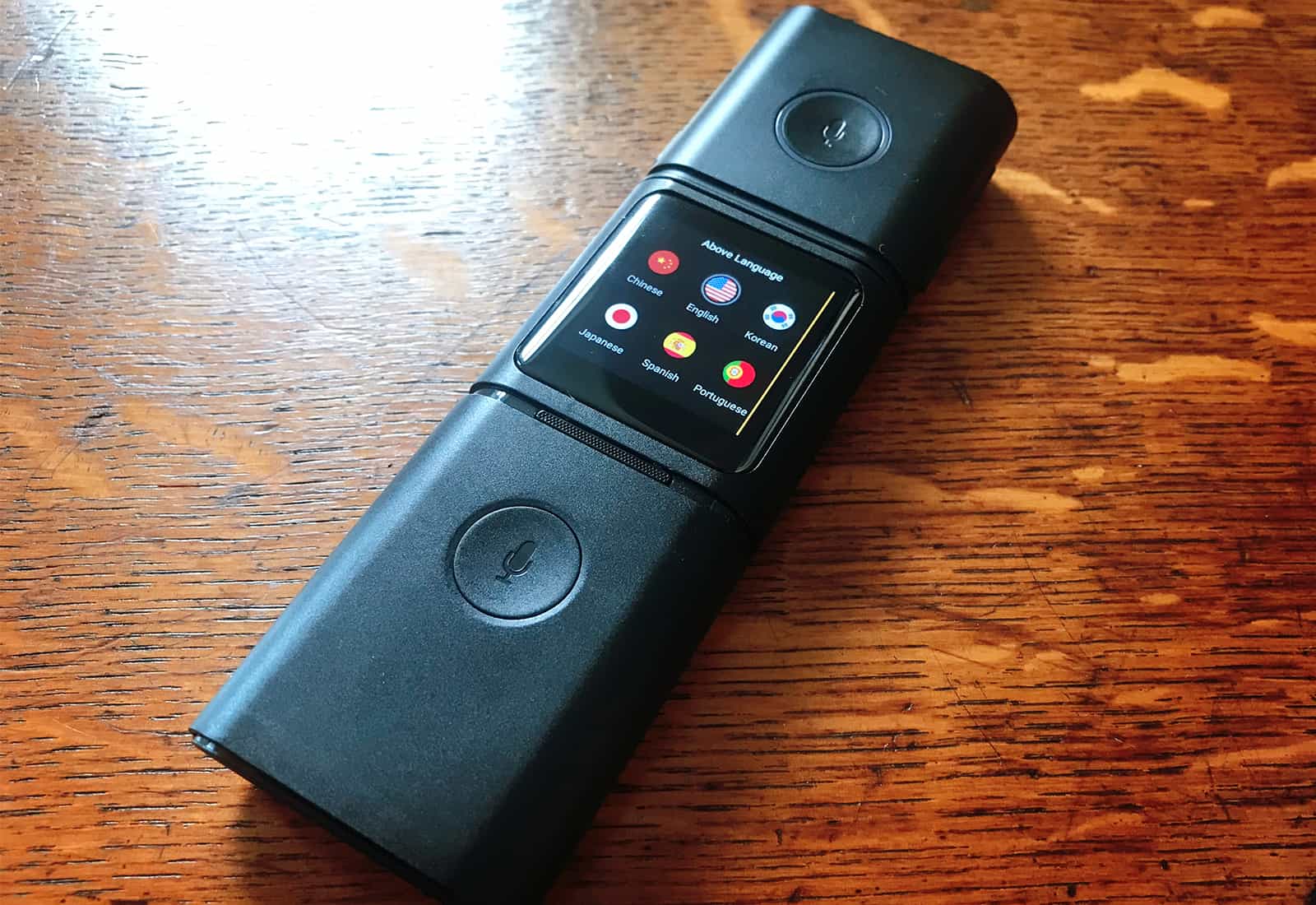
Can Smark do anything our iPhone can't do? Photo: Luke Dormehl/Cult of Mac
The Smark modular translator is something like Star Trek’s universal translator, a device able to instantly convert spoken words from one language to another.
In the 1960s, this was pure sci-fi. But here in 2018, translation apps on our smartphones can handle the task with ease and accuracy. At this point, is there any reason for a standalone translation device? Smark offers some features that might make it appealing to travelers.
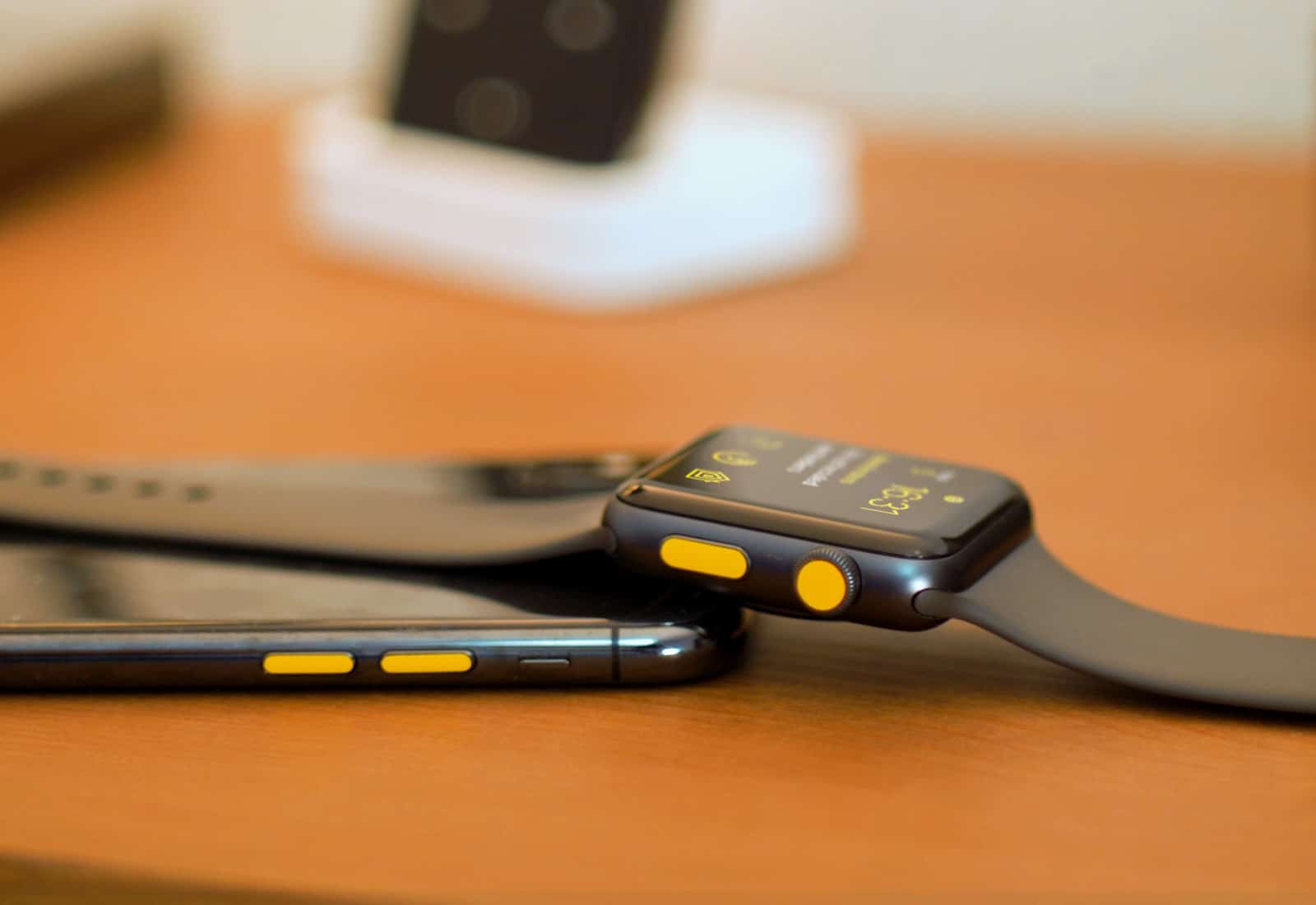
Customise your Apple Watch with WatchDots Photo: Ste Smith/Cult of Mac
I love my Apple Watch Series 3, but there’s one thing about it that annoys me: that red dot on the Digital Crown.
However, just because Apple thinks you should be stuck with a giant red dot on the side of your wrist, that doesn’t mean you need to put up with it. You can customize Apple Watch with a cool accessory called WatchDots.
Think Steve Jobs was tough as a boss? Here's what he was like as a father. Photo: Luke Dormehl/Cult of Mac
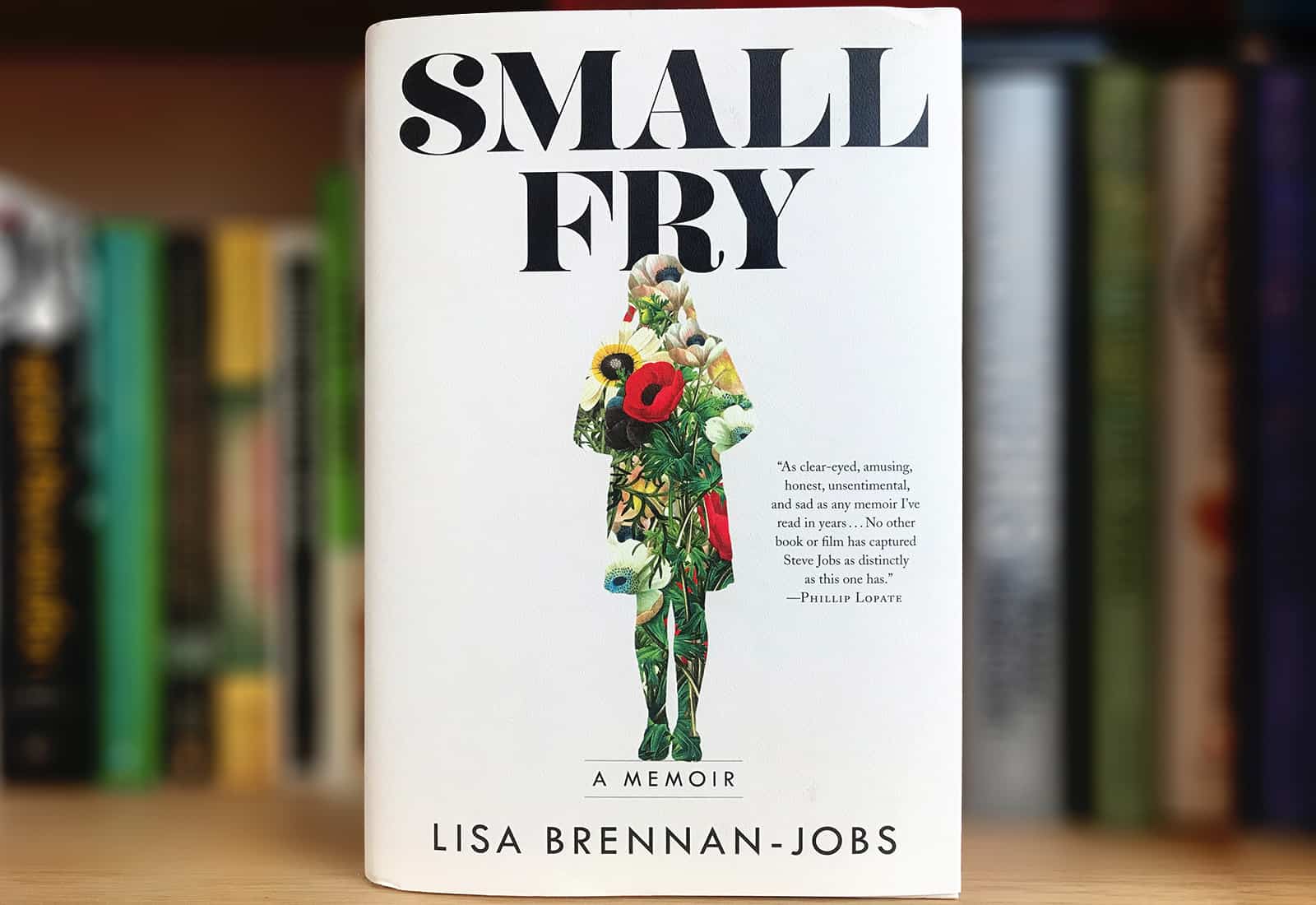
Small Fry is the memoir of Lisa Brennan-Jobs, the daughter Steve Jobs didn’t want. Frequently sad and occasionally disturbing, it’s not the airbrushed portrait of Steve that Apple would like to see in print.
But it also relays some charming moments, showing us a side of the Apple co-founder that we’ve never seen before. It’s a glimpse of Steve Jobs at his most personal.
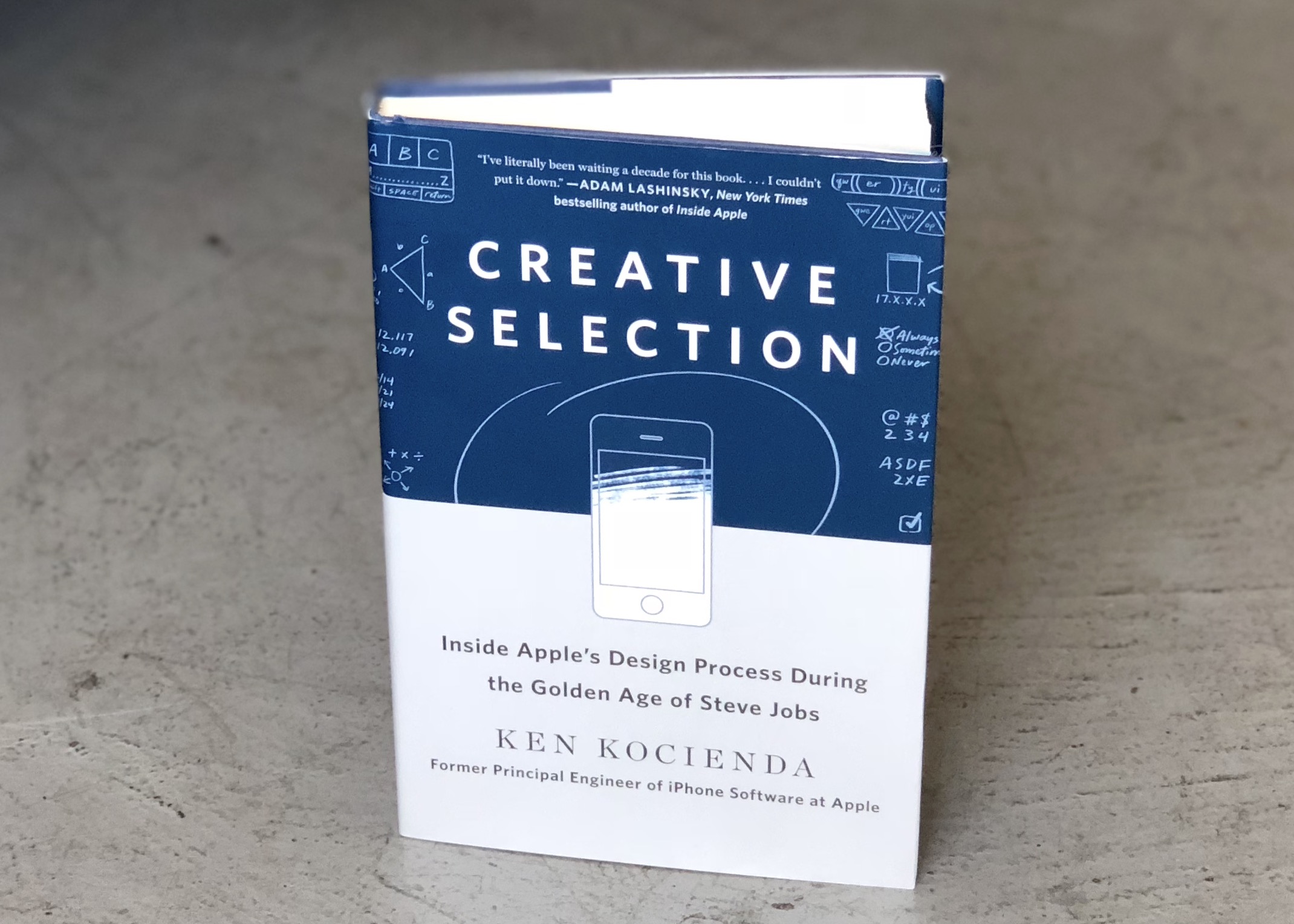
Ken Kocienda's new book offers an insider's account of how Apple makes great software. Photo: Leander Kahney/Cult of Mac
When Steve Jobs died in 2011, pundits wondered how the company would continue to make great products without him.
The question is partly answered by programmer Ken Kocienda’s new book, Creative Selection, which describes his 15 years working at Apple helping to develop the original iPhone, iPad and Safari web browser.
Kocienda’s book is a remarkable insider’s story that shows how Apple creates the software that it’s rightly famous for.
The Brydge 12.9 Series II does a better job of transforming an iPad Pro into a keyboard than any rival add-in keyboard. Photo: Brydge
The whole purpose of clip-on iPad keyboards is to make this tablet function like a laptop. The Brydge series takes that idea and runs with it: it does everything possible to make the iPad into MacBook.
This company — also called Brydge — just released an improved version of its eponymous keyboard for the 12.9-inch iPad Pro. Don’t miss our hands-on review.
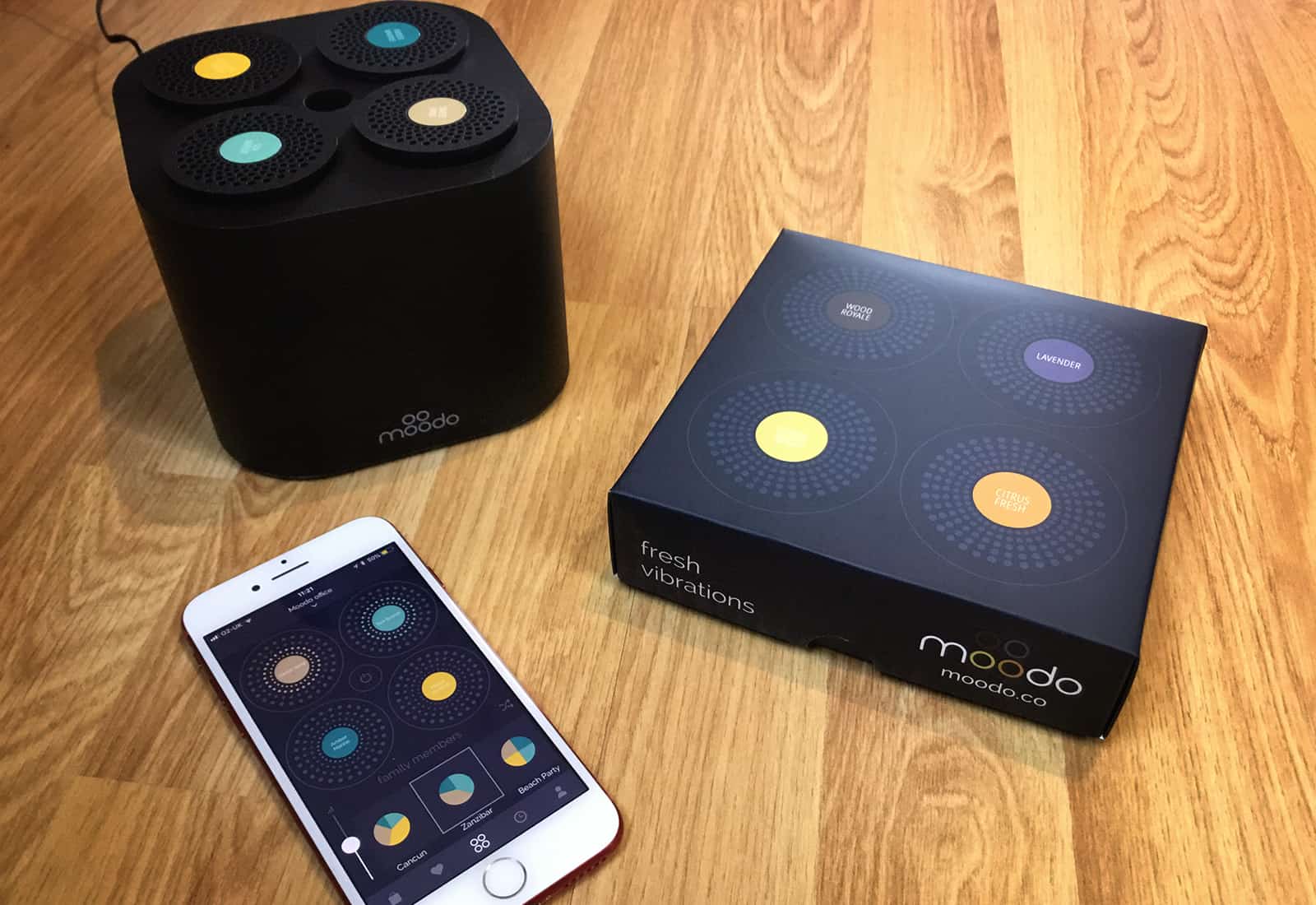
Want to make your home smell nice? There's an app for that. Photo: Moodo
Entrepreneurs are tripping over themselves to make “smart” versions of every product we already own. As such, it was only going to be so long before someone made a smart scent dispenser. That product is called Moodo. It’s a smart home fragrance box that lets you control how your home smells from your iPhone. Or your smart speaker.
But does it smell like a winner, or is this one gadget we’re turning our nose up at?
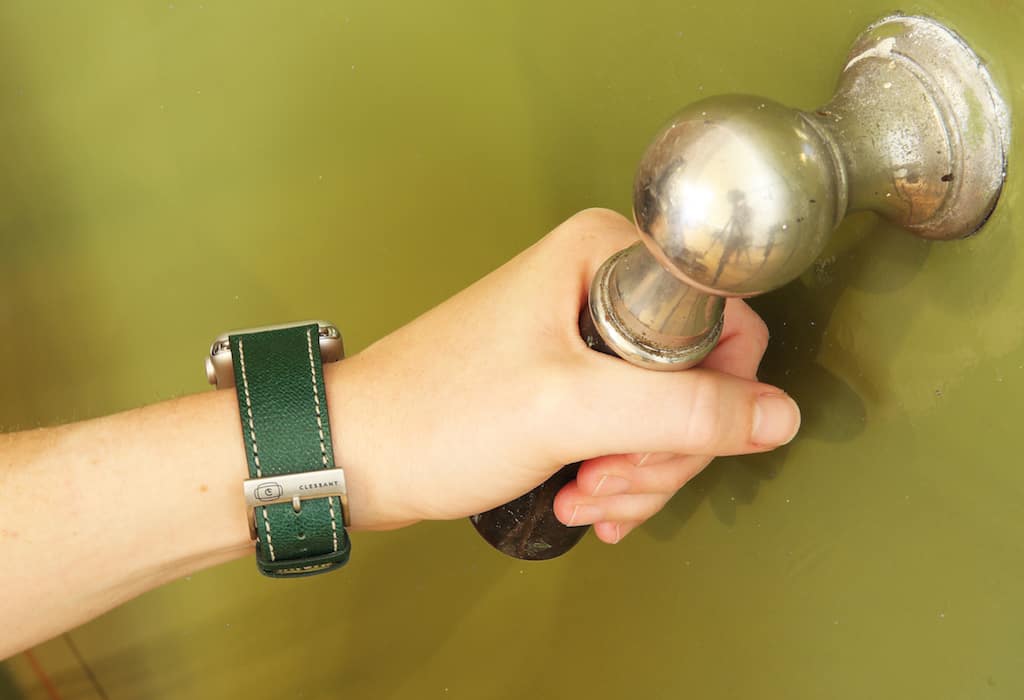
The Russian Green band is made from embossed calf's leather. The unique crosshatch pattern offers a discreet yet remarkable texture and is highly resistant to wear. Photo: Benjamin McKay/Cult of Mac
Sometimes even an item as mundane as a watch strap tells a story. And the Russian Green Leather Apple Watch Band by Clessant has a cool one.
The band’s design is inspired by leather discovered in a doomed shipwreck more than 200 years ago. Clessant takes this inspiration to new levels and brings this unique discovery to light with its modern-day interpretation of this age-old Russian leather.
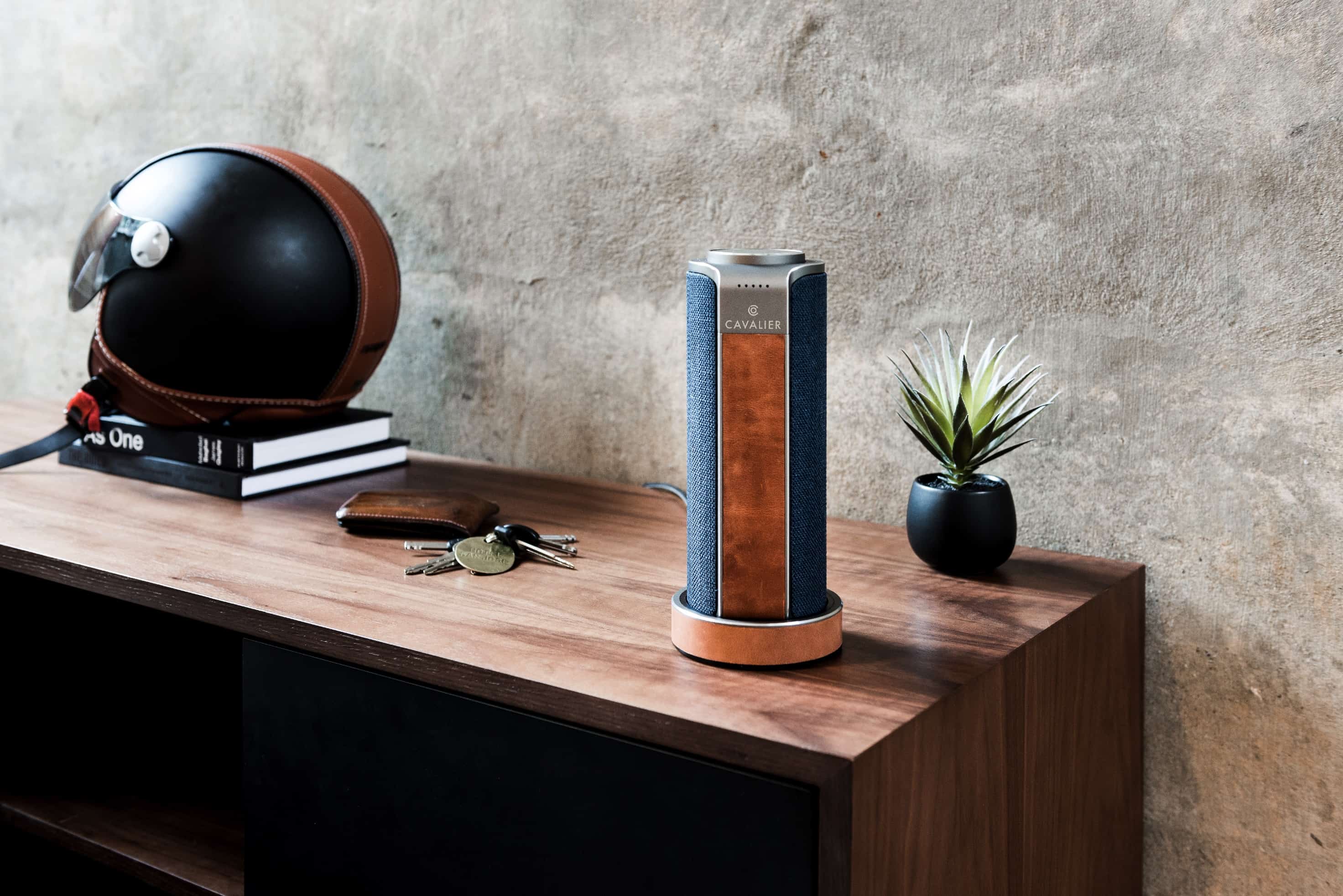
Boasting superior sound quality and a high-quality finish that ditches metal and plastic for distressed leather and fabrics, Cavalier Maverick is one of the best smart speakers we’ve tried.
It’s a third-party Amazon Alexa, offering the same functionality as an Echo, but in a far more premium package. And with a pretty neat mobile twist, too.
You don't need a weather app to see what's going to happen here. Photo: Charlie Sorrel/Cult of Mac
There are roughly a billion weather apps on the App Store, and several them are very good indeed. But my current favorite is Hello Weather, which was just updated to get some great international features, as well as some awesome radar maps. It’s so great-looking, and so easy to use, that it’s been my go-to weather app since I discovered it.
The best Apple laptop for a student might be an iPad with an add-on keyboard. Photo: Brydge
The fall semester is right around the corner, so students will soon be plugging away on homework and research papers. Here’s our recommendations for the the best Apple laptops for your student, from college to elementary school.
And we cover more than just laptops, also recommending the best desktops and tablets, so there’s something here for everyone.
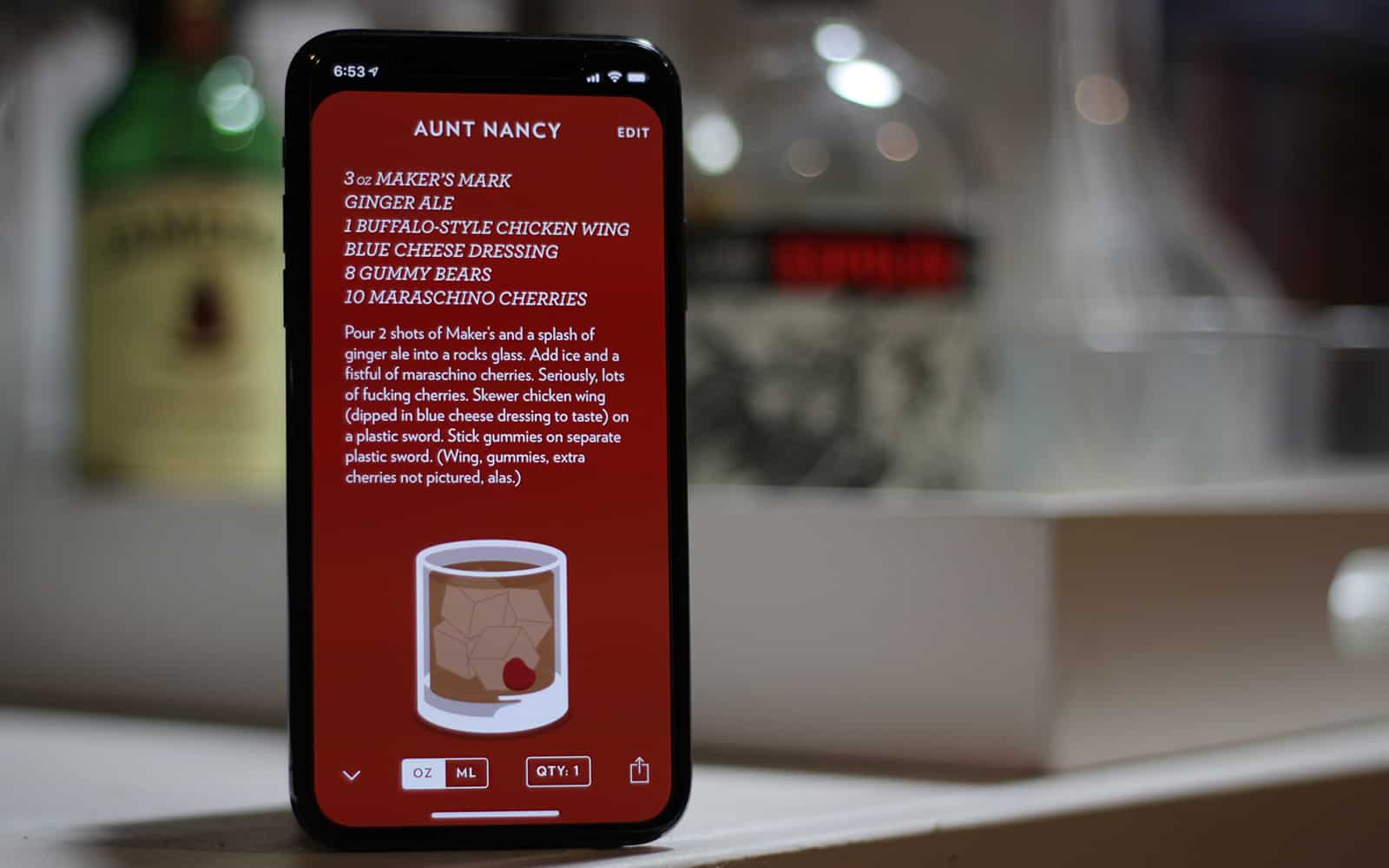
Highball is the best cocktail app for building and perfecting your drink repertoire Photo: Ian Fuchs/Cult of Mac
The perfect cocktail can compliment nearly any moment in life. Whether it’s celebratory event, a social drink, or a work function, the blend of flavors in a quality drink can be icing on the cake. Highball makes saving or sharing your favorite drink recipes easy and beautiful. Best of all, you’ll never have to guess whether the perfect cosmo has 1oz of cranberry juice, or 2.