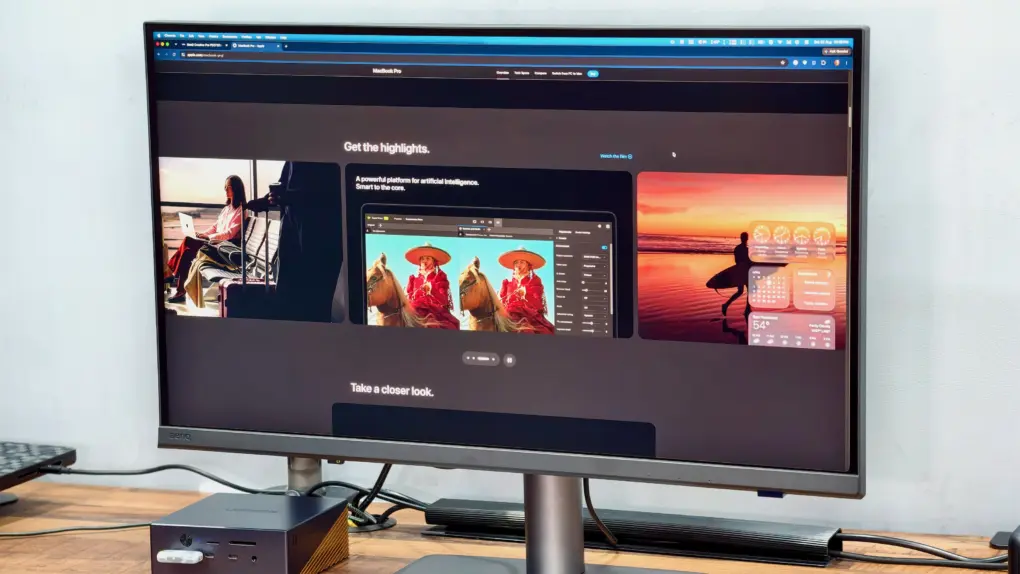
The more I use the BenQ PD2732U monitor, the more I appreciate its quality 27-inch 4K panel. Colors look spot-on to my eyes, uniformity is good, and the extensive connectivity fits neatly into my Mac setup.
However, while there’s plenty to like about BenQ’s newest professional monitor, the PD2732U misses out on a few key features. My review will show you where the BenQ PD2732U shines and where it falls short.
This post contains affiliate links. Cult of Mac may earn a commission when you use our links to buy items.
BenQ PD2732U monitor review
Finding a monitor for creative work is about more than just resolution. If you edit photos, prepare designs for print or edit videos, color coverage and consistency matter. And if you use a Mac, connectivity options play a big role, too.
The $700 BenQ PD2732U puts everything a creative professional needs first, combining wide color coverage and factory calibration with Thunderbolt 4 connectivity. It even comes with a control puck that proves surprisingly helpful.
On paper, it sounds like a well-rounded package for creative professionals, but how well do those features come together on the desk?
The BenQ PD2732U pairs an excellent 27-inch 4K IPS panel with broad color coverage and factory calibration, making it a strong choice for SDR creative work. Thunderbolt 4 with 90W charging, daisy-chain support and a bundled Hotkey Puck further enhance the experience.
- Excellent color-calibrated 4K panel
- Useful Hotkey Puck
- Wide connectivity options
- 60Hz refresh rate
- BenQ's companion Display Pilot 2 app needs more polish

Table of contents: BenQ PD2732U review
- A practical design with a reliable stand
- A fantastic panel for creative work
- The Hotkey Puck is useful, but slightly slow
- Display Pilot 2 still needs work
- A strong choice if color comes first
- Pricing and availability
A practical design with a reliable stand
The PD2732U’s build quality is like that of any other non-Apple monitor: generous use of plastic, with a few premium bits here and there.
The back has a two-tone finish. The upper section is predominantly black, while the bottom half, where the ports are located, features a dark gray. This adds a bit of contrast to an otherwise bland design.
Like the BenQ MA320UG, this is a thick monitor, with a curved rear housing unlike the flat back of Apple’s displays.
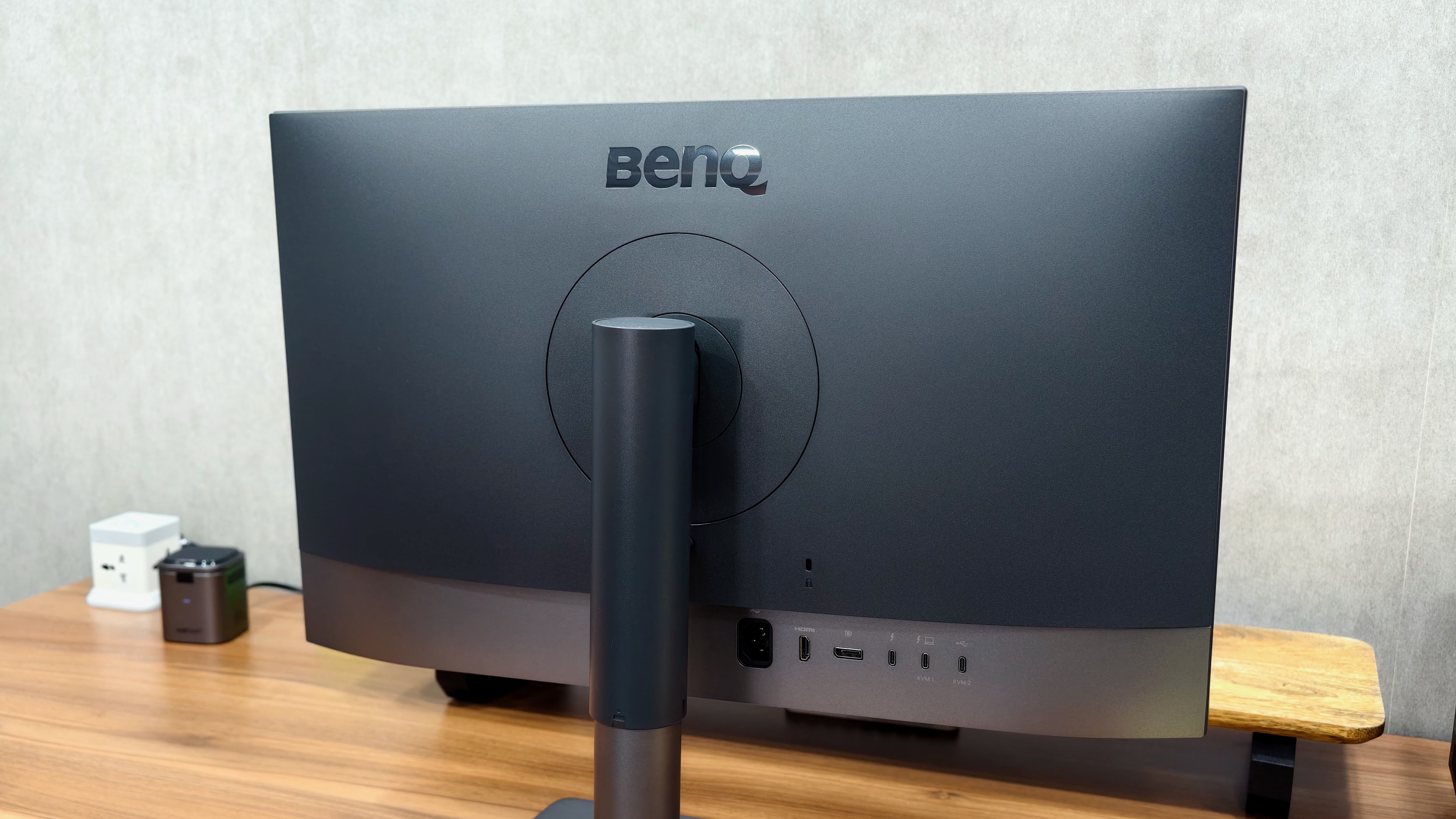
Photo: Rajesh Pandey/Cult of Mac
The plastic construction does not bother me. Once the monitor is on my desk, I spend my time looking at the screen. But yes, the BenQ PD2732U might not be the right choice if you prefer aesthetics over functionality.
The stand feels more premium than the monitor itself, primarily thanks to its metal base. More importantly, it is reliable and supports height, tilt and swivel adjustments. You can also rotate the monitor and use it in portrait orientation. There’s a standard 100 × 100mm VESA mount for attaching the display to a monitor arm or stand.
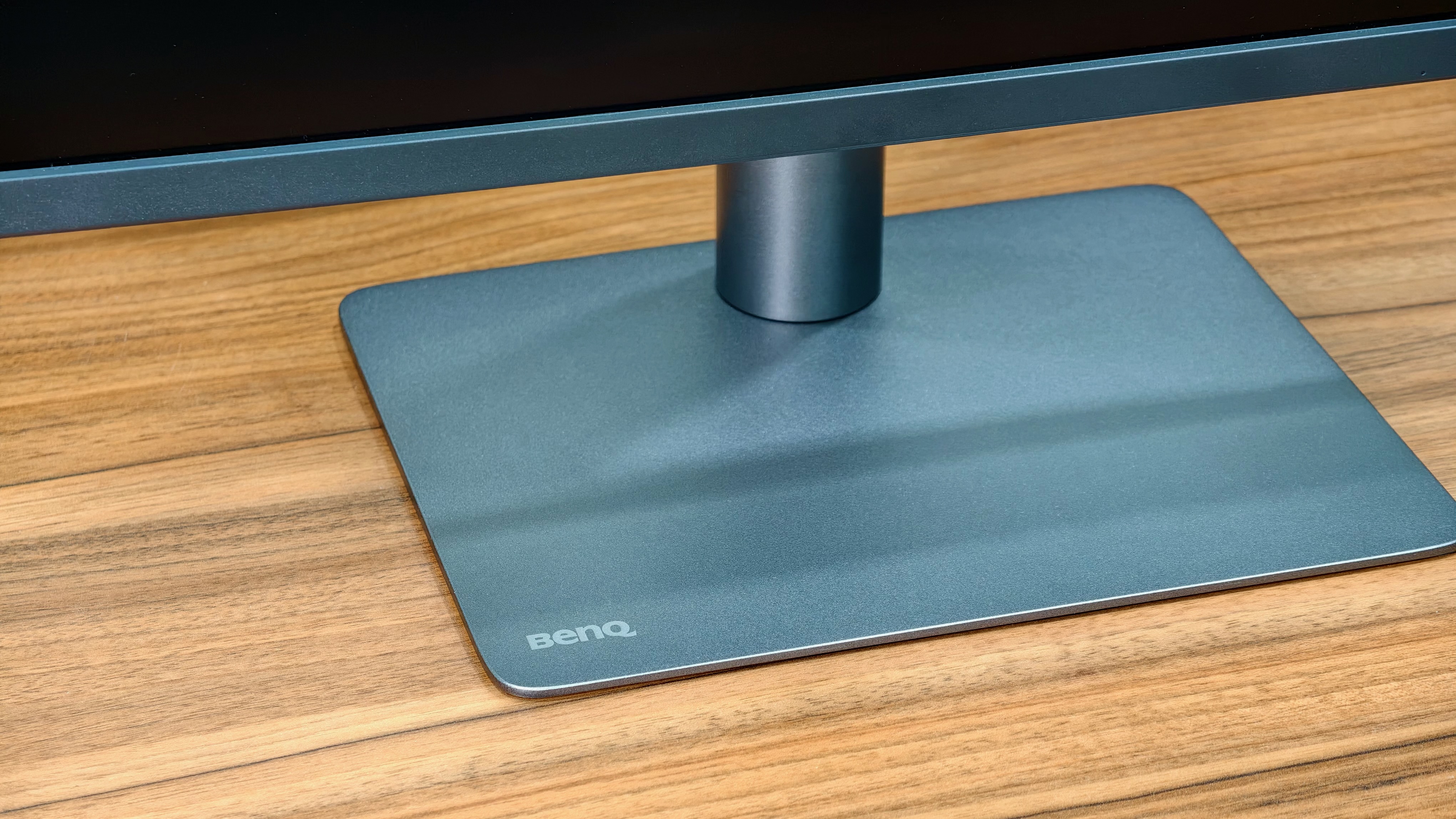
Photo: Rajesh Pandey/Cult of Mac
Even from the front, the BenQ PD2732U does not exactly scream premium. The top and side bezels are uniform, while a slightly thicker plastic chin with BenQ branding runs along the bottom. The branding is understated, and it won’t catch anyone’s eye. As a monitor meant for professional work, that’s a good thing.
BenQ PD2732U: A fantastic panel for creative work
The highlight of the PD2732U is its 27-inch 4K IPS panel. Yes, it’s not a 5K panel, so you won’t get Retina-level pixel density on Macs. But the 163 PPI is still very good. More on this later.
If you look past that, the 4K panel impresses with its color coverage and contrast. BenQ specifies 100% sRGB, 100% Rec.709, 99% Adobe RGB and 99% P3 coverage. Every panel comes factory calibrated, with a calibration report in the box.
BenQ specifies an average Delta E of ≤2, a measure of color error where lower values indicate greater accuracy. The PD2732U is Calman Verified and Pantone Validated, making it ideal for color-sensitive work.
This is more monitor than you need for simple office work. The broad color coverage makes the PD2732U ideal for video editors, digital content creators and photography or print workflows.
I’ve been using the BenQ PD2732U for a few weeks now, testing it for this review. And even after the initial wow factor, I’m still impressed by the 4K panel. The colors look on point to my eyes, the uniformity is good across the screen, and I never notice any major IPS glow issues.
I do not have a colorimeter, so I cannot independently verify BenQ’s gamut or calibration claims. My assessment is based on how the panel looks during use. On that basis, it is an excellent IPS display.
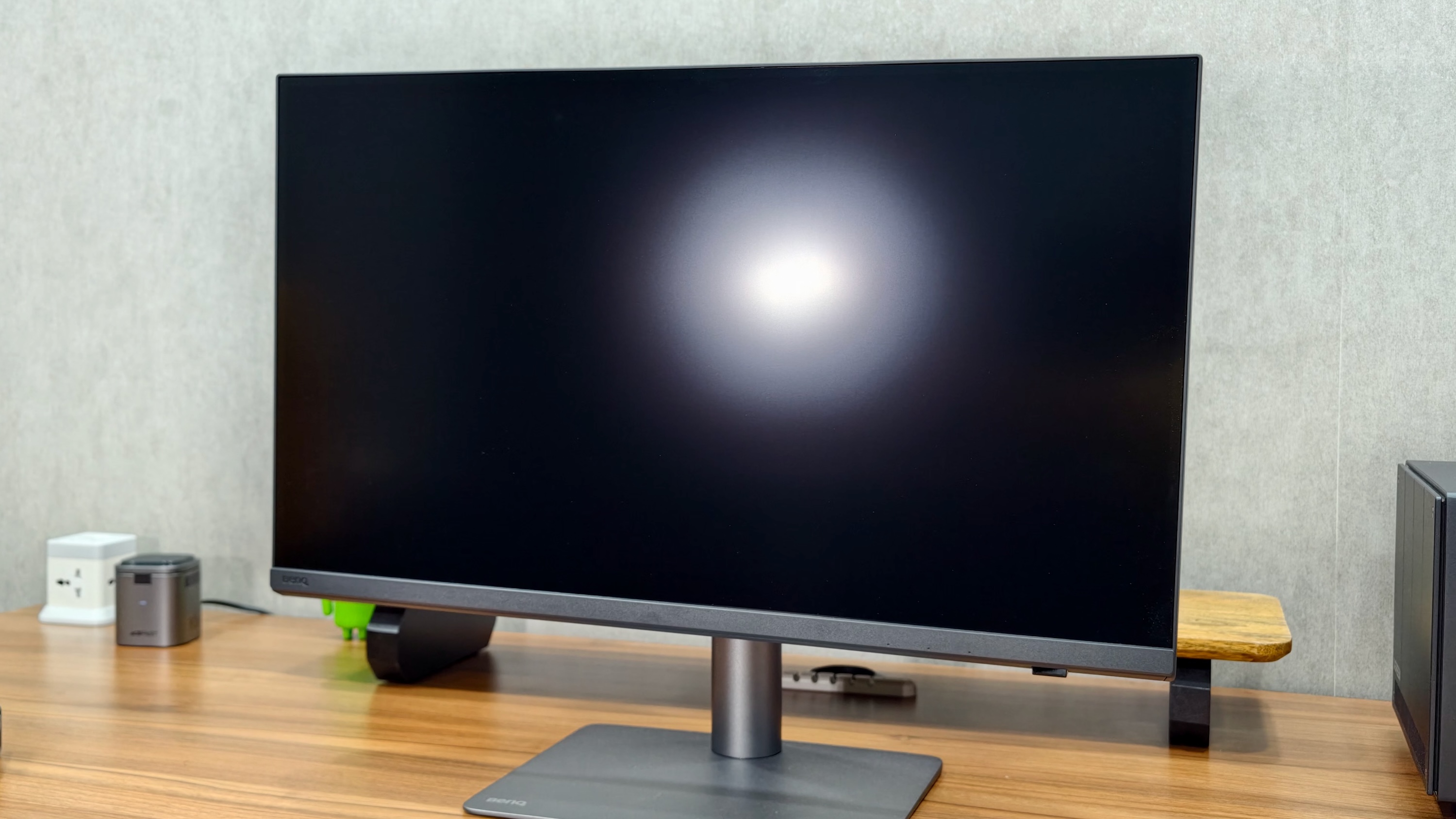
Photo: Rajesh Pandey/Cult of Mac
For Mac users, BenQ also includes M-book mode, which promises to match the monitor’s colors with a MacBook display. As someone who uses a 16-inch MacBook Pro, I prefer this option as it ensures I don’t have to deal with jarring color differences when switching between screens.
Do the colors 100% match? There’s a slight color temperature difference, but it’s not too jarring.
Another highlight of the BenQ PD2732U is its nano matte black finish. BenQ says this reduces glare while providing deeper blacks and contrast levels.
In general, I am not a fan of these nano matte finishes, as I find that they typically affect colors and contrast. However, BenQ’s finish does a much better job of tackling these problems. Using the PD2732U side by side against the 32-inch BenQ MA320UG, I never found its matte finish to be an issue.
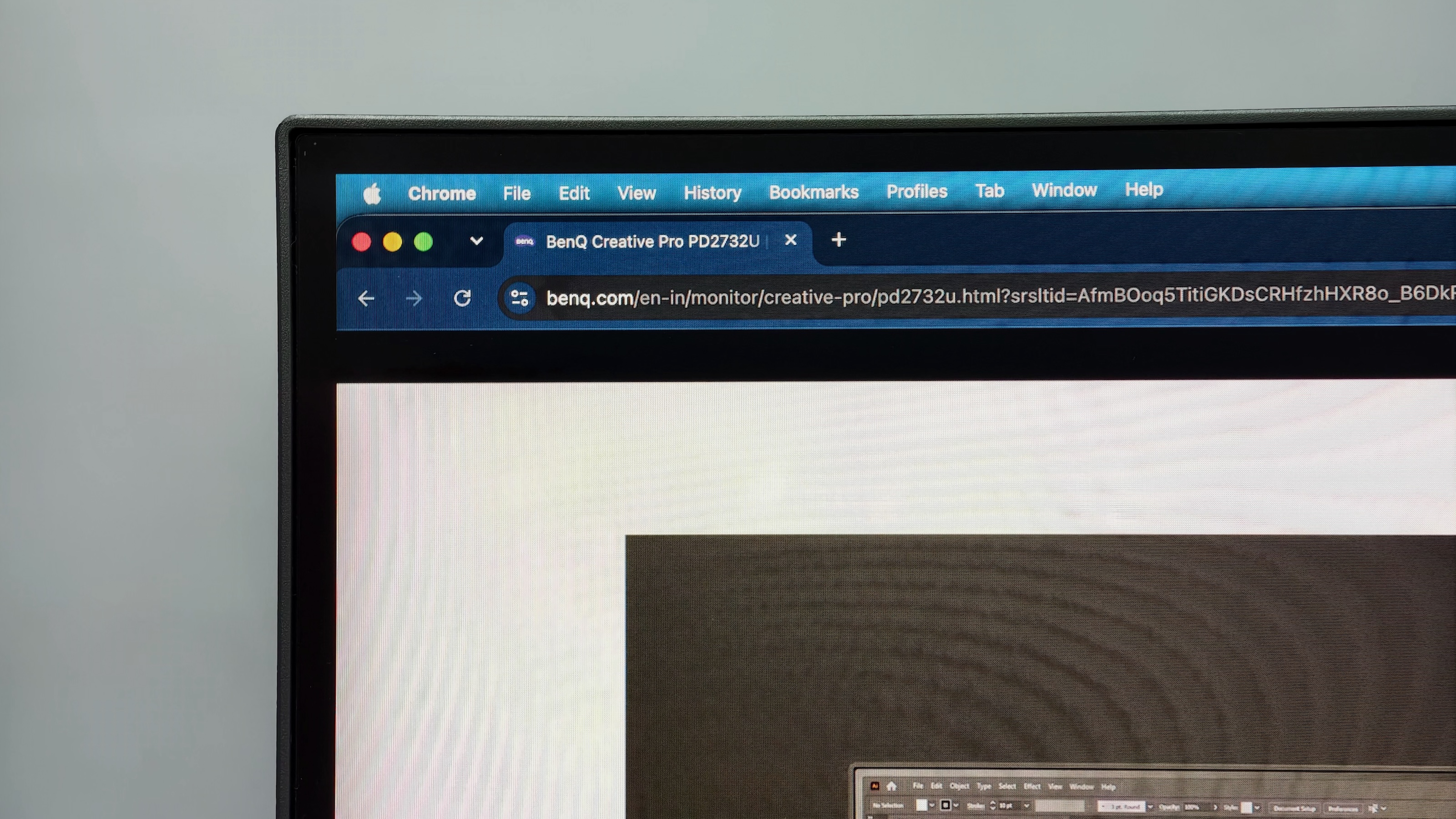
Photo: Rajesh Pandey/Cult of Mac
As for the 4K resolution and 163 PPI pixel density, it’s not a deal-breaker for me. A 5K panel at standard 2× scaling provides a usable screen real estate of 2560 × 1440. That’s not enough for my use case.
I prefer a scaled resolution of around 3K for more usable screen space. I’d take the added screen real estate over the sharpness.
HDR and 60Hz are the compromises on BenQ PD2732U
As much as I like the panel, I would primarily consider the BenQ PD2732 for standard dynamic range work. BenQ rates its brightness at 400 nits and lists HDR10 and HLG support. That gives it high dynamic range compatibility, but the brightness ceiling limits its appeal for serious HDR work.
I would like more brightness headroom. Even Apple’s regular Studio Display reaches 600 nits, although that comparison is about brightness rather than advanced HDR performance. Apple’s high-end Studio Display XDR rises to a whole other category, with a mini-LED backlight and up to 2,000 nits of peak HDR brightness.
None of this takes away from how good the BenQ looks with SDR content. It simply means that broad color coverage and HDR capability are separate things. I would not buy this monitor specifically for HDR grading.
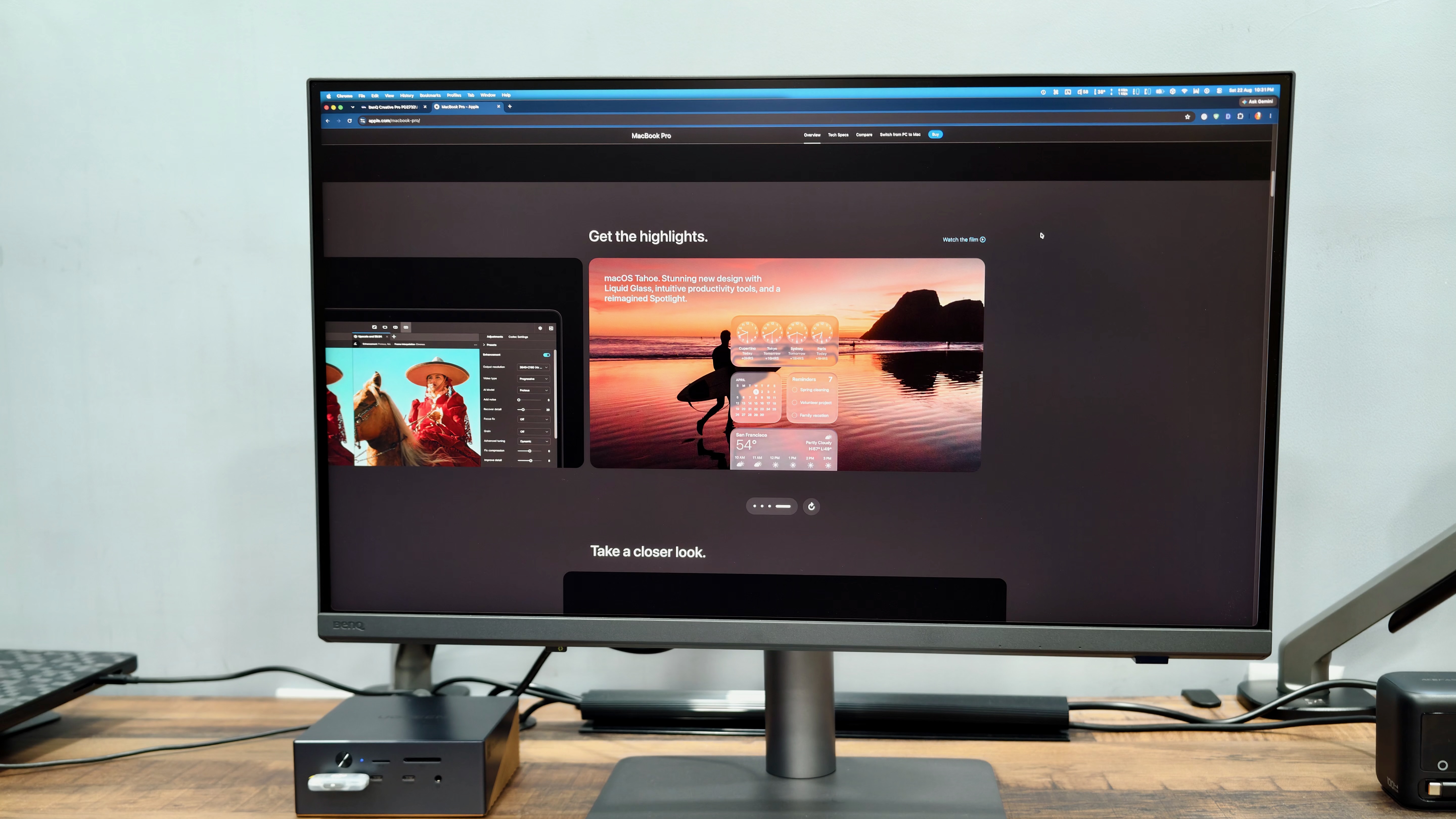
Photo: Rajesh Pandey/Cult of Mac
The BenQ PD2732’s 60Hz refresh rate is my other complaint. It is perfectly usable, and a higher refresh rate will not improve the accuracy of a photo edit or print layout. Still, I would have preferred 120Hz at this price.
Since I switch between the MacBook Pro’s smooth 120Hz ProMotion display and the BenQ PD2732U frequently, I feel the noticeable difference in refresh rate. Everyday interactions, like scrolling through long documents or web pages, benefit from a higher refresh rate.
While a higher refresh rate won’t improve color accuracy, it can make editing and navigating the desktop feel smoother.
Plenty of ports for a Mac setup
When it comes to connectivity, the BenQ PD2732U shines. Unlike Apple’s monitors, this one comes with plenty of ports to choose from:
- One Thunderbolt 4 input with up to 90W power delivery
- One Thunderbolt 4 output with up to 15W power delivery
- One HDMI 2.0 input and one DisplayPort 1.4 input
- One USB-C upstream port for data
- Three USB-A accessory ports and one USB-C accessory port
- A headphone jack
The USB accessory connections support speeds up to 5Gbps.
I use the Thunderbolt connection and daisy-chain another monitor from the BenQ. That arrangement works well for me, making the PD2732U a useful part of my multimonitor setup.
I also like the placement of the USB-C and USB-A accessory ports along the monitor’s bottom edge. They are easy to reach, without having to feel around behind the display.
Smart KVM is another useful addition. It lets you share a keyboard and mouse between two connected computers, making the monitor more versatile if you regularly switch between a Mac and another system.
The 90W power delivery enables a one-cable setup when used with a MacBook. This is not enough to fast-charge a 16-inch MacBook Pro, but unless and until you’re really pushing your machine hard, this should not be a concern.
More importantly, the BenQ PD2732U delivers 90W of power output without using a thick, heavy external power brick. BenQ integrated the power supply unit into the monitor itself.
The Hotkey Puck is useful, but slightly slow
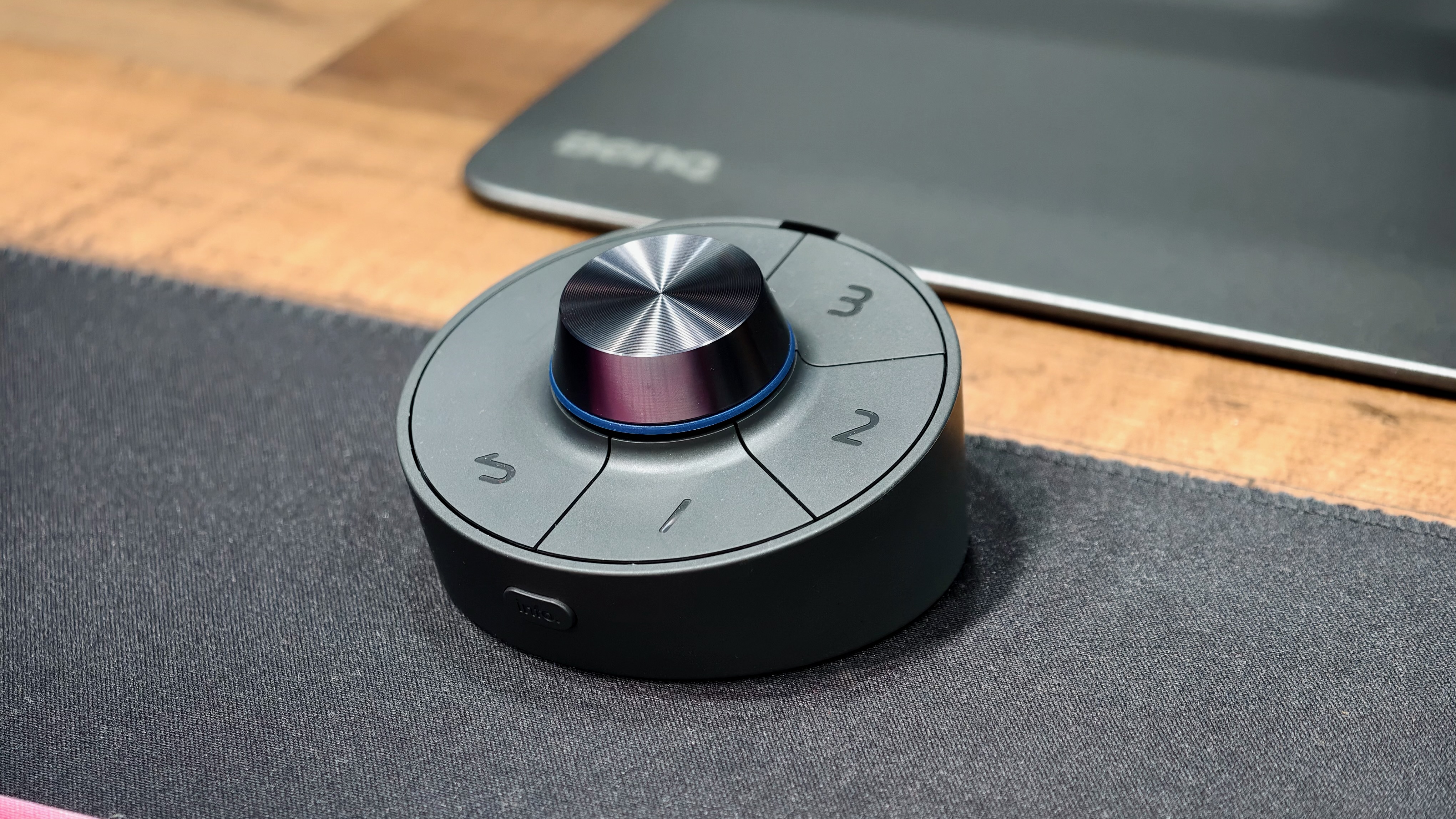
Photo: Rajesh Pandey/Cult of Mac
The bundled wireless Hotkey Puck G3 is one of my favorite things about the BenQ PD2732U. Its rotary dial gives you a convenient way to adjust settings such as brightness or quickly switch color modes. Three customizable keys provide shortcuts to color modes, inputs, KVM switching or launching applications through Display Pilot 2.
Having those controls within reach makes changing settings much easier than navigating buttons on the monitor. If you frequently switch color modes or inputs, the puck’s appeal is obvious.
However, there is a slight delay in its response. It is particularly noticeable when I use a customizable key to launch an app or trigger a shortcut. The pause is small, but it becomes annoying when the point of a dedicated button is to make an action feel immediate.
I still like having the puck. BenQ just needs to make the experience slightly more responsive.
Display Pilot 2 still needs work
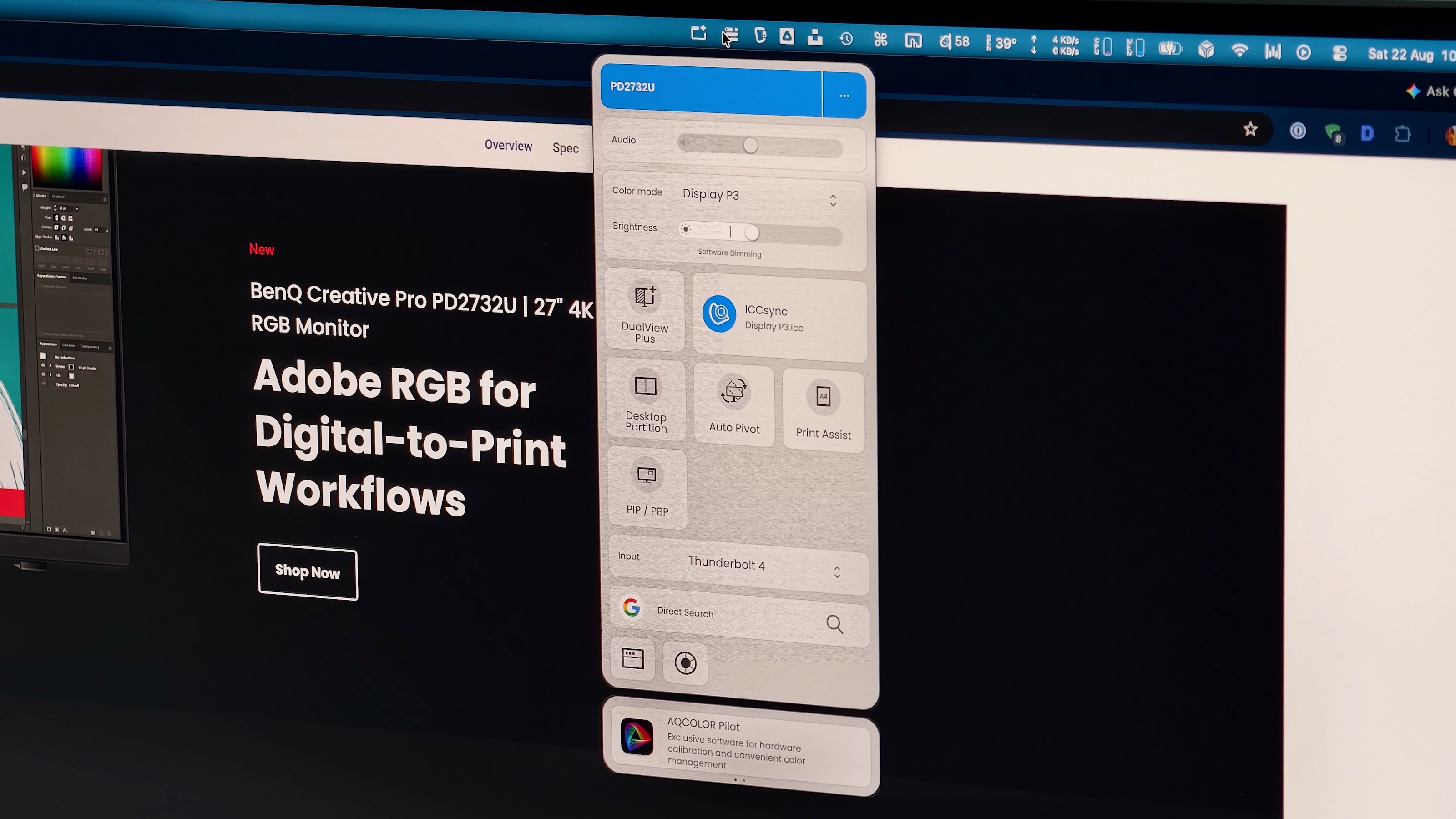
Photo: Rajesh Pandey/Cult of Mac
BenQ’s companion app is called Display Pilot 2, and my main criticism from the MA320UG carries over. It packs a lot of functionality, but the experience needs more polish.
The app brings display controls and software features together, including input switching and Mac keyboard brightness controls. It’s the bridge that enables using the Mac’s F1/F2 keys to control the monitor’s brightness.
It also lets you control several other aspects of the monitor, including input switching, USB-C power status and standby charging.
For all the functionality Display Pilot 2 offers, it does not feel as polished as the panel deserves. BenQ clearly thought about what Mac users need. But it needs to work on making the experience better and more reliable.
BenQ PD2732U review: A strong choice if color comes first
At $700, the BenQ PD2732U makes a convincing case for creatives who prioritize SDR image quality and connectivity.
The panel looks excellent, the stand does its job, and Thunderbolt daisy-chaining enables it to seamlessly fit into a multimonitor setup. And despite the occasional sluggishness, the Hotkey Puck adds a level of convenience I never knew I needed.
I would’ve preferred a brighter panel, a higher 120Hz refresh rate and better software. If those matter most to you, keep looking. But if your priorities are broad color coverage, a visually consistent IPS panel and enough ports for a busy desk, the PD2732U gets a lot right.
★★★★☆
Pricing and availability of BenQ PD2732U
The BenQ PD2732U is available for $699.99 on Amazon, B&H, BenQ’s own online store and other authorized retailers. It comes with a standard three-year warranty, longer than Apple’s one-year warranty.
The BenQ PD2732U pairs an excellent 27-inch 4K IPS panel with broad color coverage and factory calibration, making it a strong choice for SDR creative work. Thunderbolt 4 with 90W charging, daisy-chain support and a bundled Hotkey Puck further enhance the experience.
- Excellent color-calibrated 4K panel
- Useful Hotkey Puck
- Wide connectivity options
- 60Hz refresh rate
- BenQ's companion Display Pilot 2 app needs more polish
BenQ provided Cult of Mac with a review unit for this article. See our reviews policy, and check out more in-depth reviews of Apple-related items.

Rajesh has been writing about consumer technology for over a decade, with a strong focus on iPhones, Macs and Apple’s ecosystem. He enjoys digging into Apple software updates, hardware changes, and discovering new Mac apps that make work faster and more enjoyable.
You can reach out to him at mail[at]rajeshpandey.me.

