Mobile menu toggle

Reachability

Read Cult of Mac’s latest posts on Reachability:

iPhone Duo Reachability mode could slide content sideways for lefties

By •

iPhone Duo Reachability mode could slide content sideways for lefties
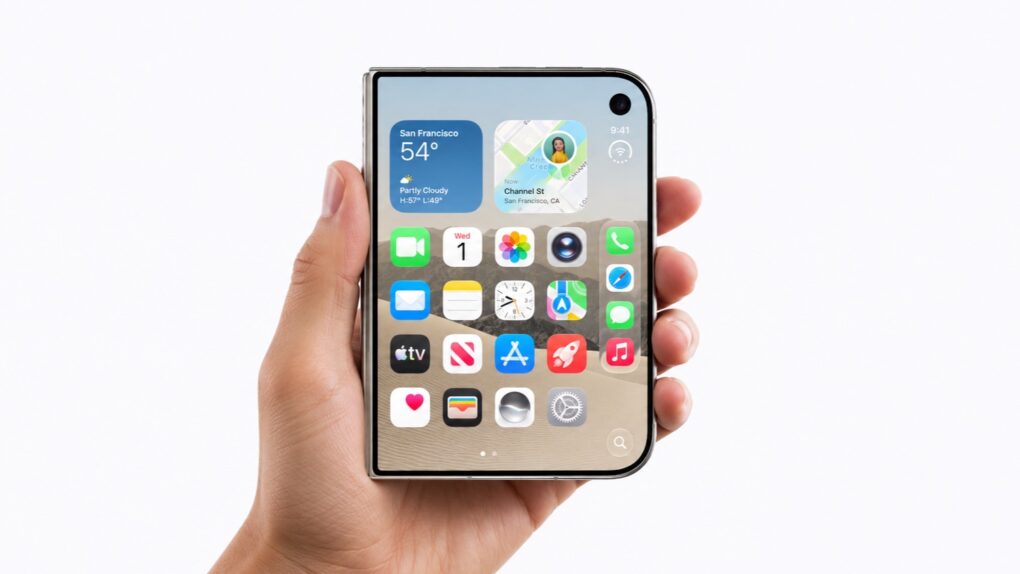
With its Dock on the right side, the iPhone Duo isn't as convenient for lefties.
Photo: Apple/Cult of Mac

Apple is reportedly working on an iPhone Duo Reachability mode that shifts the outer screen’s content to the left or right.

The movie is an (overdue) response to the criticism from left-handed iPhone users levied toward Apple’s first foldable ever since its September announcement. The outer screen’s Dock and other controls sit along the right edge, and this upcoming mode will make that arrangement easier on lefties.

5 more secret iPhone gestures you need to know

By •

Secret Faster Gestures
These secret gestures will speed up your iPhone.
Image: D. Griffin Jones/Cult of Mac

Here are a few secret tricks and gestures that will help you get around your iPhone faster. These hidden gestures help you text pictures to your friends faster, scroll through big pages and screens, type special characters and use your phone one-handed.

This is a follow-up to an earlier article with three other secret iPhone gestures you need to know. Learn all of these gestures and you’ll feel like an iPhone power user.

How to use the iPhone’s one-handed keyboard mode (and Reachability)

By •

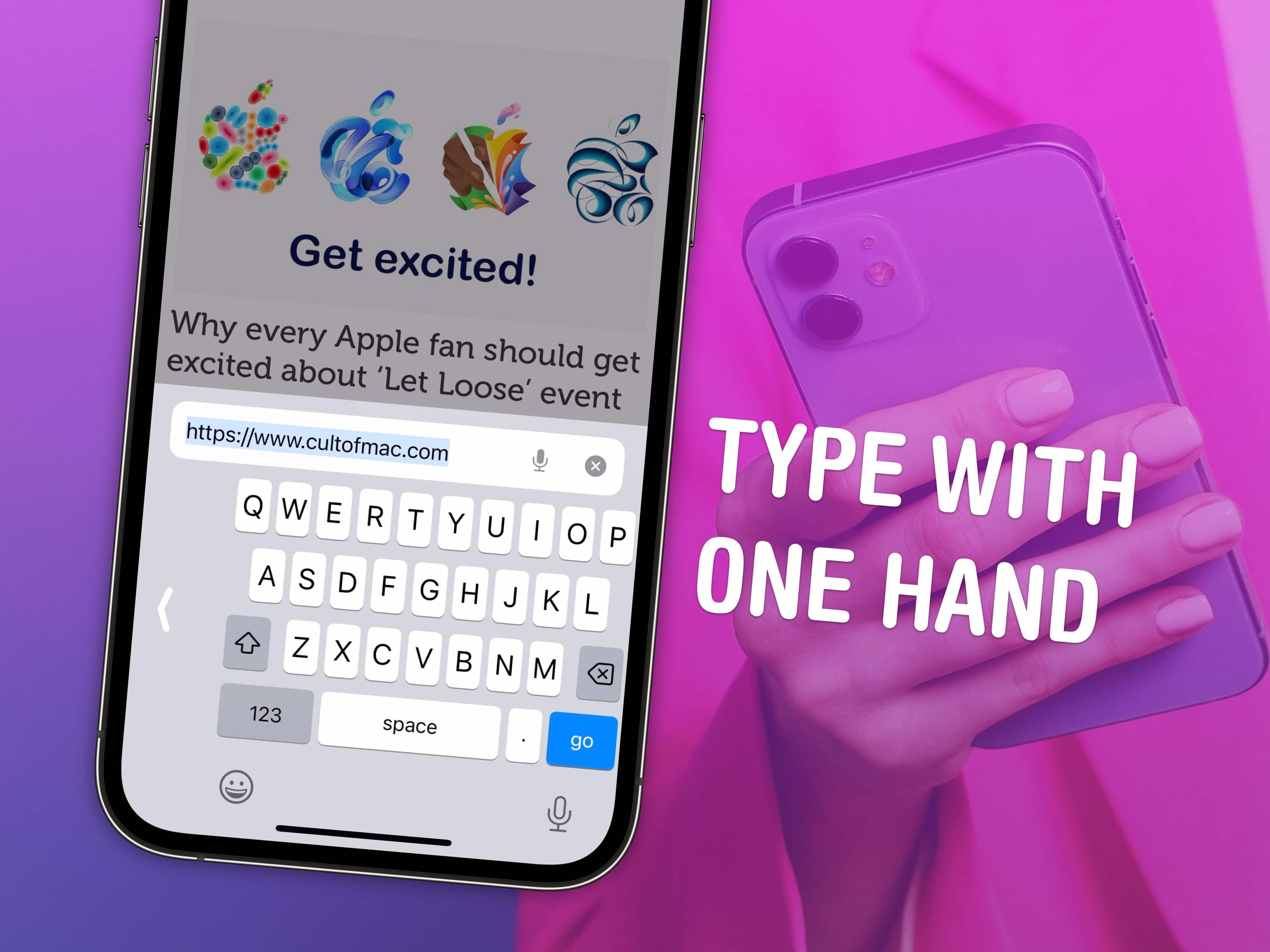
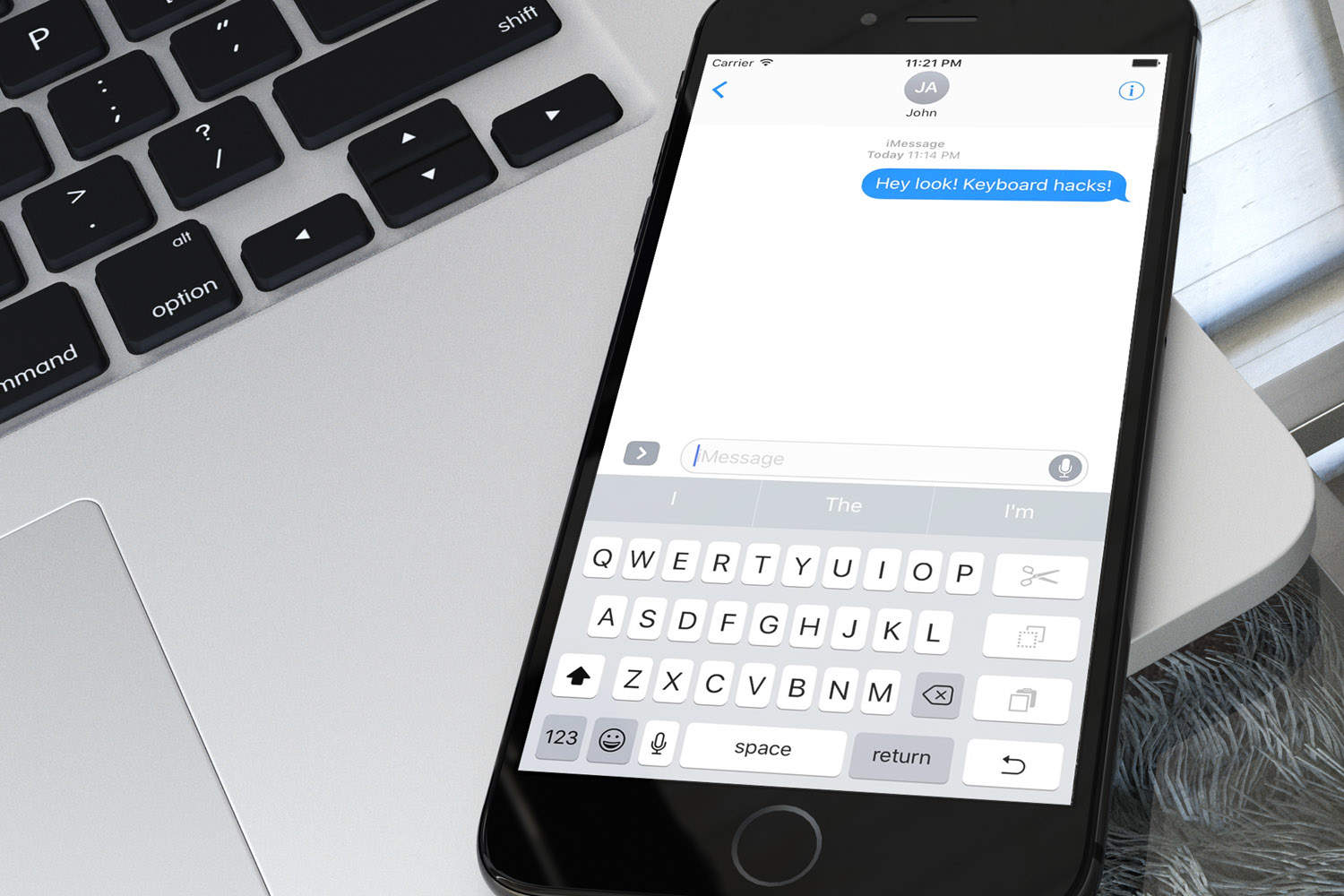
Type With One Hand
Use your phone in one hand without fumbling around.
Image: D. Griffin Jones/Cult of Mac

The iPhone has a one-handed mode for the keyboard and a feature called Reachability for tapping buttons on the top of the screen. Learning how to use both these features can help you shoot out a text or use apps on your phone in one hand while you’re doing something else or walking around with a cup of coffee.

As iPhones continue to get bigger and bigger, these features become ever more important. Here’s how to activate the iPhone’s one-handed keyboard and use Reachability. Keep reading or watch the video.

How to enable and use Reachability on iPhone in iOS 14

By •

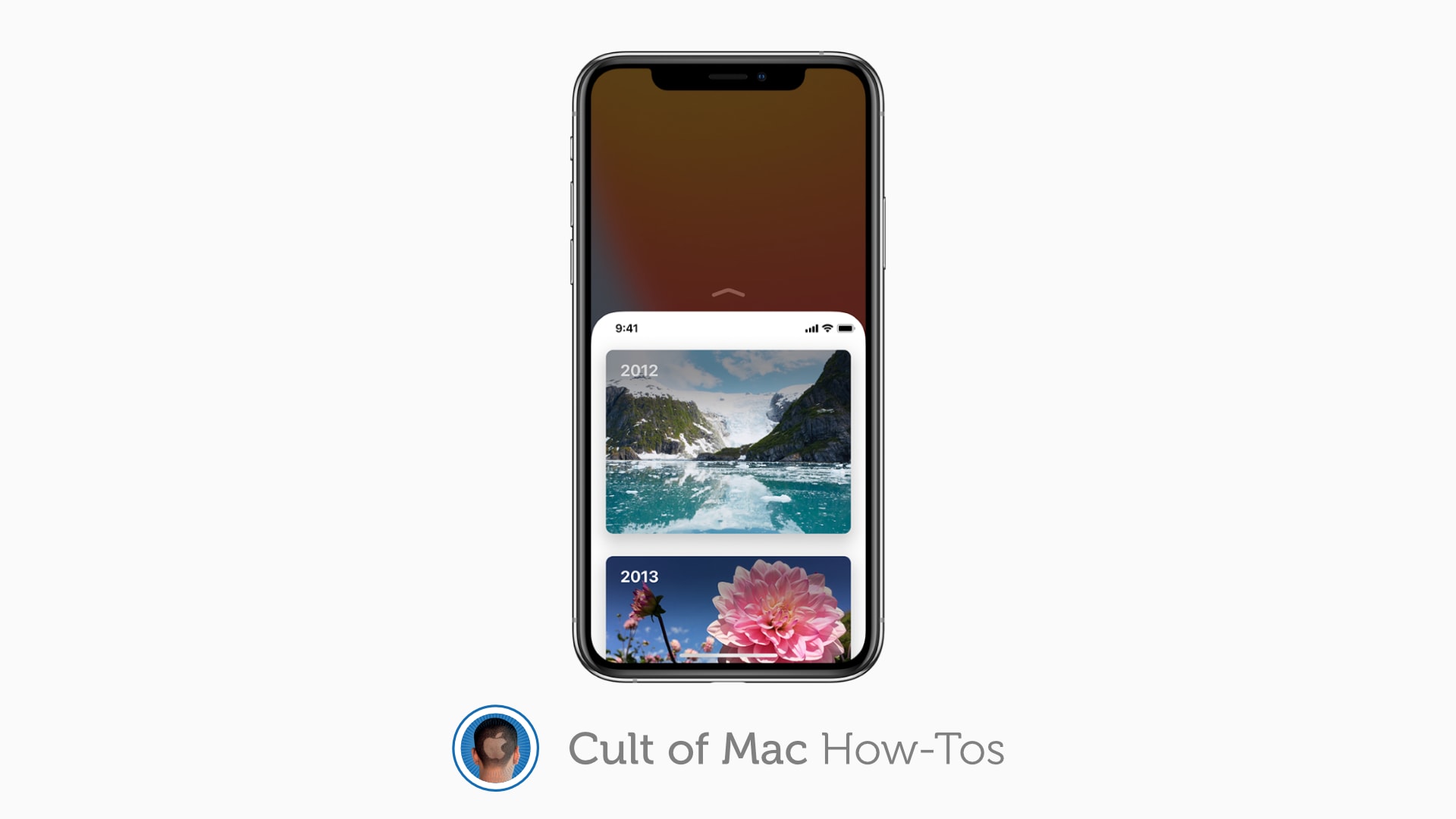
How to enable Reachability
Reachability makes even the largest iPhone models easy to use one-handed.
Image: Apple/Cult of Mac

Reachability remains alive and well in iOS 14 — even if you have an iPhone without a Home button. The feature, which makes even the largest iPhone models easier to operate with one hand, is super-simple to use with just a quick flick of the thumb.

However, Reachability is disabled by default, so you’ll need to turn it on. Here’s how to enable and use Reachability in the latest iPhone firmware.

Activate iPhone X Reachability with a flick of the thumb

By •

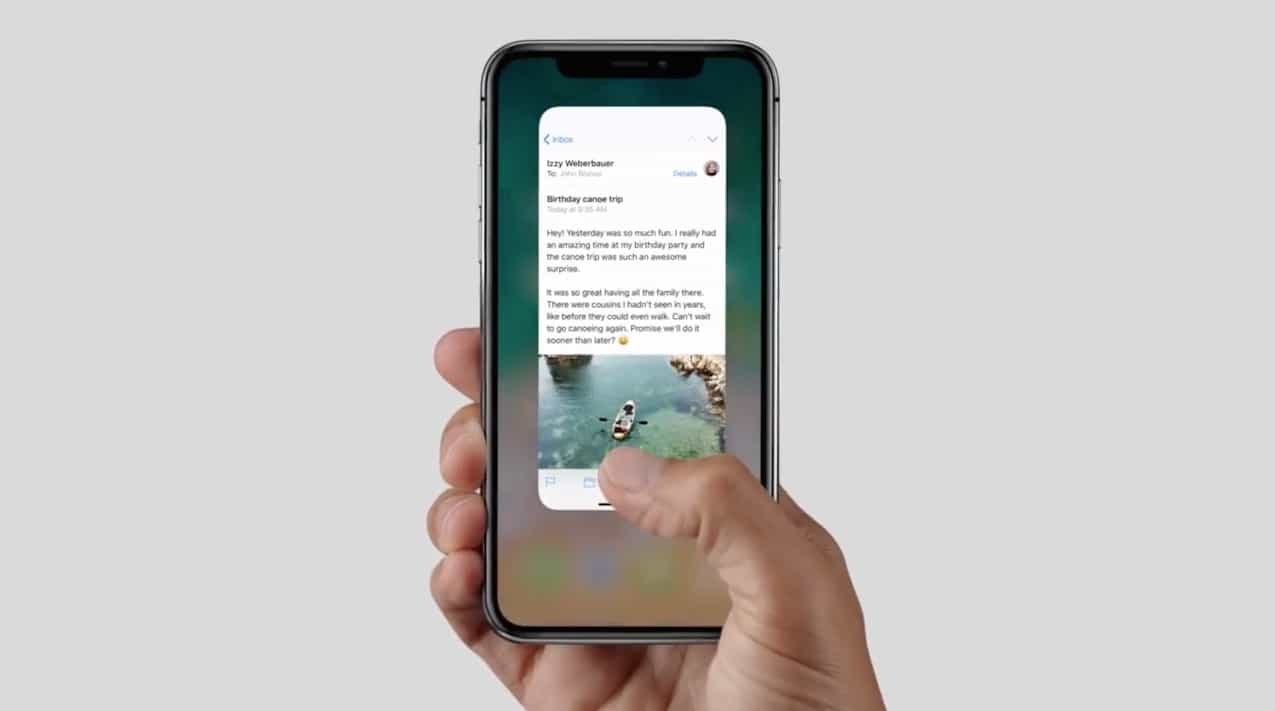
gestures iPhone x
Your thumb will get a workout now that the home button is no longer around to do all the work.
Photo: Apple

Here’s a great Reachability tip for iPhone X users. It’s so neat that even if you find Reachability pointless, you’ll love it. Or at least, you’ll love how absurd the gestures are to activate it.

What am I talking about? Let’s just say that if you’re a close-up conjurer who specializes in card tricks, then you will have no problem with this iPhone X tip. If you’re a normal human, it might take a bit of practice.

How to use Reachability on the iPhone X

By •

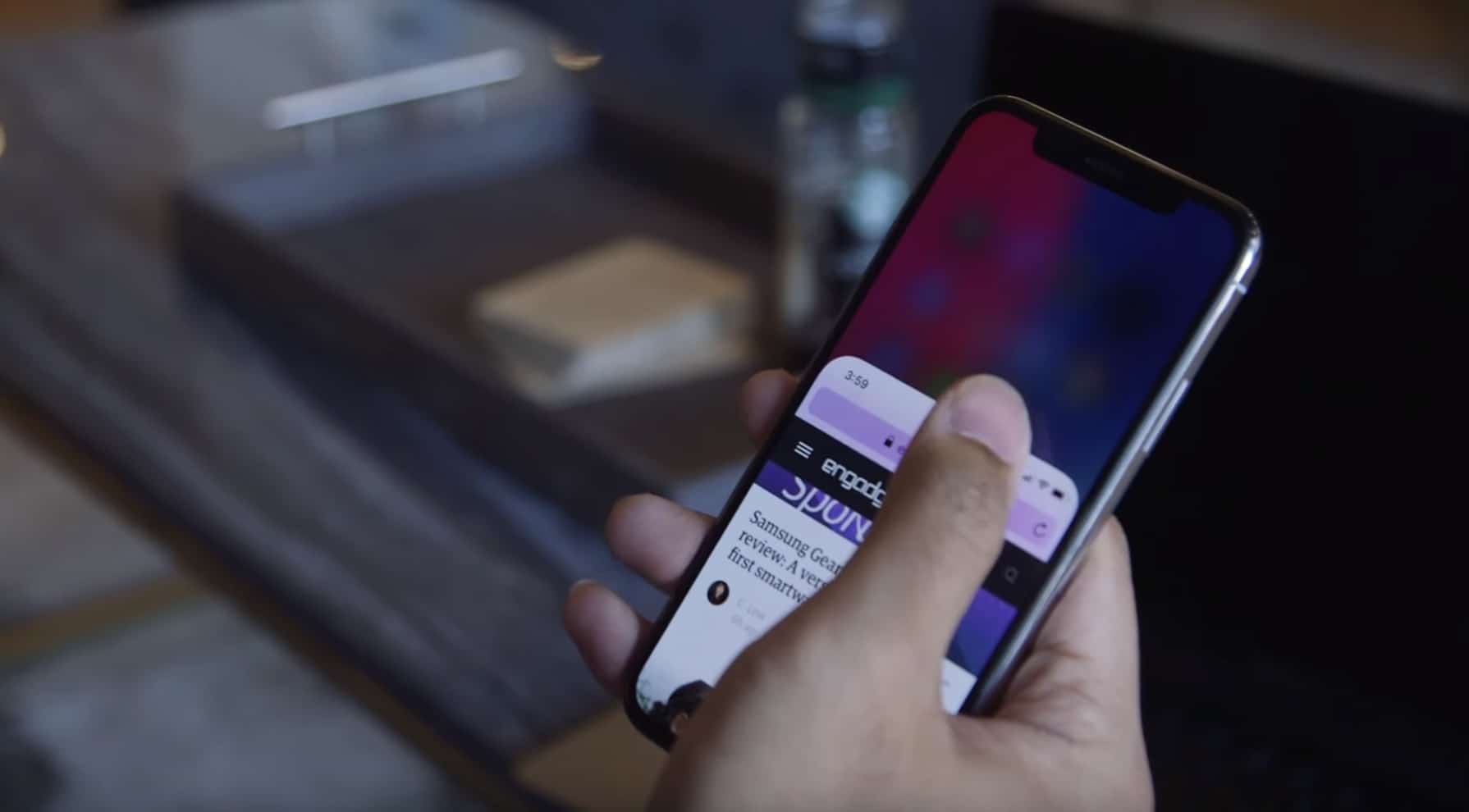
iPhone X Reachability
Reachability is present on iPhone X.
Photo: Engadget

iPhone X’s 5.8-inch Super Retina HD display is the largest screen Apple has ever packed into a smartphone. That means using it with one hand could prove difficult. Fortunately, Reachability is still baked in — even without that physical Home button.

Here’s how you enable and use it.

Apple is working to fix annoying Reachability bug on iOS 11

By •

iPhone 7
Craig Federighi says a fix is on the way.
Photo: Ste Smith/Cult of Mac

An iOS 11 bug involving the iPhone’s Reachability feature will be fixed in a future software update, Craig Federighi has said.

The bug means that the new iOS 11 Cover Screen with Notifications isn’t accessible from the middle part of the screen, thereby removing one of the most useful features a person might want to use while employing the Reachability mode.

Apple pulls iOS 8.0.1 update that fixed HealthKit but broke Touch ID, cell service

By •

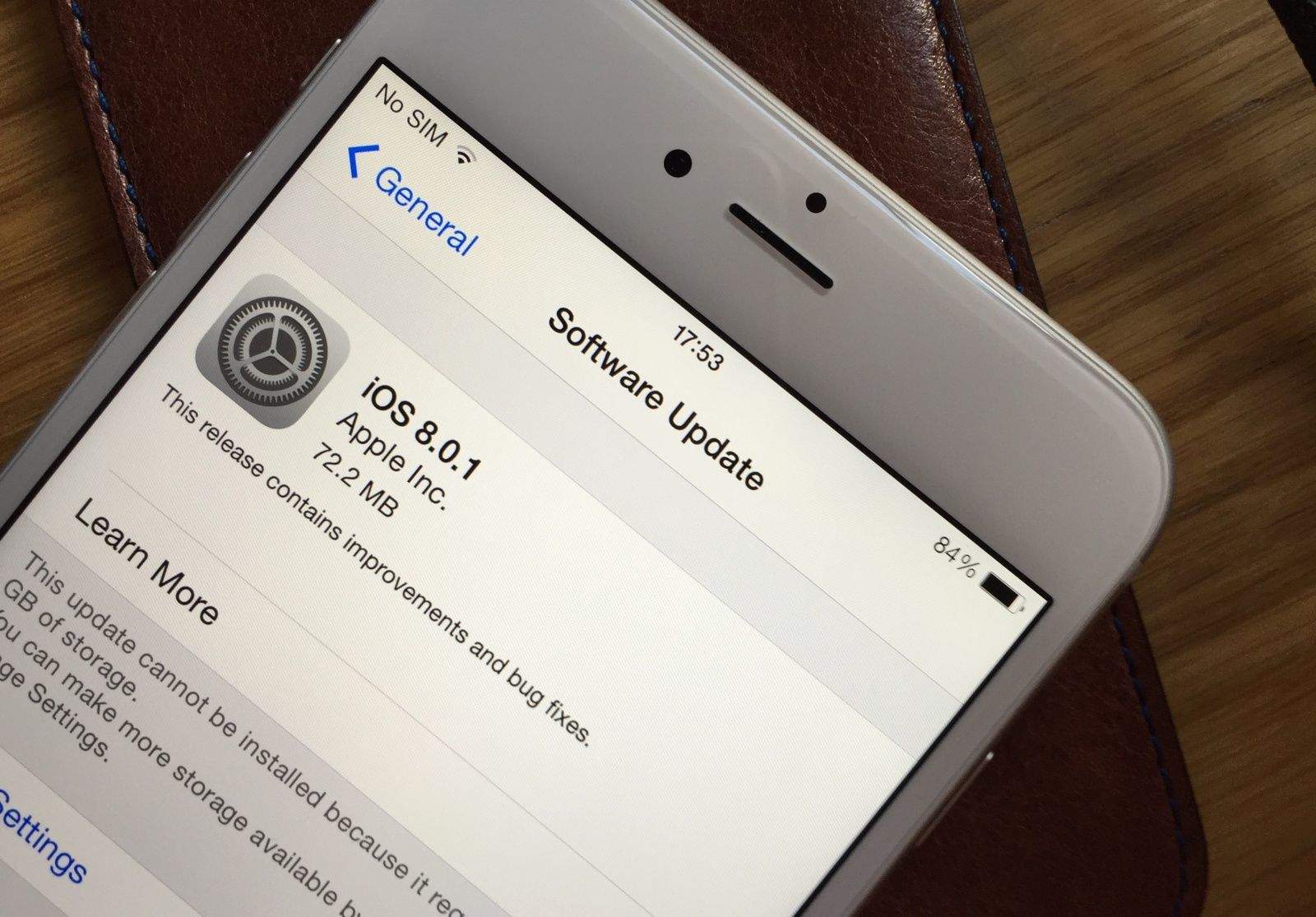
Download iOS 8.0.1 now. Photo: Killian Bell/Cult of Mac.

Update: iOS 8.0.1 upgraders are reporting problems with Touch ID and cellular connectivity after installing Apple’s update. You should wait before taking the plunge. If you’ve already installed iOS 8.0.1, here’s how to downgrade to iOS 8.

Apple has pulled an iOS 8.0.1 update that fixed problems with HealthKit and various other features after iPhone 6 and 6 Plus users discovered the update broke Touch ID and blocked cellular connectivity.

The iOS 8.0.1 update was also supposed to improve Reachability on the iPhone 6, but it has already been removed while Apple addresses the nest of new bugs it unleashed.

Big vs. bigger: Which iPhone 6 deserves a place in your pocket?

By •

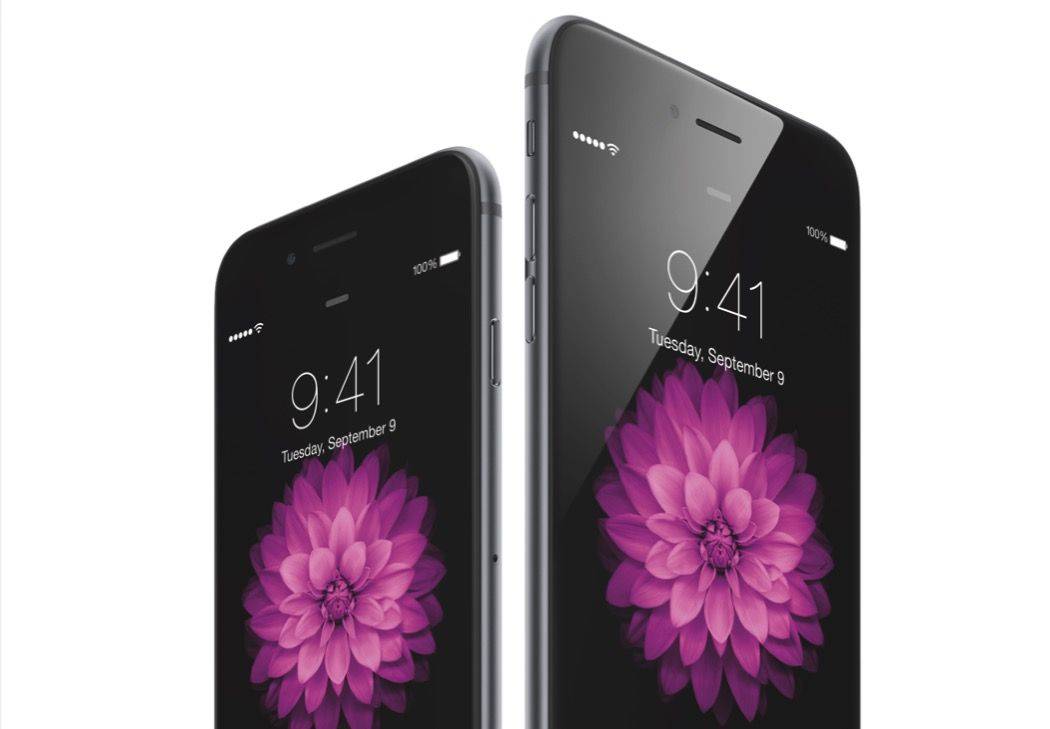
iPhone-6-vs-6-Plus

For the second consecutive year, Apple has delivered not one but two new iPhones. Unlike the iPhone 5c, however, the slightly cheaper model this time around isn’t just an old iPhone inside a new shell. The iPhone 6 has the same A8 processor, the same Touch ID fingerprint scanner, and the same improved iSight camera as the iPhone 6 Plus.

So, is size the only difference, and how do you choose which model is right for you? Our in-depth comparison below will help you compare each device — spec for spec, feature for feature — and decide which one most deserves a place in your pocket for the next 12 months.