Get help from a trusted person when you need it. Photo: D. Griffin Jones/Cult of Mac
If you ever lose access to your Apple Account or iPhone, you’ll be happy you set up a recovery contact in advance. Once you do, a trusted person can remotely unlock your iPhone for you if you can’t recall your password.
It only takes a few moments to set up — and could be a huge weight off your shoulders if you’re desperate, frustrated and just want to unlock your Apple account. Once you designate a recovery contact (and they accept), you can easily ask them for help.
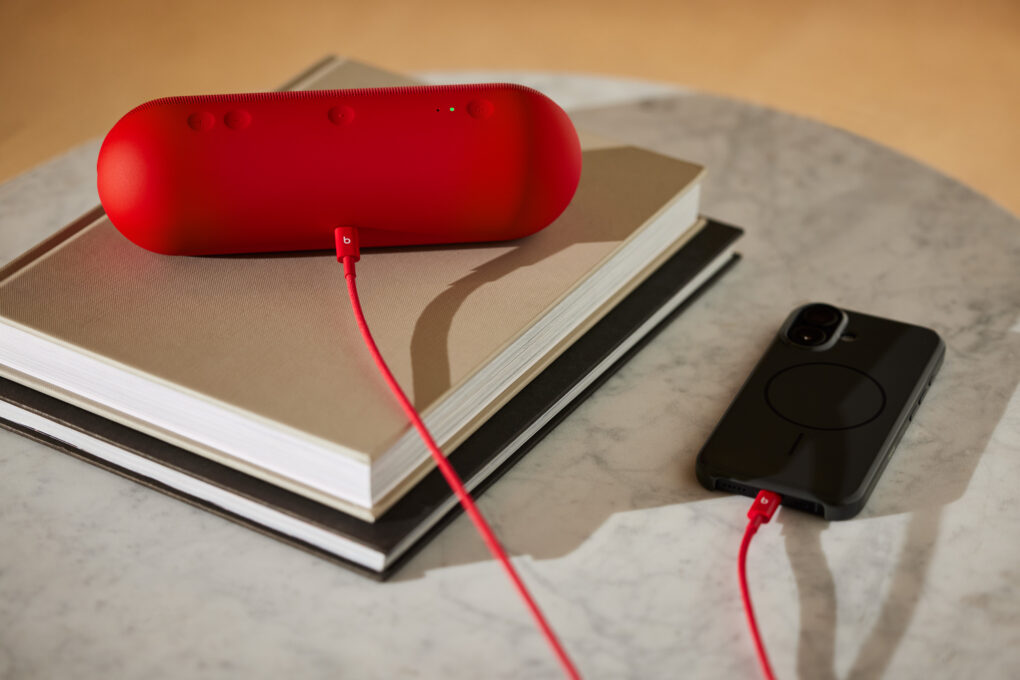
Here's a rapid red USB-C to USB-C cable running between a Pill speaker and a smartphone. Photo: Beats
With Tuesday’s Beats Cables launch, Apple subsidiary Beats officially entered the charging accessories market with its first-ever collection of reinforced charging cables. They bring the brand’s signature style to an often overlooked but essential product category. Available at apple.com, new Beats Cables feature a tangle-free woven design specifically engineered to prevent fraying and increase durability.
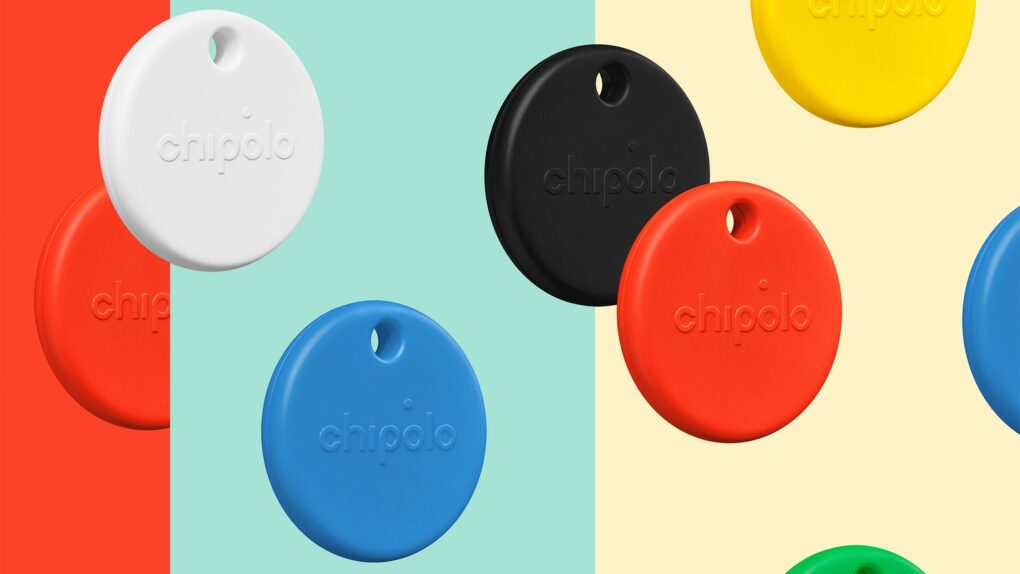
The Chipolo Pop tracker tag comes in a rainbow of colors. Photo: Chipolo
Unlike rival item trackers, the Chipolo Pop doesn’t force you to choose between iPhone and Android. You can find your misplaced keys or cat with either Apple’s Find My network or Google’s Find My Device.
Plus, the Bluetooth tracker tag comes in a range of colors.
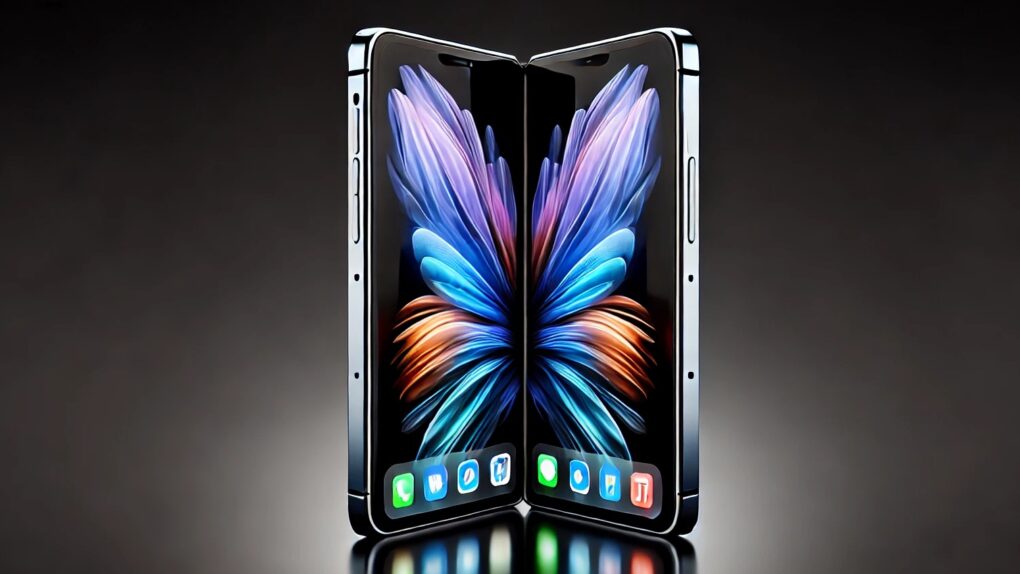
Folding iPhone concept AI concept: ChatGPT/Cult of Mac
Apple chose Samsung Display as the exclusive supplier of OLED panels for its first foldable iPhone, expected to launch in 2026, according to a new report. The decision marks a departure from Apple’s typical multi-supplier strategy. It could help ensure high quality and reinvigorate the foldable OLED market.
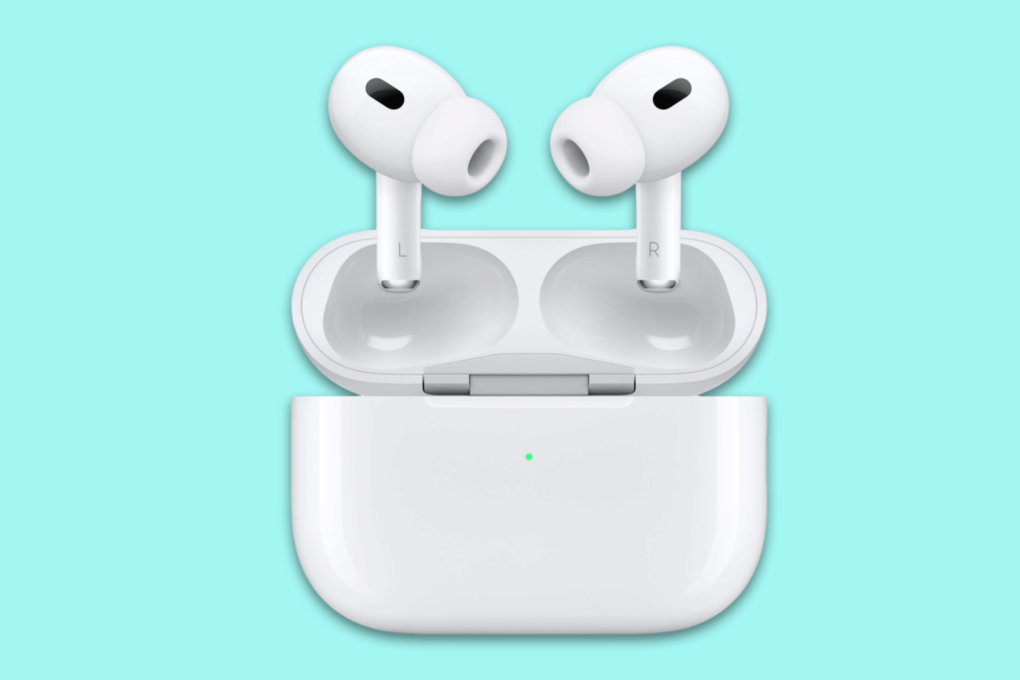
Get your pair of refurbished AirPods Pro 2 at a discounted price! Photo: Cult of Mac Deals
We can’t say it often enough: AirPods Pro 2 are the best earbuds for any Apple fan. If you want to pick up a pair of these noise-canceling earbuds on the cheap, jump on this refurbished AirPods Pro 2 deal, which knocks the $249 list price down to just $159.99.
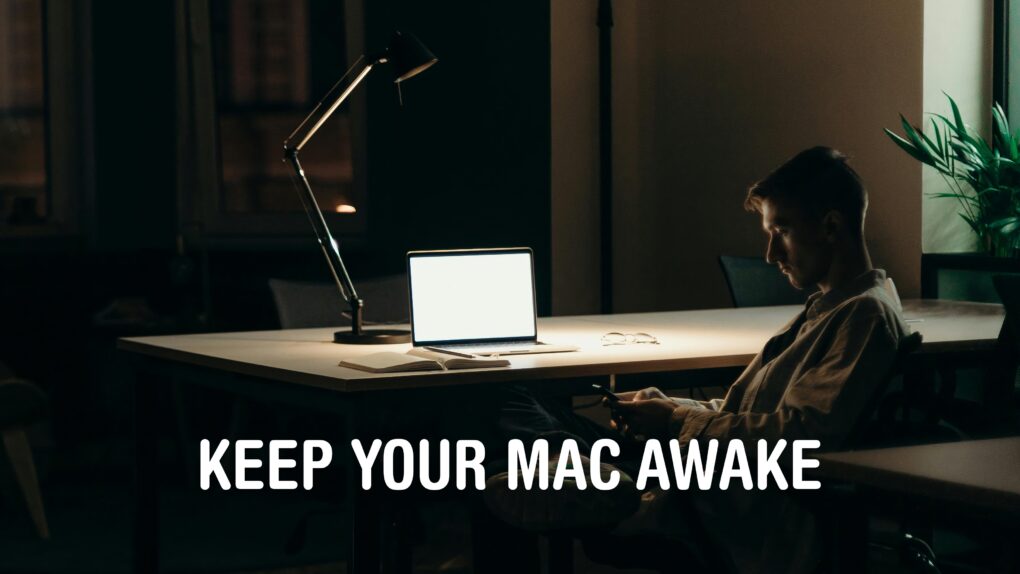
I certainly can’t stay up all night, but my Mac can. Image: D. Griffin Jones/Cult of Mac
You can stop your Mac from sleeping if you want it to stay on indefinitely. This might prove handy if you find it locking when you don’t want it to, like during a class or meeting. You don’t need to wiggle the mouse every few minutes to keep the screen on.
There are a few different ways to set this up. The simplest and most permanent way is to disable sleep entirely in your Mac’s System Settings. However, if you just want a quick way to disable sleep temporarily, there’s a simple command you can enter in the Terminal. Or, if you want something more user-friendly and customizable, there’s a free app you can download that you can toggle on and off from your Mac’s menu bar.
Here are the three best solutions if you want to stop your Mac from sleeping.
Apple explains how training its LLMs won’t be a user privacy nightmare. Photo: Apple/Cult of Mac
Apple’s AI efforts don’t have to be hampered by its commitment to user privacy. A blog post published Monday explains how the company can generate the data needed to train its large language models without the privacy violations caused by Apple itself reading people’s emails or messages.
It’s an indirect, opt-in system that takes advantage of the small AIs the Apple builds into millions of users’ devices.
★★★★★
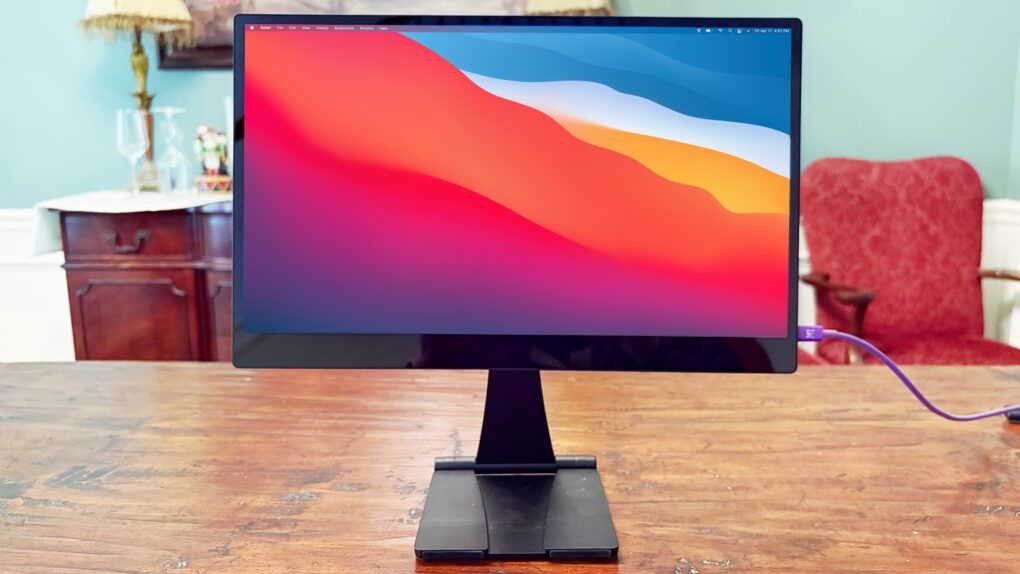
The Espresso 15 Pro looks stunning. Photo: Ed Hardy/Cult of Mac
The Espresso 15 Pro offers everything Apple users want in a high-end portable monitor. 4K? Yes. Gorgeous. Oh, yeah. Touchscreen? Got it. USB-C? Check.
It has an all-aluminum body that makes it look great from any angle. And as a bonus, it comes with an innovative stand that lets you position the screen where you want it, even above your notebook.
I used the Espresso 15 Pro display in my home office and when working remotely, and am simply blown away. Here’s why.
The thrilling Prince of Persia: The Lost Crown can now be played on iPhone and iPad. Photo: Ubisoft
Ubisoft released Prince of Persia: The Lost Crown on Monday for iPhone, iPad and Android. The award-winning action-adventure platformer challenges players to use Time Powers to defeat time-corrupted enemies and save the land.
The game runs at 60 FPS on recent generations of mobile devices.
This user loves the color reproduction on their Thunderbolt displays. Photo: [email protected]
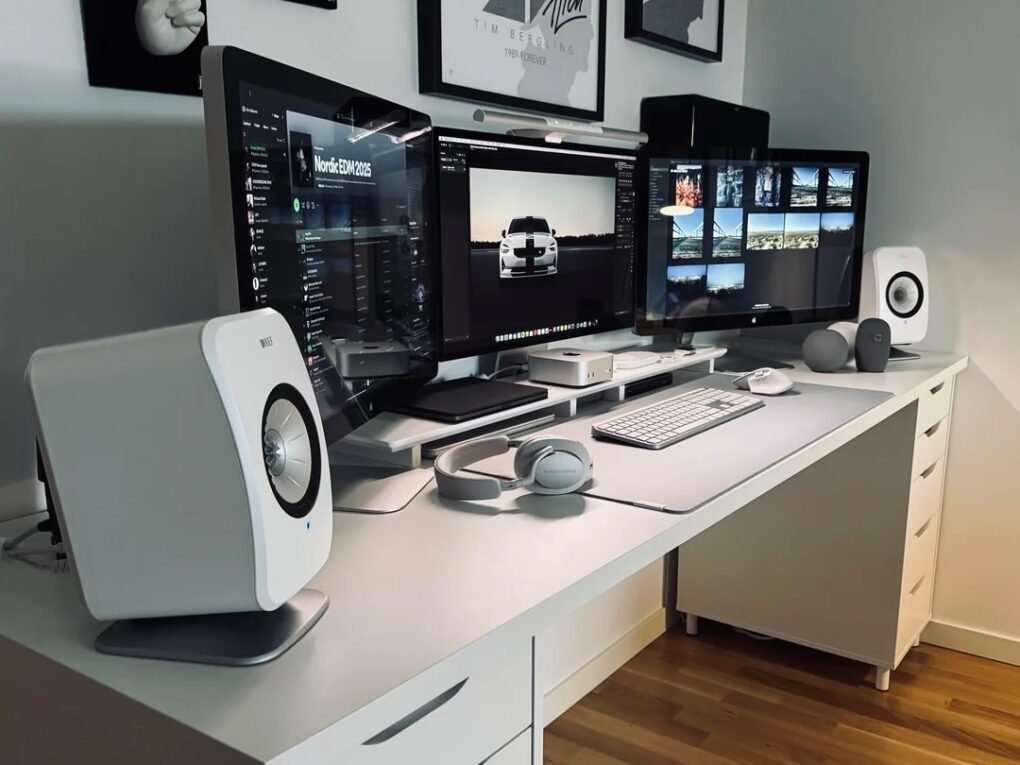
Have you ever run multiple displays with different resolutions? Today’s featured Mac mini setup sports older Apple Thunderbolt Displays (2.5K resolution, aka 2560 x 1440p) flanking a newer Studio Display (5K, or 5120 x 2880p). Seems like that might cause a touch of seasickness looking back and forth between them all the time — or maybe a sticky mouse cursor — but it doesn’t bother the user at all. For them, it’s all about the excellent color reproduction across the board.
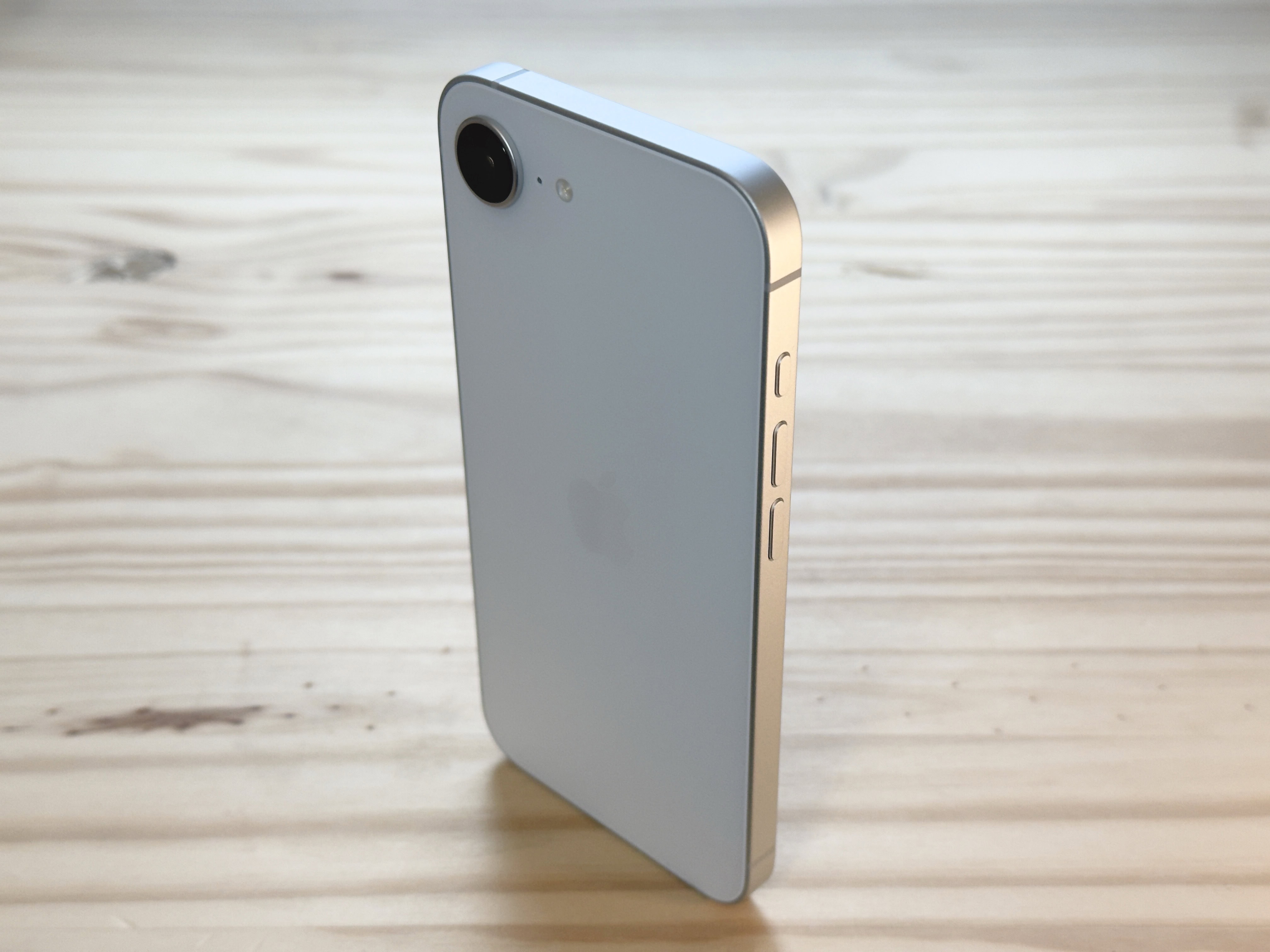
iPhone 16e helped propel Apple to the top of the world smartphone market. Photo: D. Griffin Jones/Cult of Mac
For the first time ever, Apple has claimed the global smartphone crown in the opening quarter of the year, thanks largely to the success of its iPhone 16e, according to data released Monday by a market analysis firm. With a strategic push into emerging markets and a rare off-cycle product launch, the tech giant surged past Samsung in Q1 2025 — a shift in the high-stakes battle for mobile dominance.
Apple sales grew during the period, while those of its chief rival Samsung dropped.
Improve your Mac experience with these accessories. Photo: Rajesh Pandey/CultOfMac
Apple makes the best desktop PCs and laptops. But I cannot say the same for its accessories. While I have been using Macs for more than a decade, I rely on these five Mac accessories made by third parties to enhance my experience.
The list ranges from a wireless keyboard to an ergonomic mouse to headphones that will amaze you with their noise cancellation. Read about my five favorite Mac accessories below.
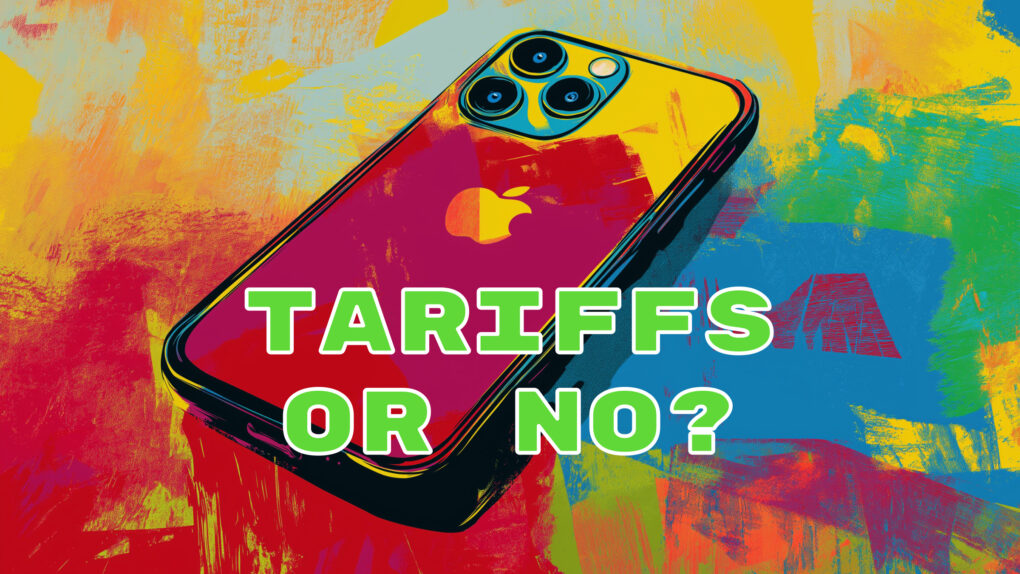
iPhones and Macs will eventually be slapped with reciprocal tariffs. AI image: Midjourney/Cult of Mac
After the U.S. government seemed to exempt iPhones, Macs and other electronics from hefty tariffs Friday, a clarification issued Sunday by President Donald Trump revealed that’s not the case.
Trump said on Truth Social that his administration did not announce a tariff exemption Friday. Instead, the “existing 20% Fentanyl Tariffs” will still apply to electronics — with higher tariffs possibly coming soon.
Will iPadOS 19 allow the iPad to live up to its potential? Photo: Ed Hardy/Cult of Mac
The next big iPadOS overhaul will make the OS more like macOS. That’s what a new report claims, indicating Apple will focus on “productivity, multitasking and app window management.”
All these changes will make iPadOS behave closer to macOS than iOS.
Why is funnier: stouter squircles or squabbling leakers? Image: Cult of Mac
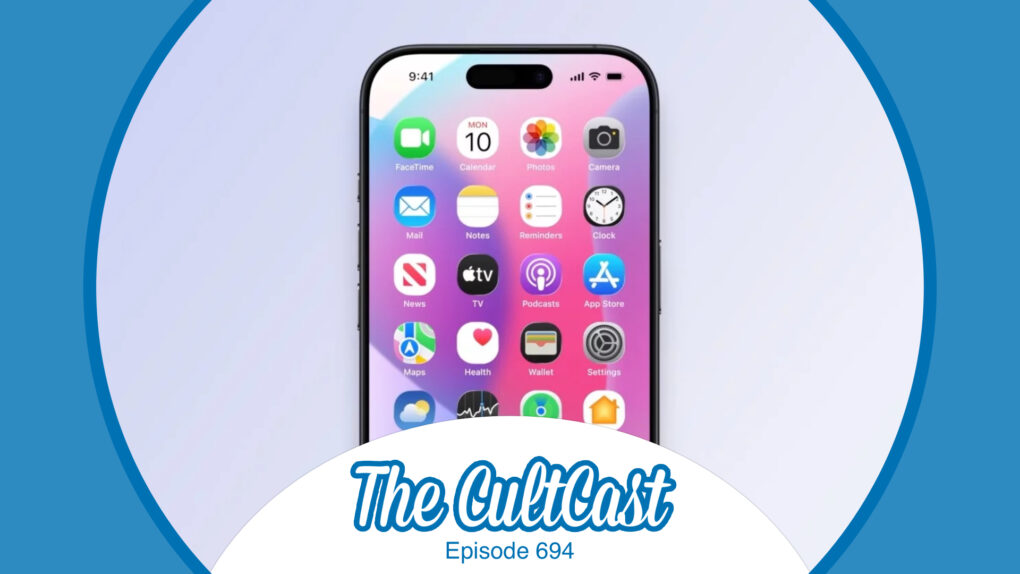
This week on Cult of Mac’s podcast: The latest video from Front Page Tech leaker in chief Jon Prosser gives us a closer look at what iOS 19 might look like. Its glossy UI elements and rounder “squircles” for app icons get us pondering the future. And the feud between Prosser and Bloomberg scoop machine Mark Gurman gets us laughing!
Also on The CultCast:
The iPhone 17 Pro might not look as different as previous rumors indicated.
The threat of rising prices due to tariffs propels some shoppers to Apple stores for a little (probably unnecessary 😬) panic buying.
On a related topic, if you thought Apple might move its manufacturing to the United States to avoid import tariffs, don’t hold your breath.
And finally, Griffin explains how you can do almost anything on your iPhone using voice commands.
Listen to this week’s episode of The CultCast in the Podcasts app or your favorite podcast app. (Be sure to subscribe and leave us a review if you like it!) Or watch the video live stream, embedded below.
The iPhone is free from Trump tariffs. Photo: Google Gemini/Cult of Mac
In a tremendous turnaround, President Donald Trump removed the hefty tariffs he’d imposed on phone, computers and many other electronics being imported into the United States. The change, which came late Friday, should prevent price hikes that Apple, HP, Dell, etc. would likely have had to charge customers to pay for the import taxes.
There will reportedly also be no tariffs on processors, TVs, solar panels, flash drives and removable memory cards — no matter what country they are made in.
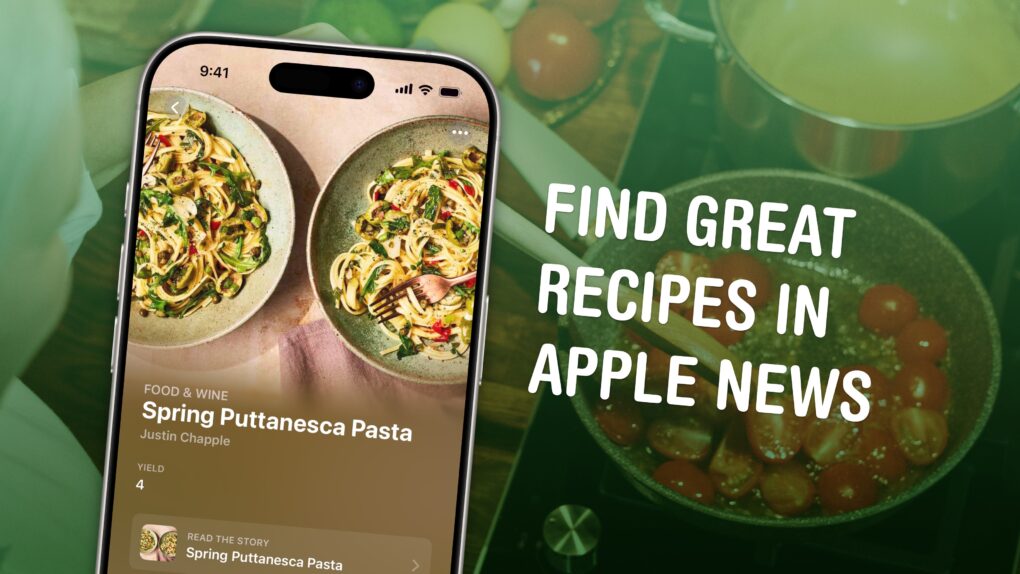
Check out its big catalog of dinners, lunches, brunches and everything in-between. Image: D. Griffin Jones/Cult of Mac
Apple News+ Food is a great way to find recipes on your iPhone. It gives you personal recommendations and offers dozens of filters to find all kinds of recipes, from easy slow-cooker fare to gluten-free concoctions. Plus, all the recipes are nicely formatted, with easy-to-read instructions. And you can save recipes you like for later to build up a personal catalog of go-to dishes.
It’s a very well-thought-out addition to an Apple News+ subscription, a tasty complement to the service’s news stories, magazine features and daily puzzles. Apple is slowly but surely replicating all the great features of traditional newspapers.
Never struggle to edit a PDF again with this top-rated software. Photo: Cult of Mac Deals
Whether you use a Mac or any other operating system, there is a universal truth we all know: Editing PDFs can be one of the most frustrating tasks on earth. The top-rated UPDF Pro app can make working with the file format easier, and lifetime subscriptions are on sale for just $47.97 (regularly $149.99).
That’s the best price on the web — and more than two-thirds off the regular price of this excellent PDF editor.
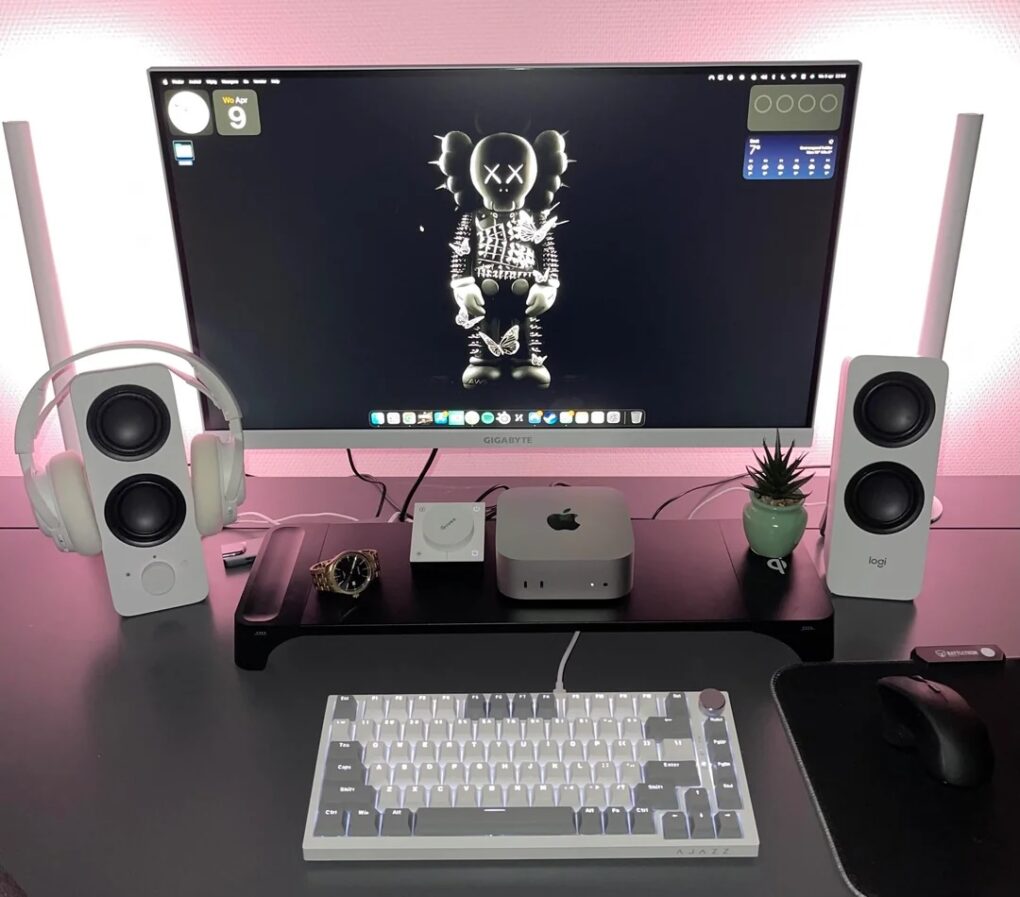
Those sticks on either side of the display are Govee Gaming Light Bars just behind the Logi speakers. Photo: [email protected]
Every so often a computer setup on social media throws me for a loop with some odd visual — and it’s often related to desirable gear. Today’s M4 Mac mini workstation looks like it keeps a pair of walkie-talkies in the mix. But they’re actually computer speakers with tall, stick-like Govee light bars for gaming sitting right behind them. The way the light bars stick up makes them looks like antennas.
Apple Watch Emergency SOS leads to a dramatic helicopter rescue Down Under. Photo: Surf Life Saving NSW
In a harrowing incident off the coast of Australia, an experienced swimmer’s routine morning body surfing session turned potentially deadly after riptides took him out to sea. Fortunately, 49-year-old Rick Shearman remembered the SOS feature on his Apple Watch Ultra. Using it led to a dramatic helicopter rescue that saved his life on July 13, 2024.
Update: Apple Australia’s YouTube channel posted a new video Thursday, below, dramatizing Shearman’s rescue. It recreates his desperate SOS call, his struggles amid huge swells and the dramatic relief when the rescue helicopter appears overhead. The video only lasts a minute, but by the end, with music swelling, it might bring you to tears.
That fancy gate looks an awful lot like jail bars. Photo: Apple TV+
A handsome and charming hedge fund manager gets fired and turns to a life of crime, stealing from his well-heeled neighbors by night — inadvertently uncovering their surprisingly dangerous secrets. That’s the gist of the entertaining trailer Apple TV+ dropped recently for drama Your Friends & Neighbors. Starring Jon Hamm, Olivia Munn and Amanda Peet, it debuts April 11.
And get this — Apple has so much confidence in the new show, it green-lighted the second season before the first one even aired.
Update:Your Friends & Neighborsstarted streaming on Apple TV+ on Friday (actually Thursday evening, per the streamer’s usual practice). Reviews so far are good. The Daily Beast said Hamm aand Peet “are at the top of their game” in the show. For NPR, the drama brought to mind John Cheever’s classic novels about the soullessness of American suburbs. And Deadline said the series “combines social commentary, dark humor, twisty relationships and a murder mystery.” And the already planned season two might be darker in tone.
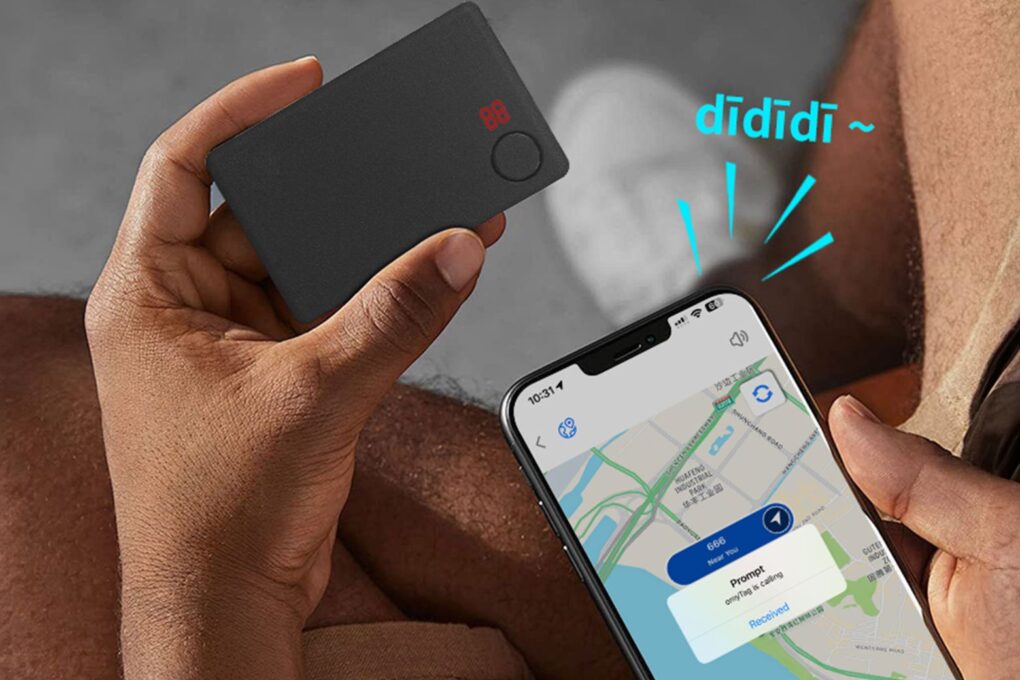
Pick up a three-pack of these wallet-friendly tracking cards today. Photo: Cult of Mac Deals
The Slim GPS Tracker Card is built to slide into your wallet. It looks like a credit card but works with Apple’s Find My app. This slender AirTag alternative also proves perfect for attaching to luggage or a work ID.
It’s a thin, subtle tracker that works a lot like an AirTag. And right now, you can grab a three-pack on sale for just $64.99 (regularly $105).
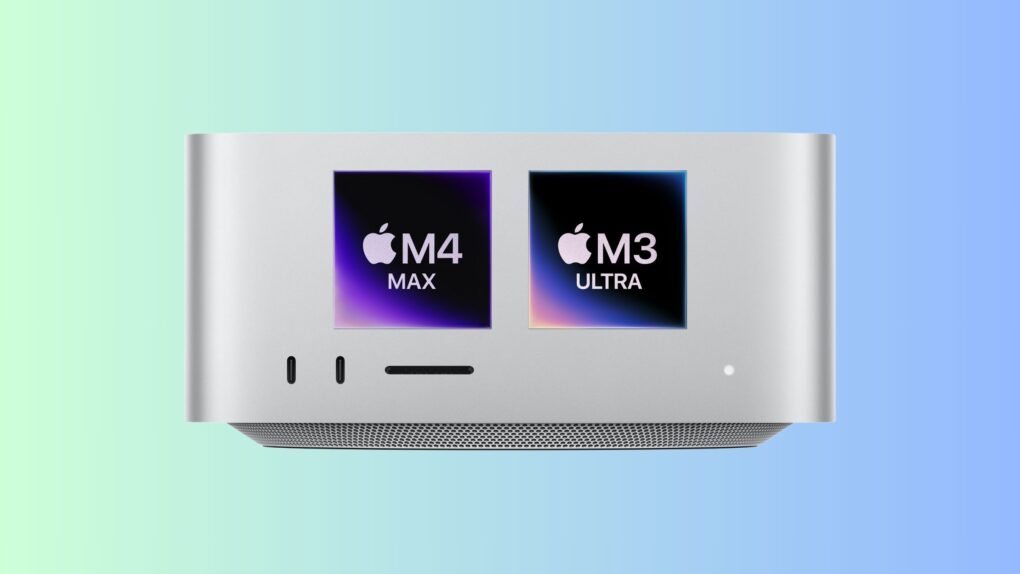
Pick wisely between the M3 Ultra and M4 Max Mac Studio. Photo/Graphics: Apple/Rajesh Pandey
The Mac Studio reigns supreme as Apple’s most powerful desktop computer to date. However, when it comes to pitting the M3 Ultra Mac Studio vs. the M4 Max Mac Studio, which should you spring for?
The M3 Ultra processor packs up to a 32-core CPU and 80-core GPU. That’s a staggering amount of horsepower. However, the M4 Max uses a new CPU architecture, offering faster single-core performance.
So, which powerhouse Apple computer will suit your workflow better: Mac Studio with M3 Ultra or M4 Max? It depends on several factors.