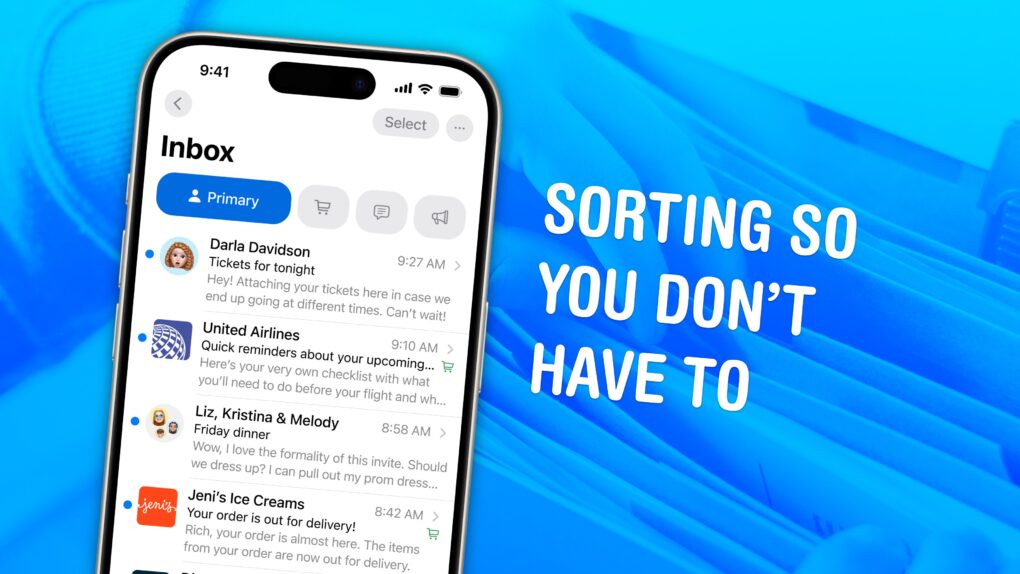
You can save time — and make sure your messages always go out when they’re supposed to — when you schedule email from the Apple Mail app. You can set your mail to deliver at any date or time in the future, whether it’s next Monday at 9 a.m. sharp, in two weeks’ time or even years from now.
If you work with someone in a different time zone, you can schedule messages to arrive just when they start their workday, which is especially helpful if the allotted time is in the middle of the night for you. You can schedule a series of reminders for that one irritatingly forgetful client of yours. Or, if you work remotely, you can try (and risk) prewriting messages to your boss to maintain the illusion of regular work. You can even schedule emails to remind you of an important anniversary, years down the line.
It’s easy to set up. Keep reading or watch our short video.



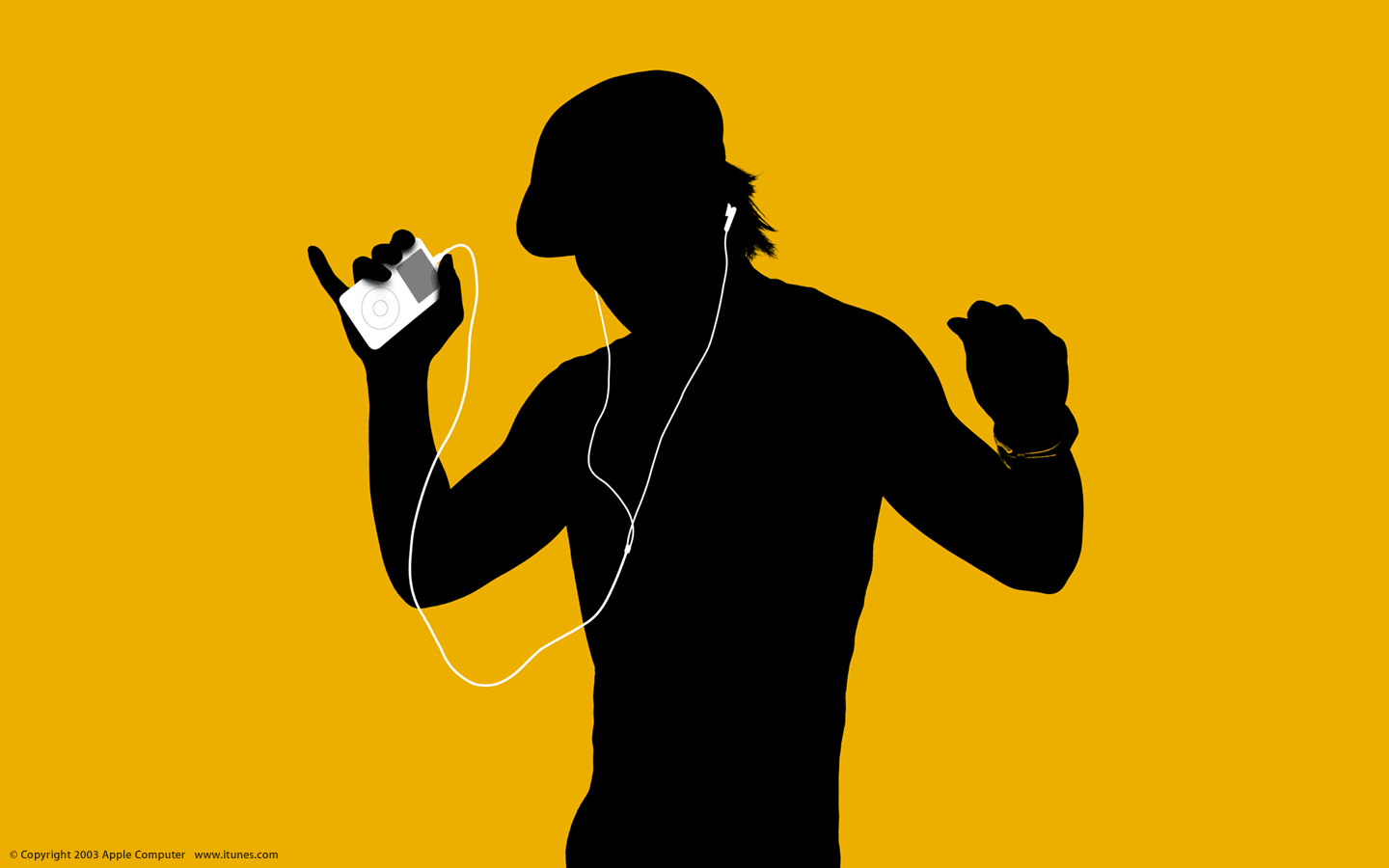
 May 5, 2003: Just a week after launching the iTunes Music Store, Apple reaches an incredible milestone with more than 1 million songs sold.

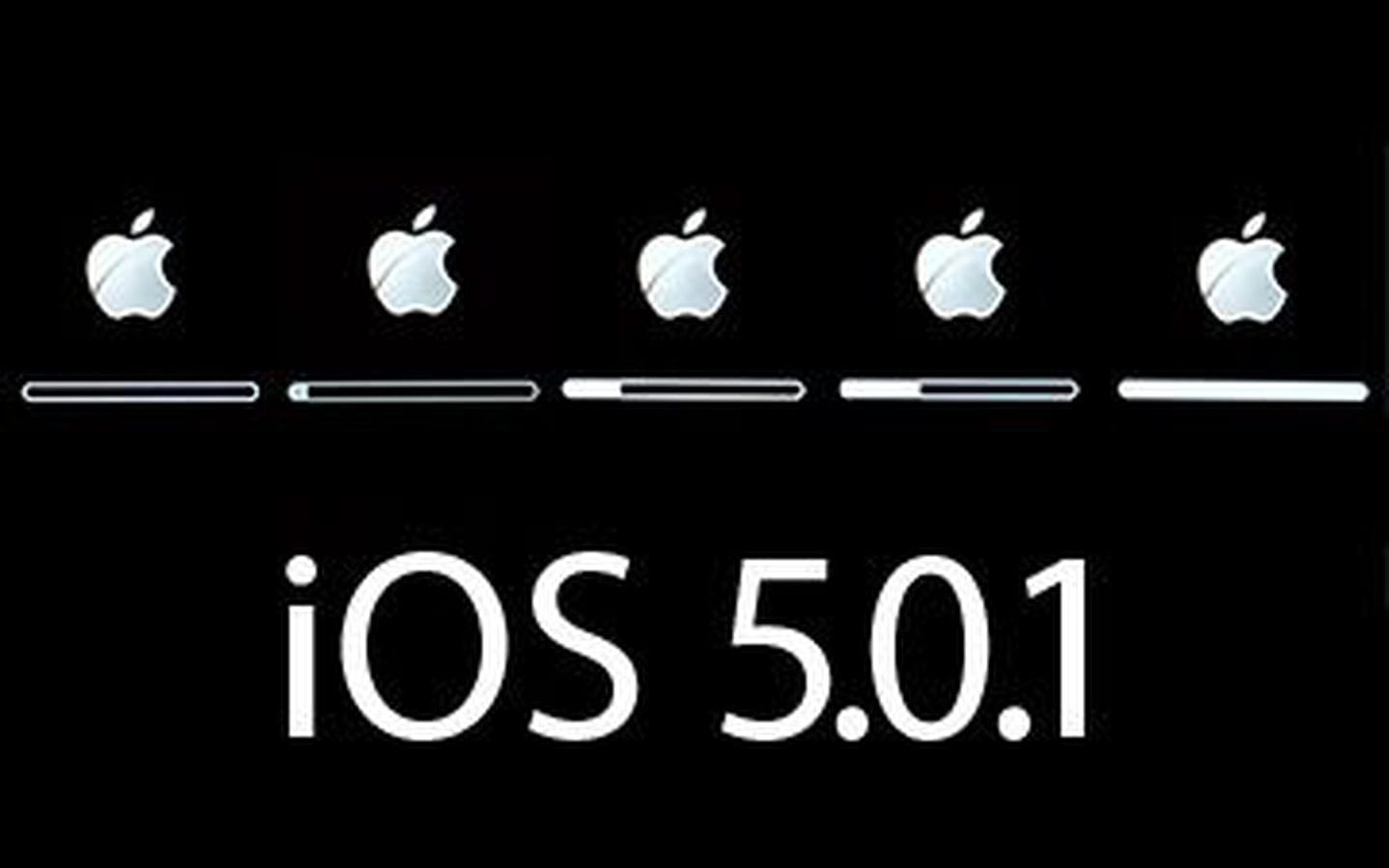
 May 4, 2011: Reports circulate that Apple is negotiating with carriers to bring over-the-air updates to iOS, beginning with iOS 5.

 May 3, 1984: Apple marks the all-important first 100 days of Mac sales, signaling whether the product launch is a hit with customers.
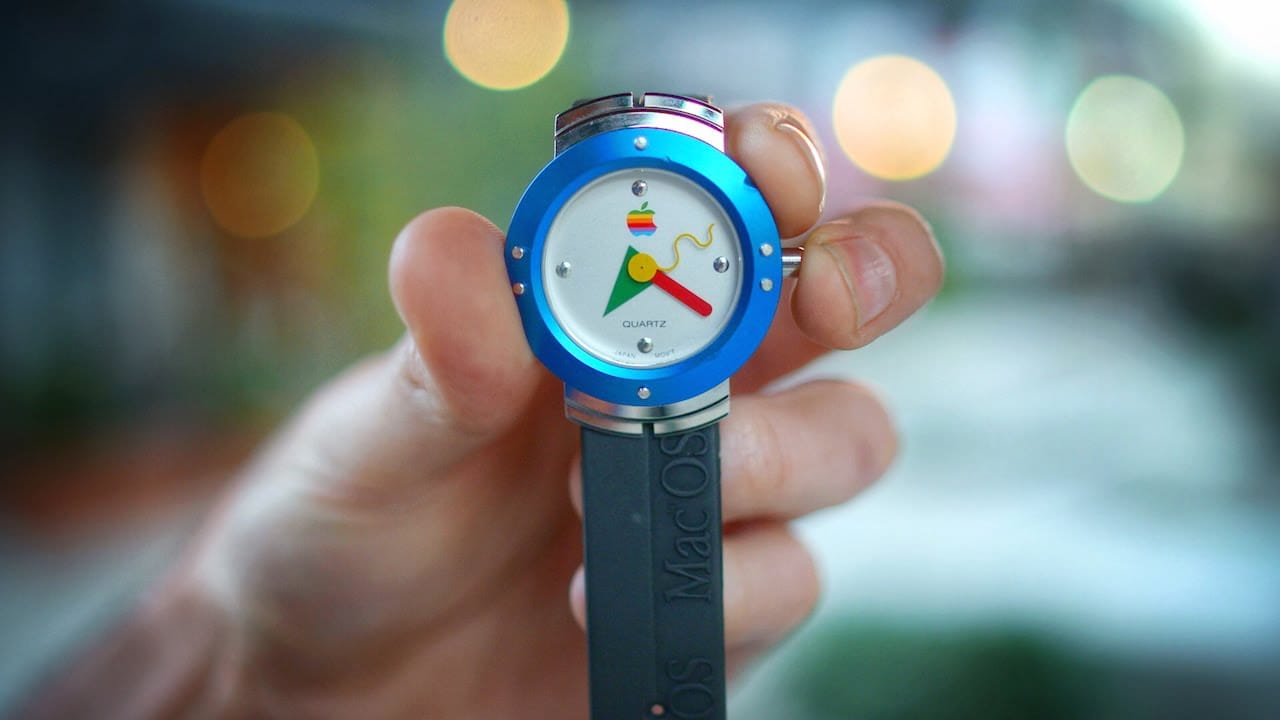
 May 2, 1995: Apple enters the wearables space with its first watch. However, the first Apple watch is a timepiece with no fitness-tracking tech, no on-screen notifications and a whole lot of 1990s styling.