Mobile menu toggle

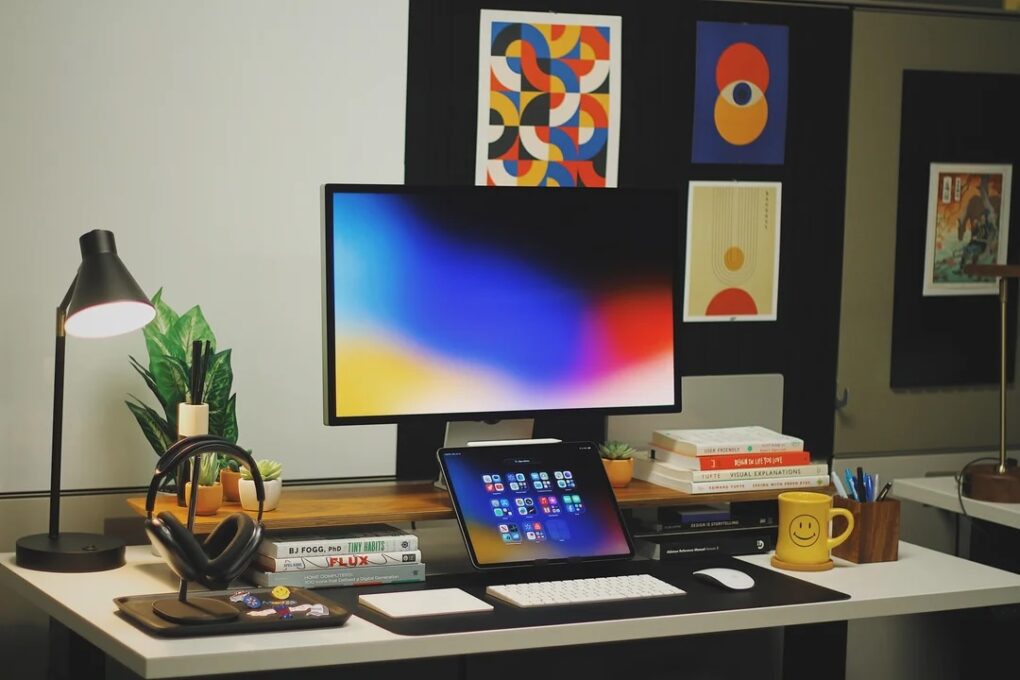
Try these brilliant ways to use an iPad in a Mac setup
By

studio-display-ipad
This user's setup changed a lot since the one we showcased in early 2024.
Photo: [email protected]

In some ways, iPad is the most versatile computer Apple makes — which makes it an unusually rich ingredient in a Mac workstation. And as iPadOS grows ever more capable, more users find new, smarter roles for their tablet. The following 10 examples drawn from the Cult of Mac Setups archive represent the best uses of iPad in Mac setups. They show just how many ways the tablet can earn its place on a desk.

Apple cracks down on unverified student discounts in US

By

Apple North County store Escondido Calif
Getting an educational discount on Apple products just got more complicated.
Photo: Apple

Apple’s Education Store in the US and Canada now requires UNiDAYS verification. This brings the store’s policy in line with the rest of the world.

Going forward, to be eligible for a student discount on Apple products, you’ll need an active UNiDAYS account.

Price cut: Convert PDFs easily on your Mac with this pro tool

By

Photo of a person using PDF Converter Pro on a laptop
Try out this Mac-compatible PDF editor and converter instead of the pricey Adobe Acrobat Pro.
Photo: Cult of Mac Deals

Ever been annoyed when someone sends you a PDF instead of a file you can edit? An all-in-one PDF editor like AcePDF Converter & Editor can help, and it doesn’t need to cost a fortune.

Lifetime licenses for the Mac PDF app are on sale for $23.97 (regularly $99.99).

AirPods Ultra could become Apple’s first AI wearables

By

AirPods Ultra may be Apple’s most ambitious AI product yet
AirPods Ultra could be an AI-focused device, not just a simple audio player.
AI image: ChatGPT/Cult of Mac

Apple’s next-gen AirPods are reportedly in “late stages of development,” with the addition of cameras being a standout feature of the earbuds. The goal of adding cameras is apparently to make the earbuds, potentially called “AirPods Ultra,” into AI-friendly devices that are aware of the user’s surroundings.

They could become the first of a new class of wearables from Apple designed for the AI era.

New Philips Hue Sports Live software syncs smart lights to the action

By

Philips Hue Sports Live
Sports Live software doesn't need a hardware connection to react to action onscreen. It uses data.
Photo: Signify

Philips Hue and its sibling smart-lighting brand WiZ both get a new feature soon that could change how you watch the World Cup this summer, parent company Signify said Thursday. Called Sports Live, the software uses real-time match data to trigger lighting effects in your home whenever key moments happen on the pitch — goals, yellow cards, red cards — with no manual input or hardware required.

“With Sports Live, we’re moving beyond the traditional screen-based sync offering, broadening the role of smart lighting in at-home sports entertainment,” said said John Smith, business leader for Connected Lighting at Signify.

“By using live match data to trigger lighting in real time, we’re creating a new level of precision and immersion in how fans experience sports at home, making every match a truly memorable occasion,” he added.

How to block ads (and other distracting things) on iPhone for free

By

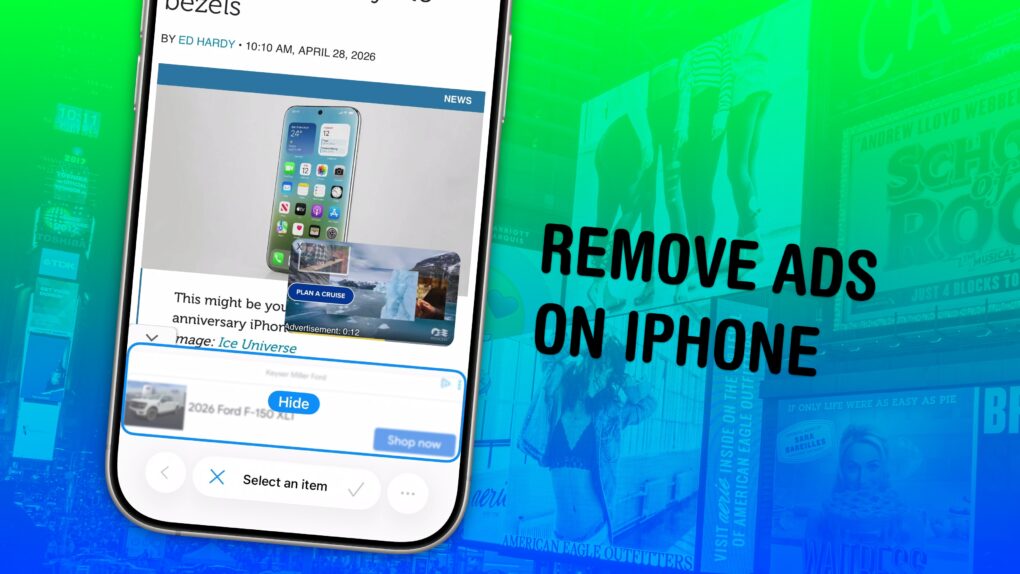
Image showing the Hide Distracting Items feature hiding a banner ad, with a photo of a bunch of billboards, captioned “Remove Ads on iPhone”
Simplify the web, one annoyance at a time.
Image: D. Griffin Jones/Cult of Mac

Safari’s Hide Distracting Items feature lets you remove ads from your iPhone, along with other elements on the page that irritate you. It doesn’t require an ad blocker or a paid extension — Apple built it right into the browser.

Hide Distracting Items is not an ad blocker per se. But if pop-ups and other items that cover the page with no obvious close button pester you (like a cookie banner) Hide Distracting Items can come to the rescue. Here’s how to use it — keep reading or watch our video.

How AI helped 4 Swift Student Challenge winners bring great app ideas to life

By

Swift Student Challenge winner apps
Left to right: Swift Student Challenge winners Yoonjae Joung, Karen-Happuch Peprah Henneh, Anton Baranov and Gayatri Goundadkar.
Photo: Apple

Apple’s 2026 Swift Student Challenge produced some of its most socially conscious code yet, with four Distinguished Winners using Apple’s developer tools — and a lot of AI assistance from Claude, among others — to build apps that address tremors, presentation anxiety, flood safety and music education. Apple showcased them in a feature story Thursday. 

Today in Apple history: Apple PR guru Katie Cotton steps down

By

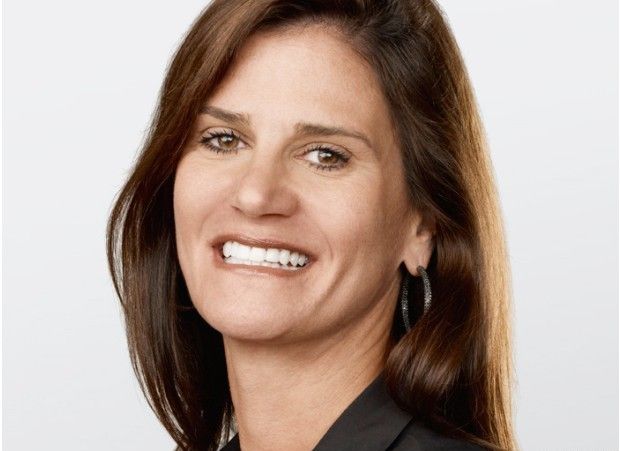
Katie Cotton
Katie Cotton helped control Apple's narrative in the press for years.
Photo: Apple

May 7: Today in Apple history: Apple PR guru Katie Cotton steps down May 7, 2014: Katie Cotton, the fearsome, much-admired head of Apple’s worldwide publicity machine, steps down from her vice president post after 18 years with the company.
During her stint at Apple, Cotton worked in lockstep with CEO Steve Jobs and proved instrumental in controlling the company’s portrayal in the press. Her departure provides one more reminder that the Jobs era is over at Apple.

How Apple solved the MacBook Neo shortage

By

MacBook Neo demand just won't slow down
Apple will supposedly make twice as many MacBook Neos than it had earlier planned.
Photo: Apple

Apple reportedly will produce twice as many MacBook Neos as it originally planned. That will require producing more A18 Pro chips, which might force Apple to raise the price of the popular laptops.

Demand for the company’s first entry-level notebook exceeds supply because it also exceeds Apple’s prelaunch estimate of how popular the MacBook Neo would be.

This quick privacy fix tackles both active threats and old data leaks

By

Surfshark opened on a mobile device
Stay secured online with Surfshark One+ with Incogni, now on sale at 81% off!
Photo: Cult of Mac Deals

Here’s a privacy-focused security bundle that pairs two top-notch services — Surfshark One+ and Incogni — for one low price. Snag this deal to cover real-time security threats and remove your personal data from the internet, all for just $91.99 for two years.

The best time to buy a Mac is right now

By

Buying a Mac
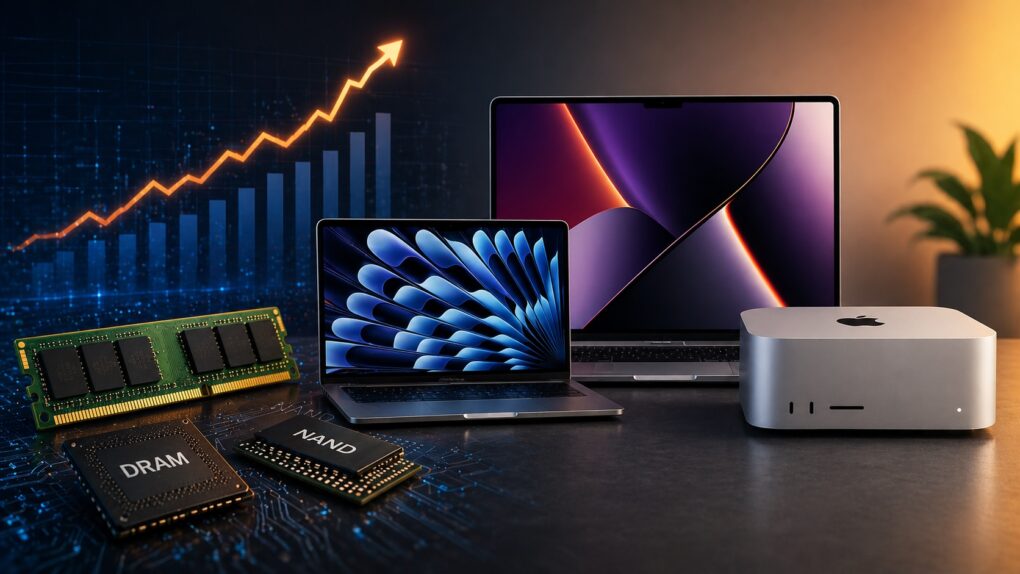
Rising memory costs and tightening supply means you should consider buying a Mac right now.
AI image: ChatGPT

If you’ve been on the fence about buying a Mac, you might want to stop waiting. A growing DRAM and NAND shortage is about to make all kinds of computers more expensive and harder to find.

Right now, Apple is still (somewhat) ahead of that curve. But that window is closing fast. So, if you need to buy a Mac, now’s the best time to pull the trigger.

10 best computer speakers, from dirt cheap to $399

By

Top budget computer speakers - Audioengine A5+ speaker setup
You can't really go wrong with Audioengine A5+ speakers, especially if you add a subwoofer.
Photo: [email protected]

Your computer monitor’s built-in speakers aren’t doing your music, movies or video calls any favors. Whether you work from home, game a lot or simply stream your favorite playlist, a good pair of desktop speakers transforms the experience for the better. The good news is that you don’t need to spend a fortune to hear a real difference. Here are my picks for top budget computer speakers under $399 (with many way under that price).

I found that the around-$300 bracket has quietly become one of the most exciting categories in consumer audio. Brands like Audioengine, Edifier, Creative and Onkyo compete fiercely. That means the quality on offer today would have cost twice as much just a few years ago.

Never pay for VPN again: Get FastestVPN on 10 devices, just $30 for life

By

Save hundreds with this 10-device deal on a FastestVPN lifetime license.
Keep all your Apple devices safe with a low one-time payment.
Photo: Cult of Mac Deals

The more devices you own, the more difficulty you will encounter in protecting your privacy from malicious actors and sanctioned snoops. This heavily discounted FastestVPN lifetime license guards up to 10 of your devices, from your MacBook to your iPhone, for just $29.99.

Get a MacBook Neo faster, and cheaper, than from Apple itself

By

Apple promotional image of MacBook Neo laptop in four colors, with the words,
The best laptop around just got even better.
Image: Cult of Mac

The first deal we’ve seen on the MacBook Neo chops $10 off the price of Apple’s entry-level laptop. While Apple’s online store currently shows big shipping delays for the budget laptop, you can get a MacBook Neo faster — and cheaper! — than from Apple itself.

In some locations, and for some models/colors, you can get free overnight shipping. That makes the MacBook Neo, which is already an outrageous deal, even more attractive. With its combination of power, performance and sleek Apple design, it’s an unbeatable laptop for everyday tasks.

Today in Apple history: First colorful iMac destroys the ‘beige box’ status quo

By

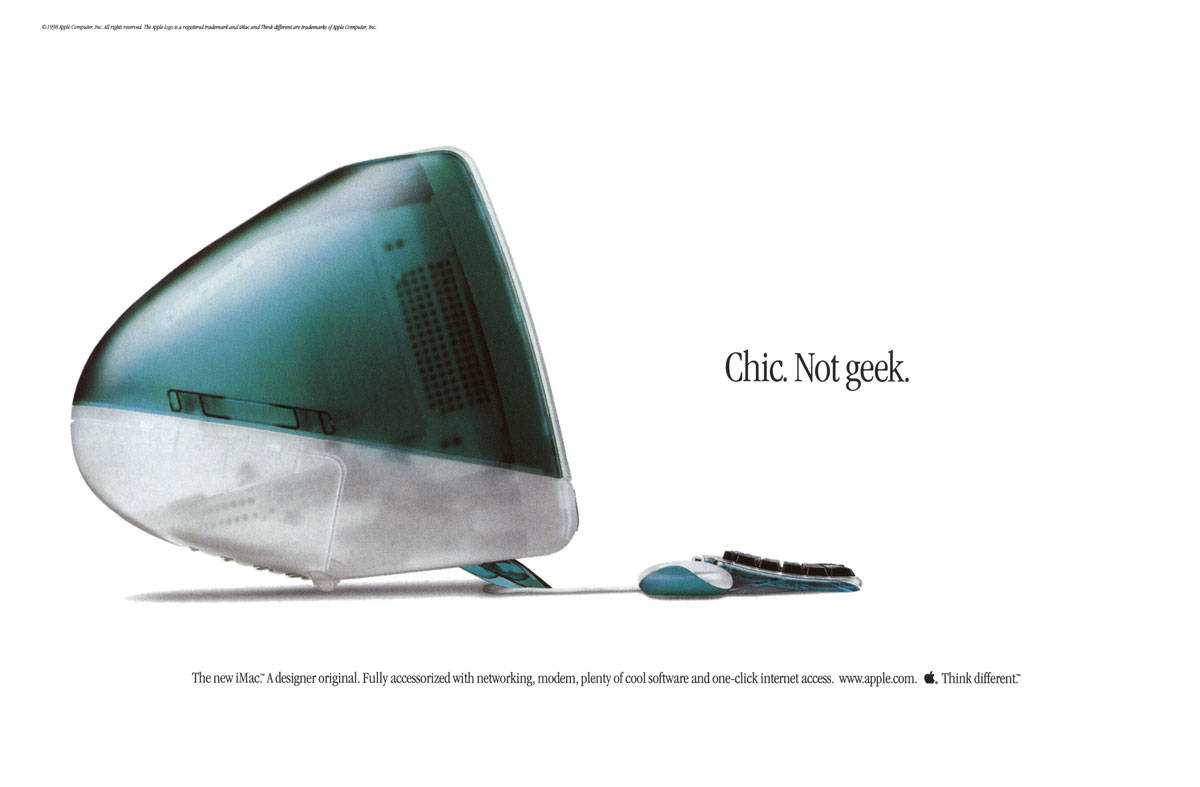
iMac design: The iMac G3 was a bit fatter than model than today's models. The iMac code name was
The original iMac looked different from any other computer.
Photo: Apple

May 6: Today in Apple history: iMac G3 arrives to save Apple May 6, 1998: Apple CEO Steve Jobs unveils the original iMac, a brightly colored, translucent computer that will help save the company.

Coming just 10 months after Jobs’ new management team took over the struggling company, the iMac loudly announces that the days of Apple quietly fading into the background are over. The colorful computer marks the start of a very successful run for Cupertino.

Bose guns for HomePod 2 and Sonos with revived Lifestyle speaker collection

By

https://www.cultofmac.com/airplay-2
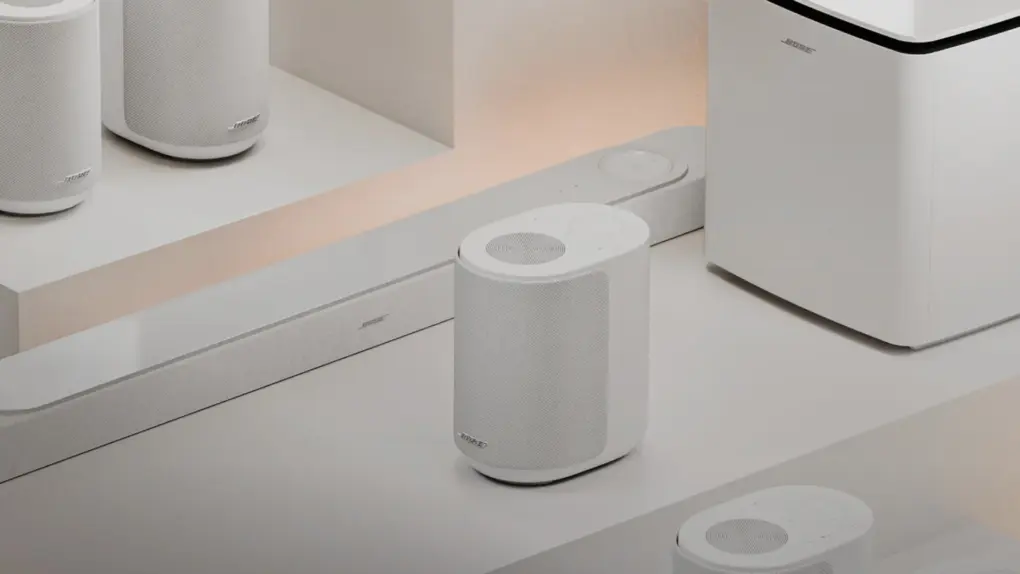
The collection competes with HomePod 2, but even more so with Sonos components, directly matching pricing in some cases.
Photo: Bose

Bose brought back one of its most iconic product lines with the launch of the Lifestyle Collection on Tuesday. The trio of premium home audio devices — which put the brand squarely in competition with Apple’s HomePod 2 and Sonos’ popular lineup — are Bose Lifestyle Ultra Speaker ($299), Lifestyle Ultra Soundbar ($1,099) and Lifestyle Ultra Subwoofer ($899).

All three go on sale May 15 and are available for preorder now.

Check your blood pressure, and sync data to your iPhone, with this $25 device

By

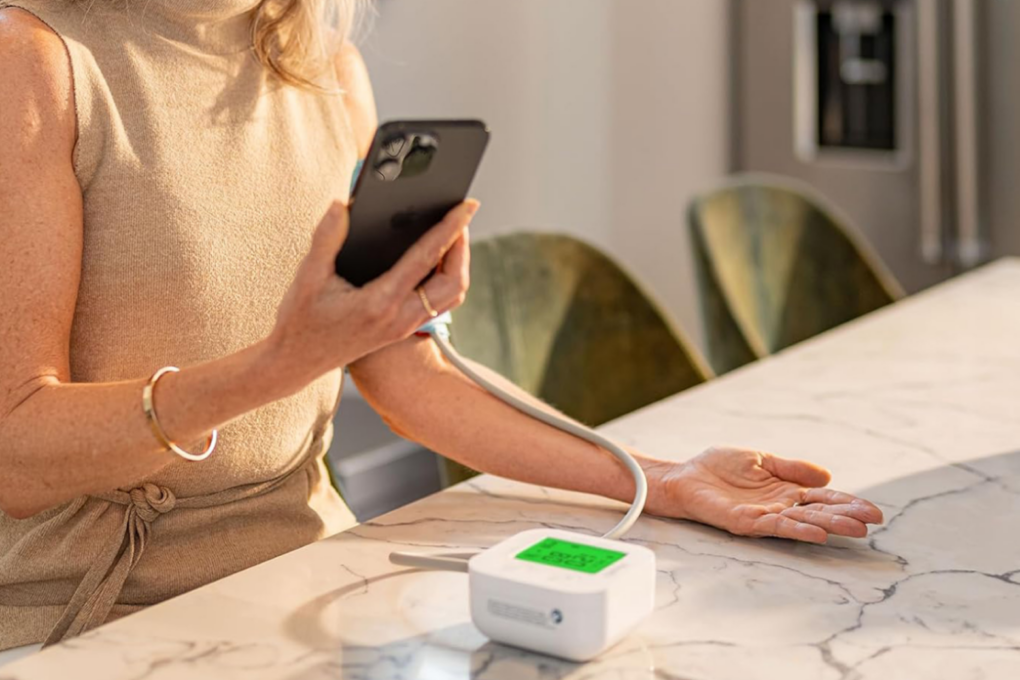
Woman taking her blood pressure reading and syncing results to her iPhone with iHealth Track blood pressure monitor
Here's an easy way to get a handle on your blood pressure.
Photo: Cult of Mac Deals

The iHealth Track blood pressure monitor offers an easy way to track your blood pressure at home. It syncs to your iPhone, tracks trends, and gives you real health data you can use.

And right now, you can get this highly rated home blood pressure monitor for just $24.99 (regularly $49.99) with free shipping to the contiguous United States.

How I stopped Final Cut Pro from filling up my Mac’s storage

By

Final Cut Pro graphic
Final Cut Pro is Apple’s flagship video editor for Mac and iPad.
Image: Apple/D. Griffin Jones/Cult of Mac

If you use Final Cut Pro, you’re well aware of how much storage one of its libraries can eat up. Producing weekly videos and podcasts for Cult of Mac, disk space is a never-ending battle for me — and I even splurged on a 2TB hard drive!

The third time I ran into this problem, I tried digging deeper into Final Cut Pro settings to see if there was a better way. I found a bunch of settings that help stop the 800-pound, hard-drive-eating gorilla.  

Then, I opened up the Final Cut Pro library bundle itself, and found even more folders, many gigabytes in size, that I could clear out. 

Here’s how Final Cut Pro users can reclaim some storage from a runaway video library. 

Mac Studio loses its craziest memory option

By

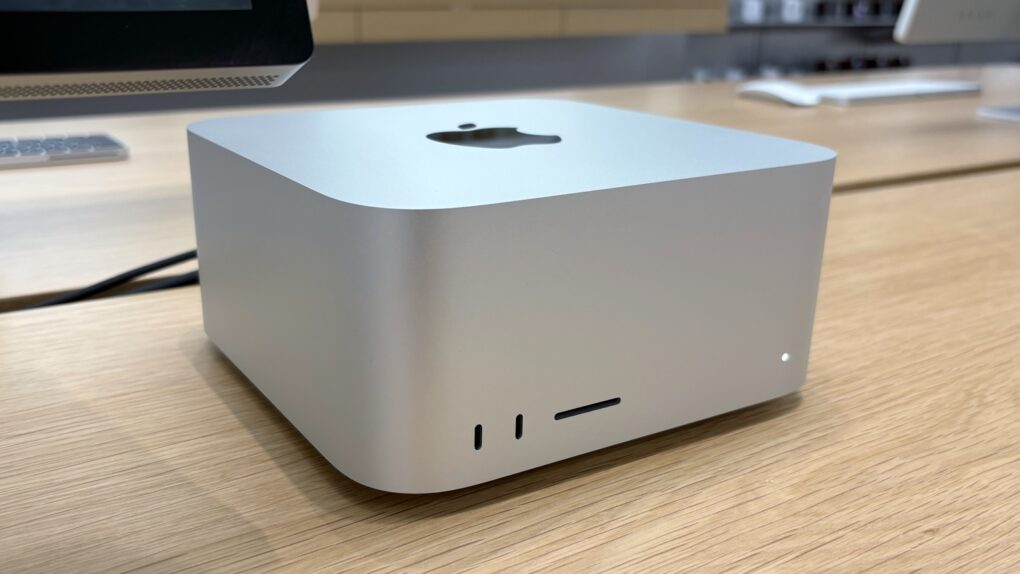
2025 Mac Studio
Mac Studio now tops out at 96GB of RAM.
Photo: Ed Hardy/Cult of Mac

Apple no longer offers RAM upgrade options for the Mac Studio on its online store. As a result, you can get the Mac Studio with a maximum of 96GB memory — over 5x lower than its previous maximum of 512GB.

Likewise, the M4 Mac mini is now unavailable with 32GB memory.

How Apple will win the AI war

By

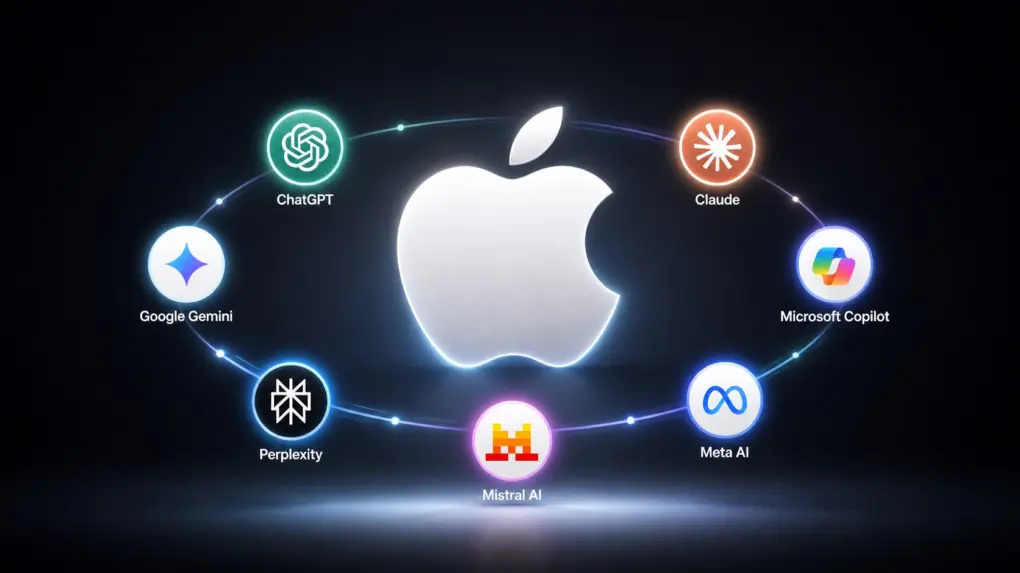
Apple AI strategy: Don't beat 'em, join 'em
It doesn't matter who wins the the AI battle if Apple allies with all of them.
AI image: ChatGPT/Cult of Mac

Apple will let iPhone and Mac users choose between multiple AI models for different tasks, according to a report published Tuesday. The strategy would allow users to select whichever third-party AI system they prefer to generate and edit text and images for them.

It’s a brilliant solution to the ongoing battle between companies to develop the best AI models. It won’t matter whether OpenAI, Google, Perplexity, etc., wins that fight — because Apple also wins.

How to connect Apple Watch to treadmills and other gym equipment

By

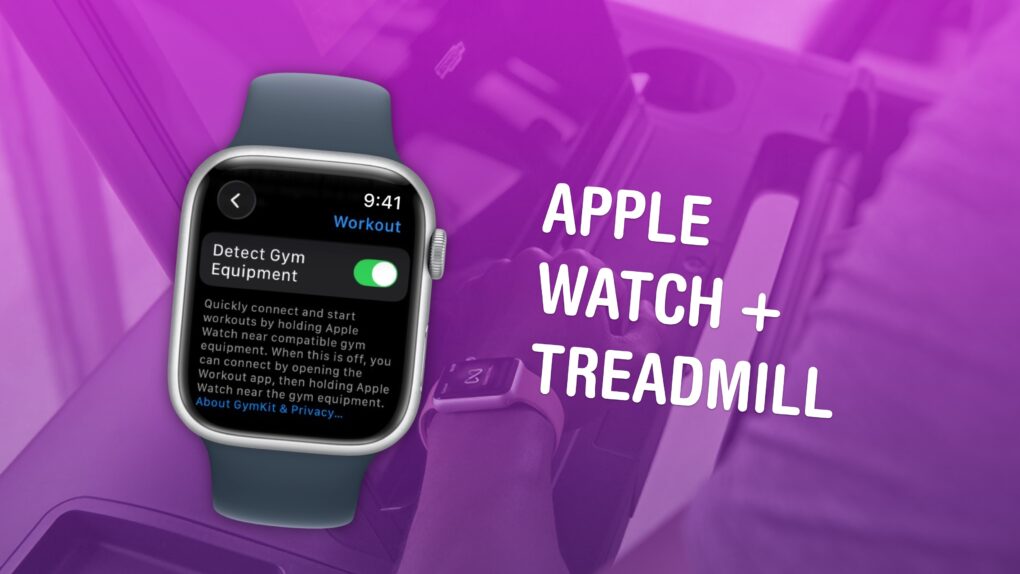
Graphic showing an Apple Watch enabling
Available in certain gyms and equipment.
Image: Apple/D. Griffin Jones/Cult of Mac

You can easily connect your Apple Watch to exercise equipment, like a treadmill at Planet Fitness, to record more accurate health data inside the Fitness and Health apps on your iPhone. After all, if you’re working out, you want to make sure your Apple Watch gives you credit for it.

Here’s how.

Homebridge 2.0 lets more smart devices work with Apple Home

By

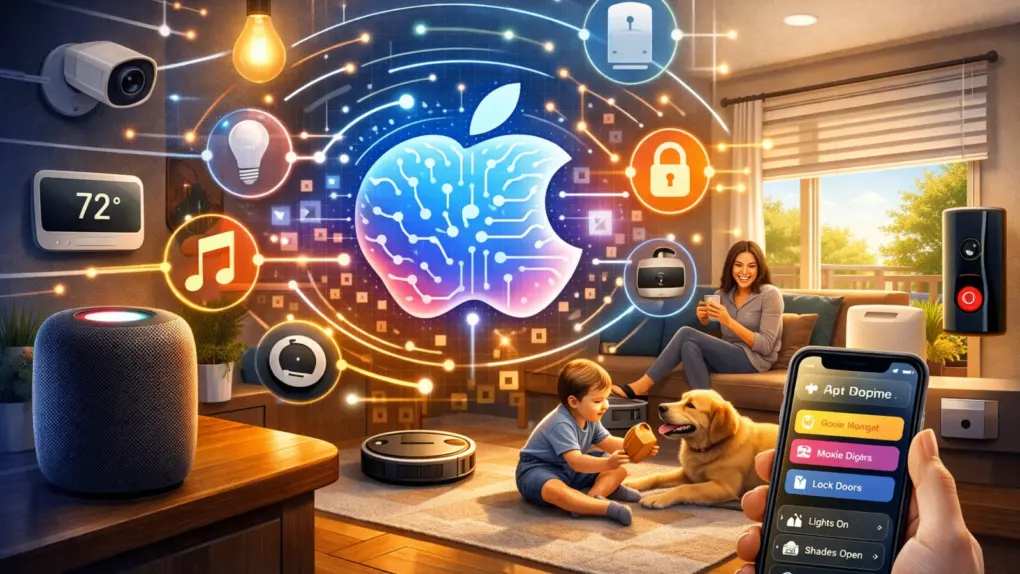
Homebridge 2.0 adds Matter support
Smartbridge 2.0 with Matter support will allow Apple users to add all sorts of new devices.
AI image: ChatGPT/Cult of Mac

After more than three years in beta, Homebridge 2.0 officially launched Monday. And for Apple Home users, it’s one of the most meaningful smart home software updates in years. The new release adds support for the Matter smart home standard, significantly expanding what devices you can use within Apple’s ecosystem.