Mobile menu toggle

Ask An Apple Genius: Temper Tantrums, AppleCare+ Price Hikes, And How To Get Fired From Apple

By

askageniusanything

This is Cult of Mac’s exclusive column written by an actual Apple retail store genius who answers all your questions about what it’s like to work at an Apple Store. Our genius must remain anonymous, but other than “Who are you, anyway?” ask anything you want about what goes on behind that slick store facade.  

This week our Genius dishes on why Apple raised the price of AppleCare+ replacements on the iPhone 5s to $79. They also talk about how hard it is to get fired from the Apple Store and the biggest daily annoyances of the job.

If you’ve got a question you want an inside scoop on, send us your questions and the answers will be published first in Cult of Mac’s Magazine on Newsstand. Send your questions to newsATcultofmac.com with “genius” in the subject line.

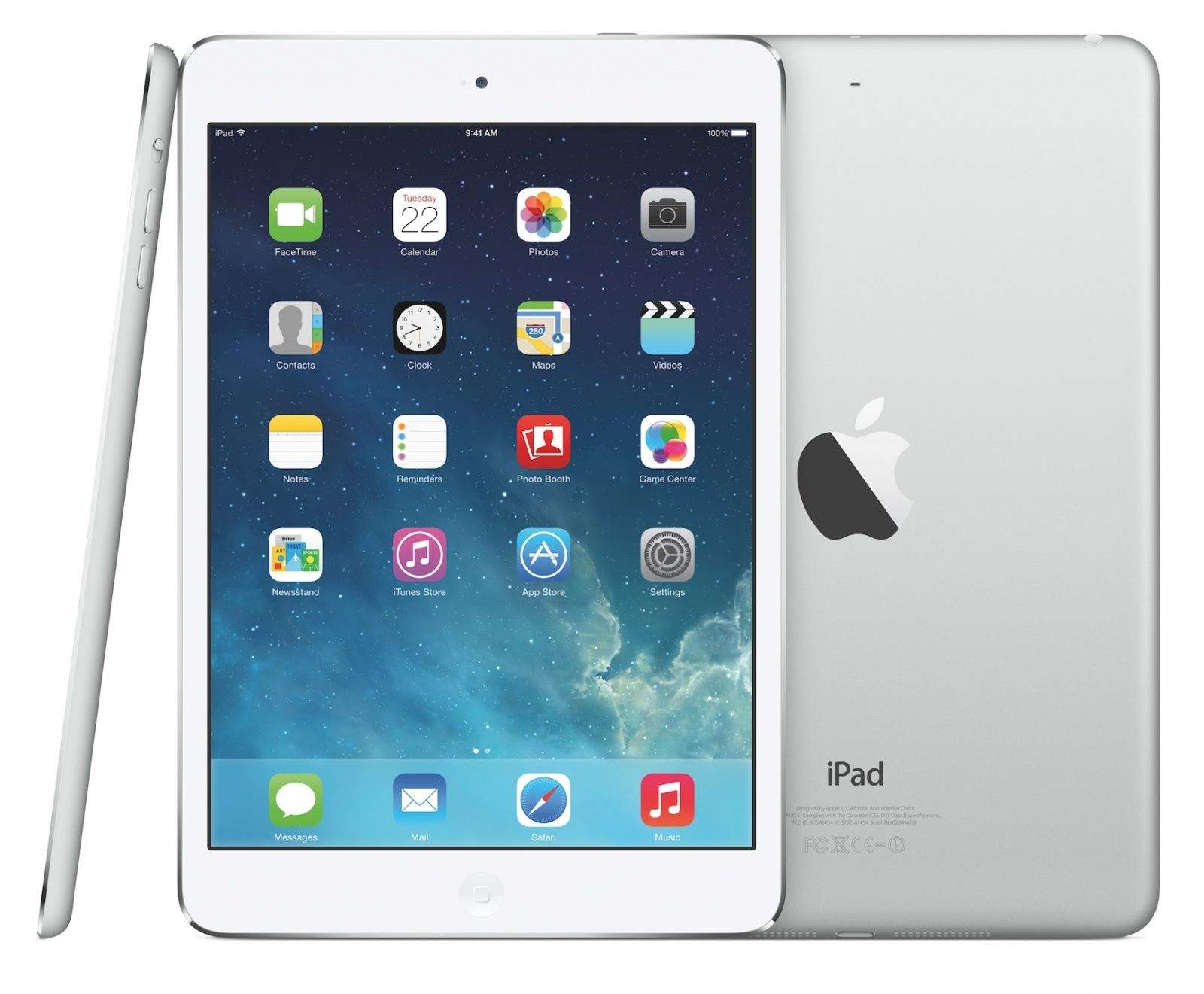
1. Why is the replacement fee for an iPad $50 but the replacement fee for an iPhone 5s is $80? Wouldn’t the iPad cost more to replace?

As crazy as it seems, there is no difference in fees for AppleCare+ replacements between iPad and iPhone. It has always been a $49 fee, up until the release of the iPhone 5s. With its release, Apple changed the fee for AppleCare+ repairs or replacements to $79, whether it be an iPhone, iPad, or the recently added iPod, which was not previously eligible for AppleCare+. If you purchased the AppleCare+ protection plan before the change then you still get the $49 price while any plans purchased after the change will have the new cost of $79.

With the price change, Apple also announced that the protection plan coverage would extend to any of the other countries where it is offered. Keep in mind there are some countries that don’t carry specific models.

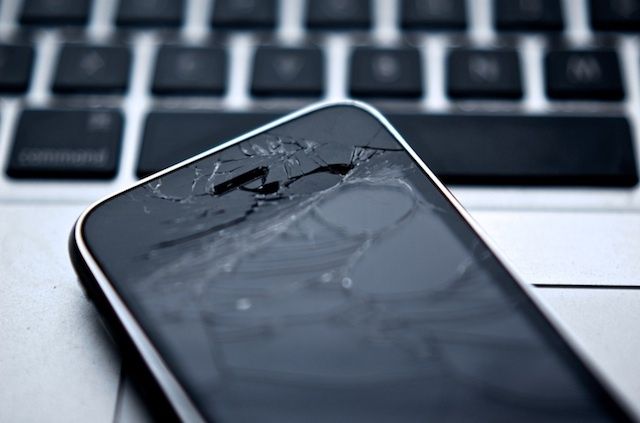
I’m not so sure offering the coverage outside of your own country justifies the $30 price change. My guess is manufacturing costs for retina displays and newer silicon chips, like the A7, may explain the cost increase but of course they’d never tell a Retail employee why. The real question is whether the price change is a deal breaker. As for me, I still see it as a great protection from having costly accidents which, for many, happen all too often.

2. What are the most common reasons for getting fired at the Apple Store?

I really haven’t seen very many people get fired. The only guy I ever saw get fired was arguing with management on a regular basis. After he messed up and still argued with managers, he was asked to leave. Apple has many strict policies that result in termination if its policies are not followed. Outside of these policies, management will make every effort to work with individuals who are having any problems at work.

Managers seem to notice the smallest of errors and are sure to let people know when they make mistakes. Constant policy and procedure changes can make it pretty tough to do everything right. Even those who are trying to follow all the rules can feel bombarded by “fearless feedback” as Apple calls it, otherwise known as constructive criticism. Some just can’t take it so they end up leaving to find more suitable employment. You either get with the program or face the music.

3. What’s the most exhausting (or even annoying) situations that a genius has to deal with every once in a time or on daily basis?

The toughest part of my job rarely has anything to do with Macs or iPhones. People seem to be the hardest part about my job. Dealing with a difficult customer while trying to make the experience positive is sometimes impossible. People can be outright rude, impatient, and childlike with temper tantrums and all in order to get things their way. Keeping the “act” of an Apple Genius can be tough.

These situations often involve partnering with a store manager and rarely get resolved quickly. Trying to stay on time with all the appointments while dealing with these issues and other technical issues can be a nightmare. Nothing that a nice bottle of scotch can’t fix, though. It’s all just part of the job after all.

https://vine.co/v/huHUPLnx1dg

The Critics Are Wrong – Apple’s Spaceship Campus Is Pure Awesome

By

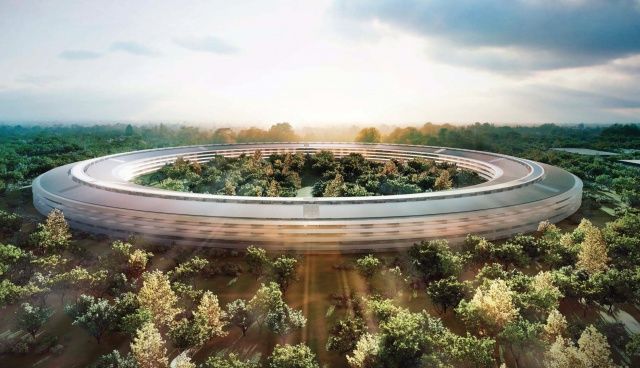
Concept drawing of Apple's spaceship Campus 2.
Concept drawing of Apple's breathtaking new circular headquarters in Cupertino, California.

Apple is still moving forward to build its $5 billion, 176-acre “spaceship” Campus 2 headquarters, expected to open in three years in Cupertino, California..

Critics have been attacking it since Apple CEO Steve Jobs first proposed it to the Cupertino City Council. And since that poignant moment, which was Jobs’s last public appearance, the campus project has evolved and changed. As I write this, the old HP buildings on the property are being demolished.

Here’s what we know about the spaceship campus so far, and also what the critics have been saying.

Why The New Spaceship Campus Is The Biggest Apple Product Ever Built

By

Apple's spaceship campus as it will eventually appear.

This story first appeared in Cult of Mac Magazine 

Architecture hasn’t really ever been important in the brick and mortar-averse tech industry. It wasn’t all that long ago that digital utopians proclaimed physical geography dead altogether, with a vocal minority apparently pleased to leave the actual world behind them and embrace the cyberspace of William Gibson’s Neuromancer.

It is perhaps unsurprising, then, that the technological breakthroughs of Silicon Valley have advanced almost inversely to the region’s architecture. In a brave new world of lush rolling hills and the always impressive San Francisco Bay, the most that the majority of companies have managed to come up with are drab industrial parks filled with two-story, cubicle-lined buildings.

True Color Can Totally Tell You What Color That Is

By

True Color

True Color — Entertainment — $1.99

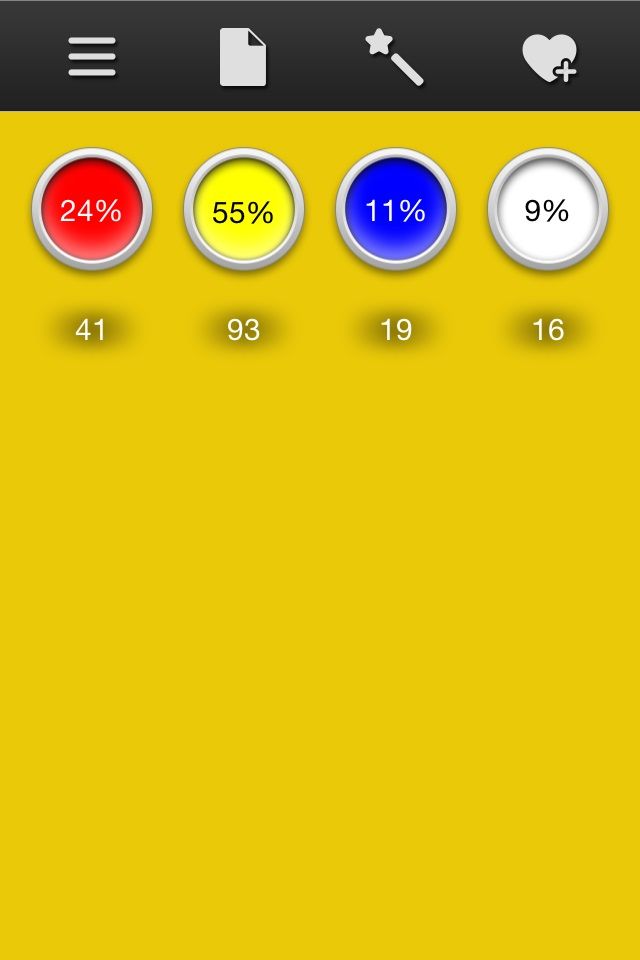
True Color is one of those apps that definitely has a practical application but is also just fun to mess around with. Its purpose is to create “formulas” for different hues so that artists can properly mix paints to match, and you can easily take samples from your photos. You can also just mess around with the four component colors — red, yellow, blue, and white — to get the tone right before you go wasting all your acrylic on experimenting.

But it’s also good for curiosity. The picture over there, for example, is the exact color of Jake from Adventure Time. Did you know he was 24 percent red? Because I didn’t.

True Color

Proporta’s New iPhone 5s Case Will Comfortably Withstand A Shotgun Blast [Video]

By

image

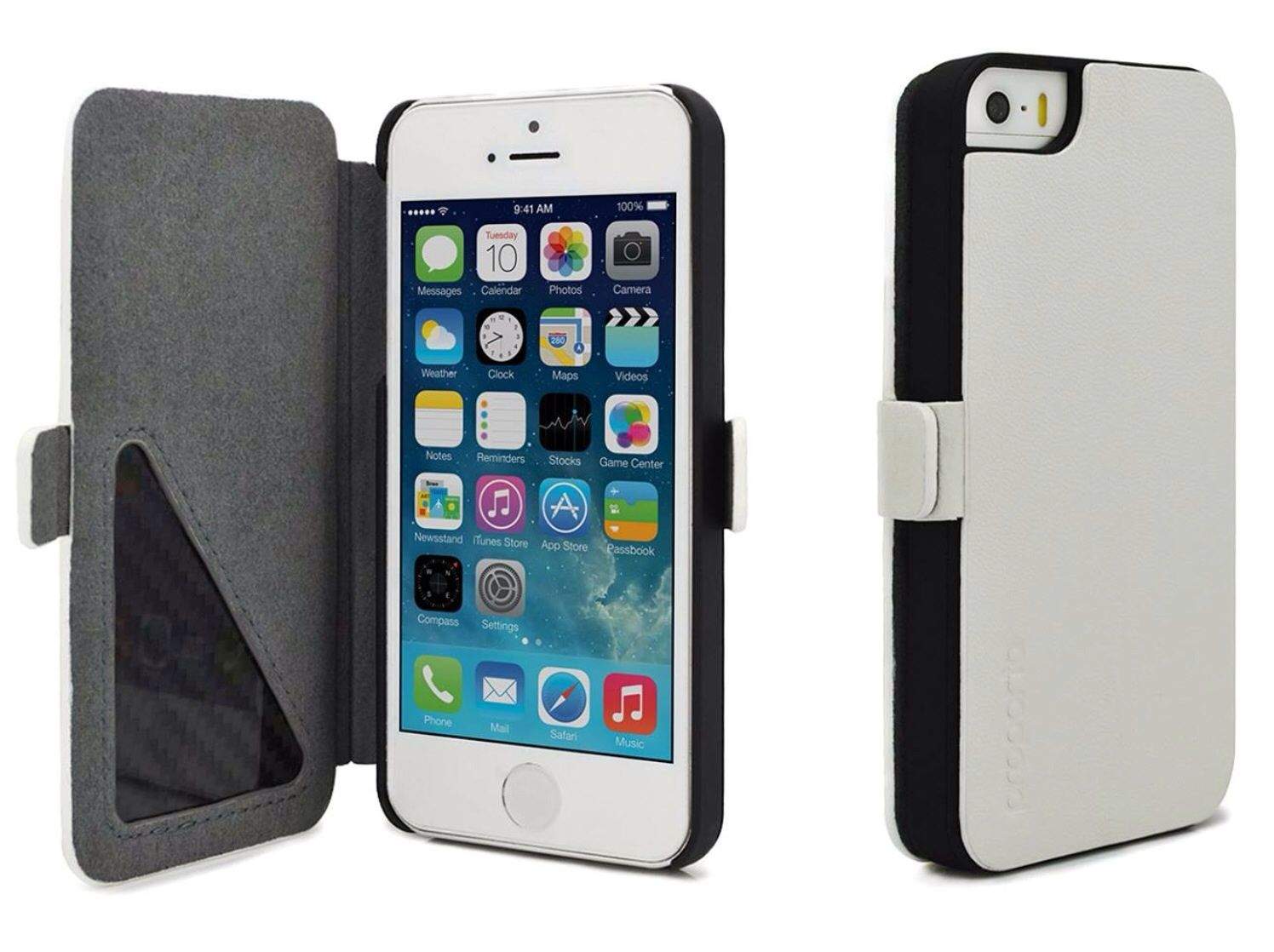
If you’re worried about your iPhone getting damaged the next time you’re involved in a heavy turf war, then check out Proporta’s new case for iPhone 5 and iPhone 5s. It looks like a standard leather folio case from the outside, but it’s lined with carbon fiber that’s so strong, it will comfortably withstand a shotgun blast from 20 yards.

Sorcery! 2 Is A Pretty Adventure In A Wretched Hive Of Scum And Villainy [Review]

By

Sorcery! 2

It’s been a little while since I reviewed a fantasy game with a branching plot, so I picked up Sorcery! 2, a new title from developer Inkle Studios and designer Steve Jackson, co-founder of Lionhead Studios (maker of the Fable series of role-playing games for Xbox and Xbox 360 consoles) and writer of the gamebooks on which this franchise is based. Not the Steve Jackson who created the GURPS tabletop RPG platform, but that’s an amazing coincidence.

Sorcery! 2 by Inkle Studios
Category: iOS Games
Works With: iPhone, iPad
Price: $4.99

Sorcery! 2 is the second (duh) in what will be a four-part adventure series, and it’s equal parts visual novel, RPG, and gamebook. And it all takes place in a beautiful, hand-drawn world with multiple paths and interesting old men to talk to. I mean, I don’t think you only talk to old men, but I spent about an hour with the game, and I did talk to some old men of varying crotchetiness. And a restauranteur who may or may not have been a star-spawn of Cthulhu.

Why haven’t you downloaded this yet?

Wanted A Gold iPad? Get One From Goldgenie From Just $1,860

By

gold-plated-iPad-mini

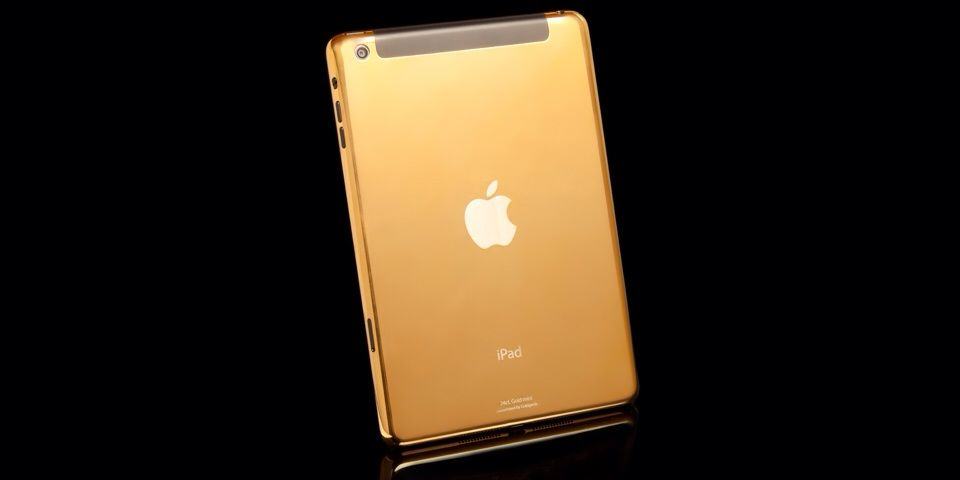
After Apple announced the iPhone 5s in gold, we felt sure that the latest iPads would be available in the same color, but that wasn’t to be the case. But don’t be disappointed. As long as you have lots of spare cash that you’re itching to spend, you can buy a gold-plated iPad Air or iPad mini from Goldgenie with prices starting at just $1,860.

iPhone 5s & iPhone 5c Now Available On Boost Mobile

By

ABC_iphone_5s5c_jef_130910_16x9_992

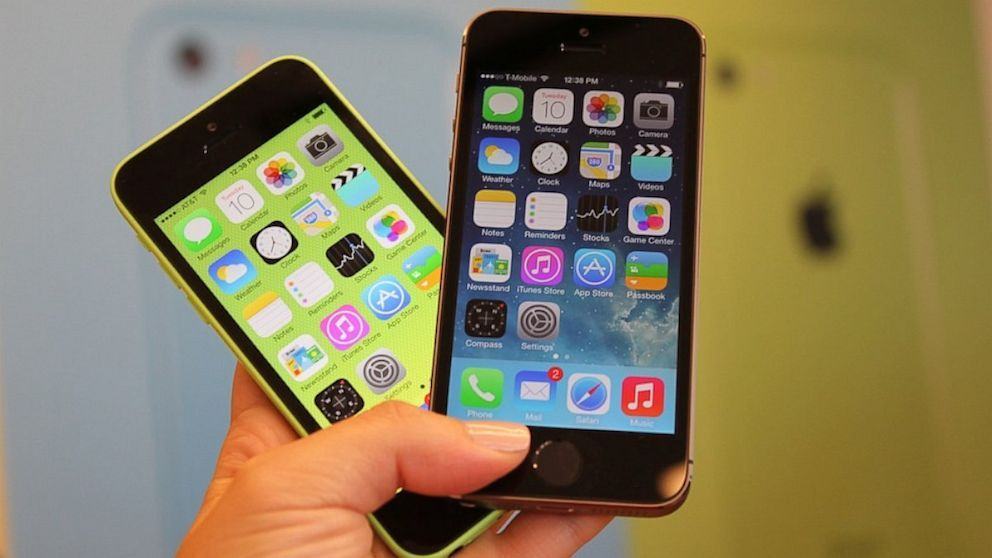
As expected, the iPhone 5s and the iPhone 5c are now available on Boost Mobile — alongside the iPhone 4S. The former starts at $550 for a 16GB model, while the iPhone 5c is $100 less at $450. The iPhone 4S starts at just $300.

But if you pick up your new handset before November 24, you’ll get a cool $100 off that price.

Samsung To Adopt 64-Bit Chips & 16MP Cameras For Next Year’s Flagships [Rumor]

By

post-253549-image-41730cf88ba3527a86737685bf119ff1-jpg

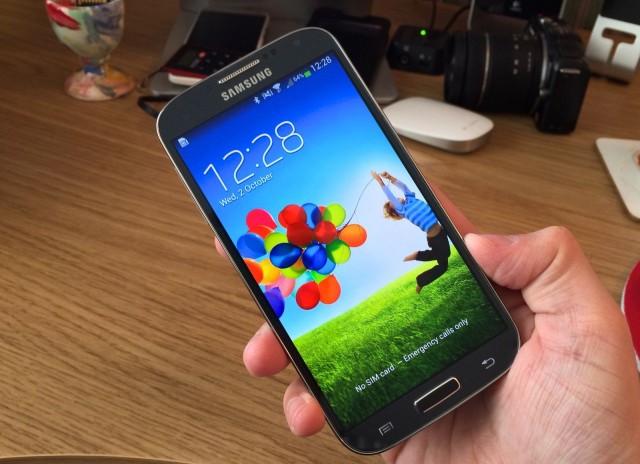
Apple’s iPhone 5s became the world’s first smartphone with a 64-bit processor when it launched this September, but as you might expect, it’ll have plenty of competitors next year. Unsurprisingly, some of those will come from Samsung, which is already planning 64-bit chips and 16-megapixel cameras for its 2014 flagships, according to industry sources.

How To Find And Use The Hidden Screensaver Images In Mavericks [OS X Tips]

By

Hidden Wallpapers Mavericks

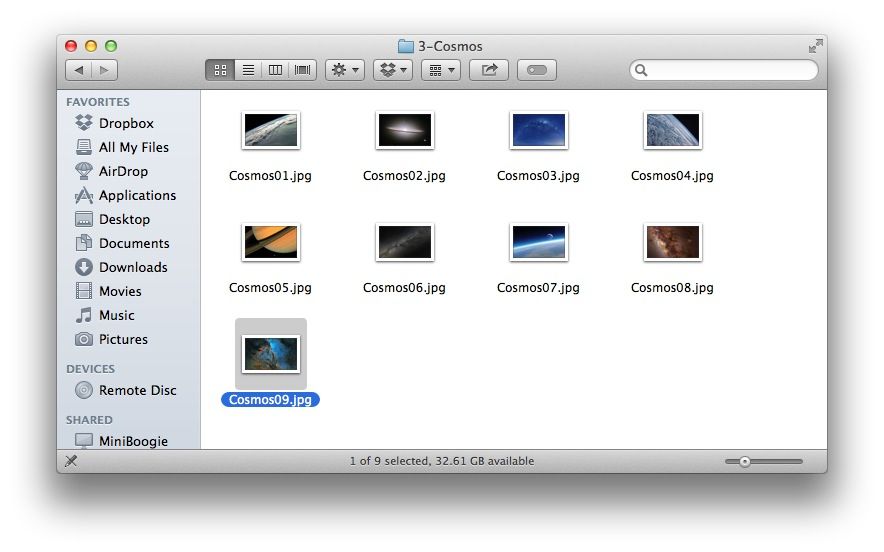
When OS X Mountain Lion came out, we found out that there were 43 hidden high-resolution images included as part of the screen saver system: nature images from National Geographic, aerial images, images of the cosmos, and patterns in nature, to name a few.

It turns out that the same images are hiding in Mavericks, too, just in a different–maybe more accessible place.

Facebook For iPad Updated To Allow Edits

By

facebook-ipad-4

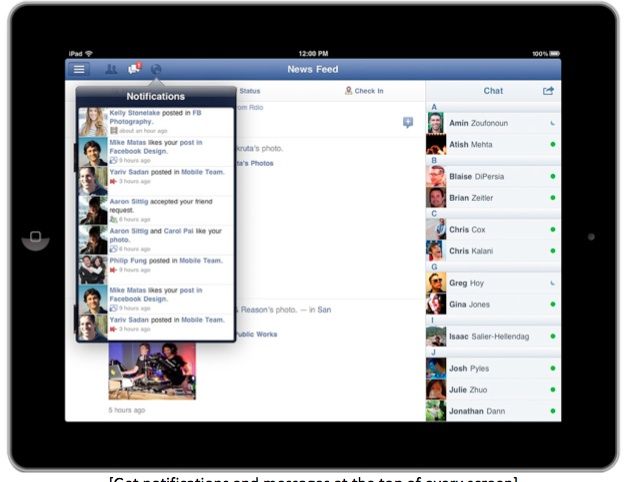
Last month, Facebook released an update that allowed iPhone users to edit posts and comments and even preview all of their changes. It was a small, but welcome update. Unfortunately, it was also exclusive to the iPhone, but now users of Facebook for iPad can avail themselves of the same trick.

Starving To Death On An iPhone Assembly Line

By

feat_Apple46__01__630x420

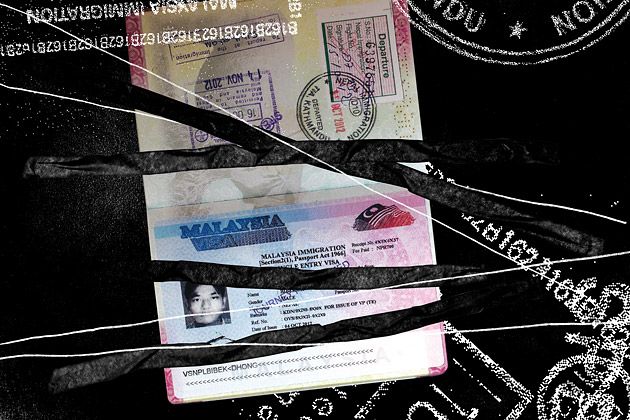
When Apple launched the iPhone 5 last year, it was the most aggressive launch Apple had ever attempted, requiring entire armies of workers to aggressively line-manufacture their most advanced, difficult-to-make iPhone yet. But what was it like to be one of those workers? Businessweek has published a fantastic, haunting investigative report on one Nepalese worker, who almost starved to death after his stint as an iPhone tester.

Kyte & Key’s Cabelet, A Lightning Cable You Can Wear

By

white_braided__05035.1381366410.386.513


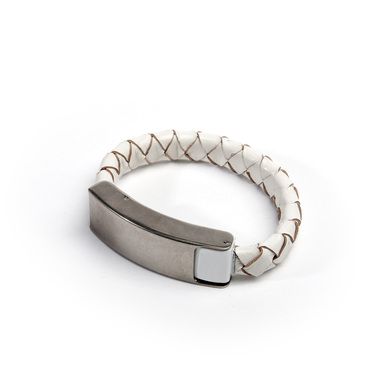
Ever find yourself stuck without a cable when you need to charge your iPhone? No, me either. I’m a nerd and a professional gadget tester, so at pretty much all times I have some kind of Lightning cable, dock or adapter either on my person or close to hand.

But if I got out more, and was more stylish in general, then I’d be sporting a Kyte & Key Cabelet, or cable bracelet.

Wireless iPhone Charger Slim Enough To Fit Inside Your Case

By

20131029062913-edited2013_10_10_0657


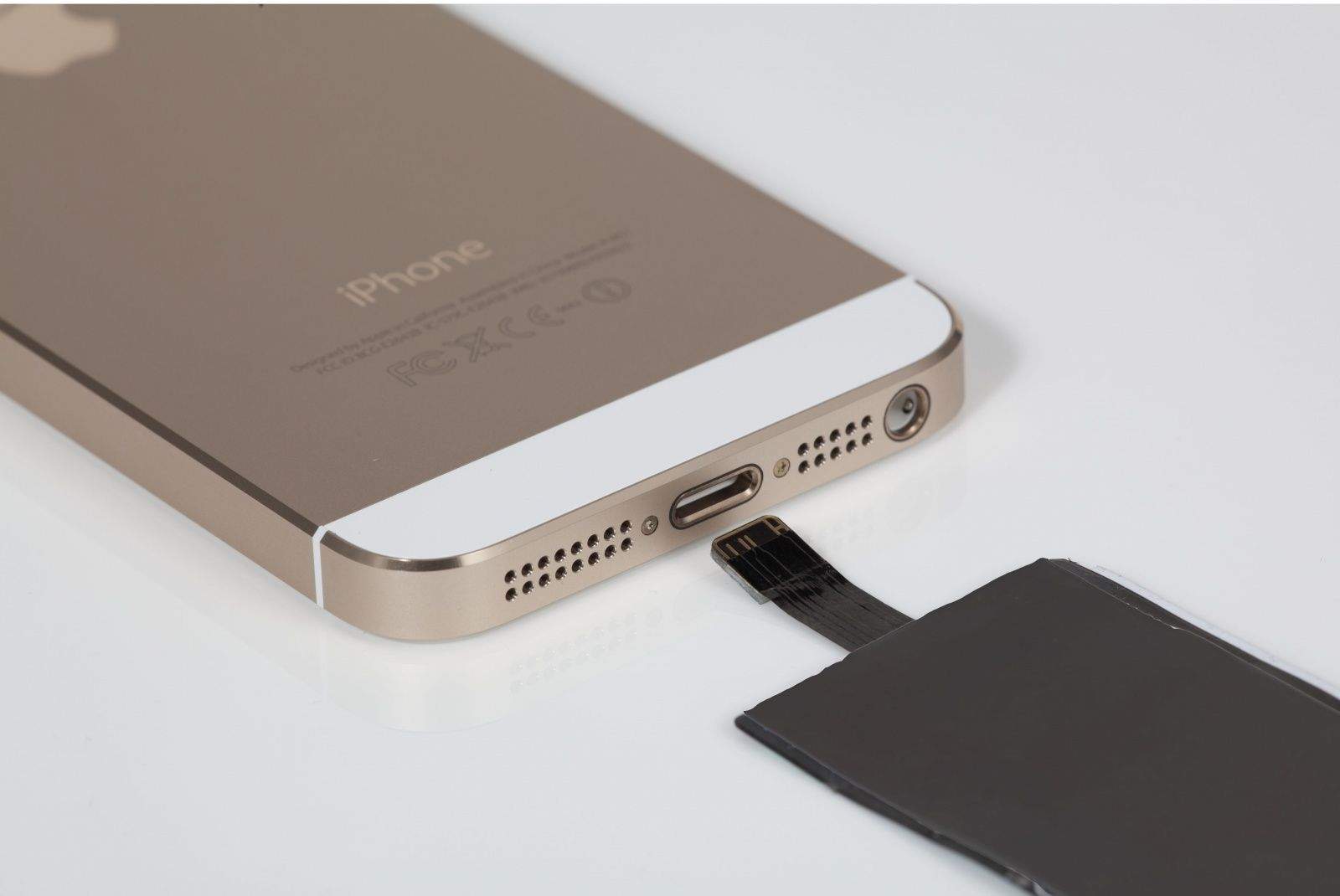
I don’t know what it is with wireless chargers and the letters Q and I, but what I do know is that the iQi is the first one I have actually considered using. You see, instead of a fat case to hold the induction circuits, or the flux capacitor, or whatever it is that makes wireless charging possible, the iQi is a tiny slim sheet that slips inside your existing case.

Cult of Mac Plays iSpy in Hong Kong

By

Drumming up iBusiness on Nathan Road in Hong Kong.

I’m still a little woozy from the 14-hour plane ride from San Francisco, but at first glance this humming tech hub seems like Samsung territory.

For every 10 Galaxy Notes that metro riders are stumbling down the endless escalators watching TV shows or reading comics on, I’ve probably spotted one iPhone.

IK Multimedia Unveils iLoud, A Powerful, Musician-Focused Bluetooth Speaker

By

ikmultimedia-iloud-1


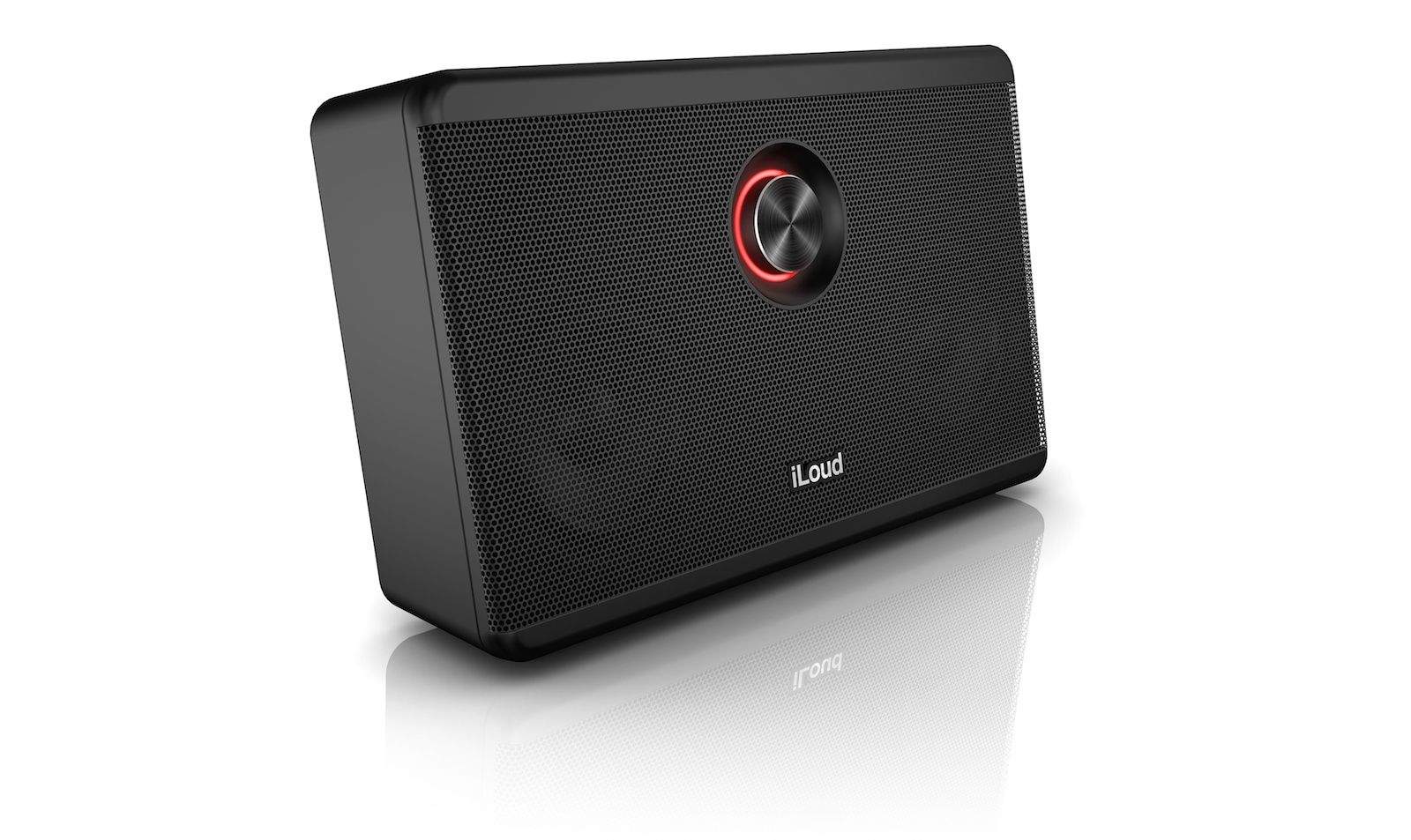
You’ve seen IK Multimedia’s gear grace the pages of this site before — the company is at the forefront of popping out music-making electronics and software geared toward musicians. So it’s no surprise that now they’ve finally joined the increasingly crowded high-end Bluetooth speaker club, their take, the iLoud, is a reference-grade studio monitor — and as its name suggests, an apparently very loud one.

iBooks For Mac Updated With Bug Fixes And Stability Improvements

By

Yeah, that looks familiar.

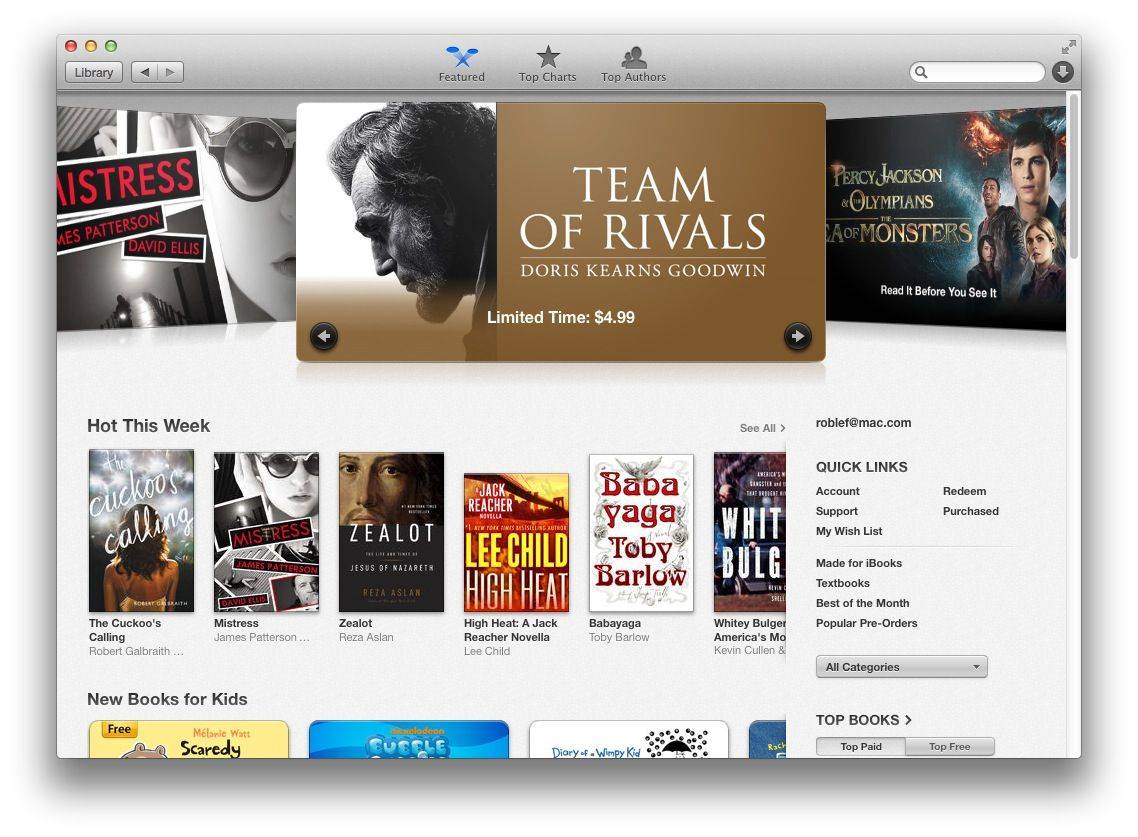
Alongside a few MacBook-related updates and a fix for Gmail in Mail, Apple has released its first update to iBooks for Mac today in Mavericks. Version 1.0.1 addresses “bug fixes and improvements to performance and stability,” according to Apple. It can be downloaded now in the Mac App Store.

iBooks for Mac hasn’t been particularly buggy, but this first update should fix many of the glitches with slow animations and other minor hiccups that have been affecting the app.

Source: Apple

Get Unparalleled Data Recovery And Protection With Disk Drill Pro 2.0 For Mac [Deals]

By

CoM - DD

No matter how computer-savvy you are, sometimes you just can’t avoid issues like a failing hard drive. For those emergency situations, Disk Drill Pro can be your savior. If you lose any data, you just have to click a button and it displays a list of files that can be potentially recovered. Save yourself a ton of time and heartache and get peace of mind with this app.

And right now you can save a ton of money as well by taking advantage of this limited time offer from Cult of Mac Deals. Pick up Disk Drill Pro 2.0 for only $29.99 – that’s 66% off the regular price!

Apple Releases Mail Fix For Gmail Woes In OS X Mavericks

By

mail_overview_2x

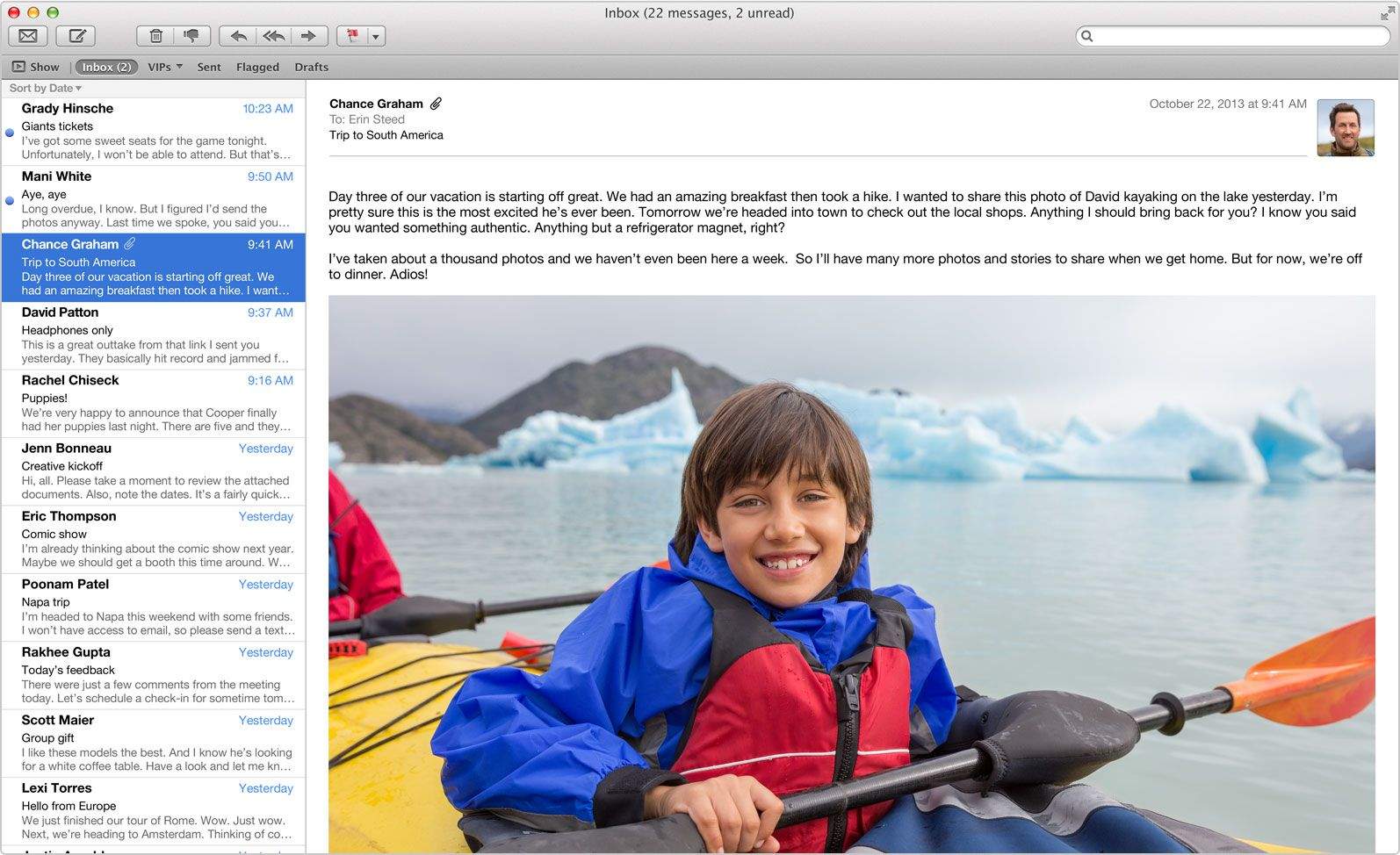
Has using Gmail in Apple’s default Mail app on OS X Mavericks been nearly unbearable? If you’re like me, your inbox rarely fetches new mail or completely skips downloading certain messages at random. Deleting emails from my Gmail account in Mail has also been incredibly frustrating, as they magically reappear three to four times in my inbox after I delete them. My unread message count is almost always inaccurate as well.

Today Apple finally released an update to the Mail app in the Mac App Store that is supposed to fix all of the problems with Gmail. Hallelujah!