Cricket's 7 million U.S. customers will be able to buy the iPhone next month.
The U.S. Federal Communications Commission (FCC) has approved AT&T’s $1.3 billion purchase of Leap Wireless, as per a recent report.
As part of the deal — which works out at $15 per share — AT&T has confirmed that the Leap-owned, pre-paid carrier Cricket will offer iPhone 5 family devices.
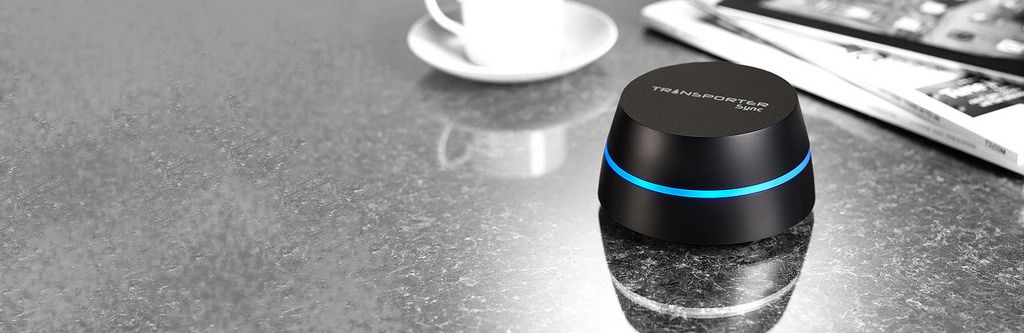
After some confusing starts, a software update makes the neat Transporter into a true alternative to cloud services like Dropbox or Google Drive. Previously, the Transporter was a hard drive which could stay in sync with another Transporter kept anywhere, letting you have a safe and up-to-date offsite back up at all times.
Now, finally, the software has adde in features that turn this connected storage into a proper cloud service. A cloud service that’s hosted by you, and not by the NSA.
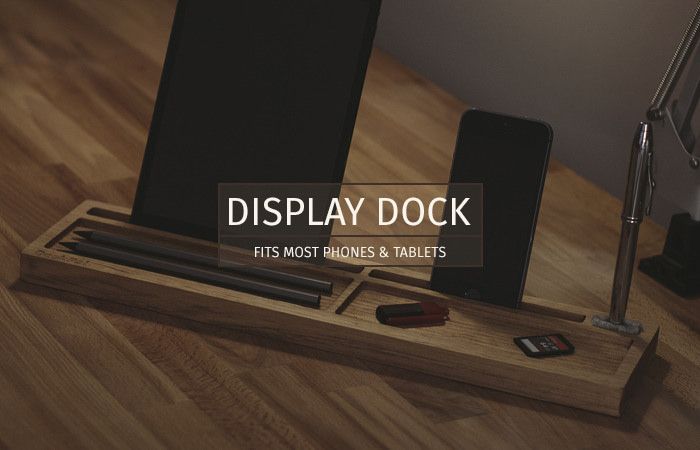
I just upgraded my desk to a 1.65-meter monster, a €40 workbench from the hardware store that I cut down to a 64cm height, and which can support up to 200 kilos. If you’re still not with the metric system (and why would you be? After all, it was only introduced like 215 years ago), that means it’s big enough for two people to work at it or stand on it.
But it still gets messy. What I need is a pal to tidy it for me. A DeskPal maybe?
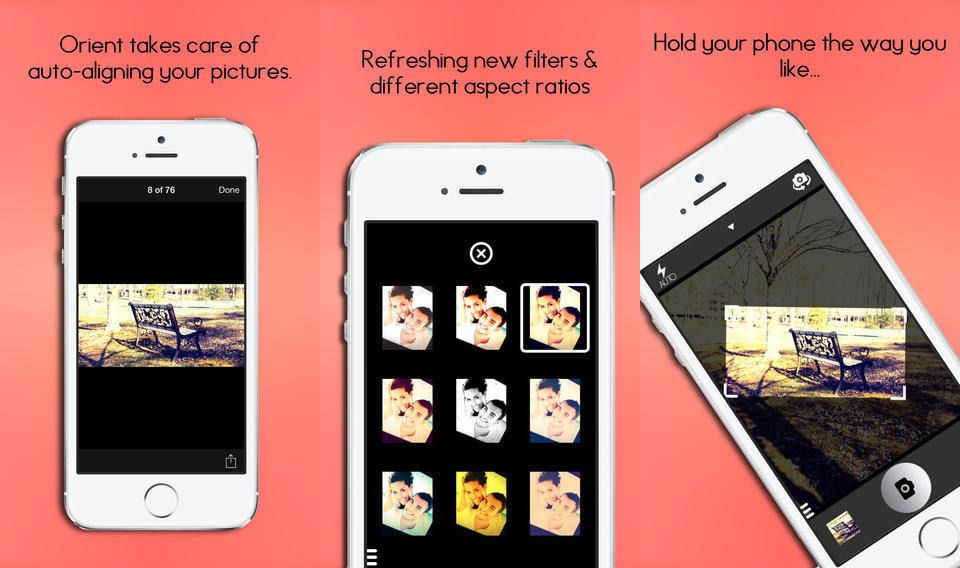
Remember Horizon, the video app that won’t let you shoot portrait video, keeping the horizon horizontal however you orient your camera? Well, Orient is just like that, only for stills, and it looks pretty neat – as long as you don’t mind a drop in resolution.
Investor activist Carl Icahn is at it again -- with eBay as the target this time. Photo: Forbes
Activist investor Carl Icahn is at it again — and Apple might be lending moral support to his latest target.
Tim Cook was reportedly one of several tech leaders, along with Netflix CEO Reed Hastings, who was consulted by eBay CEO John Donahoe for advice on how best to deal with Icahn.
Donahoe has been locked in conflict with Icahn regarding Icahn’s suggestion that eBay should spin PayPal off as its own company.
Remember when Google launched Gmail with 1GB storage ten years ago? It was such a massive leap from the meager storage quotas of existing email services that everyone thought it was a joke. The April 1st launch date probably didn’t help either.
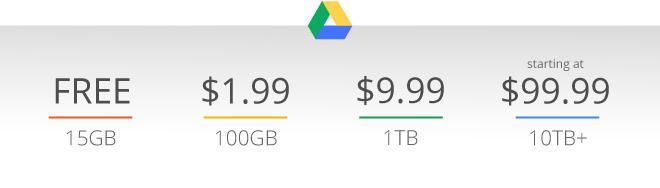
Now, with weeks still to go until April 1st, Google has done it again, this time offering 1TB of Google Drive storage for just $9.99 per month, or $1.99 for 100GB. The 15GB plan remains free.
Remember when the iPad first shipped and it didn’t have a clock app? Ah, happy days. Because who would want o use an iPad to set an alarm right? After all, it only comes to bed with you and sits on your nightstand until the morning when you wake up and grab it to read the news.
Back then, Due was the app of choice to add reliable alarms to the iPad, and since then it has turned into a full-on reminder app with timers for anything and everything. And now – finally – it has been updated to not look hideous on iOS 7.
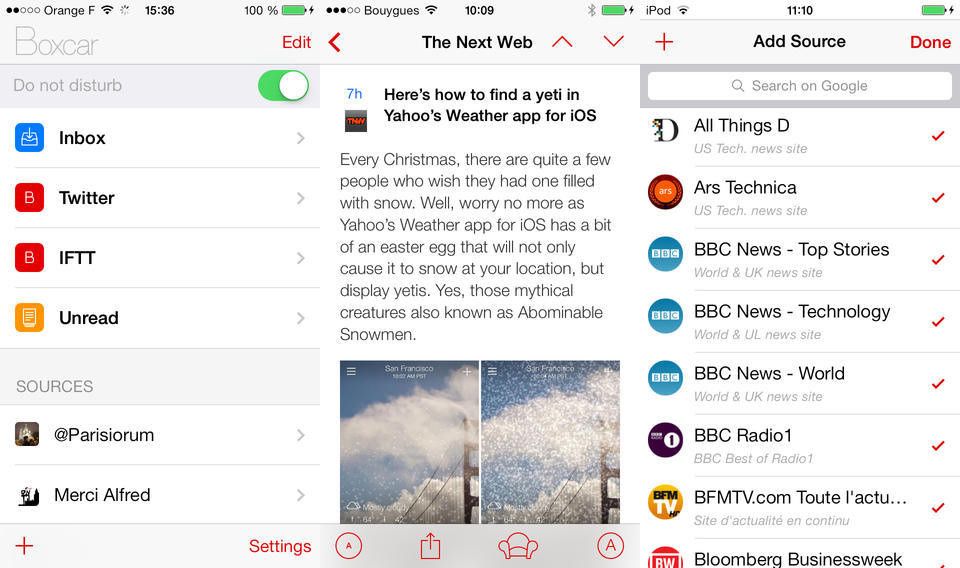
Boxcar 2 has just been updated to add back a bunch of the features that went missing when the notifications app upgraded from v1.x. Now you can create an account to let you share notifications between devices, configure alerts sounds and more.
Personal media organizer Plex has just received a major iOS update.
The biggest new feature offered by the update is the automatic upload of camera roll photos to your media server, provided that you have a Plex Pass subscription (available at $3.99 per month, $29.99 per year, or $74.99 for life).
Gadget-loving Steve Wozniak sounds like he won't be queuing for the iWatch on its day of release.
Steve Wozniak hasn’t been involved in Apple business for a long, long time. However, that wasn’t enough to stop him from participating in a recent, wide-ranging discussion at CeBIT 2014 in Hannover — on everything from Tim Cook’s performance as CEO, to whether or not Apple still has the cool factor.
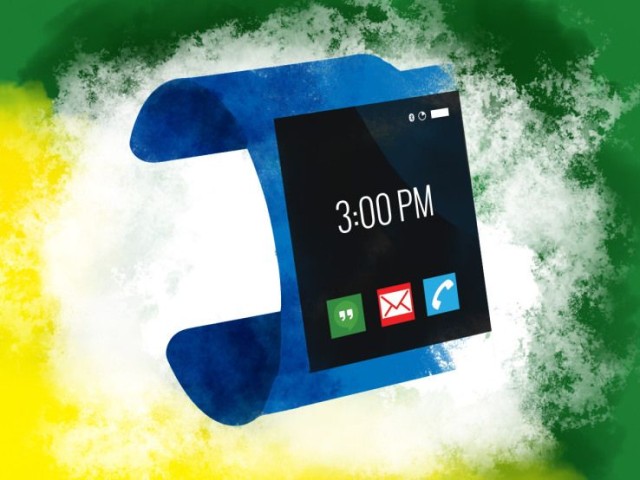
Google has settled on the specs of its first Android-powered smartwatch, and could be preparing to launch it in June… around the same time rumors suggest Apple might announce the iWatch.
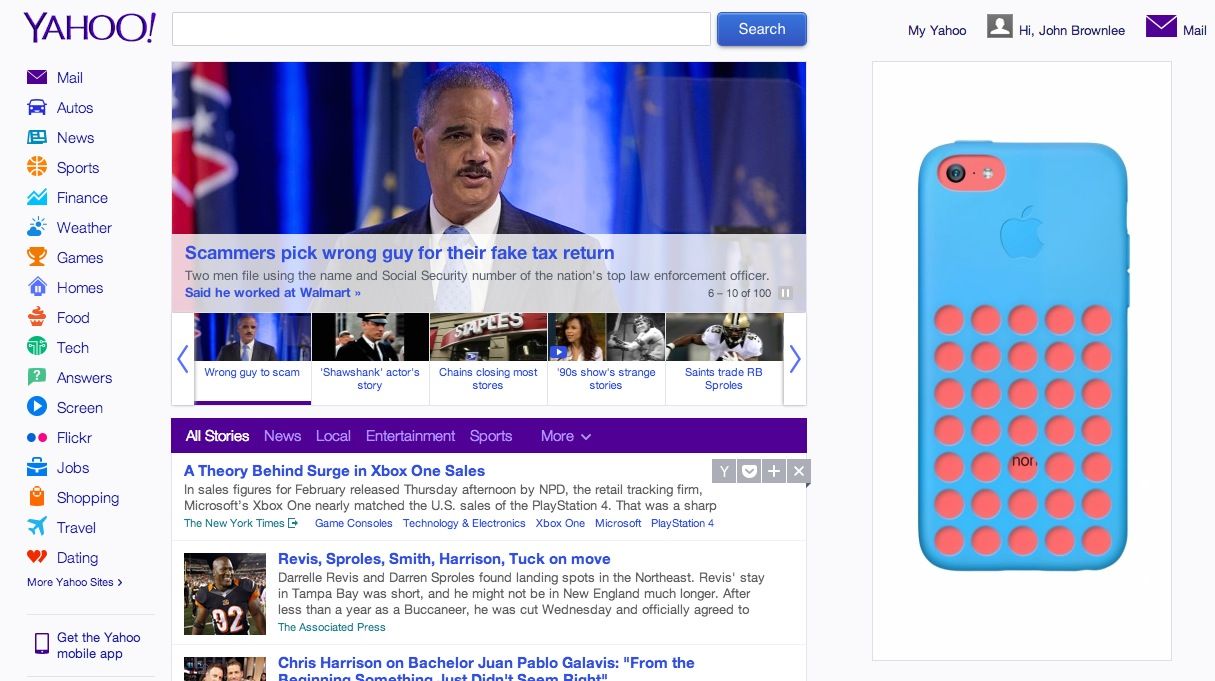
The iPhone 5c is a total flop, and Apple may very well kill it off entirely when the iPhone 6 comes around. But Cupertino’s not going down without a fight, which is why the company is making a major advertising push for the iPhone 5c on Yahoo and the New York Times webpage.
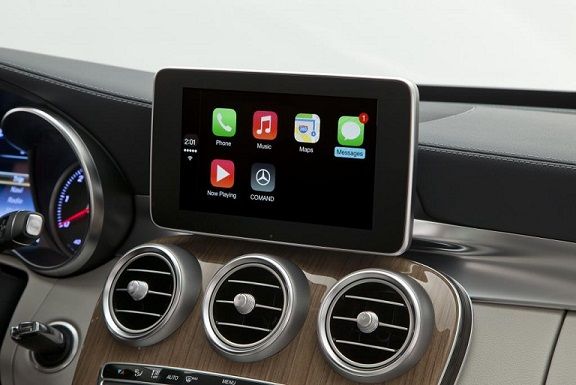
Get ready for Apple-approved third-party CarPlay accessories. Photo: Mercedes/Apple
CarPlay could be the best thing to happen to your automobile’s dashboard since GPS, but unless you’re buying a Ferrari, Mercedes-Benz or Volvo sometime soon, it’s been unclear when you could actually expect your vehicle to support Apple’s new automotive standard?
No time soon, alas. Two representatives of major aftermarket brands have shot down the notion that you can expect aftermarket CarPlay systems coming anytime soon that you can install in your old clunker… and definitely not in 2014.
Curved smartphones the likes of the LG Flex have been widely panned by reviewers as shoddy pieces of junk, yet display experts like Dr. Raymond Soneira of Displaymate tell us that we shouldn’t write them off yet: they actually increase screen readability in ambient light by improving image contrast, color accuracy, and more.
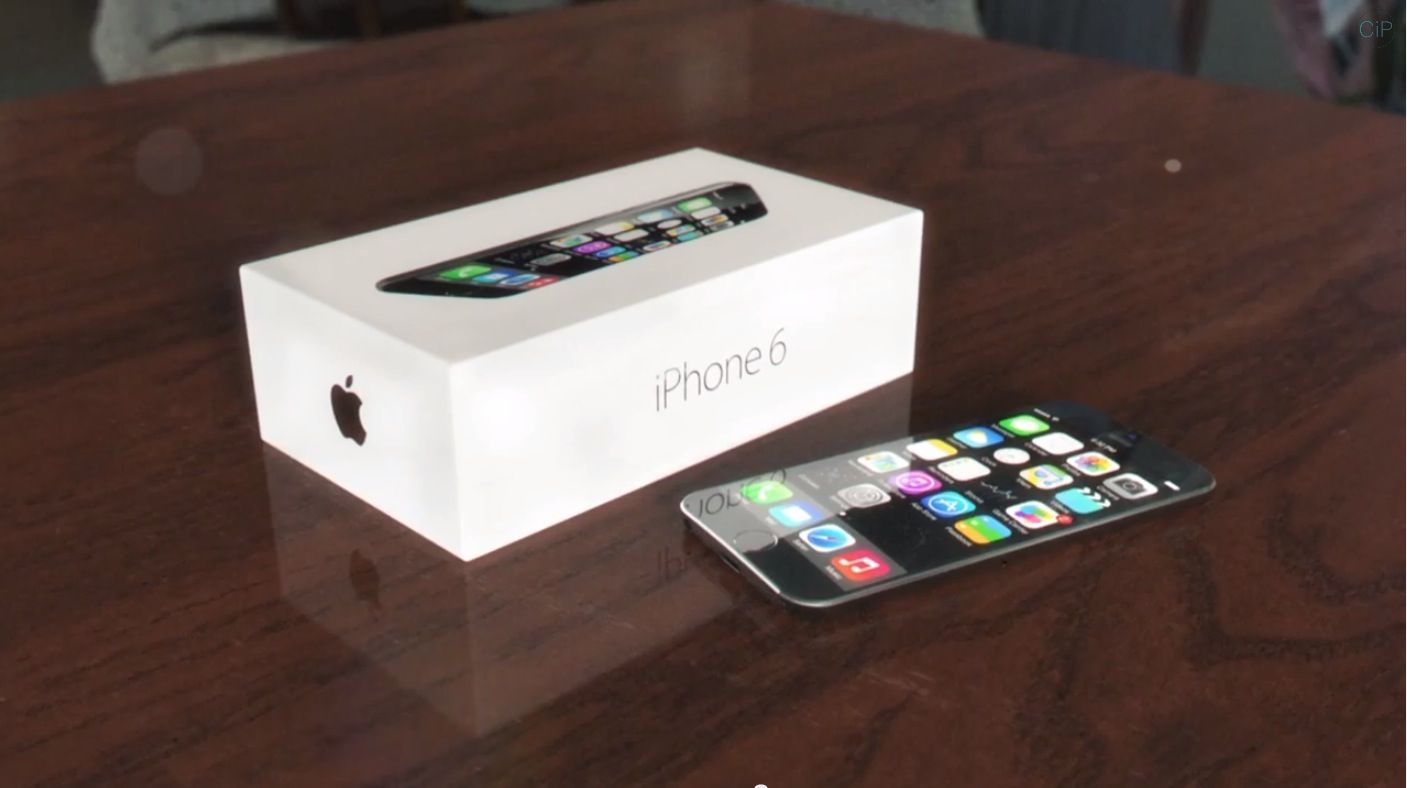
It’s not impossible, then, that Apple will one day choose to embrace curved glass in its smartphones, and if it does, the iPhone 6 would probably end up looking a lot like this gorgeous concept by designer Arthur Reis. It looks really slick, and pretty much indistinguishable from the display of current iPhones until you get up close.
Taking a selfie used to be a simple as firing up Instagram and unleashing your best narcissist, but now with so many options, what’s an iPhone user to do?
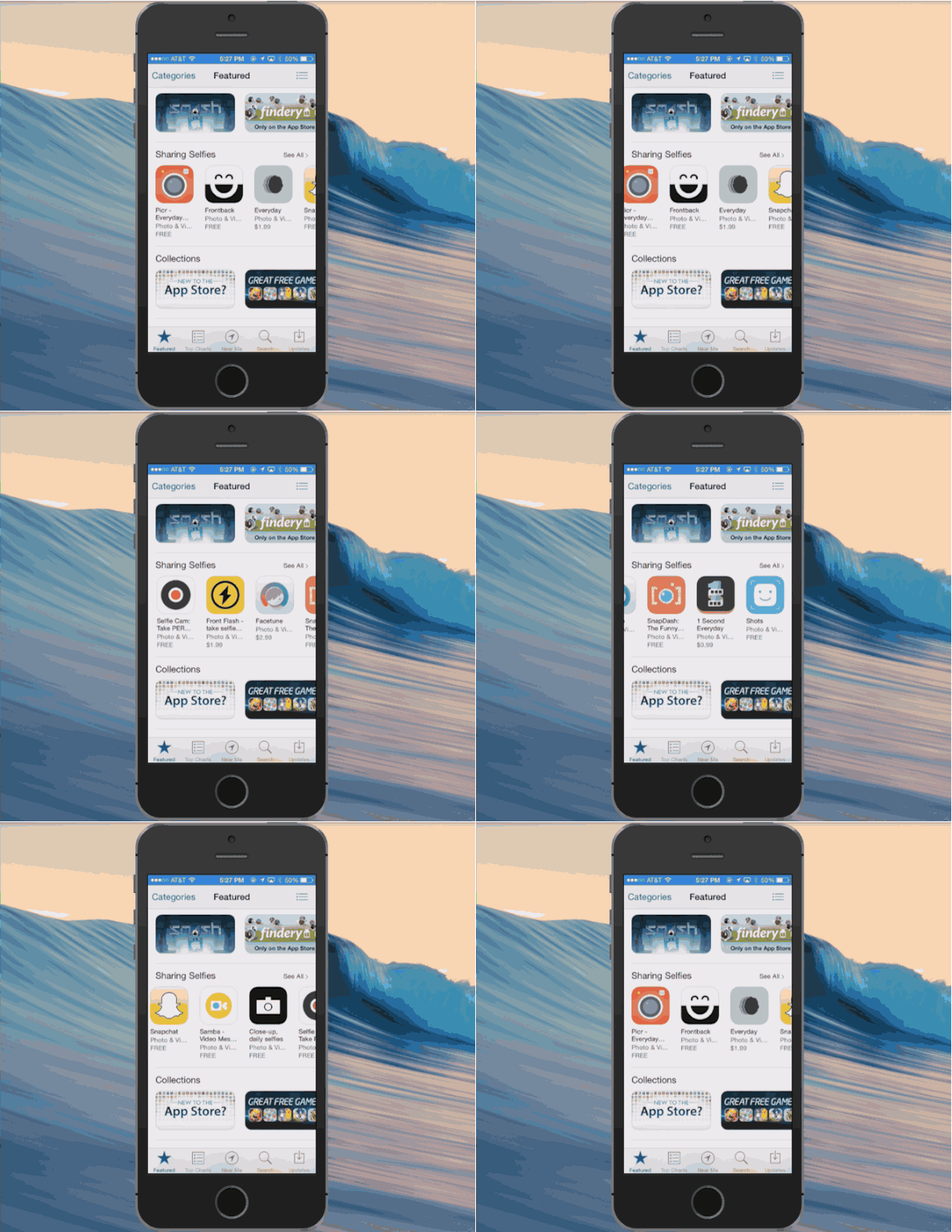
To help you out on your quest for the perfect selfie, Apple just introduced a new Sharing Selfies section to the App Store to promote apps like Picr, Frontback, Snapchat, Selfie Cam and eight other apps that will having you looking picture perfect.
The Selfie Sharing section can be found on the front page of the App Store on iOS and iTunes. Most of the apps are free while stuff like Front Flash and Everyday will set you back $1.99.
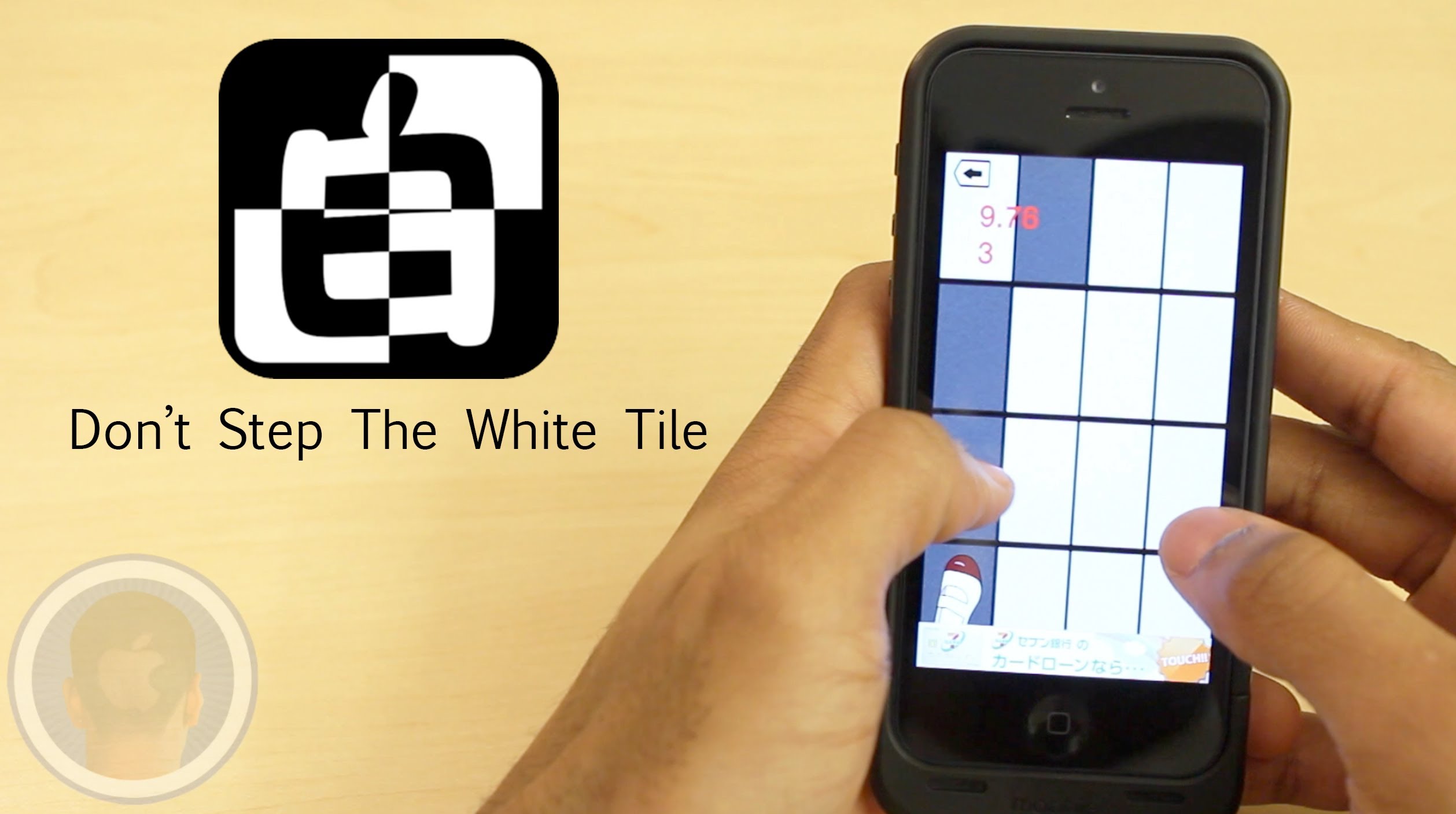
Applications are downloaded all over the world, giving developers the ability to share their work with everyone. Amongst them is Japanese developer Ayumu Kinoshita, who has recently found his app Don’t Step the White Tile on top of the charts. A game where players must think fast and react, players everywhere are quickly becoming addicted. Will Don’t Step The White Tile become your new favorite game?
Take a look at Don’t Step the White Tile and find out what you think.
This is a Cult of Mac video review of the multi-platform application Don’t Step The White Tile brought to you by Joshua Smith of “TechBytes W/Jsmith.”
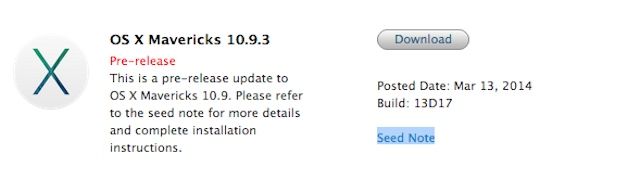
One week after seeding the first beta of OS X Mavericks 10.9.3 Apple has released a second beta build of the update to developers this afternoon.
The last beta added support for a full range of Retina scaling modes for 4K monitors, but release notes for the second beta are light on details of new features – if there are any at all. However, it does ask developers to focus on graphics drivers and audio.
OS X 10.9.3 build 13D17 is available for devs in the Mac Dev Center or via the Mac App Store.
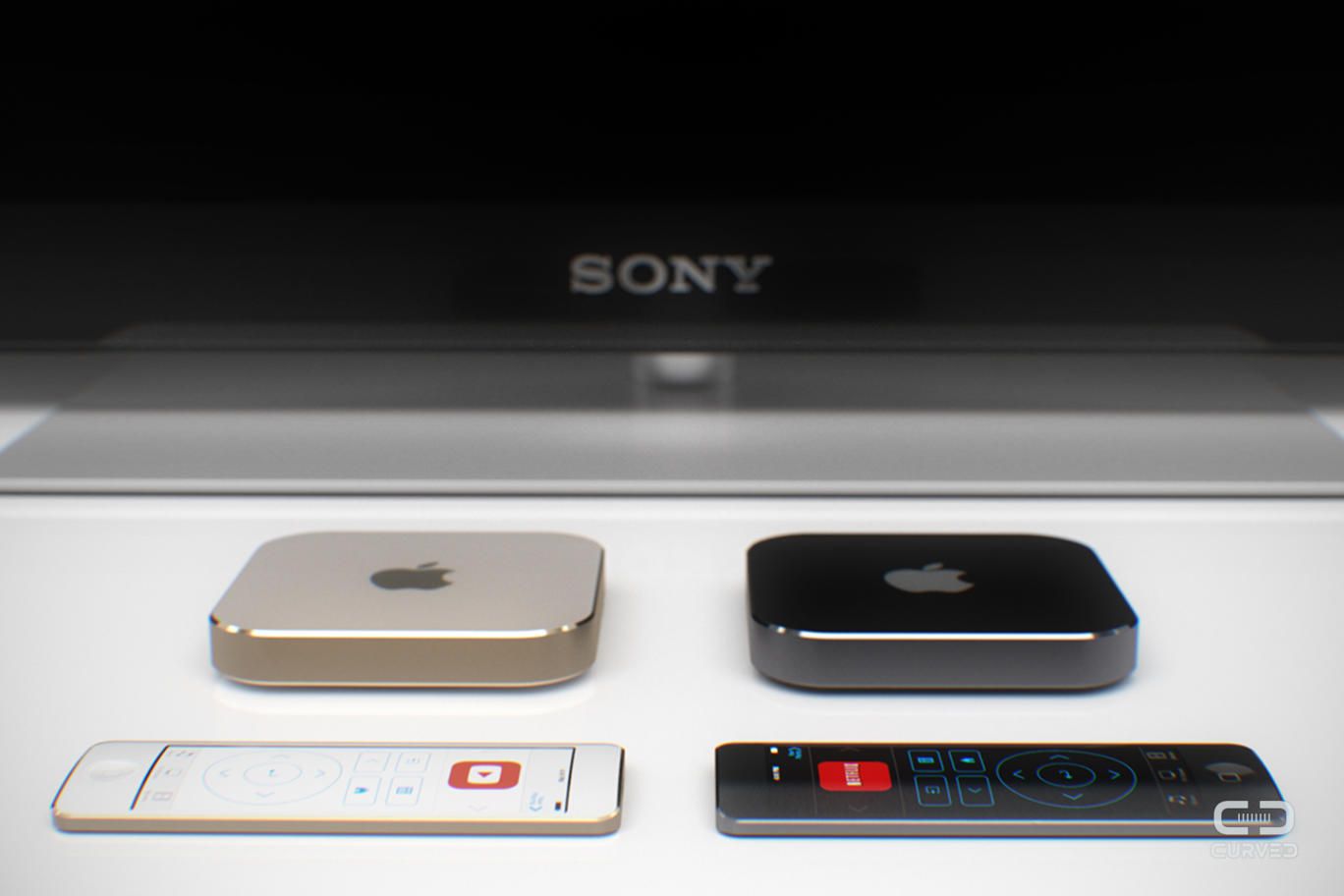
A new Apple TV is expected in the coming months, but little is known about the hardware. Apple has yet to redesign the basic remote it ships with the Apple TV, and instead the company has put out a Remote app for iOS.
This concept reimagines the Apple TV’s remote with a touchscreen and home button, effectively turning it into an iPod touch for the living room.
Twelve South is at it again with the new Rutledge BookBook, a hand-finished leather creation that marks the company’s first MacBook case in three years. The Rutledge is designed for both MacBook Air display sizes, the 13-inch MacBook Pro, and both Retina MacBook Pro display sizes.
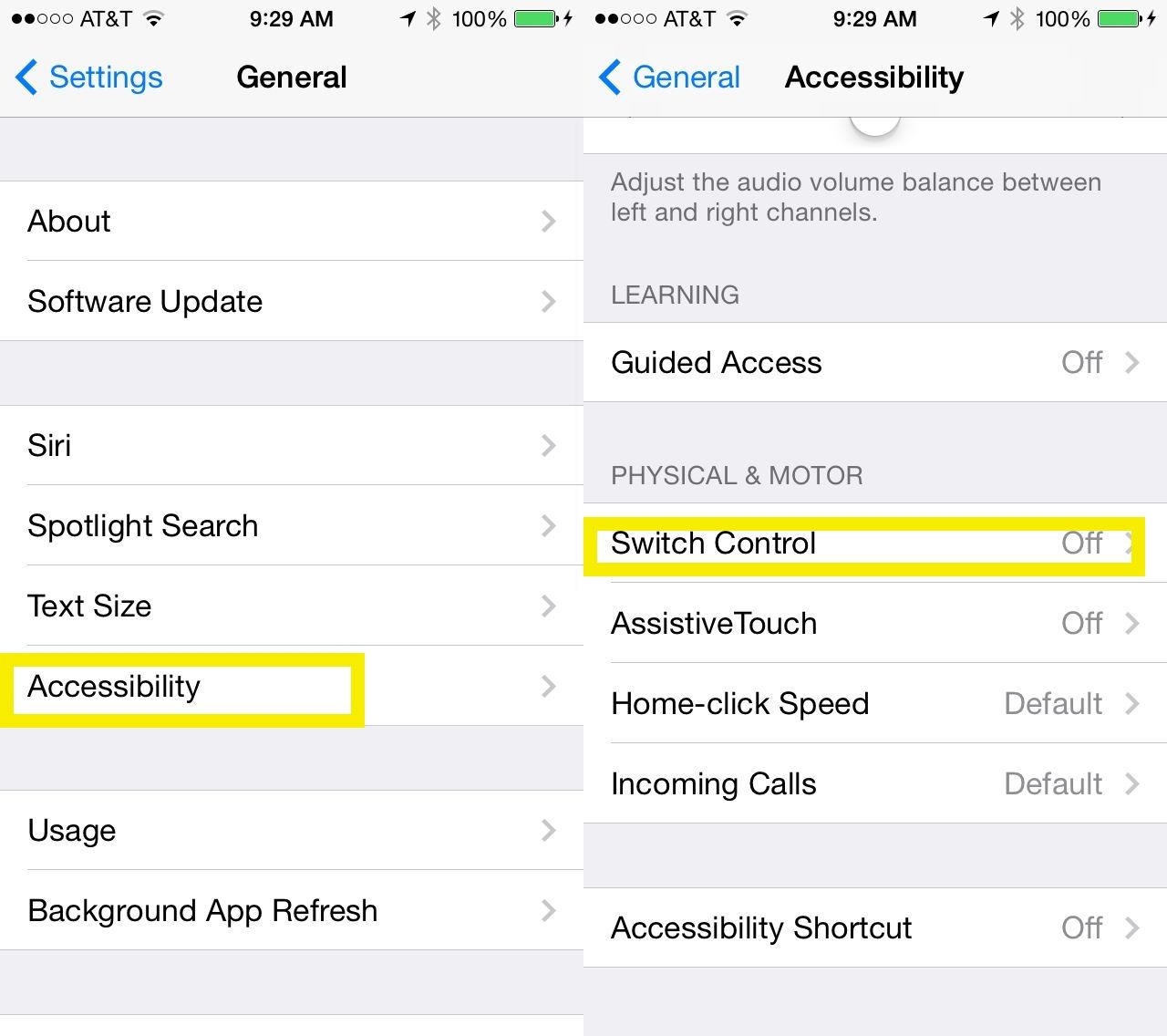
There’s a new accessibility feature built into Apple’s already pretty splendid suite of options for people of various abilities. Called Switch Control, it allows those with motor difficulties to connect a switch to their iOS device for better access.
The feature, originally released alongside iOS 7, allows users to connect a switch via cable or Bluetooth as well as setting up the screen itself as one big switch button.
In iOS 7.1, then, Apple added another useful option: to use the Camera itself as a head switch. Here’s how to set it up.
In a plot ripped straight from 2005, Neil Young announced this week that he’s taking on the iPod with his new high-def audio music player, the Pono.
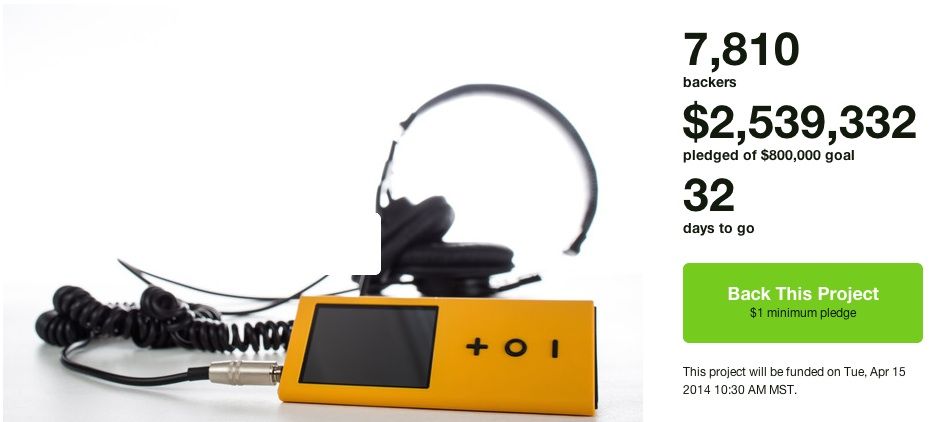
We had a good laugh talking about the Pono on this week’s CultCast, but after checking the Kickstarter page this morning it might be Neil who gets the last laugh as his project has already earned more than $2.5 million in pledges.
Titanfall has been the biggest and best reviewed game to hit the Xbox One in 2014. So many people have been gushing about the gameplay all over Twitter, I nearly rushed out to buy an Xbox One to try it but according to a report from Polygon, it might be coming to the Mac soon.
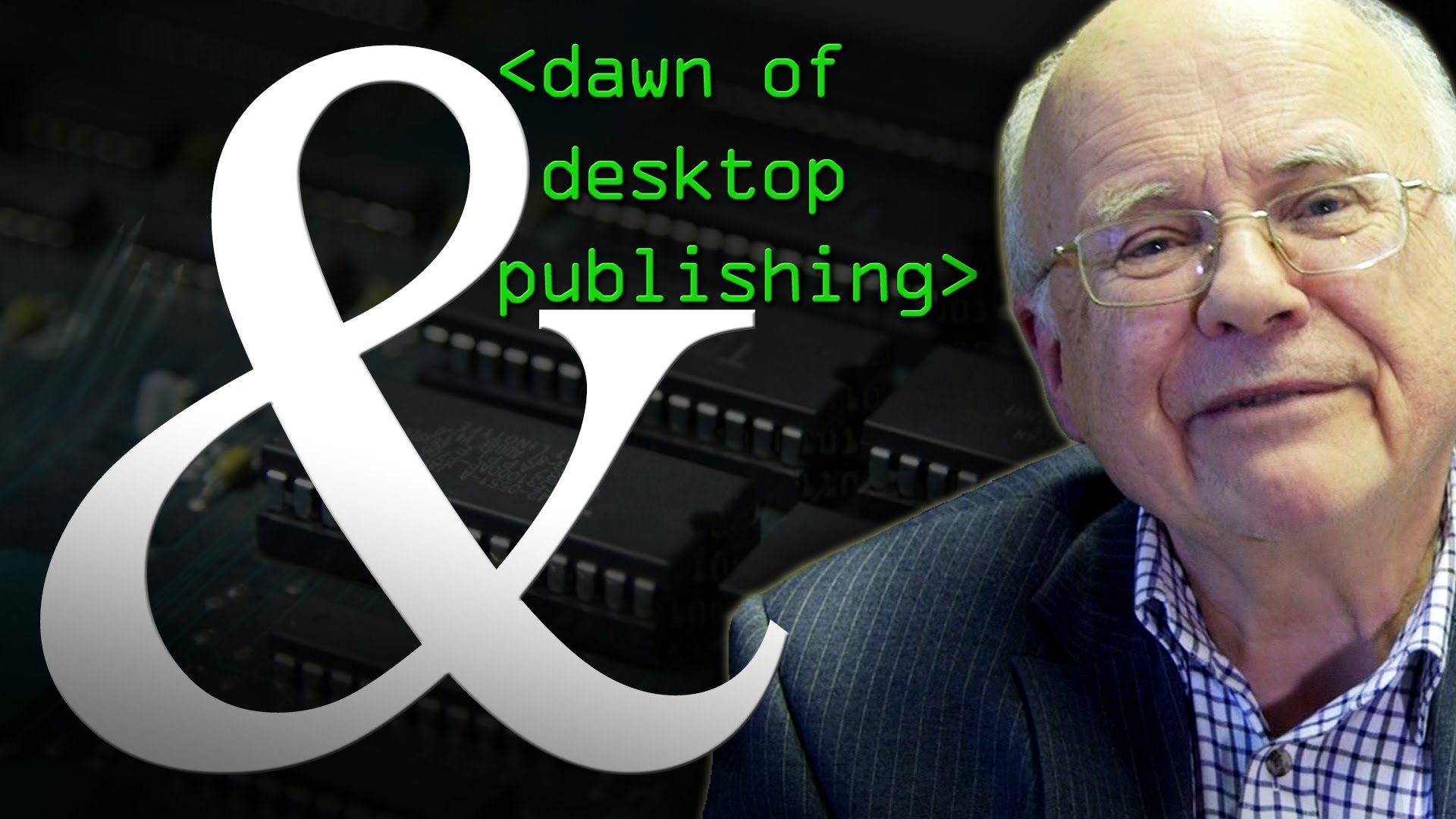
Apple products have been the go-to brand for creatives for decades, but when Apple was in its infancy Steve Jobs laid the groundwork by heavily investing in a printer of all things.
It was the Laserwriter I that cemented Apple as the hardware supplier of choice for the creative community, but Jobs took some convincing before being sold on the idea of a selling an expensive laser printer.
In the video above, Brady Haran explains how Jobs tried to go with clone fonts to reduce costs, but was ultimately convinced to invest in proper typesetting for the revolutionary Apple Laserwriter I after getting an ultimatum between his prefered Coca-Cola or Pepsi. Brady can be a bit of a rambling charmer, so jump to the 6min mark.
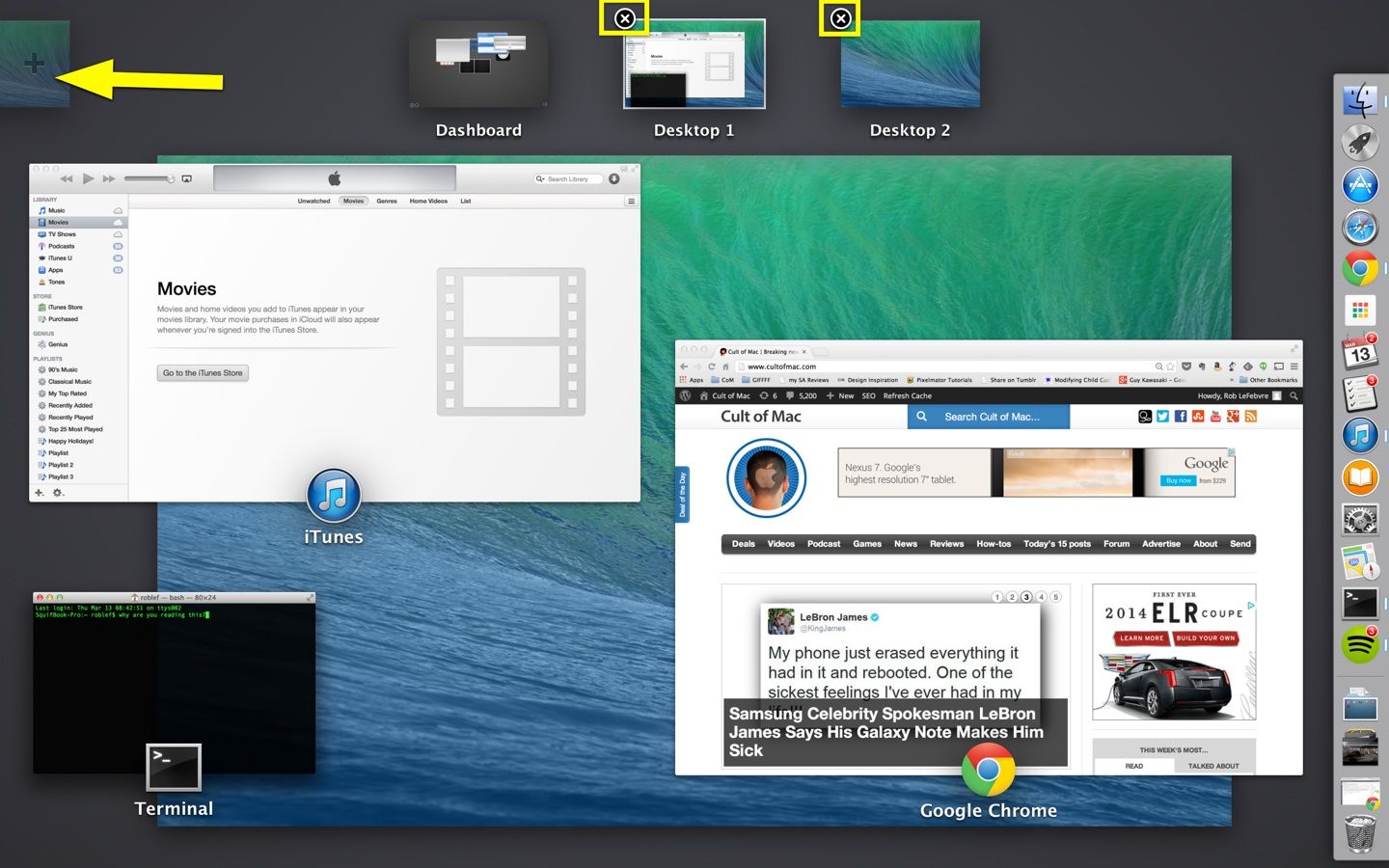
If you’ve been using OS X for any length of time now, you know the special joy of desktop “spaces,” what Apple calls its virtual desktop system. You can switch between them by hitting Command-Arrow (right or left) on your keyboard, or you can activate Spaces with the F3 key on most modern Macs. You can also reorder these Spaces around fairly easily.
But did you know you could add more Spaces? Delete the ones you have?
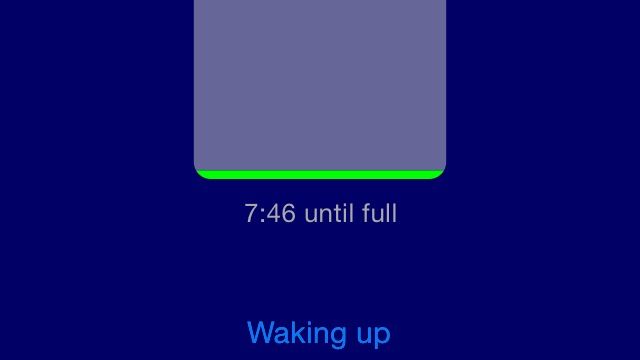
I know I don’t get enough sleep, but I’m kinda dumb, so sometimes I need to look at pictures to really put things into perspective. That’s where SleepBattery comes in. You tell it how old you are, and it suggests how much sleep you should be getting every night. When you go to bed, you tap a button, and the screen-sized battery begins to fill. When you wake up, you tap the screen again, and the battery begins to drain.
When it’s completely empty, it tells you to go to bed. And I probably won’t, but it’s nice to know the app cares.