Mobile menu toggle

FxGuru Lets You Add Mech Attacks And UFO Invasions To iPhone Videos

By

post-268284-image-983269f2d6d793c90c1a2c6e51daeb73-jpg

Think Apple’s “Misunderstood” Christmas ad would have been improved with the addition of a random piano drop, ghost bride, or chainsaw-wielding madman?

If so, you can re-create the commercial your way using Picadelic’s FxGuru: Movie FX Director app. Previously an Android exclusive, the app lets you incorporate a variety of Hollywood-style horror, sci-fi and action movie effects to any iPhone video — with virtual guidelines showing you how to incorporate effects seamlessly, while 24 different “Cinematic” filters allow you enhance the atmosphere of any scene.

MOGA Teases New Bluetooth Gamepad For iOS Devices

By

moga_rebel

MOGA’s Ace Power, the world’s first iOS 7 compatible game controller, was only released in November, but the company is already teasing its follow-up.

The first released image clearly shows a Bluetooth button, suggesting that the new gamepad may be a wireless device — unlike its MOGA Ace Power predecessor which requires a Lightning connection.

This also might mean that it will work on all iOS 7 devices including the iPad, in contrast to the Ace Power which only supported the iPhone 5 and later, as well as fifth-generation iPods.

Mike Judge’s Silicon Valley Poster Pays Homage To Steve Jobs

By

siliconvalleyposter

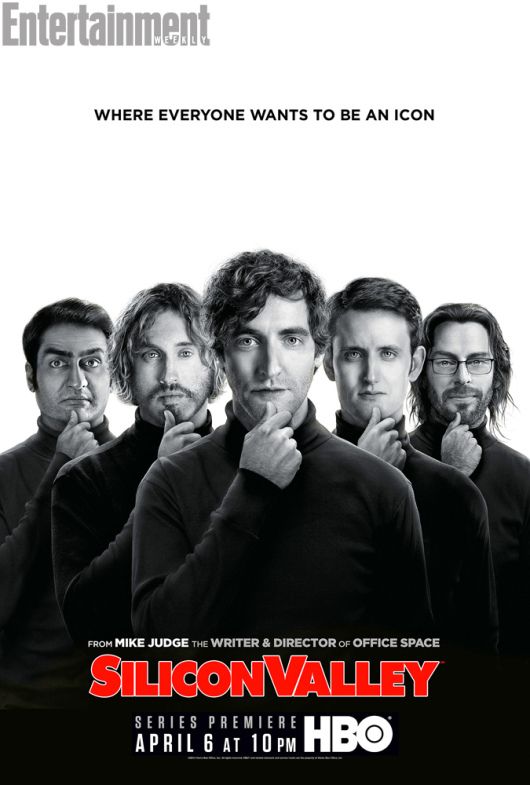
This image showing aspiring Silicon Valley legends sure looks… familiar.

Don’t worry, though: this isn’t the cover of a strikingly original new Samsung biography, but rather a teaser poster for Mike Judge’s upcoming HBO comedy series, Silicon Valley.

Borrowing its iconic pose from the 2006 Albert Watson portrait of Steve Jobs commissioned by Fortune magazine and used for the cover of Walter Isaacson’s 2011 biography, the poster references Jobs as the ultimate example of the startup-founder-made-good.

Apple’s Developer Website Now Features An iOS 7 Design Masterclass

By

Screen_Shot_2014-02-28_at_08(1)

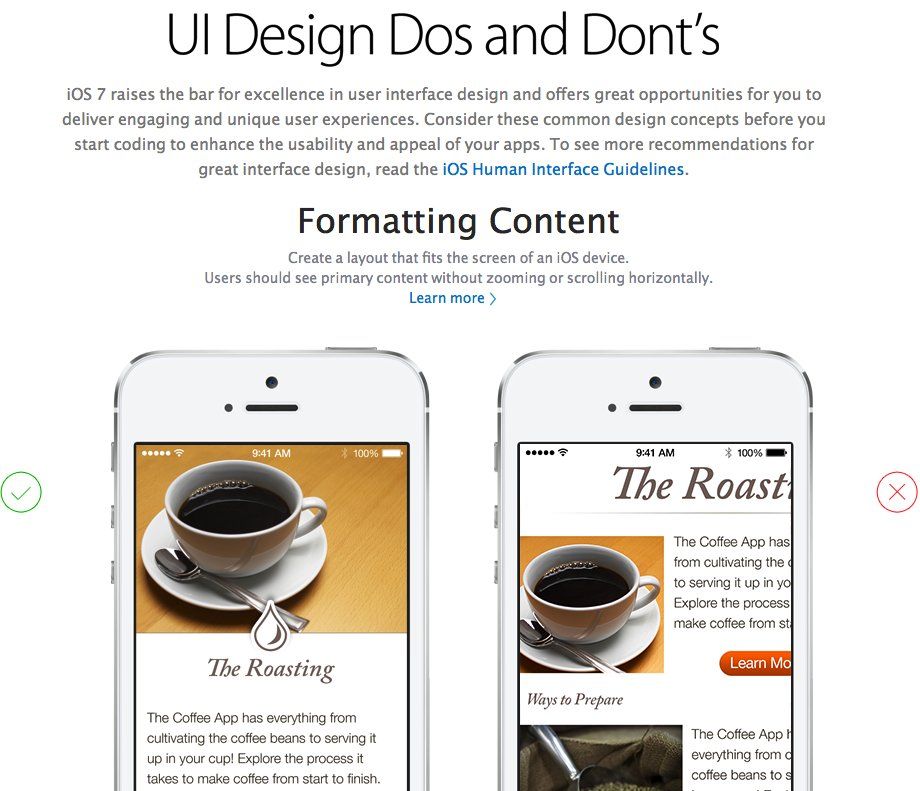
Apple has updated its Developer website to advise designers on how best to create iOS 7 optimized apps.

iOS 7 brought radical changes to Apple’s mobile OS when it was released in September 2013. In December, Apple announced that all new apps submitted to the App Store must be optimized for iOS 7 by February 1 — and this new tutorial helps explain just how this should be done.

Although some of the content has previously been available to access at Apple’s Developer website, a number of new documents address iOS 7 specifically. Some require users to be registered iOS developers, while others are available for public access.

Instapaper Updated With Kindle Support, Trending Stories And More

By

Screen Shot 2014-02-27 at 9.08.16 PM

Ever since Digg purchased Instapaper from Marco Arment, the news aggregator super site has been adding new features to the somewhat neglected service to better compete with the likes of would-be challengers like Paper.

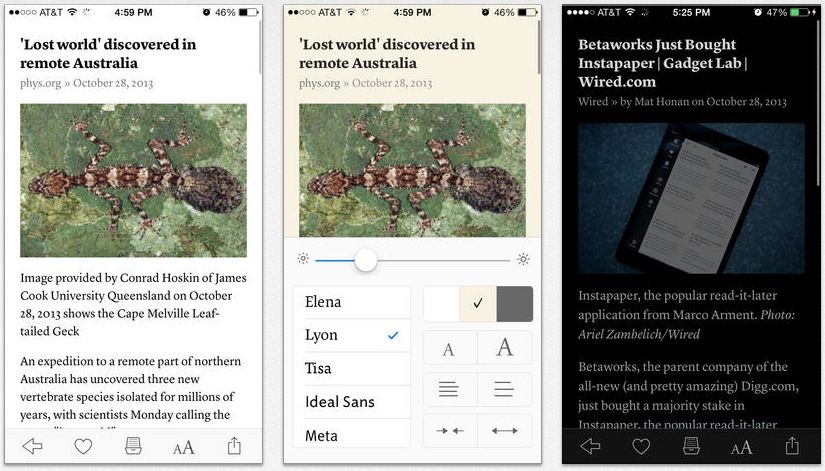
Continuing that trend, Instapaper for iOS was updated to version 5.1.5 today, bringing some new features, including support for Instapaper’s trending stories, a new send to Amazon Kindle function for subscribers, better AirPlay support, gestures and more.

Apple’s Own Security Guards To Protest At Shareholder’s Meeting

By

sfs-security-officers

The men and women who ensure the safety of Apple employees will stand against the Cupertino company to demand better pay. With some of them forced to rely on public assistance and for housing and food due to the low quality jobs provided by companies like Security Industry Specialists (SIS), they want Apple to secure a better contract for them.

As another in a long line of rallies and protests, it may be difficult to get the attention of the Cupertino-based company’s shareholders, but the security officers and their community supporters hope to make enough noise to point out that while they work for the most profitable tech company in the world, the security officers are usually hired on part-time as on-call employees.

How The Galaxy S5 Stacks Up Against iPhone 5s, Xperia Z2, HTC One & More [Comparison]

By

post-268136-image-27e6d3402f40b1fc2858ac929a4d98f8-jpg

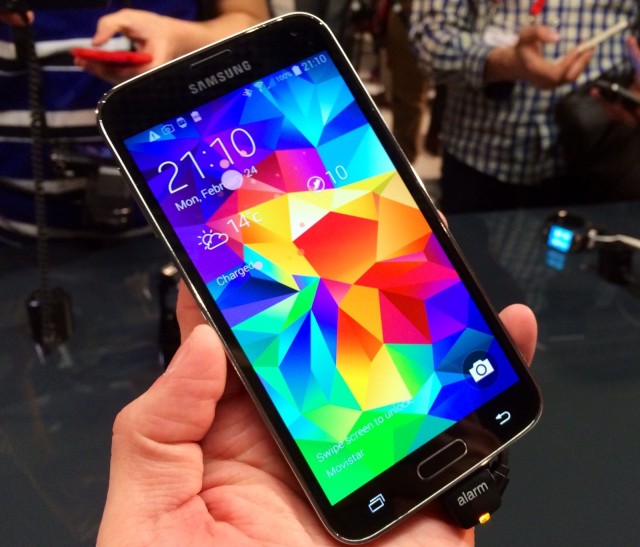
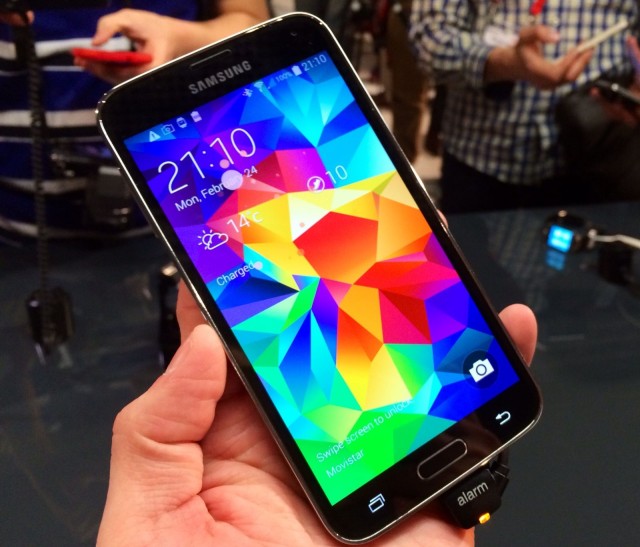
Just as expected, Samsung unveiled its flagship Galaxy S5 at Mobile World Congress on Monday evening. In addition to fancy new features like a fingerprint scanner and heartbeat sensor, the handset boasts the latest Snapdragon 801 processor, a 1080p Super AMOLED display, and a 16-megapixel rear-facing camera with rich tone HDR, selective focus, and more.

But how does the Galaxy S5 compare to some of its competitors, like the iPhone 5s, the new Sony Xperia Z2, and its cousin, the Galaxy Note 3? We’ve put together a handy comparison chart below that makes it all clear — and may help you choose the best handset for you.

This Week’s Best New Music, Books And Movies On iTunes

By

picksfeb

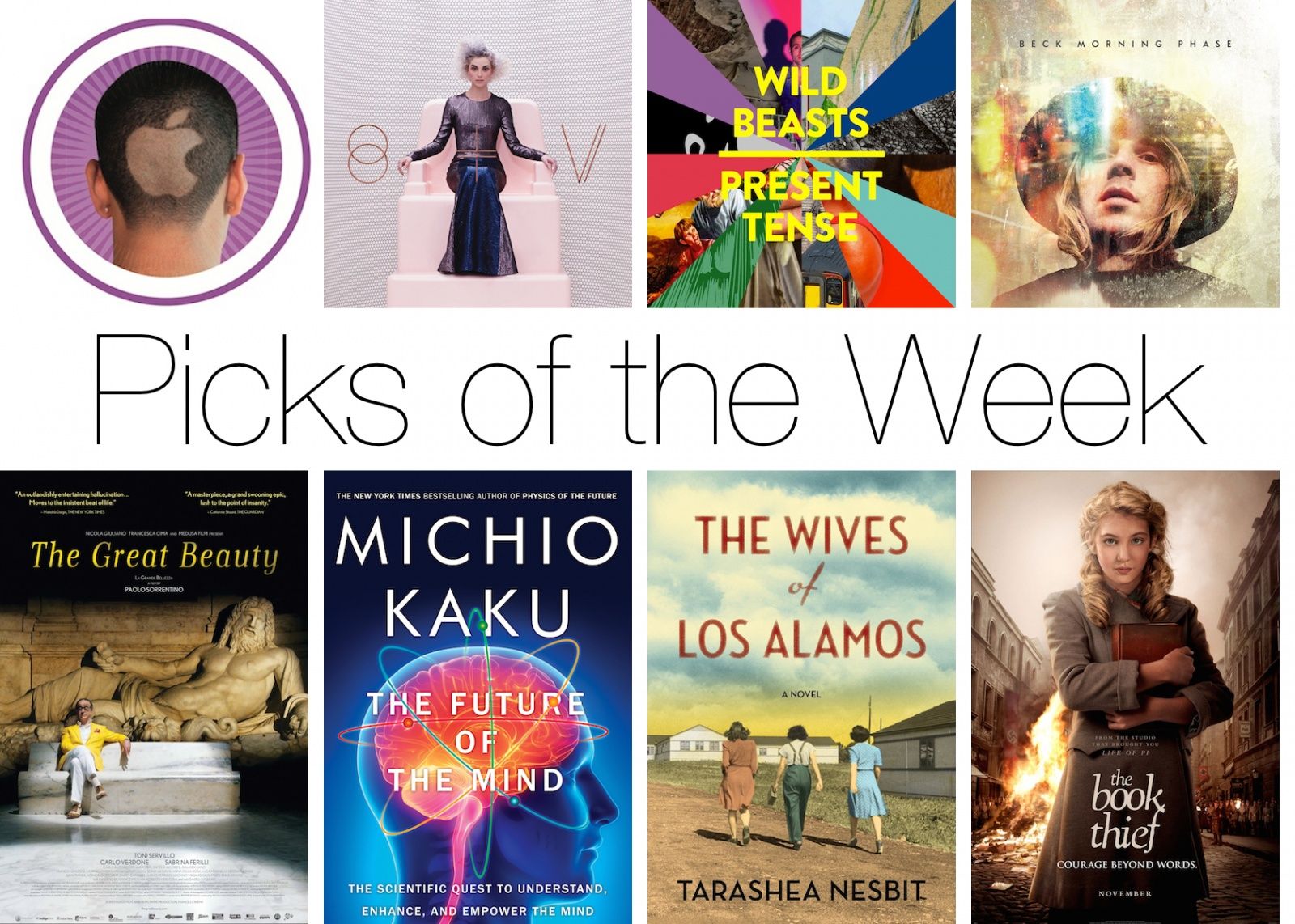
Rather than slogging through a lake of reviews to find something you’re just going to put down after 30 minutes, Cult of Mac has once again waded through the iTunes store to compile a list of the best new movies, albums and books to come out this week.

Enjoy!

Music

St. Vincent St. Vincent

St.-Vincent

Singer/songwriter/guitar-shredder Annie Clark’s fourth studio album as St. Vincent is full of twists and turns, sonic textures, and balladry, making St. Vincent her best album ever. Beyonce and Gaga may reign supreme among female entertainers, but St. Vincent asserts herself as a pyrotechnic guitarist laying down rhythmic somersaults. Lorde be damned, there’s nothing quite like her mix of vocal range and captivating balance of experimental leanings and pop sensations.

iTunes – $7.99

SchoolBoy QOxymoron

oxymoron

Everyone’s talking about Beck this week and the new album he released after six years of silence, but while Morning Phase is great and definitely worth a listen, I’ve been addicted to SchoolBoy Q’s Oxymoron. The front five tracks are especially hard to escape from a repeat loop. It’s the best rap album so far this year and enlists collaborators such as Kendrick Lamar, 2 Chainz, ASAP Rocky, Jay Rock, Tyler the Creator and Kurupt, among others.

iTunes – $12.99

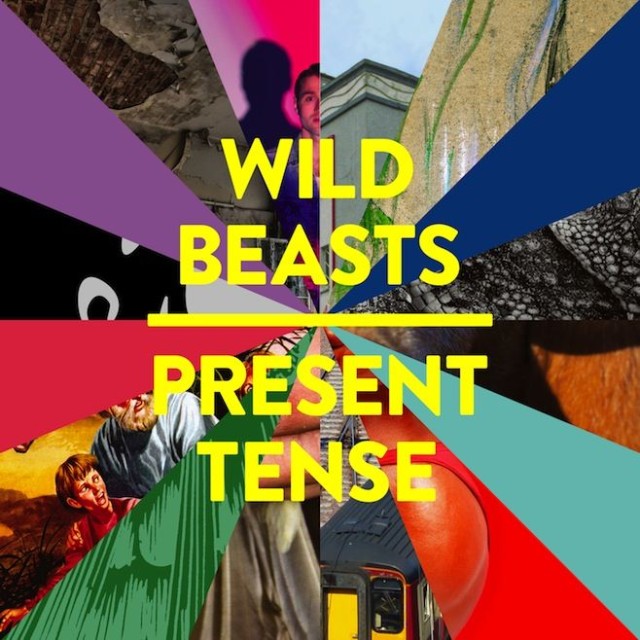
Wild BeastsPresent Tense

Wild-Beasts-Present-Tense

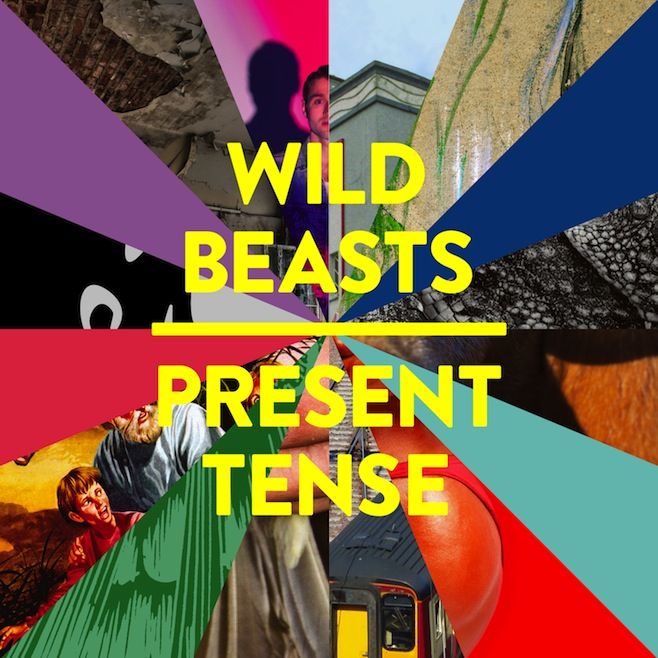
Present Tense, Wild Beasts’, fourth LP, is simply brilliant. After taking a full year off to recoup from a two-year tour for their last album, the band presents their most human musical portrait, even if its a bit less accessible than their other albums.

iTunes – $9.99

Books

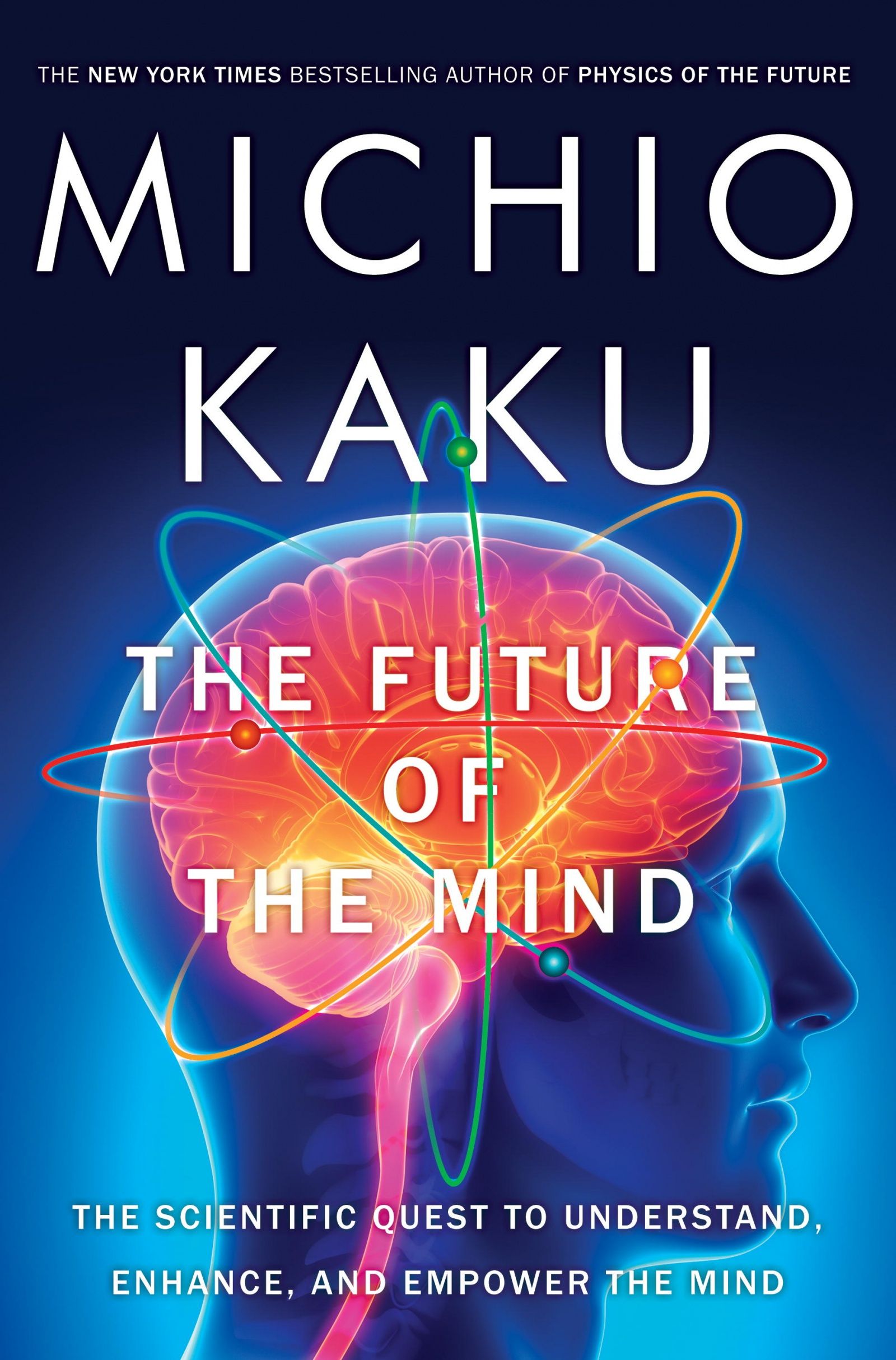
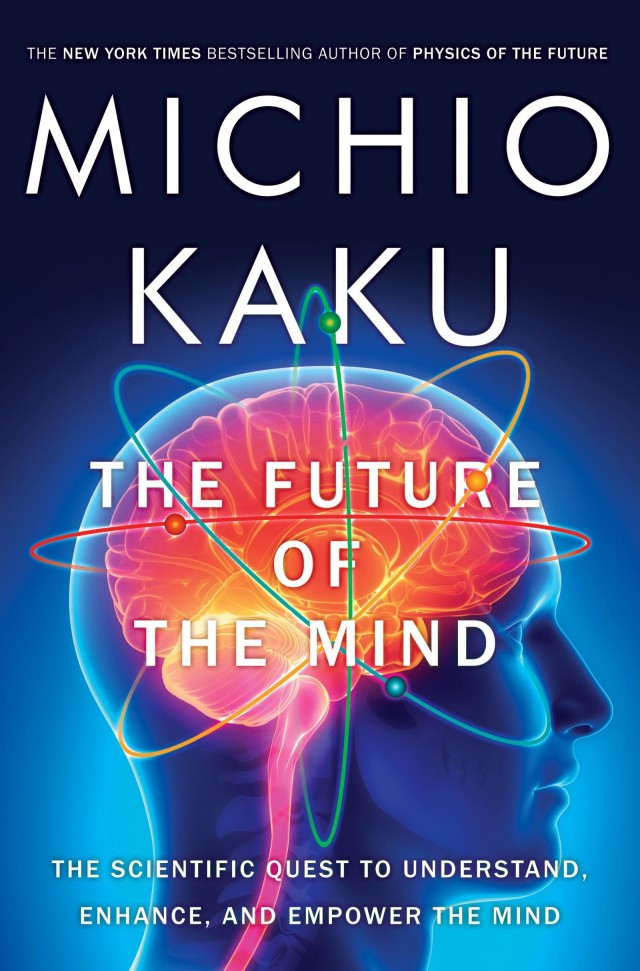
The Future of the Mind
by Michio Kaku
futureofthemind

Not a week passes where we don’t hear of scientist making an incredible new discovery about how the brain works but where is all that info leading us? In his book The Future of the Mind, Michio Kaku surveys the latest findings by scientists to give readers a better idea of how the brain works as well as dancing with future ideas like smart pills to enhance cognition; downloading brains neuron by neuron, or even sending our emotions and consciousness out into space.

iTunes – $11.99

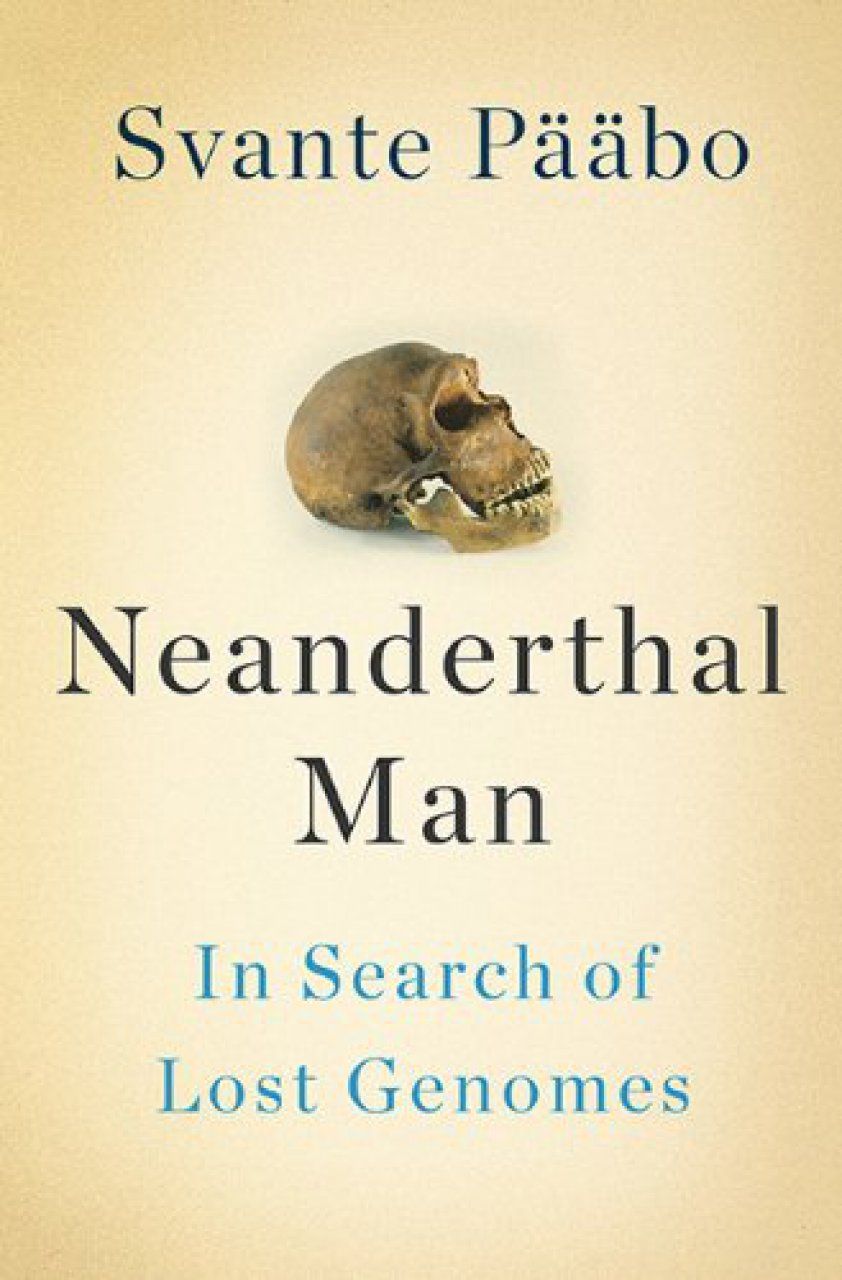
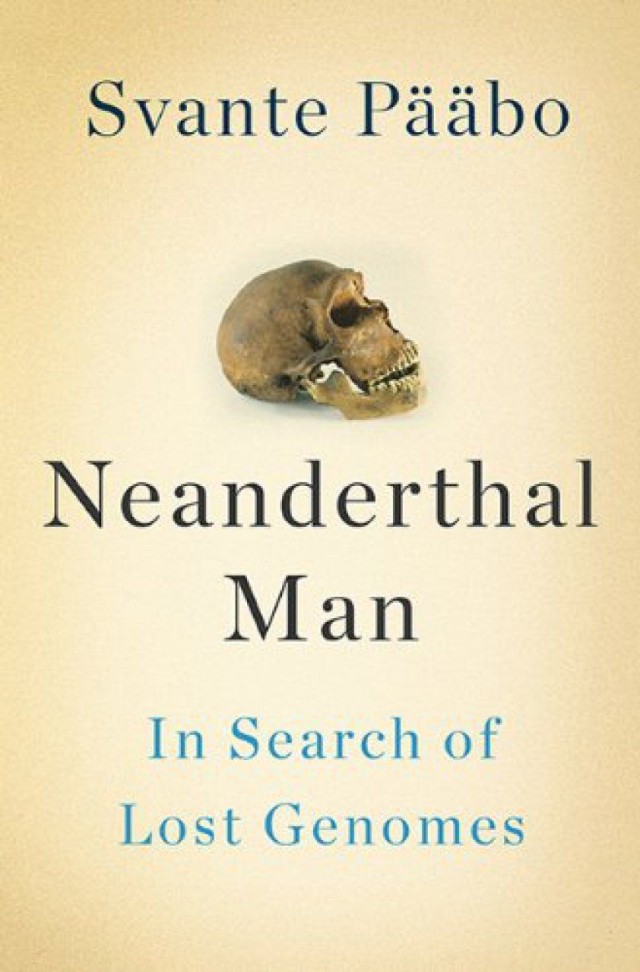
Neanderthal Man: In Search of Lost Genomes
by Svante Pääbo
neanderthalman

As fun as it is to celebrate just how damn smart humans have become, it’s also good to see where we’ve come from. Geneticist Svante Pääbo’s book Neanderthal Man analyzes what we can learn from the genomes of our closest evolutionary relatives as he searches for the mysterious answer as to why humans survived while Neanderthals went kaput.

iTunes – $19.99

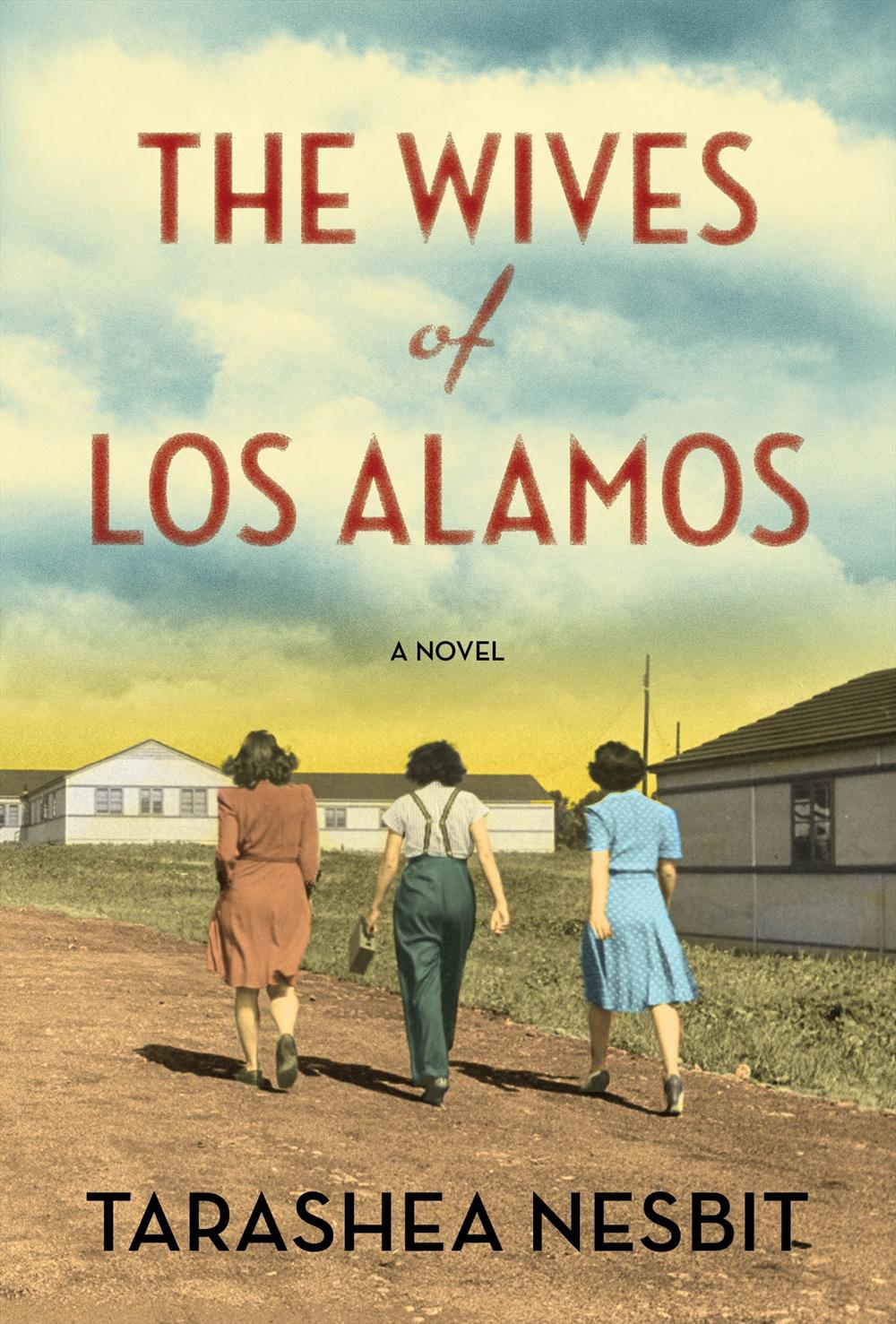
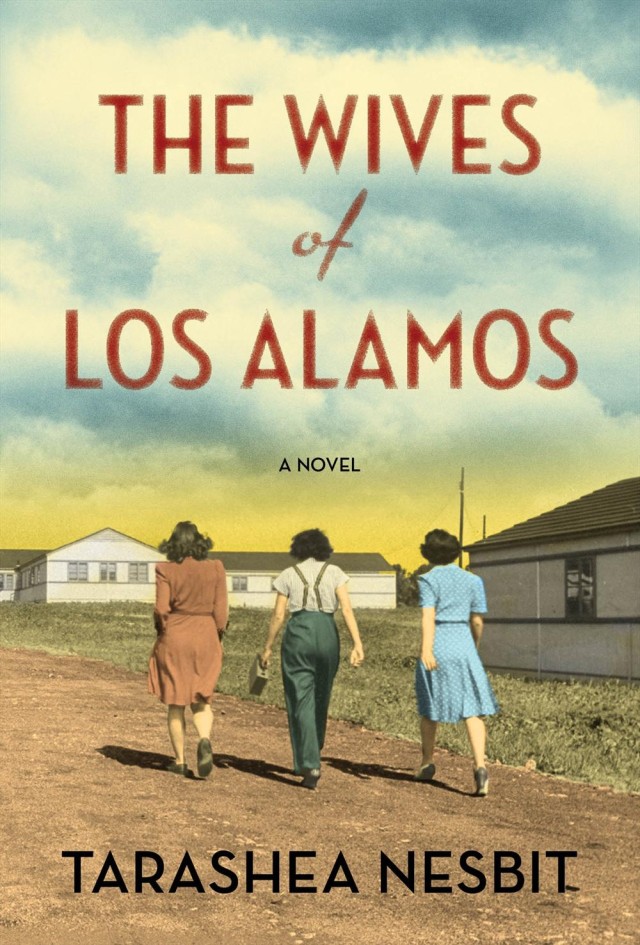
The Wives of Los Alamos
by TaraShea Nesbit
losalamos

Growing up in New Mexico, I was always aware that the genius scientists who researched energy sources at Los Alamos National Lab were a main fount of state pride. This is where we  first built and detonated The Bomb, after all. It’s one of only two laboratories in the U.S. where research is done on nuclear weapons, but Tarashea Nesbit’s book The Wives of Los Alamos focuses on the town’s softer side. As the bomb was being invented, babies were born, friendships were forged, children grew up and Los Alamos gradually transformed from an abandoned school on a hill into a real community.

iTunes – $11.99

Movies

The Book Thief

book-thief-movie-poster

Based on the novel of the same name by Markus Zusak, Emily Watson and Geoffrey Rush star in this inspirational film about a girl named Leslie, whose adoptive German parents hide a Jew from Hitler’s army. As the war effort deepens, Leslie becomes obsessed with books and the escape they provide from the brutal backdrop of World War II.

iTunes – $14.99

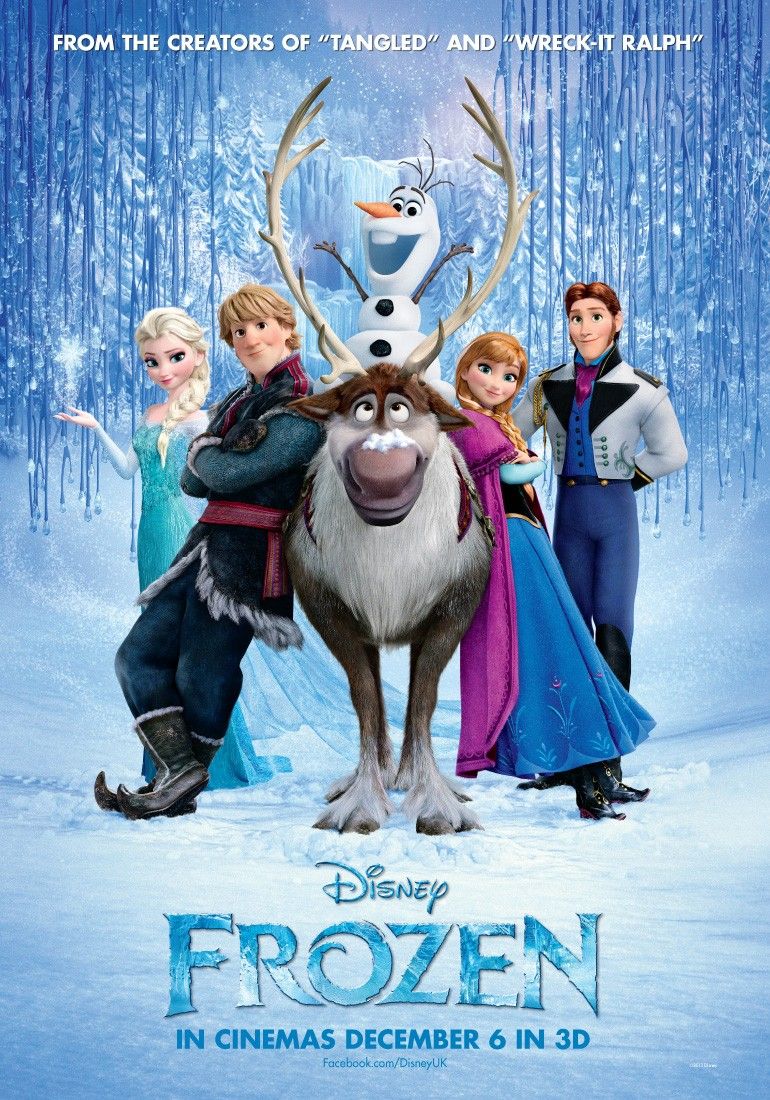
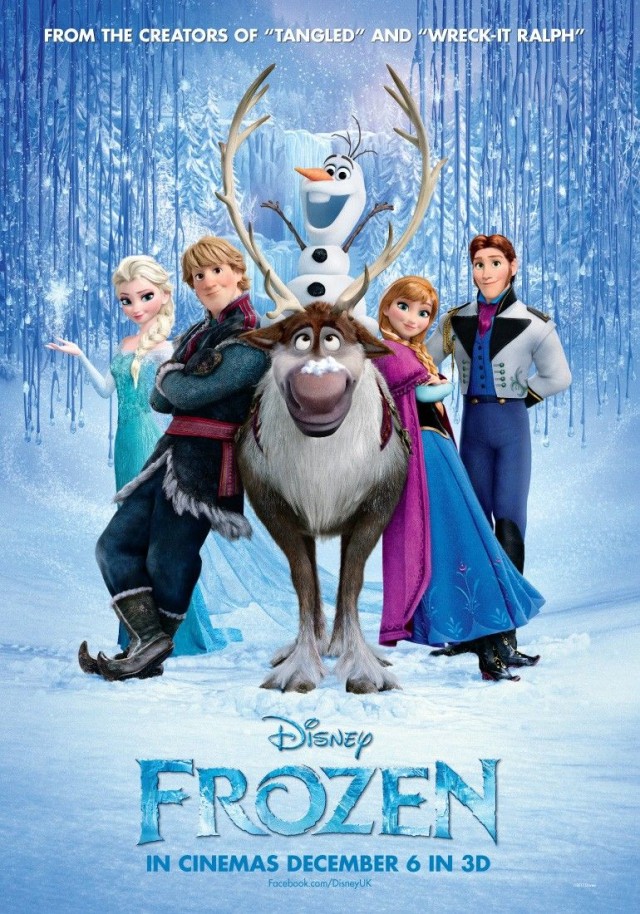
Frozen
frozen_ver8_xlg

Indie Oscar flicks get all the attention this time of year, but for kids no movie was bigger this winter than Frozen, Disney’s latest animated journey. This epic ice capade pits Anna, a fearless optimist, against mountain man Kristoff and his loyal reindeer Sven. Of course, things go wrong after Anna’s sister is missing, so the crew sets off on an journey that’s full of mystical trolls, weird-talking snowman and enough snow to keep you cold through the summer.

iTunes – $19.99

The Great Beauty
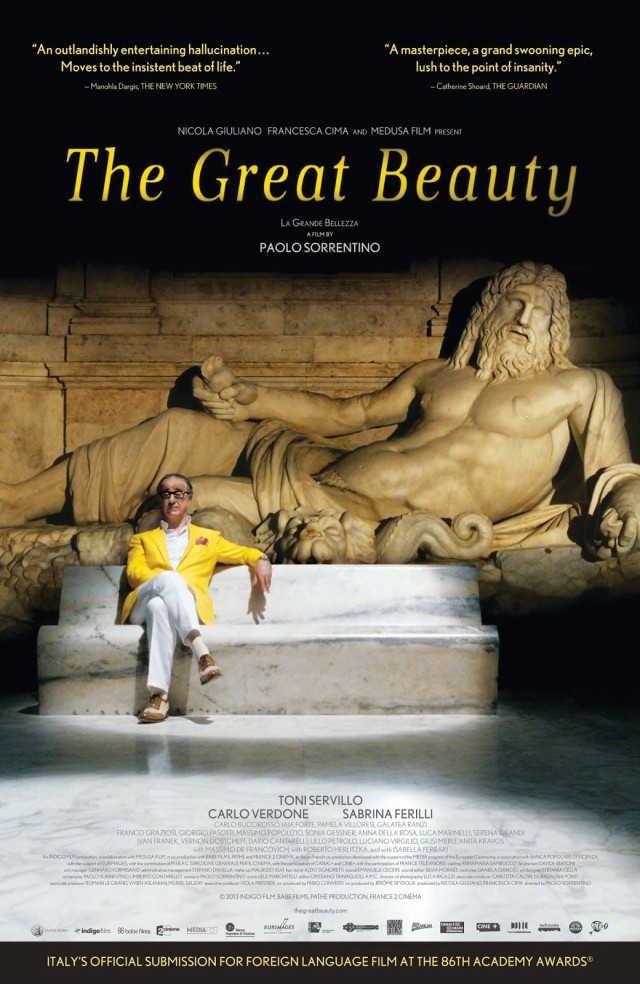
GreatBeautyPoster copy

If you don’t mind reading subtitles, Great Beauty was one of the best films to polish your eyeballs with in 2013 and now it’s finally on iTunes. The movie follows an aging socialite, Jep Gambardella, who wrote a famous novel in his 20s, only to retire into a comfortable life writing cultural columns and throwing parties in Rome. After his 65th birthday party, where he is feted at a disco party straight out of Fellini, he walks through the ruins and city streets, encountering the various characters, reflecting on his life, his first love, and sense of unfulfillment.

iTunes – $19.99
Fix Your iOS 7 Wallpaper Woes With The App “Wallpaper Fix” [Video Review]

By

wallfix

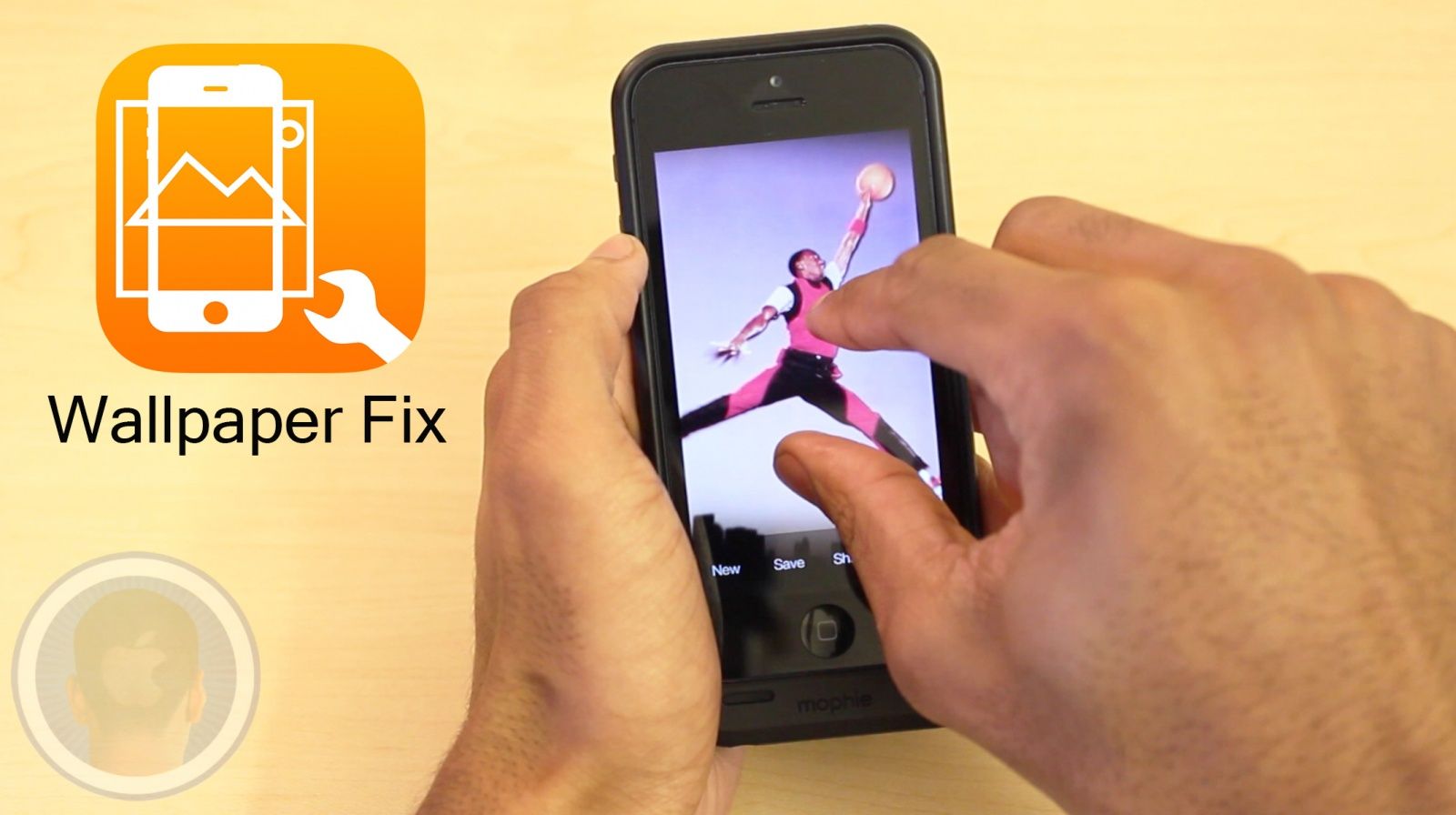
While the iOS 7 software update has brought along a total design revamp, with it has also come irritating wallpaper settings. Not being able to scale your photo to the sizes you’d like and more have been just some of the newly associated issues. The new application Wallpaper Fix claims to be the perfect fix for all of your wallpaper problems. Is Wallpaper Fix the app that will help you get your wallpapers the way you want?

Take a look at Wallpaper Fix and find out what you think.

This is a Cult Of Mac video review of the iOS application Wallpaper Fix brought to you by Joshua Smith of “TechBytes W/Jsmith.”

Shake Your Animal Booty With Addictive Disco Zoo

By

Cant. Stop. Dancin.
Cant. Stop. Dancin.

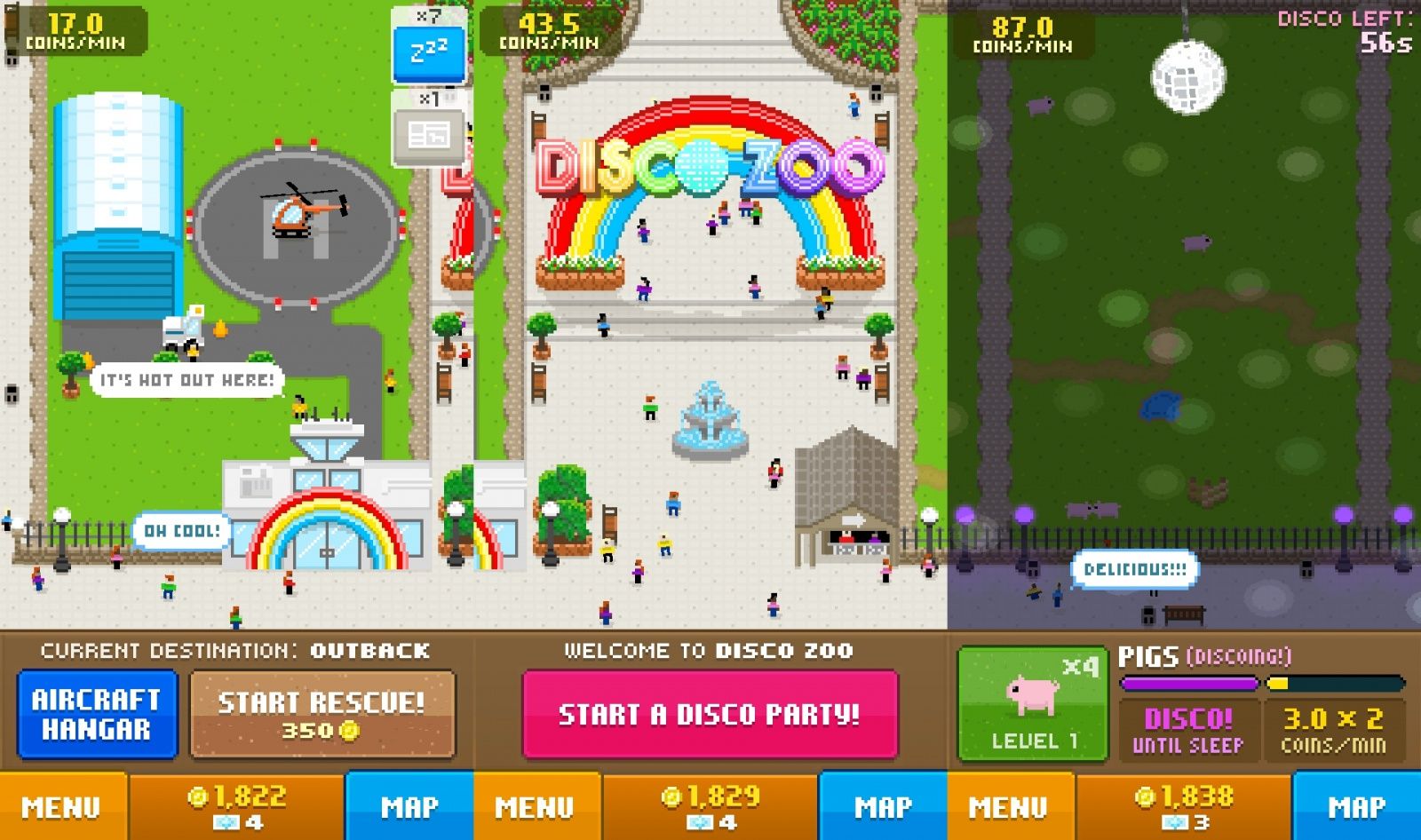
The folks behind the brilliant and sticky Tiny Death Star and Pocket Trains are back at it again, this time with another free-to-play title, Disco Zoo. This time, however, NimbleBit has the added talent of rock-star developer Owen Goss, a Canadian dude with a pedigree in gaming that reaches back to pre-iOS days (gasp).

Disco Zoo has the same Nimblebit retro bitizen look and feel, and the fun mechanics from Pocket Trains and Tiny Tower are out in force. You’ll take over running of the titular Zoo, adding animals and building habitats while earning in-game soft currency on a timed basis, as well as randomly on the zoo map screen.

The main part of the game involves rescuing animals from a variety of habitats–each requires the purchase of more and more expensive aircraft–and adding them to your zoo. The zoo animals will sleep after a time, which encourages you to keep checking back into the app to wake them up.

Ask A Genius Anything: To Be Continued…

By

askageniusanything

Thanks to the Illumanati-like secrecy established by El Jobso, getting a real answer from anyone at Apple is as rare as a rainbow jellybean unicorn.

Even simple questions like “are other customers having this issue?” get averted, dodged and deflected ad nauseum, so six months ago we created the Ask A Genius Anything column to get some real answers for fans on what happens at Apple.

Unfortunately, our brave Genius is hanging up his Apple lanyard for a new career opportunities. Over the past six months he’s dished on everything from Apple policy, to how to fix hardware issues, while also dispensing tips on how to ask a Genius out and whether drinking on the job is a no-no.

We’re still looking for a new secret Genius to fill his shoes (if you’re interested, send us an email), but in the meantime, here are our five favorite answers from Cult of Mac’s Secret Genius #1:

Q: What are you *never* allowed to say to customers?

Employees are taught not to use certain words that might tarnish the image of the brand. We are constantly in a struggle to portray Apple as positively as possible so that our customers return to buy from us again.

Here’s an idea of some of guidance I received when going through training:

  • Never say “crash,” instead say “quit unexpectedly.”
  • Your iPhone isn’t “frozen,” it’s “unresponsive.”
  • Your MacBook did not crash, it “powered off unexpectedly.”
  • it’s not a “bug,” it’s a “software issue.”
  • Never say “unfortunately,” use something to portray the situation in a better light like, “as it turns out…”
  • Instead of saying the iPhone is “incompatible” with something we are supposed to say, “it does not work with…”

Q: Have you ever worked drunk?

The job can be pretty stressful sometimes. Occasionally, I’ll have a drink before work or on a lunch break. It’s not a bad way to relax and most of the managers at the store don’t care unless you’re always coming in sloppy drunk.

There are always a few situations throughout the day where it’d be great to take a short drink break after helping out a particularly horrible customer, but I don’t make it a habit. Fixing people’s iPhones really isn’t any easier after a few drinks, so there are few benefits to being hammered on the job. As for what happens after work, it isn’t uncommon for employees and managers to meet up and toss back a few.

Q: Can you date customers? Any tips on how to ask a Genius out?

Dating customers is against Apple policy. The policy protects both the employee as well as the customer. I have seen customers who come in consistently to get “help” from the same employee multiple times who are definitely interested, but this only makes the employee less likely to actually pursue something.

If you are love struck by your technician at the Genius Bar, I suggest the straightforward approach. Ask for a card and give them your number maybe or ask them if you can have their number. Don’t be surprised if they say they can’t contact you, but tell them to call you outside of work. Don’t let a little Apple policy keep you from your love connection, but don’t make them completely say no by coming on to someone while they are at work.

 Q: How much do you get paid, what hours do you work and how much continual study is required?

I get paid about $14 an hour. Pay ranges anywhere from $10-$20 an hour in the retail stores depending on position, hours, and performance. I work about 30 hours a week because I am part-time, usually on the shy side so I can keep my part-time status. My hours vary but they always fit my personal schedule because each employee submits their hours of availability and is scheduled accordingly, after approval.

As far as training goes, Apple actively trains its workforce. We are trained before we begin the job to deliver superior service and we are trained on new systems, products and software as they become available. If you are looking to advance, Apple will help train you to be ready for any future positions. I was surprised by the non-technical nature of training when I started at Apple. Most of the training I received was customer-service oriented and the technical training I needed for the job was either previous experience or was gained as I encountered issues and sought out a solution.

Q: What’s the most common lie you hear at the Genius Bar?

Geniuses and Family Room Specialists alike have to come up with a fair amount of excuses to explain to customers what’s wrong with their device. The worst excuse and the most commonly told lie at the Genius Bar is for known issues to be called “rare.”

I can’t stand it when a Genius tells a customer that a sleep/wake button failing on an iPhone is rare or that a battery needing service before being completely consumed is uncommon. I don’t know any statistics on failure rates, but I know I handle a fair number of these “rare” issues enough to say that they aren’t rare.

It’s a sort of white lie that reassures customers that the problem was a fluke and that they can trust in Apple’s products in the future. I think it’s better to explain common issues as known issues and just to provide the solution rather than lie about it. The lie gets harder to tell to a customer should the replacement product or repaired device have the same issue down the road.


‘Emergency Plan’ Gathers All Your Vital Info In One Place

By

Emergency Plan

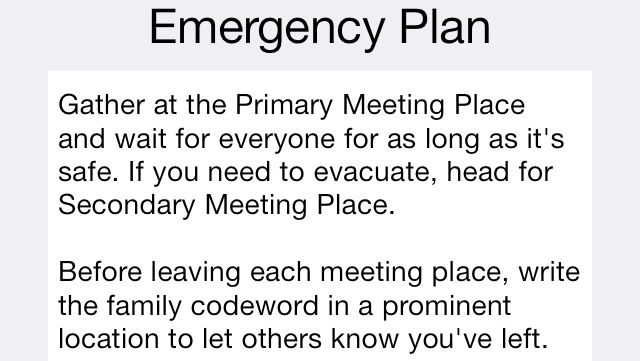
Nobody hopes for a war or a natural disaster or an alien invasion from beyond the stars, but they like to know that if any of those things do happen their family will all be on the same page about where to go and what to do.

Emergency Plan hopes to do that by keeping meeting locations, contacts, and even basic medical information all in one place so nobody has to dig or guess about anything while they’re running in a zigzag fashion down Main Street to throw off the cybertanks’ laser-guided heat rays.

Or if there’s like a tornado or something. Either one.

Source:Emergency Plan – Free | Another Cup of Coffee

Primal Flame: Play With Matches For Great Justice [Review]

By

Primal Flame

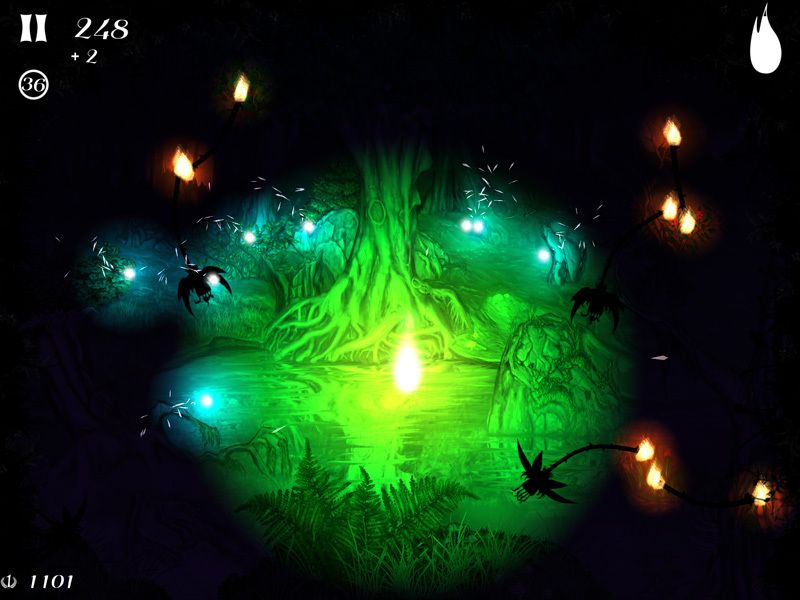
Primal Flame is one of those games that’s immediately impressive. Its brief loading screen at startup is gorgeous, and the title screen presents the obligatory social-networking links in its own cave-drawing aesthetic so that they fit in while still remaining recognizable.

Primal Flame by Irrelevant Fish
Category: iOS Games
Works With: iPhone, iPad
Price: $2.99

But I’m not here just to talk about the title screen, luckily for you, and once you stop gawking at it and actually start Primal Flame up, it just keeps on being amazing.

You start with a black screen covered in specks with the sounds of a forest at night. Brighter lights start drifting down from the top, and you run your finger along the screen. Sparks fly and grow and burst into flame, and then you’re playing one of the most unique games I’ve ever seen.

Master The Most Powerful Digital Editing And Creation Software On The Planet With The Adobe CS6 Training Bundle [Deals]

By

redesign_photoshopmainframe1

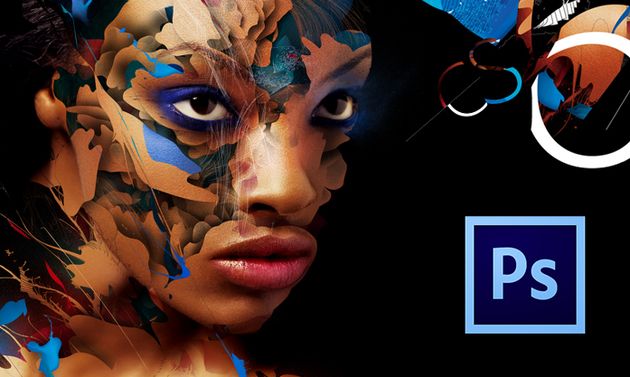
While the “cloud” is becoming a more prominent way to work and store files, there are some tools that users still feel more comfortable keeping in their own toolbox as opposed to a shared one. Take the Adobe Crative Suite, for example. With Adobe Creative Cloud stepping into the spotlight, the way of the future is undeniable. But that doesn’t mean designers (or budding creatives) have to ditch their Adobe CS6 just yet. In fact, now might just be the best time to take your CS6 skills to new heights.

That’s where The Adobe CS6 Training Bundle comes in. Right now you can get this comprehnsive training program for only $99 – that’s 88% off – from Cult of Mac Deals.

How To Cut Or Copy Text In Quick Look [OS X Tips]

By

text selection

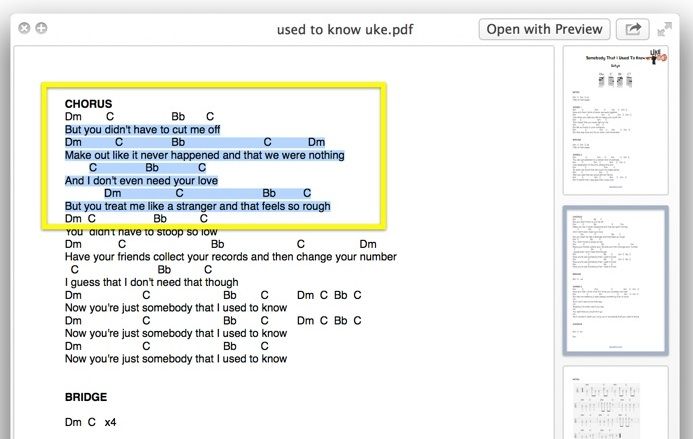
Quick Look is a fantastic bit of tech, letting you view any file up close and personal with a quick tap on the Spacebar. It works in the Finder, in Open and Save dialogs, and across a ton of other apps like iPhoto.

It’s basically the best new thing ever.

There are times, though, that I forget I’m previewing a file with Quick Look and I head up to the text in a document to copy and paste it elsewhere, only to be rebuffed. You just can’t do this.

Unless, of course, you enable this feature using Terminal.

Samsung Will Allow Third-Party App Developers To Use Galaxy S5’s Fingerprint Scanner

By

post-268119-image-27e6d3402f40b1fc2858ac929a4d98f8-jpg

The Galaxy S5’s fingerprint scanner may be coming more than 7 months later than the iPhone’s, but it’s already going to be more useful to users. Not only will it allow them to unlock their device at the touch of a button, but Samsung’s going to allow third-party developers to integrate fingerprint scanning into their own applications, too.