A gang of 20 armed robbers have raided a Samsung factory in Sao Paulo, Brazil, and stolen over 40,000 devices worth around $6 million. Phones, tablets, laptops, and other electronics were loaded into seven trucks before the thieves made off with the loot.
Computer programming can be a difficult endeavor, especially when programming with languages such as C or Pascal. Most of your time is spent learning a code’s complex syntax, which can lead to frustration and headaches.
Python is a computer coding language that is designed for easy readability. It allows programmers to express an idea with fewer lines of code than would be possible with other programming languages. Right now, you can become a Python expert with the Pure Python Hacker Bundle: Master Python & Django Programming for just $49 at Cult of Mac Deals.
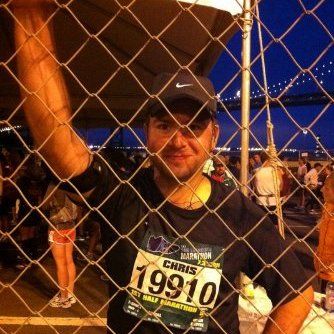
Former (?) iOS Maps engineer Chris Blumenberg. Photo: Chris Blumenberg
Uber has just poached one of Apple’s senior engineering manager, who worked on both the company’s Maps app and its iPhone software, says subscription website The Information.
The senior iOS engineer in question, Chris Blumenberg, was among the first engineers to work on the iPhone’s software — joining Apple in 2000 initially to help Microsoft port Internet Explorer and Office over to Mac OS X.
The Information editor Jessica Lessin claims that three sources familiar with Blumenberg’s jump to Uber confirmed the situation with her.
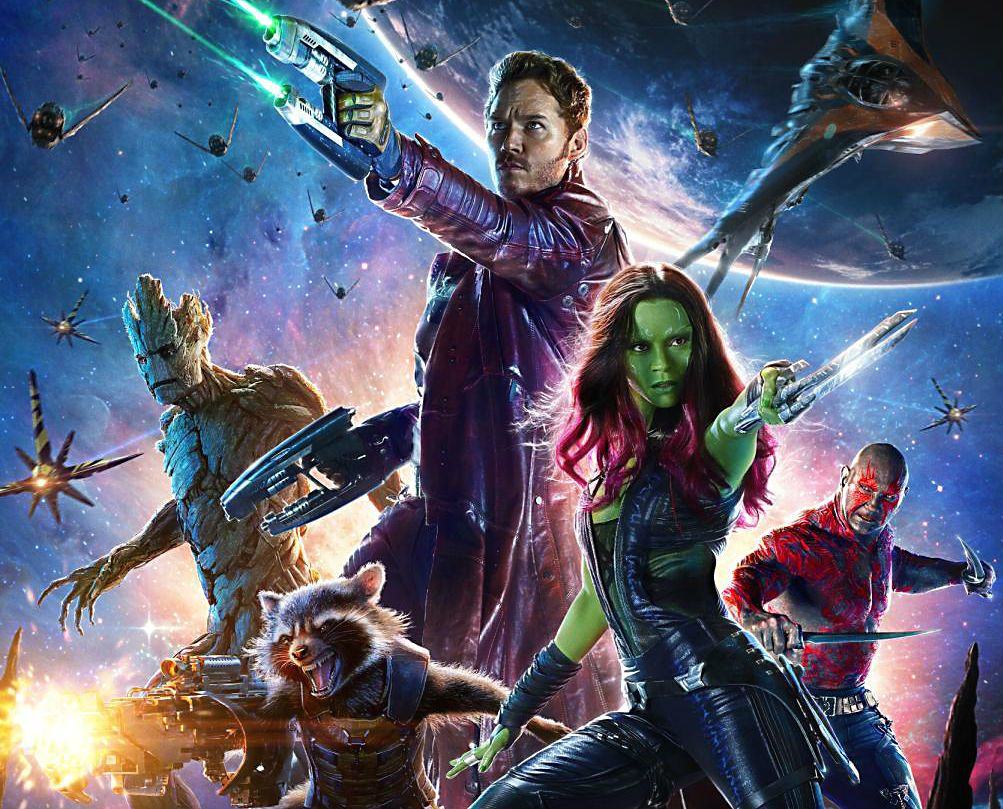
In Guardians of the Galaxy, Marvel brings together a band of misfits to fight evil. Image courtesy Marvel Studios
Who are the Guardians of the Galaxy and why should you care? Marvel Studios gave lucky fans a nice long look at the weird team of space heroes during an extended sneak preview of the upcoming Guardians of the Galaxy movie.
The 17 minutes of footage introduced the five key players: Peter Quill, aka Star-Lord (played by Chris Pratt); talking raccoon Rocket and his treelike buddy/protector Groot; beefy blue badass Drax the Destroyer (part-time WWE wrestler Dave Bautista); and steely, green-skinned assassin Gamora (Zoe Saldana). It also gave us a sustained looked at the movie’s not-so-secret weapon: humor.
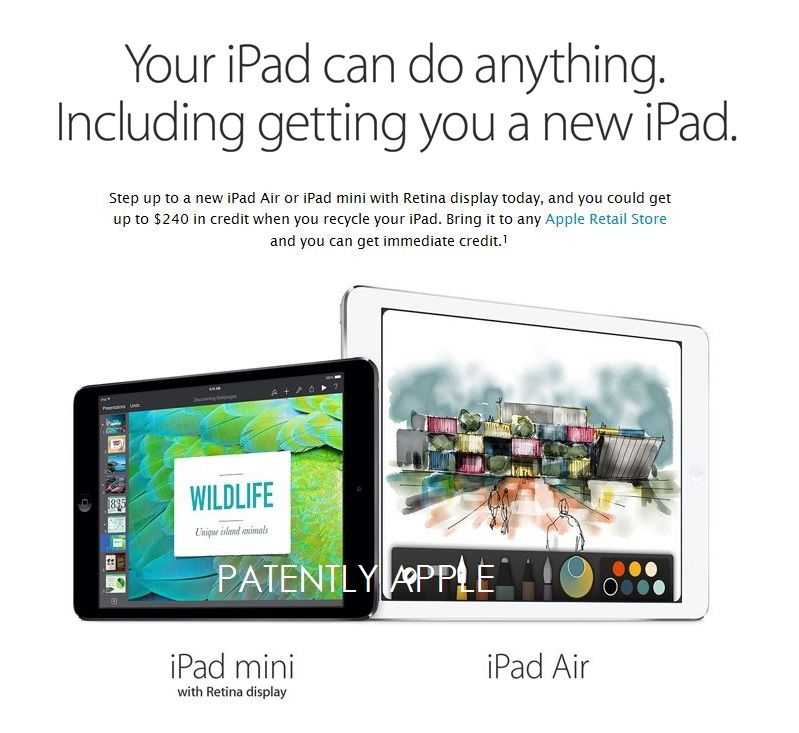
At the Wall Street Journal‘s D8 conference back in 2010, Steve Jobs predicted that tablets such as the iPad would eventually overtake the personal computer for the majority of people. Five years after he made that prediction, it seems as though it may be set to come true.
According to research firm Gartner, worldwide shipments of tablets will top the PC market by next year — with traditional PCs and laptops shipping a combined 317 million units in the year, while tablet shipments will top 320 million. This year, tablets ship in the region of 256 million, against 308 million PCs.
Calling itself a social networking app for just two people, Avocado has long been one of the favorite apps of me and my wife. For everything from sending little reminders of affection in the form of digital hugs, to letting you know when your partner’s phone is about to die, it’s a fantastic Swiss Army knife of tools for people in a relationship.
With Avocado’s 2.1 update, though, that Swiss Army knife has gained one more tool: Google Calendar sync. And it’s about time.
One of the great things Starbucks does for its customers is its Pick of the Week promotion. By just wandering into your local coffee shop and ordering a cup of joe, you can pick up a killer app or iBook, all for free. And it’s been going strong since 2011.
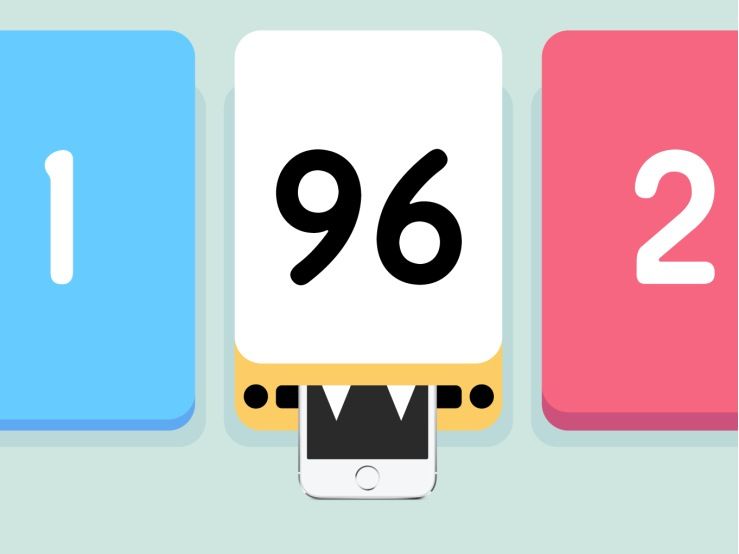
The Pick of the Week has given out some great apps in its time, but this week’s giveaway is a real winner: Starbucks is giving away Threes!, the killer side-swiping game that Apple declared one of the best-designed apps of 2014.
Sources in Apple's Chinese supply chain think the iPhone will shrink again next year. We're not convinced. Photo: Apple
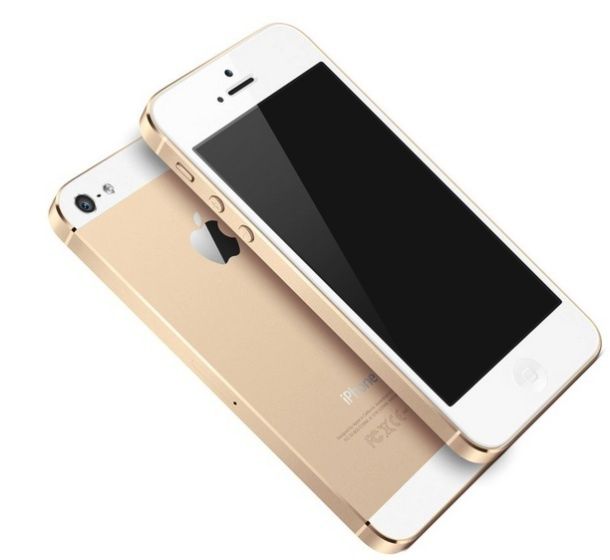
According to new research from market intelligence firm ABI Research, the iPhone was the world’s most popular smartphone in Q1 2014, leaving competitors in the dust as the top-selling handset globally.
Despite ripping off ideas, paying celebrities to endorse their products, and having a confusing matrix of dozens of smartphones on the market, Samsung was unable to capture the no. 1 spot from Cupertino — with Apple’s flagship iPhone 5s 16GB coming in at the premier position.
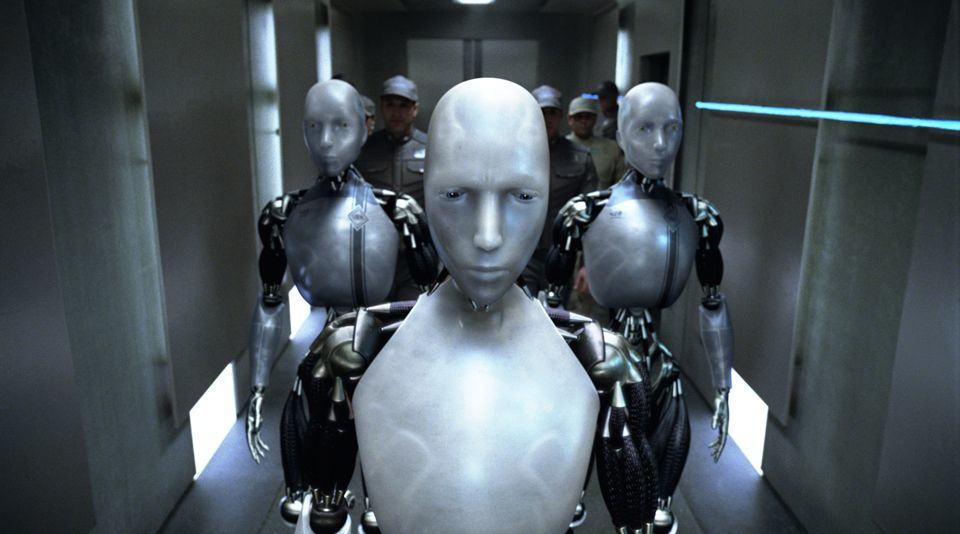
Yesterday, we reported that Foxconn CEO Terry Gou had promised shareholders that the Chinese iPhone manufacturer was ready to deploy an army of 10,000 robots to help build the iPhone 6.
But while that report seems accurate, don’t expect these so-called Foxbots to completely replace humans on the assembly line. As it turns out, the iPhone 6 is going to require way too much finesse to assemble for a mere robot to do it all.
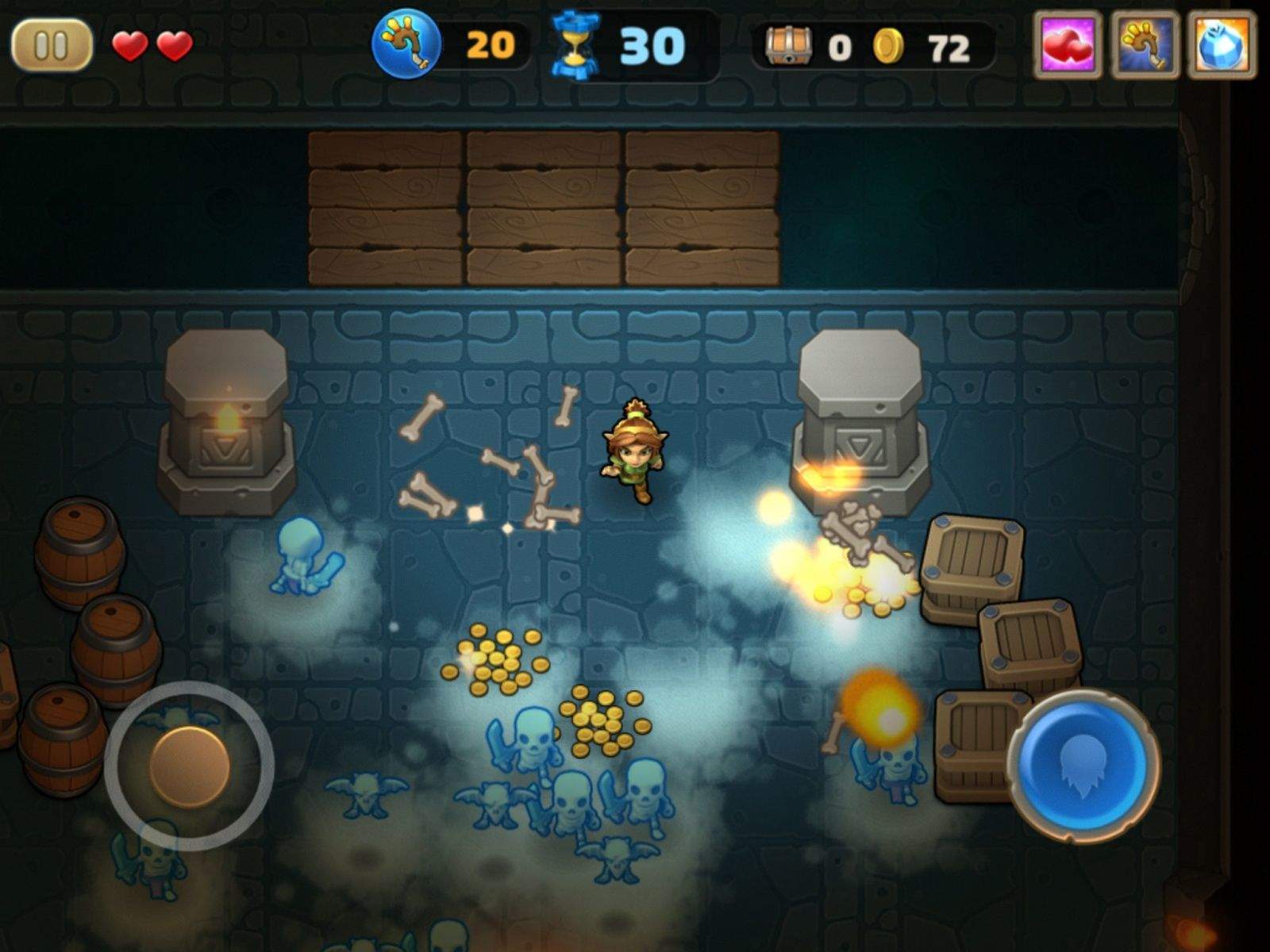
I’m a bit of a sucker for anything remotely magical, and I love the idea of blasting spells around to save the world. If you’re also excited by that, and love hordes of monsters too, then Storm Casters will be right up your alley.
Packing a library of spells so extensive that even the great Gandalf would be in awe, Storm Casters’ enchanting design aesthetics and whimsical outlook will make you a fan straight off.
Get Set Games (developer of Mega Jump) has a lot to be proud of when it comes to Storm Casters. The company’s latest dive into the world of dungeon-crawling and spell-casting is especially appealing to newcomers as well as fans of the roguelike gaming subgenre.
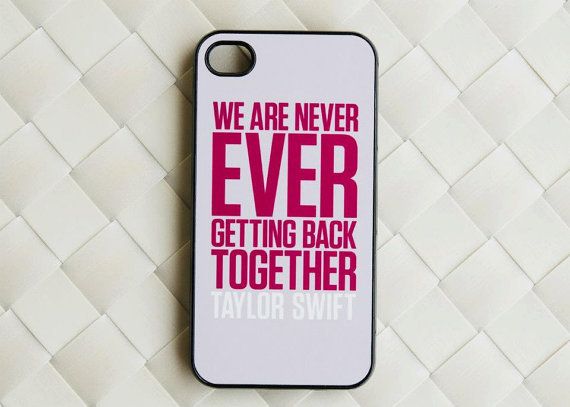
Has the iPhone done away with the good-old-fashioned celebrity autograph? The answer is a resounding “yes” according to pop singer and professional bitter-ex-girlfriend Taylor Swift. In a new op-ed for the Wall Street Journal, Swift writes that:
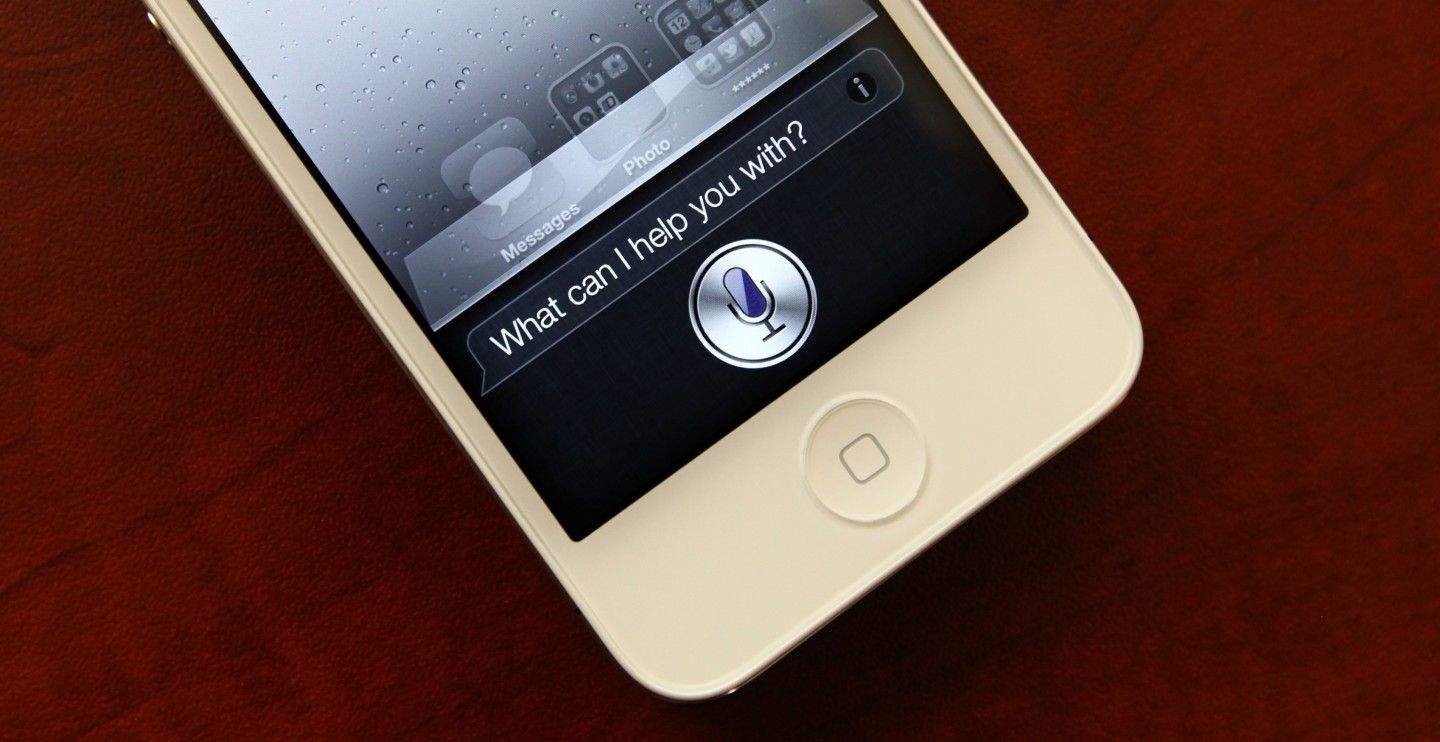
Siri does many things, not all of them as well as others. But one thing she’s really great at is reminders: Tell Siri to remind you to call your Mom on her birthday every year, and you’ll never have to worry about it again.
While Siri is great at reminding you to do things, though, one thing she can’t do is remind you to remember things. But there’s no reason she can’t, and it would make an absolutely killer feature.
The city of Claremont, North Carolina, has approved a new development that will allow Apple to build a new sustainable solar farm.
With an initial investment of $55 million, Apple’s latest solar farm will be a massive, 100-acre, 17.5-megawatt project, likely to take five years to complete.
Olsen's notes for Cardiac: "Strobist: 550ex and Vivitar 285 with a red gel placed in the boxes. WL1600 with a strip bank to the left and above camera. Triggered via pocket wizards."
Grab a camera when the zombies come. They won’t eat your brains — they’ll strike a pose.
It’s a trick photographer Luke Olsen learned when he was surrounded on the streets of his hometown. His shots from the Portland Zombie Walk showcase the lean and mean side of his stylish but macabre portraiture.
The organized chaos of events like the zombie walk offers comic relief from formal photography sessions filled with intricate lighting, staging and models. Any opportunity to capture inspired lunacy is technically practice, but Olsen gravitates toward flash mobs to cut loose with his camera-wielding compatriots. He’s thrown himself into the thick of SantaCon, the infamous alcohol-fueled rampage that grew from absurdist San Francisco street theater into a national headache. The moribund Portland Urban Iditarod, where teams of costumed runners dragged tricked-out shopping carts from bar to bar, has also been shutter fodder.
“It’s a great deal of fun to wander into a large event with a group of friends, shoot the event and reconvene later to see what everyone got,” says Olsen. “It’s like The Bang Bang Club, just 100 percent less deadly.”
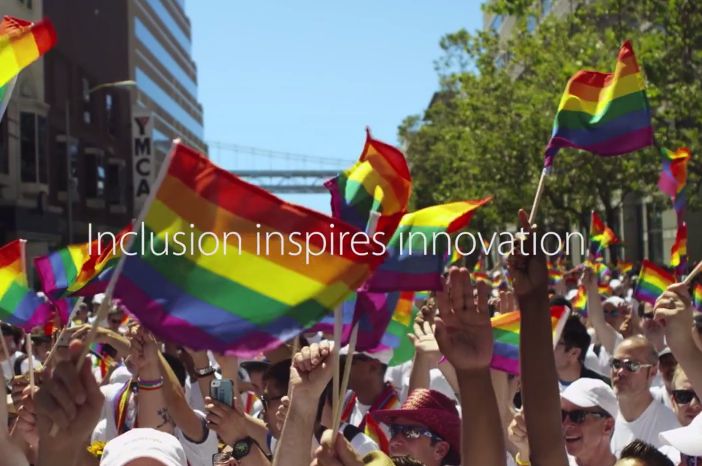
Back on June 29, thousands of Apple employees and their families marched in the San Francisco Pride Parade, coming from all over the world to support LGBT rights and to celebrate Apple’s commitment to equality and diversity. Tim Cook and Apple environmental adviser Lisa P. Jackson were two of the prominent Apple employees to attend, while Apple gave out $1 iTunes gift cards to onlookers at the parade.
Apple has never had an official retail presence of any kind in the Middle East, until now. Thanks to a deal struck with Jarir Bookstore, Apple is directly providing its products in Saudi Arabia.
The Saudi Arabian government cleared Apple to operate in the country a couple of months ago. The agreement with Jarir will have Apple working with Saudi Arabia’s largest books and electronics retailer.
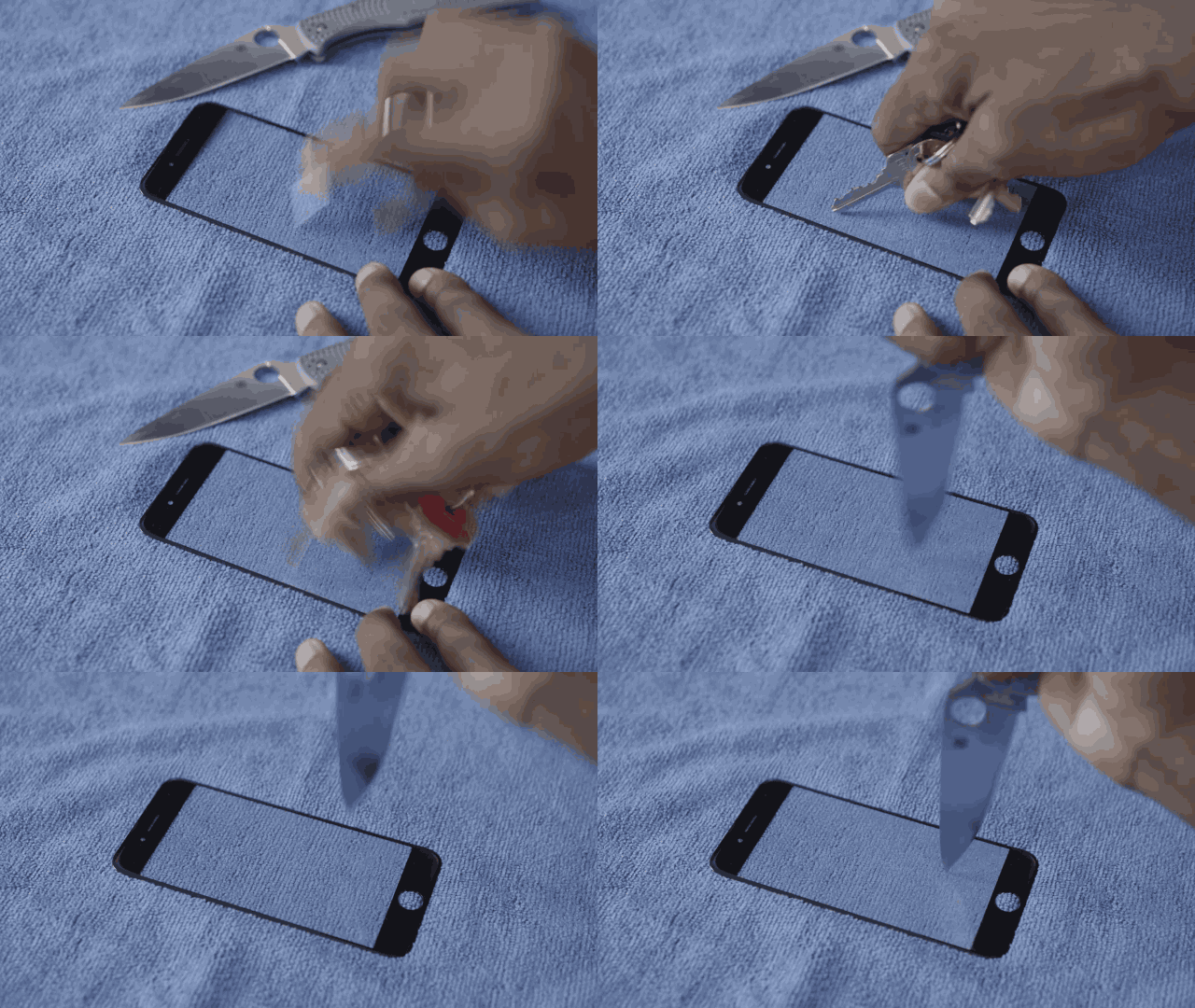
We got our first taste of the flexibility of the iPhone 6’s new sapphire glass display this morning, but in a new video posted by YouTuber Marques Brownlee, Apple’s super-tough new display is subjected to a brutal scratch test and comes away completely unscathed.
To test Sapphire glass’ durability, Marques stabs an alleged 4.7-inch iPhone 6 sapphire display repeatedly with a knife after a quick key scratch test yields no results. Both tests fail to make a dent on the display panel, but your mouth will drop when you see him forcefully try to bend the display with his foot.
Check out how insanely durable your iPhone 6 will be in the video below:
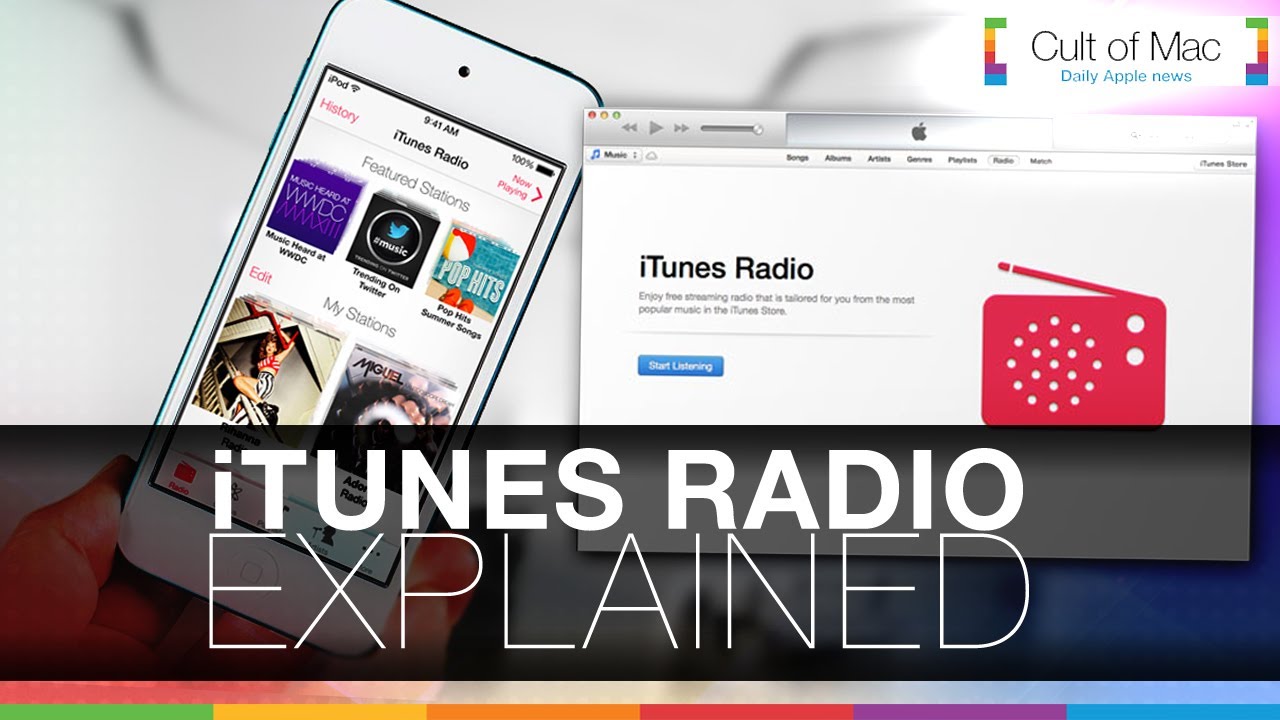
iTunes Radio quickly became known as an underdog after its release last fall, with Apple facing an uphill battle against established services like Spotify and Pandora. In today’s video, we take an in-depth look at iTunes Radio, its features, its future — and why it deserves your attention.
Steve Jobs was notorious for channeling all of Apple’s efforts into one product at time. In 2007, Apple had to issue a press release explaining that it was delaying the release of OS X Leopard to finish making the iPhone.
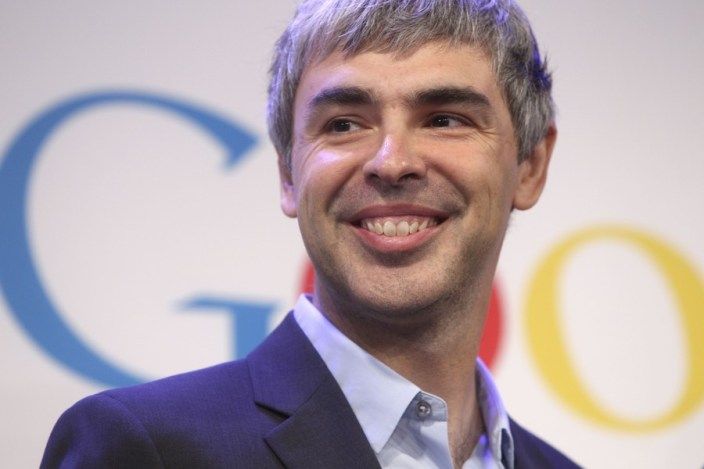
Google is on the opposite end of the spectrum. It’s always releasing new products, and many never see commercial success. In a recent interview, Google CEO Larry Page shared how Jobs used to tell him that Google was “doing too much” stuff at once, and why he didn’t listen.
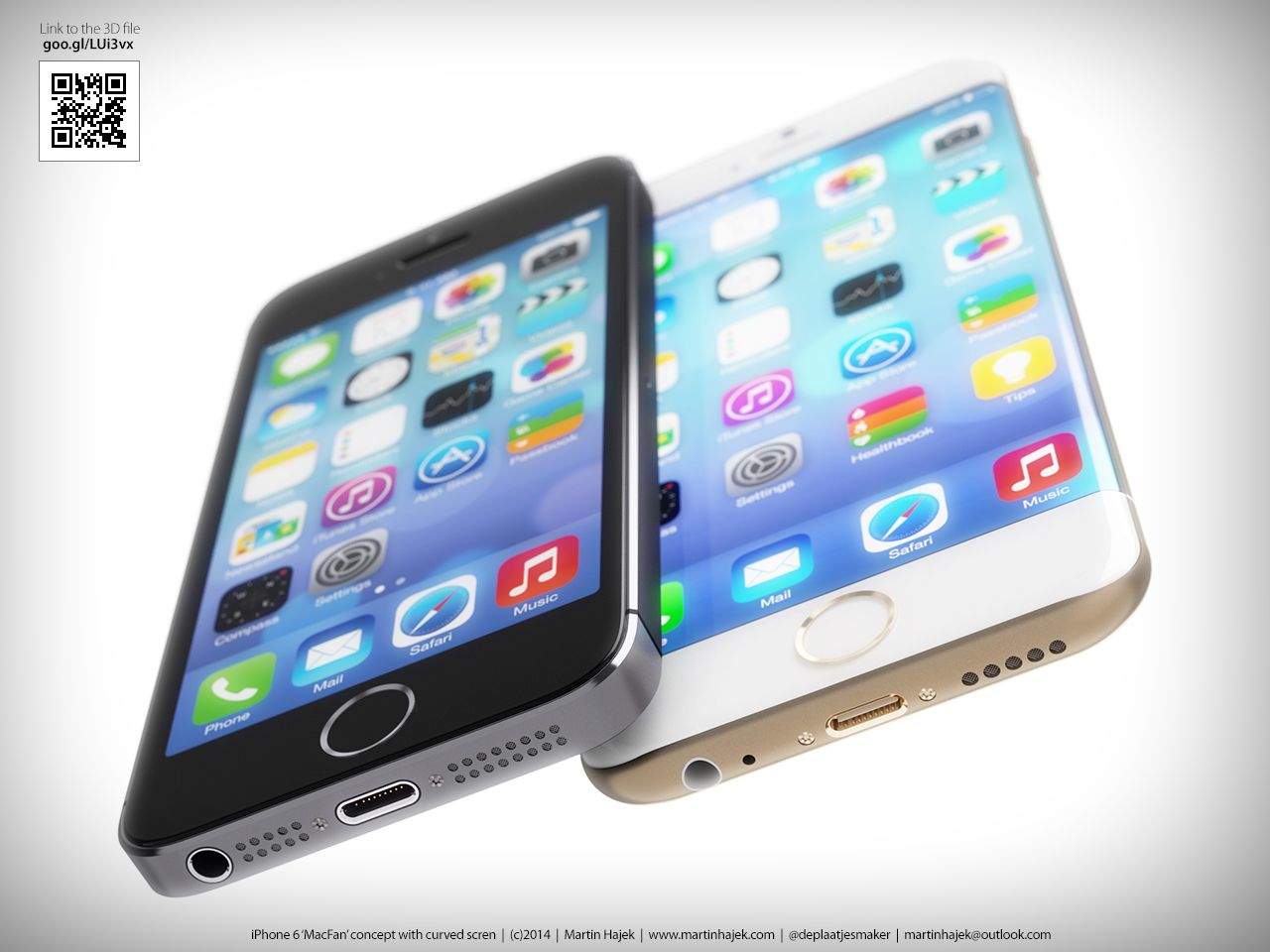
The iPhone 6 is poised to become the thinnest, lightest iPhone Apple’s ever made, but all that thinning might mean the iPhone still won’t be able to hold a charge for more than 10 hours.
Eight iterations of iPhones have been released and we’d love to see true all-day battery life added to the features list, but according to a report on the the iPhone 6’s battery, the thinification of the iPhone 6 means it will see minimal battery gains when it launches this fall.
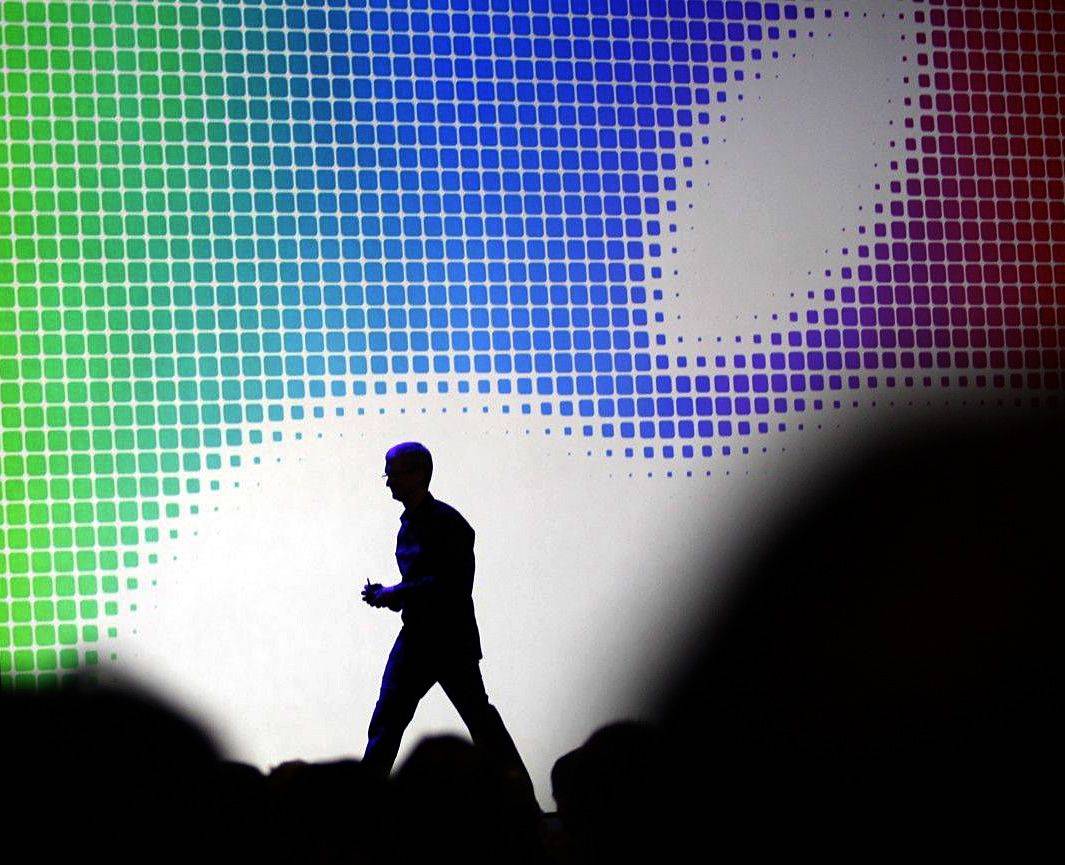
Tim Cook leaves the stage at the end of the 2014 WWDC keynote. Photo: Roberto Baldwin/The Next Web
The spotlight on Tim Cook isn’t going away anytime soon, especially when Apple has yet to unveil any of the new “product categories” he promised would come this year.
In a new profile by The Wall Street Journal, Cook’s efforts to shape and mature Apple are detailed, including the fact that he is “actively seeking” new members for the company’s board of directors.
Cook has been consistently bringing in fresh blood to help him lead Apple, like former Burberry CEO Angela Ahrendts. It makes sense for him to also expand Apple’s board, were the current leadership is very engrained in the history of Apple under Jobs’ leadership.
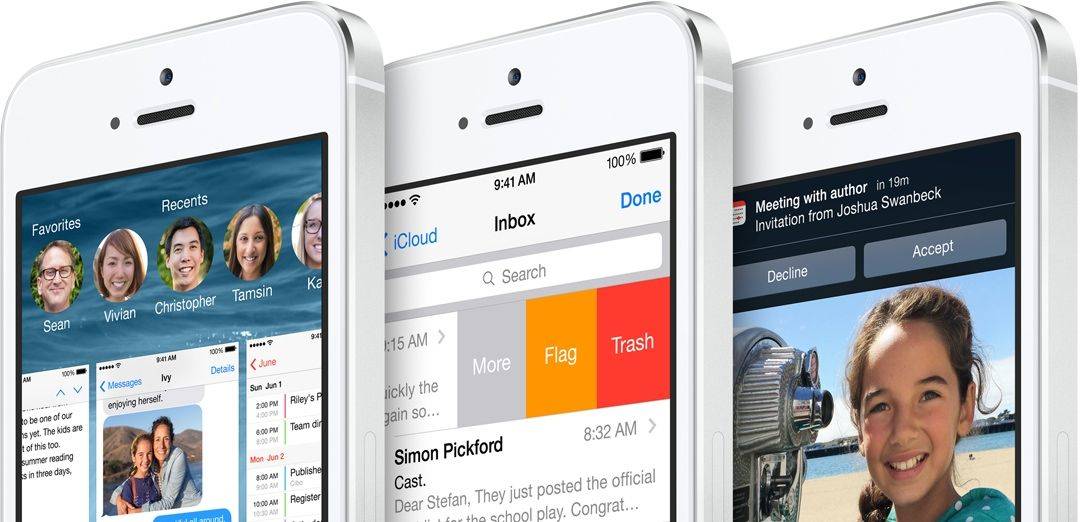
After taking a three week break Apple has released the refinements for iOS 8 in its newest beta available to developers today. Most of iOS 8’s major features were announced at WWDC, but Apple has been slowly and refining the UI of the new OS ahead of its fall release.
Major new features don’t make an appearance in today’s update, but Apple has added a number of setting toggles, tiny UI tweaks, new wallpapers, and flipped the switch on iCloud Drive.
Here’s a rundown of all the new tweaks and features added in iOS 8 beta 3:
Along with the new iOS 8 beta 3 release this morning, Apple has also seeded the third preview build of OS X 10.10 to developers.
We’re still waiting for Apple to open up the beta program to the public as promised at WWDC, but for now only developers can grab the new OS X Yosemite Preview 3 from the Mac Dev Center. You can also scoop up the update via the Mac App Store or by clicking Software Update under the Apple menu.
Other beta releases this morning included Xcode 6 beta 3, Apple Configurator 1.7 beta, and new builds of Find My iPhone and Find My friends.
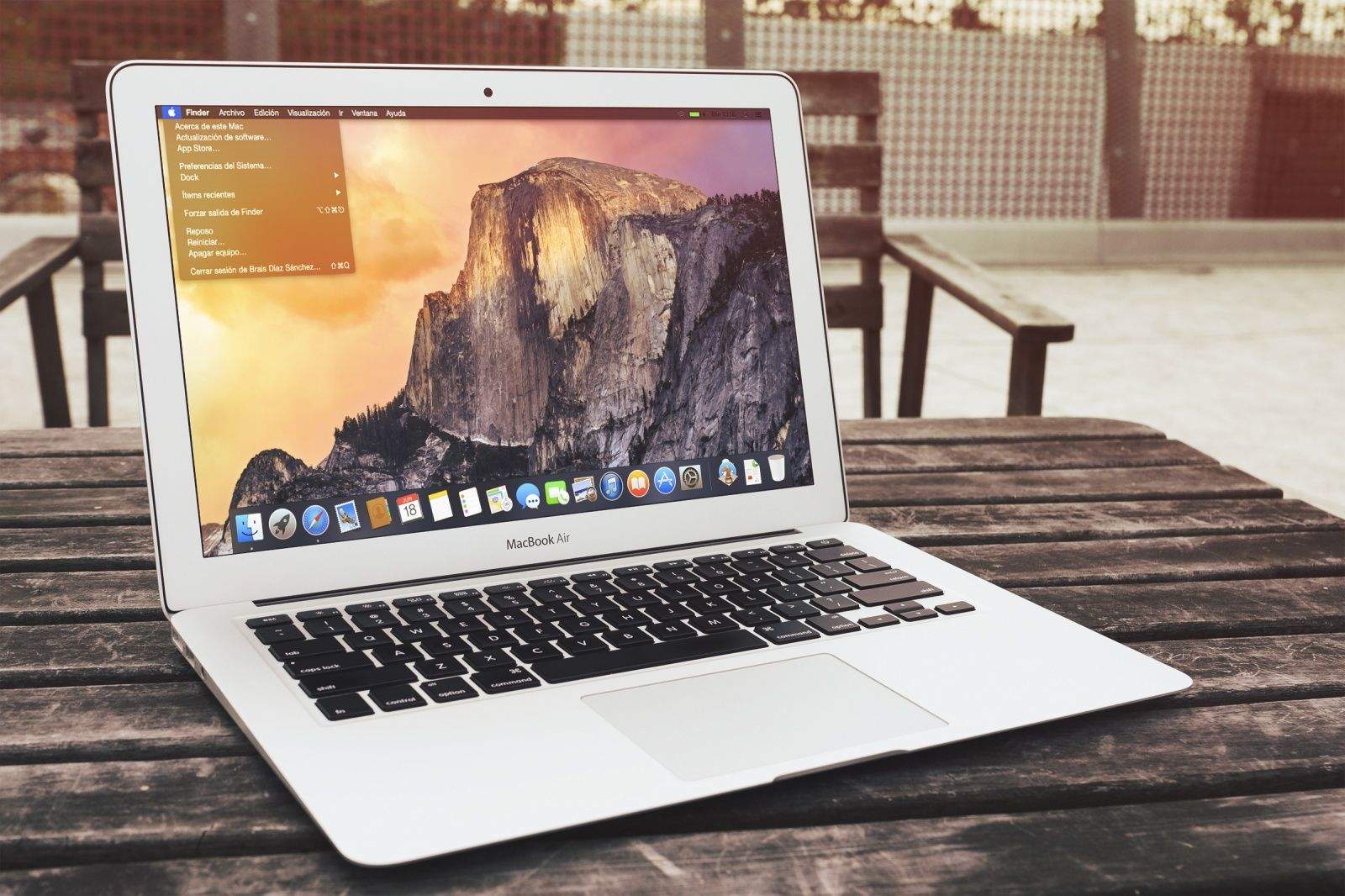
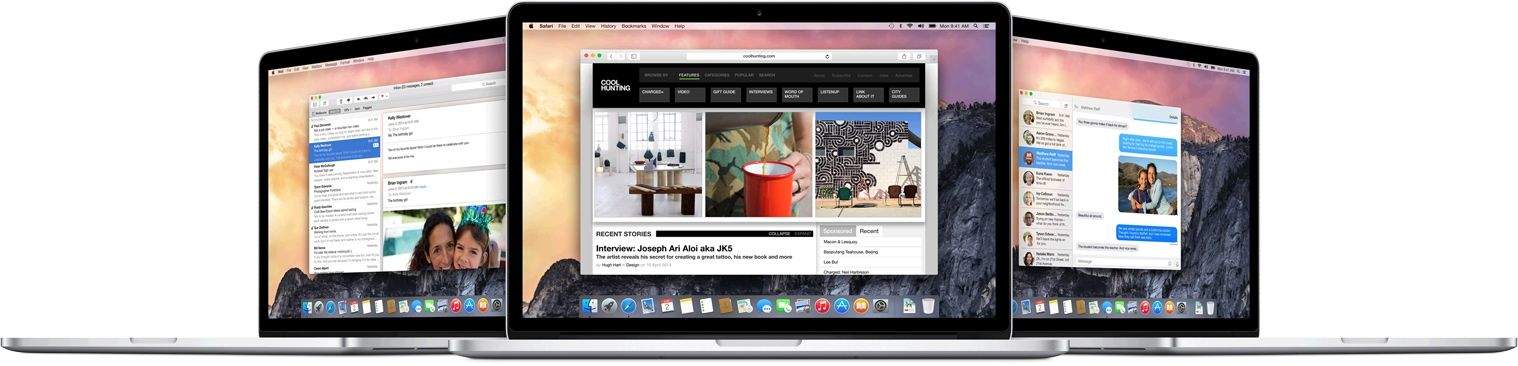
Yosemite brings a revamped UI to OS X along with a host of new features aimed at making your iPhone and Mac work smarter together. No official word from Apple on what’s inside the new preview but we’ll let you know what we find as soon as its installed.
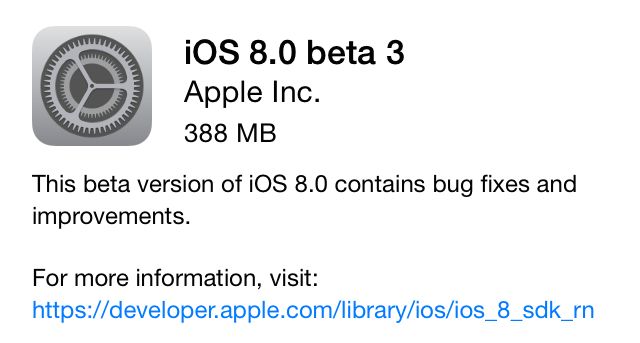
Apple has released the newest beta version of iOS 8 to developers this morning, three weeks after the release of that last major update.
iOS 8 beta 3 can be downloaded via an over the air update. Developers can also pick it up from the iOS Dev Center or from the direct download links posted below.
We’re still downloading the update on our devices and will let you know what we new goodies we find. In the meantime, get to downloading: